Badges update automatically and link to the resource pack page on MineUniverse.
By JustNaxu
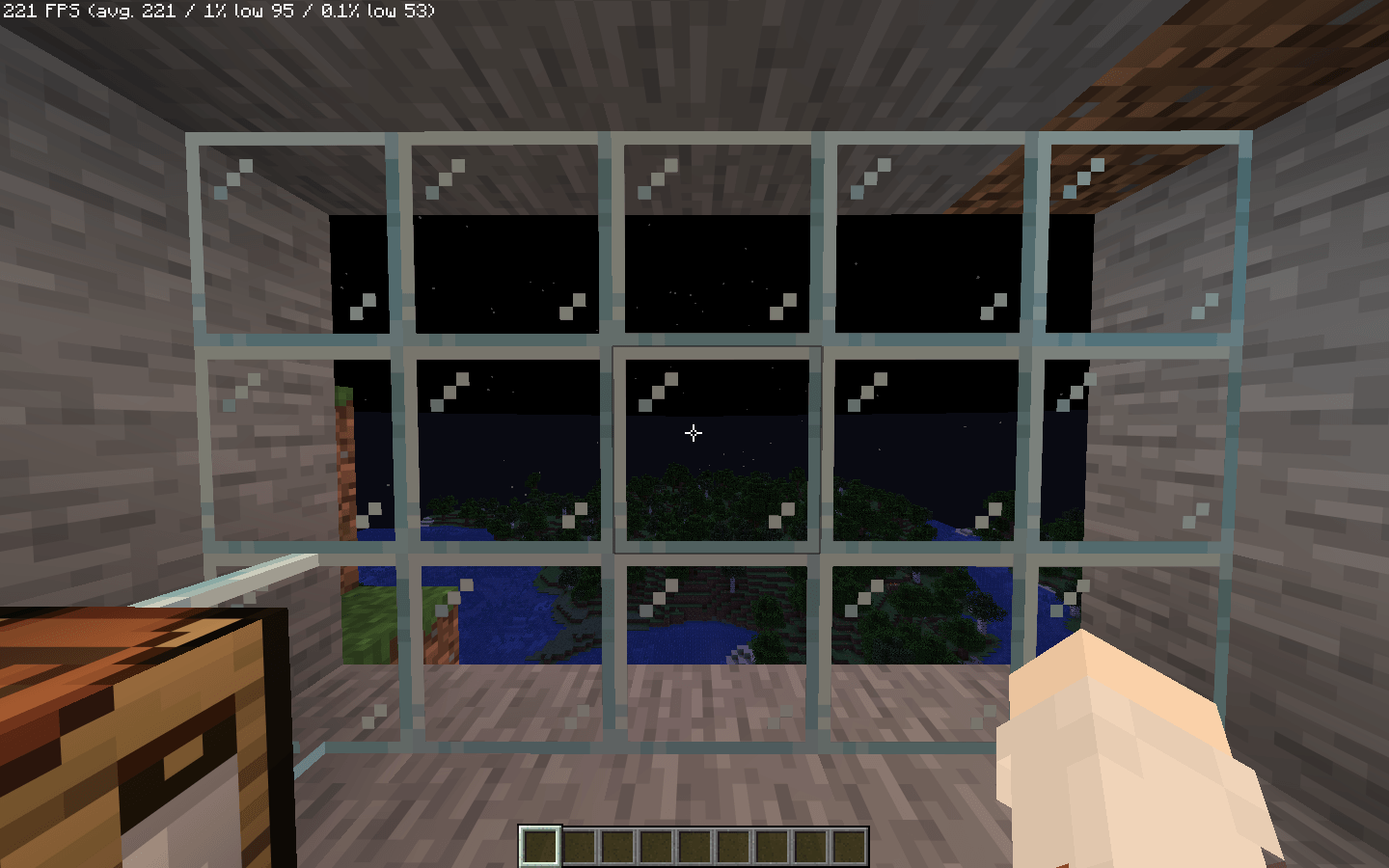
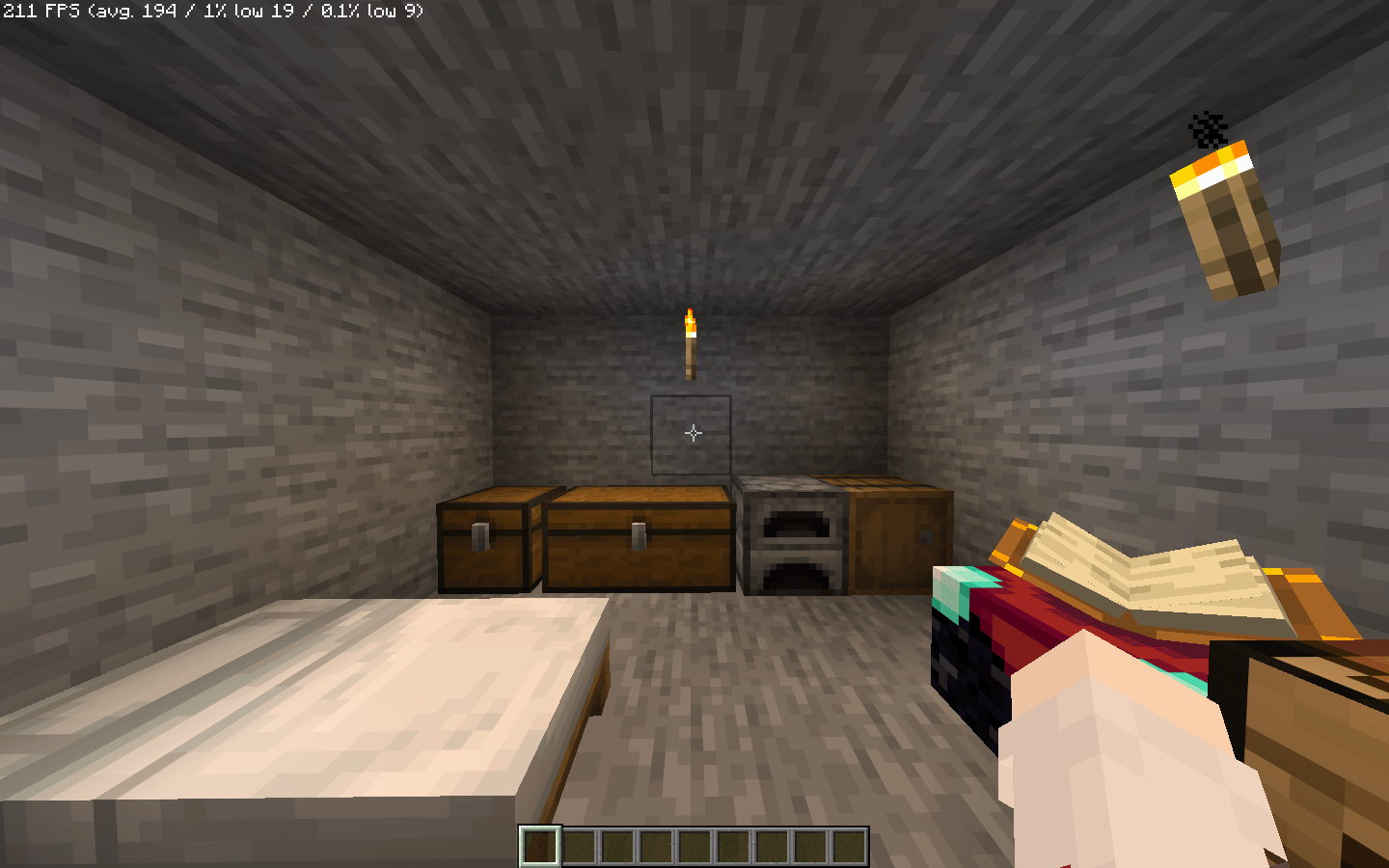
Enhance your vanilla survival experience with the Simple Crosshair for Survival! The default Minecraft crosshair can often feel bulky and distracting during long play sessions. This lightweight resource pack replaces it with a clean, minimal alternative designed specifically to blend seamlessly into your daily gameplay.
Minimalist Design: A sleek, stripped-down crosshair that removes unnecessary pixels while remaining perfectly visible.
Pixel-Perfect Centering: Carefully aligned to ensure absolute accuracy for all your in-game actions.
Broad Compatibility: Programmed with a wide format range to work flawlessly across multiple Minecraft versions out of the box.
Cleaner Field of View: By reducing the size and thickness of the crosshair, you get a much better view of your surroundings, making exploring and taking in the scenery far more immersive.
Precision Building & Mining: The refined center point makes it much easier to target specific block edges when doing intricate builds, redstone logic, or speed-mining.
Focused Combat: Whether you are fighting off creepers or defending a village, the unobtrusive design helps you track your targets clearly without blocking their animations.
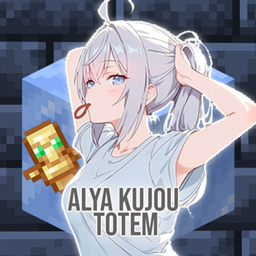
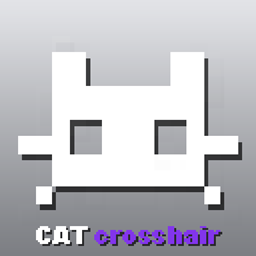
If you are looking for more ways to customize your HUD, be sure to check out my CurseForge profile for other projects, like my Alya (Roshidere) theme and the Cat Crosshair!