Mineuniverse
Resource Packs
Simple Purple Ancient Debris

Simple Purple Ancient Debris

RESOURCE PACK
Recolors Ancient Debris with a purple texture while keeping it easy to identify. Compatible with Sodium
by F__Shelby
Download Claim this project
1,461 downloads
0 likes
0 followers
Updated Oct 14, 2026
0 hypes
Follow0
16x Miscellaneous Mod Support Modern Photo Realistic
Advertisement Remove ads with Premium →

Simple Purple Ancient Debris

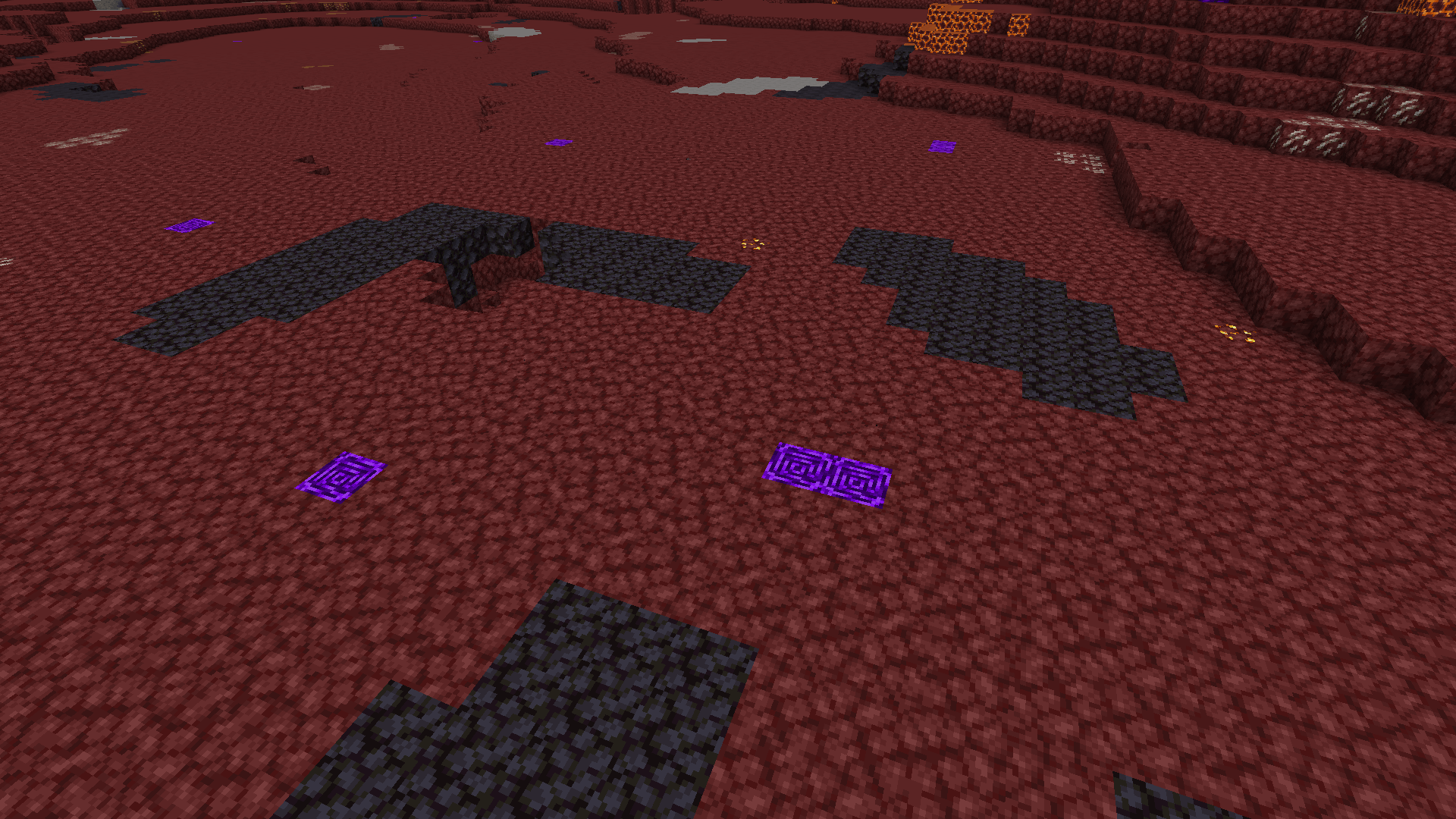
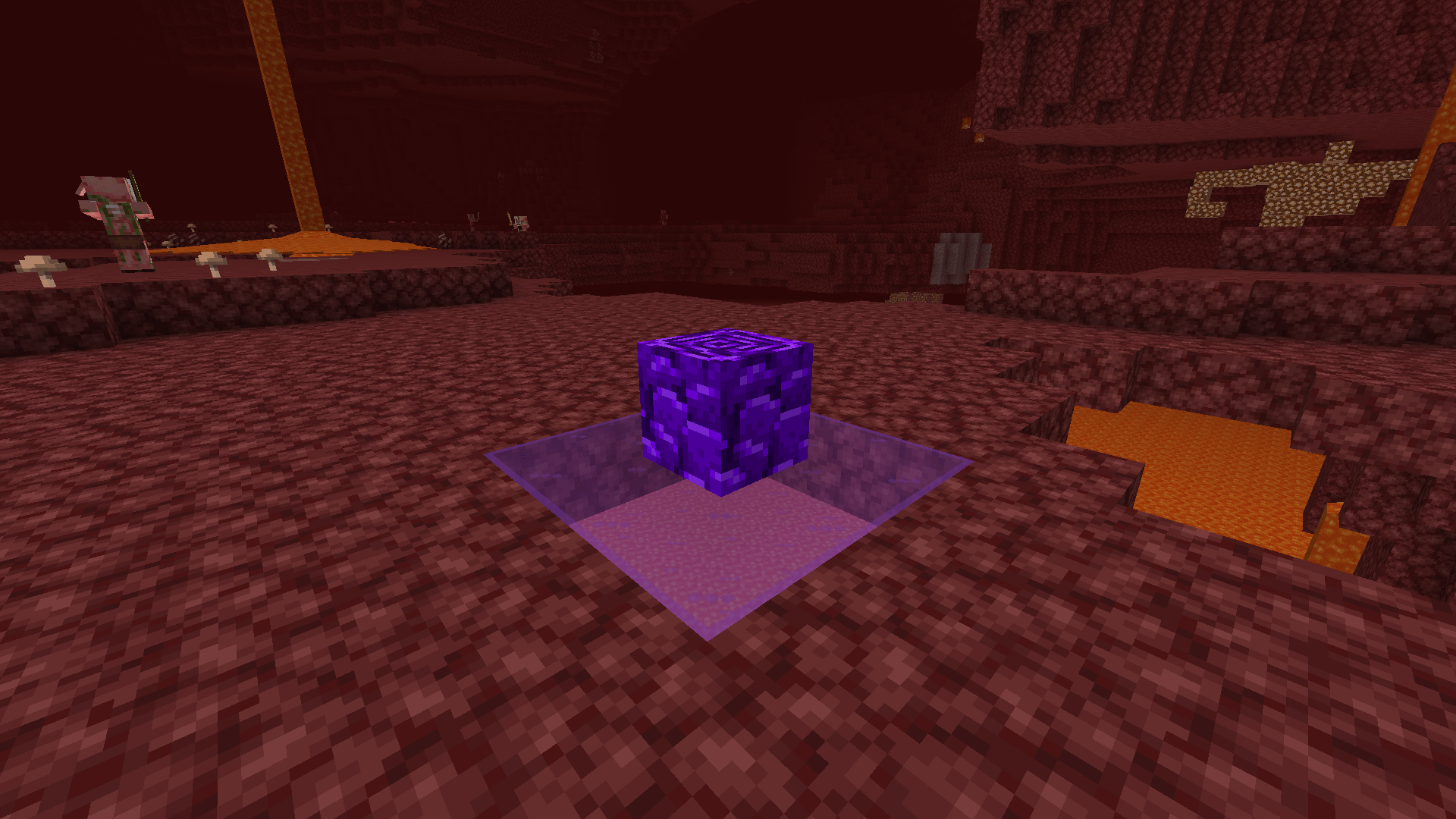
Most resource packs that change the appearance or color of Ancient Debris are not compatible with Sodium, even though it's one of the most widely used performance mods today. That's why I created this resource pack—it works seamlessly with both vanilla Minecraft and Sodium(mod).


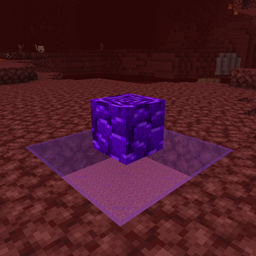
Give Ancient Debris a fresh purple look while keeping it easy to recognize during your Nether mining adventures.
![F_Shelby's Purple Ancient Debris (Compatible With Sodium)]
Features
  Replaces the default Ancient Debris texture with a unique purple variant.
  Maintains the original texture style for a vanilla-friendly appearance.
  Fully compatible with Sodium.
  Works in survival and multiplayer resource packs.

Perfect if you want a cleaner, more distinctive look without changing Minecraft's overall aesthetic.

Compatibility

✅ Vanilla Minecraft
✅ Sodium(Mod)
✅ Fabric
✅ Forge
✅ NeoForge

Simply place the resource pack above other packs that modify Ancient Debris to ensure the purple texture is used.

Simple Purple Ancient Debris.zip
MC 1.21.2-Snapshot, 1.21, 1.21.6-snapshot, 1.20.2-Snapshot, 1.20.5-Snapshot, 1.21.1-Snapshot, 1.20.2, 1.21.8, 1.20.5, 1.21.5, 1.21.4, 1.21.5-Snapshot, 1.20.1, 1.20, 1.20.6
Release 2026-07-30 Get
Simple Purple Ancient Debris
MC 1.21.2-Snapshot, 1.21, 1.21.6-snapshot, 1.20.2-Snapshot, 1.20.5-Snapshot, 1.21.1-Snapshot, 1.20.2, 1.21.8, 1.20.5, 1.21.5, 1.21.4, 1.21.5-Snapshot, 1.20.1, 1.20, 1.20.6
Release 2026-07-29 Get

Requirements & install

How to use this resource pack in Minecraft
Resolution
16x
Minecraft
1.21 – 1.21.8
Install folder
.minecraft/resourcepacks

How to install resource packs

  1. Download the resource pack .zip file (do not extract it).
  2. In Minecraft open Options → Resource Packs → Open Pack Folder.
  3. Drop the .zip into the resourcepacks folder (.minecraft/resourcepacks).
  4. Move the pack to the Selected column and click Done.
Browse more: 16x resource packs 32x resource packs 64x resource packs 128x resource packs 256x resource packs 512x+ resource packs Resource Packs for 1.21.8 All resource packs
Advertisement Remove ads with Premium →

You Might Also Like