Mineuniverse
Resource Packs
Silvercraft_TP

Silvercraft_TP

RESOURCE PACK
Silvercraft_TP
by _ForgeUser21640972
Download Claim this project
1,038 downloads
0 likes
Updated Oct 14, 2026
0 hypes
128x Modern Traditional
Advertisement Remove ads with Premium →

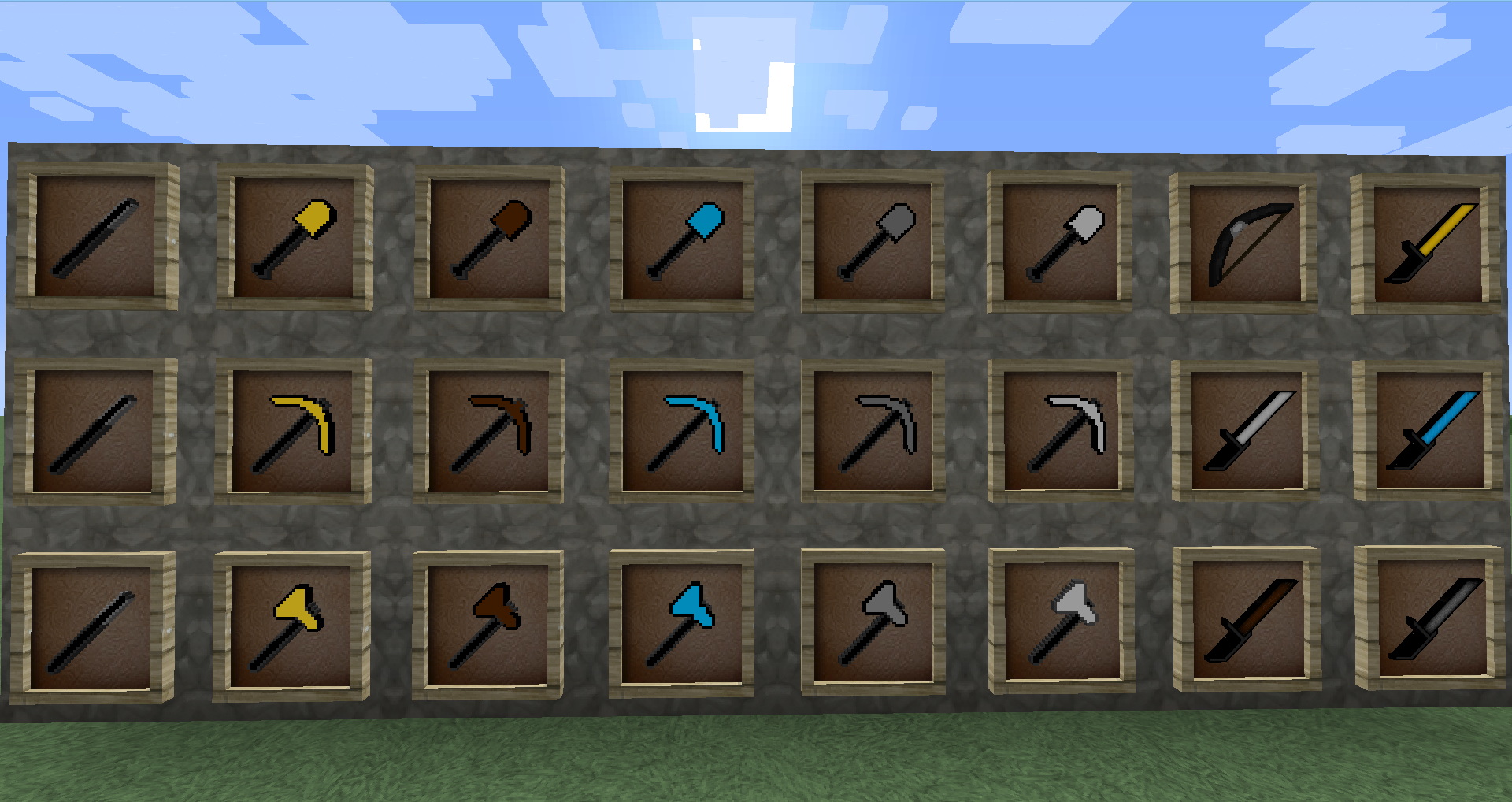
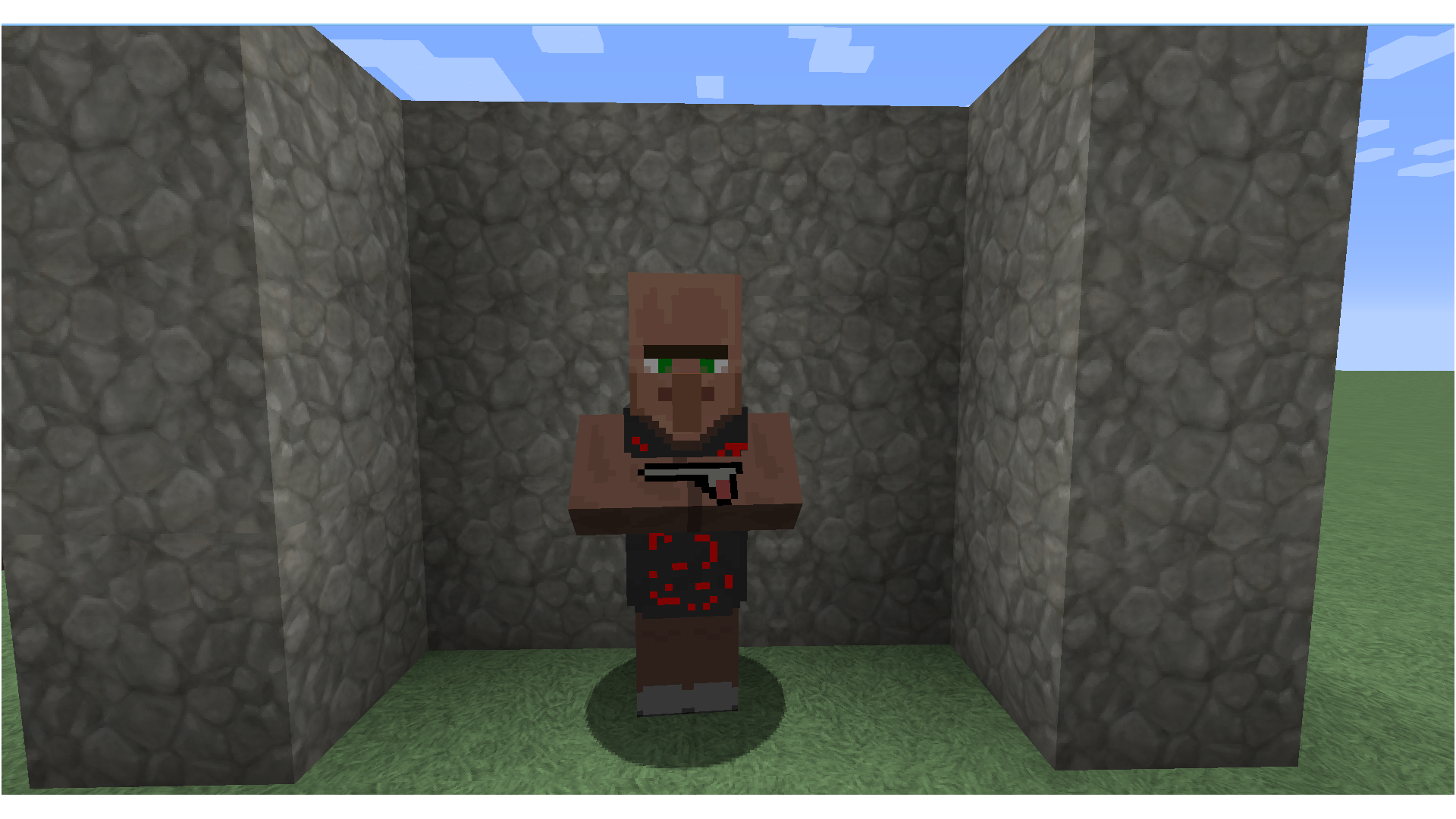
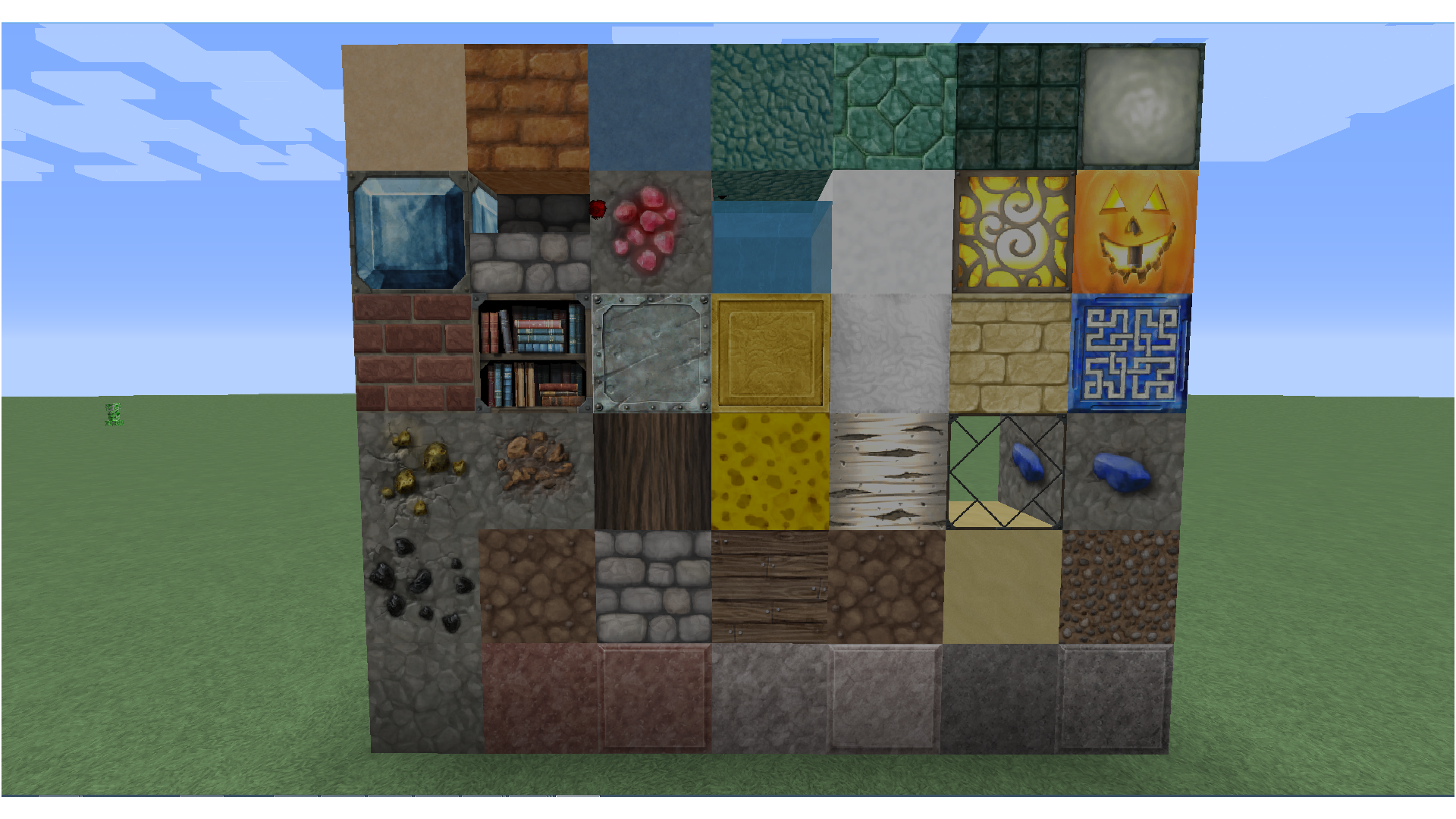
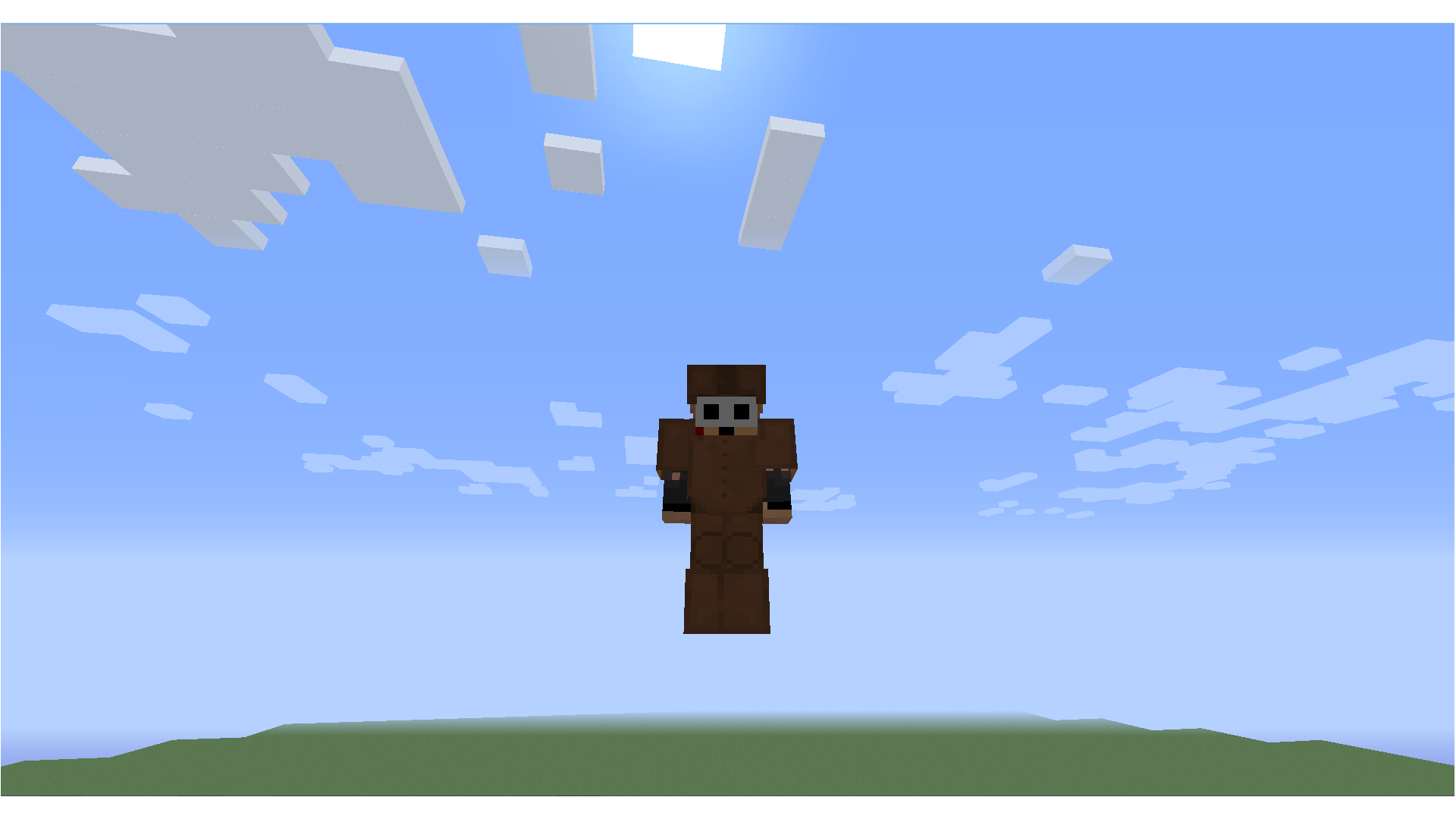
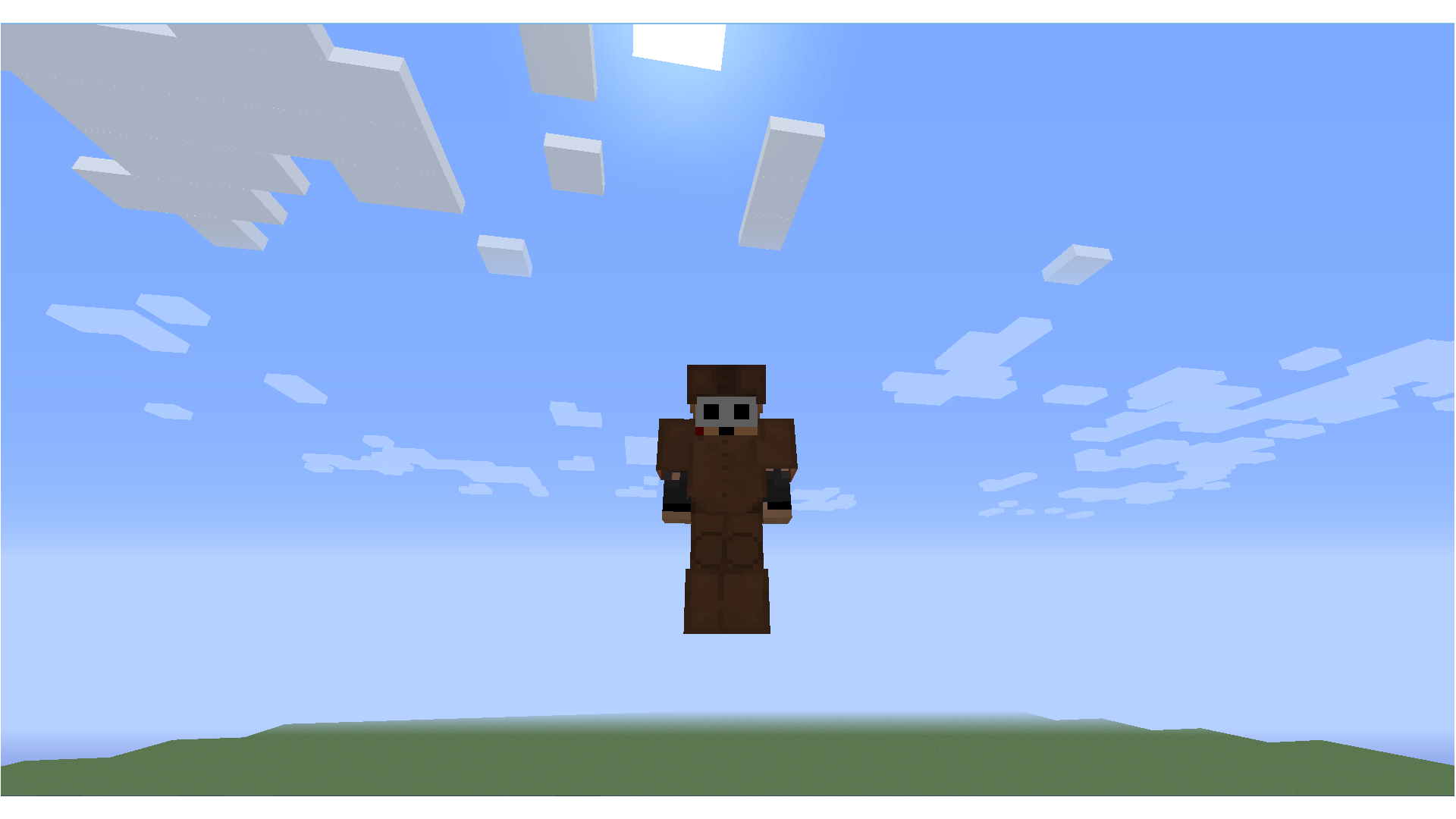
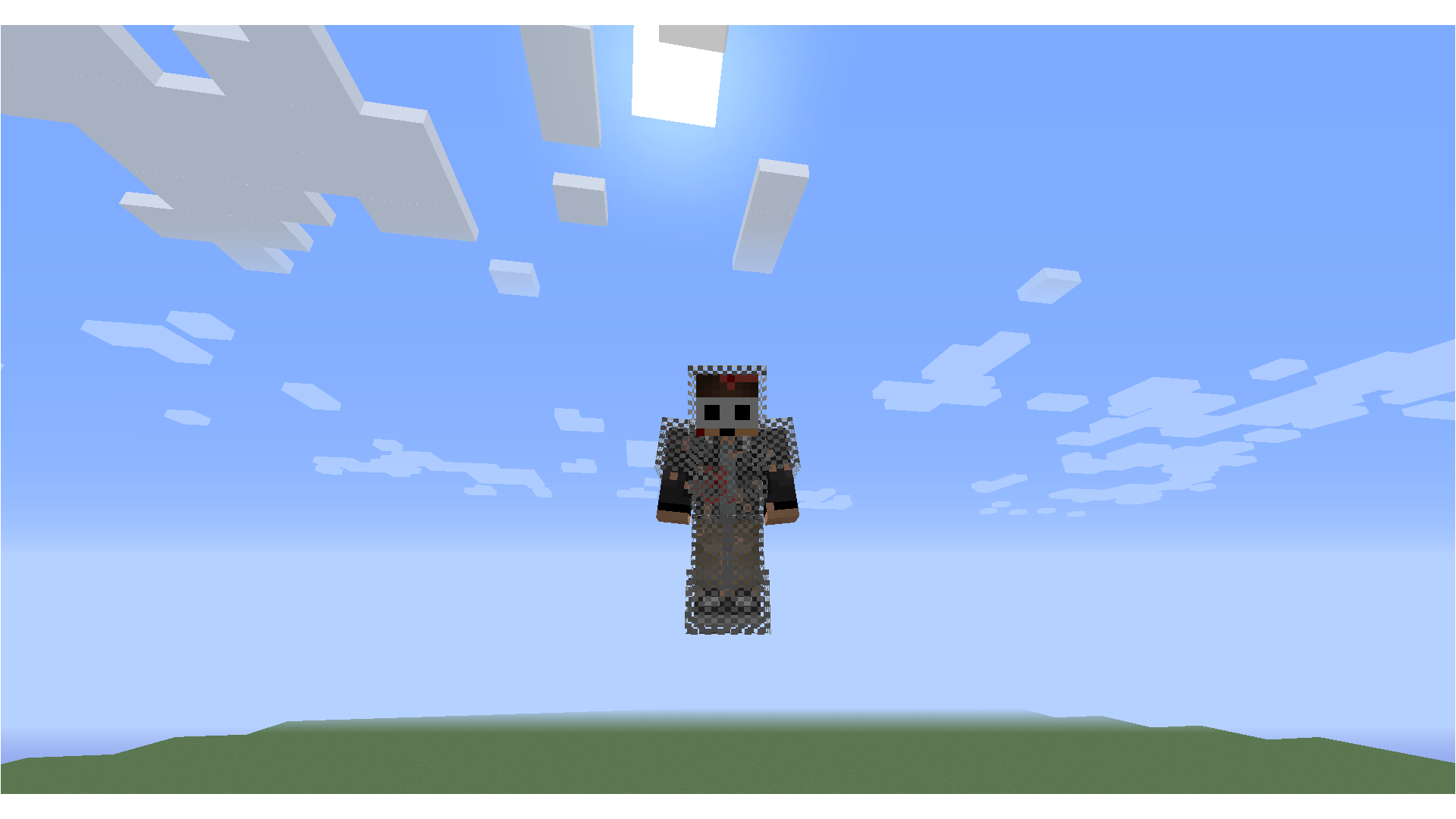
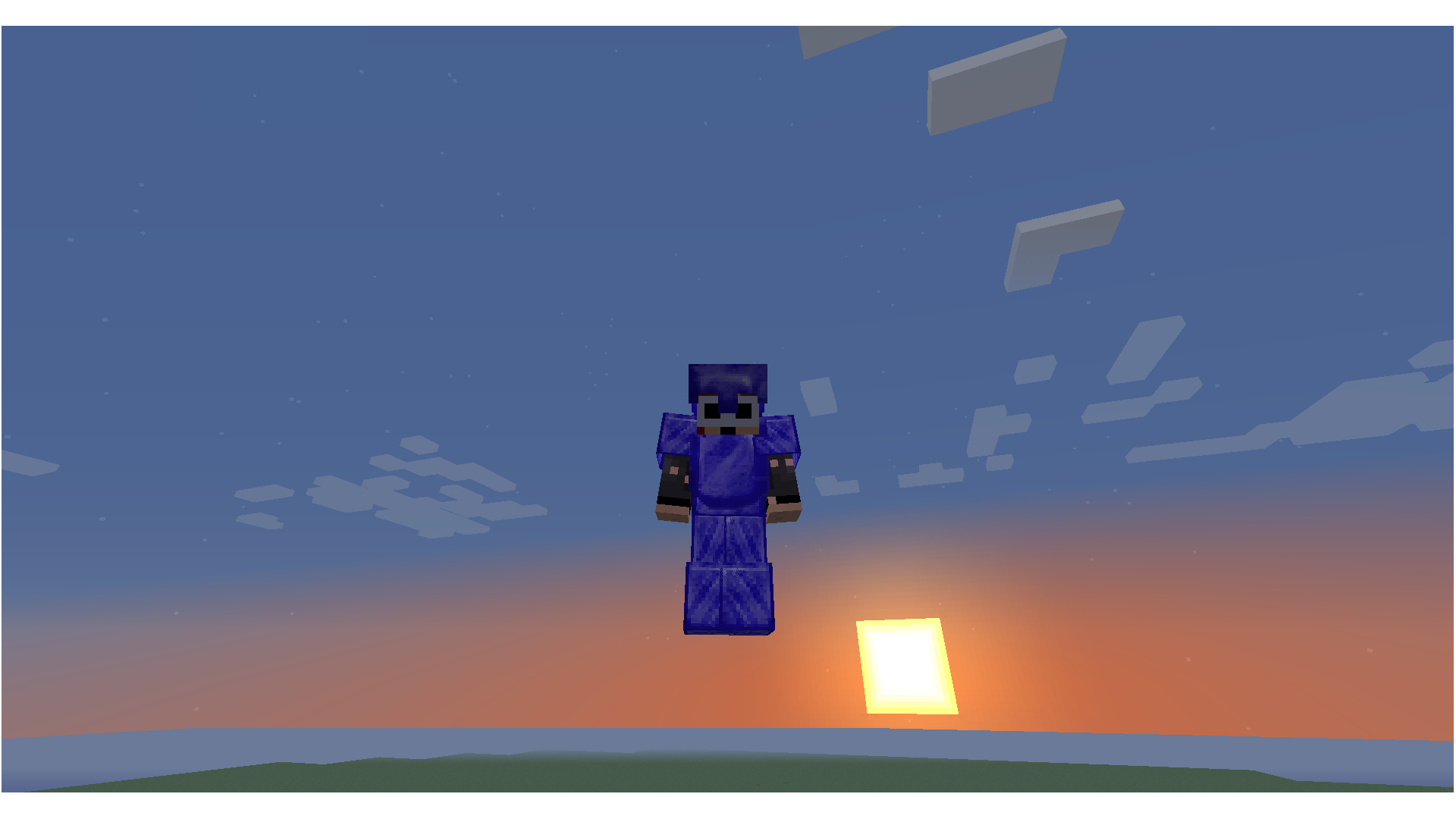
This is the Texturepack of Silvercraft. It is an arrangement from other Texturepacks, but of course I have also changed something. It is specified on PvP, however, I have also paid attention to it the state kind Blocks look better. Downloaded it and you convinced yourselves ;) Ps: I update the TP of course regularly.

 
Silvercraft_TP v.1.5
MC 1.8.9
Beta 2015-12-22 Get
Silvercraft_TP v.1.4
MC 1.8.8
Beta 2015-12-16 Get
Silvercraft_TP v.1.3
MC 1.8.8
Beta 2015-12-13 Get
Silvercraft_TP
MC 1.8.8
Beta 2015-12-12 Get
Silvercraft_TP
MC 1.8.8
Beta 2015-12-12 Get

Requirements & install

How to use this resource pack in Minecraft
Resolution
128x
Minecraft
1.8.8 – 1.8.9
Install folder
.minecraft/resourcepacks

How to install resource packs

  1. Download the resource pack .zip file (do not extract it).
  2. In Minecraft open Options → Resource Packs → Open Pack Folder.
  3. Drop the .zip into the resourcepacks folder (.minecraft/resourcepacks).
  4. Move the pack to the Selected column and click Done.

Packs from 128x upwards need more video memory: install a performance mod such as Sodium for smooth frame rates.

Browse more: 16x resource packs 32x resource packs 64x resource packs 128x resource packs 256x resource packs 512x+ resource packs Resource Packs for 1.8.9 All resource packs
Advertisement Remove ads with Premium →

You Might Also Like