Mineuniverse
Resource Packs
Silver Rat Pack

Silver Rat Pack

RESOURCE PACK
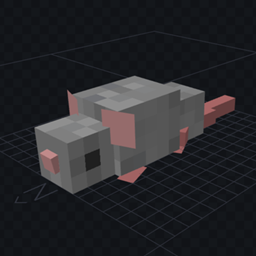
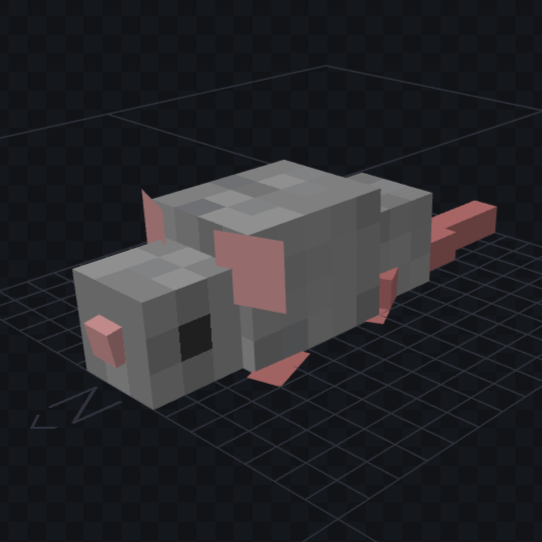
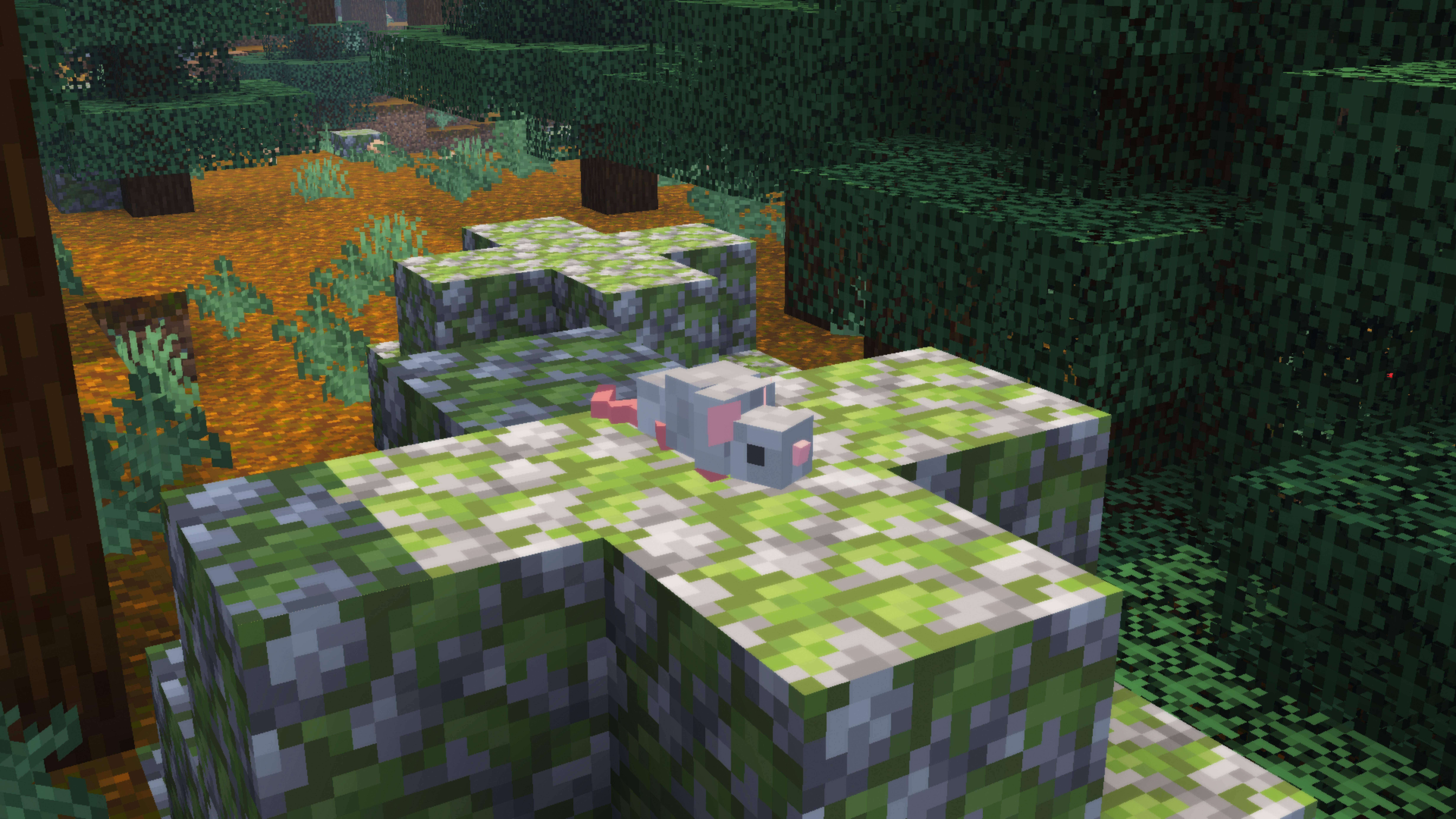
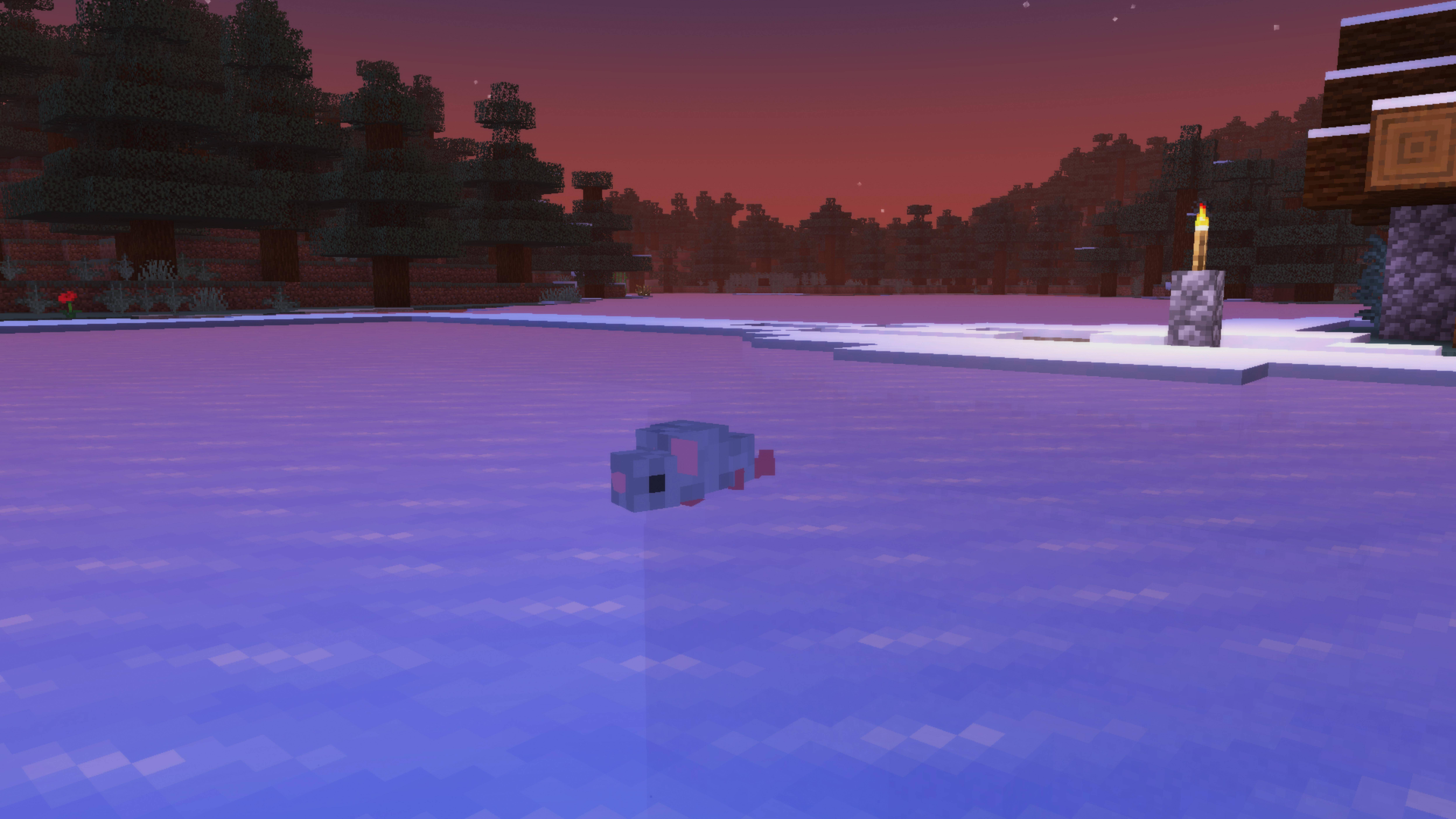
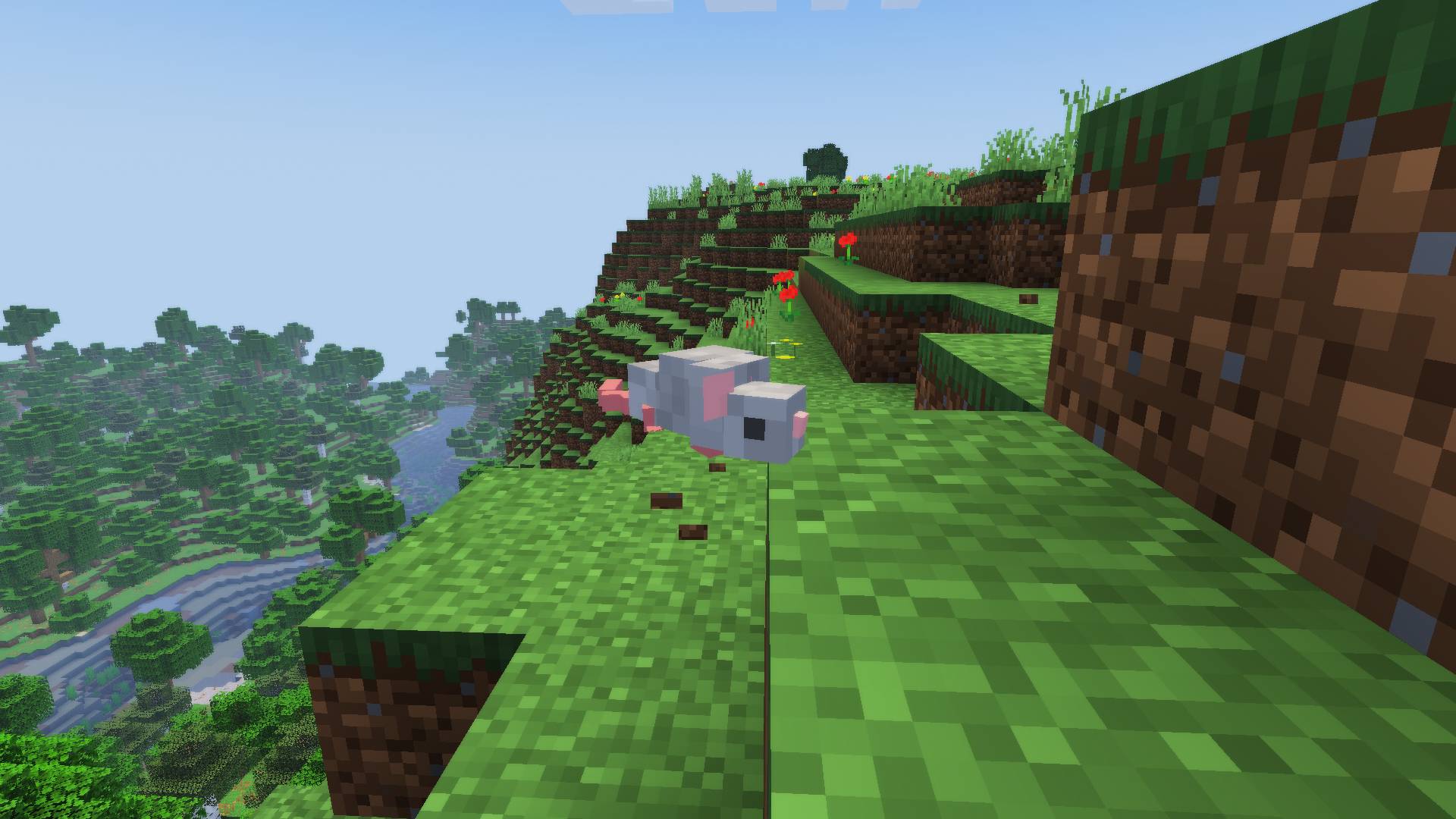
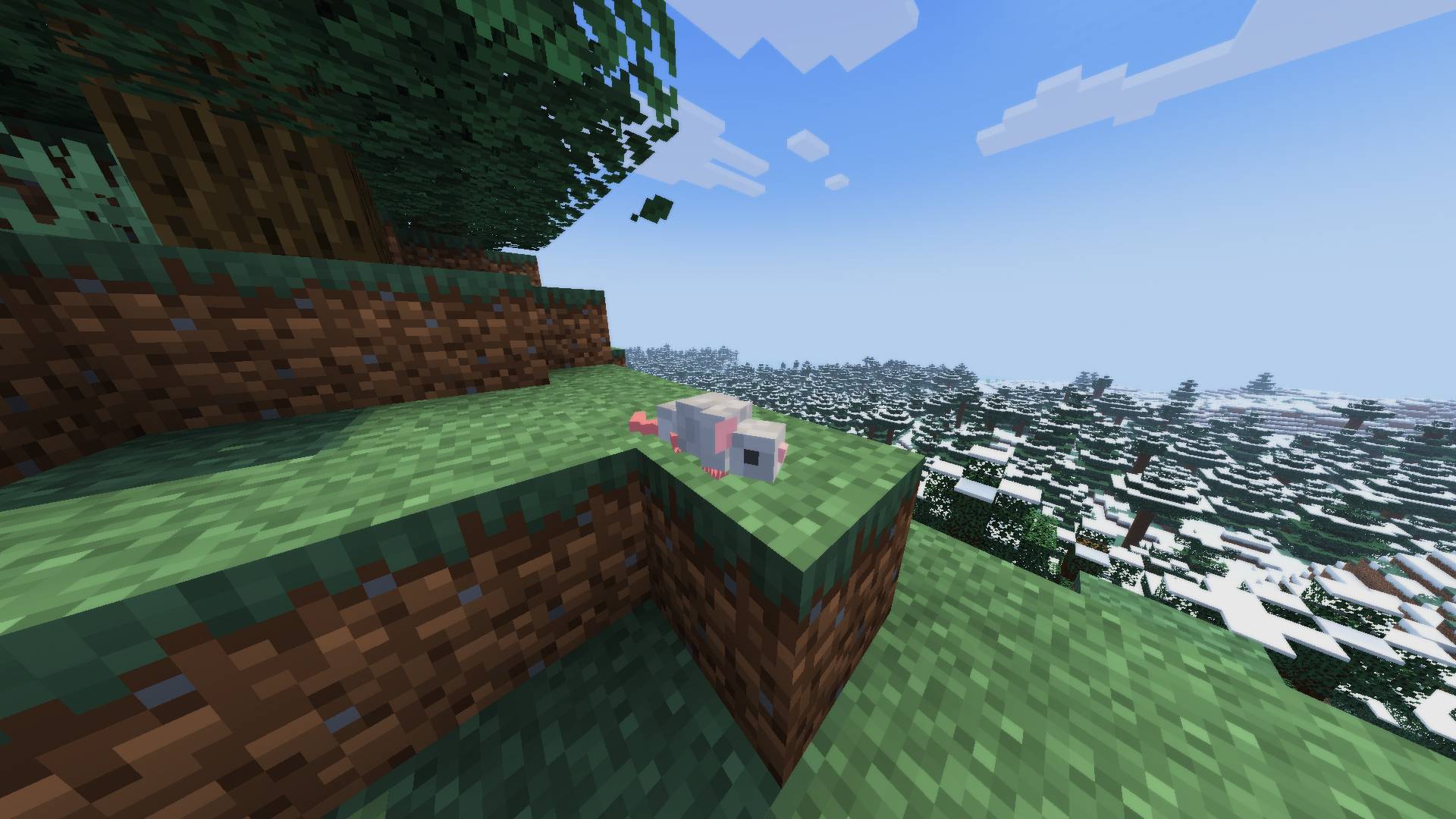
A resource pack that changes the appearance of silverfish to silver rats! This does require EMF+ETF or Optifine
by TheBowl0fRice
Download Claim this project
571 downloads
0 likes
Updated Oct 14, 2026
0 hypes
16x
Advertisement Remove ads with Premium →

[REQUIRES EMF+ETF OR OPTIFINE]

Silver Rat Pack is a resource pack that changes the model and texture of the silverfish to that of a silver rat. Unfortunately there aren't different fur colors so it's just silver rats only, and this resource pack doesn't do anything other than change the look of the entity--so the spawn egg appearance/name, sounds, and movements of the silverfish are all the same.

And although the resource pack does alter the actual model of the silverfish, I tried my best to keep the rats around the same size as the original mob so that the hitbox matches closely.

This resource pack was made because I personally have a fear of insects/arachnids, and I doubt I'm the only one that gets unnerved by those tiny terrors. Plus, rats are cute!


(One more thing, the changelog has an error and I can't edit it unfortunately!! Optifine IS required assuming you aren't using EMF+ETF. It's just not recommended to use Optifine alongside EMF+ETF. Sorry for the mistake! I uploaded this at 6:30am)

SilverRatPack26.3.zip
MC 1.16.3, 1.17.1, 1.21.2-Snapshot, 1.21, 1.21.6-snapshot, 1.18.1, 1.20.2-Snapshot, 1.20.5-Snapshot, 1.19-Snapshot, 1.21.1-Snapshot, 1.16.5, 1.19.3, 1.20.2, 1.19.4, 1.21.8, 1.17
Release 2026-10-04 Get
SilverRatPack26.2
MC 1.16.3, 1.17.1, 1.21.2-Snapshot, 1.21, 1.21.6-snapshot, 1.18.1, 1.20.2-Snapshot, 1.20.5-Snapshot, 1.19-Snapshot, 1.21.1-Snapshot, 1.16.5, 1.19.3, 1.20.2, 1.19.4, 1.21.8, 1.17
Release 2026-07-11 Get

Requirements & install

How to use this resource pack in Minecraft
Resolution
16x
Minecraft
1.20.2-Snapshot – 1.21.8
Install folder
.minecraft/resourcepacks

How to install resource packs

  1. Download the resource pack .zip file (do not extract it).
  2. In Minecraft open Options → Resource Packs → Open Pack Folder.
  3. Drop the .zip into the resourcepacks folder (.minecraft/resourcepacks).
  4. Move the pack to the Selected column and click Done.
Browse more: 16x resource packs 32x resource packs 64x resource packs 128x resource packs 256x resource packs 512x+ resource packs Resource Packs for 1.21.8 All resource packs
Advertisement Remove ads with Premium →

You Might Also Like