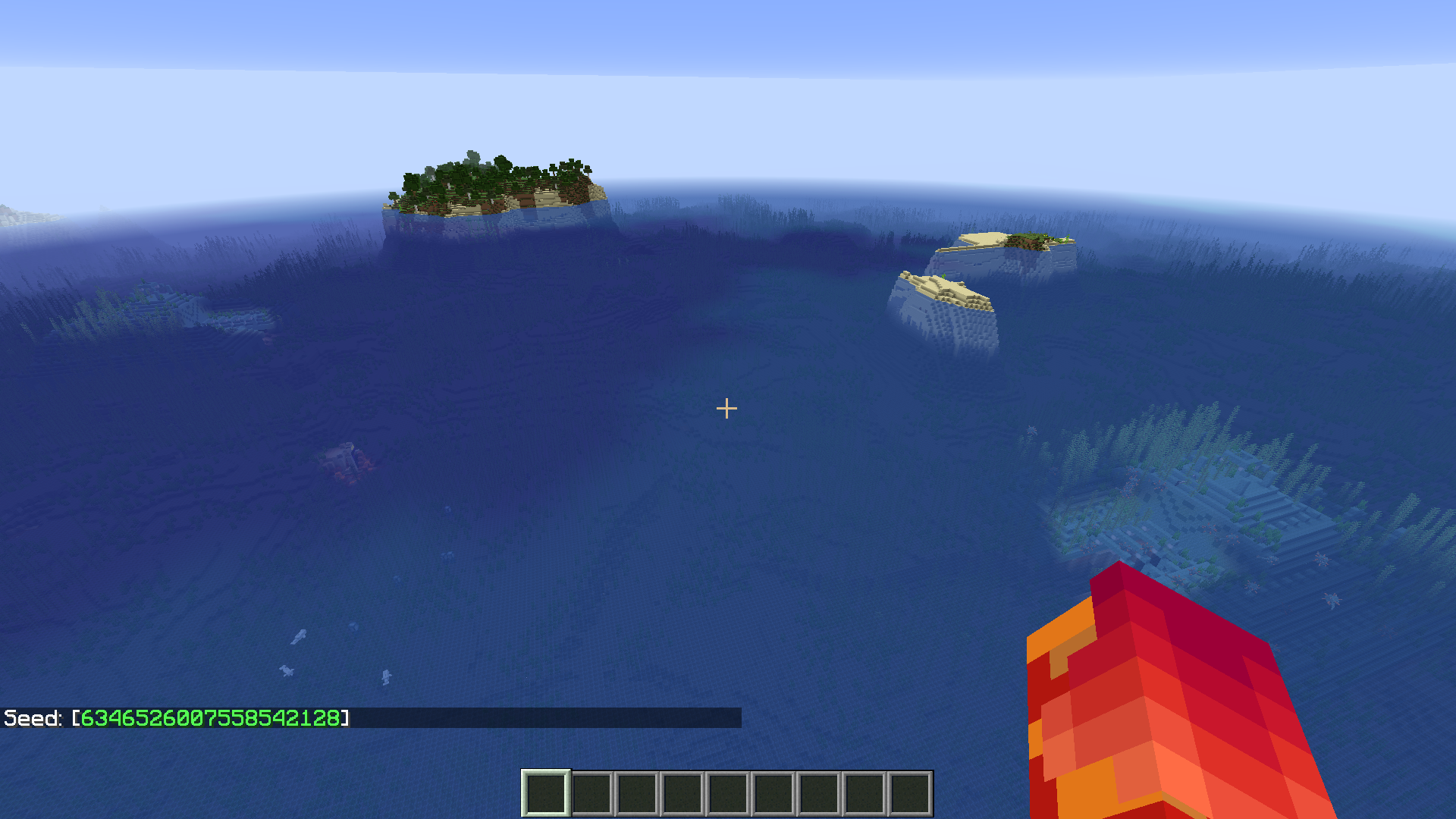
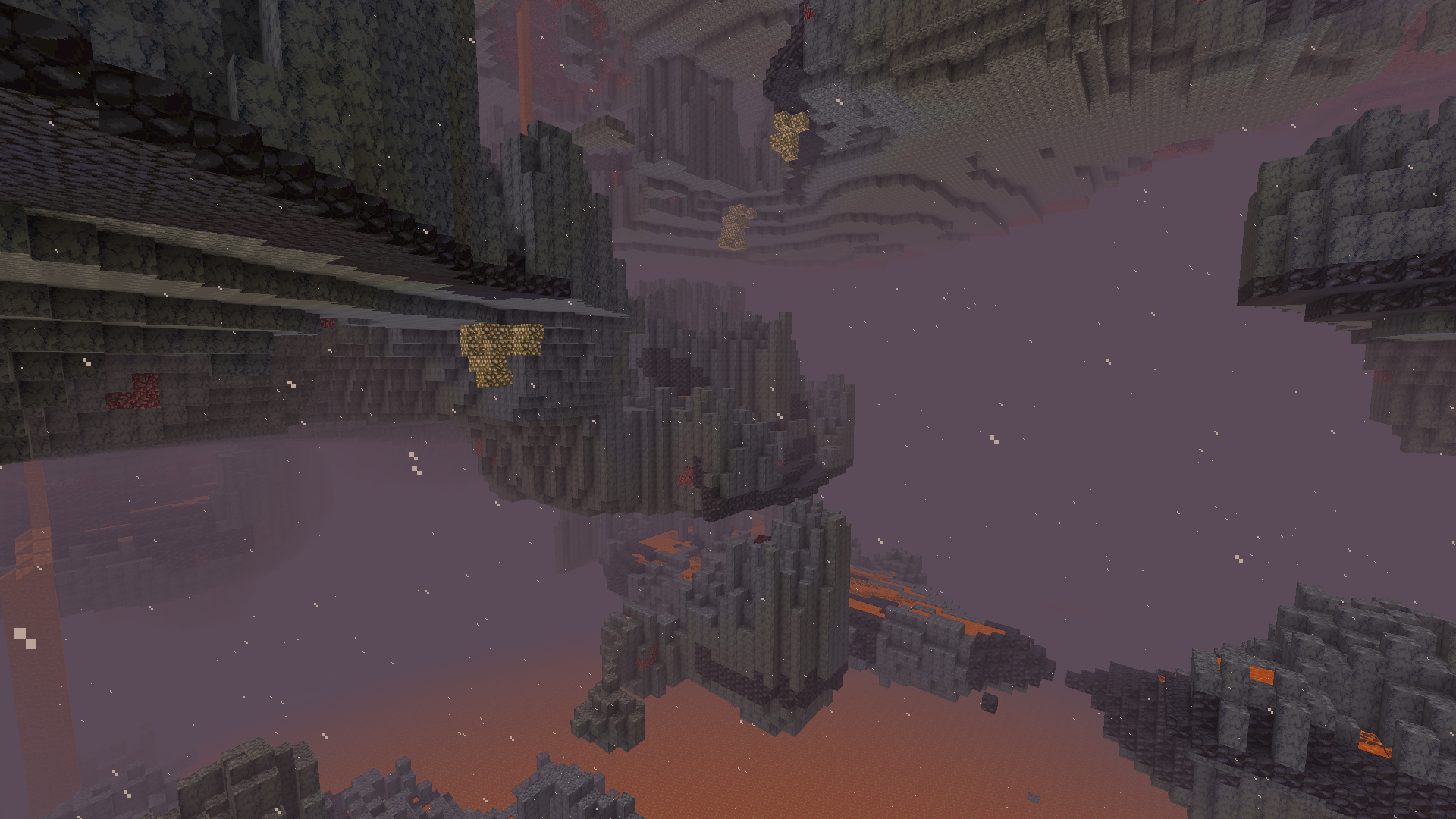
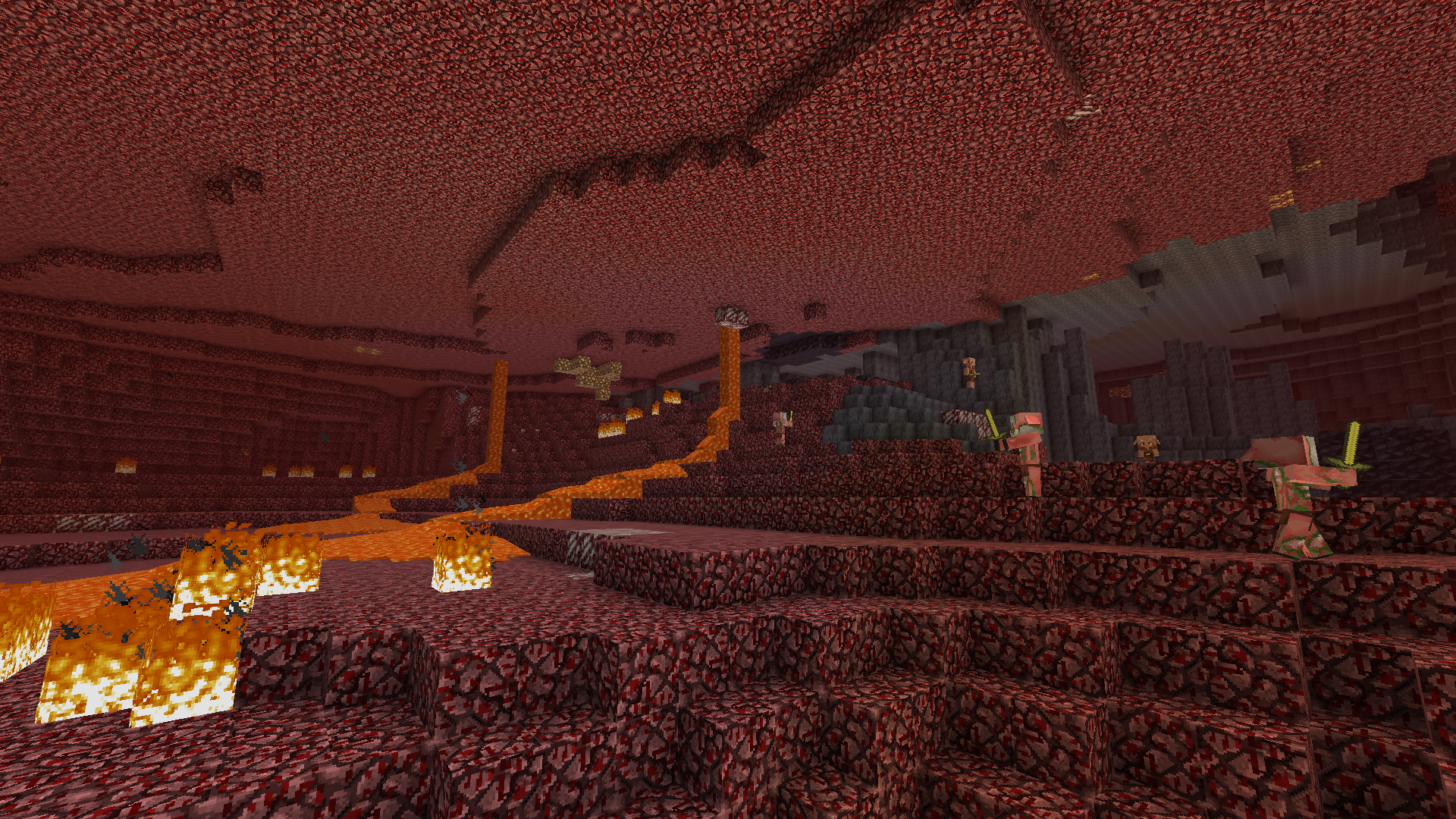
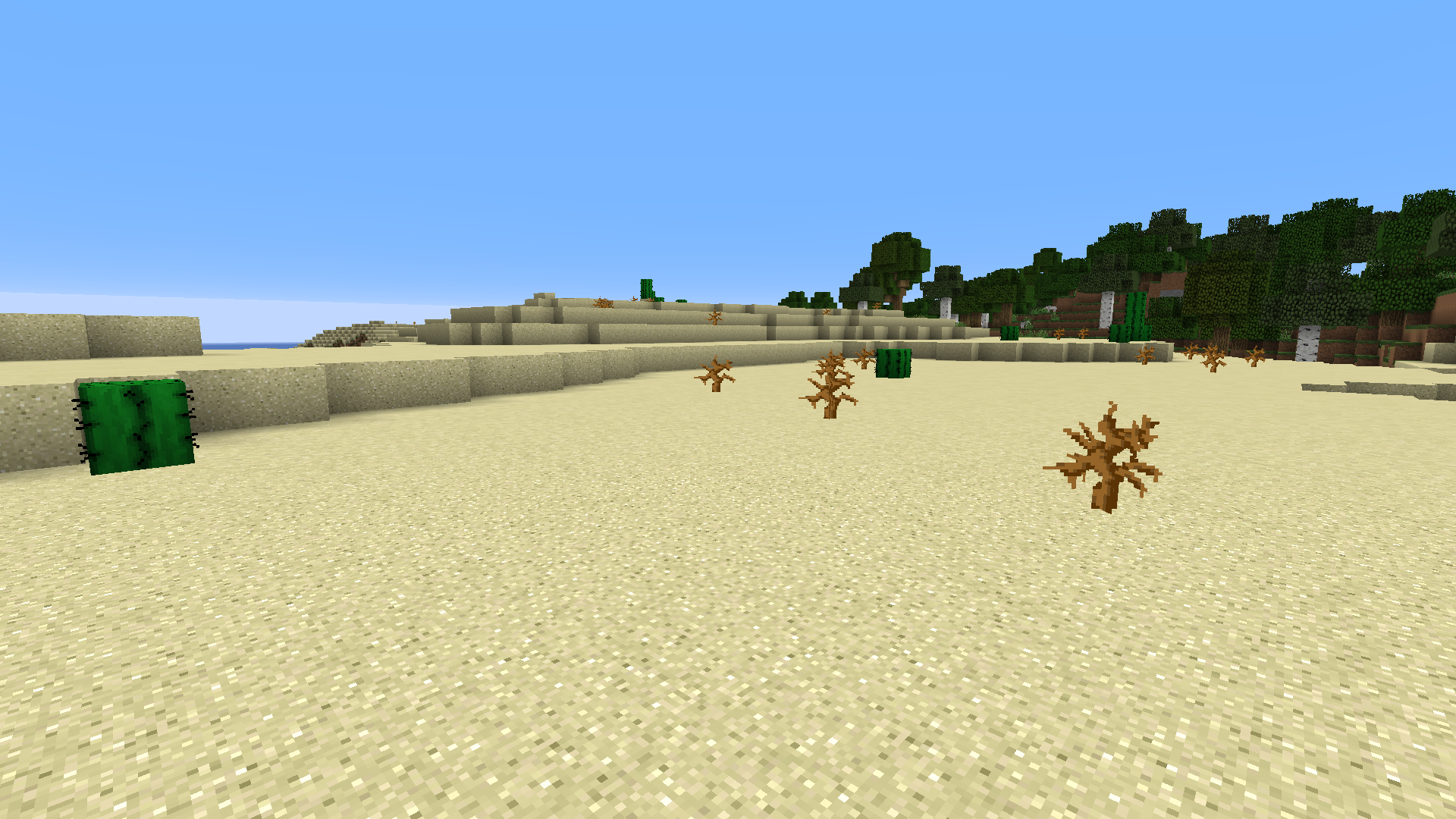
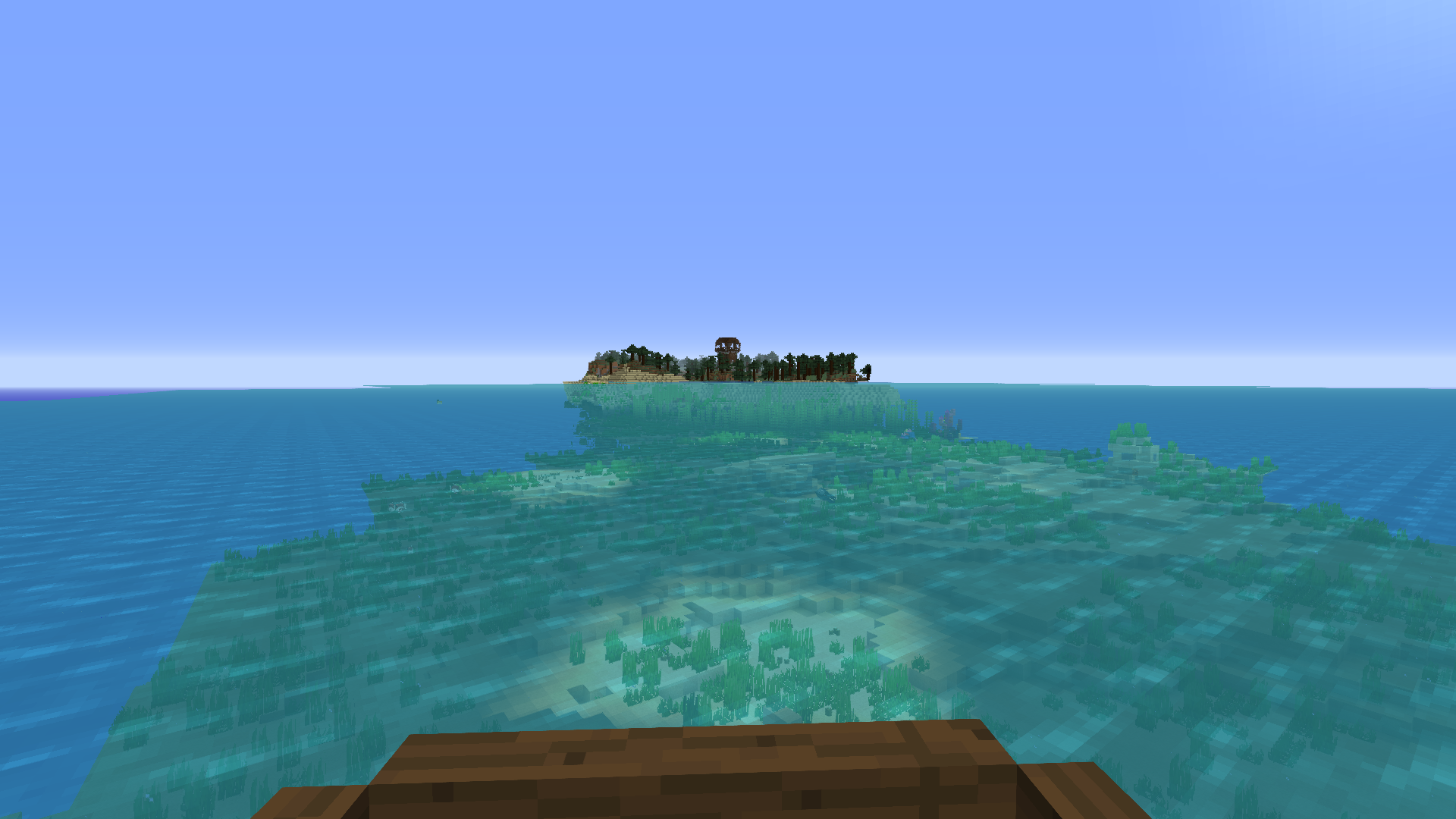
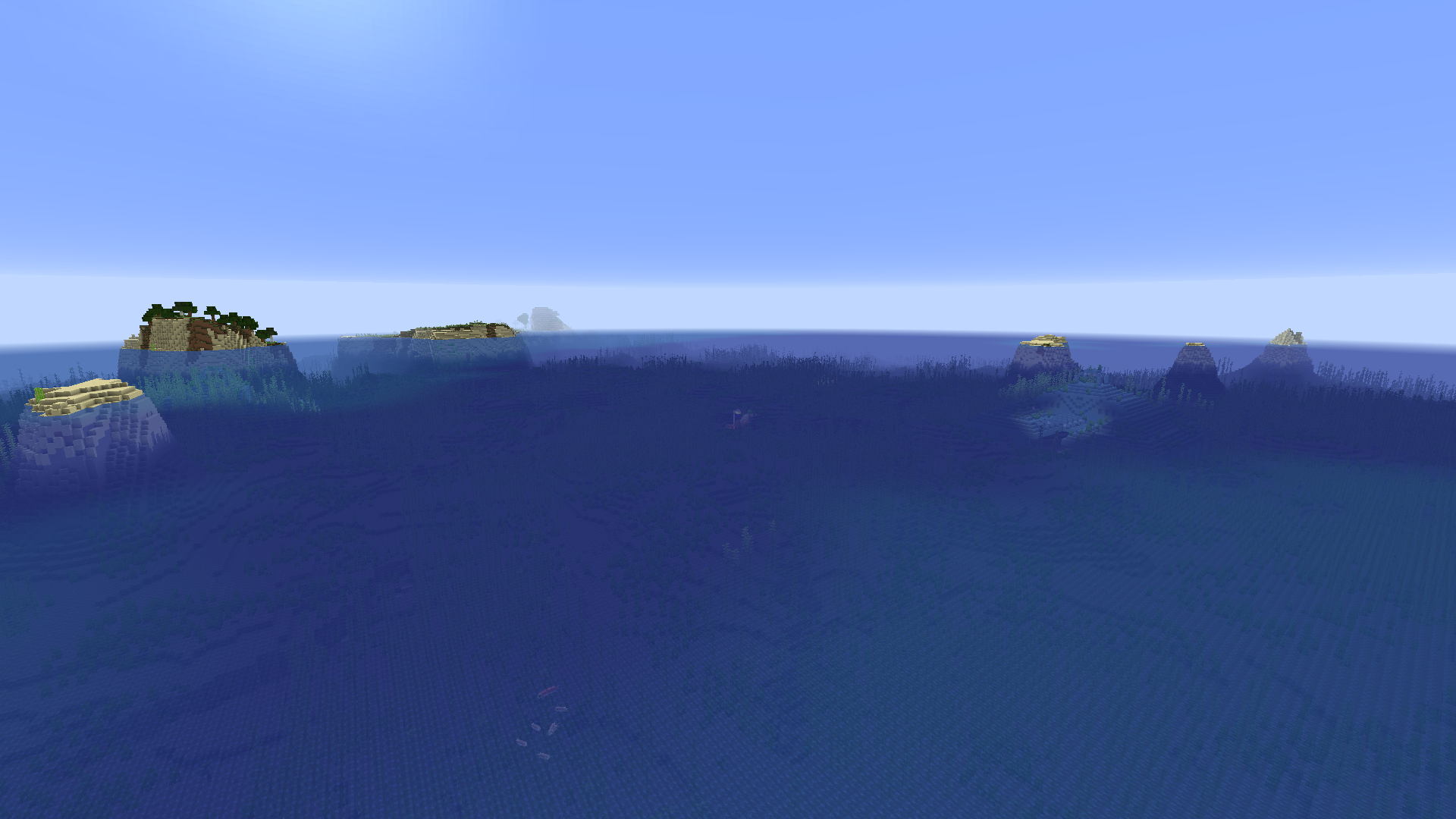
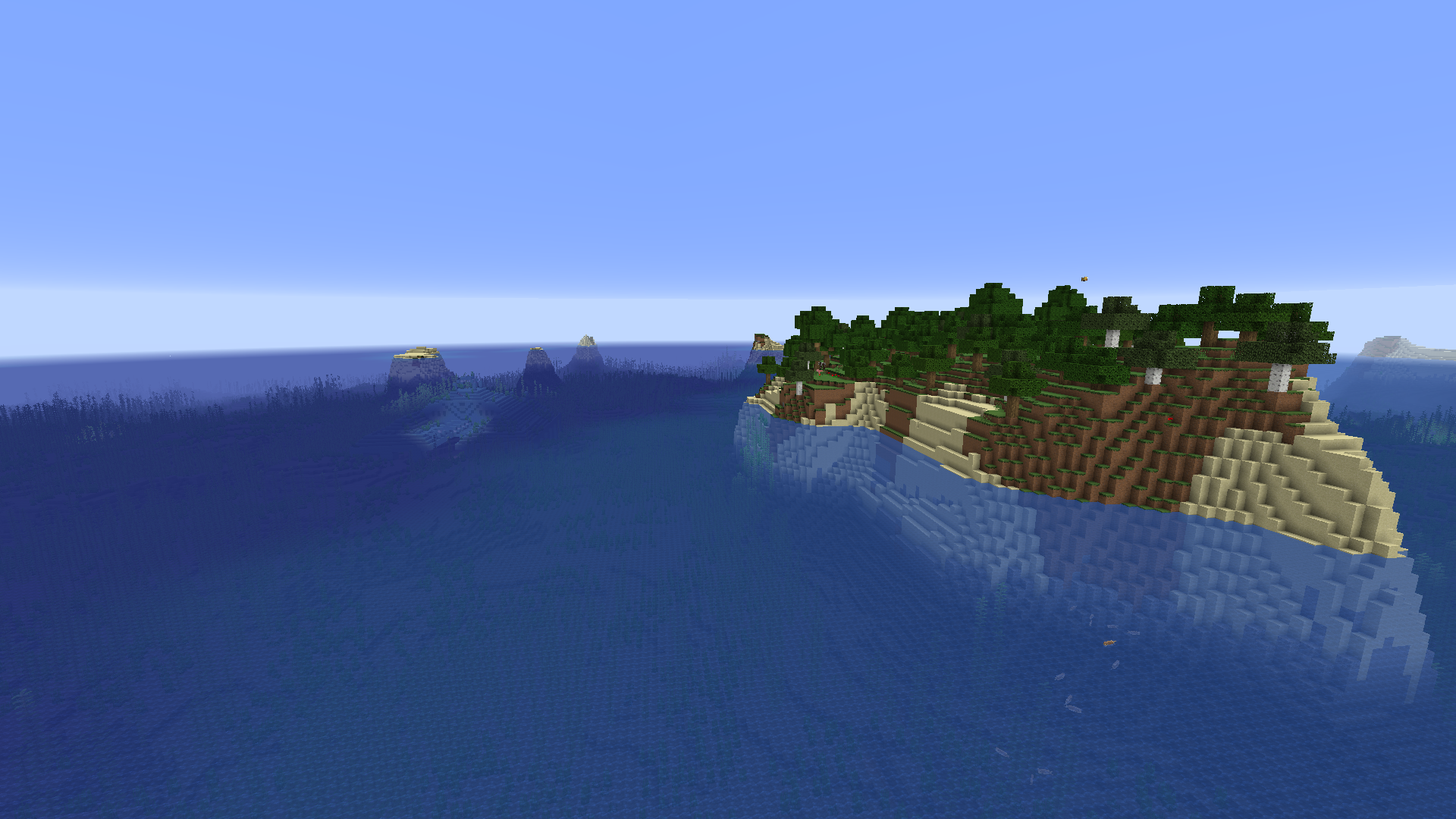
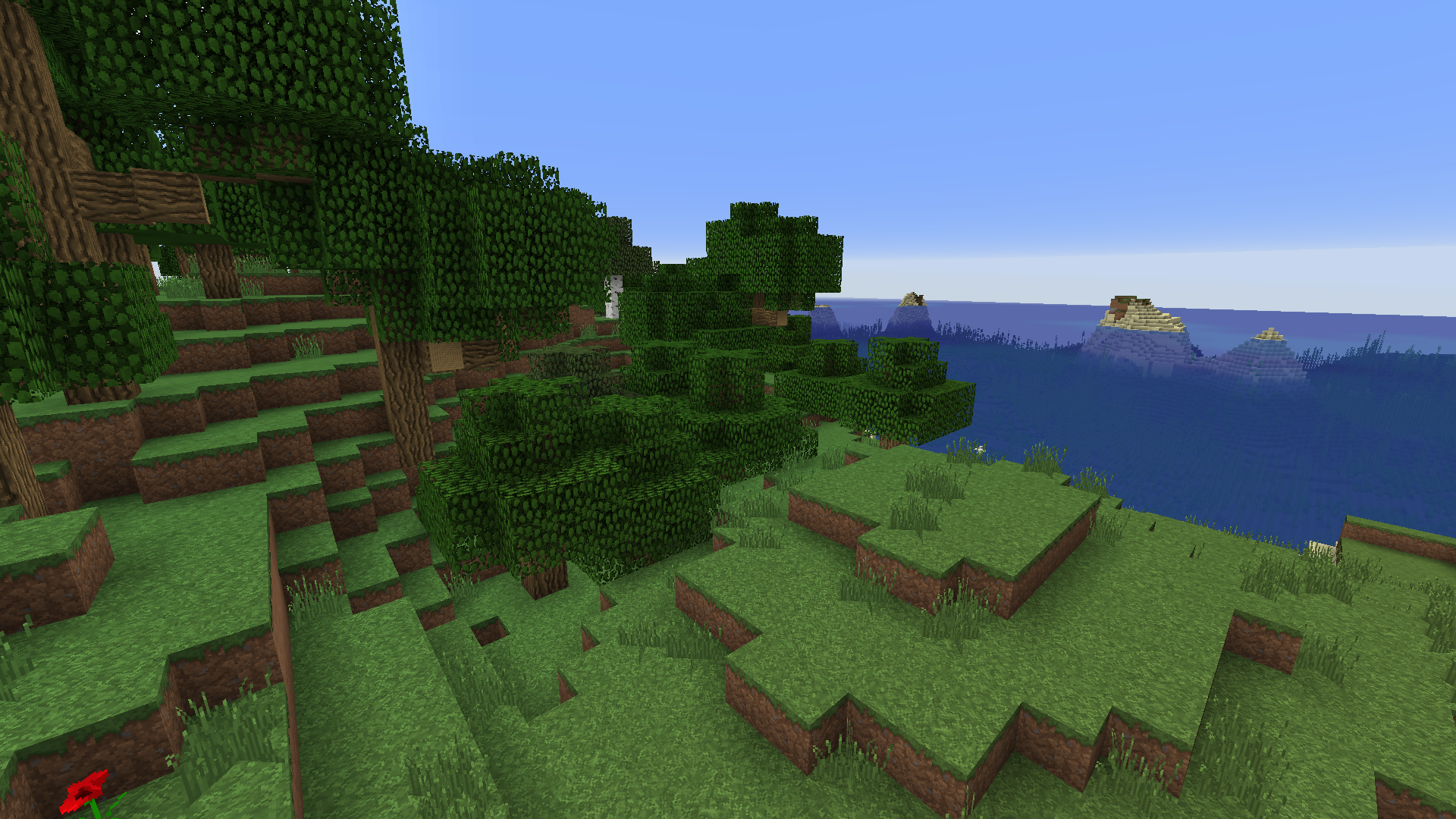
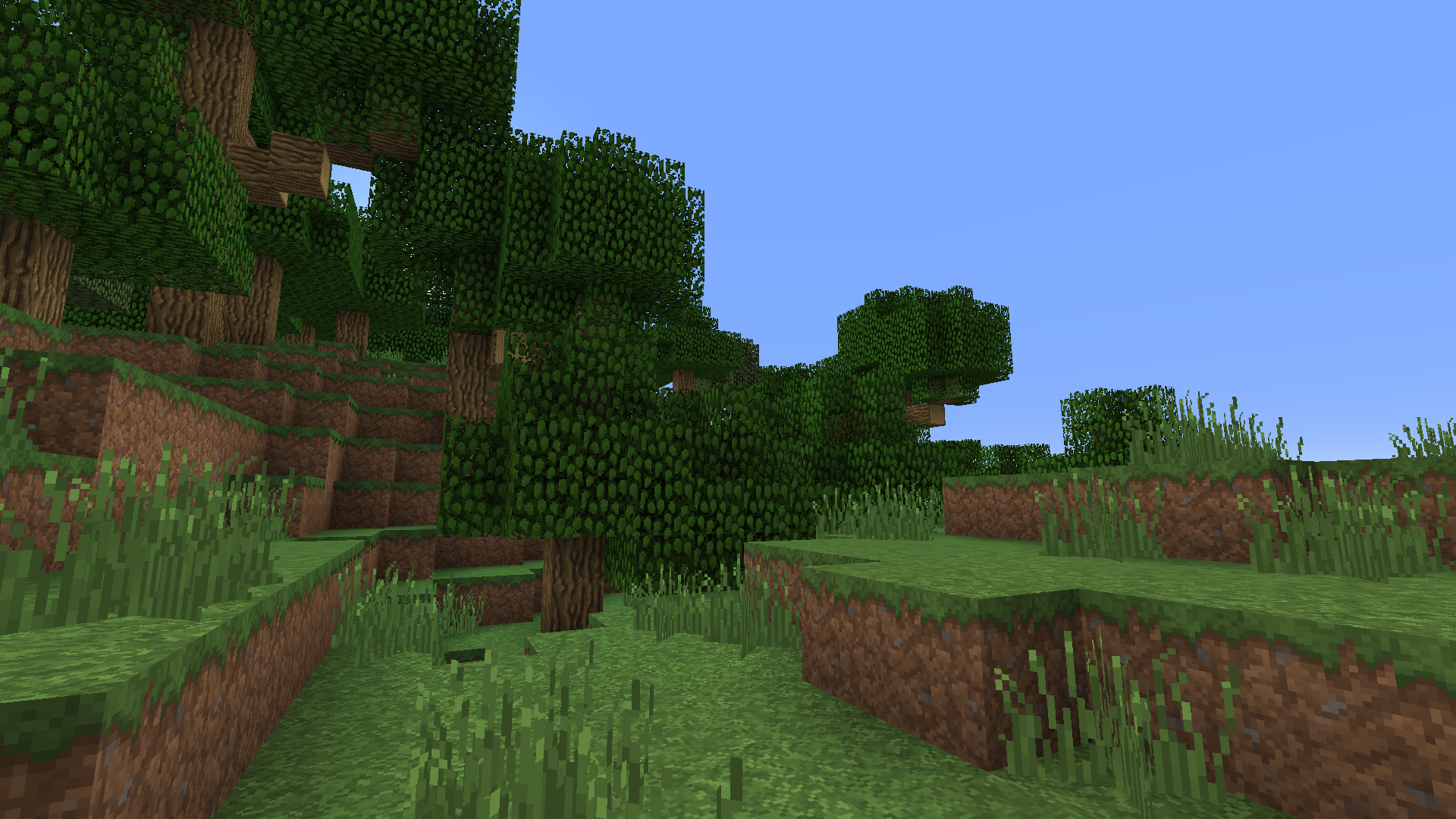
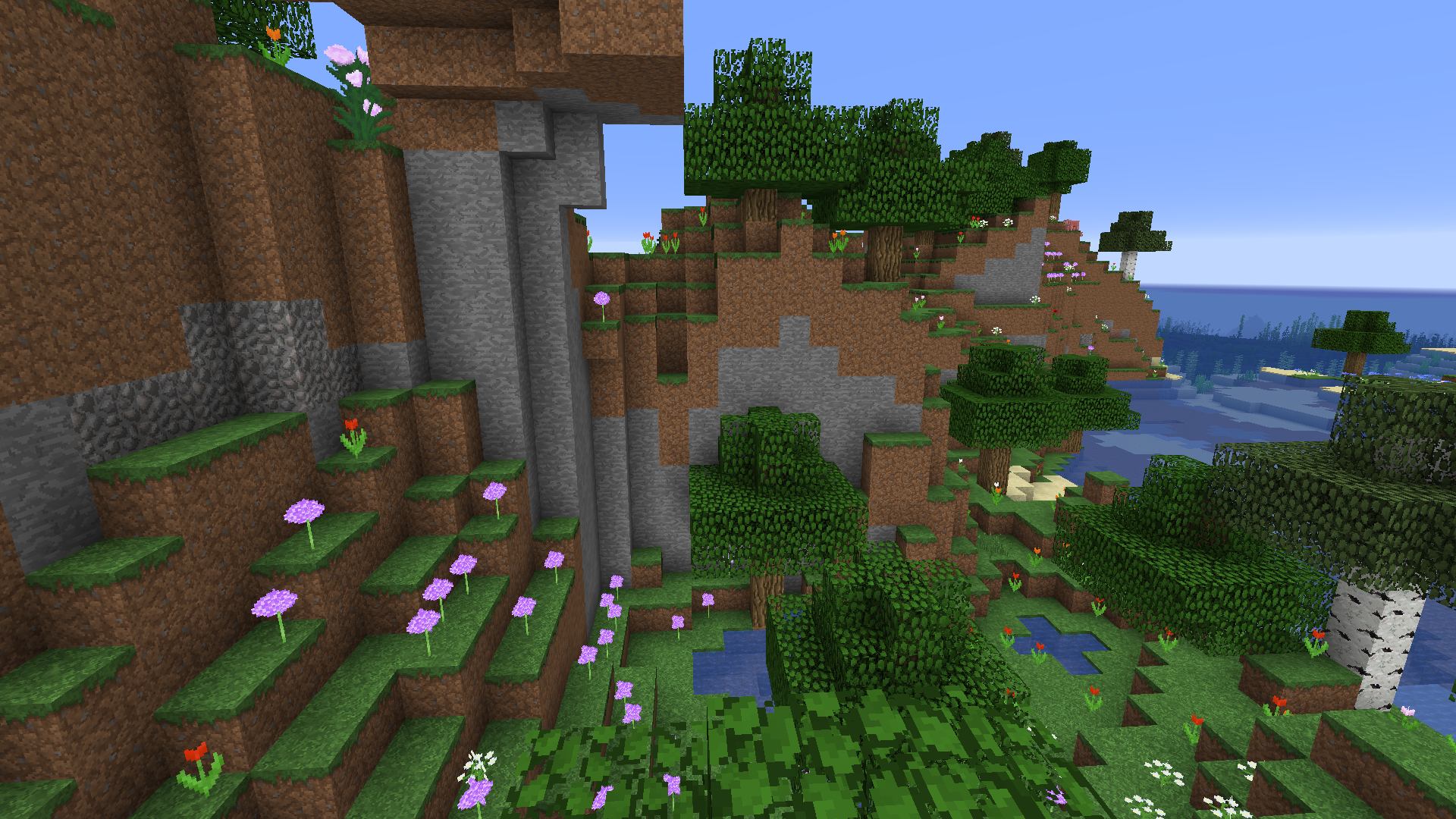
This is a resource pack that I (sillybutts) have created to keep playing Minecraft the way I like it: Without the "new" textures introduced in 1.14. The pack has been pieced together bit by bit over several years at this point, and will continue to have more stuff added to it when I come across stuff I like.
This pack includes a lot of quality of life improvements and custom made textures for newer Minecraft stuff, such as making Netherite armor look like 1.8 texture armor.
This pack uses Faithful32x (versions from Vattic, xMrVizzy, and FaithfulTeam) (https://faithful.team/legacy-faithful-versions/) and EmulatedVattic (https://github.com/EmulatedVattic/EM32) as it's base, but also incorporates elements of VanillaTweaks (https://vanillatweaks.net/picker/resource-packs/). In many cases, the textures provided by those packs have been further edited by myself to better fit in this pack/be exactly the way I like it.
I will update this pack whenever I feel like it. It is largely a personal pack that a few people asked to use. I do not intend to update it for every version of the game, just versions that I play on, and I will update when I play on them. If you ask for me to update/fix something however, I will probably be glad to do so. Its just not guaranteed.
If, like I did, you are having trouble uploading resource packs to CurseForge, read this thread. It really saved my bacon! https://minecraft.curseforge.com/forums/general-minecraft/general-discussion/5107-uploaded-new-texture-pack-zip-file-rejected-every
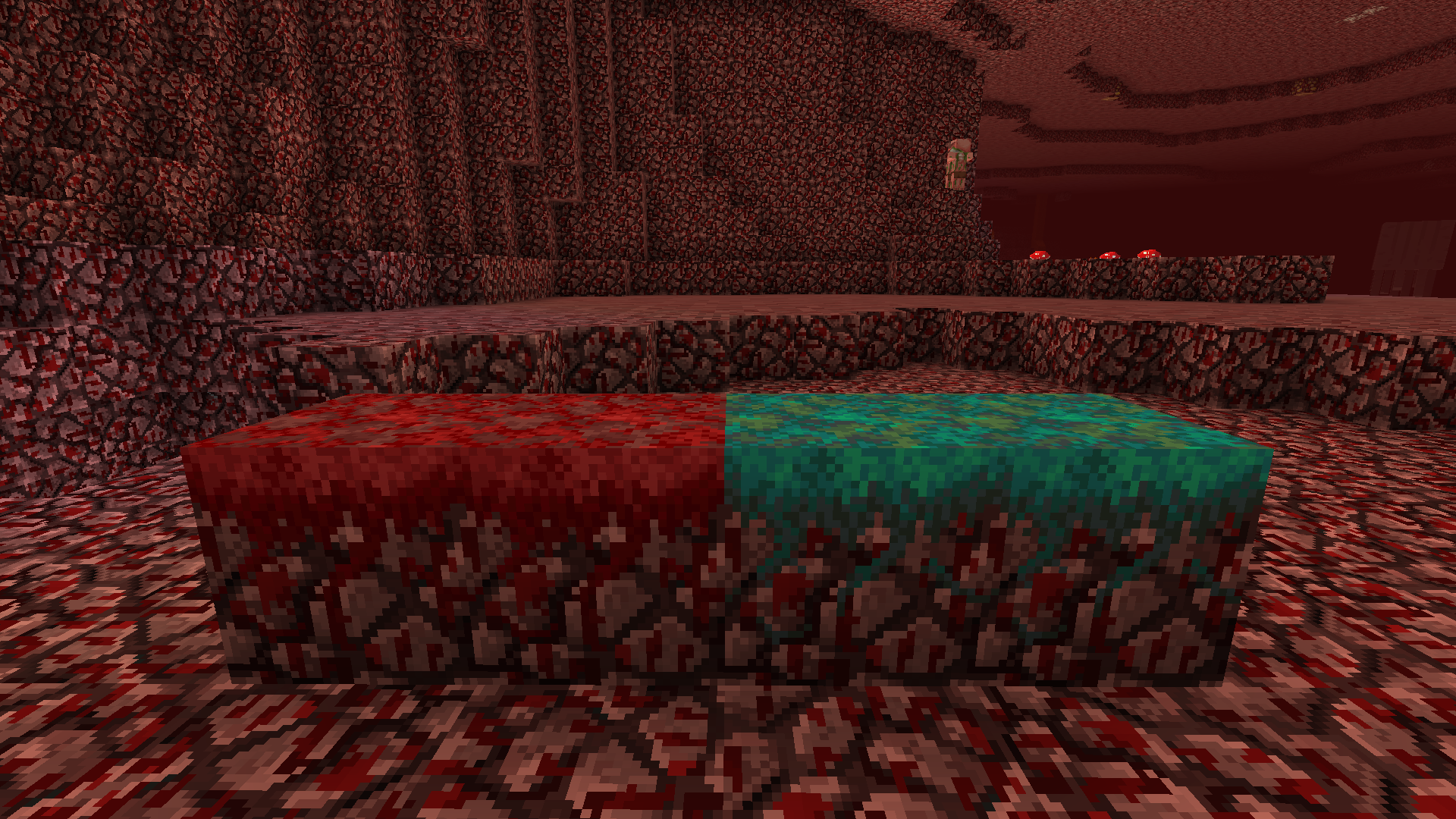
If you like everything in this pack, but can't stand the old netherrack texture, use this additional pack on top of the Mish-Mash: https://www.curseforge.com/minecraft/texture-packs/old-ore-new-rack
There are some optional files included in the pack that you can change very easily:
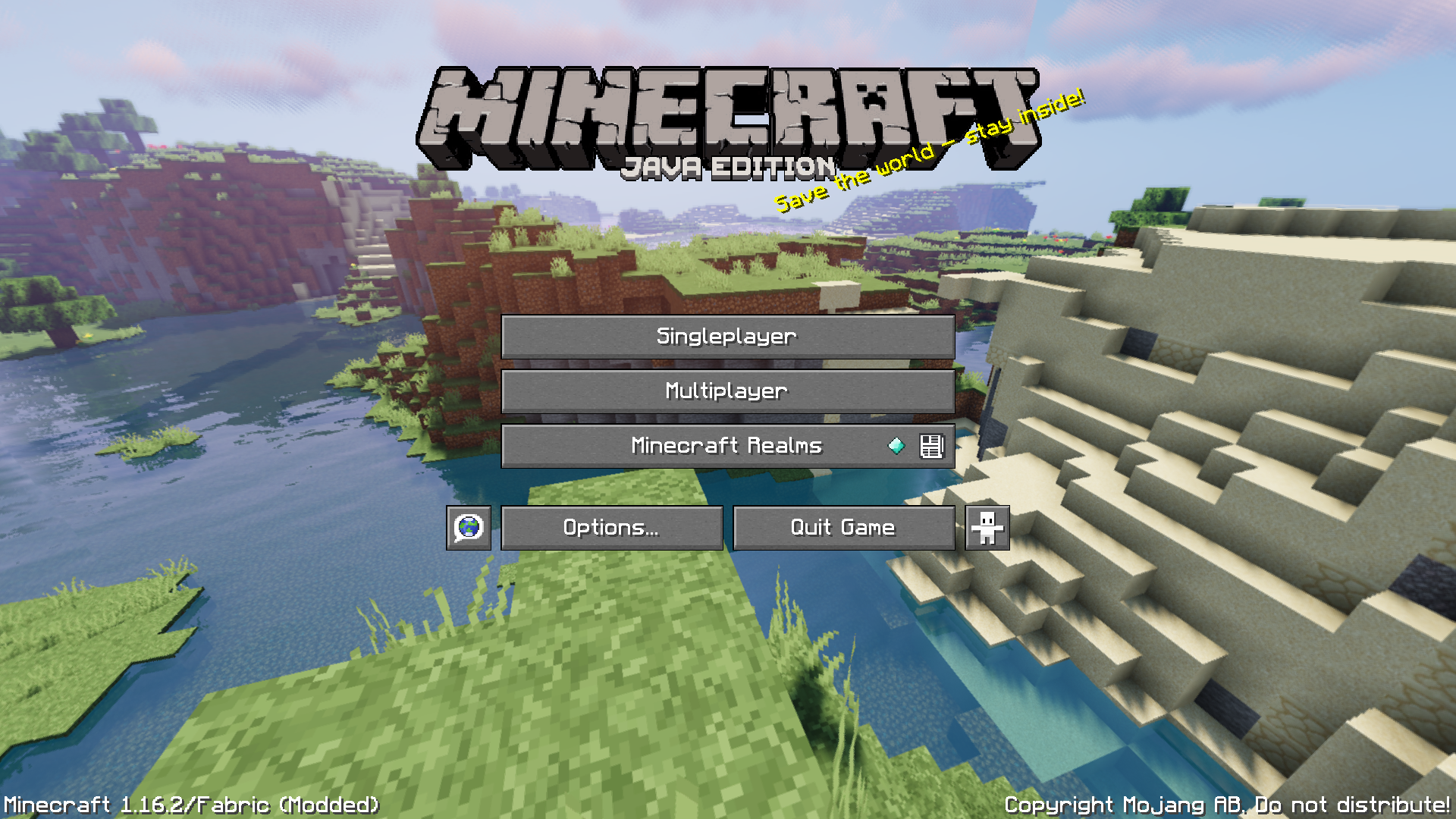
I've included 5 different main menu panoramas in the pack. One with no shaders, one with BSL shaders, Sildur's shaders, Sildur's shaders in sunset, and the original Minecraft 1.0 panorama.
The main menu Minecraft logo has no "Java Edition" by default, but that can easily be changed. Use the ALTERNATE "edition" image file in Packname/assets/minecraft/textures/gui/title. Just delete the blank "edition" file, and rename the alternate one to just say "edition".
Here is the changelog:
v1 This pack uses Faithful 1.13.2-rv2 (https://minecraft.curseforge.com/projects/faithful-32x/files/2672024) made by xMrVizzy and 32x 1.14 textures from Faithful mashed together.
v2 Blue dye, White dye, Brown dye, and Black dye textures made/edited by Sillybutts.
v3 Faithful 32x 1.10 apple and golden apple textures used to replace Faithful 32x 1.13.2 apple and golden apple textures.
v4 Xisuma VanillaTweaks added: TransparentPumpkin (edited), LowerShield, QuieterMinecarts
v5 changed mob effects to older style (edited 1.8 Faithful32x pack to the 1.14.4 file format). New Absorbtion texture made by Sillybutts.
v6&7 were personal testing versions, and skipped here.
v8 messed with the scaffolding top texture to make it easier to see through & added some ASCII art to the credits.txt file
v9 Updated to 1.15.2 using Faithful 32x textures (https://faithful.team/news/2020-02-05-faithful-1-15-2-r1/) for 1.15.2, all other textures kept from v8.
v10 Updated to 1.16.1 using Faithful 32x textures (https://faithful.team/faithful-1-16-snapshot-9/) for 1.16, all other textures kept from v9.
v11 Added old Minecraft panorama from https://www.curseforge.com/minecraft/texture-packs/old-title-panorama-for-1-13-and-1-14/ REMOVED, NO LONGER USED.
v12 Added another Xisuma VanillaTweak, 'Smoother Font'. The replaced files can be found in the OLD FONT folder.
v13 Updated to 1.16.2 using Faithful 32x textures for 1.16.2
v14 Menu panorama changed to shaders version from Faithfulteam (I also went back and retroactively made this change to all older versions uploaded publicly), changed netherite armor items, tools, and armor model textures to my (Sillybutts) own 32x classic style design.
v15 Changed Nether Gold Ore, Warped Nylium, and Crimson Nylium blocks to use old netherrack texture. Fixed an error with mushrooms, trap doors, grass, and nether quartz ore displaying broken textures. v15 is the first one uploaded to CurseForge, previous versions for different minecraft versions were also uploaded, but past v15, all versions are done with curseforge in mind instead of being a purely personal pack.
v16 Fixed villager and zombie villager textures.
v17 Fixed banners
v18 Changed netherite armor item textures to have a darker "shadow"
v19 Added high resolution Minecraft logos, hand-edited to fit the pack. (v19.5 changed panorama to be better)
v20 Incorporated 1.17 snapshot textures from Faithful Team, and made a few custom textures for things like deepslate ore to make them fit the pre-Jabba style. (v20.5 changed panorama to be better)
v21 More 1.17 textures from Faithful Team, changed a few of my own textures (black dye, path blocks, copper ingot, glow item frames)
v22 Added some new textures from EmulatedVattic https://github.com/EmulatedVattic/EM32 (calcite, basalt, respawn anchor, copper ingot), edited glow item frame. Removed the "java edition" part of the Minecraft logo, but you can add it back by using the ALTERNATE "edition" image file in Packname/assets/minecraft/textures/gui/title. Just delete the blank "edition" file, and rename the alternate one to just say "edition".
v23 Updated to 1.18, used new textures from EmulatedVattic https://github.com/EmulatedVattic/EM32 (All new 1.18 textures)