Mineuniverse
Resource Packs
Shusui of Wano (Zorro, One Piece)

Shusui of Wano (Zorro, One Piece)

RESOURCE PACK
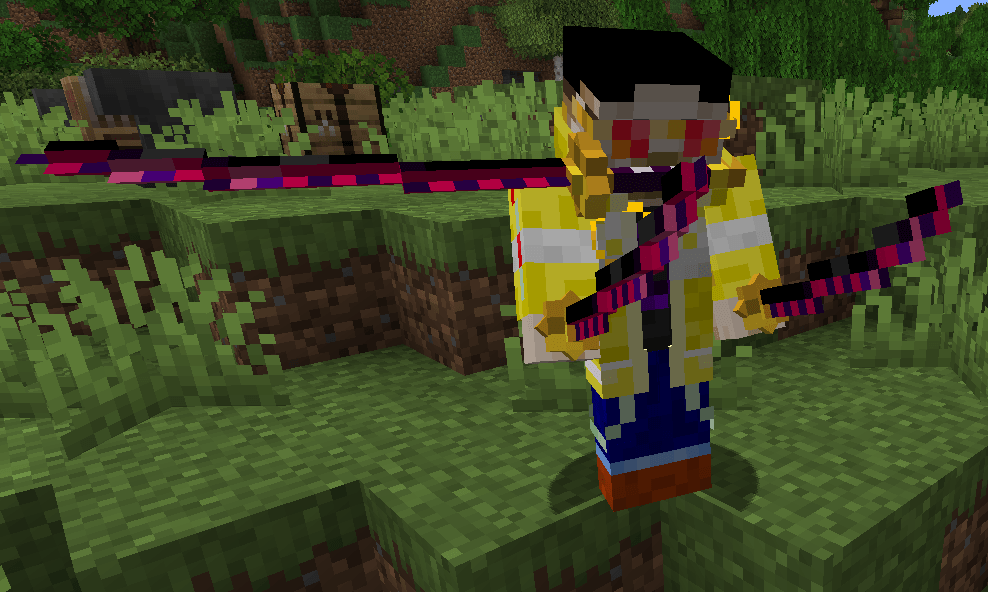
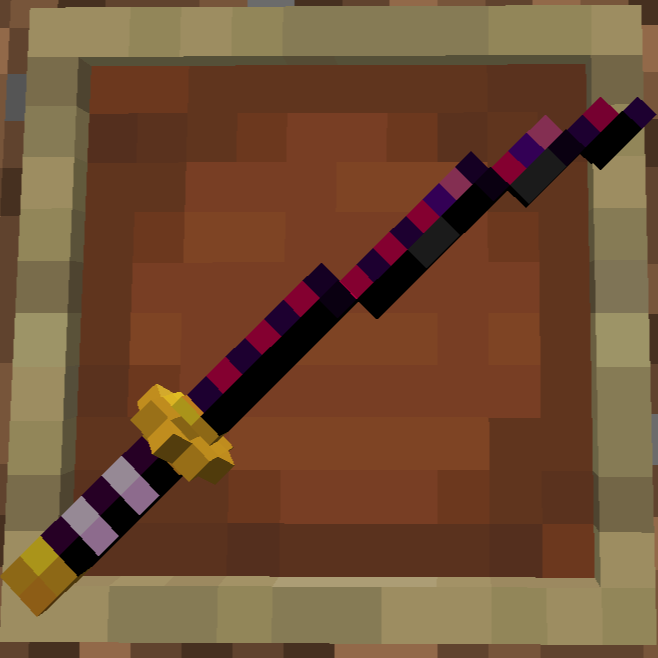
Get Visuals for Shusui, the legendary black sword from Wano - while keeping the vanilla style
by user_8v4h6kzuhehaofhf
Download Claim this project
Add a badge to your pageLink to Shusui of Wano (Zorro, One Piece) from a README, website or forum post.
Preview: Badge

Badges update automatically and link to the resource pack page on MineUniverse.

535 downloads
0 likes
0 followers
Updated Oct 14, 2026
0 hypes
Follow0
16x Medieval Miscellaneous
Advertisement Remove ads with Premium →

"I am sure this katana would be happy to have you as its master"


Make sure you either
A. use Optifine with Video Settings > Quality > Custom Items: ON or
B. install the CIT resewn mod

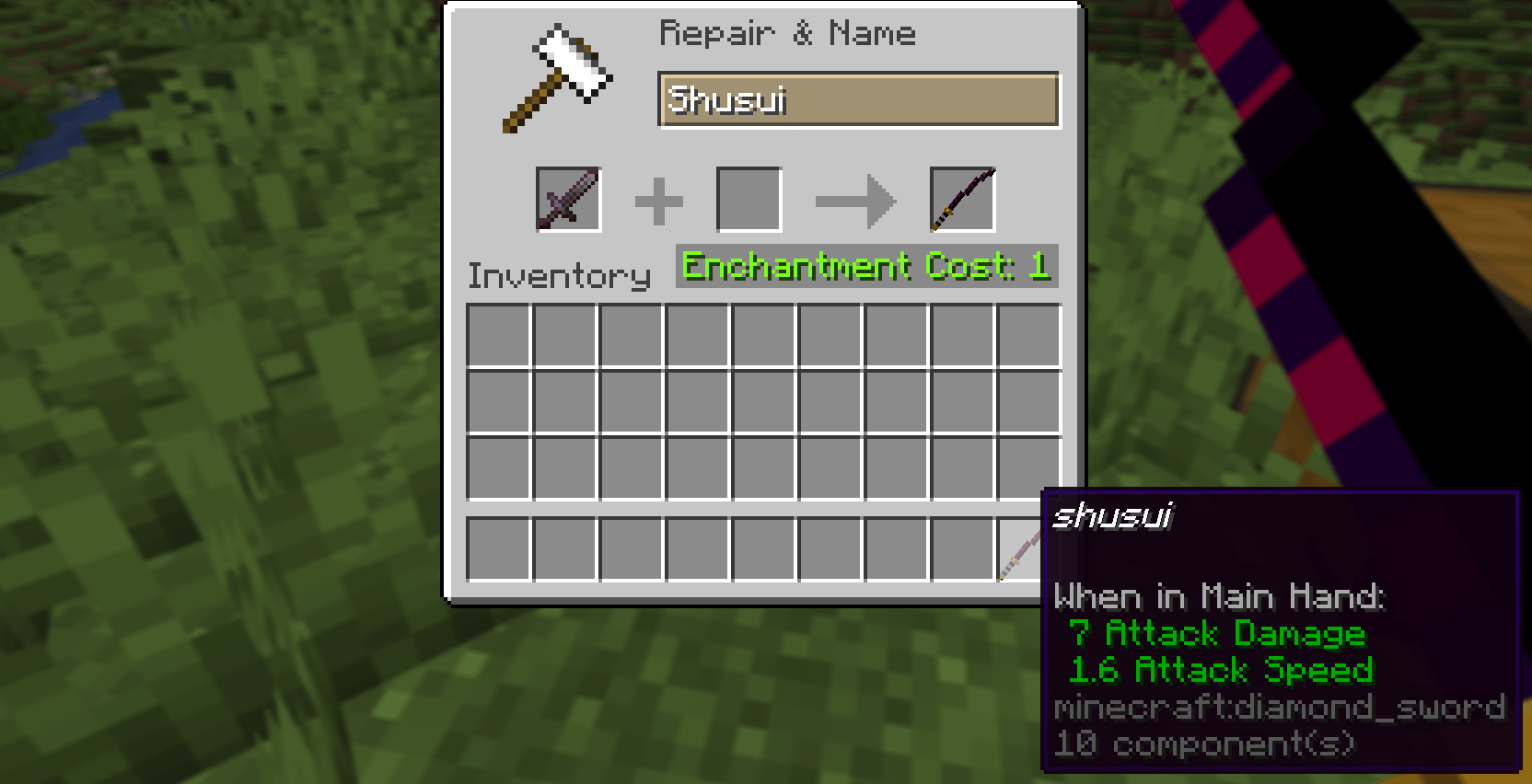
Install the ressource Pack and rename any Sword to "Shusui" using an anvil.

Enjoy!

little bonus, while holding your shusui in the leftmost slot, take your helmet off and try this command:
/item replace entity @p armor.head from entity @p container.0


(other swords might follow)
(I made this for fun, I have no rights for the visuals and names)

Shusui.zip
MC 1.21.1
Release 2025-01-04 Get

Requirements & install

How to use this resource pack in Minecraft
Resolution
16x
Minecraft
1.21.1
Install folder
.minecraft/resourcepacks

How to install resource packs

  1. Download the resource pack .zip file (do not extract it).
  2. In Minecraft open Options → Resource Packs → Open Pack Folder.
  3. Drop the .zip into the resourcepacks folder (.minecraft/resourcepacks).
  4. Move the pack to the Selected column and click Done.
Browse more: 16x resource packs 32x resource packs 64x resource packs 128x resource packs 256x resource packs 512x+ resource packs Resource Packs for 1.21.1 All resource packs

More from user_8v4h6kzuhehaofhf

Advertisement Remove ads with Premium →

You Might Also Like