Mineuniverse
Resource Packs
Shrub's Modernized RLCraft

Shrub's Modernized RLCraft

RESOURCE PACK
A modern look for RLCraft!
by HM_Shrub
Download Claim this project
488 downloads
0 likes
0 followers
Updated Oct 14, 2026
0 hypes
Follow0
16x Modern Traditional
Advertisement Remove ads with Premium →

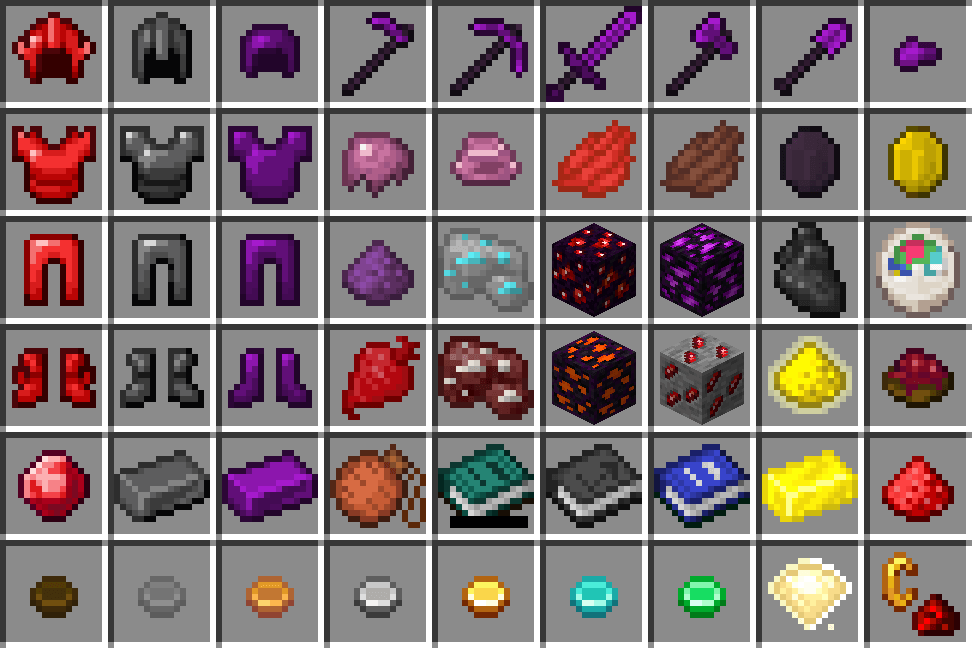
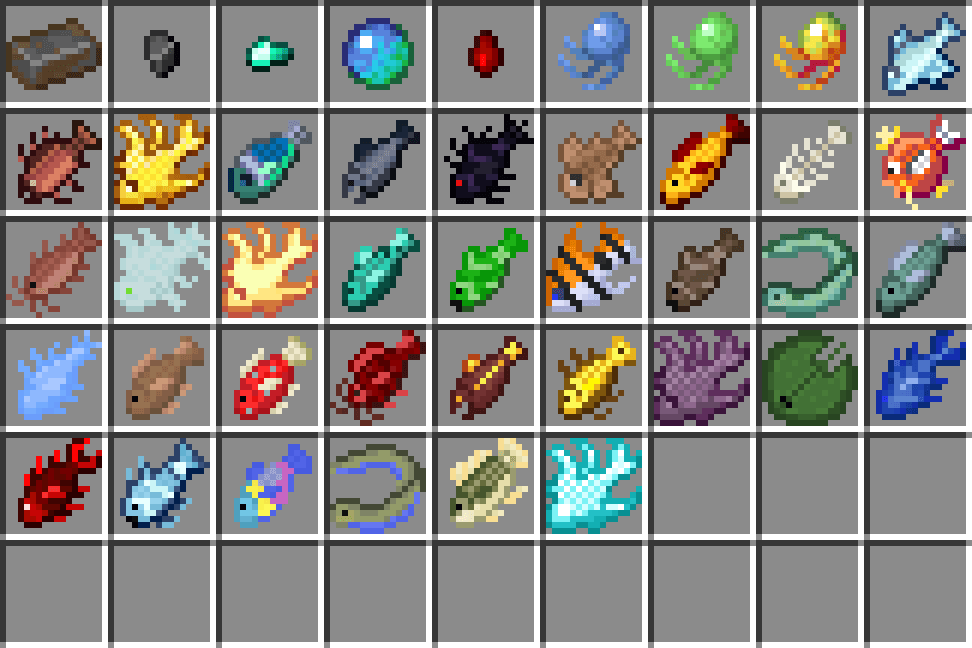
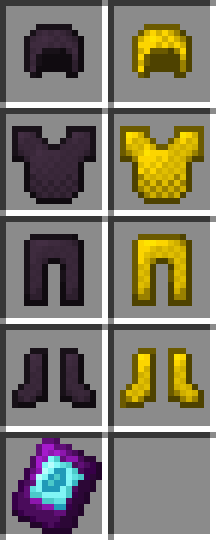
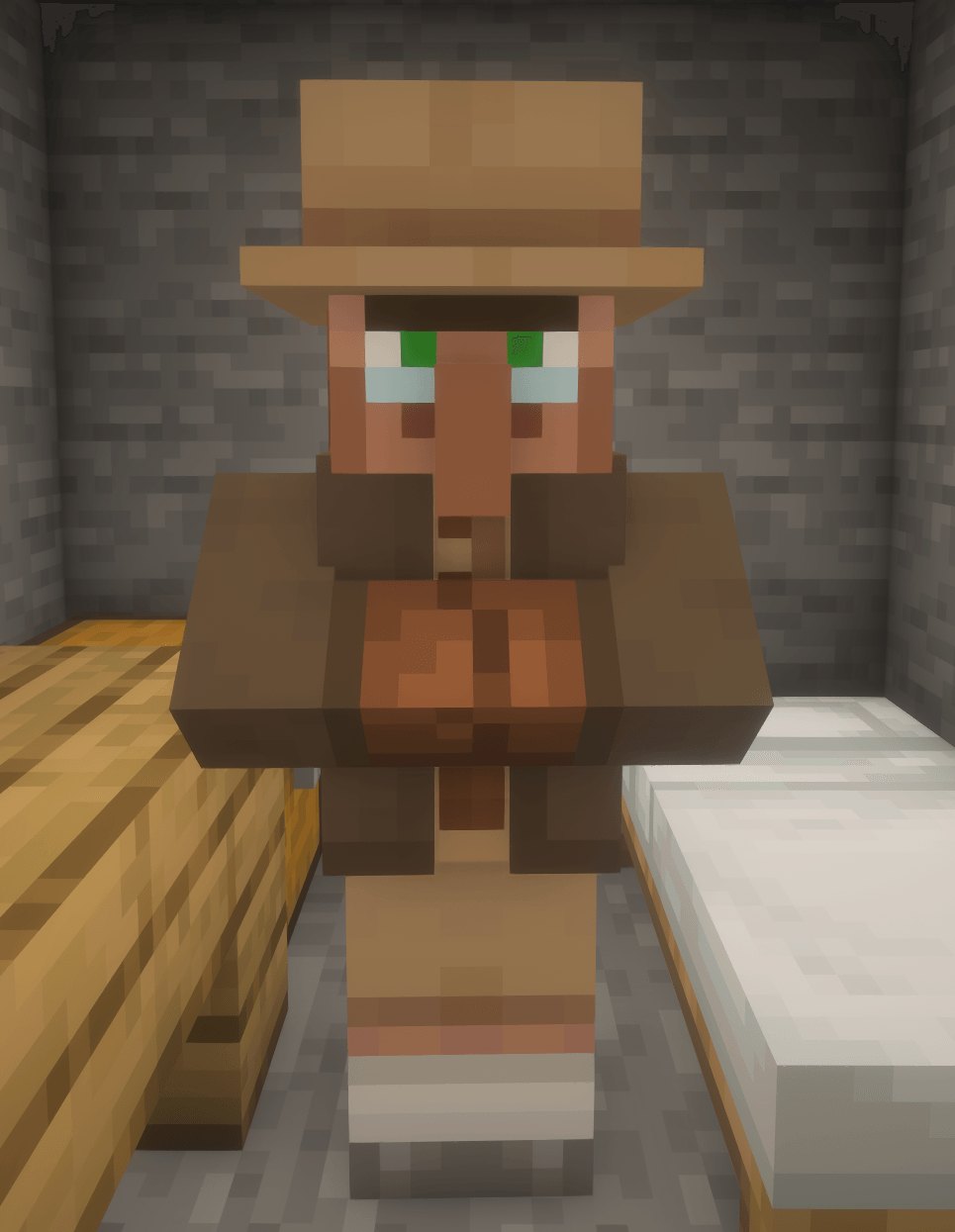
My most ambitious resource pack yet: modernizing EVERYTHING in RLCraft! I used a mixture of backported official textures, custom ones made by me, and textures snagged from other mods with similar enough items that I could substitute.
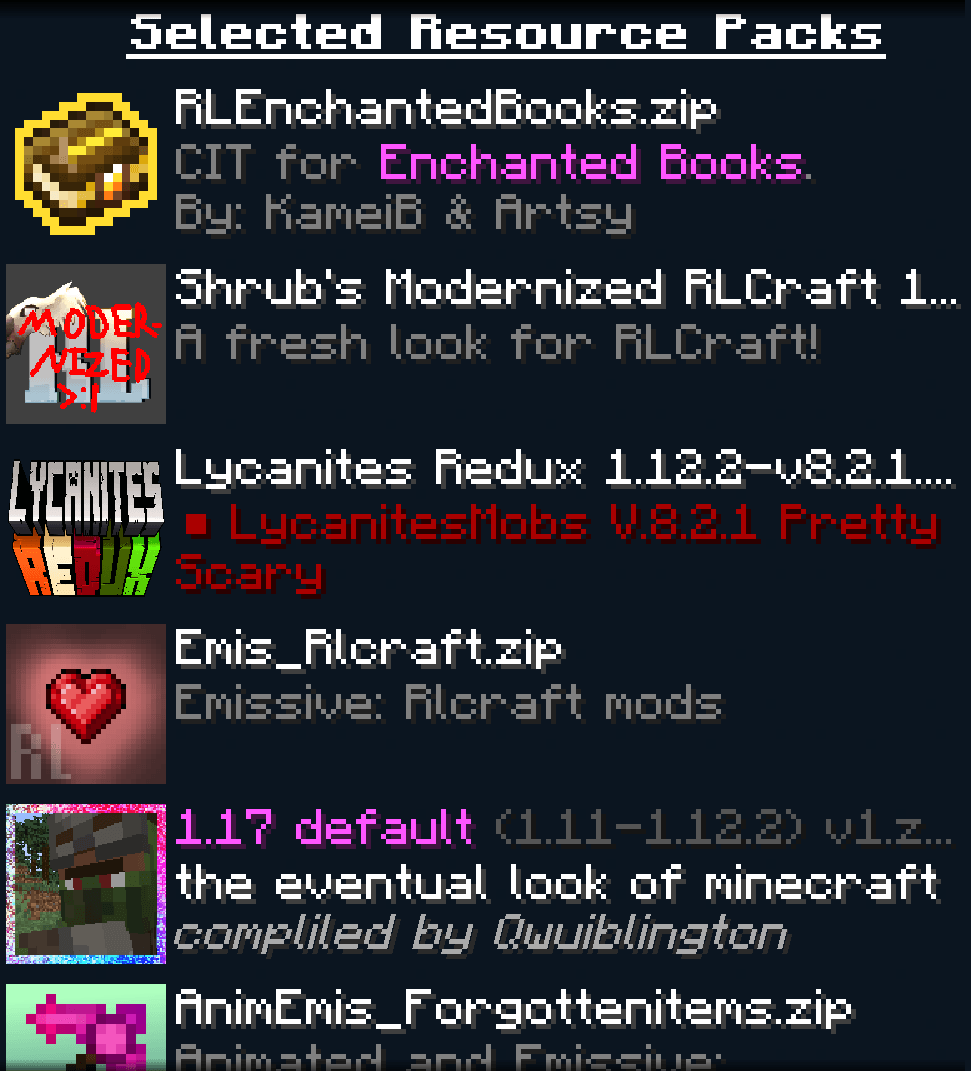
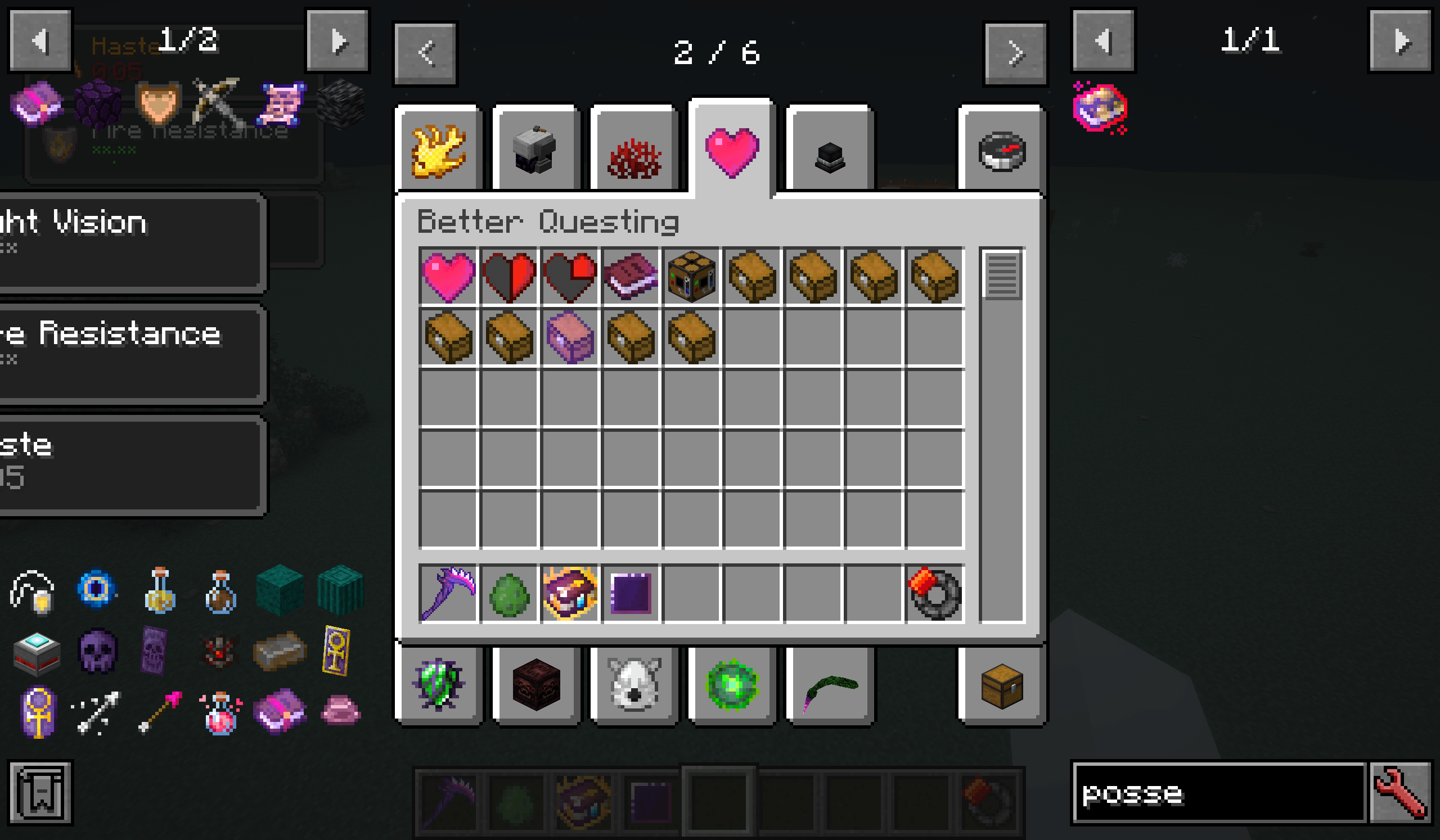
In essence, this pack makes RLCraft look like post-1.14 Minecraft. It is intended to be used with a vanilla texture backport, Lycanites Redux, and Animated+Emissive RL. I have included a screenshot of the proper load order in the gallery.

Note: the pack also contains some lang file tweaks to make the grammar more tolerable, most notably for Lycanite's Mobs and Switch-Bow. If you're wondering why spaces suddenly exist in Switch-Bow and Oxford commas exist in Lycanite's Mobs, that's why.

This resource pack wouldn't have been possible without the existing work of the following people:

Vazkii (Quark)

Team CoFH (Thermal Series)

Vectorwing (Farmer's Delight, Create)

ObliviousSpartan (Spartan Weaponry)

TheAdubbz (Serene Seasons)

AlexThe666 (Ice and Fire)

Raulsmartin and Simpledimple (Food Expansion: Reimagined)

Charles445 (Simple Difficulty)

Terraformers (Traverse)

Hunnycakehorse (More Barrel Variants)

Ribs498 (Vintage Delight)

Modernized RLCraft 14.zip
MC 1.12.2
Release 2026-10-15 Get
Modernized RLCraft 13
MC 1.12.2
Release 2026-09-27 Get
Modernized RLCraft 12.3.zip
MC 1.12.2
Release 2026-09-20 Get
MRLC 11.75 hotfix.zip
MC 1.12.2
Release 2026-07-27 Get
mrlc 11.75.zip
MC 1.12.2
Release 2026-07-20 Get
modern rl 10.2.zip
MC 1.12.2
Release 2026-03-23 Get
modern rl beta 2
MC 1.12.2
Release 2026-03-18 Get
modern rl beta
MC 1.12.2
Release 2026-03-15 Get

Requirements & install

How to use this resource pack in Minecraft
Resolution
16x
Minecraft
1.12.2
Install folder
.minecraft/resourcepacks

How to install resource packs

  1. Download the resource pack .zip file (do not extract it).
  2. In Minecraft open Options → Resource Packs → Open Pack Folder.
  3. Drop the .zip into the resourcepacks folder (.minecraft/resourcepacks).
  4. Move the pack to the Selected column and click Done.
Browse more: 16x resource packs 32x resource packs 64x resource packs 128x resource packs 256x resource packs 512x+ resource packs Resource Packs for 1.12.2 All resource packs

More from HM_Shrub

Advertisement Remove ads with Premium →

You Might Also Like