Mineuniverse
Resource Packs
Shrimp's Immersive Interfaces

Shrimp's Immersive Interfaces

RESOURCE PACK
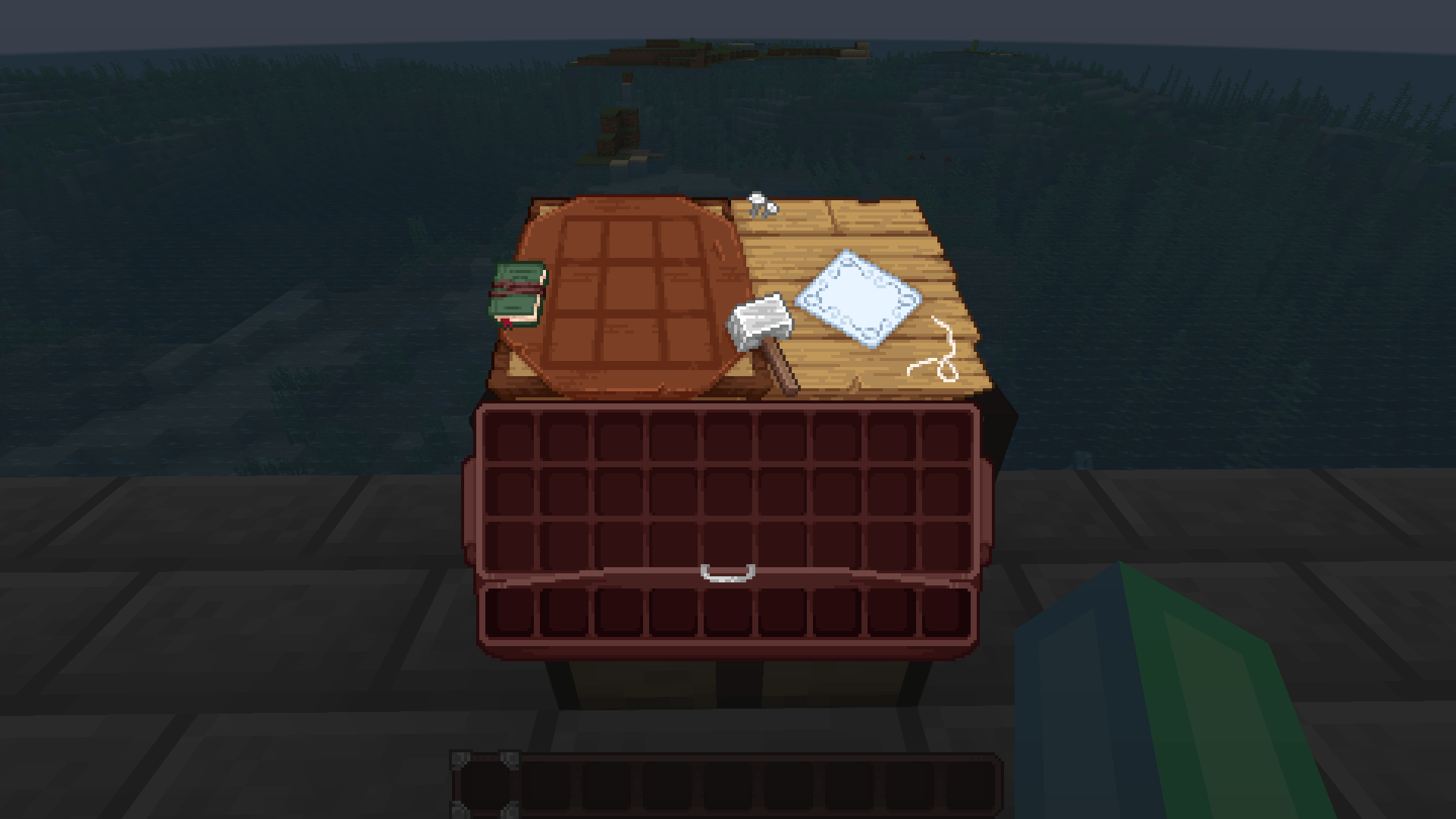
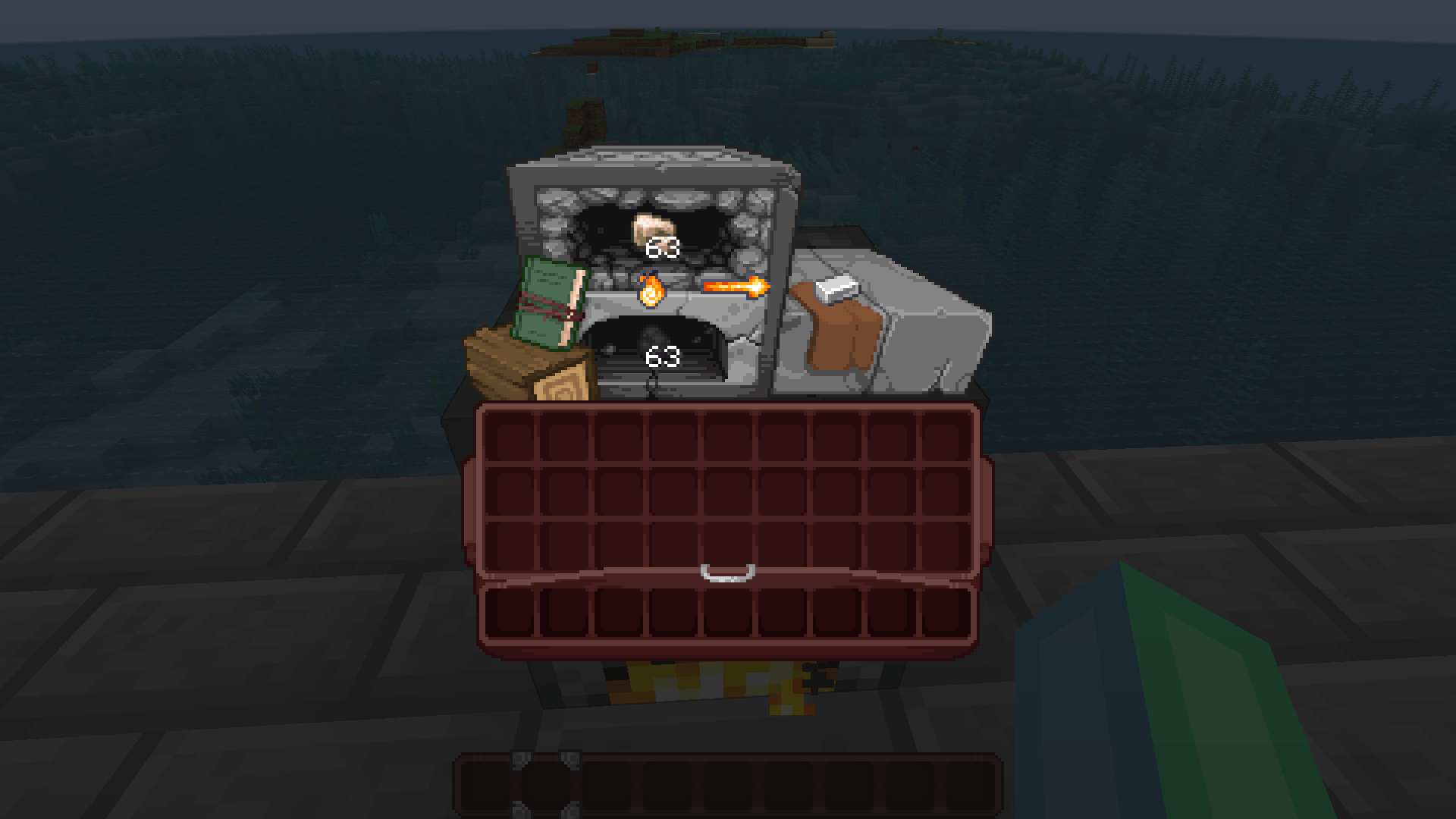
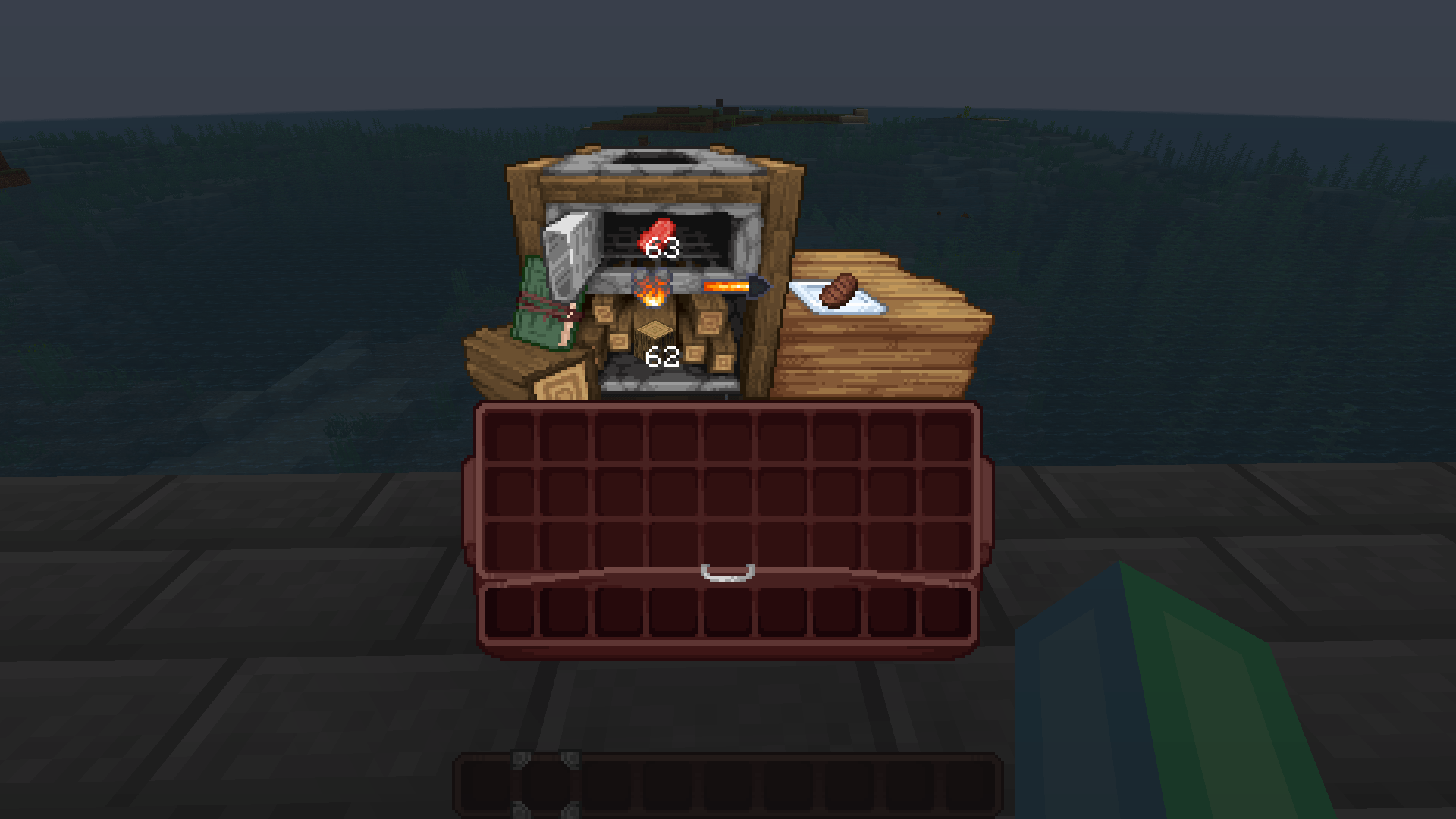
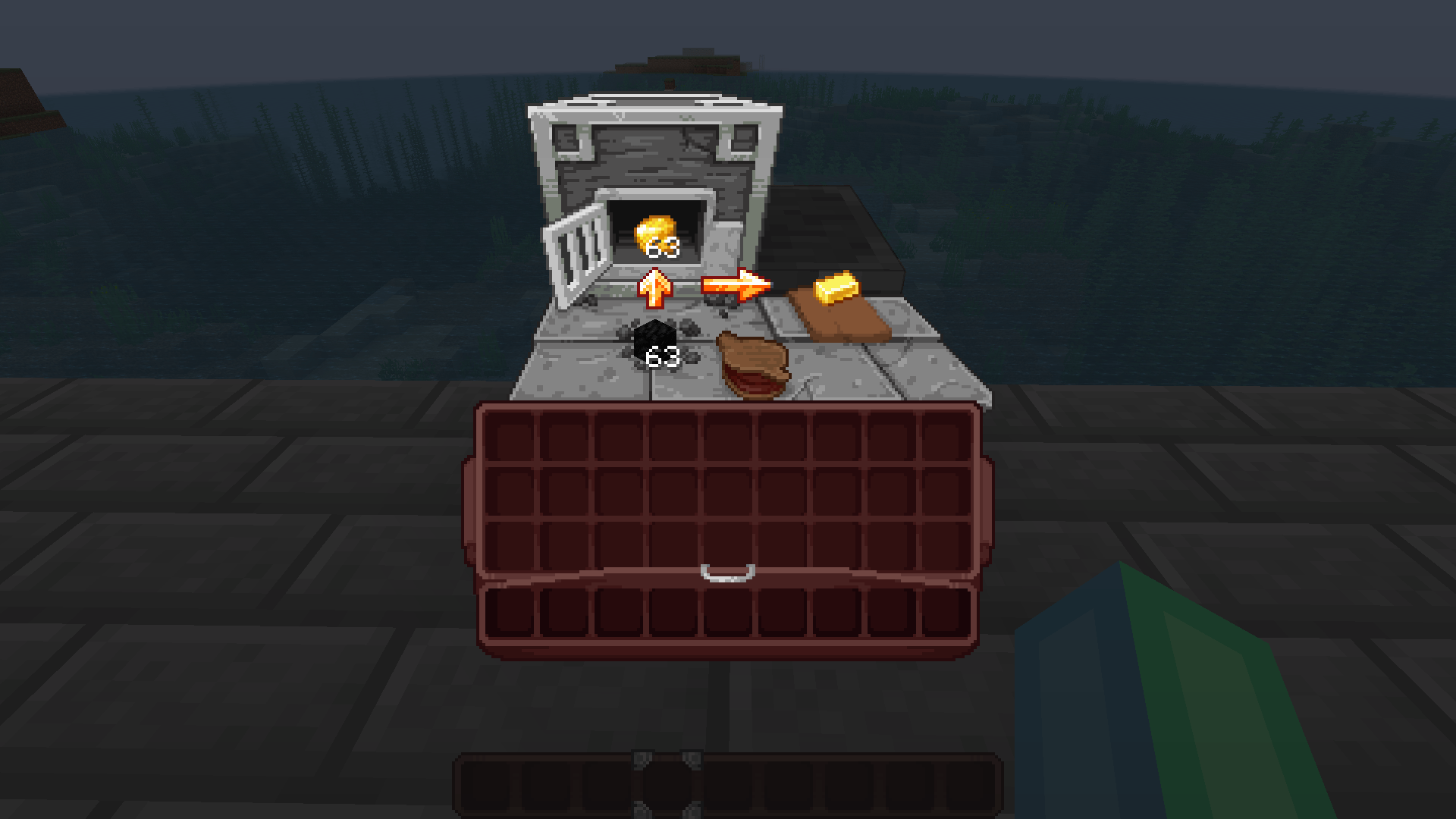
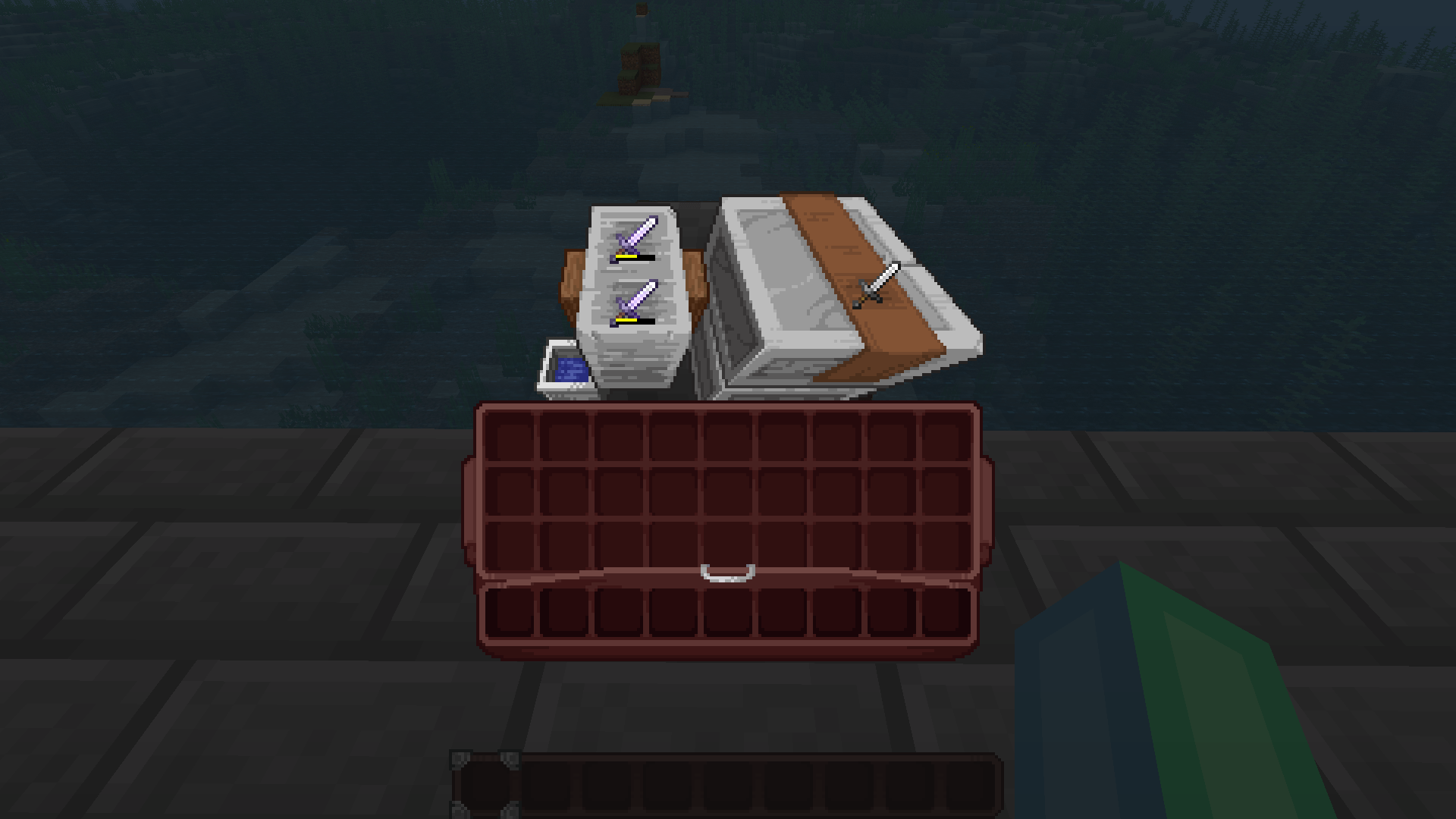
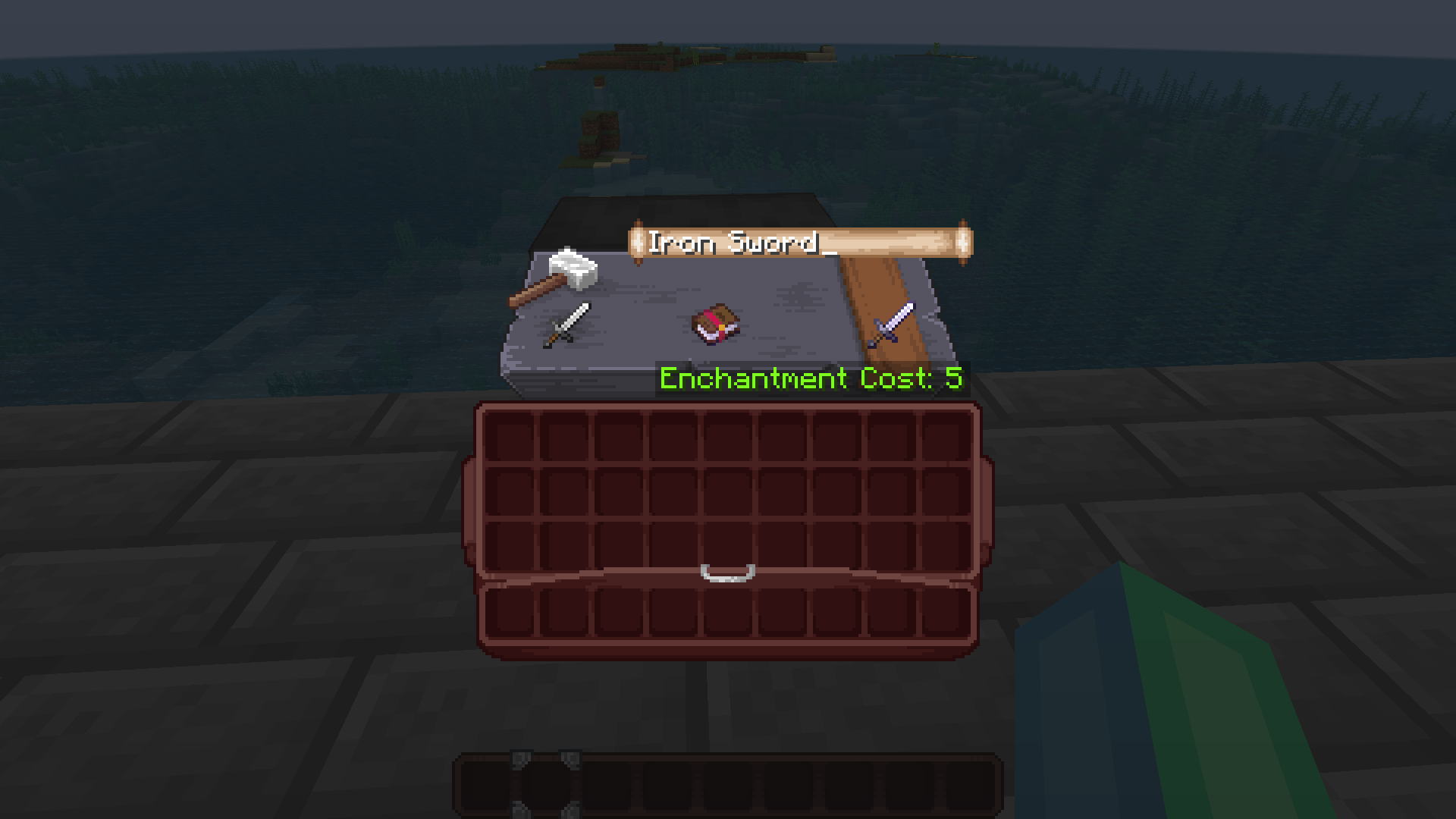
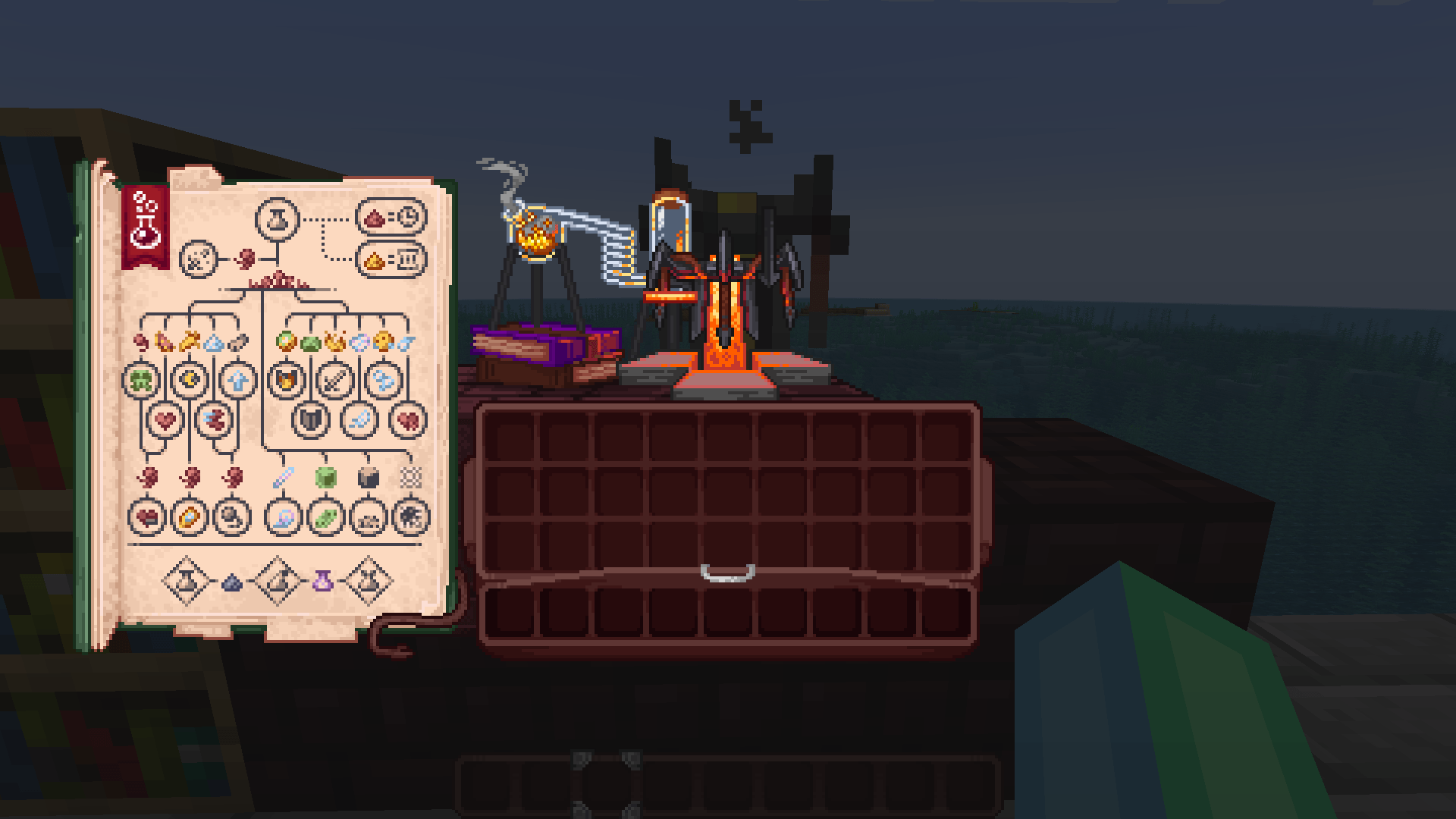
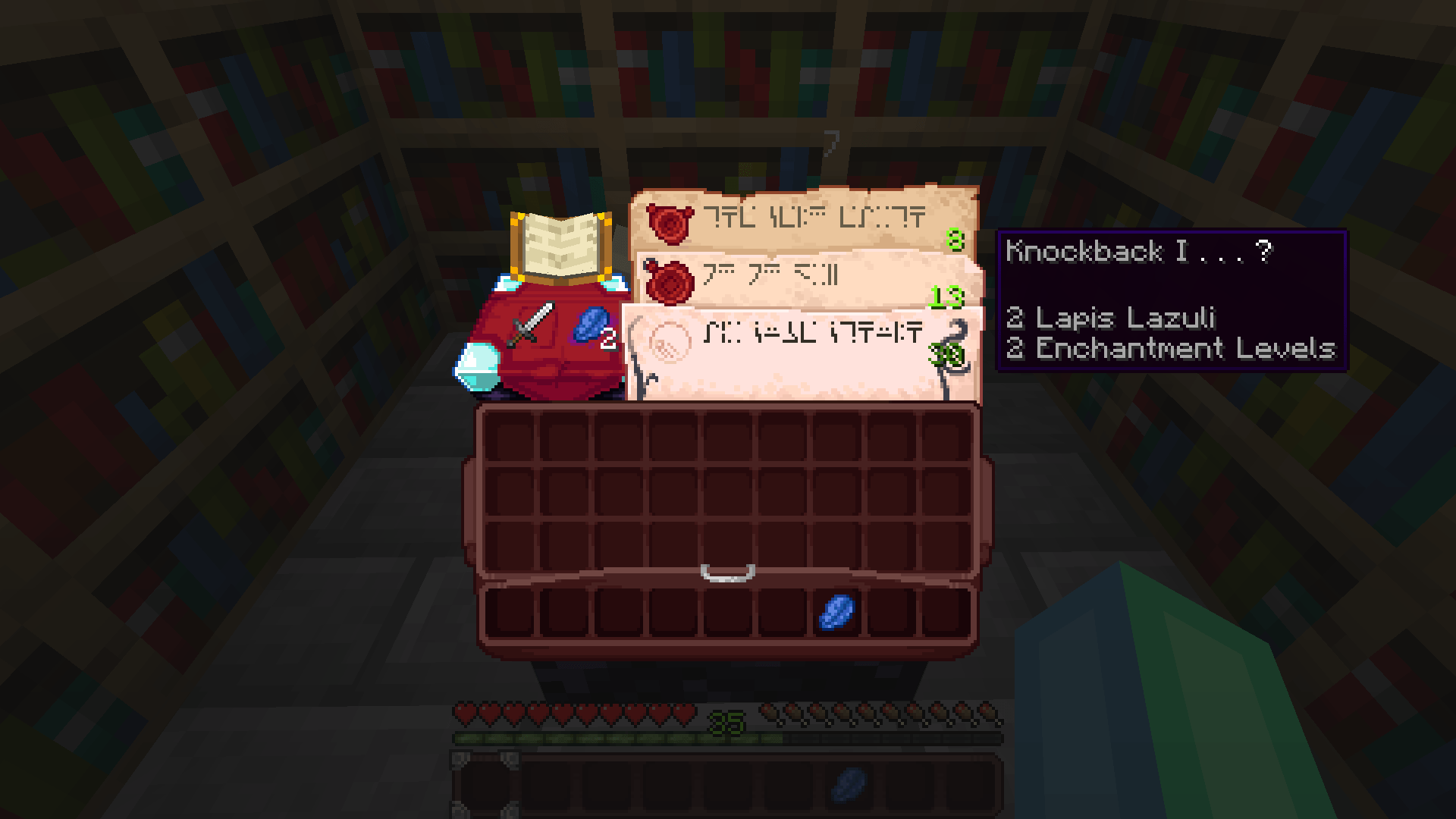
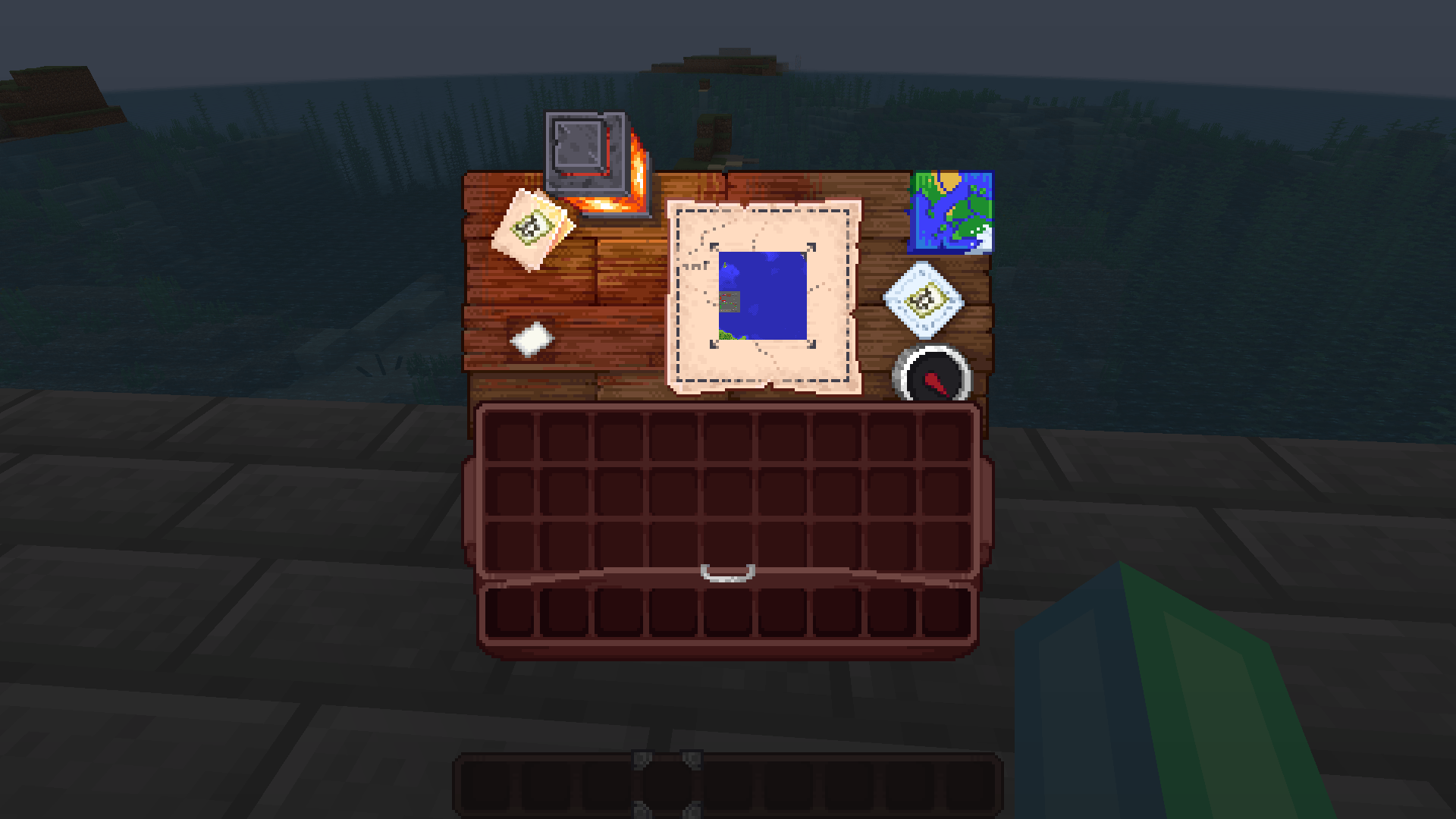
A complete graphical revamp of Minecraft's GUI, brings variety and charm to the previously grey boxes.
by Shrimpsnail
Download Claim this project
4,200,556 downloads
0 likes
Updated Oct 14, 2026
0 hypes
16x Miscellaneous
Advertisement Remove ads with Premium →

Immersive Interfaces

Support me! Join the server! Report Bugs!

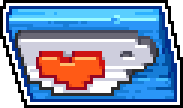
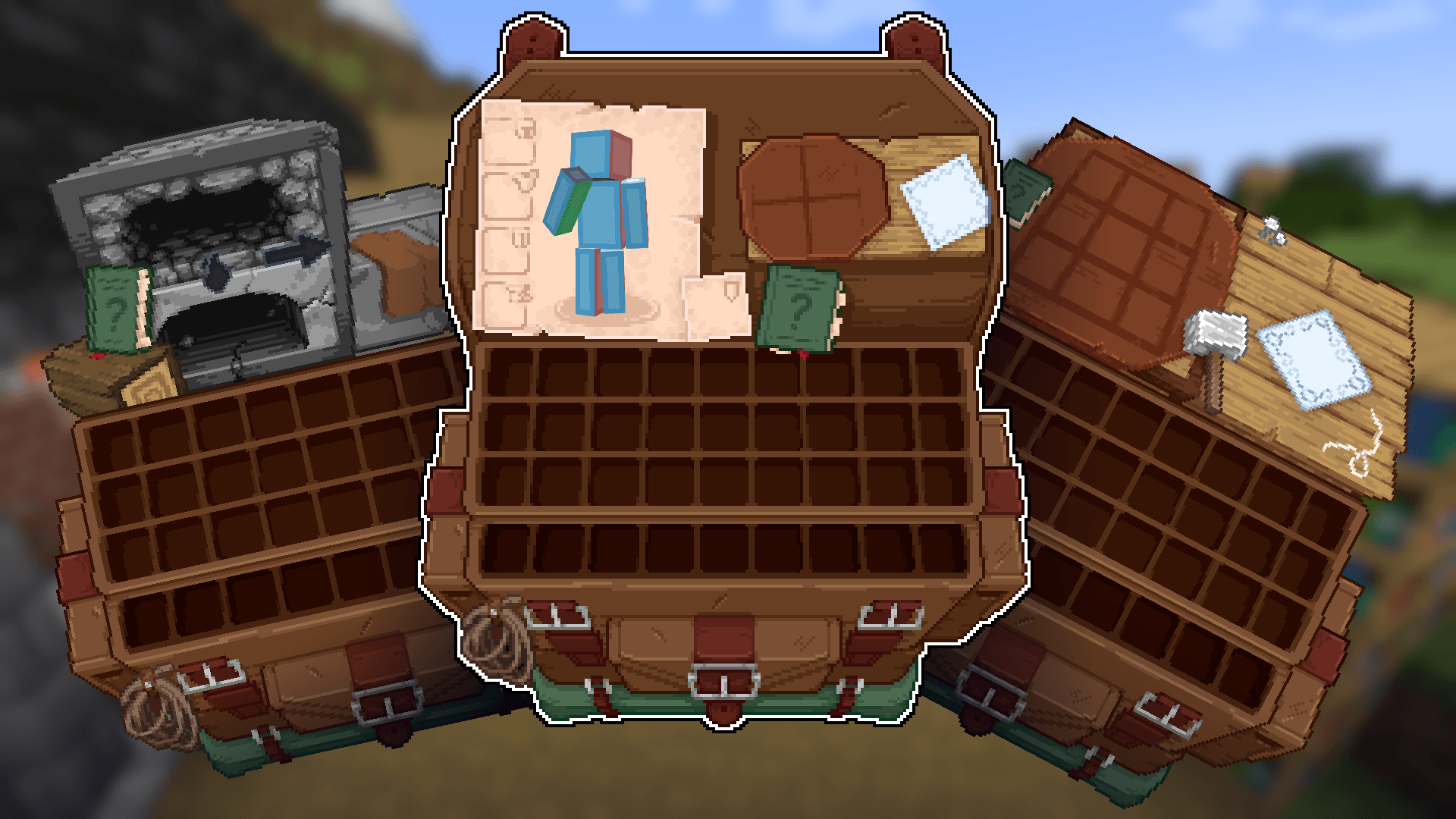
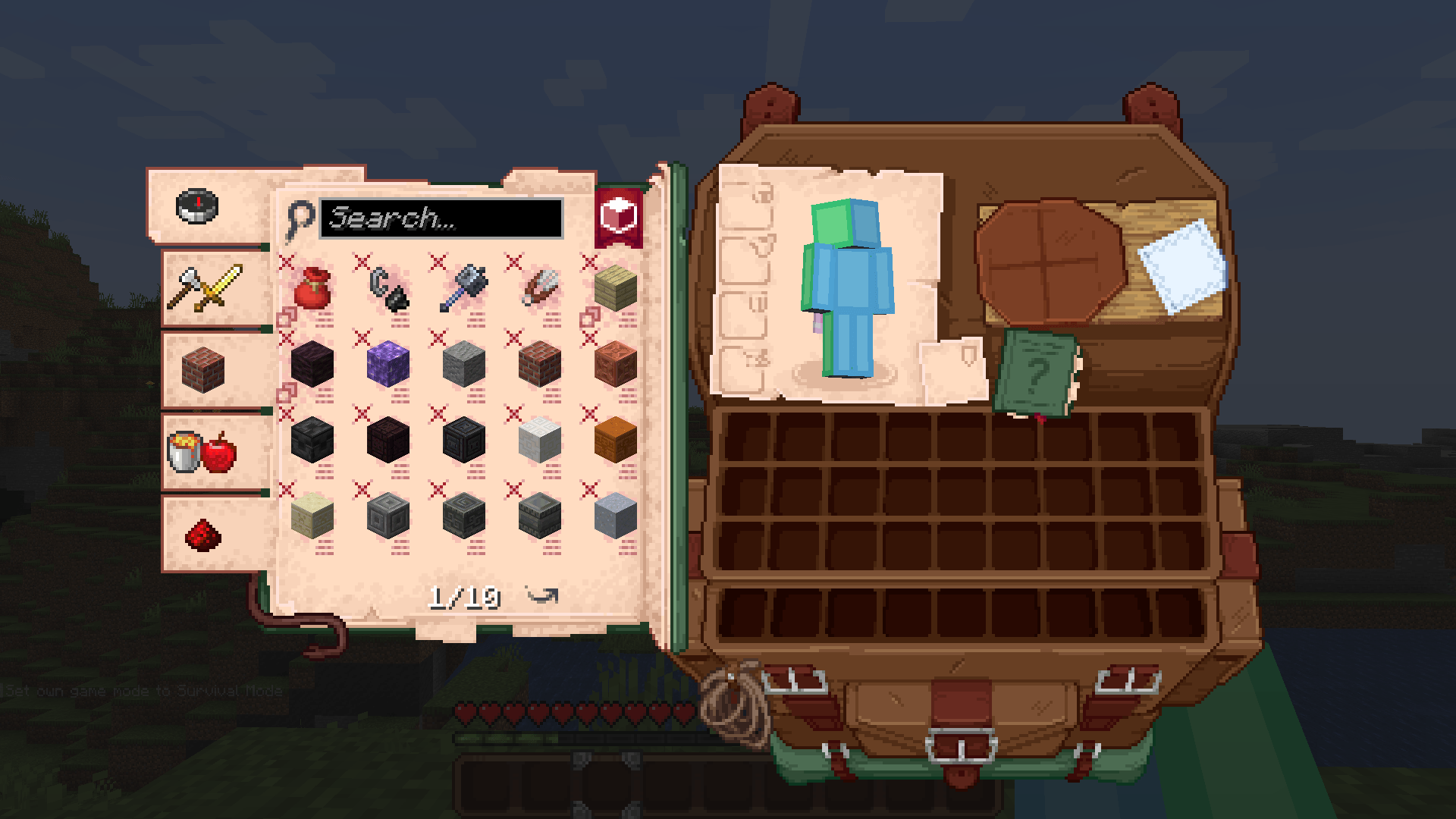
This resource pack revamps the grey boxes you're always looking at into something with a bit more personality, with small pixel art scenes of what you're looking at.

All features of this resource pack are completely vanilla unless advertised as such

Prefer seeing slots? (Sorry this is being reworked!)

If you've seen slots previously and are interested, they are currently being reworked to the new system, they are not currently available.

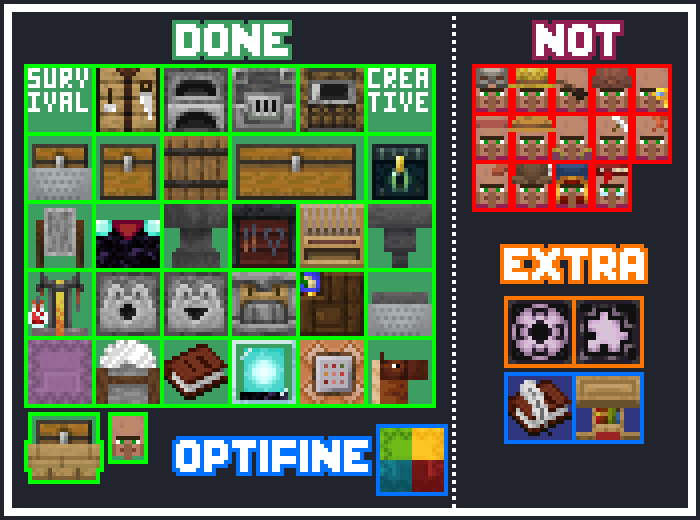
Current Progress

Roadmap

FAQ

Bedrock and other Editions?

Bedrock Edition is currently in progress, there is an available unofficial port in the discord server.

For the Chinese Edition an official port licenced to 紫晶冰城的陈君熙

Mod support?

Mod support textures are planned after the completion of the pack and will accept community submissions, however if the pack is breaking with a mod, please report it to the github or discord server
Immersive Interfaces 0.8.2 BETA
MC 1.21, 1.20.2, 1.21.8, 1.20.5, 1.21.5, 1.21.4, 1.20.1, 1.20, 1.20.6, 1.21.1, 1.21.6, 1.21.3, 1.21.7, 1.20.4, 1.20.3, 1.21.9, 1.21.10, 1.21.11, 26.1, 26.1.1
Release 2026-04-16 Get
Immersive Interfaces 0.8 1 BETA
MC 1.21, 1.20.2, 1.21.8, 1.20.5, 1.21.4, 1.20.1, 1.20, 1.20.6, 1.21.1, 1.21.6, 1.21.3, 1.21.7, 1.20.4, 1.20.3, 1.21.2, 1.21.9, 1.21.10, 1.21.11, 26.1, 26.1.1
Release 2026-04-07 Get
Immersive Interfaces 0.8 BETA
MC 1.20.2, 1.21, 1.20.5, 1.21.5, 1.21.8, 1.21.9, 1.21.10, 1.21.4, 1.20.3, 1.20.1, 1.20, 1.20.6, 1.20.4, 1.21.3, 1.21.7, 1.21.1, 1.21.6, 1.21.2
Release 2025-11-02 Get
Immersive Interfaces 0.7.1 BETA
MC 1.20.2, 1.21, 1.20.5, 1.21.5, 1.21.8, 1.21.4, 1.20.3, 1.20.1, 1.20, 1.20.6, 1.20.4, 1.21.3, 1.21.7, 1.21.1, 1.21.6, 1.21.2
Release 2025-07-29 Get
Immersive Interfaces 0.7.2 BETA
MC 1.20.2, 1.21, 1.20.5, 1.21.5, 1.21.8, 1.21.4, 1.20.3, 1.20.1, 1.20, 1.20.6, 1.20.4, 1.21.3, 1.21.7, 1.21.1, 1.21.6, 1.21.2
Release 2025-07-29 Get
Immersive interfaces 0.7 BETA
MC 1.20.2, 1.21, 1.20.5, 1.21.4, 1.20.3, 1.20.1, 1.20, 1.20.6, 1.20.4, 1.21.3, 1.21.1, 1.21.6, 1.21.2
Beta 2025-06-23 Get
Immersive Interfaces 0.6.2
MC 1.20.2, 1.21, 1.20.5, 1.21.4, 1.20.3, 1.20.1, 1.20, 1.20.6, 1.20.4, 1.21.3, 1.21.1, 1.21.2
Beta 2025-02-20 Get
Immersive Interfaces V0.6 BETA
MC 1.21.2-Snapshot, 1.21, 1.21.1-Snapshot, 1.21.4, 1.20.1, 1.20, 1.21-Snapshot, 1.21.3, 1.21.1, 1.21.4-Snapshot, 1.21.2
Beta 2025-02-18 Get
Immersive interfaces V0.6.1
MC 1.21.2-Snapshot, 1.21, 1.21.1-Snapshot, 1.21.4, 1.20.1, 1.20, 1.21.3, 1.21.1, 1.21.4-Snapshot, 1.21.2
Beta 2025-02-18 Get
Immersive Interfaces 0.5 BETA
MC 1.20.2, 1.21.2-Snapshot, 1.21, 1.20.5, 1.20.2-Snapshot, 1.20.5-Snapshot, 1.21.1-Snapshot, 1.20.3-Snapshot, 1.20.3, 1.20.1, 1.20, 1.20.6, 1.20.4, 1.21-Snapshot, 1.21.3, 1.21.1
Beta 2024-11-05 Get
Immersive Interfaces 0.4 BETA
MC 1.20.2, 1.21, 1.20.5, 1.20.2-Snapshot, 1.20.5-Snapshot, 1.21.1-Snapshot, 1.20.3-Snapshot, 1.20.3, 1.20.1, 1.20, 1.20.6, 1.20.4, 1.21-Snapshot, 1.21.1
Beta 2024-10-06 Get
Immersive Interfaces 0.3 BETA
MC 1.20.2, 1.21, 1.20.5, 1.20.2-Snapshot, 1.20.5-Snapshot, 1.21.1-Snapshot, 1.20.3-Snapshot, 1.20.3, 1.20.1, 1.20, 1.20.6, 1.20.4, 1.21-Snapshot, 1.20-Snapshot, 1.21.1
Beta 2024-09-11 Get
Immersive Interfaces 0.2 BETA
MC 1.20.2, 1.21, 1.20.5, 1.20.5-Snapshot, 1.21.1-Snapshot, 1.20.3-Snapshot, 1.20.3, 1.20.6, 1.20.4, 1.21-Snapshot, 1.21.1
Beta 2024-09-04 Get
Immersive Interfaces 0.1 BETA
MC 1.21, 1.21.1
Beta 2024-08-20 Get

Requirements & install

How to use this resource pack in Minecraft
Resolution
16x
Minecraft
1.21.6 – 26.1.1
Install folder
.minecraft/resourcepacks

How to install resource packs

  1. Download the resource pack .zip file (do not extract it).
  2. In Minecraft open Options → Resource Packs → Open Pack Folder.
  3. Drop the .zip into the resourcepacks folder (.minecraft/resourcepacks).
  4. Move the pack to the Selected column and click Done.
Browse more: 16x resource packs 32x resource packs 64x resource packs 128x resource packs 256x resource packs 512x+ resource packs Resource Packs for 26.1.1 All resource packs

More from Shrimpsnail

Advertisement Remove ads with Premium →

You Might Also Like