Mineuniverse
Resource Packs
Shiny's All-Knowing Sculk

Shiny's All-Knowing Sculk

RESOURCE PACK
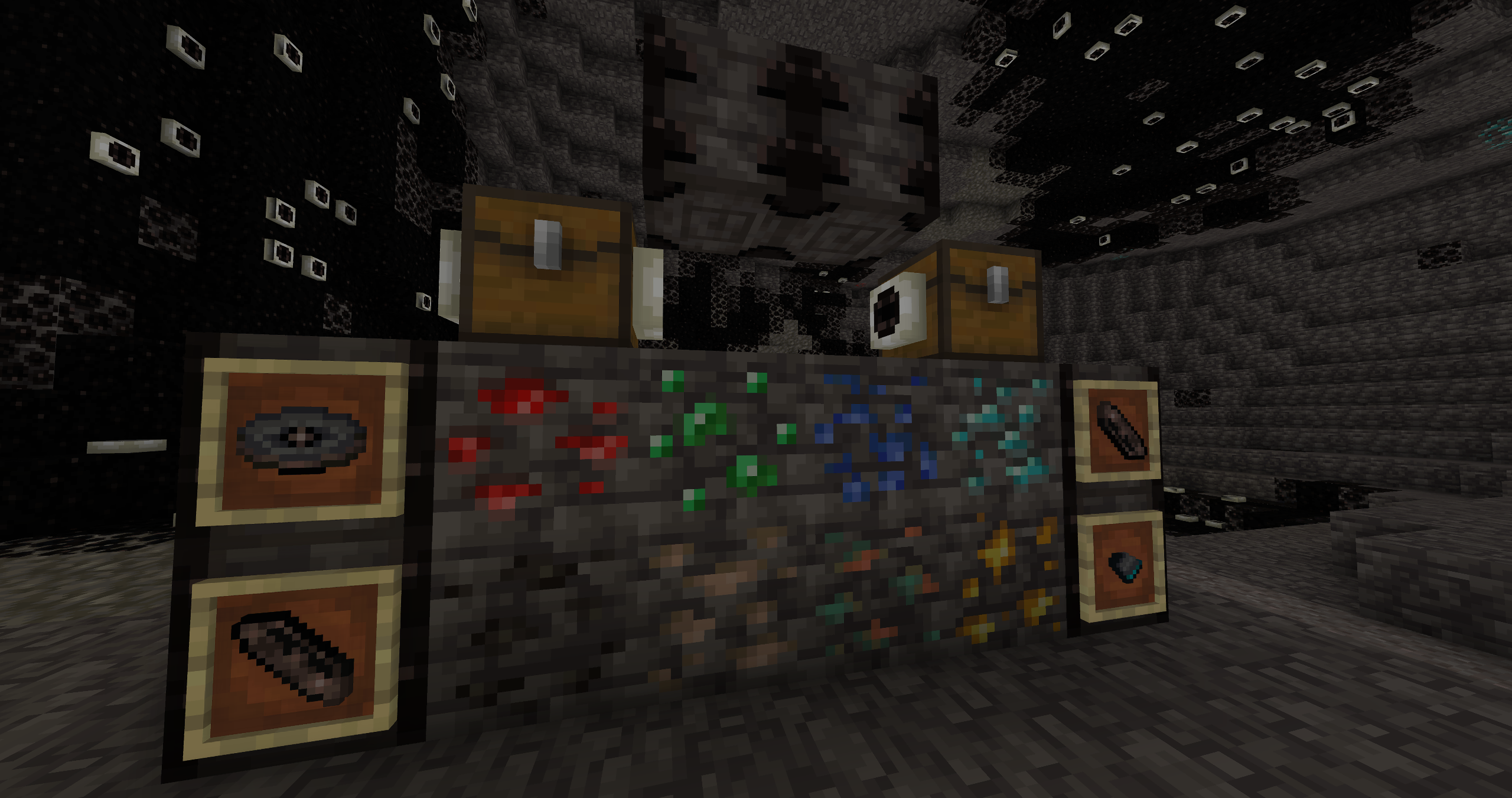
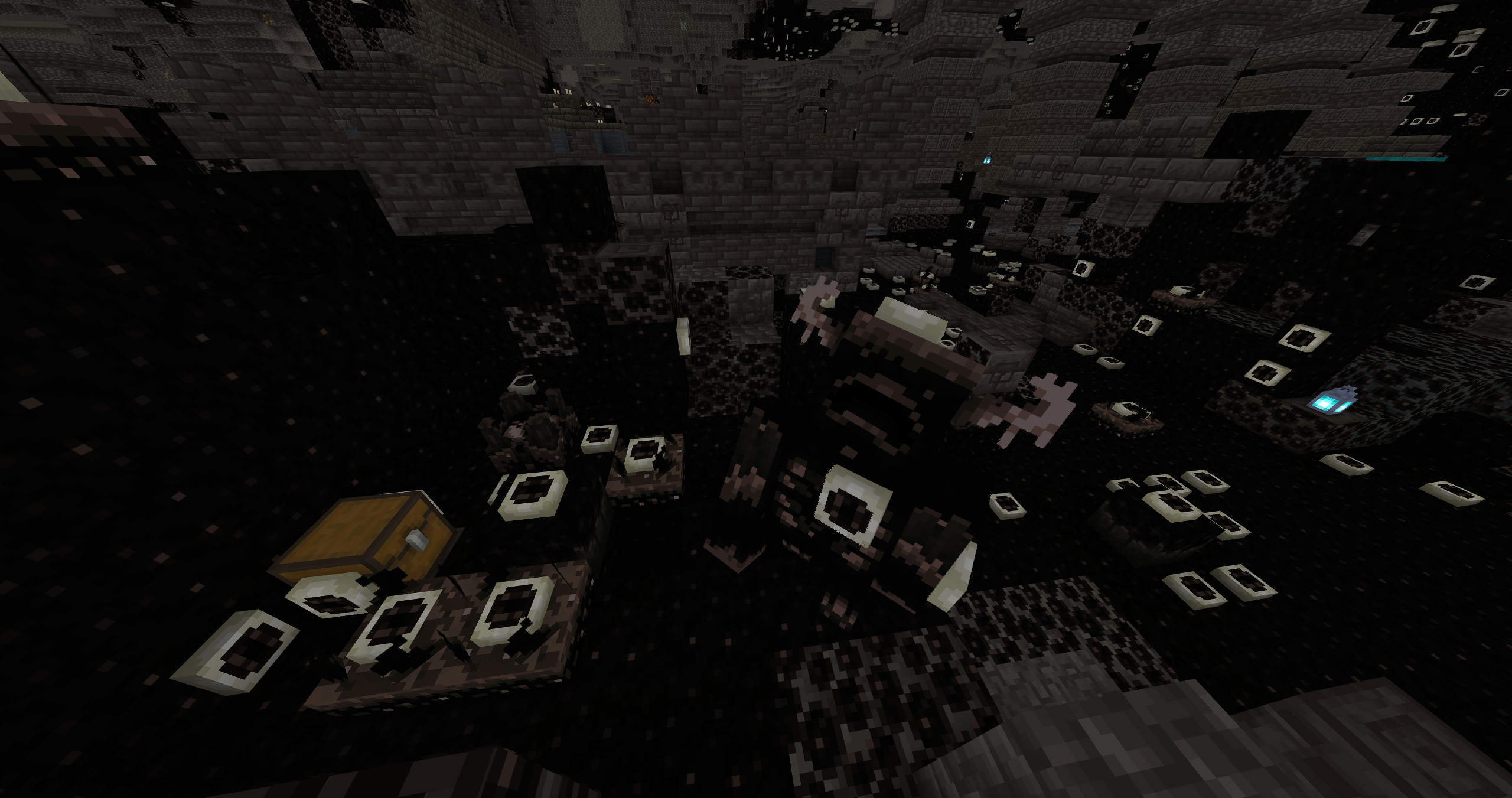
Darkens & adds eyes to the deep dark
by ShinyDragon96
Download Claim this project
1,206 downloads
0 likes
0 followers
Updated Oct 14, 2026
0 hypes
Follow0
16x Animated Miscellaneous Modern Traditional
Advertisement Remove ads with Premium →


Shiny's All-Knowing Sculk
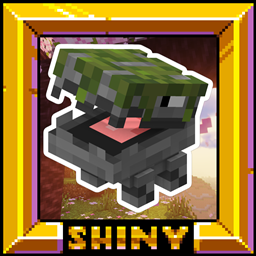
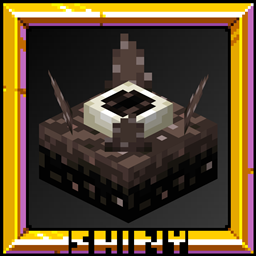
This pack darkens & adds eyes to all kinds of blocks that are found in the deep dark. I made this pack for the first round of Butterd's Texture Tournament, with the theme being the deep dark. I was inspired by the eyeballs from the game "Doors 👁️", a popular game on Roblox. With this pack being for a tournament, a few parts are a little rushed, but I feel everything turned out great!

ShinyDragon96 - Owner, Textures, Models, Organizer


Complete Simplistic Pack — ShiNeaL's Simplastic Pack
Realistic Entities — Shiny's Entity Models Plus!
All Vanilla Packs — Shiny's Mashup Pack
Shiny's All-Knowing Sculk© 2023 by ShinyDragon96 is licensed under CC BY-NC 4.0

! - If you use this pack in a video, post, or anything else, it must be linked back to here & credited in my name - !

v3 All-Knowing Sculk | 07-31-2023
MC 1.19.3, 1.19.4-Snapshot, 1.19.4, 1.19-Snapshot, 1.19.2, 1.20.1, 1.20, 1.19.1, 1.20-Snapshot, 1.19, 1.19.3-Snapshot
Release 2023-08-01 Get
v2 All-Knowing Sculk | 07-16-2023
MC 1.19.3, 1.19.4-Snapshot, 1.19.4, 1.19-Snapshot, 1.19.2, 1.20.1, 1.20, 1.19.1, 1.20-Snapshot, 1.19, 1.19.3-Snapshot
Beta 2023-07-17 Get
Shiny's All-Knowing Sculk v1.zip
MC 1.19.3, 1.19.4-Snapshot, 1.19.4, 1.19-Snapshot, 1.19.2, 1.20.1, 1.20, 1.19.1, 1.20-Snapshot, 1.19, 1.19.3-Snapshot
Alpha 2023-07-16 Get

Requirements & install

How to use this resource pack in Minecraft
Resolution
16x
Minecraft
1.19.2 – 1.20.1
Install folder
.minecraft/resourcepacks

How to install resource packs

  1. Download the resource pack .zip file (do not extract it).
  2. In Minecraft open Options → Resource Packs → Open Pack Folder.
  3. Drop the .zip into the resourcepacks folder (.minecraft/resourcepacks).
  4. Move the pack to the Selected column and click Done.
Browse more: 16x resource packs 32x resource packs 64x resource packs 128x resource packs 256x resource packs 512x+ resource packs Resource Packs for 1.20.1 All resource packs

More from ShinyDragon96

Advertisement Remove ads with Premium →

You Might Also Like