Mineuniverse
Resource Packs
ShiNeaL's Bannercarts

ShiNeaL's Bannercarts

RESOURCE PACK
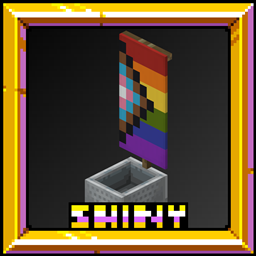
Adds banners to minecarts
by ShiNeaLStudios
Download Claim this project
638 downloads
0 likes
0 followers
Updated Oct 14, 2026
0 hypes
Follow0
16x Miscellaneous Traditional
Advertisement Remove ads with Premium →


ShiNeaL's Bannercarts
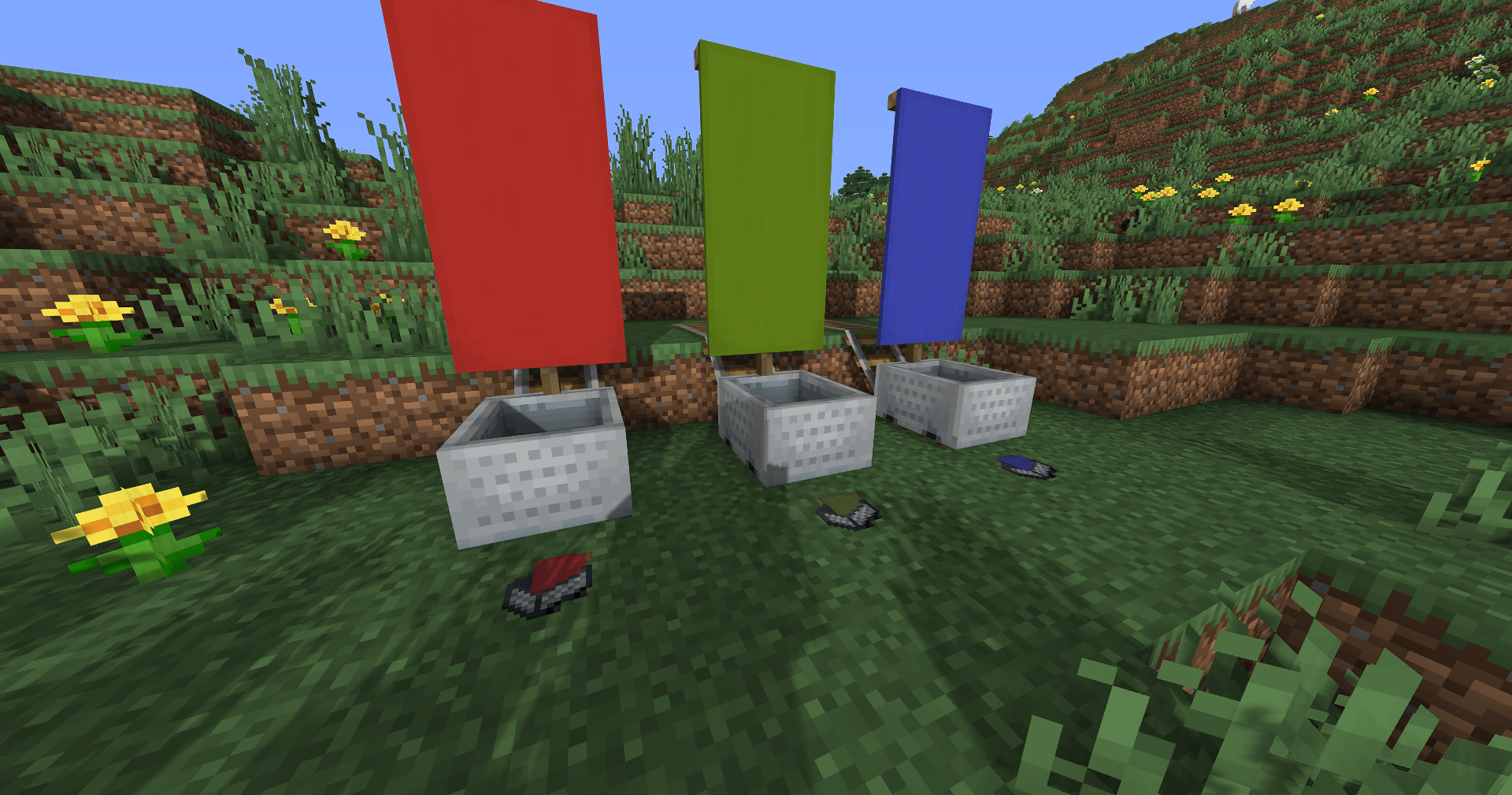
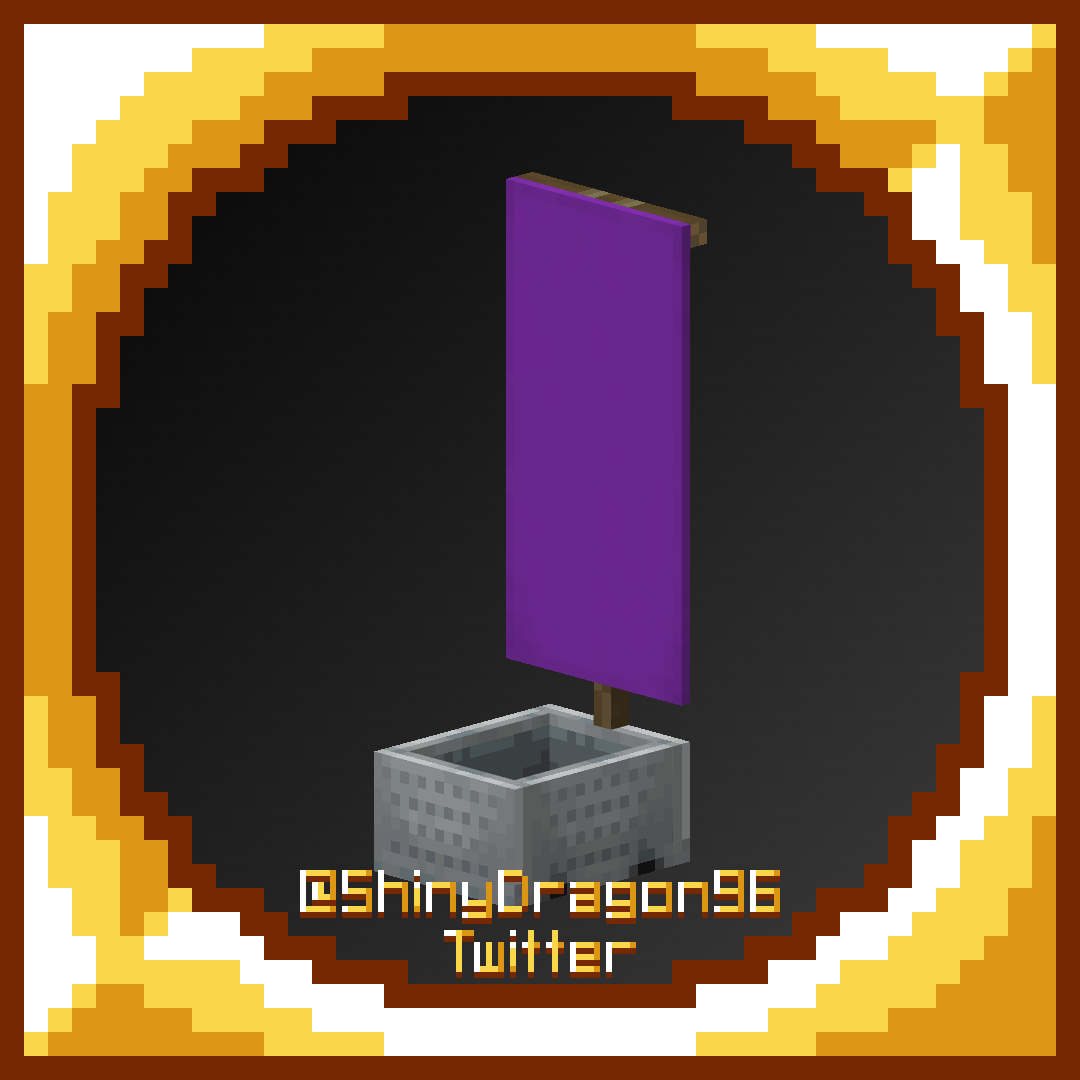
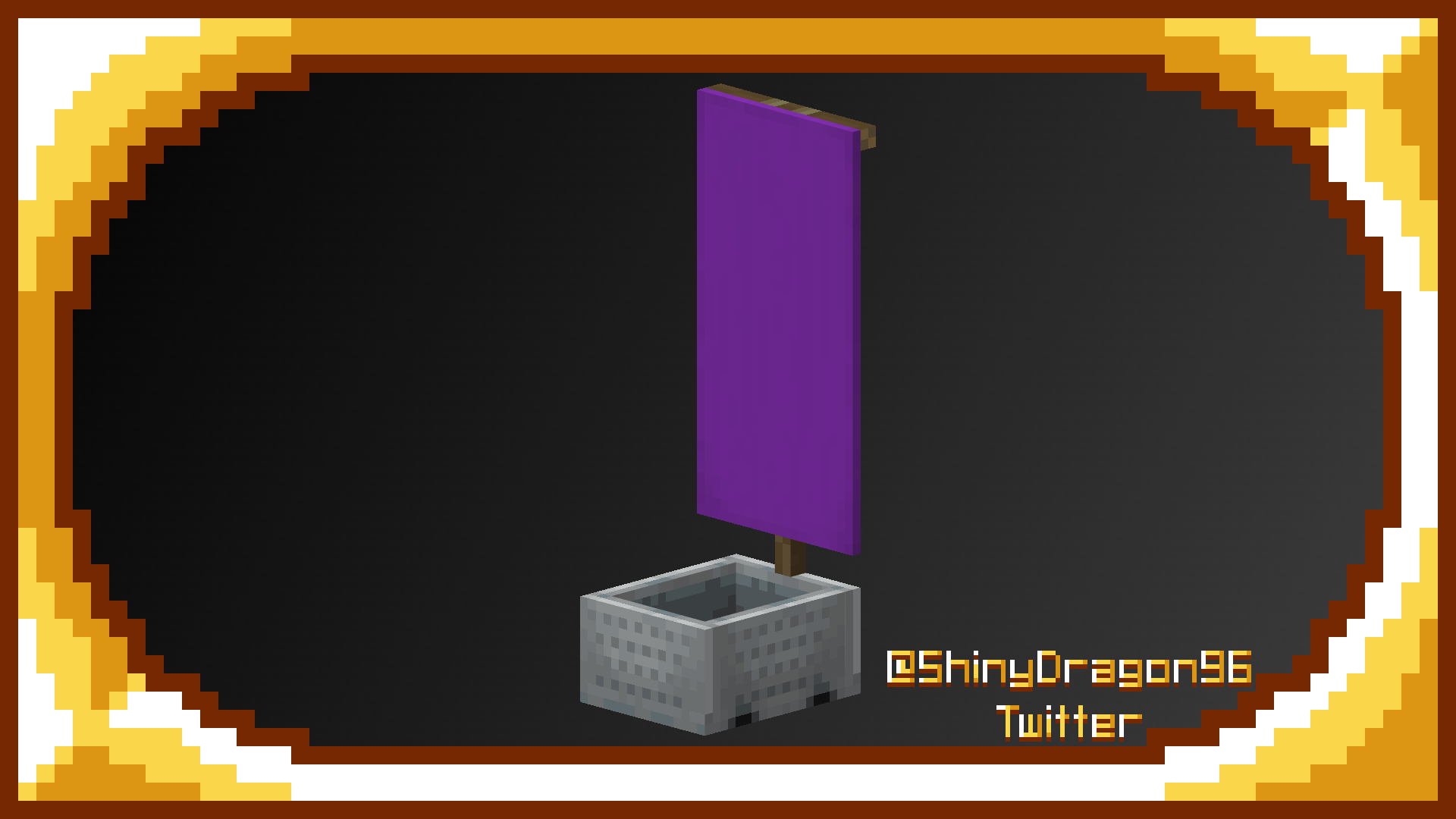
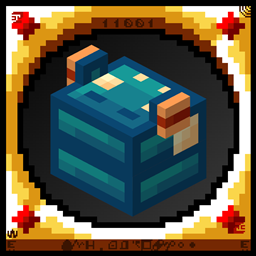
This is a pack that Tgw Creeper and I have made which adds bannercarts! When naming a minecart a color then bannercart, for ex: "Purple Bannercart", The cart will have a purple banner! You can also do Rainbow to get random colors every time you place them! The items are currently a work in progress and some bugs such as other minecarts like hopper, chest, etc not having the correct textures.



💀

ShinyDragon96 - Owner, Founder, Textures, Models, Organizer

pigeo - Just Here, the Usual


Complete Simplistic Pack — ShiNeaL's Simplastic Pack
Realistic Entities — Shiny's Entity Models Plus!
Mob Vote Mobs — Shiny's Mob Vote Revival
Green Screens — Shiny's Green Screen!


ShiNeaL's Bannercarts© 2021 by ShinyDragon96 and ShiNeaL is licensed under CC BY-NC 4.0

! - If you use this pack in a video, post, or anything else, it must be linked back to here & credited in my name - !

v03 Bannercarts | 06-14-2023
MC 1.16-Snapshot, 1.17.1, 1.16.3, 1.13.1, 1.19.3, 1.15-Snapshot, 1.16.1, 1.18.1, 1.19.4-Snapshot, 1.14.4, 1.14.1, 1.12.1, 1.17, 1.12, 1.14.3, 1.15, 1.16, 1.13, 1.19.4
Release 2023-06-14 Get
v02 Bannercarts | 08-09-2022
MC 1.16-Snapshot, 1.17.1, 1.16.3, 1.13.1, 1.15-Snapshot, 1.16.1, 1.18.1, 1.14.4, 1.14.1, 1.12.1, 1.17, 1.12, 1.14.3, 1.15, 1.16, 1.13, 1.19-Snapshot, 1.16.5, 1.18.2, 1.19.2
Beta 2022-08-09 Get
v01 Bannercarts | 02-03-2021
MC 1.16-Snapshot, 1.17.1, 1.16.3, 1.13.1, 1.15-Snapshot, 1.16.1, 1.18.1, 1.14.4, 1.14.1, 1.12.1, 1.17, 1.12, 1.14.3, 1.15, 1.16, 1.13, 1.19-Snapshot, 1.16.5, 1.18.2, 1.19.2
Alpha 2022-08-09 Get

Requirements & install

How to use this resource pack in Minecraft
Resolution
16x
Minecraft
1.17.1 – 1.19.4
Install folder
.minecraft/resourcepacks

How to install resource packs

  1. Download the resource pack .zip file (do not extract it).
  2. In Minecraft open Options → Resource Packs → Open Pack Folder.
  3. Drop the .zip into the resourcepacks folder (.minecraft/resourcepacks).
  4. Move the pack to the Selected column and click Done.
Browse more: 16x resource packs 32x resource packs 64x resource packs 128x resource packs 256x resource packs 512x+ resource packs Resource Packs for 1.19.4 All resource packs

More from ShiNeaLStudios

Advertisement Remove ads with Premium →

You Might Also Like