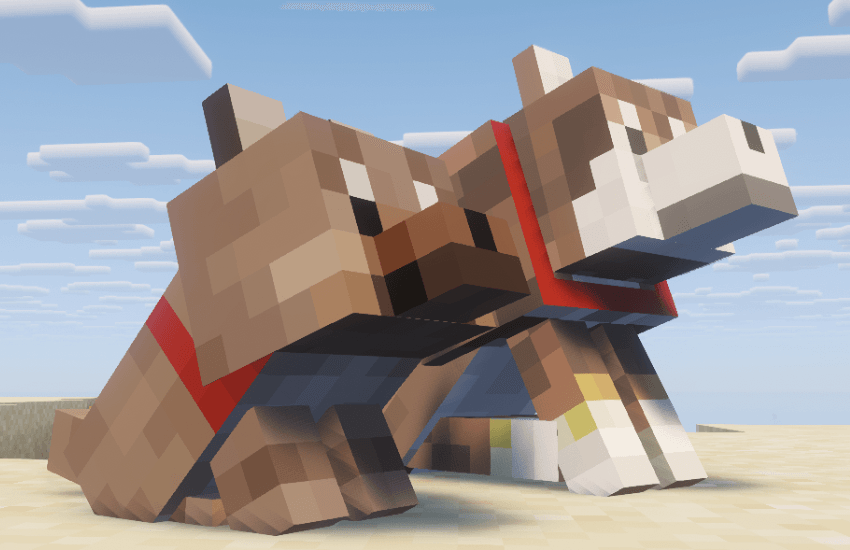
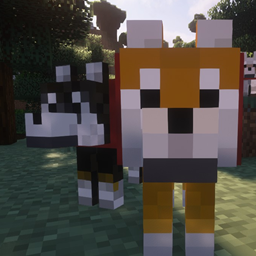
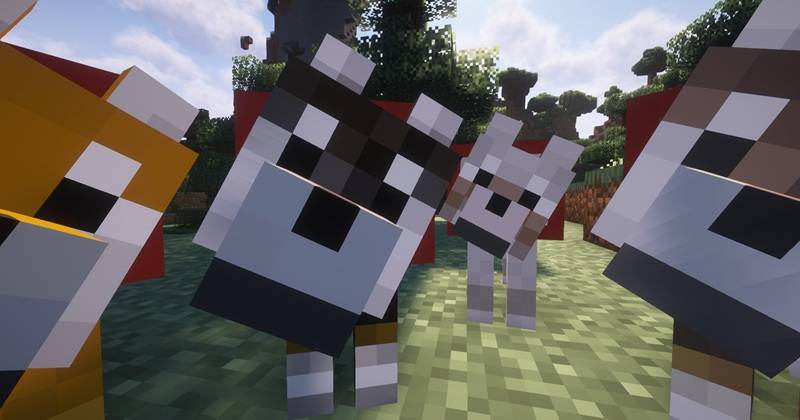
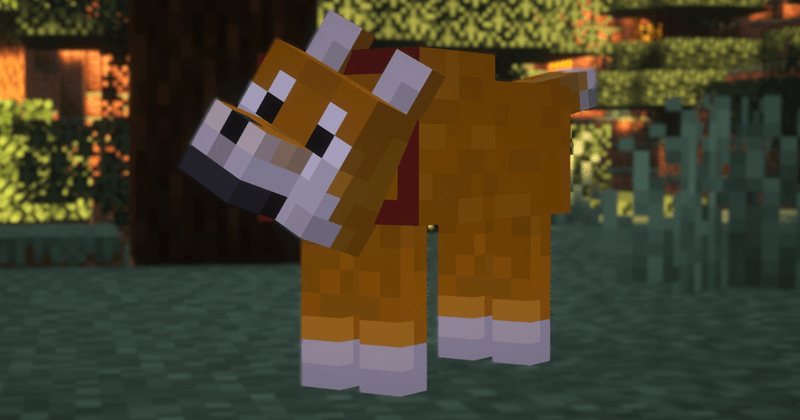
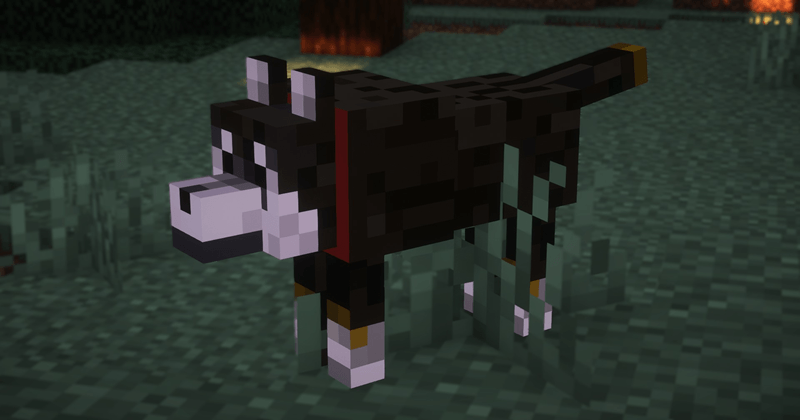
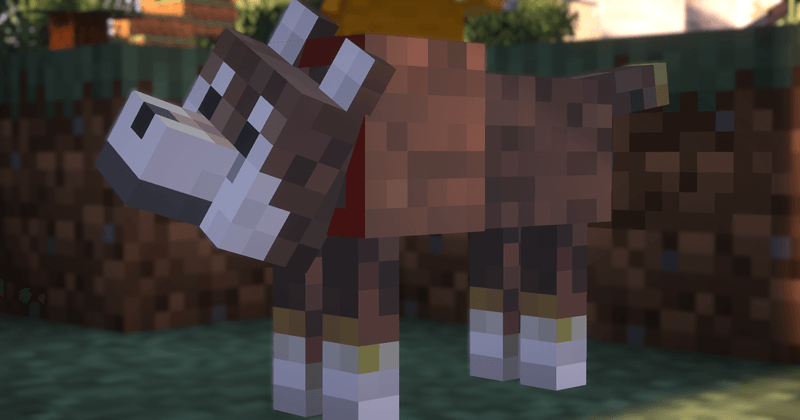
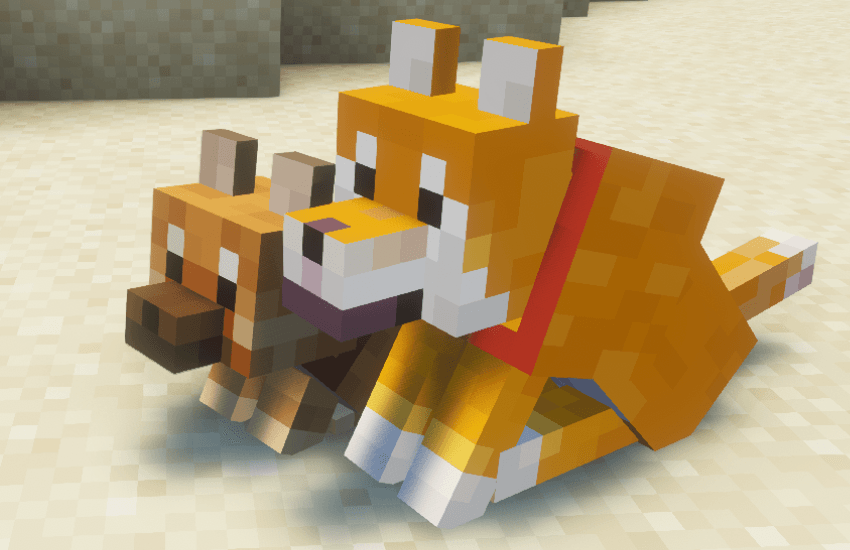
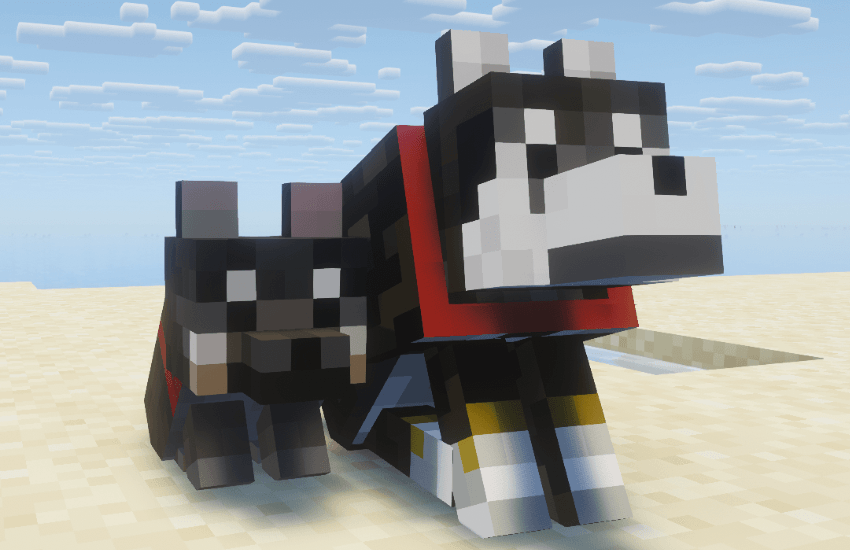
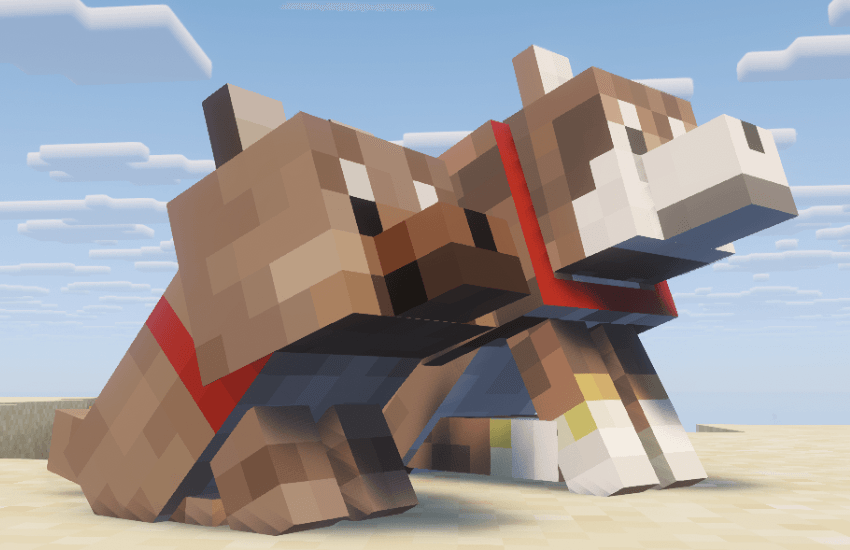
これは従来からMinecraftに実装されていた白いオオカミを飼いならした際に、柴犬の赤・黒・白・胡麻の4色にランダムに変化するリソースパックです。
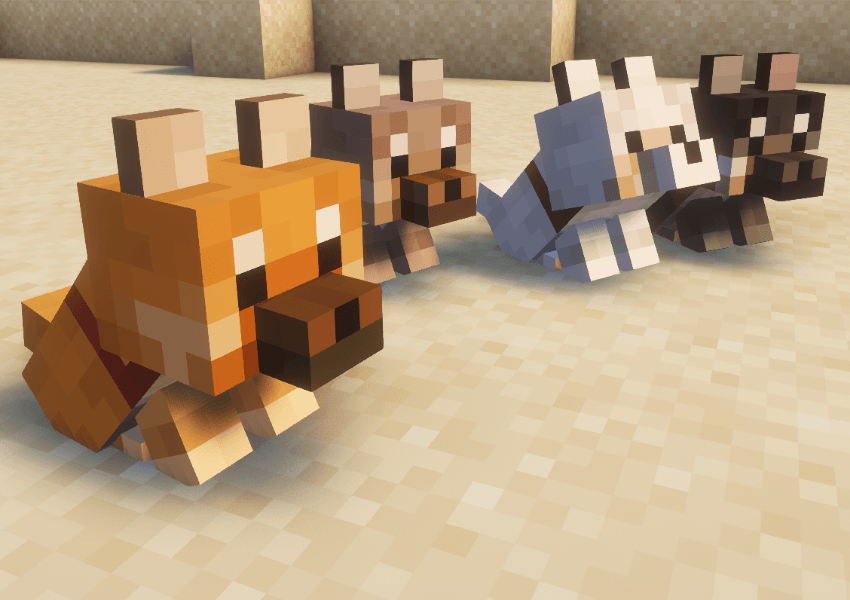
26.1で新しくなった仔犬のテクスチャを追加しました。
4色がランダムに産まれ、成長した際にも色を引き継ぎます。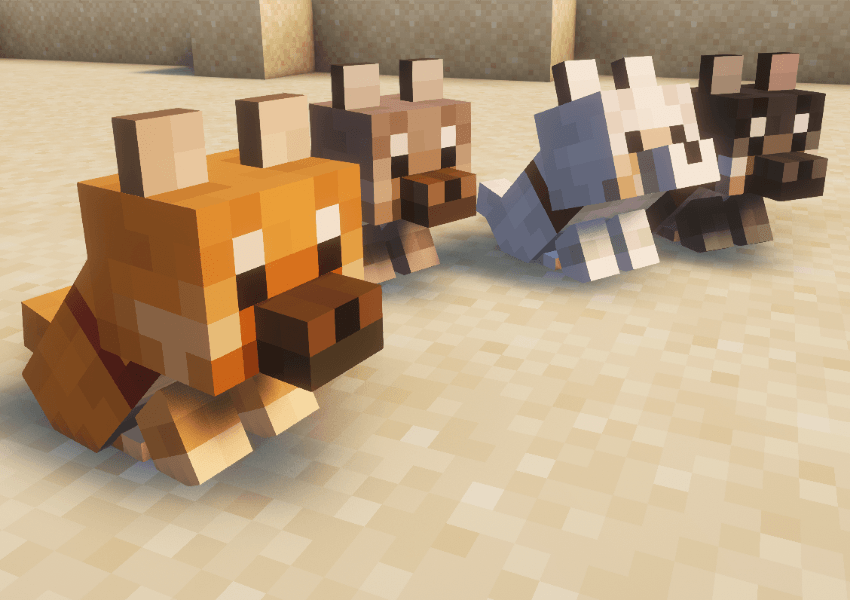
ご利用の際には、Entitiy Texture Features (https://www.curseforge.com/minecraft/mc-mods/entity-texture-features-fabric)が必要となりますのでご注意ください。
なお、このリソースパックはマイクラに古くから実装されていた白いオオカミに対して適用されますので、白いオオカミとETFが対応しているバージョンであれば問題なく使用できます。(1.16.5以降にて動作確認済み、ただしマイクラの26.1以降では2.0.0以上のバージョンでないと仔犬のテクスチャは白いオオカミのままです。)
※リソースパックを適用する際に注意メッセージが出ますが、問題ありませんのでそのままご使用ください。
This applies to the Pale wolf that are originally in Minecraft.
When you tame a Pale wolf, they will randomly change into 4 colors of Shiba-dog (basic red, famous black, very rare mix - in Japan, we call it sesame - and white you saw well).
I've added the new puppy textures introduced in version 26.1.
Puppies are born with one of 4 random colors, which they retain as they grow up.
You need [Entity Texture Features](https://www.curseforge.com/minecraft/mc-mods/entity-texture-features-fabric).
and, this is for white wolf that existed for a long time, so you can use this resource pack on any version with white wolf and [ETF](https://www.curseforge.com/minecraft/mc-mods/entity-texture-features-fabric). I checked at 1.16.5. However, in Minecraft 26.1 and later, the puppy textures will remain Pale wolf unless you use a resource pack version 2.0.0 or higher.
Enjoy!
Red Shiba and puppy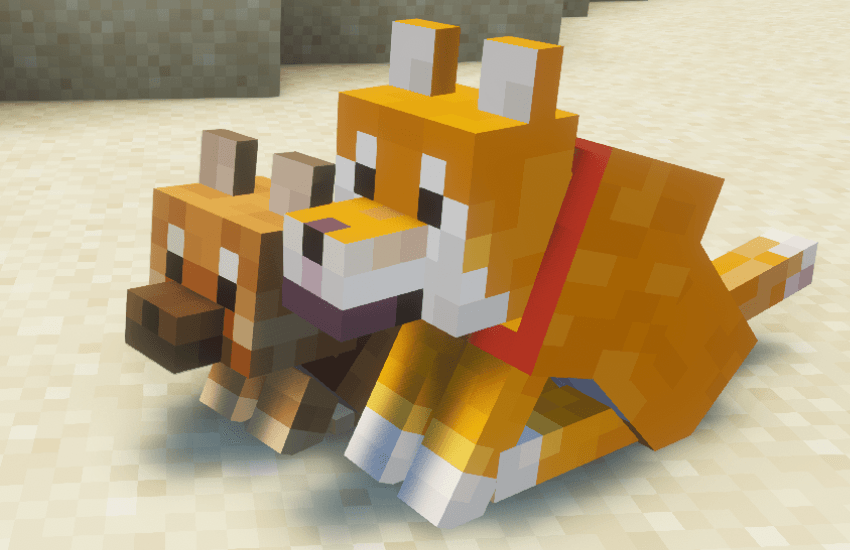
Black Shiba and puppy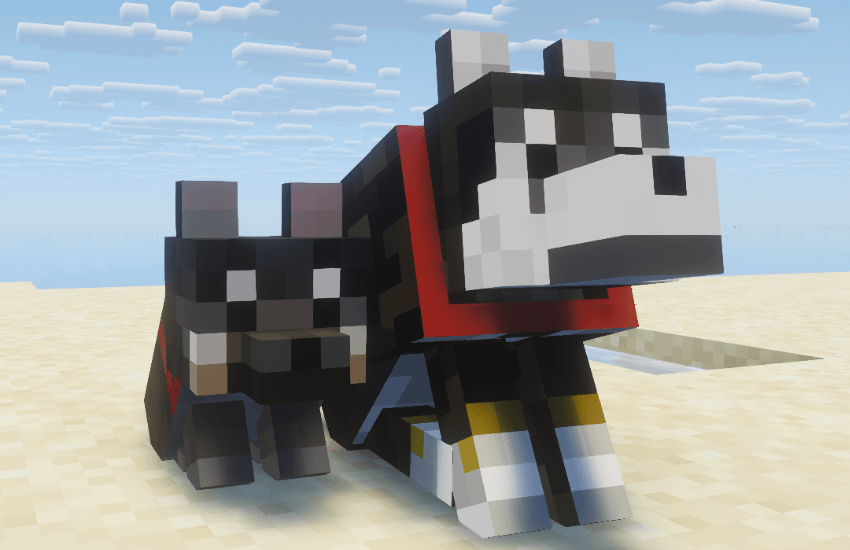
Mix (we call sesame in Japan) and puppy