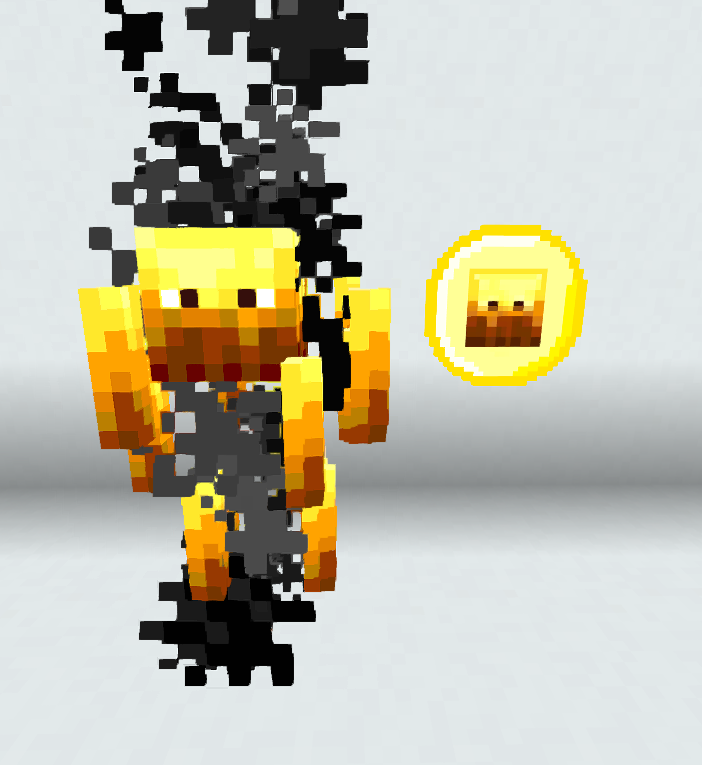
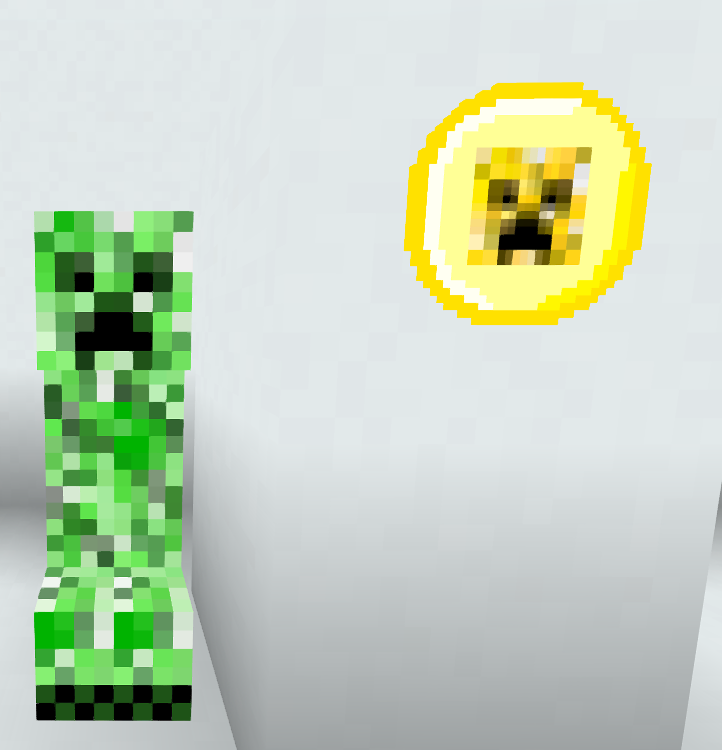
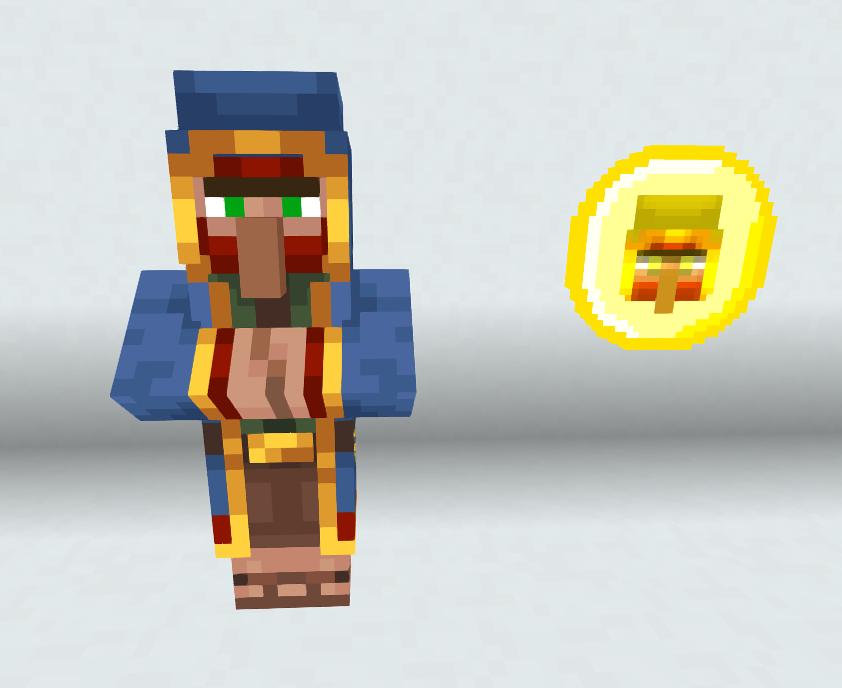
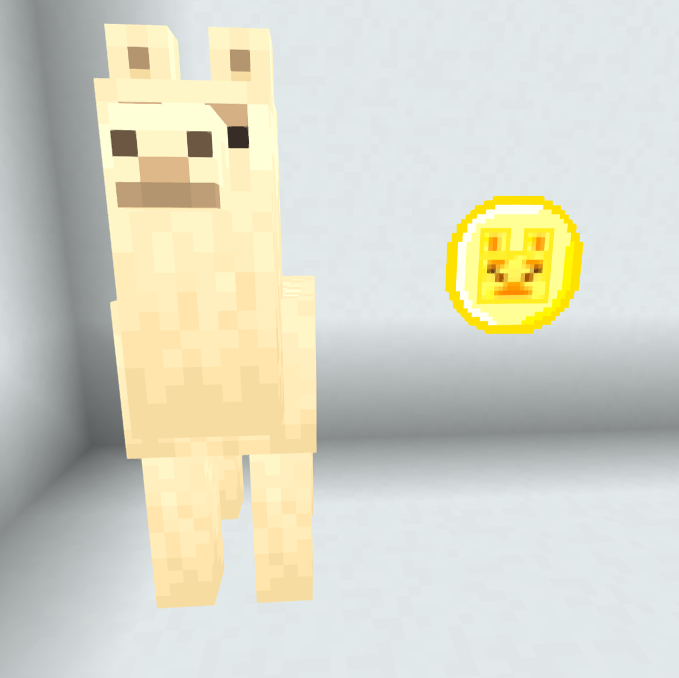
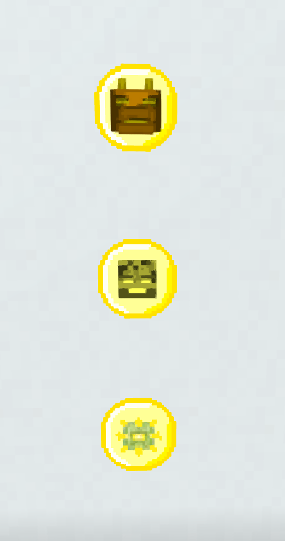
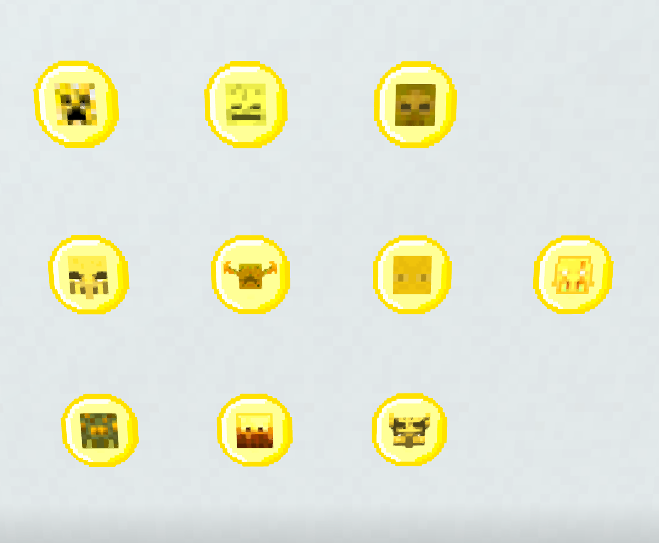
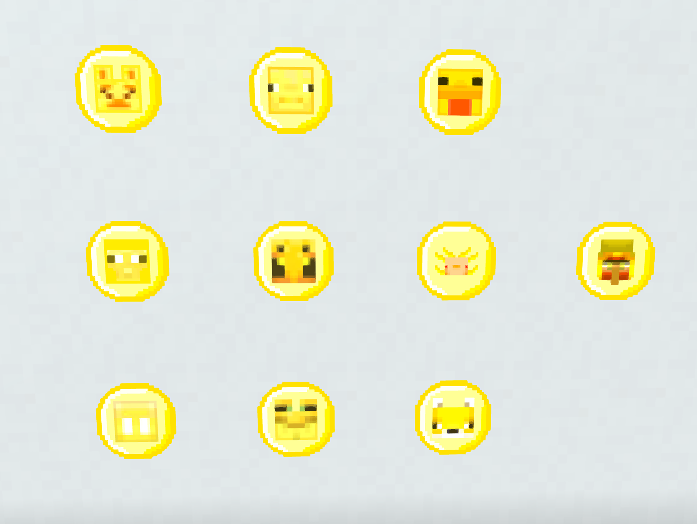
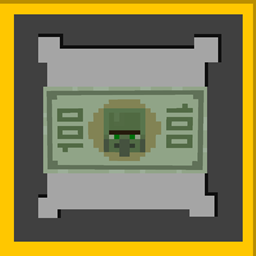
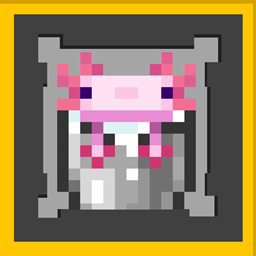
If your server has an economy, you want to add special trades, add items to your crates plugins, kits, rewards, this texture is ideal for it.
Obtaining the coins:
/give @p minecraft:emerald{CustomModelData:x}
Replace the "x" with the number from the list below.
Mobs:
Llama= 1
Pig= 2
Chicken = 3
Sheep= 4
Bee = 5
Axolotl = 6
Allay = 7
Frog= 8
Fox = 9
Wandering Trader = 10
Creeper = 11
Skeleton = 12
Zombie = 13
Vindicator = 14
Warden= 15
Enderman = 16
Spider = 17
Blaze = 18
Ravager = 19
Piglin Brute = 20
Ender Dragon = 21
Wither = 22
Elder Guardian = 23
Enjoy it!
If you want more coin designs for your server, please contact me!
Discord: iAndru#4836
e-mail: [email protected]
Con este Paquete de Texturas podrás añadir 23 distintos tipos de monedas para tu servidor de Minecraft!
Si tu servidor cuenta con economía, quieres ponerle tradeos especiales, añadir items a tus plugins de crates, kits, recompensas, esta textura es ideal para ello.
Obtención de las monedas:
/give @p minecraft:emerald{CustomModelData:x}
Reemplaza la "x" con el número de la lista de abajo.
Mobs:
Llama = 1
Cerdo = 2
Pollo = 3
Oveja = 4
Abeja = 5
Ajolote = 6
Allay = 7
Sapo = 8
Zorro = 9
Wandering Trader = 10
Creeper = 11
Esqueleto = 12
Zombie = 13
Vindicador = 14
Warden = 15
Enderman = 16
Araña = 17
Blaze = 18
Devastador = 19
Piglin Bruto = 20
Ender Dragon = 21
Wither = 22
Guardián Anciano = 23
¡Disfrútalo!
¡Si deseas más diseños de monedas para tu servidor, contáctame!
Discord: iAndru#4836
Correo: [email protected]