Mineuniverse
Resource Packs
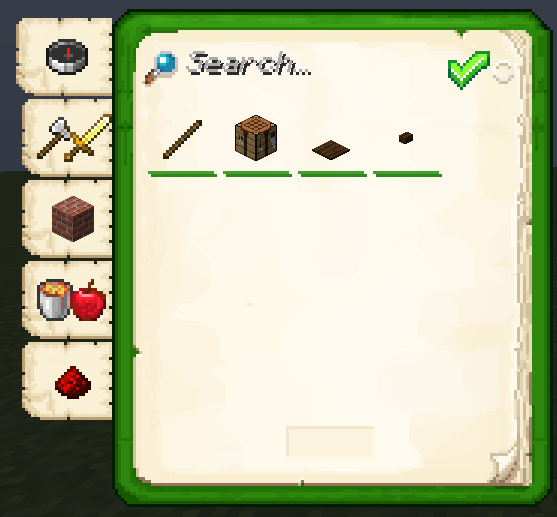
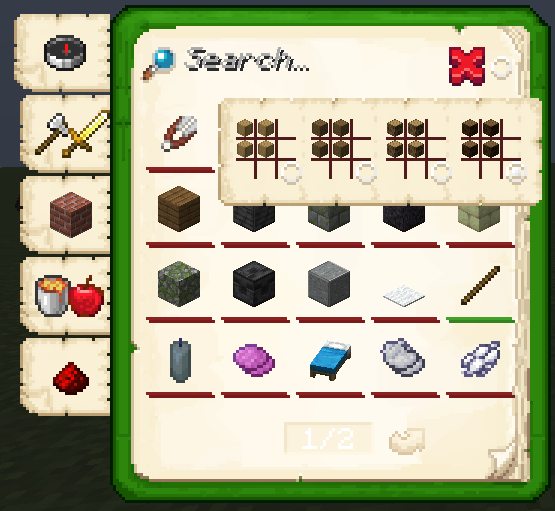
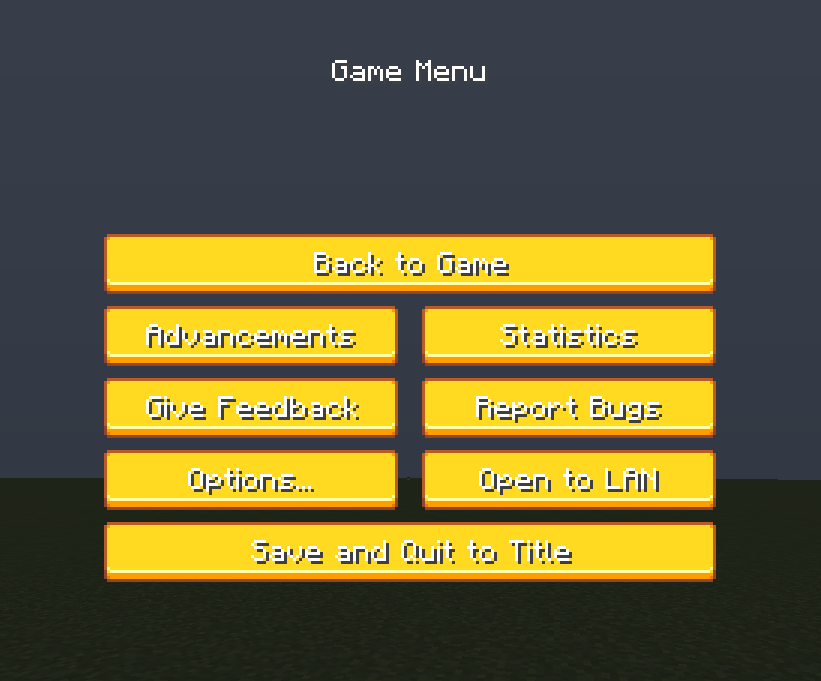
Sepia Paper GUI: Overhaul

Sepia Paper GUI: Overhaul

RESOURCE PACK
A Medieval GUI Texture Pack for Minecraft!
by Lore
Download Claim this project
Add a badge to your pageLink to Sepia Paper GUI: Overhaul from a README, website or forum post.
Preview: Badge

Badges update automatically and link to the resource pack page on MineUniverse.

259 downloads
0 likes
0 followers
Updated Oct 14, 2026
0 hypes
Follow0
16x Medieval Miscellaneous Traditional
Advertisement Remove ads with Premium →


This texture pack is made entirely with its own unique designs. There is no design taken from any project. (Inspiration is available.)


About

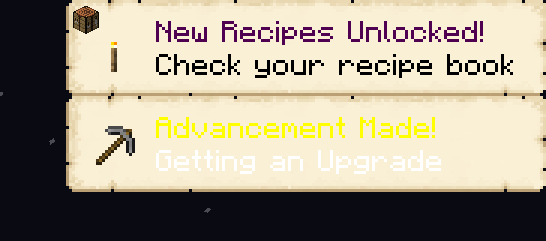
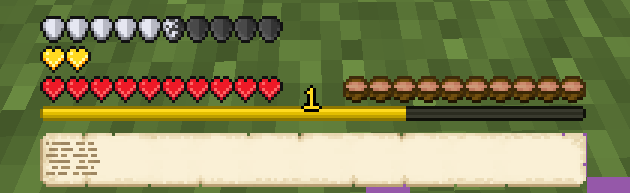
• Sepia Paper GUI it was created by changing the textures in the gui file inside the original minecraft texture pack. The textures are made in accordance with the medieval, with the textures your game becomes amazing. Good games already!


Optifine Required

Beacuse:

• The texture pack contains an optifine file. Inside this file is a file for Minecraft Screen Loader, if you enter the game without optifine, an error may occur in the Minecraft Screen Loader texture.


Please make sure you are using the latest updatable version of this pack! (Otherwise, errors may occur in your game.)


Socials

Sepia-Paper-GUI-1.0
MC 1.19.3
Beta 2023-04-11 Get

Requirements & install

How to use this resource pack in Minecraft
Resolution
16x
Minecraft
1.19.3
Install folder
.minecraft/resourcepacks

How to install resource packs

  1. Download the resource pack .zip file (do not extract it).
  2. In Minecraft open Options → Resource Packs → Open Pack Folder.
  3. Drop the .zip into the resourcepacks folder (.minecraft/resourcepacks).
  4. Move the pack to the Selected column and click Done.
Browse more: 16x resource packs 32x resource packs 64x resource packs 128x resource packs 256x resource packs 512x+ resource packs Resource Packs for 1.19.3 All resource packs

More from Lore

Advertisement Remove ads with Premium →

You Might Also Like