Mineuniverse
Resource Packs
Semi-Realistic Moon

Semi-Realistic Moon

RESOURCE PACK
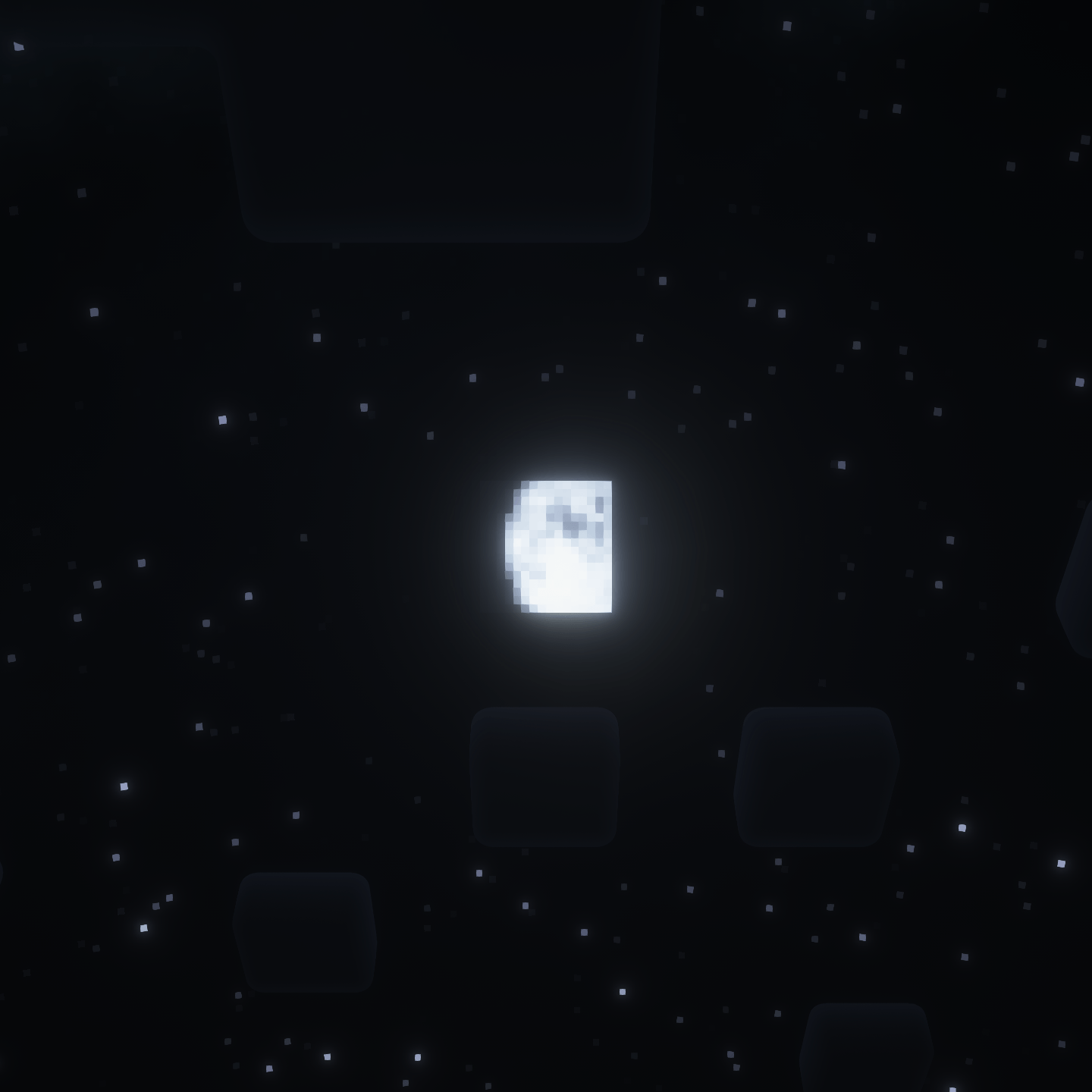
Makes Minecraft's moon look more like the real Moon, and fixes the bad astronomy.
by dcdanko
Download Claim this project
172 downloads
0 likes
0 followers
Updated Oct 14, 2026
0 hypes
Follow0
32x Miscellaneous
Advertisement Remove ads with Premium →

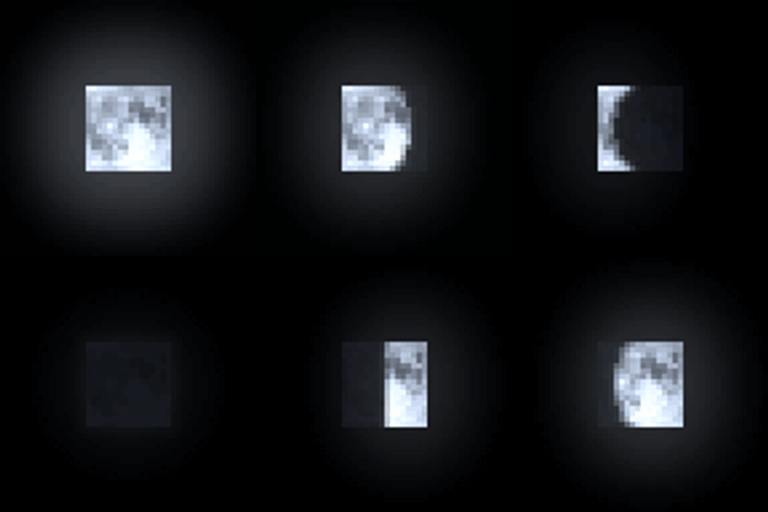
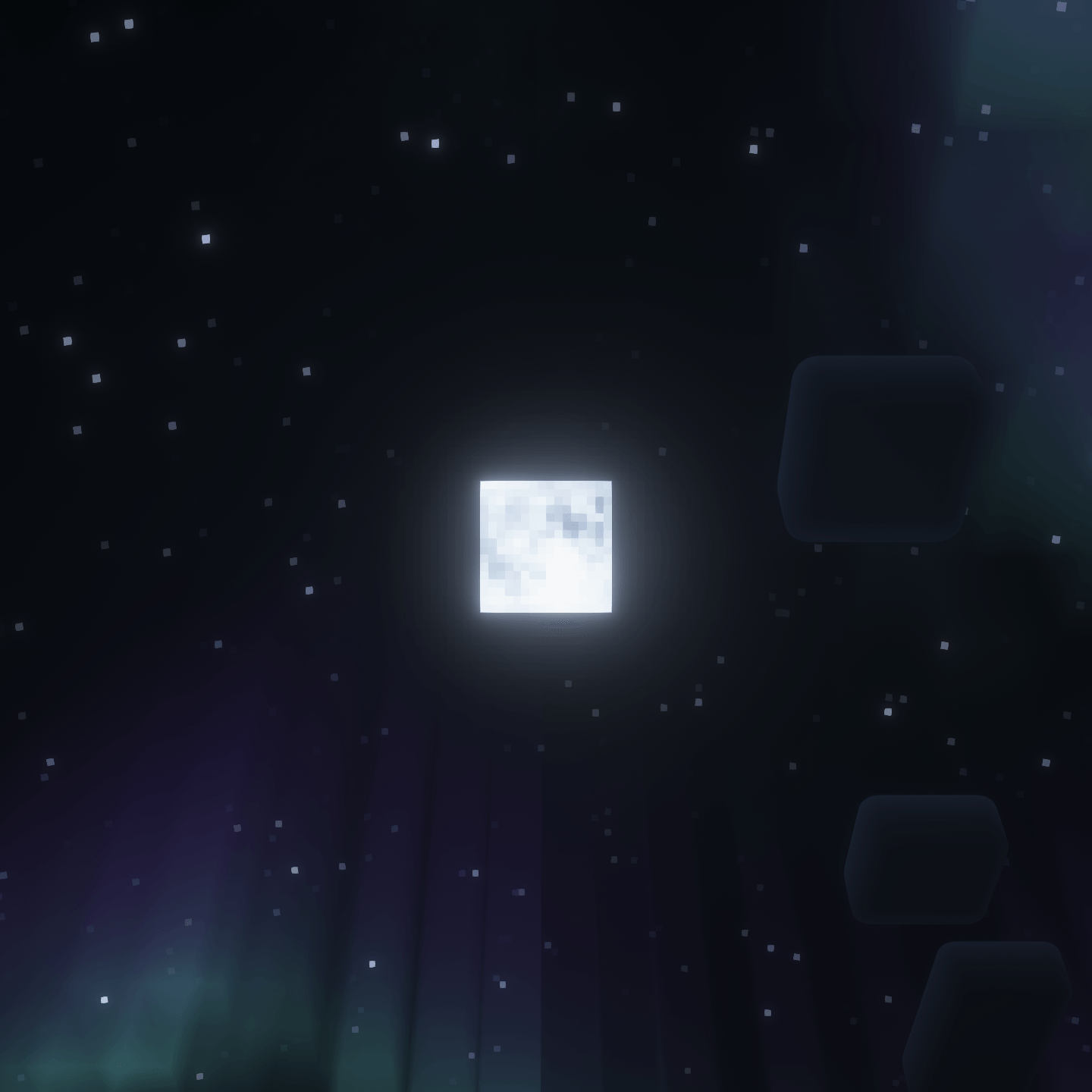
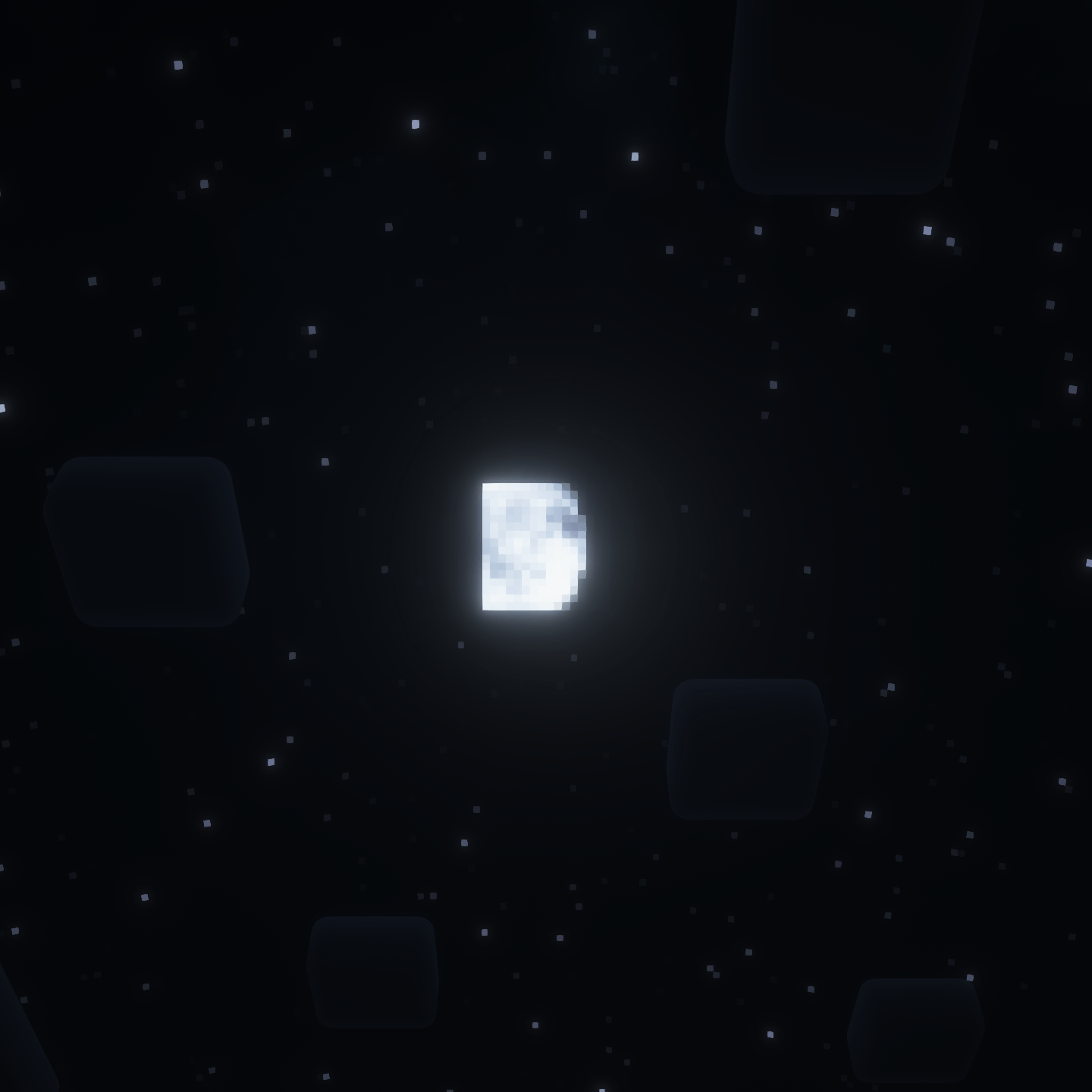
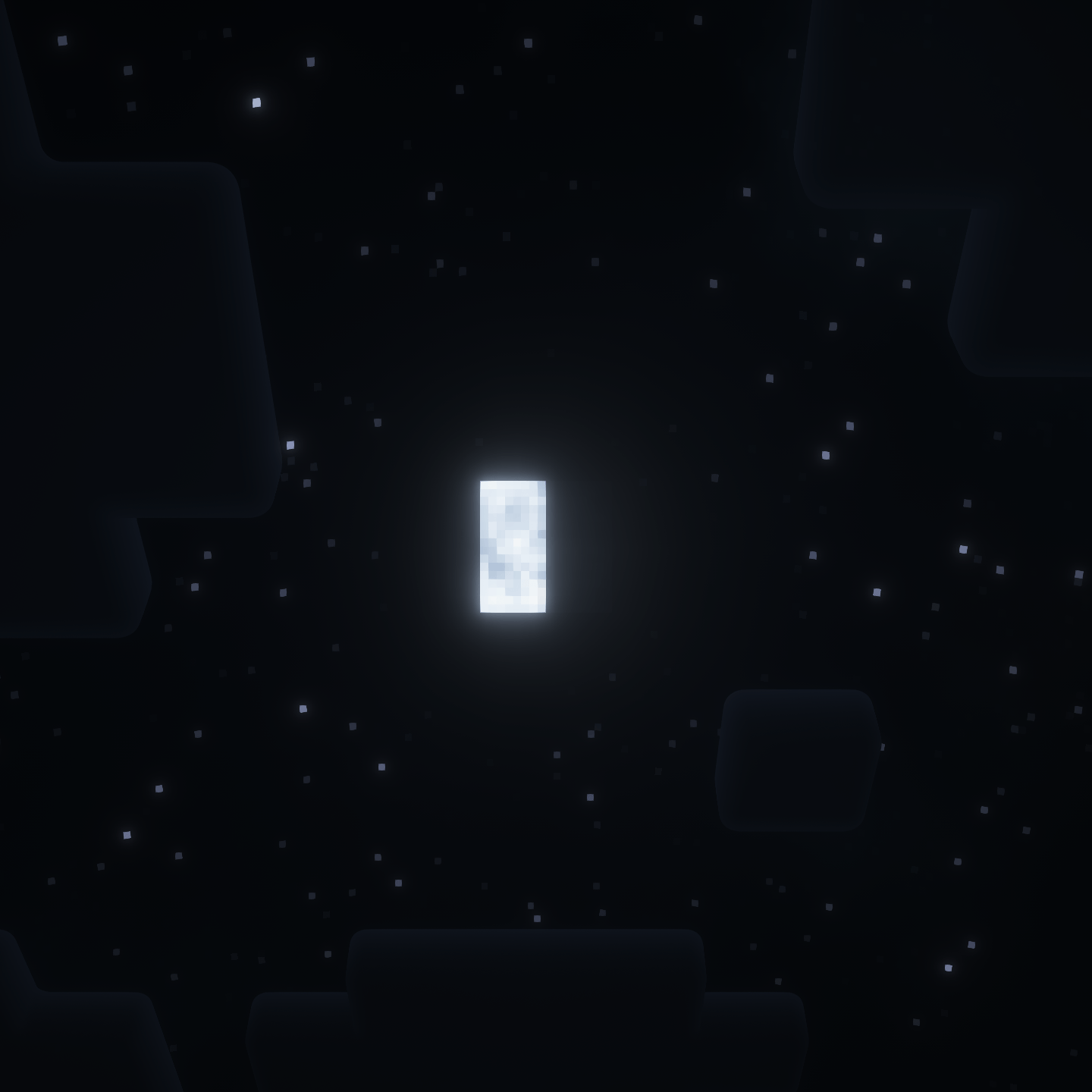
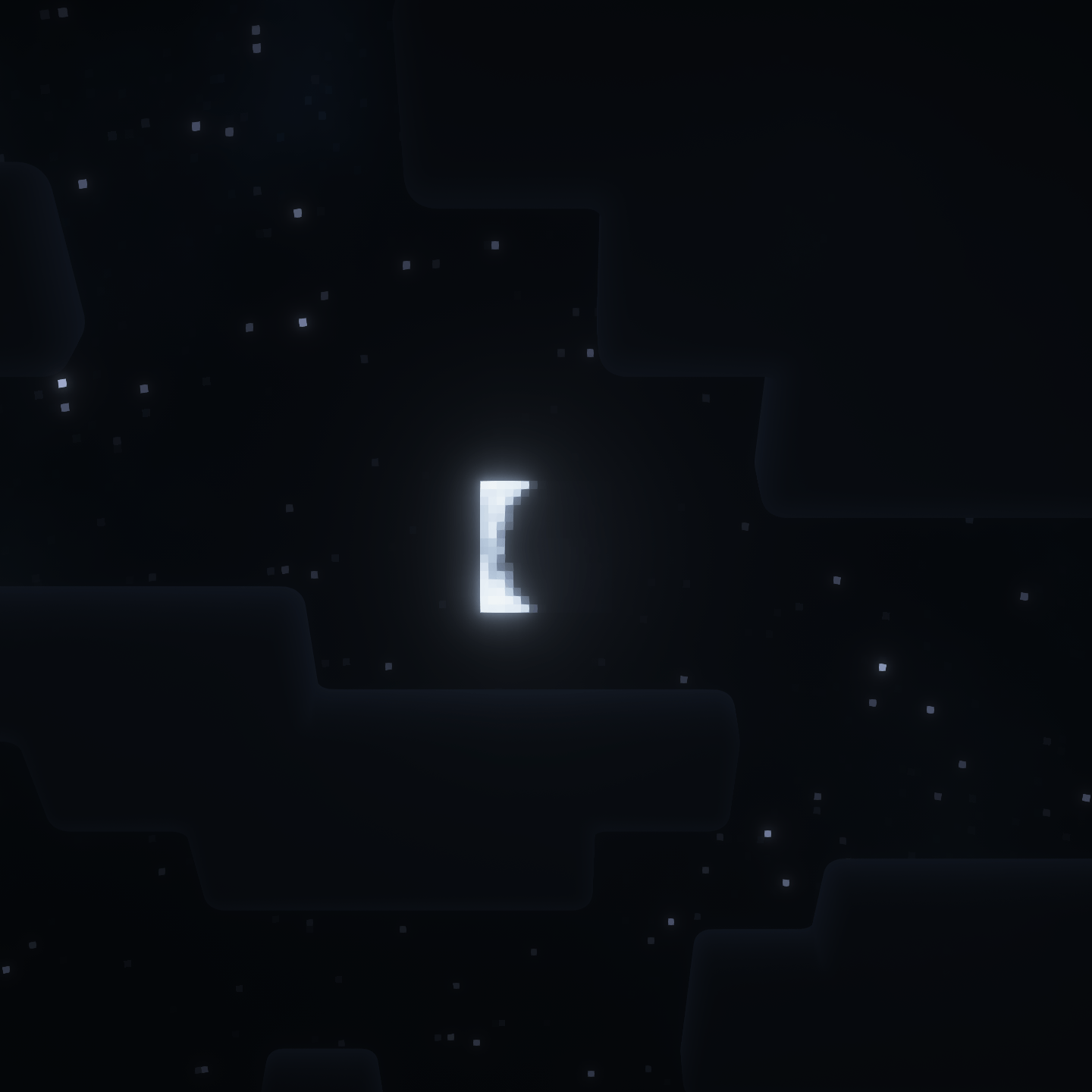
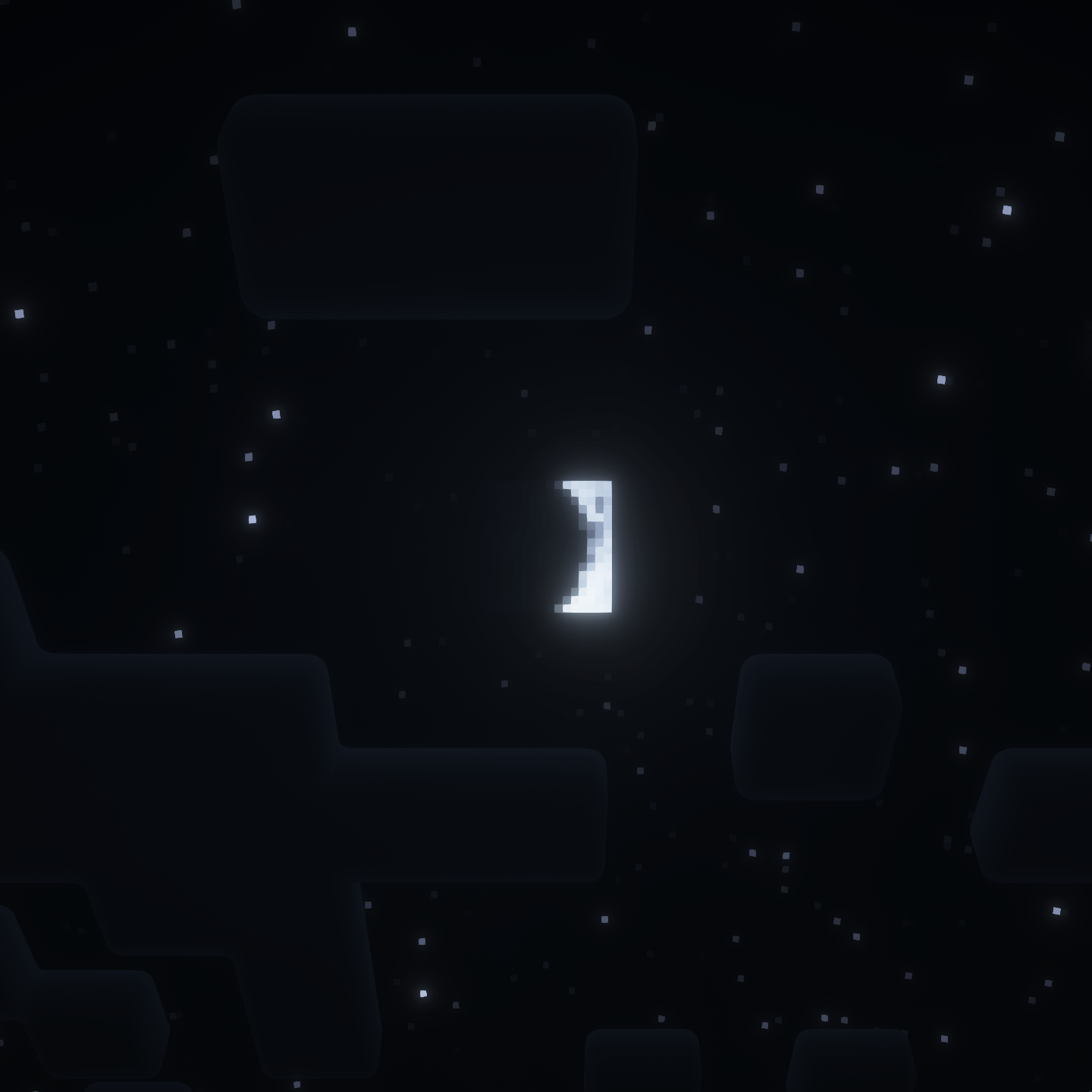
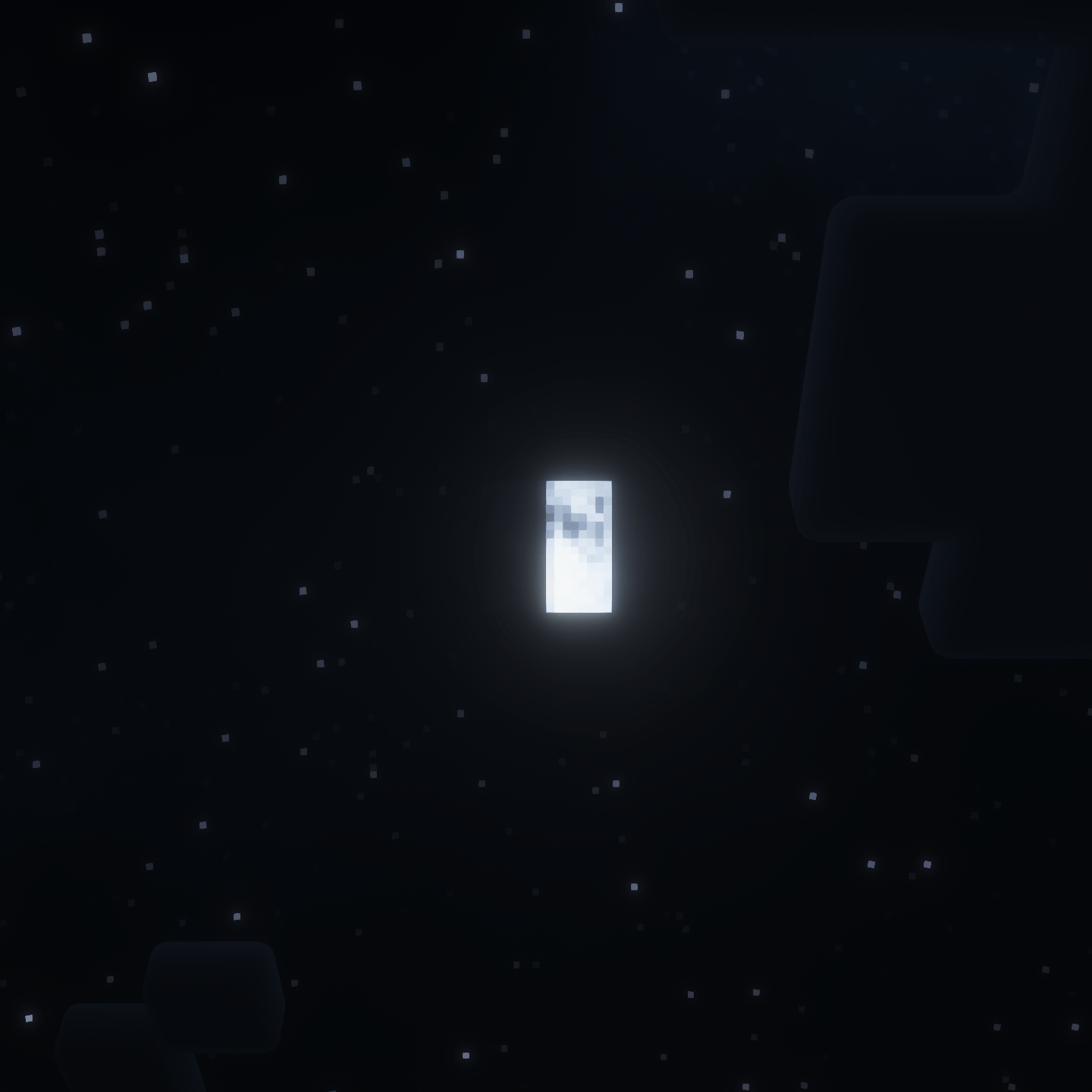
Changes the Moon texture to look like a square version of the Moon in real life, while keeping a low-ish resolution to fit with vanilla.

This version also rotates the texture and fixes the phases so it is physically correct. It will probably look weird to you at first, but this is not an error. It looks best with shaders that have sun/moon angle (Set the angle to negative [your latitude] in your shader settings).

A version with the same phases/rotation as vanilla is available here.
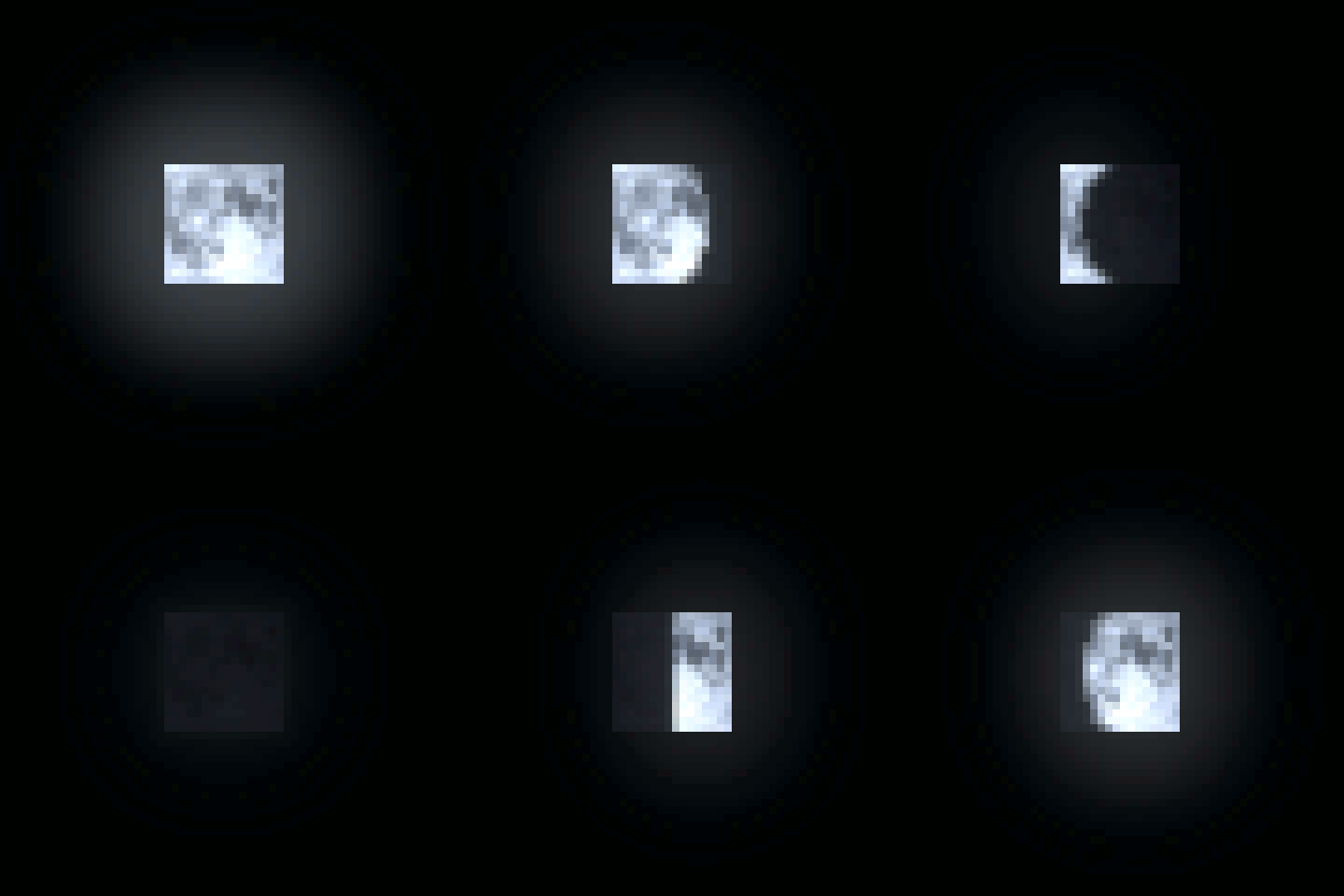
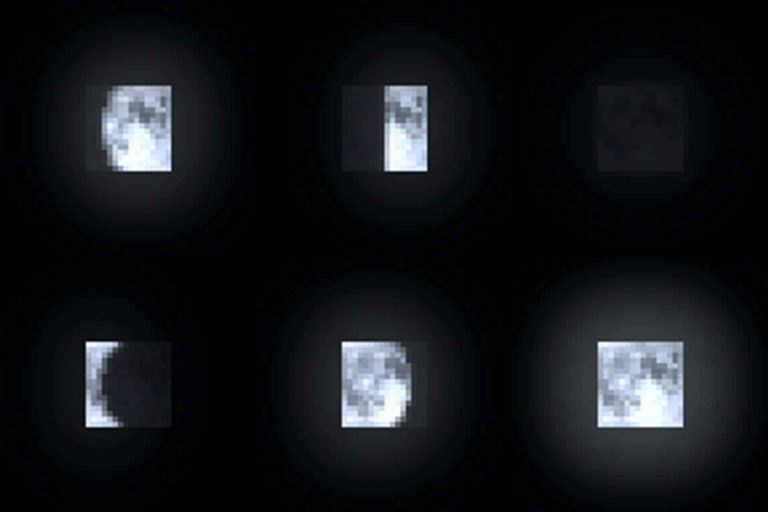
.gif of the phases

Semi-Realistic-Moon-Real-Angle-2.1.zip
MC 1.16.3, 1.13.1, 1.9.3, 1.8.7, 1.7.4, 1.7.7, 1.7.6, 1.16-Snapshot, 1.17.1, 1.9.1, 1.21.2-Snapshot, 1.21, 1.21.6-snapshot, 1.15-Snapshot, 1.7.5, 1.6.1, 1.16.1, 1.18.1
Release 2026-07-13 Get
Semi-Realistic-Moon-Real-Angle-2.2.zip
MC 1.21.11-snapshot, 1.21.11, 26.1, 26.1.1, 26.1.2, 26.2
Release 2026-07-13 Get

Requirements & install

How to use this resource pack in Minecraft
Resolution
32x
Minecraft
1.21.2-Snapshot – 26.2
Install folder
.minecraft/resourcepacks

How to install resource packs

  1. Download the resource pack .zip file (do not extract it).
  2. In Minecraft open Options → Resource Packs → Open Pack Folder.
  3. Drop the .zip into the resourcepacks folder (.minecraft/resourcepacks).
  4. Move the pack to the Selected column and click Done.
Browse more: 16x resource packs 32x resource packs 64x resource packs 128x resource packs 256x resource packs 512x+ resource packs Resource Packs for 26.2 All resource packs

More from dcdanko

Advertisement Remove ads with Premium →

You Might Also Like