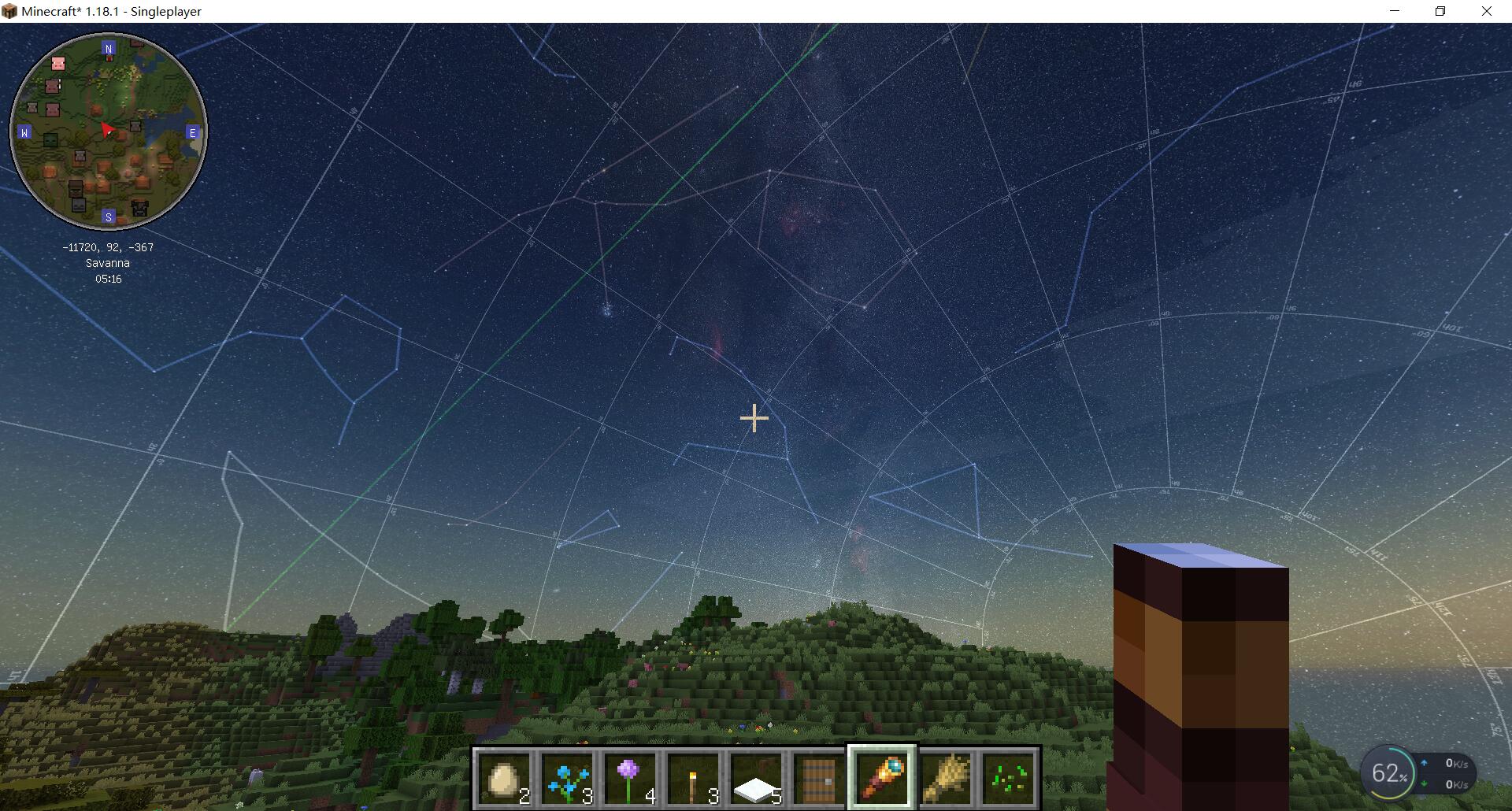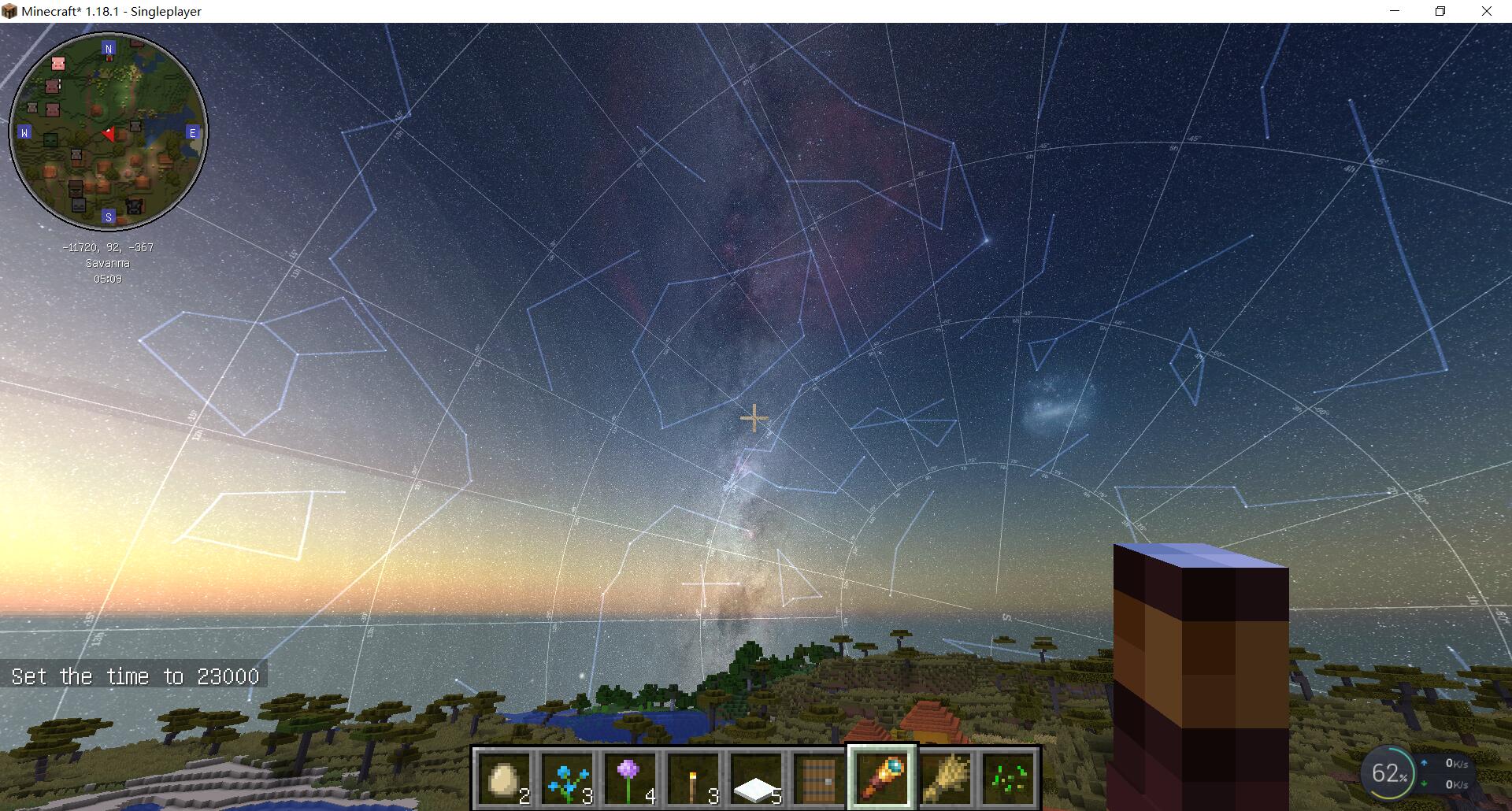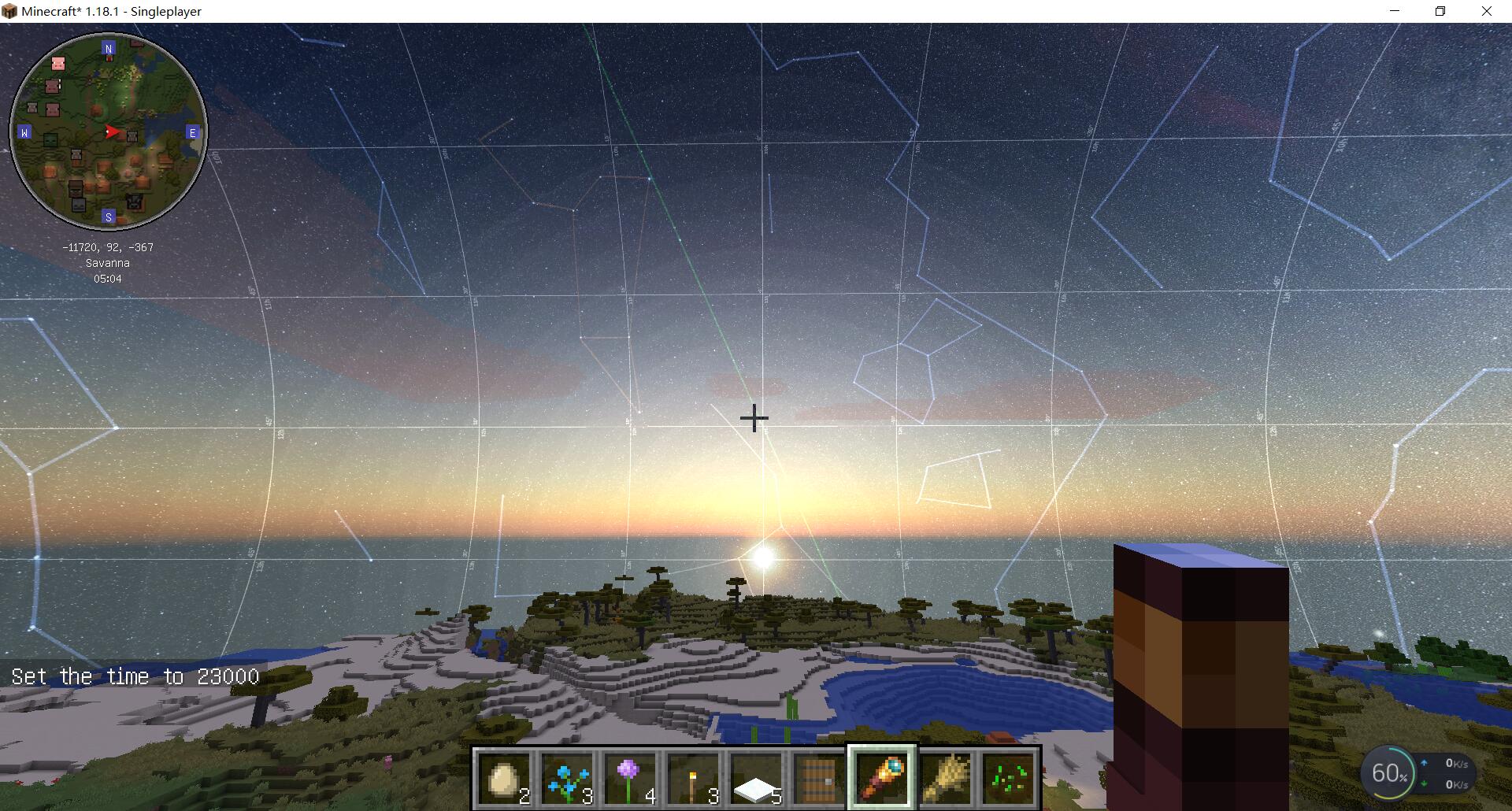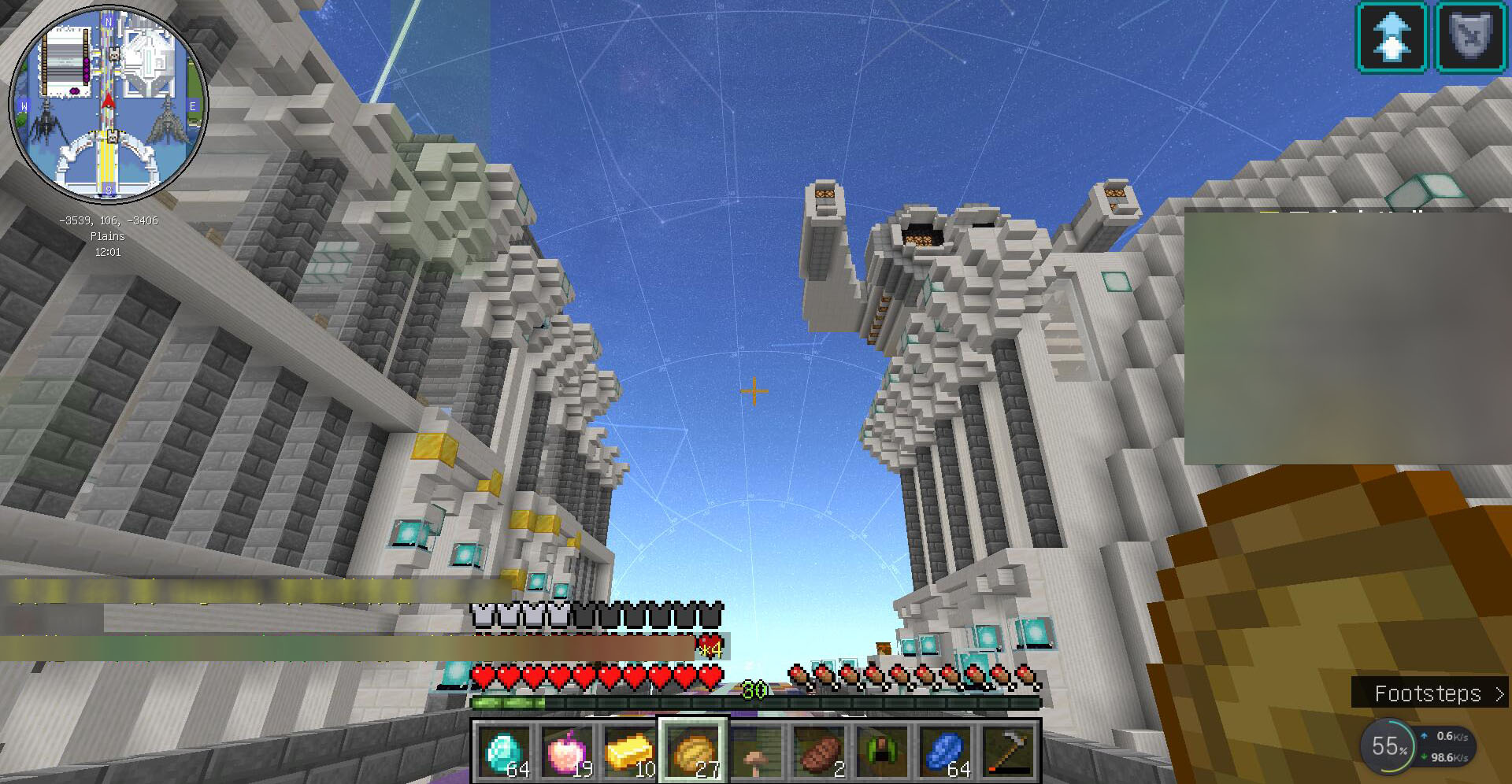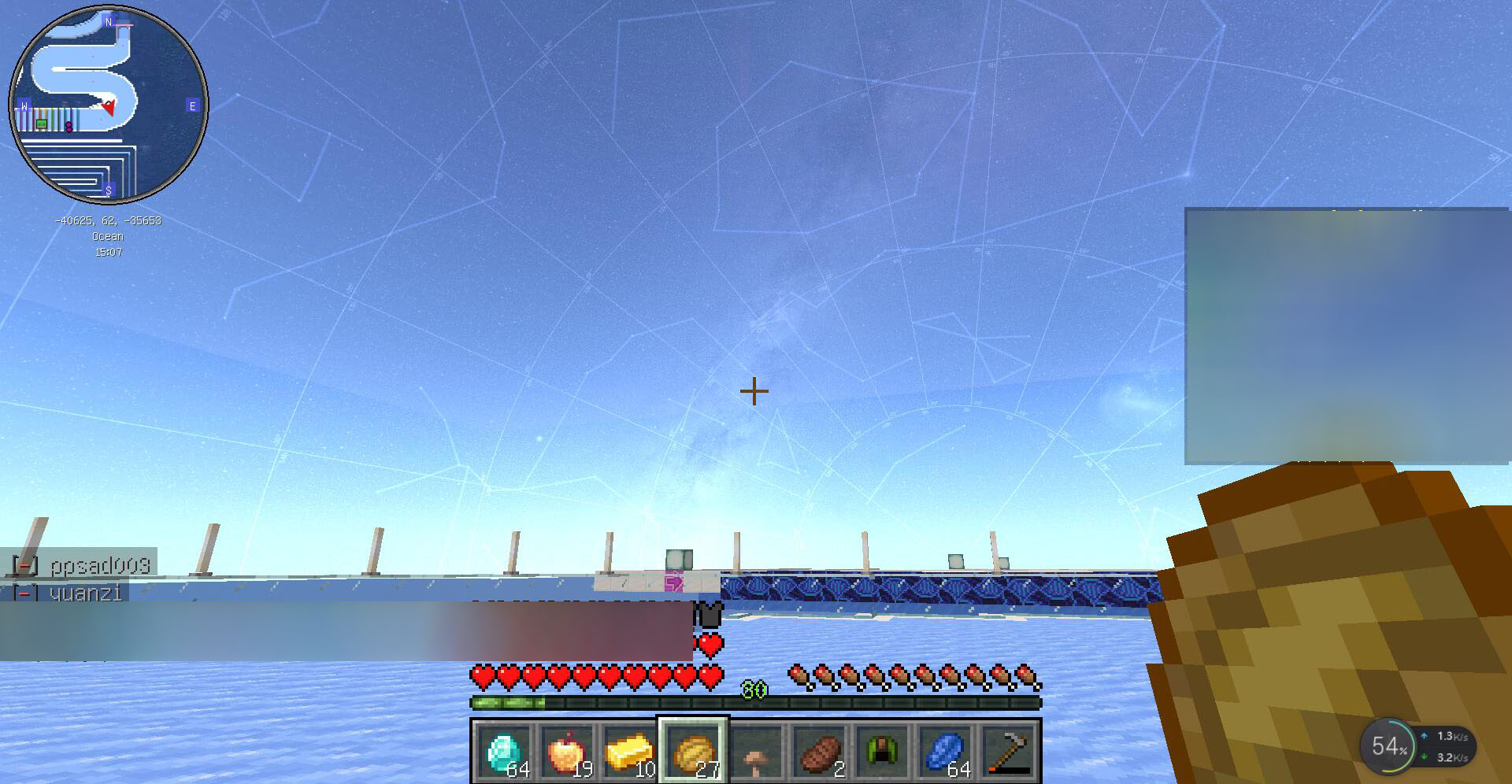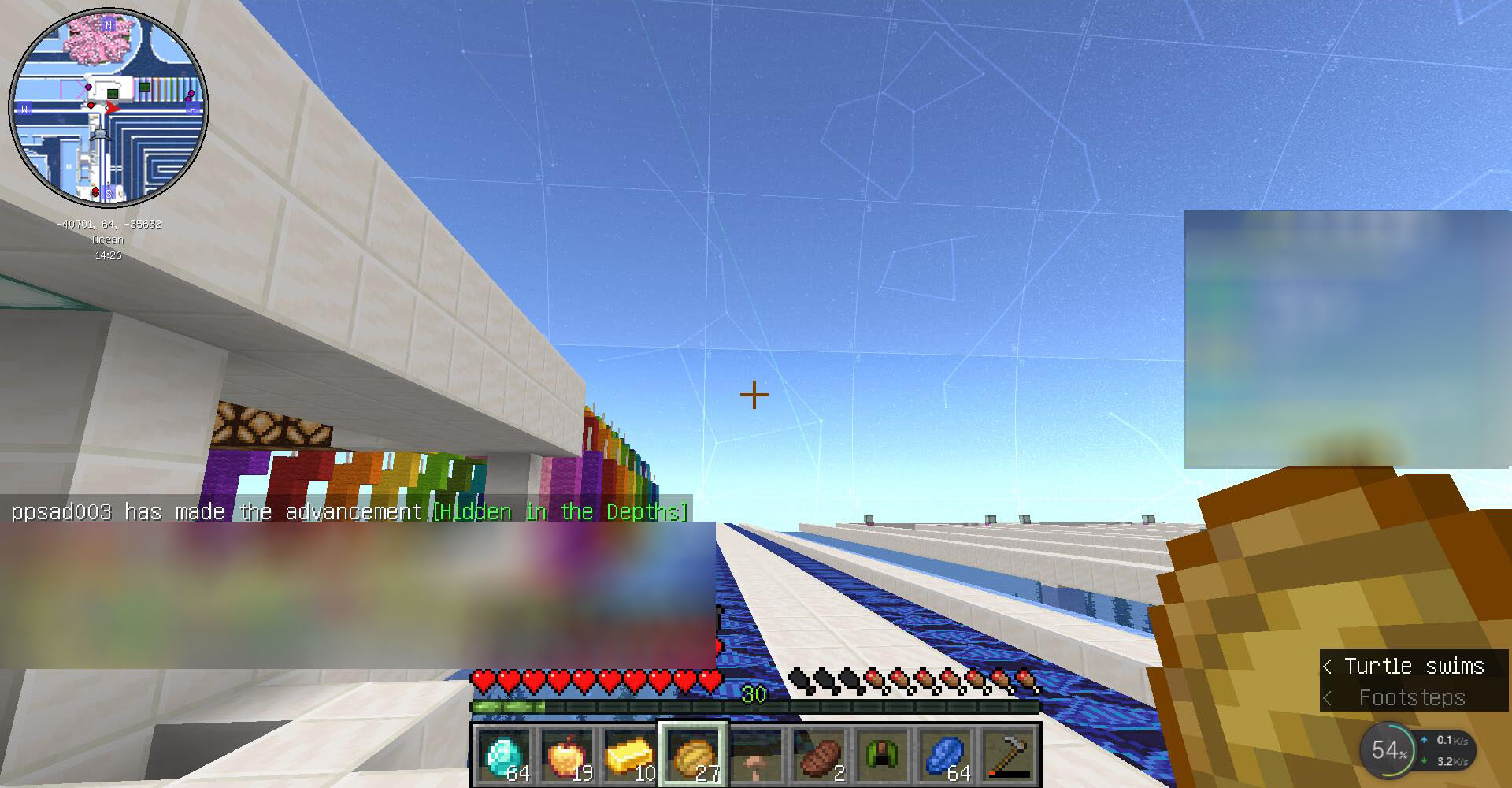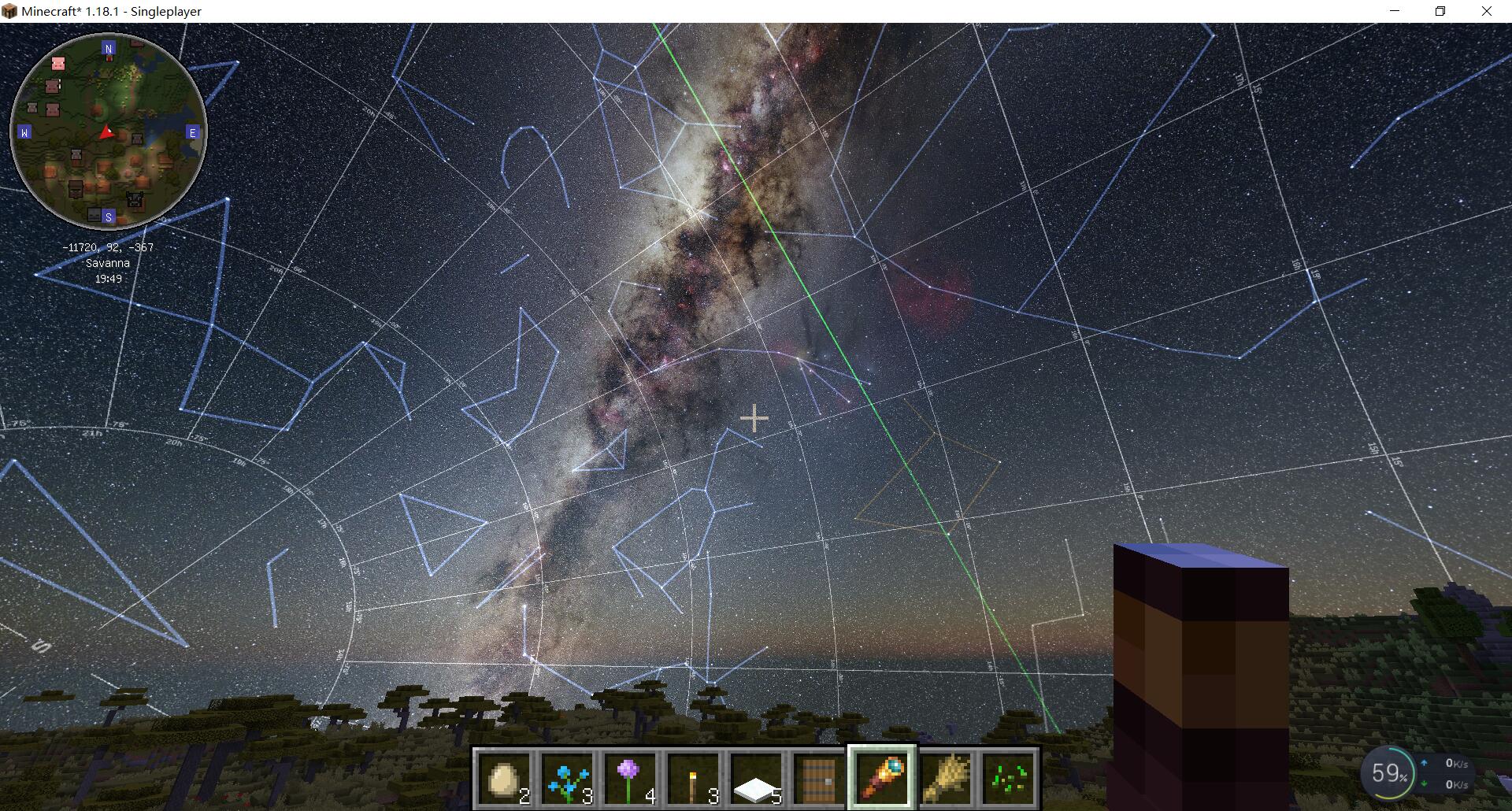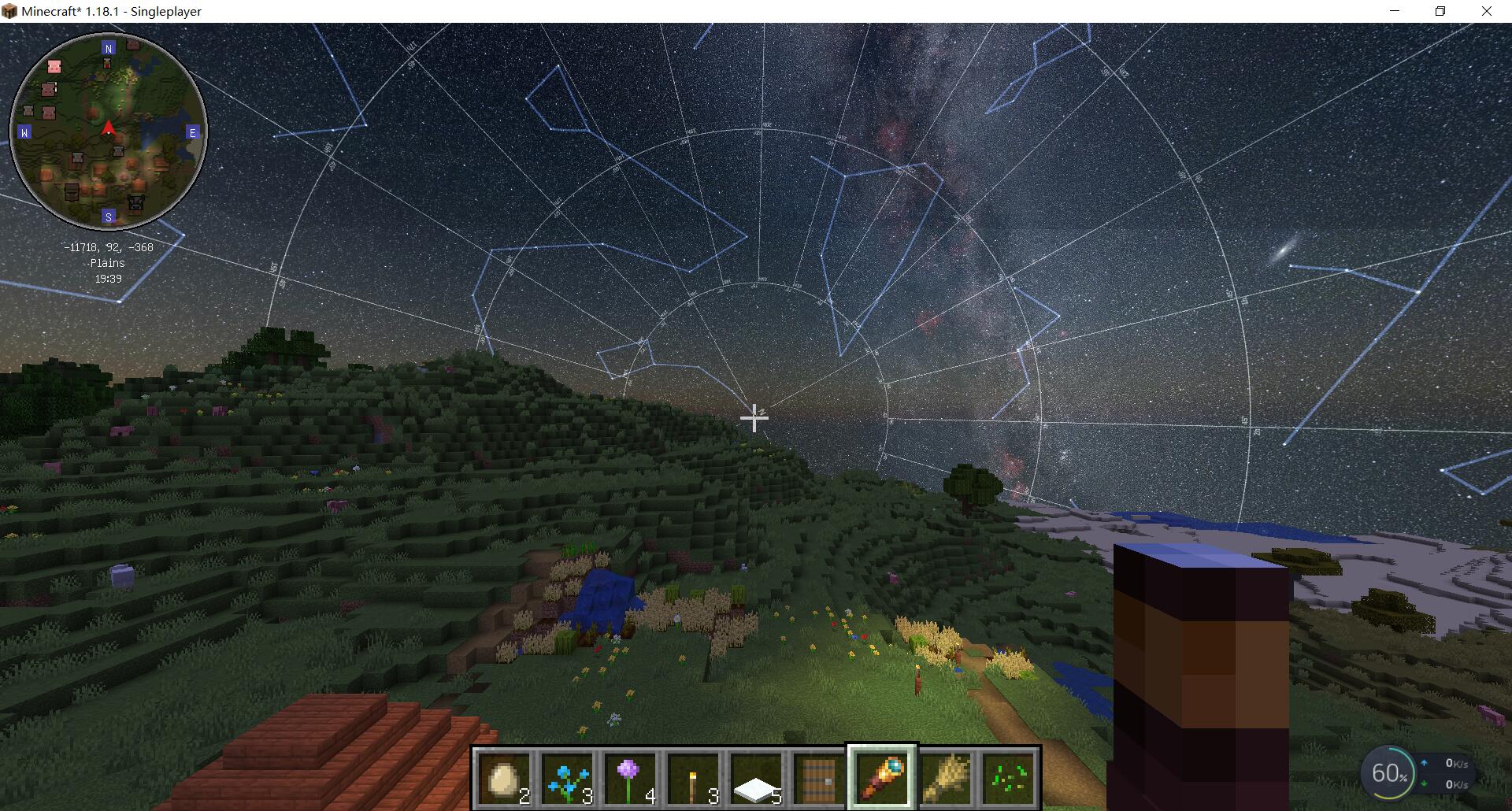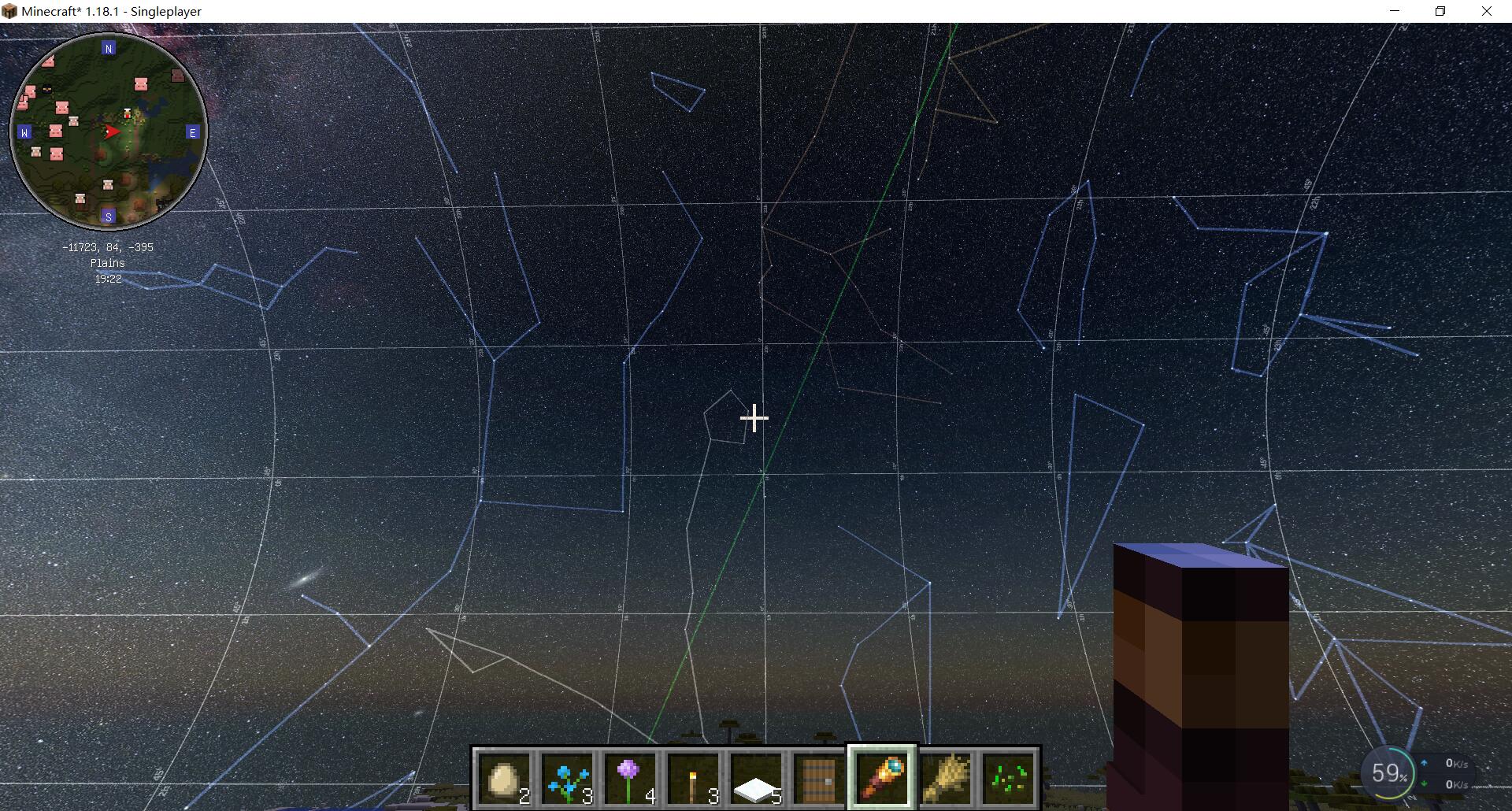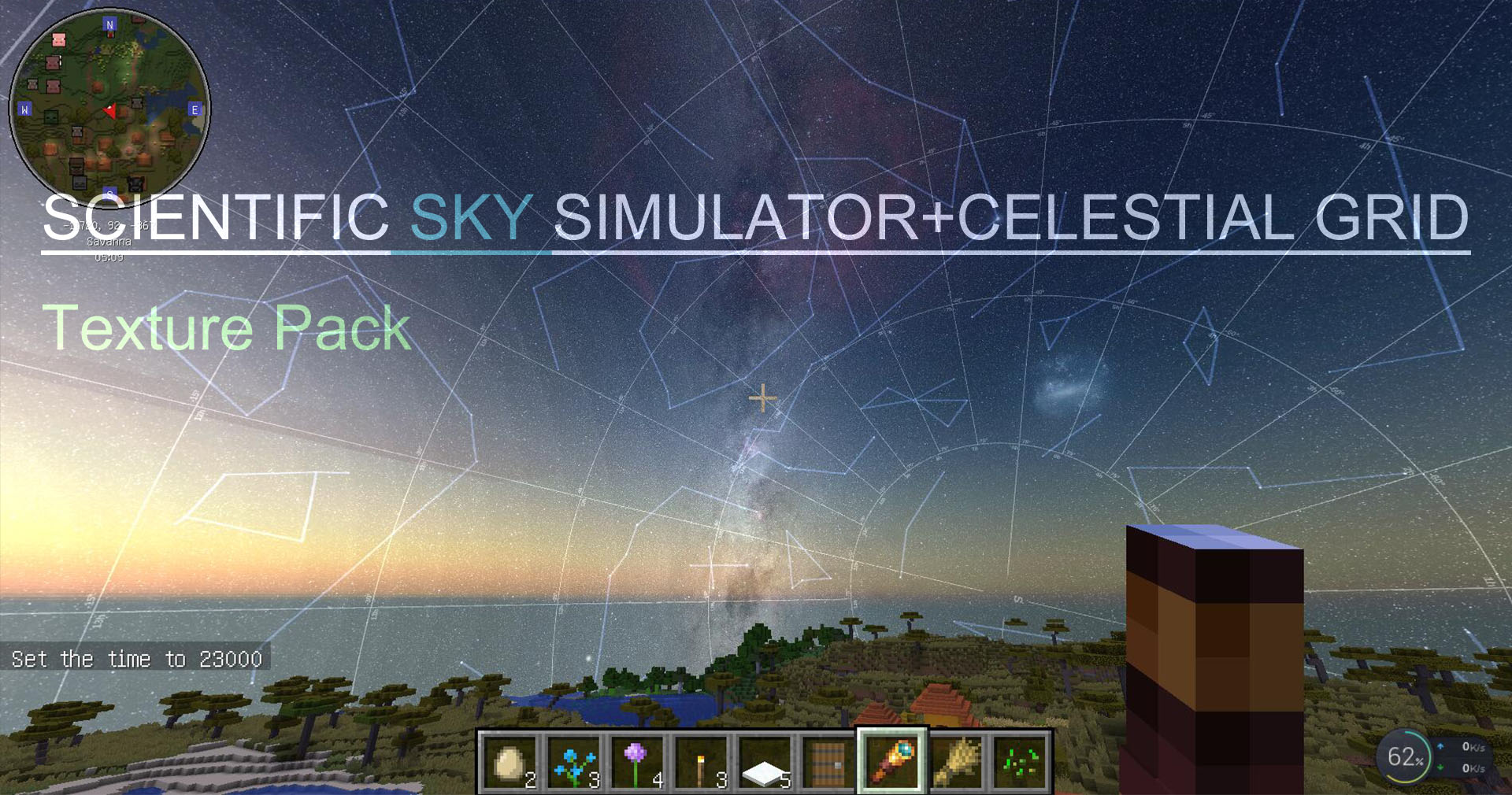
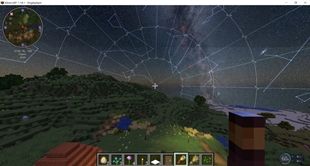
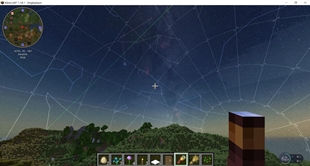
This resource pack uses the optifine HD repair mod scientific sky simulator package, which, as its name implies, will restore to the public an unprecedented display of the vast expanse of stars and galaxies above our heads.
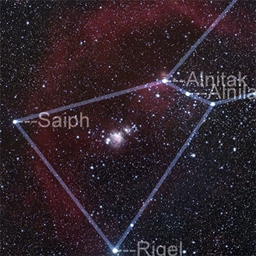
The effect at night is very pleasing to the eyes. You will see hundreds of millions of stars passing gently in the night sky, and the Milky way will slowly rise above the horizon annually. If you also have binocle, you can also observe the Andromeda galaxy, the Triangle galaxy, and the large Magellanic Galaxy, the small Magellanic Galaxy, all kinds of nebulae, Polaris and so on. All the celestial bodies are moving in an orderly manner according to their laws.
Tabs list:
constellation
ecliptic
celestial grid.
The moon is visible during daytime and stars or tabs can be seen at rainy day.
optifine HD is needed(into minecraft./mods)
Acknowledgement:
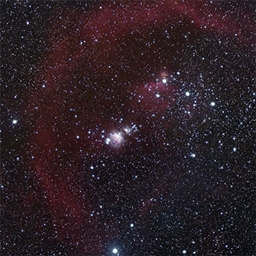
Starry sky photography: Nick Risinger
Just to remember this,What you bring to the outside world and your body will eventually come back to yourself,so,be friendly to everyone around you and yourself,thank you so much to follow this principle!
If you want to experience the starry sky without artifical grid, you can browse my past posts.