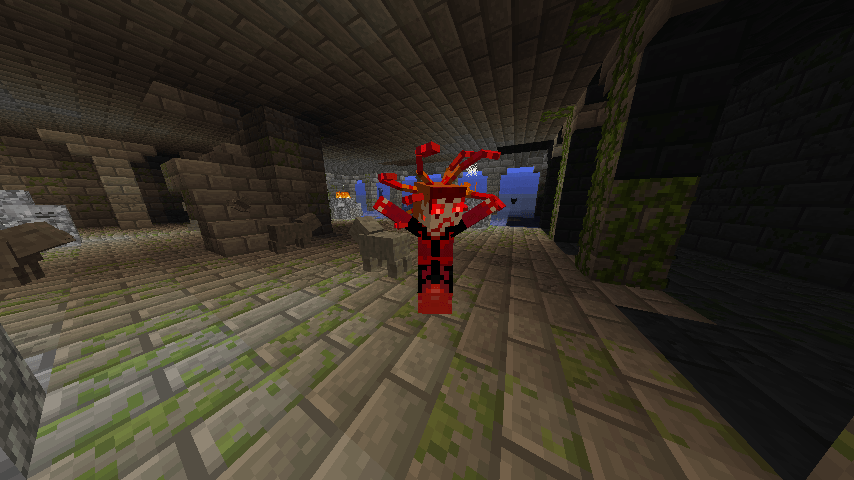
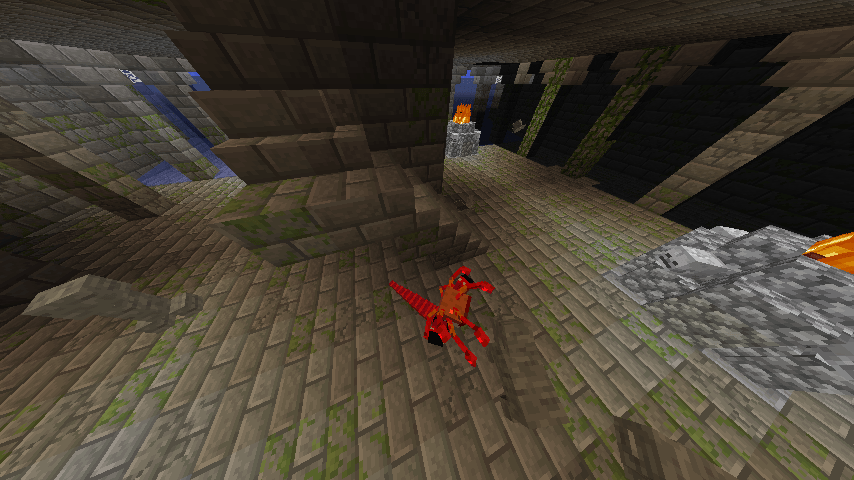
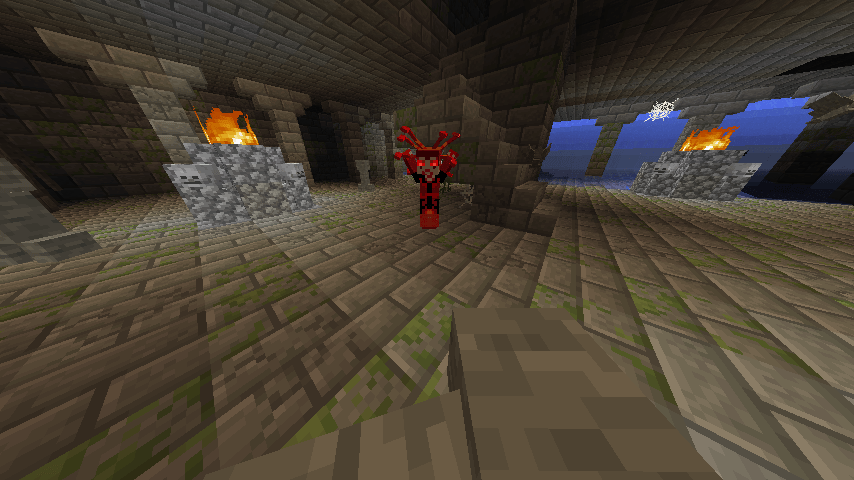
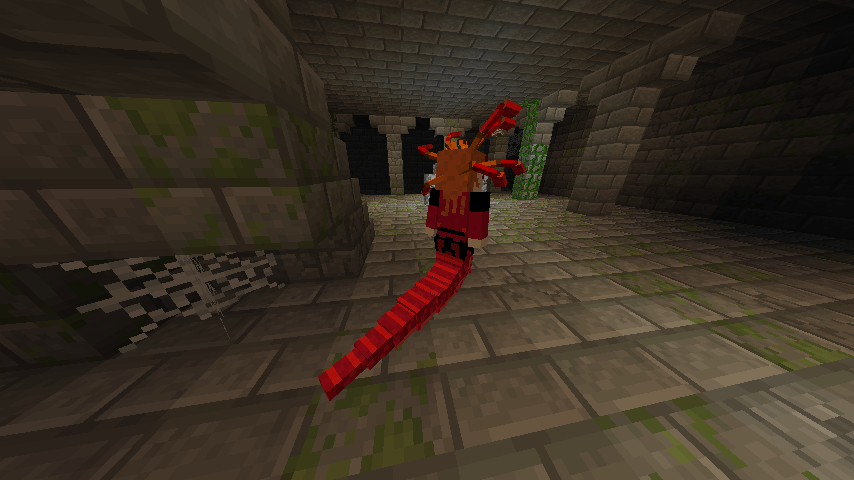
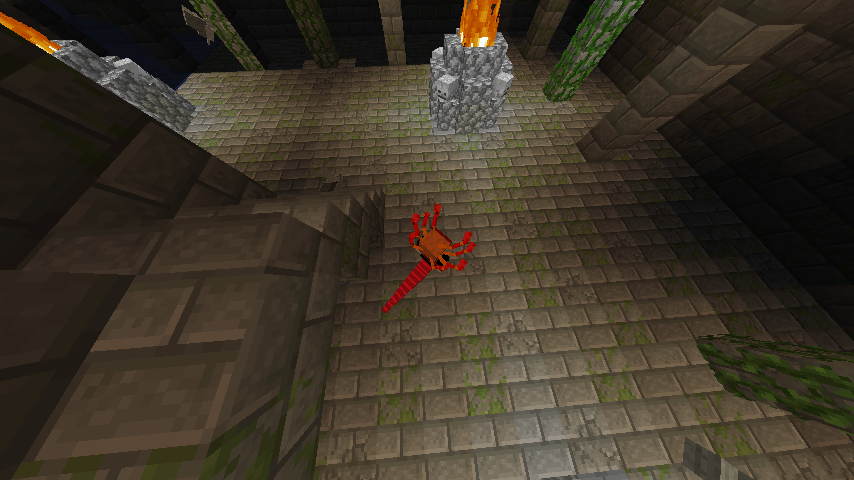
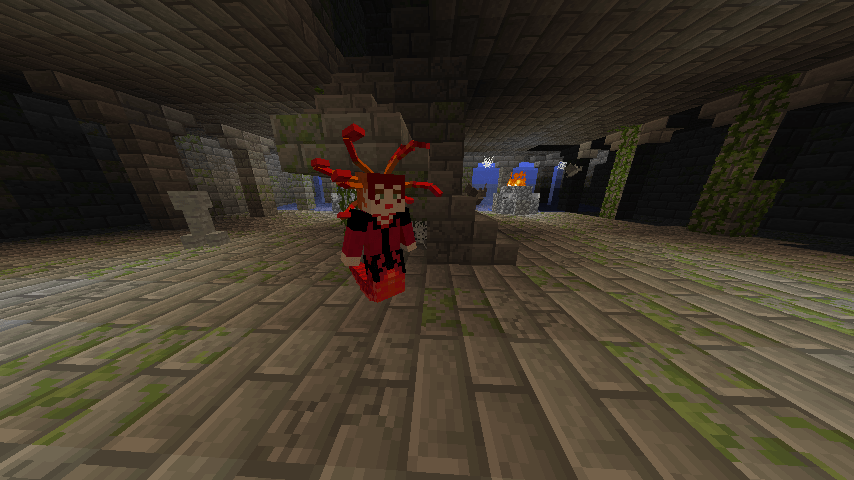
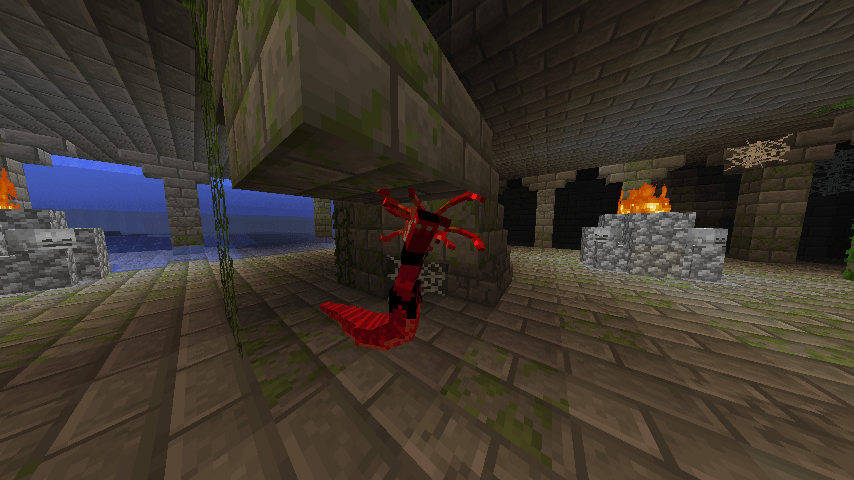
I'm tired of these code things but, this is a texture pack that makes the Scarlet Witch into the gorgon now it ain't some one-to-one copy, but I figured it fit her theme, and I know the MCU Scarlet Witch isn't supposed to have the reality stone but what am I supposed to do to make it fun in-game so it fits the theme ALSO ICE AND FIRE IS A REQUIRED MOD FOR ONCE, also unlike the other texture packs, there was no 3d model to help me paint, had to do it all in paint.net, annoying.. so sorry if it looks kinda meh y'know.
If you want me to also add textures for other mobs/bosses, please reply to this resource pack.
Naturally, you're wondering why this exists. It is for a combination of mods, but mainly for Lucraft or pretty much any Infinity Stones mod for 1.12.2. But you might still be wondering; I researched and found that most Infinity Stone mods make it so you can either only get the stones:
A) in creative, B) by going a long distance, or C) have to get another mod so you can go to a special planet
But for those who want a simple 1 boss = one stone, then this is for you
The required base mod is really just InControl! and your infinity stones mod of choice. I use LuCraft and Infinityraft.
Note: the code for this has to be manually pasted into Notepad or Notepad++
Go to C:\Users\(Your User)\AppData\Roaming\.minecraft\config\incontrol and edit loot.json or spawn.json
Also, if you want to edit its health, nametag, and some potion effects and damage, it's further down.
BTW, cannot stress this enough: unlike the other texture packs, this is for a modded mob, so this won't add any mob if you just tplop it in. You need a 1.12.2 or so thing of "Ice and Fire," which will be in the relations
loot Code =
(for gorgon only; next is the for all, then will be the name change)
[
{
"mob": "iceandfire:gorgon",
"item": "infinity:reality_stone",
"amount": {
"min": 1,
"max": 1
}
}
]
Now here's all of loot.json =
[
{
"mob": "minecraft:villager_golem",
"remove": "minecraft:iron_ingot",
"item": "infinity:mind_stone",
"amount": {
"min": 1,
"max": 1
}
},
{
"mob": "minecraft:villager_golem",
"item": "lucraftcore:plate_vibranium",
"chance": 0.40,
"itemcount": "1-2/2-3/3-4/4-6"
},
{
"mob": "minecraft:villager_golem",
"item": "lucraftcore:ingot_vibranium",
"chance": 0.60,
"itemcount": "3-5/5-7/7-9/9-12"
},
{
"mob": "minecraft:wither",
"item": "infinity:soul_stone",
"amount": {
"min": 1,
"max": 1
}
},
{
"mob": "minecraft:ender_dragon",
"item": "infinity:power_stone",
"amount": {
"min": 1,
"max": 1
}
},
{
"mob": "wd:warden",
"item": "infinity:space_stone",
"amount": {
"min": 1,
"max": 1
}
},
{
"mob": "iceandfire:gorgon",
"item": "infinity:reality_stone",
"amount": {
"min": 1,
"max": 1
}
}
]
Now this is for a name change to look cool =
This is for spawn.json
First, it's the code alone, then all 3 of my mobs so far (golem, wither, and gorgon) =
[
{
"mob": "iceandfire:gorgon",
"result": "allow",
"customname": "§4§lScarlet Witch Gorgon"
},
{
"mob": "iceandfire:gorgon",
"onjoin": true,
"result": "default",
"customname": "§4§lScarlet Witch Gorgon"
}
]
Now here's all of it together =
[
{
"mob": "minecraft:villager_golem",
"structure": "Village",
"maxlocal": "1,64",
"result": "allow",
"healthmultiply": 3.0,
"damagemultiply": 2.0,
"speedmultiply": 1.0,
"customname": "§eVision",
"potion": [
"minecraft:regeneration,999999,0,true",
"minecraft:haste,999999,0,true",
"minecraft:strength,999999,2,true",
"minecraft:jump_boost,999999,0,true",
"minecraft:resistance,999999,0,true",
"minecraft:fire_resistance,999999,0,true",
"minecraft:water_breathing,999999,0,true",
"minecraft:night_vision,999999,0,true",
"minecraft:saturation,999999,0,true",
"minecraft:luck,999999,0,true"
]
},
{
"mob": "minecraft:villager_golem",
"onjoin": true,
"result": "default",
"healthmultiply": 3.0,
"damagemultiply": 2.0,
"speedmultiply": 1.0,
"customname": "§eVision",
"potion": [
"minecraft:regeneration,999999,0,true",
"minecraft:haste,999999,0,true",
"minecraft:strength,999999,2,true",
"minecraft:jump_boost,999999,0,true",
"minecraft:resistance,999999,0,true",
"minecraft:fire_resistance,999999,0,true",
"minecraft:water_breathing,999999,0,true",
"minecraft:night_vision,999999,0,true",
"minecraft:saturation,999999,0,true",
"minecraft:luck,999999,0,true"
]
},
{
"mob": "minecraft:wither",
"structure": "Fortress",
"maxlocal": "1,64",
"result": "allow",
"customname": "§6Soul empowered wither"
},
{
"mob": "minecraft:wither",
"onjoin": true,
"result": "default",
"customname": "§6Soul empowered wither"
},
{
"mob": "iceandfire:gorgon",
"result": "allow",
"customname": "§4§lScarlet Witch Gorgon"
},
{
"mob": "iceandfire:gorgon",
"onjoin": true,
"result": "default",
"customname": "§4§lScarlet Witch Gorgon"
}
]
(Now, side note: for future versions, I'm planning to combine all my resource packs with my mod to make a mod pack, but I'm also planning on figuring out how to give the golem and gorgon a boss bar with their custom names)