Mineuniverse
Resource Packs
Scaramouche Themed GUI

Scaramouche Themed GUI

RESOURCE PACK
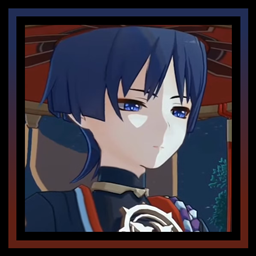
Scaramouche redesign to the inventory and etc.!
by Hero10720
Download Claim this project
1,310 downloads
0 likes
0 followers
Updated Oct 14, 2026
0 hypes
Follow0
16x
Advertisement Remove ads with Premium →

Scaramouche Themed GUI

Hi! Mainly I've made this resourcepack for my partner, but.. I thought I would share it since I think it's really adorable and cute :)

Once you download this pack, you'll get cute little Scaras in your inventory and a redesign of the inventory, buttons, splash texts and some other things! See here under what changes :) Also feel free to request other versions in the comment section :D
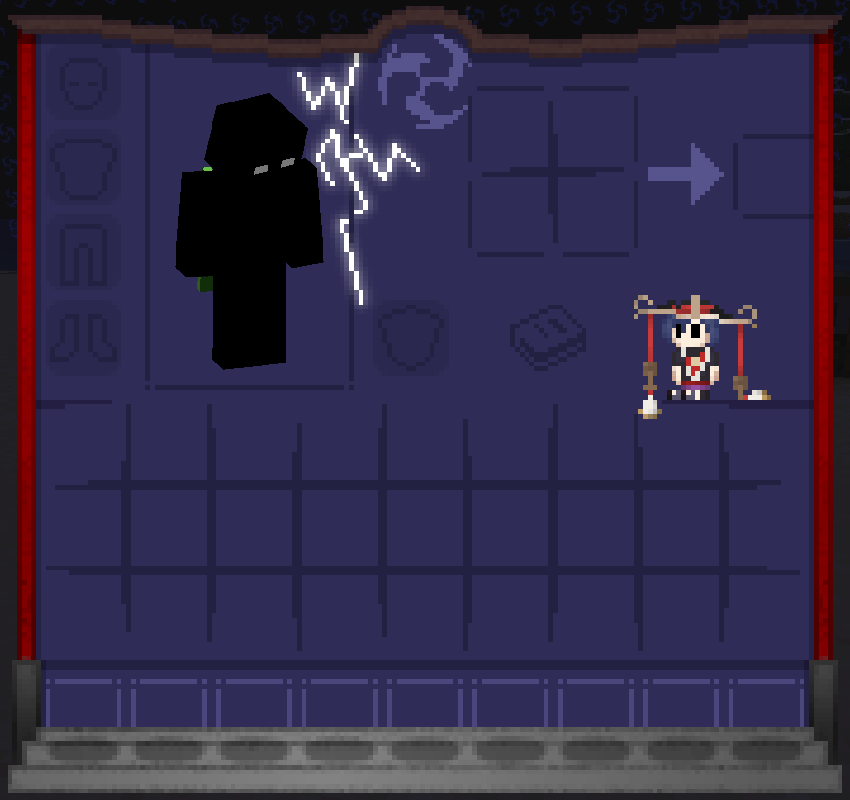
  • Of course there is the change to the UIs
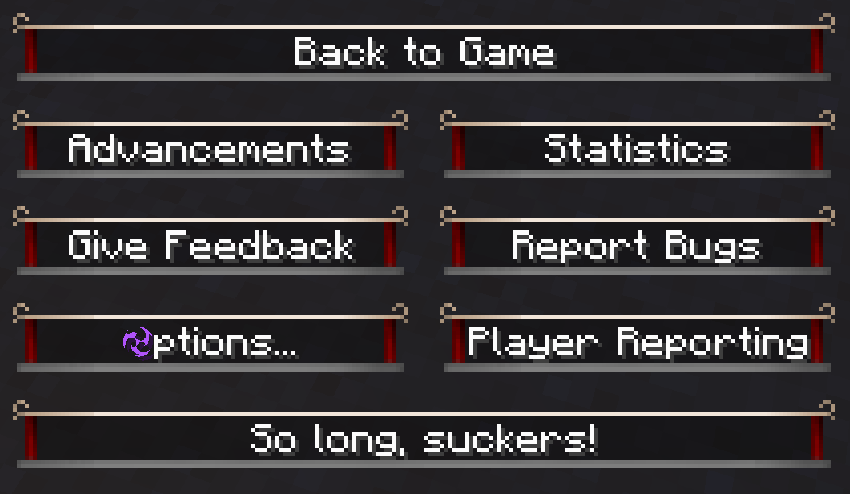
  • The pause menu
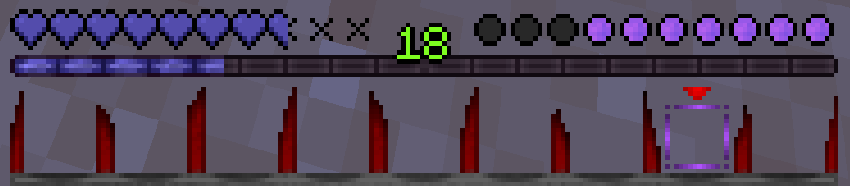
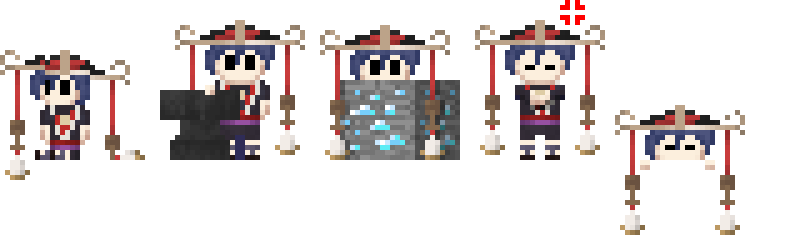
  • The hotbar: Scaramouche laughs at you in the hotbar when you take damage and also the food has been changed to the purple liquid of the boss
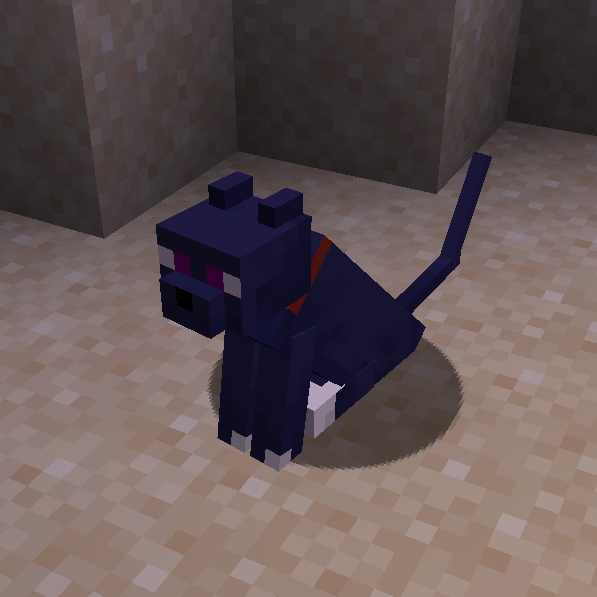
  • There is a Scarameow :D (It's the black variant)
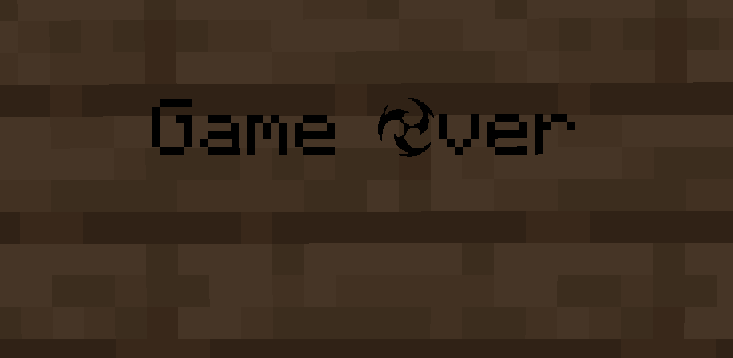
  • The capital letter "O" has been changed to an electro symbol, as well as the symbol for strength
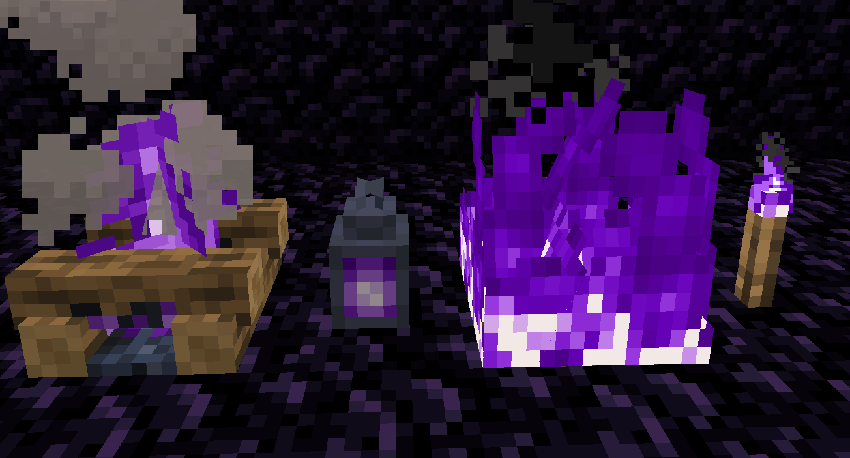
  • Soulfire's color has been changed to purple
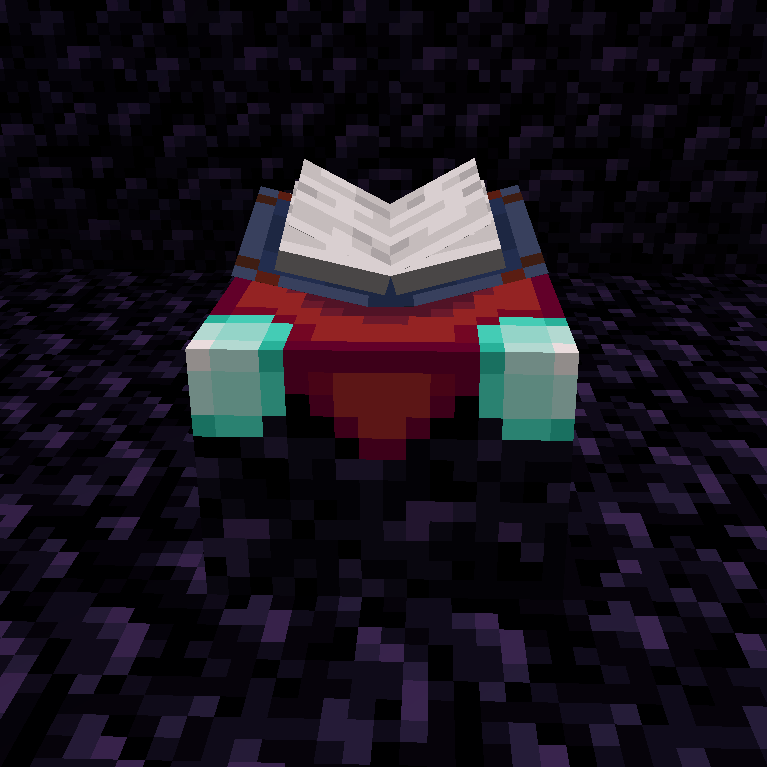
  • The enchanting table's book slightly changed color
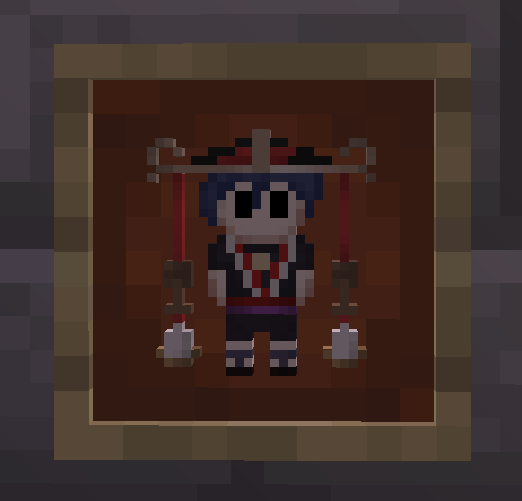
  • Cookies are changed to Scaramouche
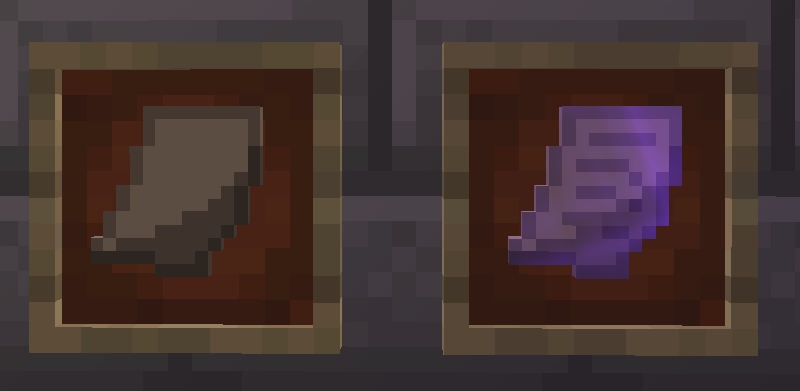
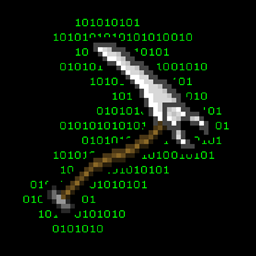
  • Books are now little notes
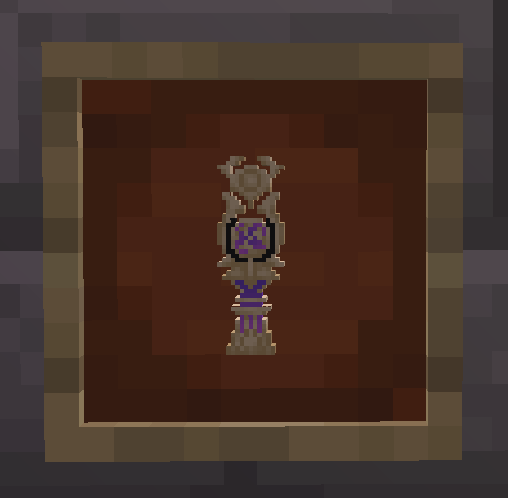
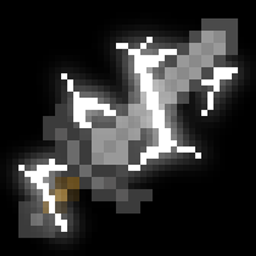
  • The totem of undying is now changed to a gnosis
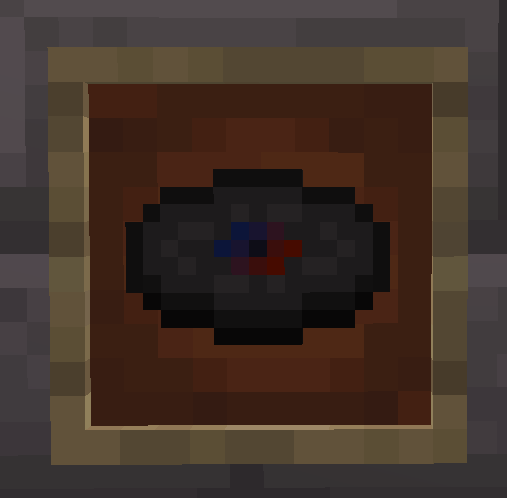
  • The disc wait has been switched to Scaramouche's Boss theme


A little warning tho.. the pack has one slightly offensive word! It's not that bad, I just still need to put a warning before people get offended. :(


And here's the copyright for funny legal reasons:

© All rights reserved by miHoYo. Other properties belong to their respective owners.

scaramouche-theme-1.14.4.zip
MC 1.14.4
Release 2026-08-13 Get
scaramouche-theme-1.16.5.zip
MC 1.16.5
Release 2026-08-13 Get
scaramouche-theme-1.21.5.zip
MC 1.21.5
Release 2025-06-24 Get
scaramouche-theme-1.21.1.zip
MC 1.21.1
Release 2025-05-31 Get
scaramouche-theme-1.20.1.zip
MC 1.20.1
Release 2025-05-25 Get

Requirements & install

How to use this resource pack in Minecraft
Resolution
16x
Minecraft
1.14.4 – 1.21.5
Install folder
.minecraft/resourcepacks

How to install resource packs

  1. Download the resource pack .zip file (do not extract it).
  2. In Minecraft open Options → Resource Packs → Open Pack Folder.
  3. Drop the .zip into the resourcepacks folder (.minecraft/resourcepacks).
  4. Move the pack to the Selected column and click Done.
Browse more: 16x resource packs 32x resource packs 64x resource packs 128x resource packs 256x resource packs 512x+ resource packs Resource Packs for 1.21.5 All resource packs

More from Hero10720

Advertisement Remove ads with Premium →

You Might Also Like