Mineuniverse
Resource Packs
Scape and Run: Emissives

Scape and Run: Emissives

RESOURCE PACK
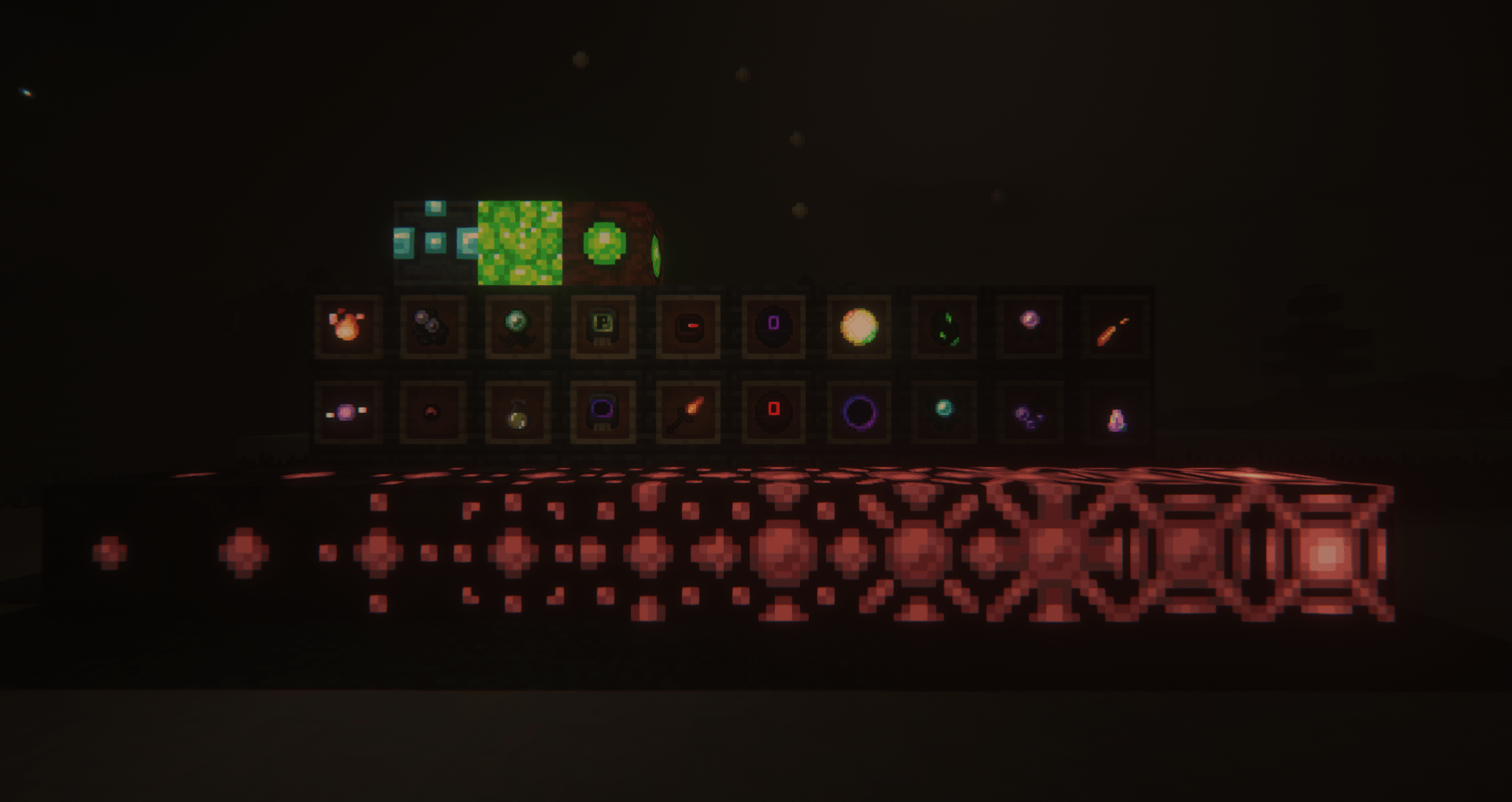
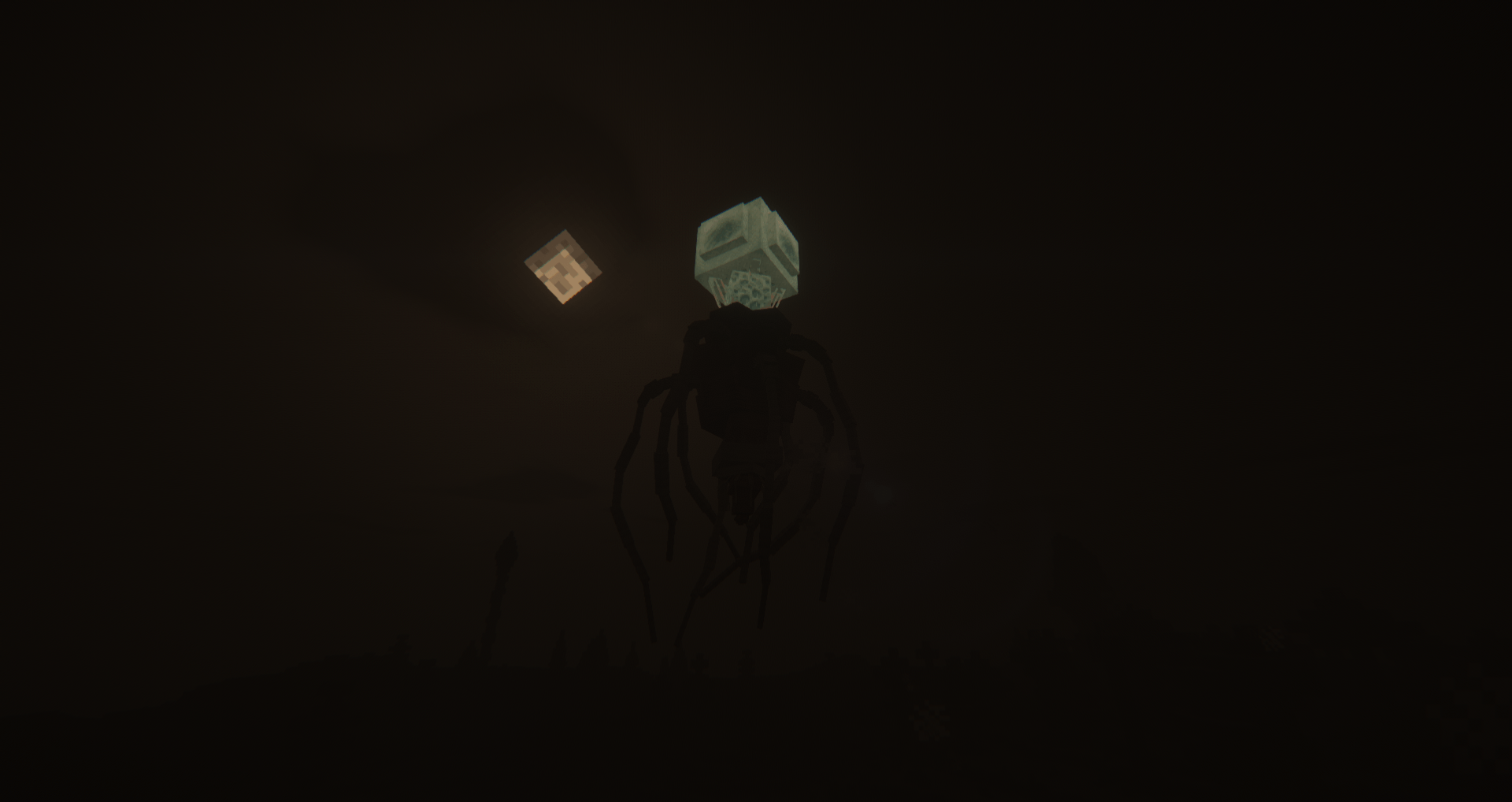
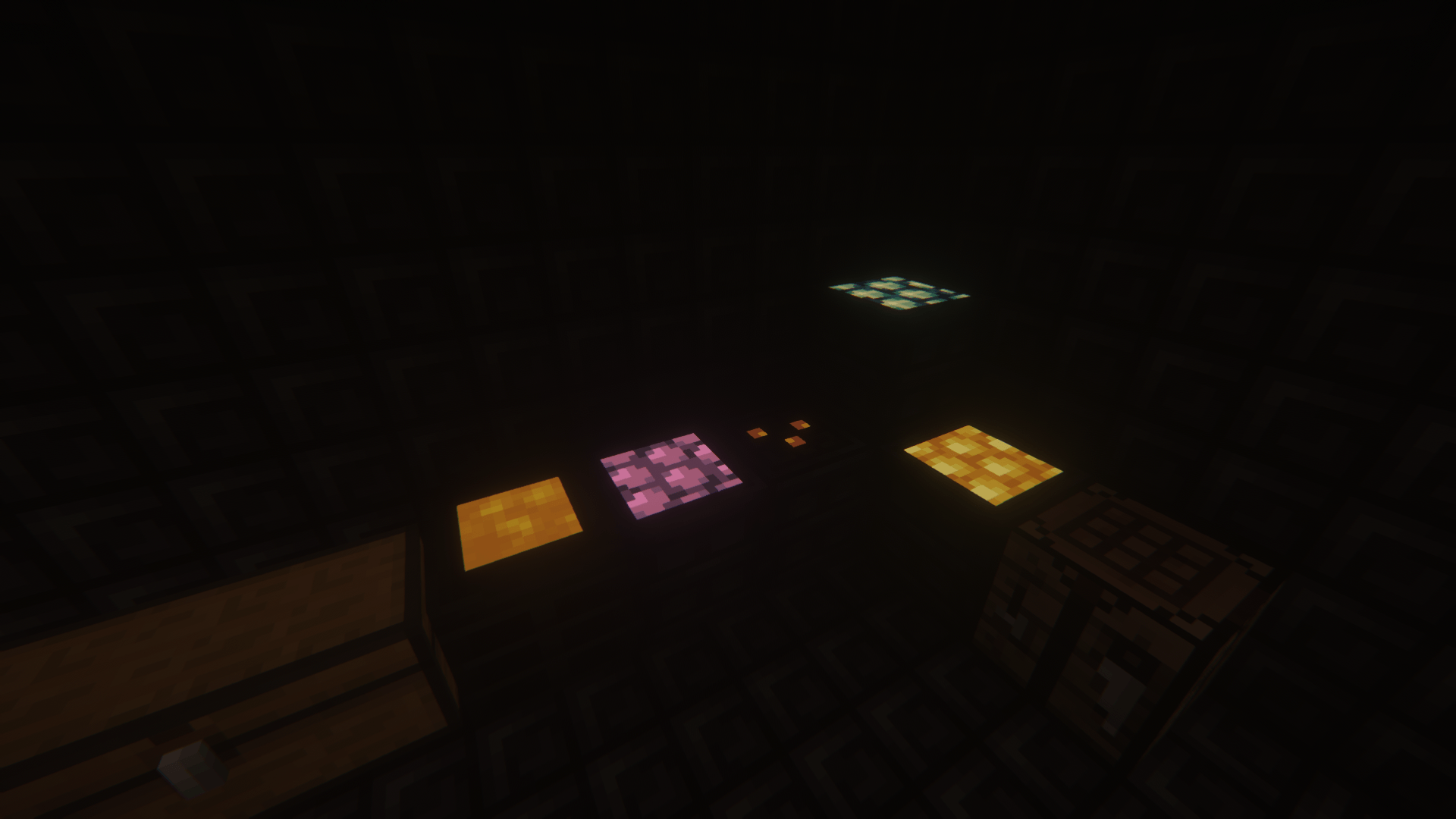
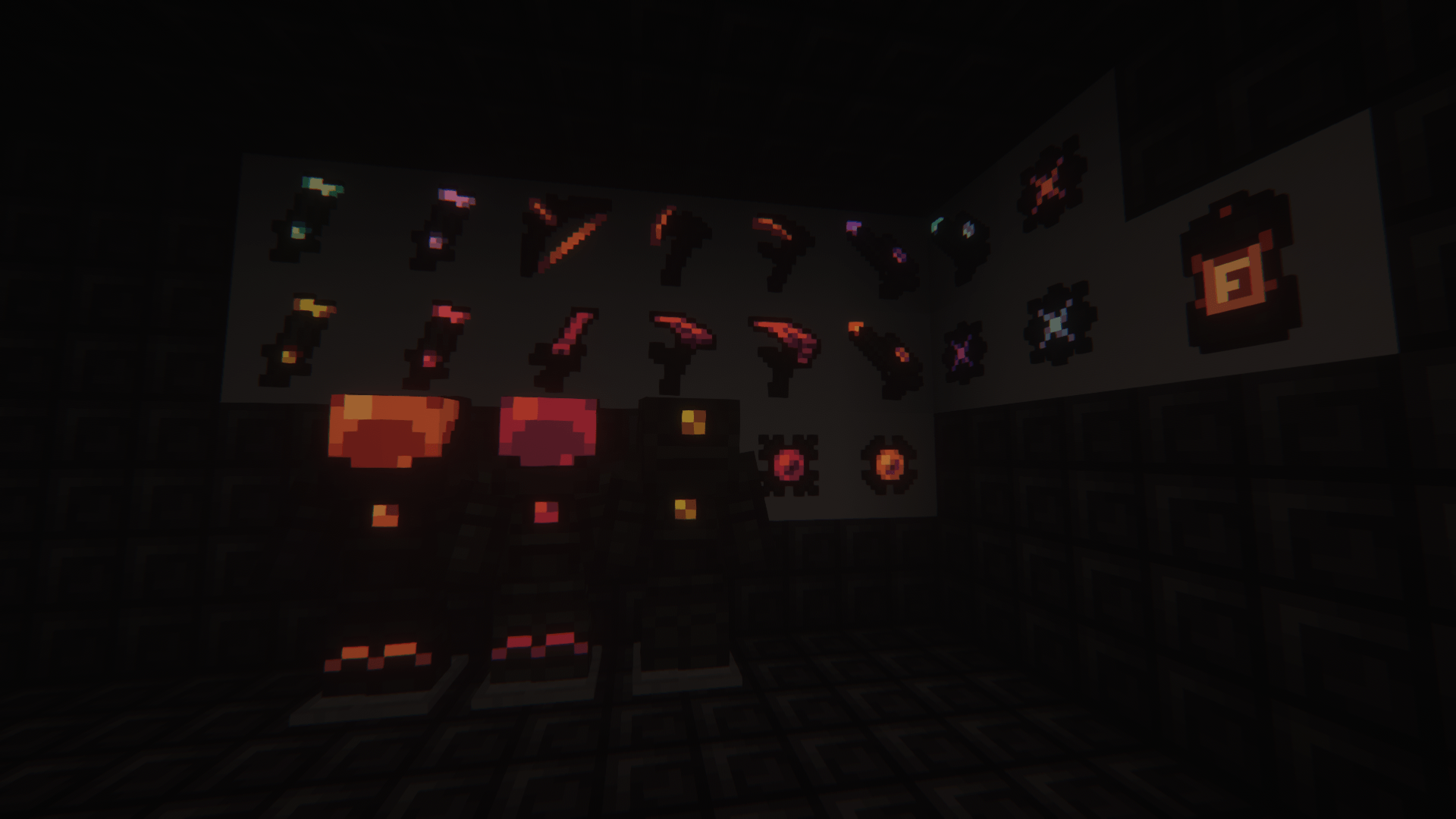
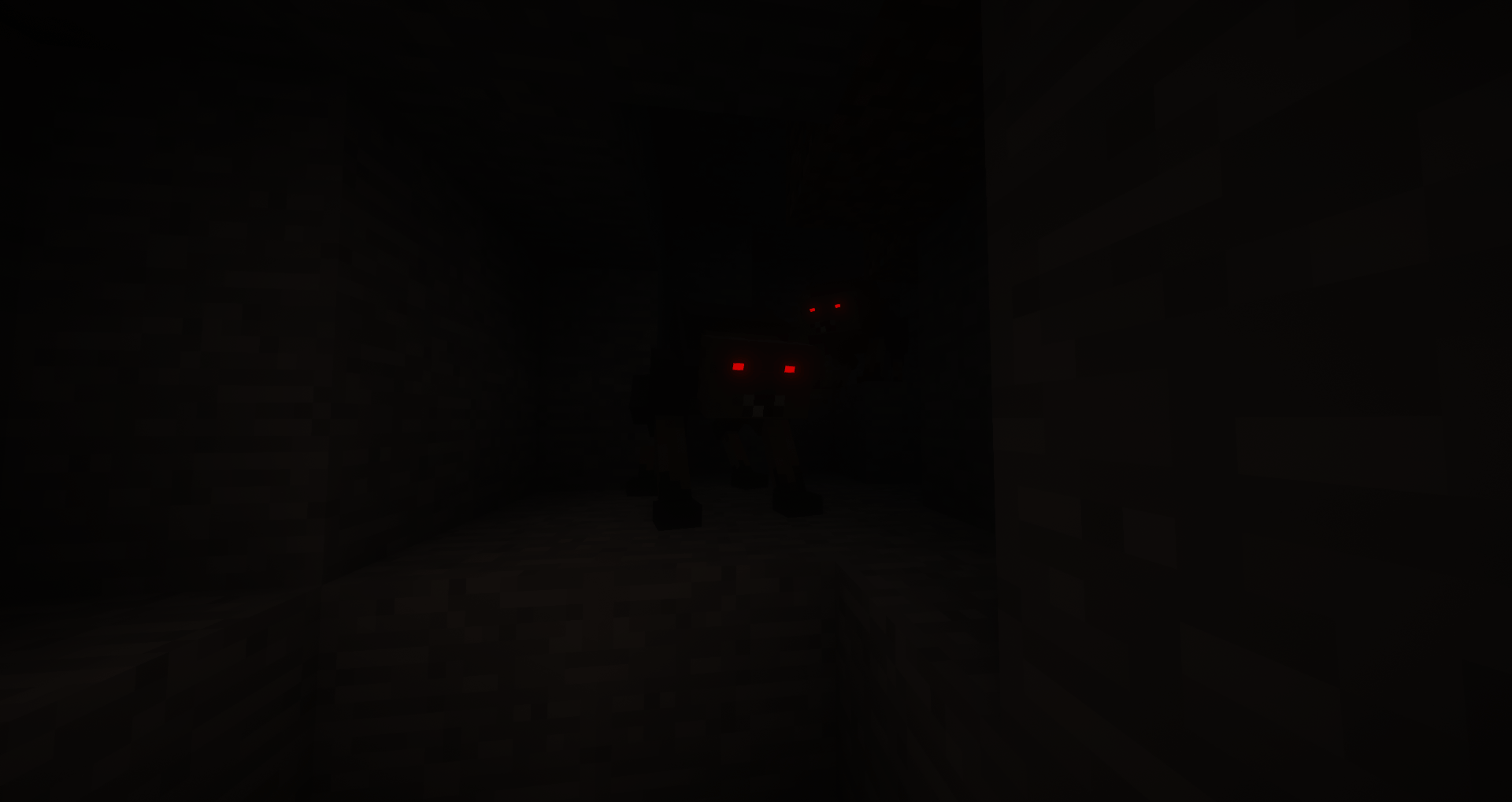
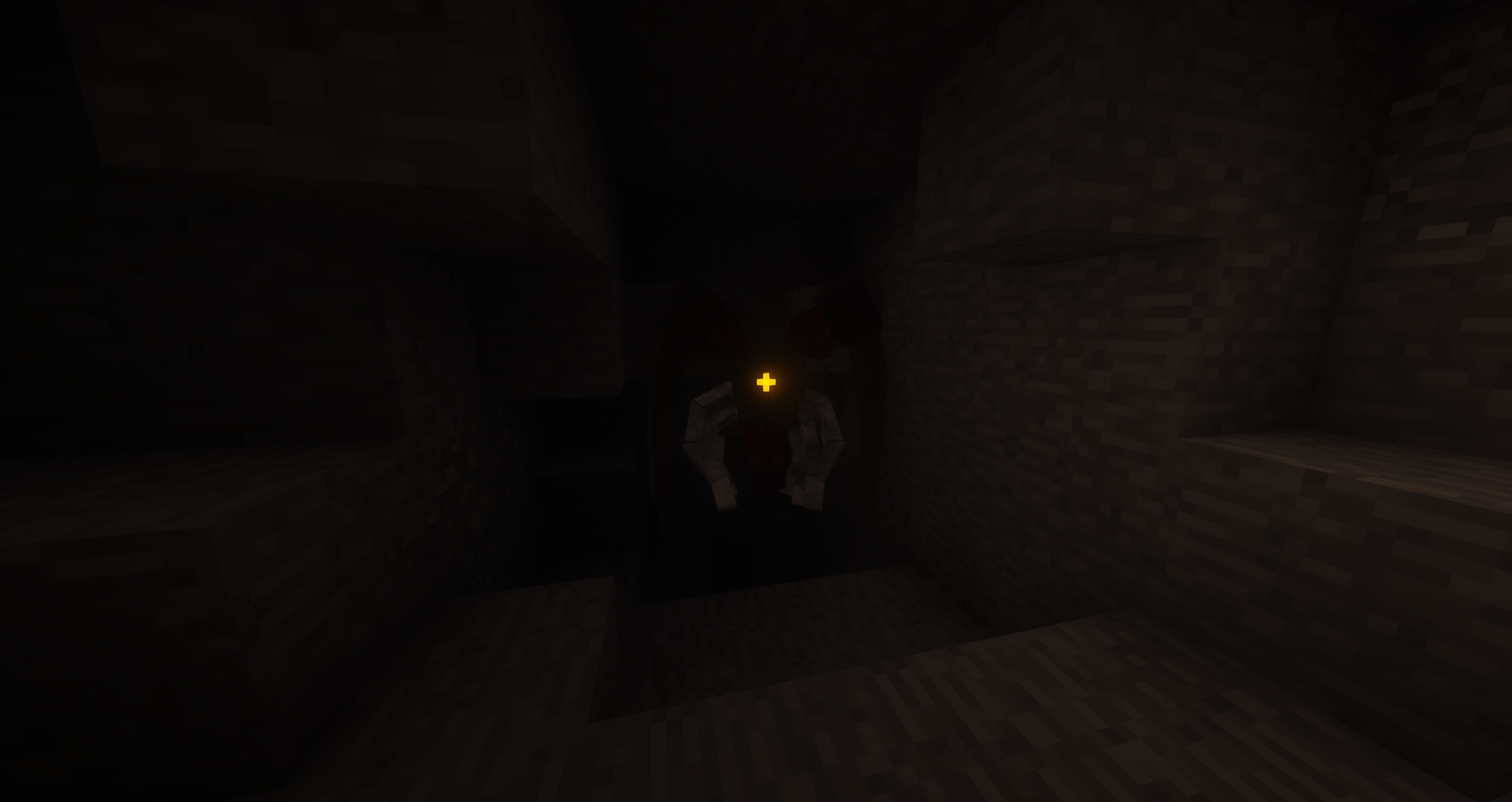
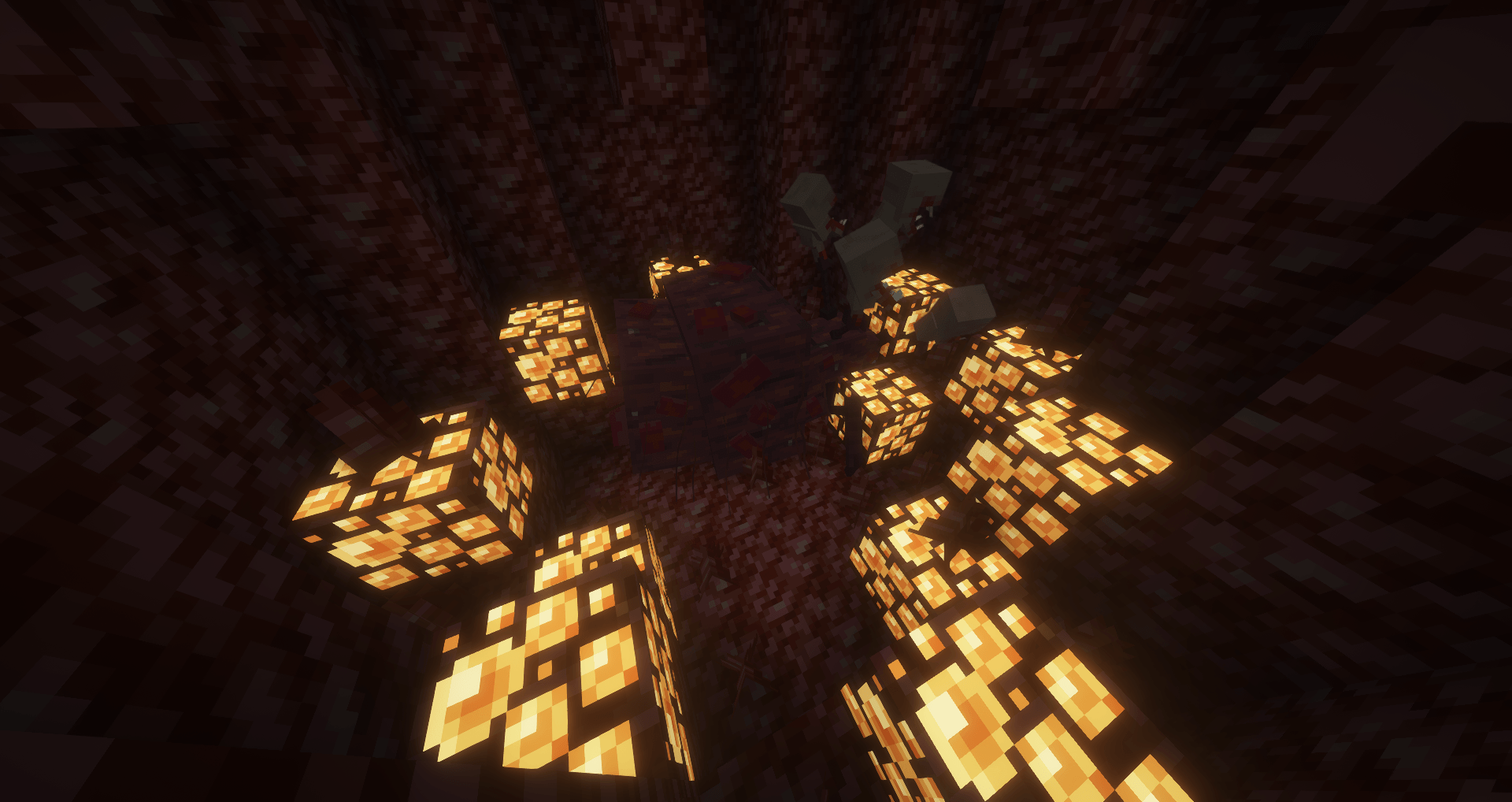
Makes things that probably should glow, glow. Supports many SRP addons as well.
by evan_wingerter117
Download Claim this project
52,387 downloads
0 likes
0 followers
Updated Oct 14, 2026
0 hypes
Follow0
16x Miscellaneous Mod Support
Advertisement Remove ads with Premium →

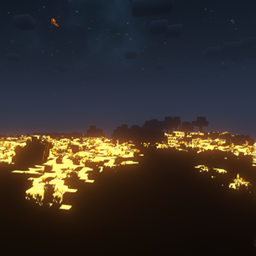
Makes Certain textures from Scape and Run: Parasites, and related addon mods glow in the dark with Optifine's emissive texture system. doesn't add dynamic lights however, only makes the sprite itself glow. Works best with shaders, I personally recommend the "Insanity Shaders" shader pack.

If I made any visual mistakes in the texture, or want to suggest something be made glowy, leave a comment here or message me at the Official SR:P Discord server, the invite link can be found on the mod page for Scape and Run: Parasites.

Current Mods affected are the following:

  • Scape and Run: Parasites
  • NoCube Tweaks
  • NoCube's Combat/Nests/Survival Addon
  • Koolant's Scape and Run: Parasites Reinforcement Addon
  • Cotesia Glomerata
  • Hermit's Arsenal
  • Scape and Run: Meshi
  • Scape and Spartan: Parasites
    The colors mean nothing its just based on their Curseforge icon main color.


SRP Emissives 1.10.7 [Glowing Ores]
MC 1.12.2
Release 2026-07-15 Get
SRP Emissives 1.10.7 [No Glowing Ores]
MC 1.12.2
Release 2026-07-15 Get
SRPEmissives 1.10+
MC 1.12.2
Release 2026-03-25 Get
SRPEmissives 1.10+
MC 1.12.2
Release 2026-03-25 Get
SRP Emissives 1.9.21
MC 1.12.2
Release 2025-07-05 Get
SRP Emissives 1.9.21
MC 1.12.2
Release 2025-04-07 Get
SRP Emissives 1.9.21
MC 1.12.2
Release 2024-10-22 Get
SRP Emissives 1.9.21
MC 1.12.2
Release 2024-09-21 Get
SRP Emissives PRE-1.10
MC 1.12.2
Release 2024-05-05 Get
SRP Emissives PRE-1.10
MC 1.12.2
Release 2024-04-28 Get
SRP Emissives PRE-1.10
MC 1.12.2
Release 2024-04-14 Get
SRP Emissives PRE-1.10
MC 1.12.2
Release 2024-04-14 Get

Requirements & install

How to use this resource pack in Minecraft
Resolution
16x
Minecraft
1.12.2
Install folder
.minecraft/resourcepacks

How to install resource packs

  1. Download the resource pack .zip file (do not extract it).
  2. In Minecraft open Options → Resource Packs → Open Pack Folder.
  3. Drop the .zip into the resourcepacks folder (.minecraft/resourcepacks).
  4. Move the pack to the Selected column and click Done.
Browse more: 16x resource packs 32x resource packs 64x resource packs 128x resource packs 256x resource packs 512x+ resource packs Resource Packs for 1.12.2 All resource packs

More from evan_wingerter117

Advertisement Remove ads with Premium →

You Might Also Like