Mineuniverse
Resource Packs
Sassgaard - Cartoony Norse | 128x | Mod Support | Custom Sounds | Custom Models

Sassgaard - Cartoony Norse | 128x | Mod Support | Custom Sounds | Custom Models

RESOURCE PACK
Sassgaard (Cartoony Norse)
by LokiOfSassgaard
Download Claim this project
Add a badge to your pageLink to Sassgaard - Cartoony Norse | 128x | Mod Support | Custom Sounds | Custom Models from a README, website or forum post.
Preview: Badge

Badges update automatically and link to the resource pack page on MineUniverse.

31,999 downloads
0 likes
0 followers
Updated Oct 14, 2026
0 hypes
Follow0
128x Animated Medieval Miscellaneous Mod Support
Advertisement Remove ads with Premium →

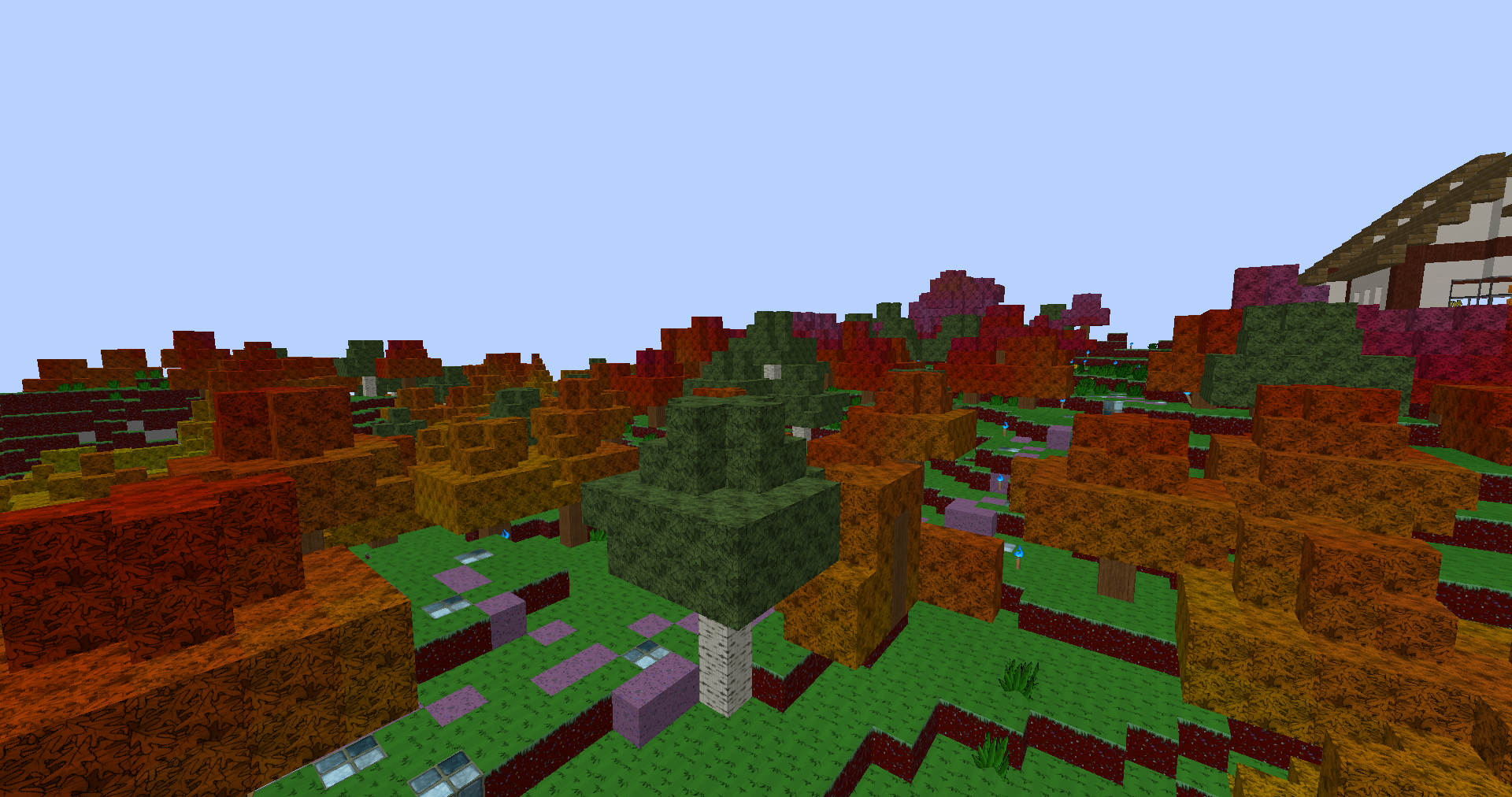
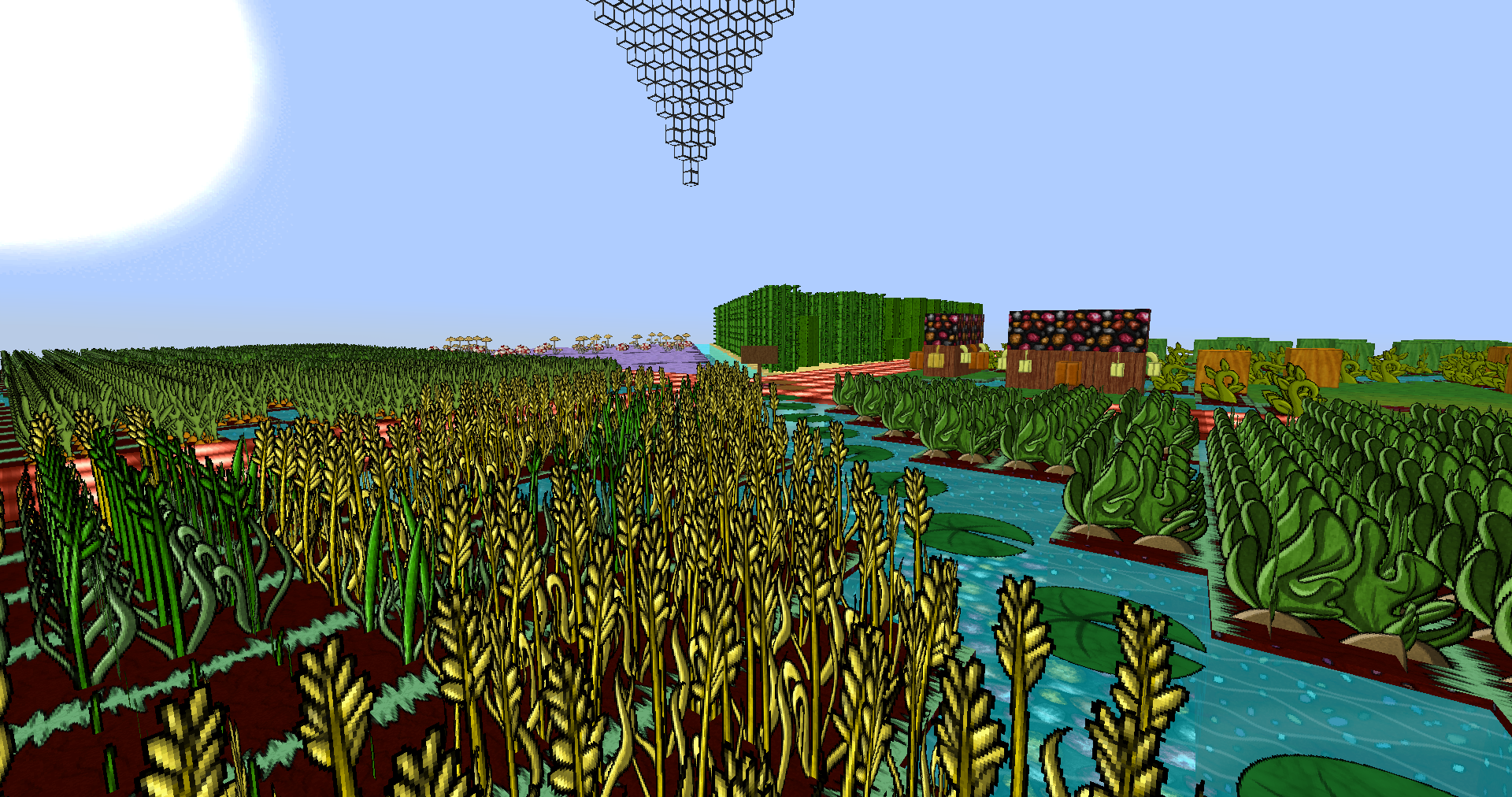
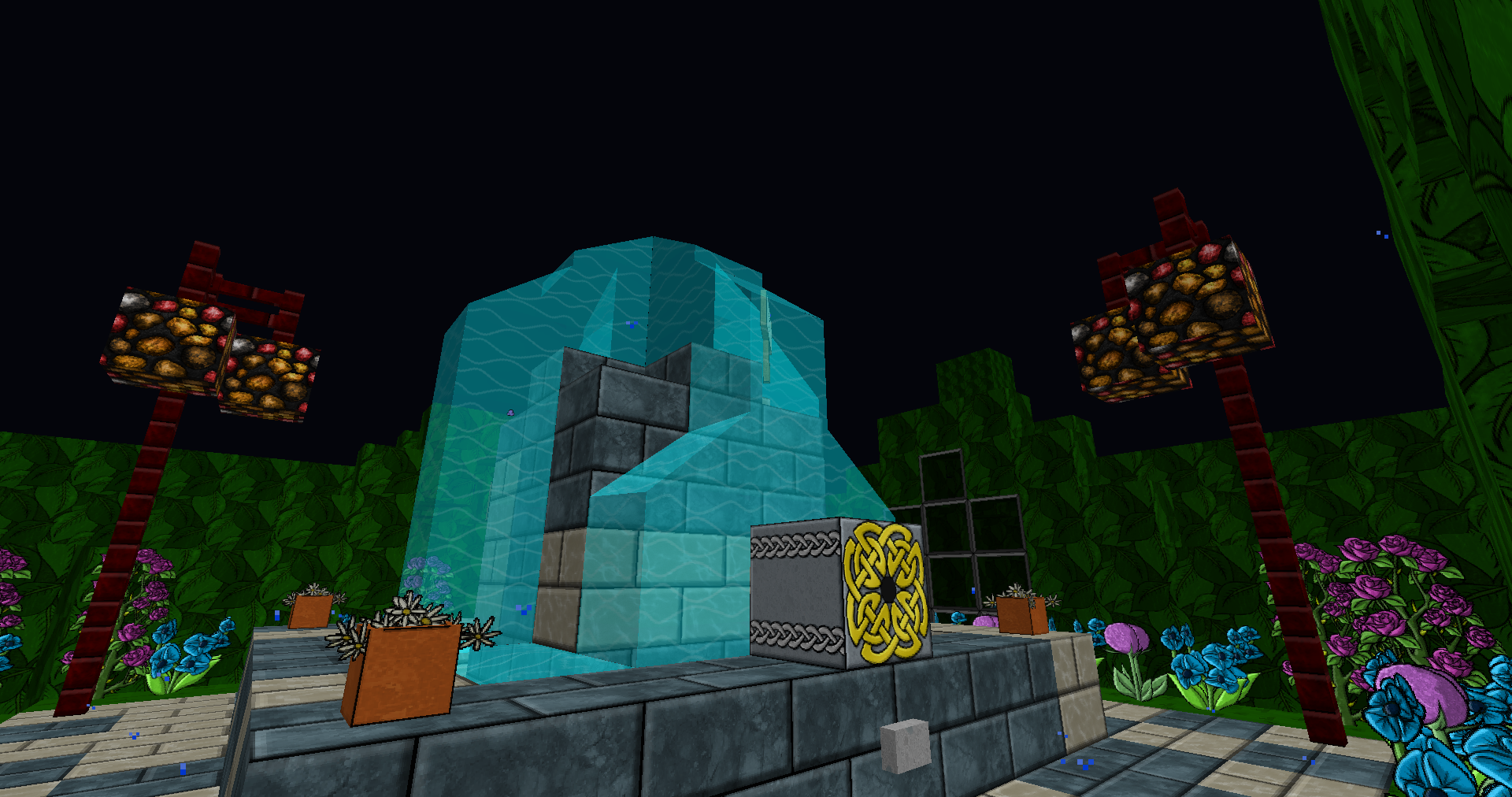
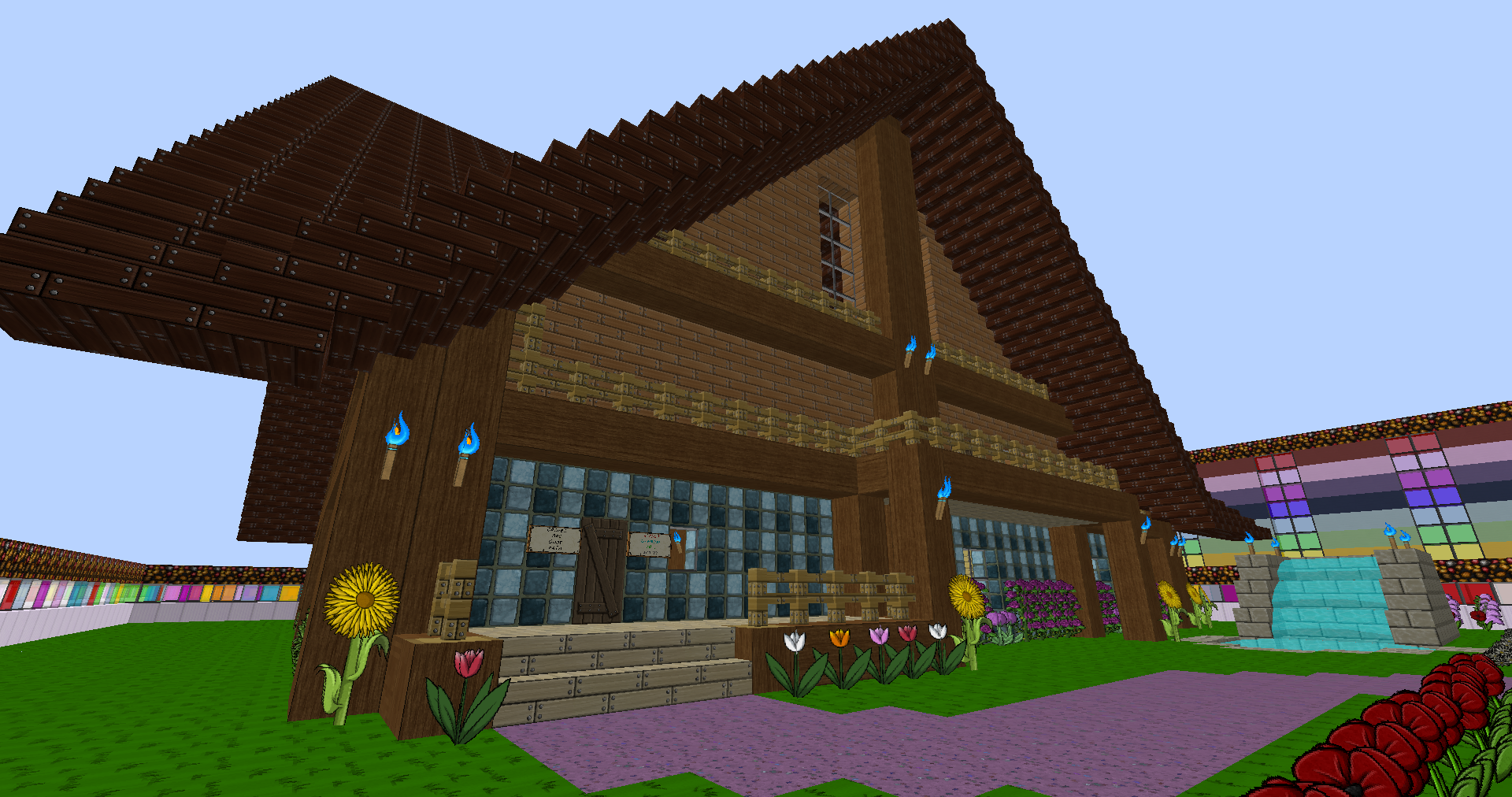
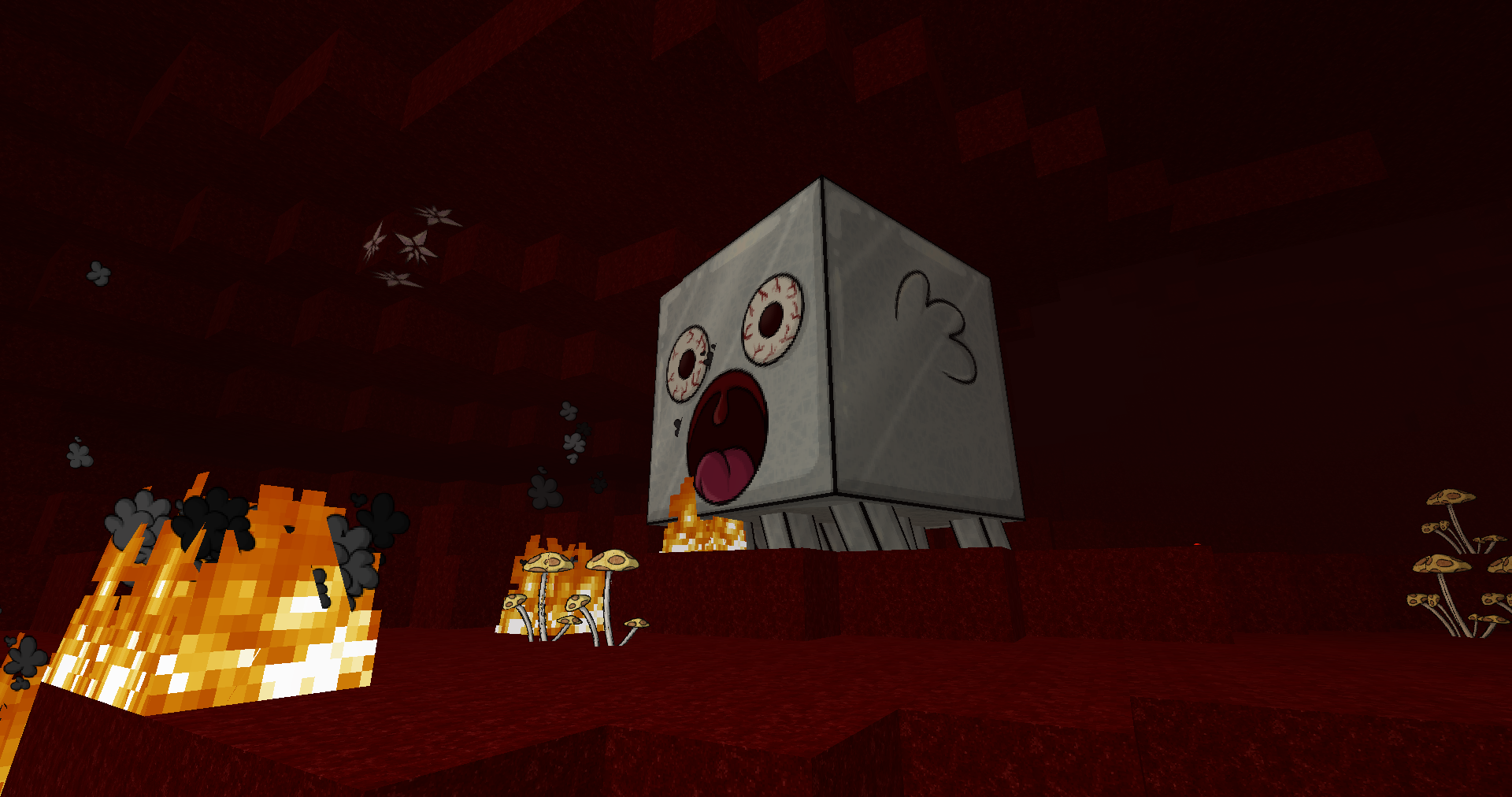
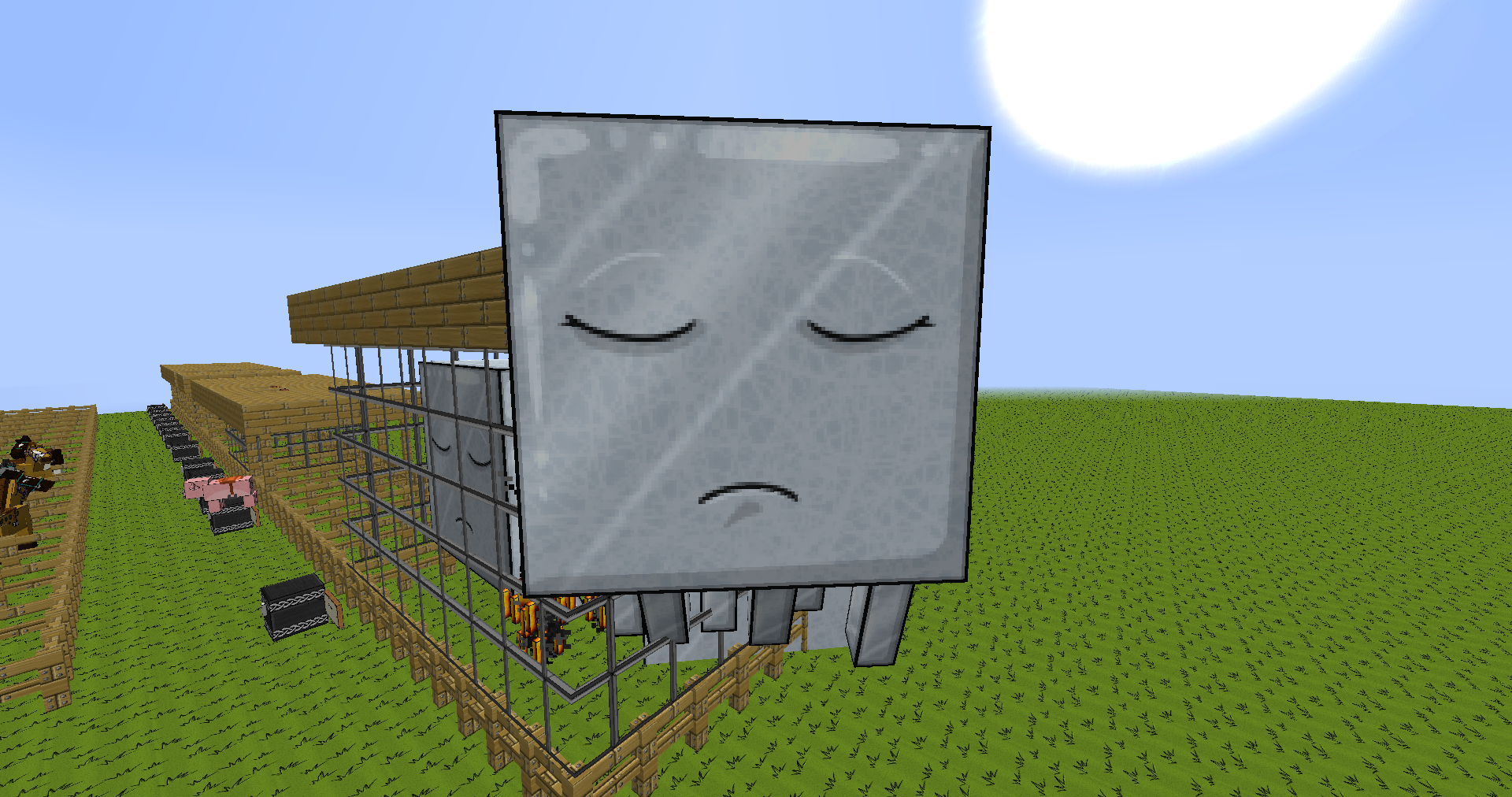
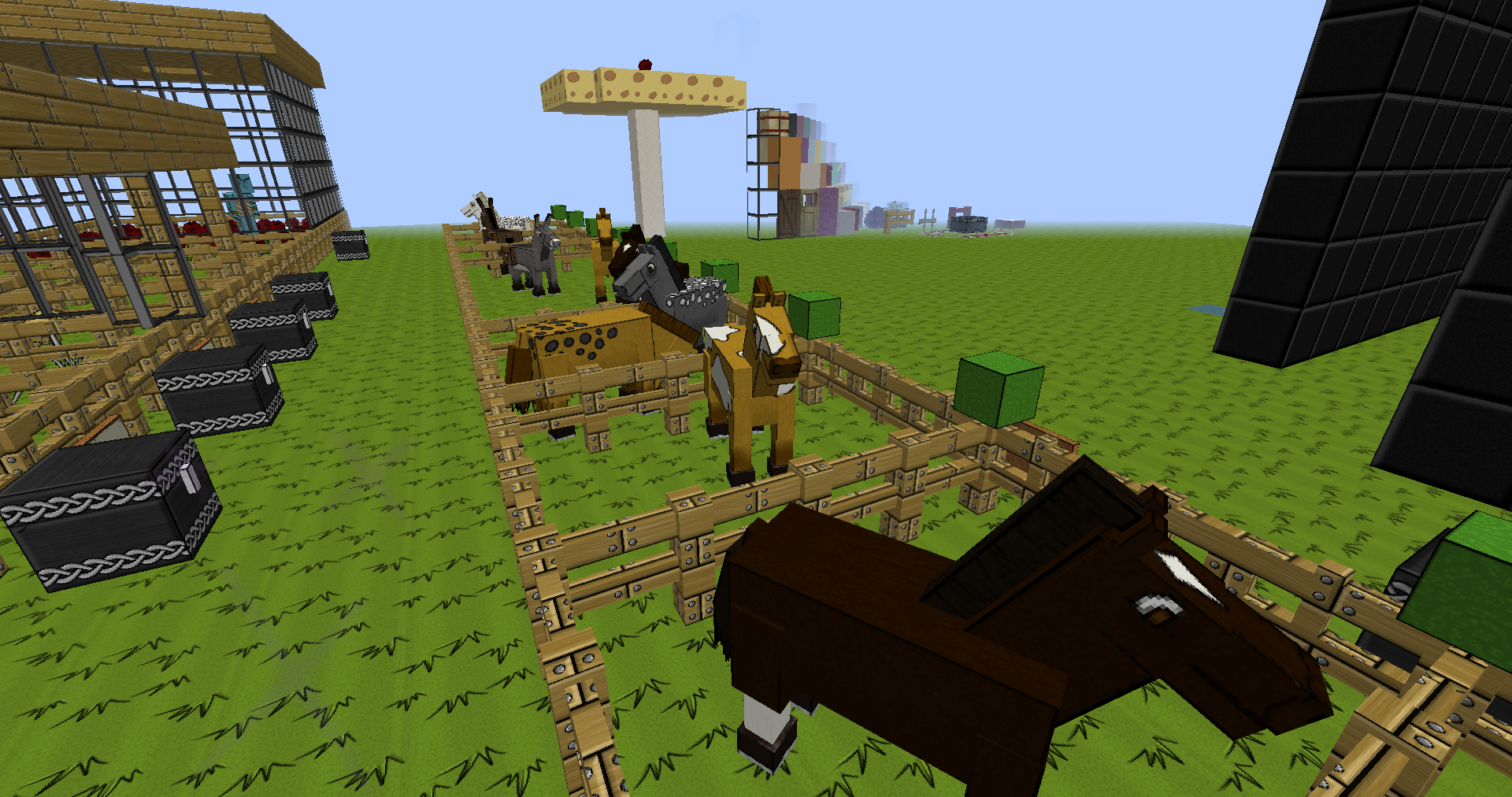
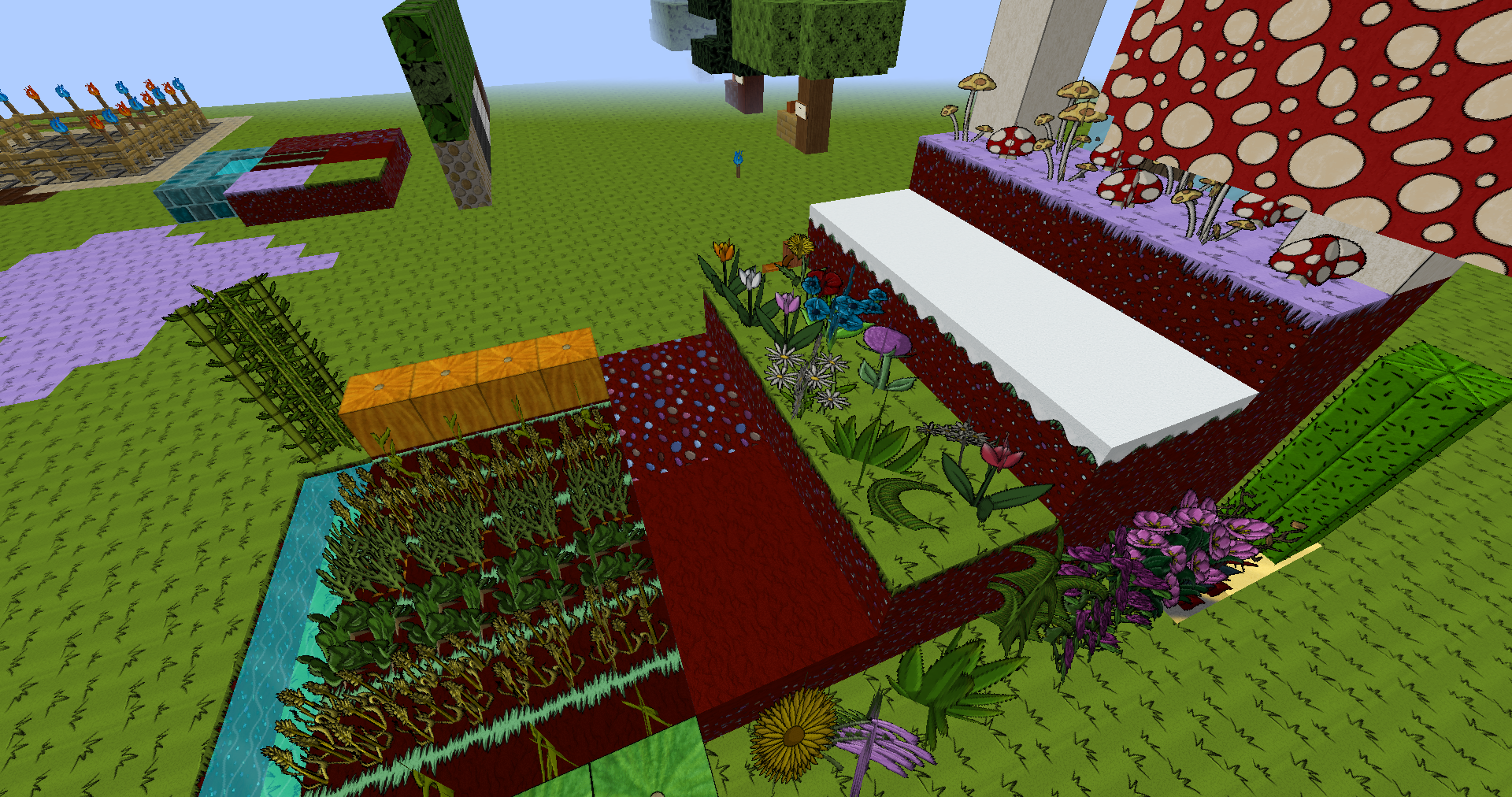
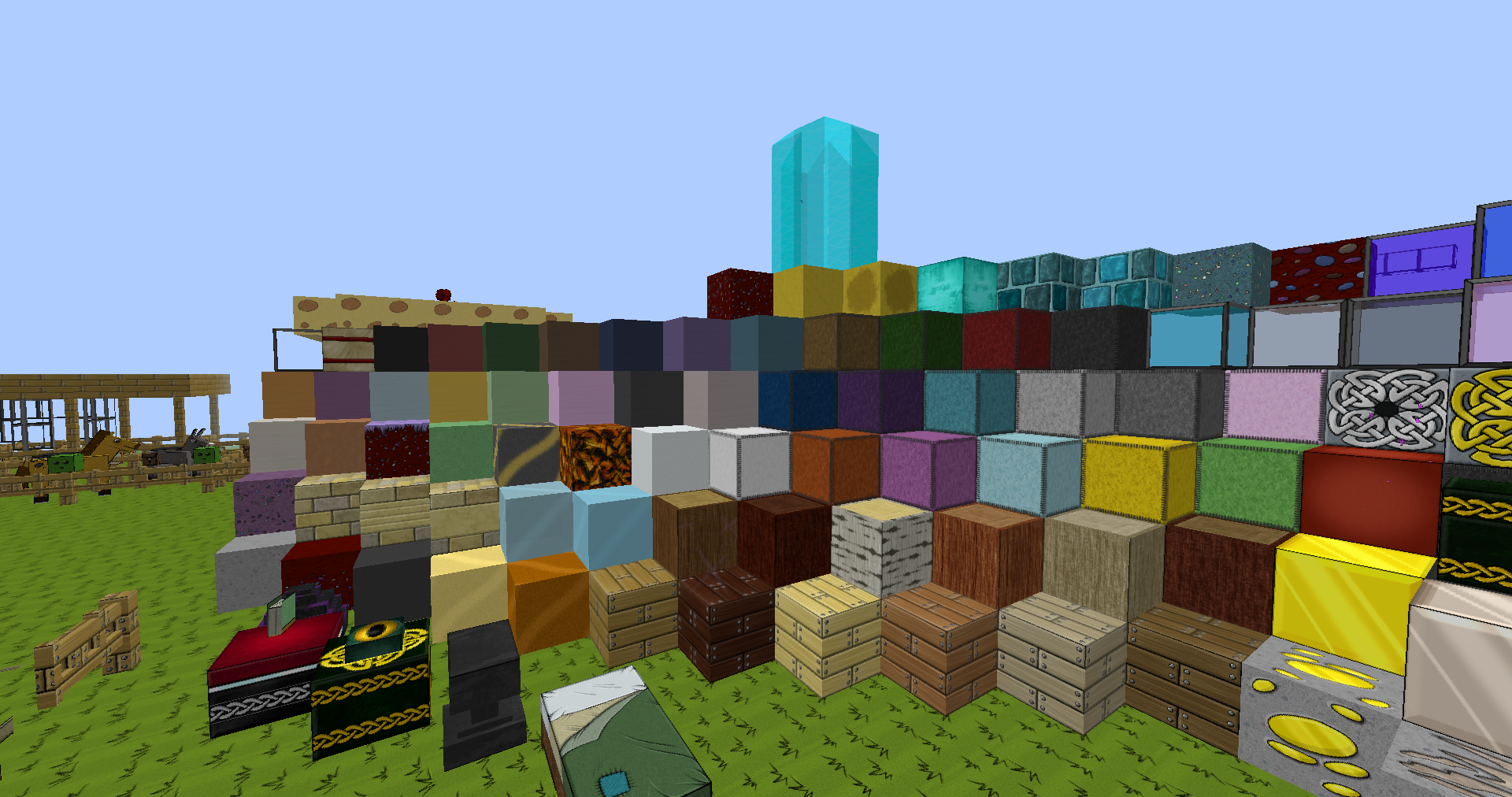
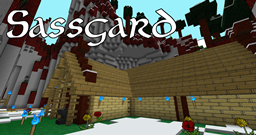
Sassgaard: Cartoony, kinda Norse, kinda bonkers.


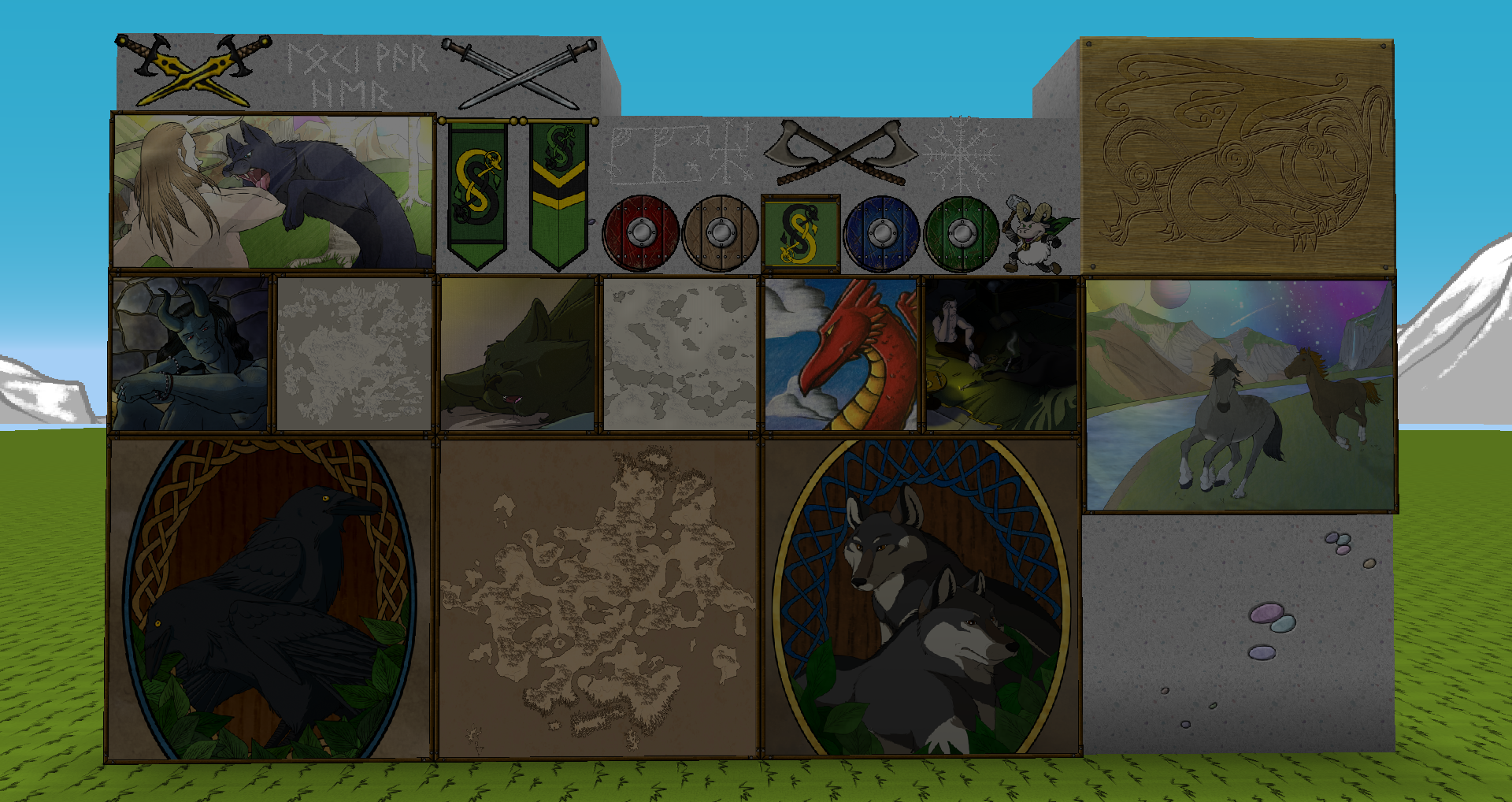
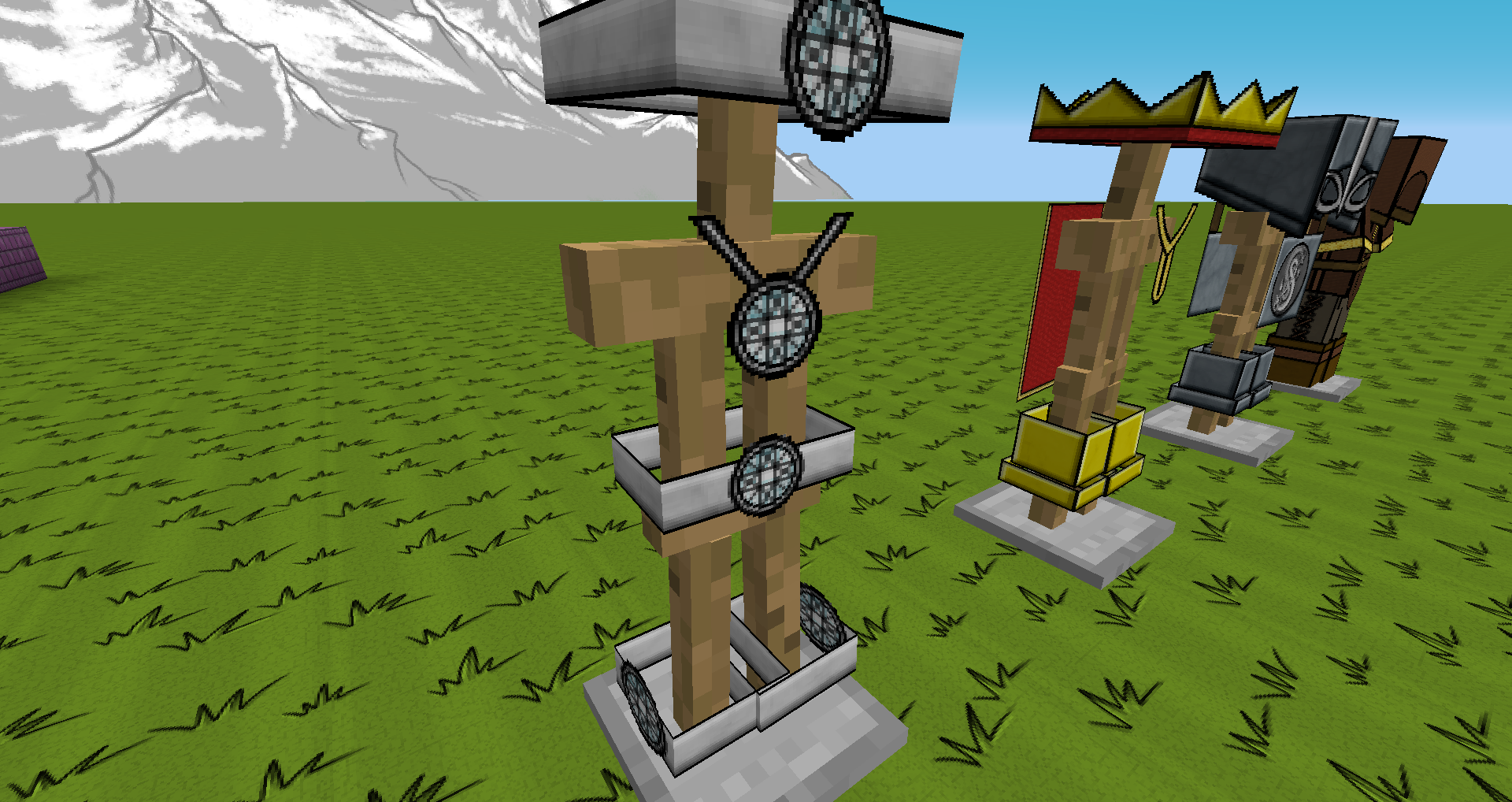
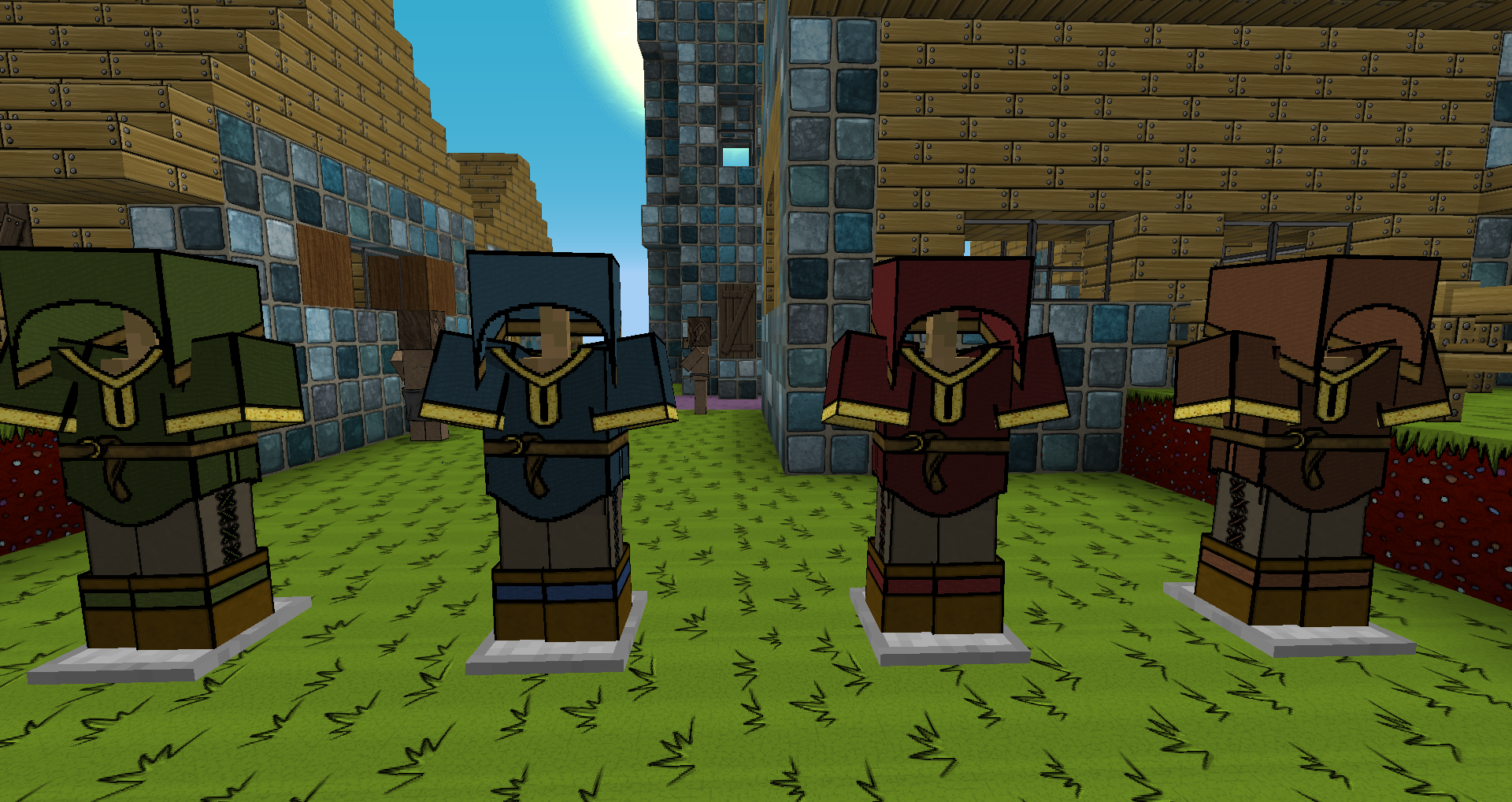
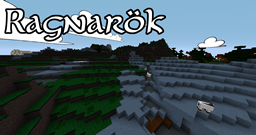
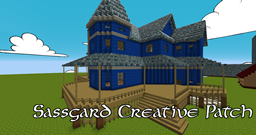
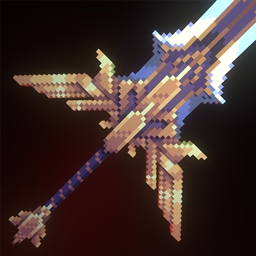
Sassgaard is a high-resolution cartoony resource pack, with custom sounds and models. It's a little bit Norse, and a little bit bonkers, with bright, bold colours that give your game a cheery look without being over-saturated and difficult to look at. Each texture is hand-drawn, using a variety of techniques to create a unique look that hasn't been replicated or reproduced.


This pack updates sporadically.  It's the current pack used on the Two Idiots series on Twitch, and updates as we feel like things need to be changed, or as major Minecraft releases come out.


This pack is not a serious Norse pack, nor does it pretend to be.  It's Marvel comics on coke Norse, with things that barely even make sense in context in some places.  We like it that way.


Sassgaard v1.3 - for Minecraft 1.12.zip
MC 1.12.2
Release 2018-04-22 Get
Sassgaard for Minecraft 1.12.zip
MC 1.12.2
Release 2018-04-19 Get
Sassgaard for 1.12 v1.0
MC 1.12
Release 2017-06-26 Get
Sassgaard for Minecraft 1.10 - v1.1.zip
MC 1.10.2
Release 2016-08-30 Get
Sassgaard for Minecraft 1.7 - v 2.0.zip
MC 1.7.10
Release 2016-08-30 Get
Sassgaard for Minecraft 1.8 - v 2.0.zip
MC 1.8.9
Release 2016-08-30 Get
Sassgaard for Minecraft 1.9 v 1.5.zip
MC 1.9.4
Release 2016-08-30 Get

Requirements & install

How to use this resource pack in Minecraft
Resolution
128x
Minecraft
1.7.10 – 1.12.2
Install folder
.minecraft/resourcepacks

How to install resource packs

  1. Download the resource pack .zip file (do not extract it).
  2. In Minecraft open Options → Resource Packs → Open Pack Folder.
  3. Drop the .zip into the resourcepacks folder (.minecraft/resourcepacks).
  4. Move the pack to the Selected column and click Done.

Packs from 128x upwards need more video memory: install a performance mod such as Sodium for smooth frame rates.

Browse more: 16x resource packs 32x resource packs 64x resource packs 128x resource packs 256x resource packs 512x+ resource packs Resource Packs for 1.12.2 All resource packs

More from LokiOfSassgaard

Advertisement Remove ads with Premium →

You Might Also Like