Badges update automatically and link to the resource pack page on MineUniverse.
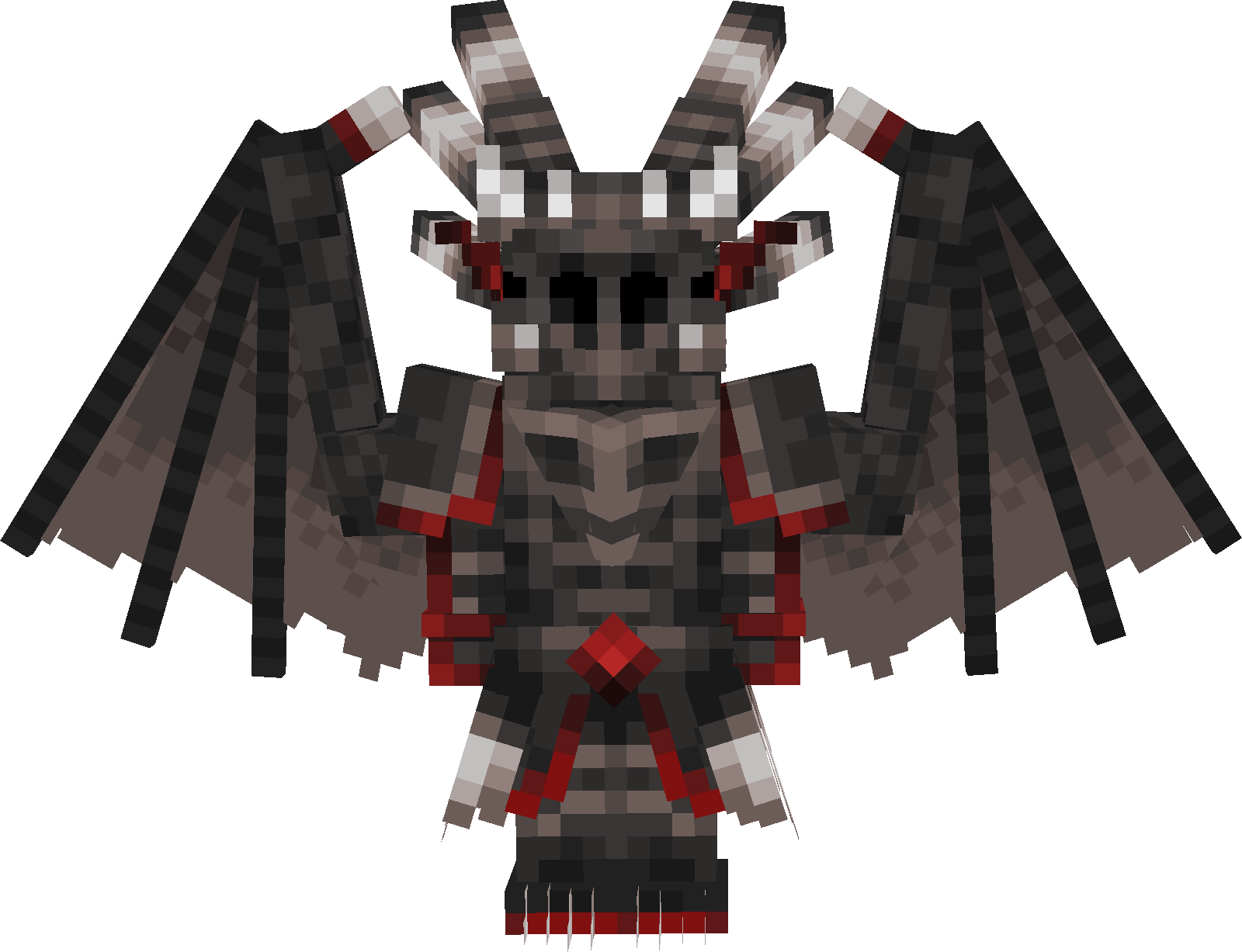
Just a resourcepack that removes some of the bones, spikes, claws, etc. for the Dragonlord armor and Tempest armor.
Comes with two optional files Dragon Slayer is my own revamp of the concept of the late game role in the world. (Found in additional files)
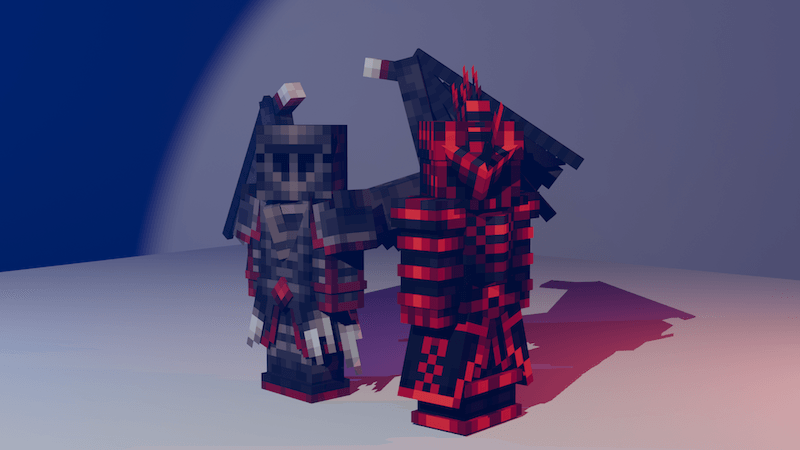
Dragonlord armor symmetrical pauldrons makes the pauldrons well, symmetrical and removes the horns/spikes
Please note that load orders are important, so if you want lets say the edits for the tempest armor with the dragon slayer armor you load the Dragon Slayer pack after Begone Decor same goes for Symmetrical Pauldrons.
All of the assets used in these renders belong to SaintVanWinkle and his team through permission.
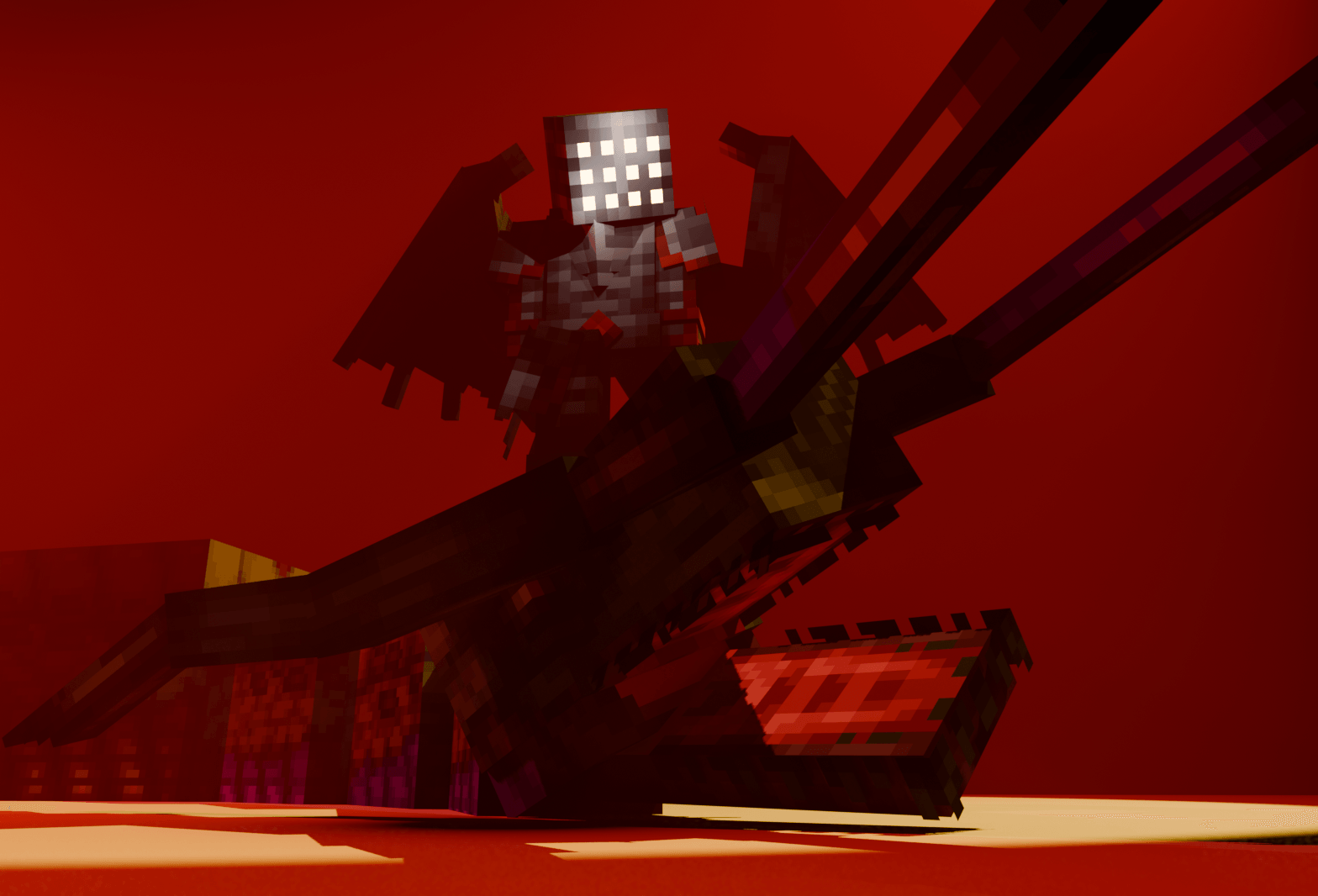
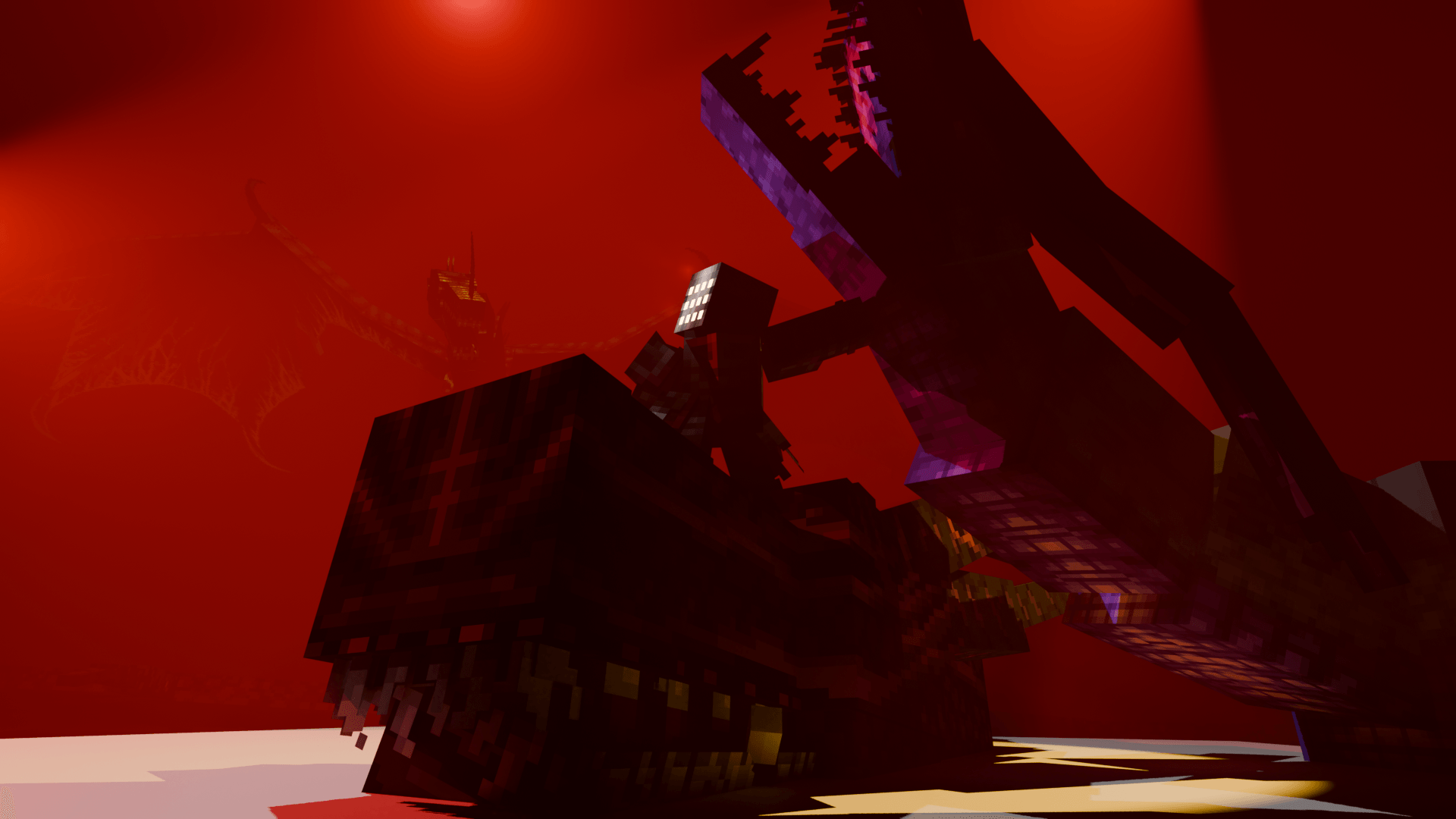
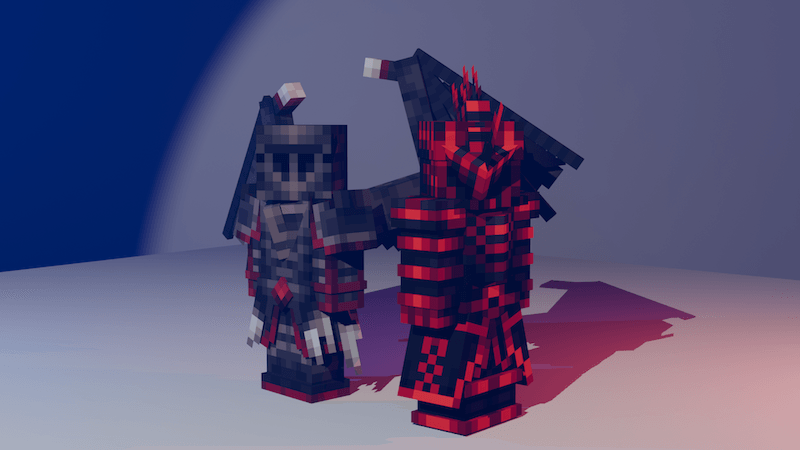 Render example. The question isnt why i decided to do a render for such a simple and effortless resource pack, its why the hell not.
Dragon slayer (Optional) I simply shoved a specific bascinet visor i forgot the name of and renamed some of the items, abilities, achievements. and just called it a day (glowing slits is only for the render)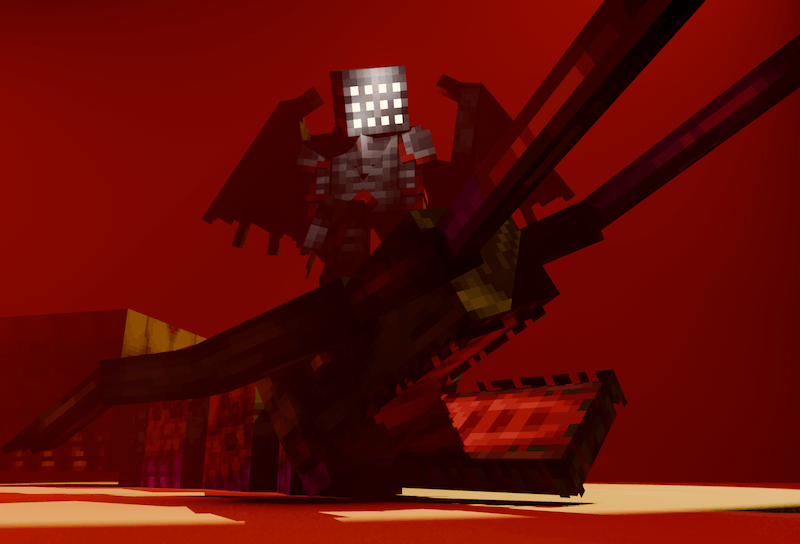
Wingless version (will release soon)
Scratch that I'll release it if someone seeks it. (Request in the comments)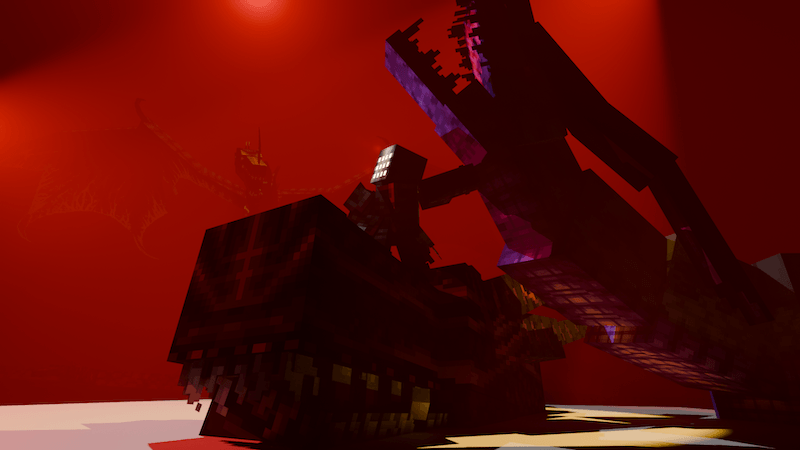
Symmetrical pauldrons example
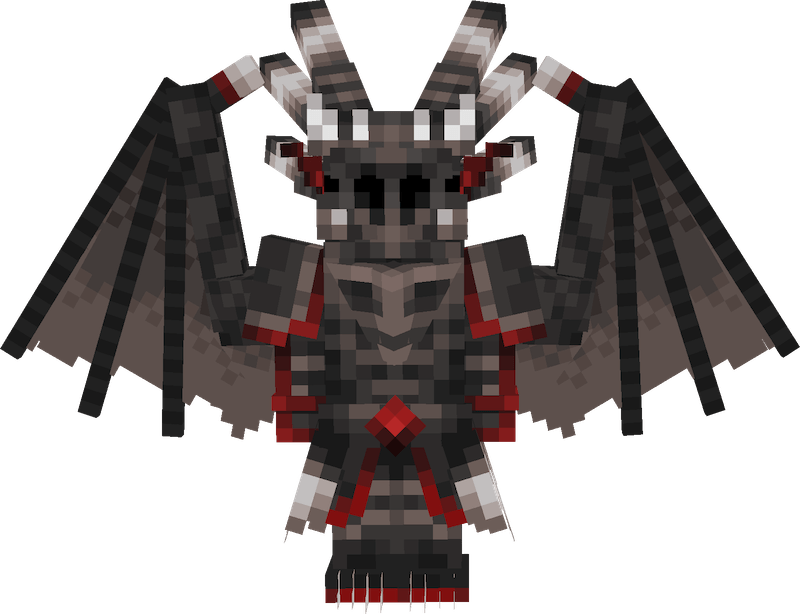
As I said before all rights and credit go to SaintVanWinkle and his team for these asssets, I only did some edits on the armor