Mineuniverse
Resource Packs
Rustic x Simple Grass Flowers Compat

Rustic x Simple Grass Flowers Compat

RESOURCE PACK
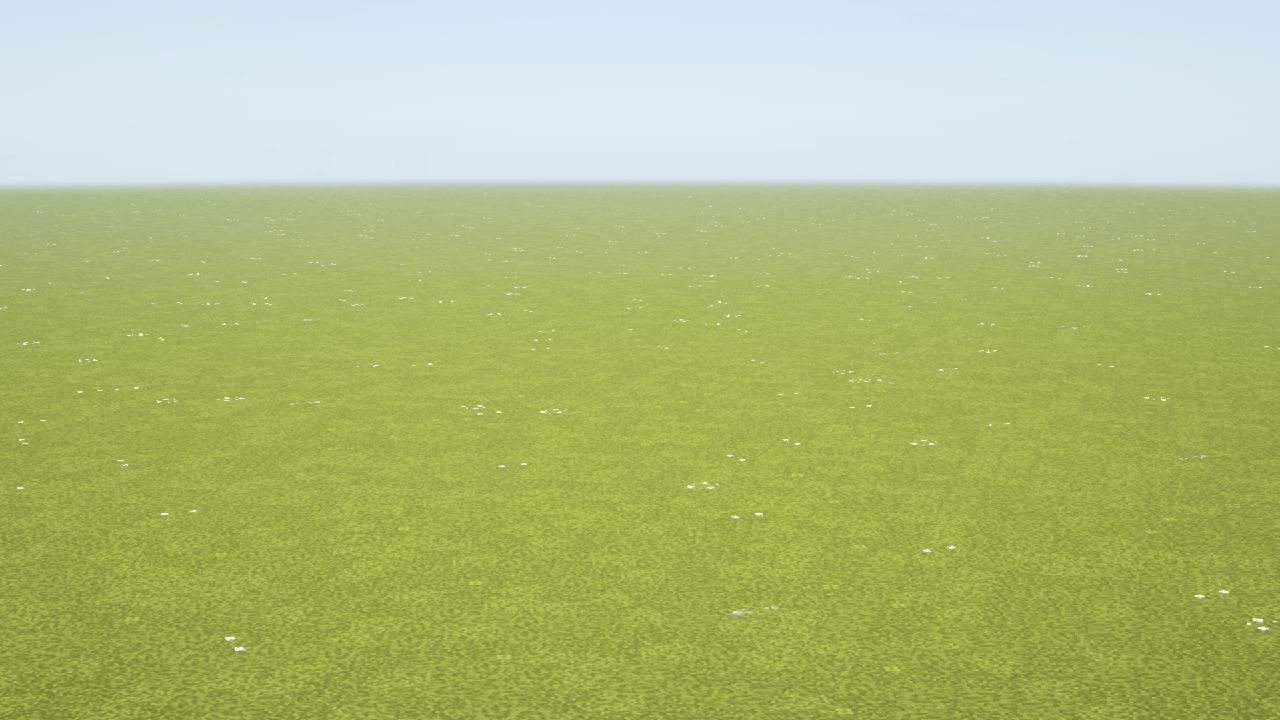
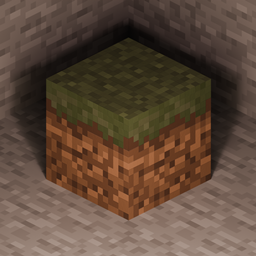
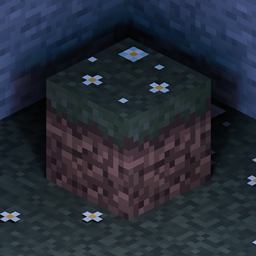
Creates compatibility between Rustic and Simple Grass Flowers, particularly with the flowers shown on grass blocks.
by NovaQ
Download Claim this project
1,971 downloads
0 likes
0 followers
Updated Oct 14, 2026
0 hypes
Follow0
16x Traditional
Advertisement Remove ads with Premium →

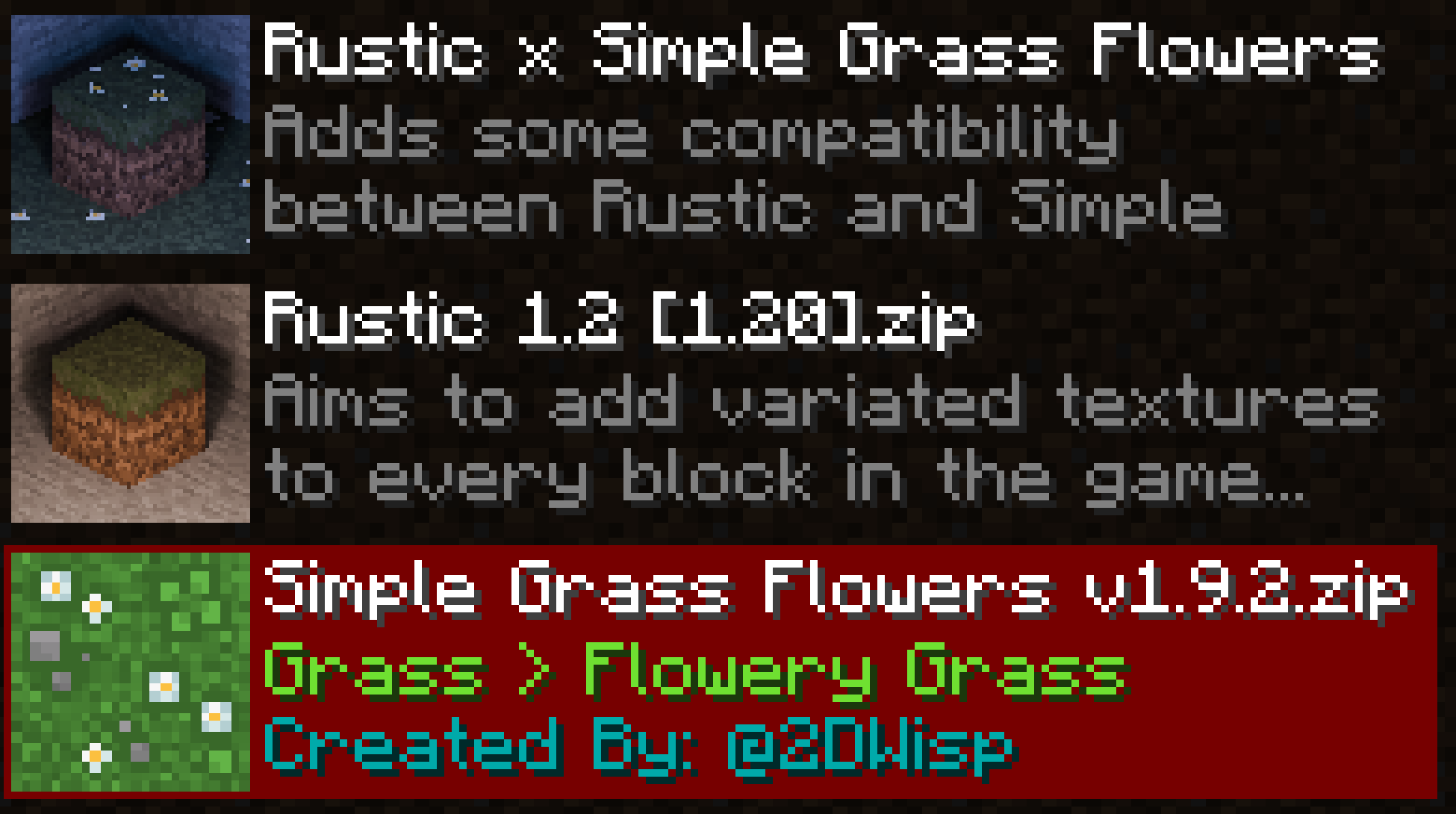
Rustic x Simple Grass Flowers is a compatibility resource pack between Rustic and Simple Grass Flowers!


This pack adds compatibility to do with the flower and rock overlays shown on grass blocks, but does not affect the clovers on grass blocks or any other overlays shown from Simple Grass Flowers (Nylium, Mycelium, and Podzol). Despite being somewhat limited, this pack still adds quite a lot of pretty variations to grass blocks, and does not break anything else from either of the packs.


How to Install:

Format the Resource Packs like so: Setup for how compat should be in resource pack folder. Rustic and Simple Grass Flowers are interchangeable. Rustic and Simple Grass Flowers are interchangeable depending on if you prefer the extra things seen in Simple Grass Flowers on blocks other than the grass block or just the simplistic look that Rustic offers. It's important that the compat go over both, or else it won't work.

Rustic x Simple Grass Flowers 1.0 [1.18].zip
MC 1.18.1, 1.18.2, 1.18
Release 2024-12-29 Get
Rustic x Simple Grass Flowers 1.0 [1.19].zip
MC 1.19.2, 1.19.1, 1.19
Release 2024-12-29 Get
Rustic x Simple Grass Flowers 1.0 [1.20].zip
MC 1.20.1, 1.20
Release 2024-12-29 Get
Rustic x Simple Grass Flowers 1.0 [1.21].zip
MC 1.21, 1.21.1
Release 2024-12-29 Get

Requirements & install

How to use this resource pack in Minecraft
Resolution
16x
Minecraft
1.18.2 – 1.21.1
Install folder
.minecraft/resourcepacks

How to install resource packs

  1. Download the resource pack .zip file (do not extract it).
  2. In Minecraft open Options → Resource Packs → Open Pack Folder.
  3. Drop the .zip into the resourcepacks folder (.minecraft/resourcepacks).
  4. Move the pack to the Selected column and click Done.
Browse more: 16x resource packs 32x resource packs 64x resource packs 128x resource packs 256x resource packs 512x+ resource packs Resource Packs for 1.21.1 All resource packs

More from NovaQ

Advertisement Remove ads with Premium →

You Might Also Like