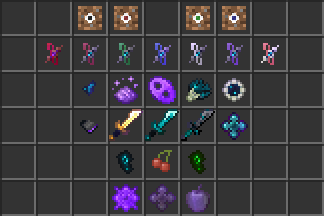
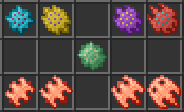
Quick things to note: The Resource Pack is heavily recommended, as this will significantly reduce confusion that can be caused if you do not have the textures changed.
Also note that the resource pack does not change any existing textures and does not require Optifine! The Resource Pack and the Data Pack will be in separate downloads.
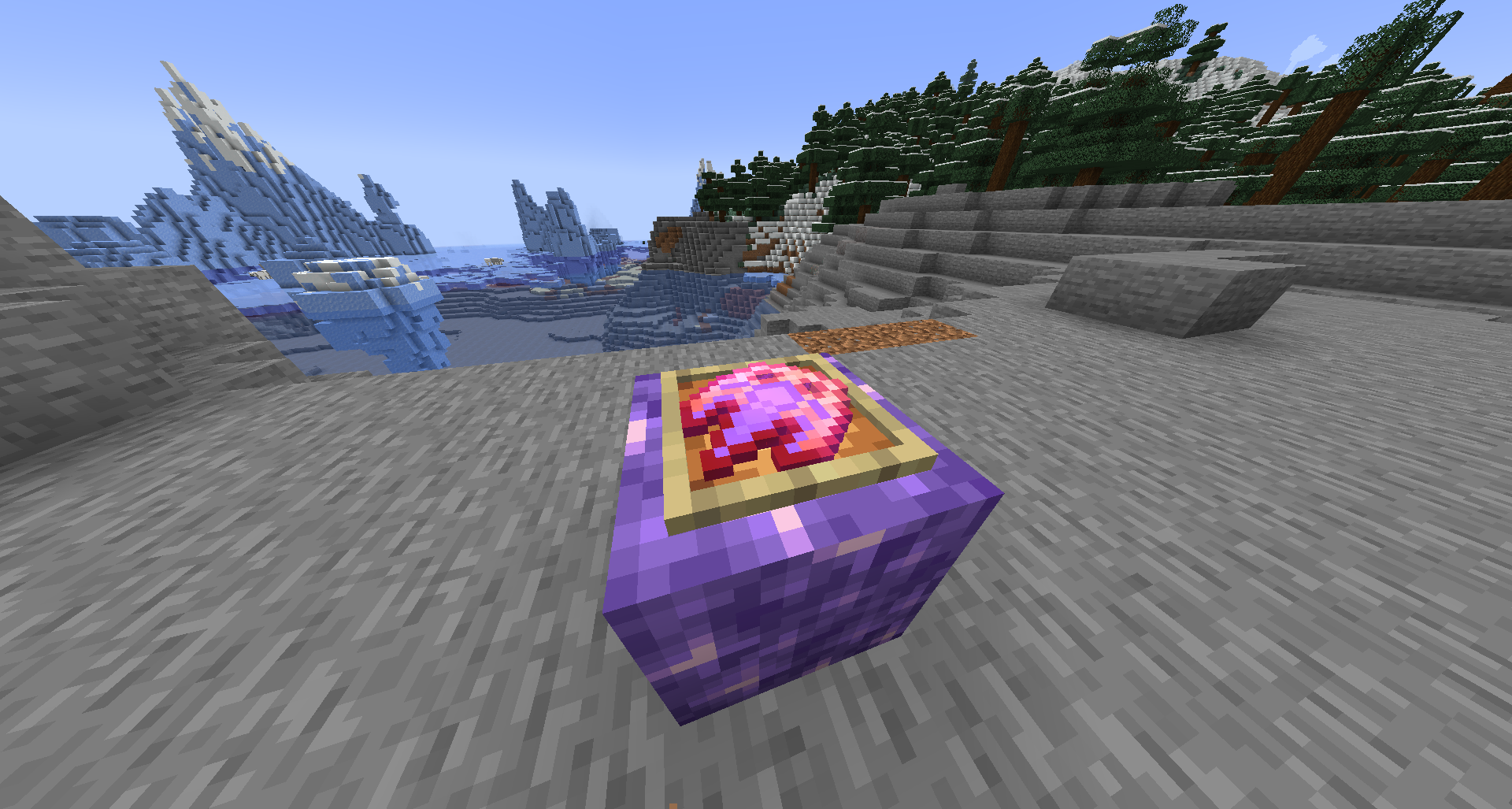
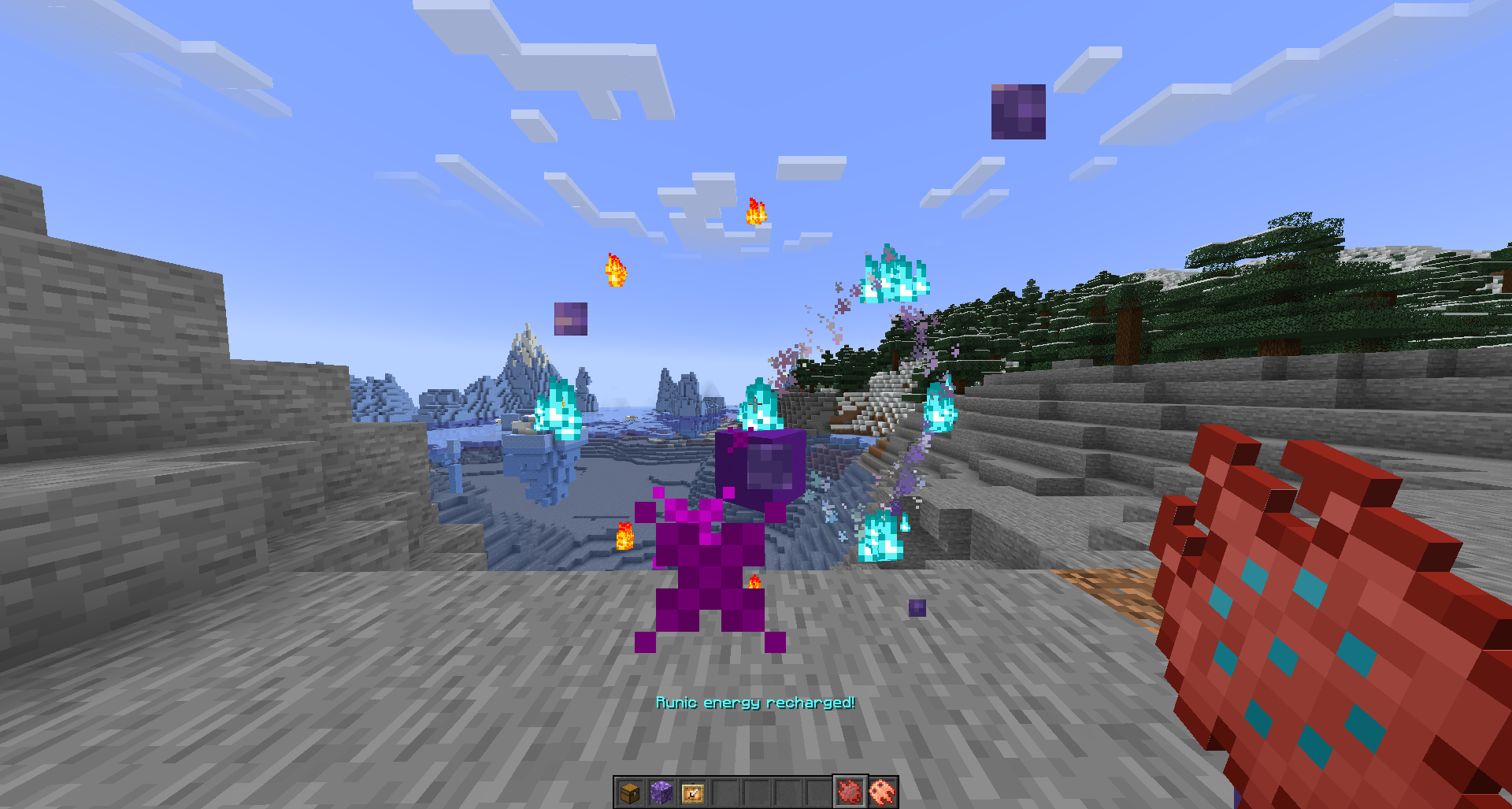
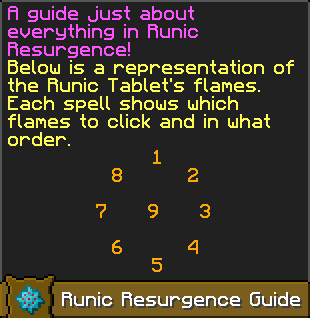
Runic Resurgence greatly overhauls late-game combat and utilities. You will be able to find Runic Tablets within various structures in each dimension, but primarily in Ancient Cities, Bastion Remnants, and End Cities. The Runic Tablet is your key to the world of spellcasting, and allows you to create a ring of Runic Flames in front of you. By clicking on the flames a certain order, a spell can be cast! There are over 30 spells already implemented, and another 50-70 planned to be released over time!
Some spells are harder to cast and therefore require an upgraded tablet. There are 4 tiers to the tablet, with each one growing stronger and faster! A higher tier tablet may even allow you to cast upgraded versions of previous spells.
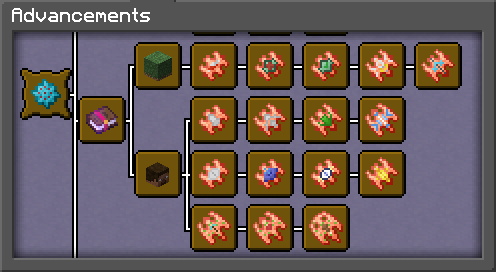
Everything in the data pack is explained in detail in an Advancements page, with new information being given to you as you progress. There are also several "/trigger" options included which can provide even more detailed information than the advancements page has room for, so keep that in mind!
There are also some "/trigger" options that act as utilities, be it for removing Netherrack items on the ground (for those long ancient debris mining sessions) or for just reloading datapacks in case a nasty little bug sneaks its way through the cracks of the world.
A lot of the development of this data pack has gone into performance as well. If you notice any certain actions causing lag, not working properly, or outright breaking entirely, please let me know! I'm the sole developer of everything in the pack, but I will try to make fixes quickly and efficiently. And, of course, just as a precaution, make backups of your world if you ever feel unsure about something! I haven't had a world break yet, but I'd hate to have one break without any way to get it back.
- 36 Spells in total, with 4 of these being upgraded versions
- Tablets of Memory, which can store a single spell on them and can cast the stored spell without needing to use the Runic Flames
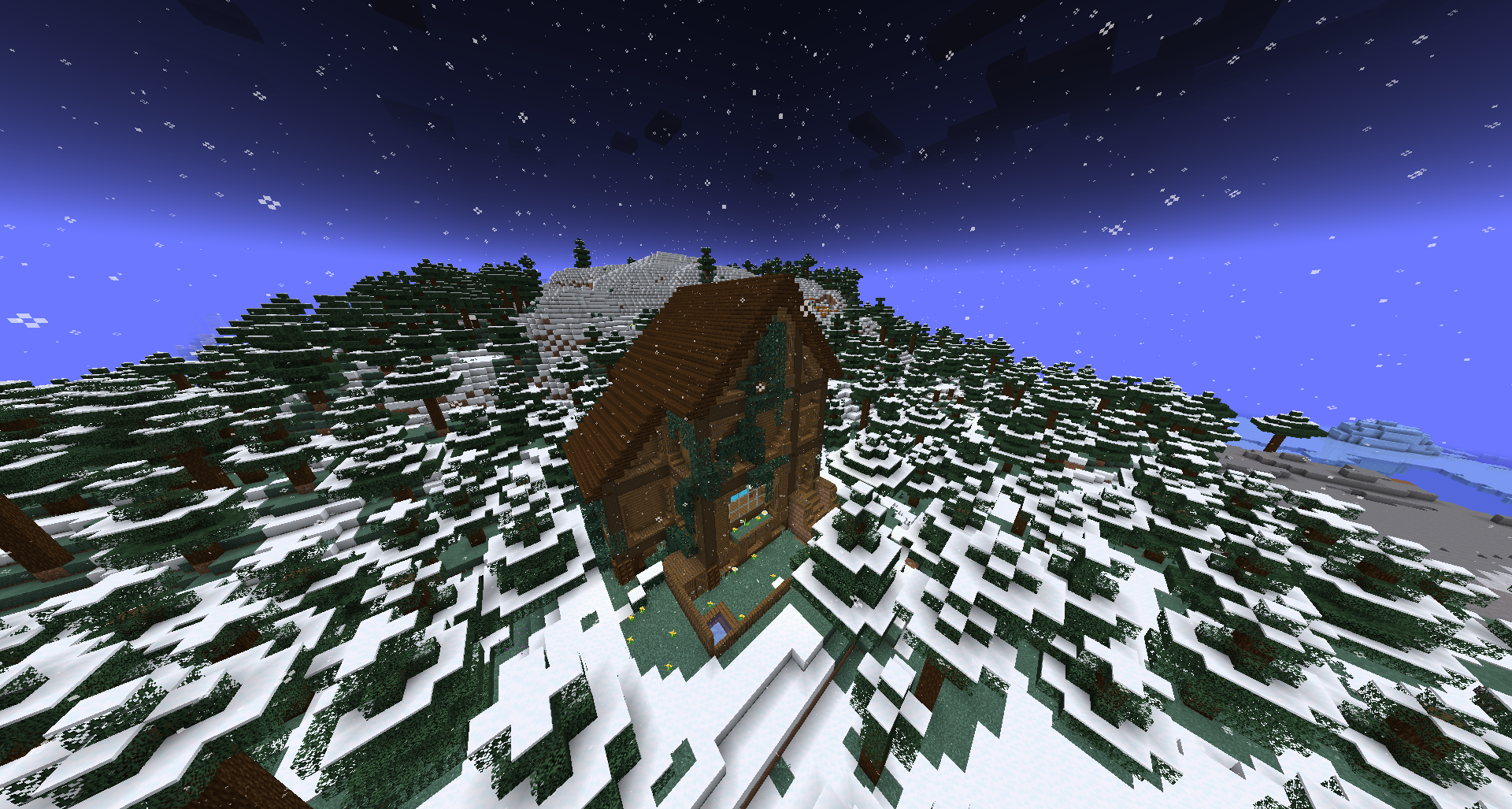
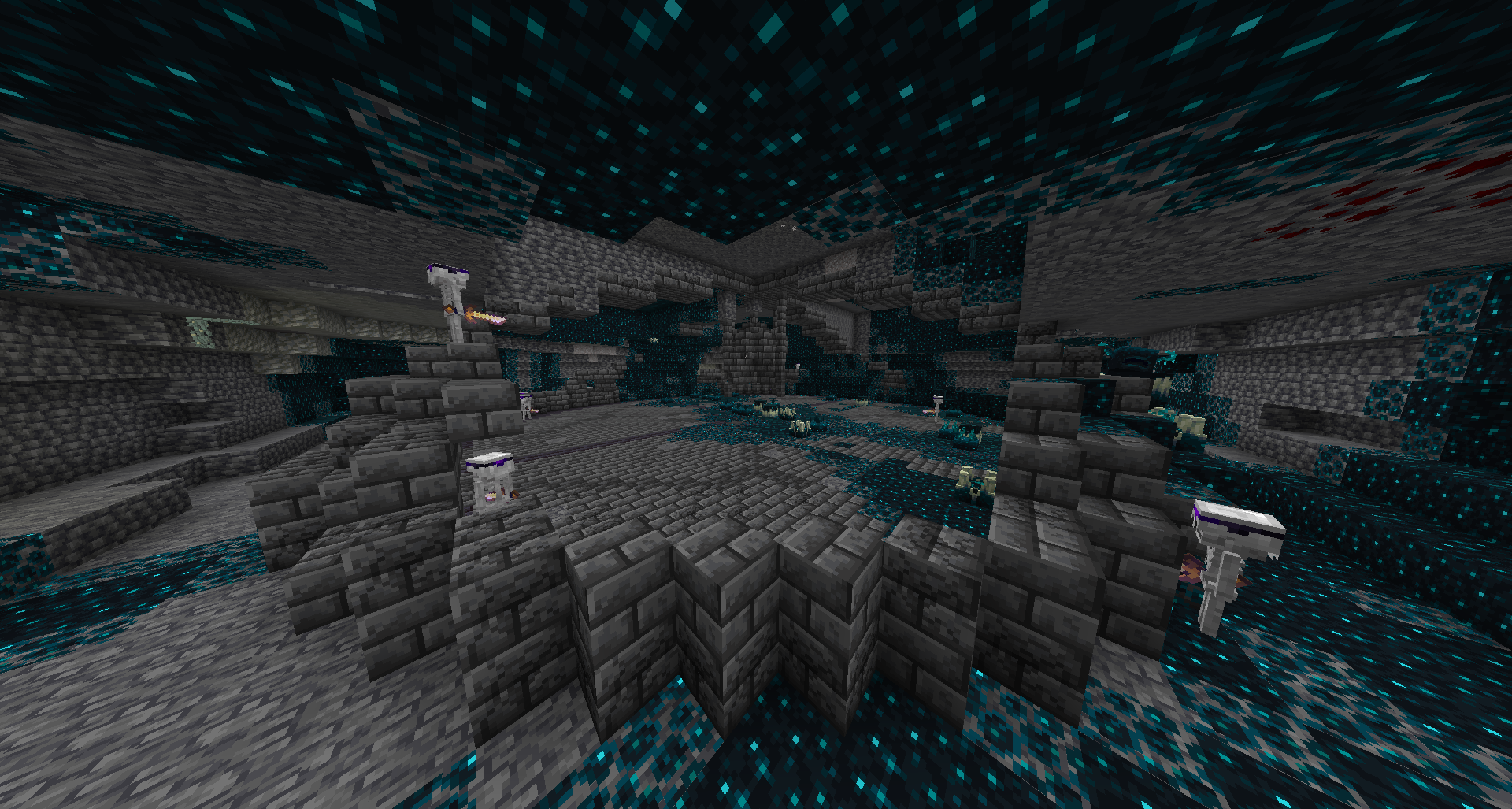
- 2 new Structures: the Lonely Home (found in Taigas and Taiga Variant biomes) and the Ancient Crypt (found in Deep Dark biomes)
- 1 new Boss which is fought in the Ancient Crypt
- New drops for the Warden and Ender Dragon which are used for spellcasting and other things
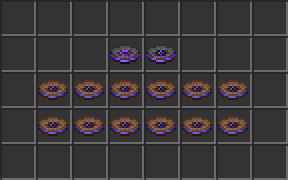
- 14 new songs (only 2 are actually implemented so far) for various locations and events
(Note: the other 12 songs can be heard by using "/trigger giveTestDiscs"
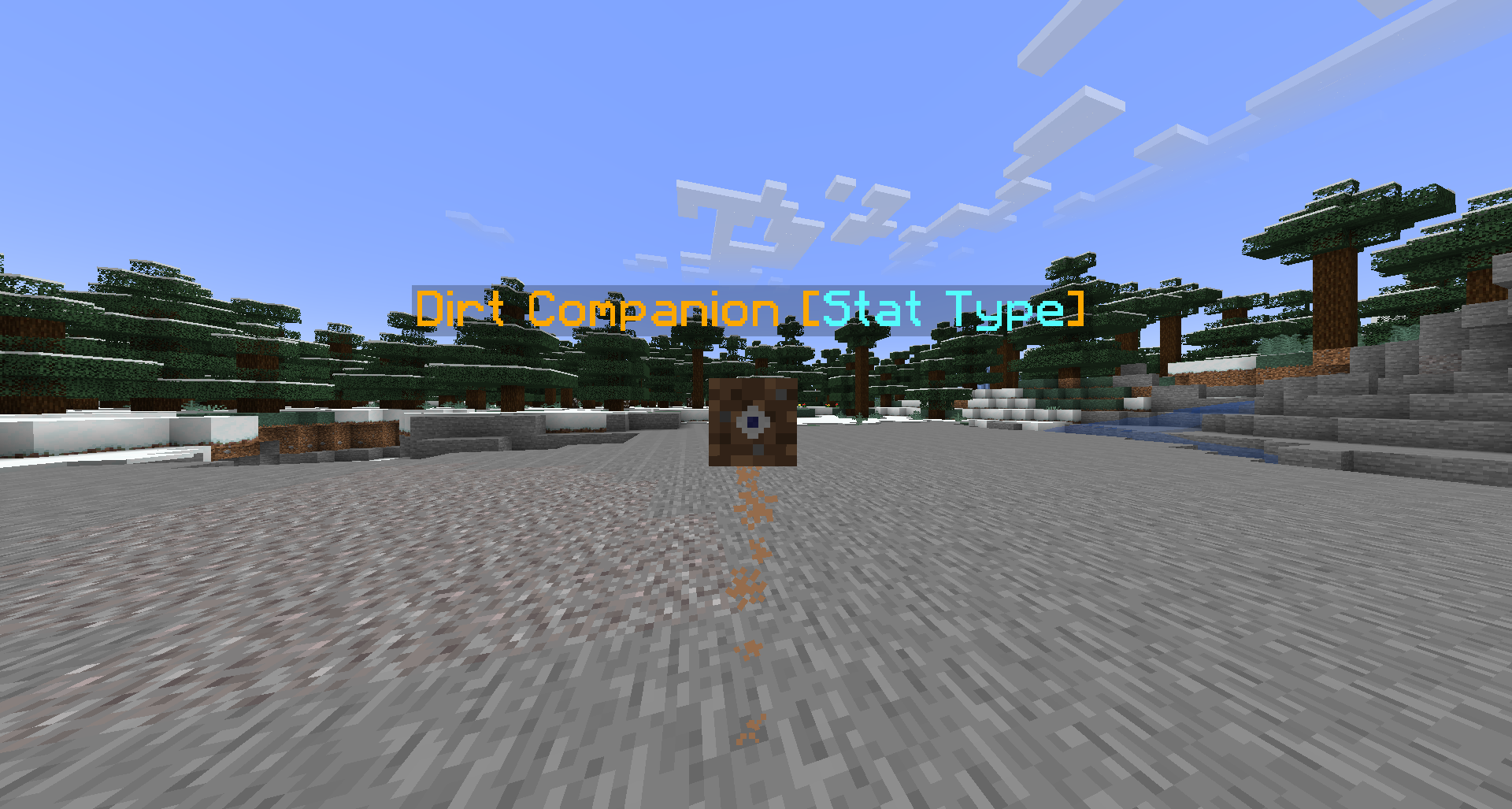
- 4 Companions which can help out their owner in various ways (only Dirt Companions are available, found by breaking dirt!)
- Statistics which track your magic damage dealt, spells cast, and some types of enemies being killed
- Unique textures for every item (if the Resource Pack is used)
- 1 new Armor Trim (Chained, using the Chain block) and 3 new Trim Colors (Crying Obsidian, Blaze Powder, and Pink Tulip)