Mineuniverse
Resource Packs
RuneScape Resource Pack

RuneScape Resource Pack

RESOURCE PACK
A RuneScape themed resource pack containing a custom RuneScape language
by _ForgeUser6841265
Download Claim this project
12,370 downloads
0 likes
Updated Oct 14, 2026
0 hypes
128x Miscellaneous
Advertisement Remove ads with Premium →

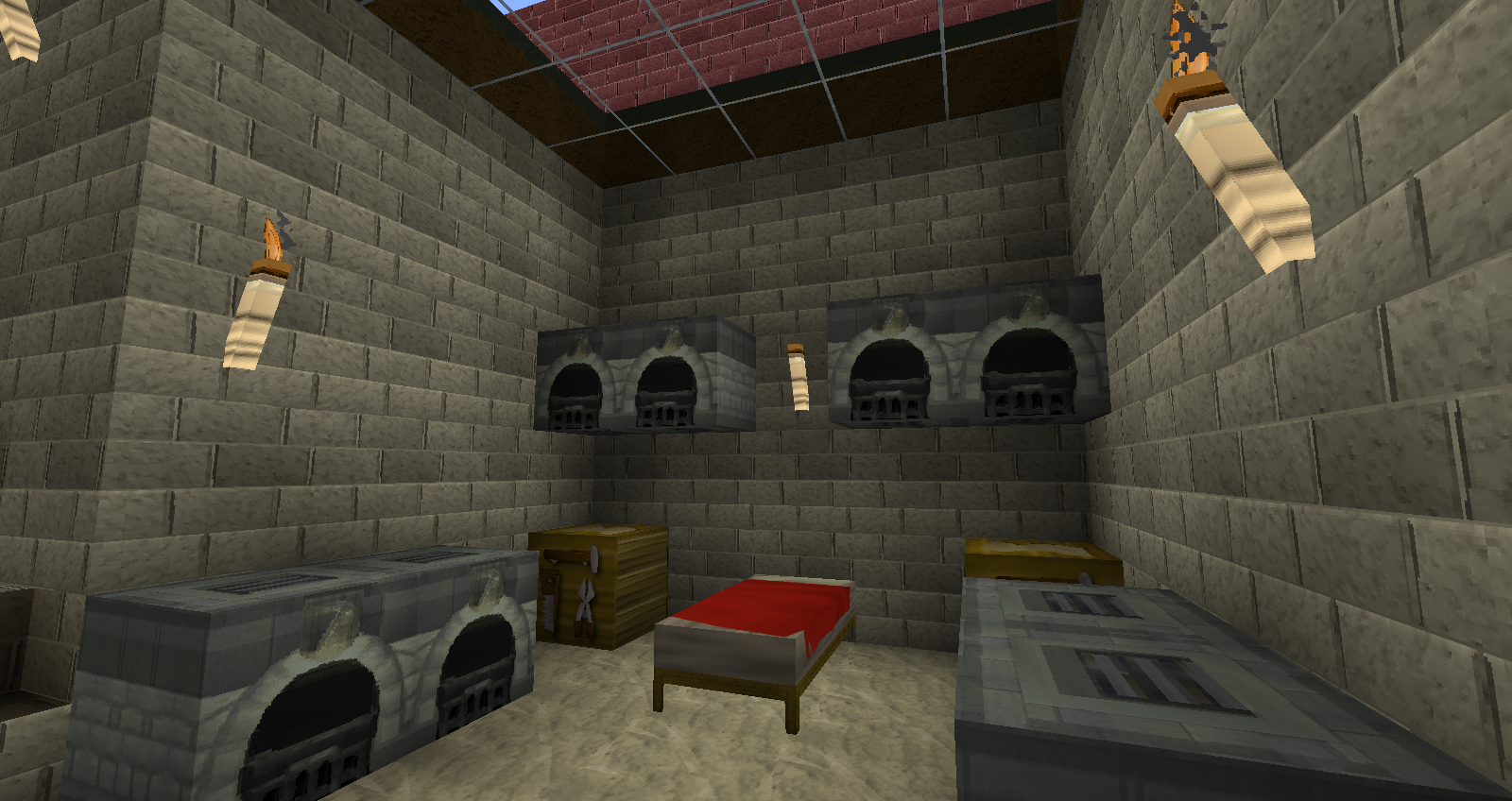
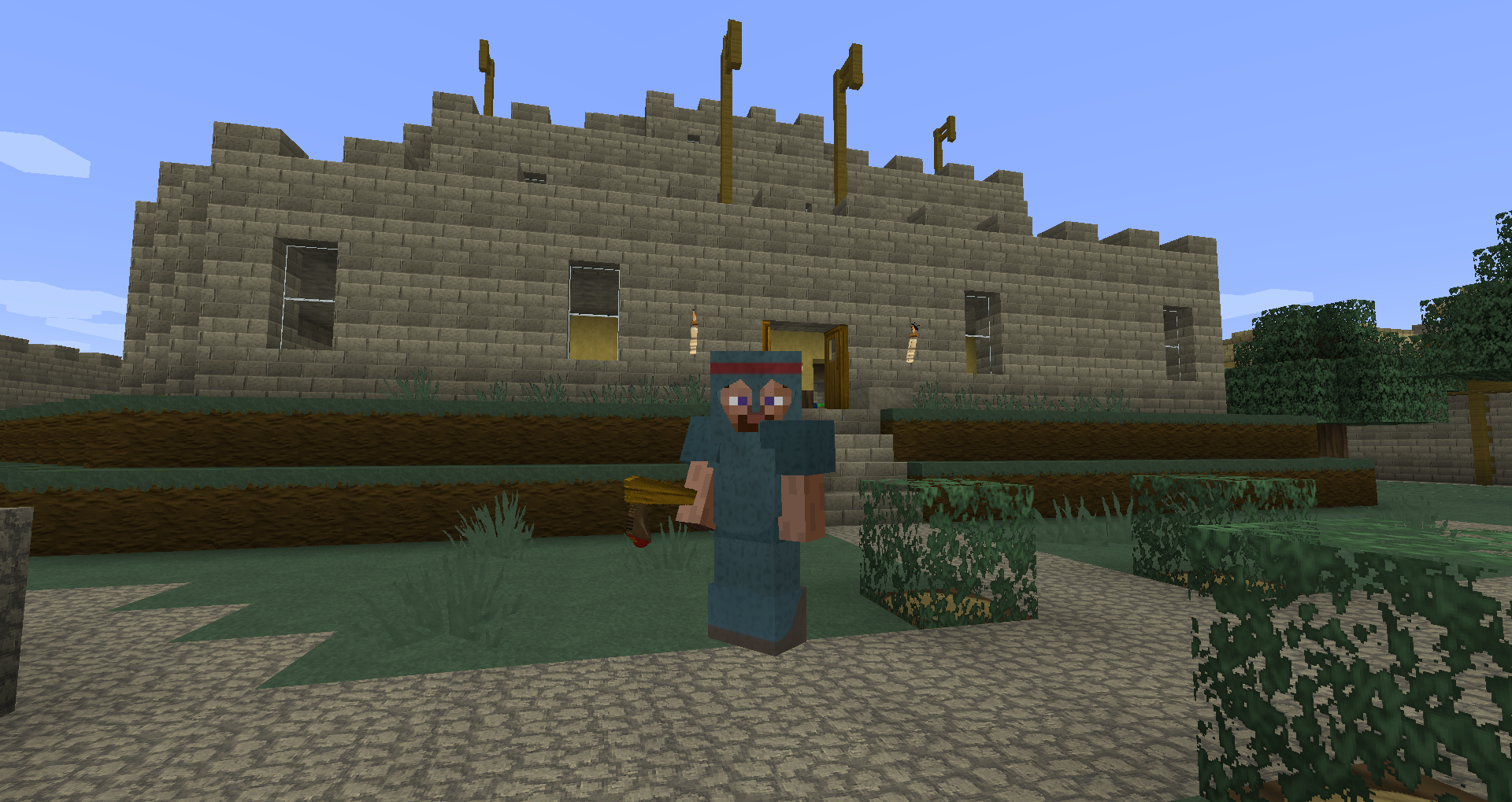
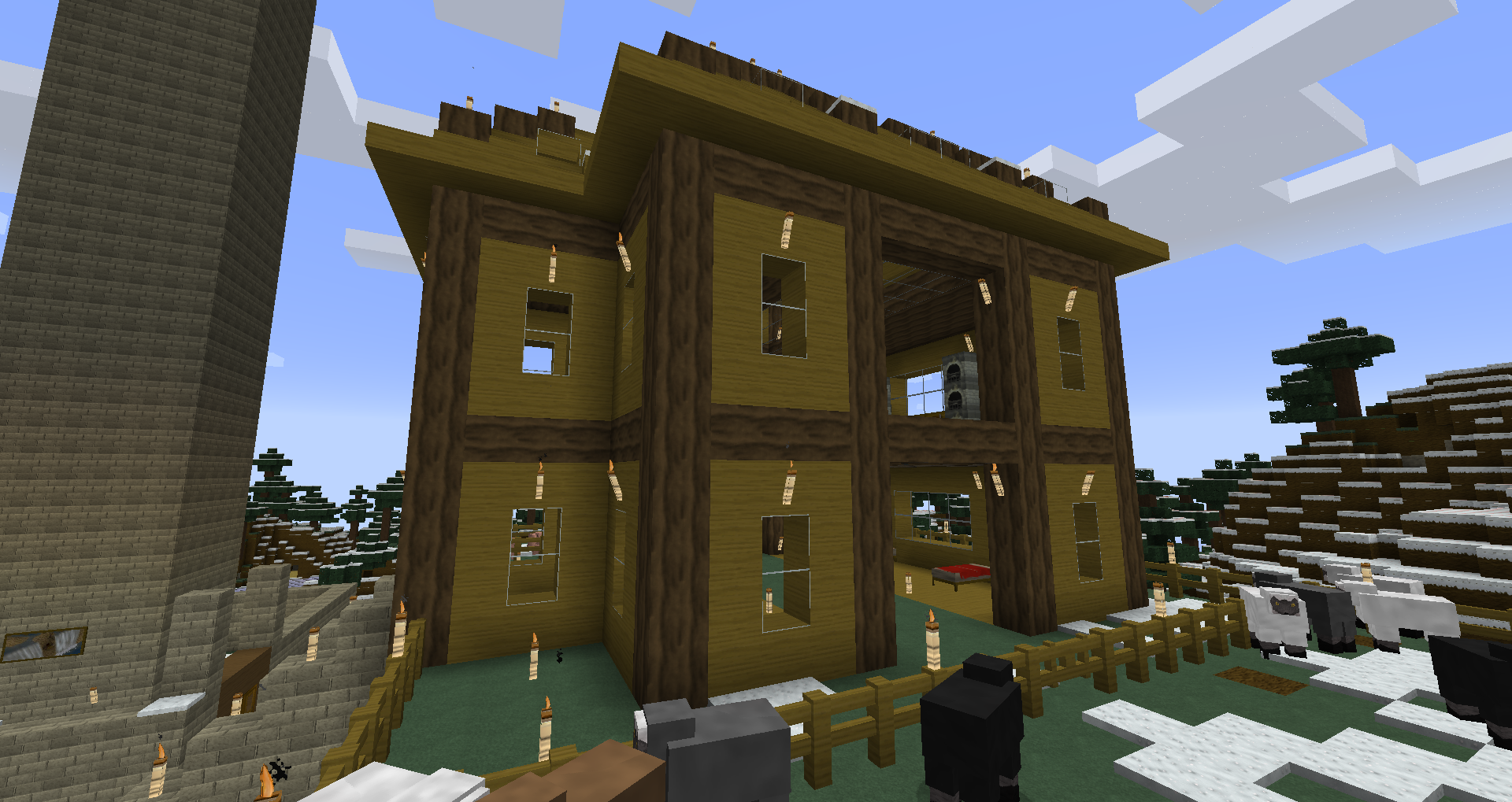
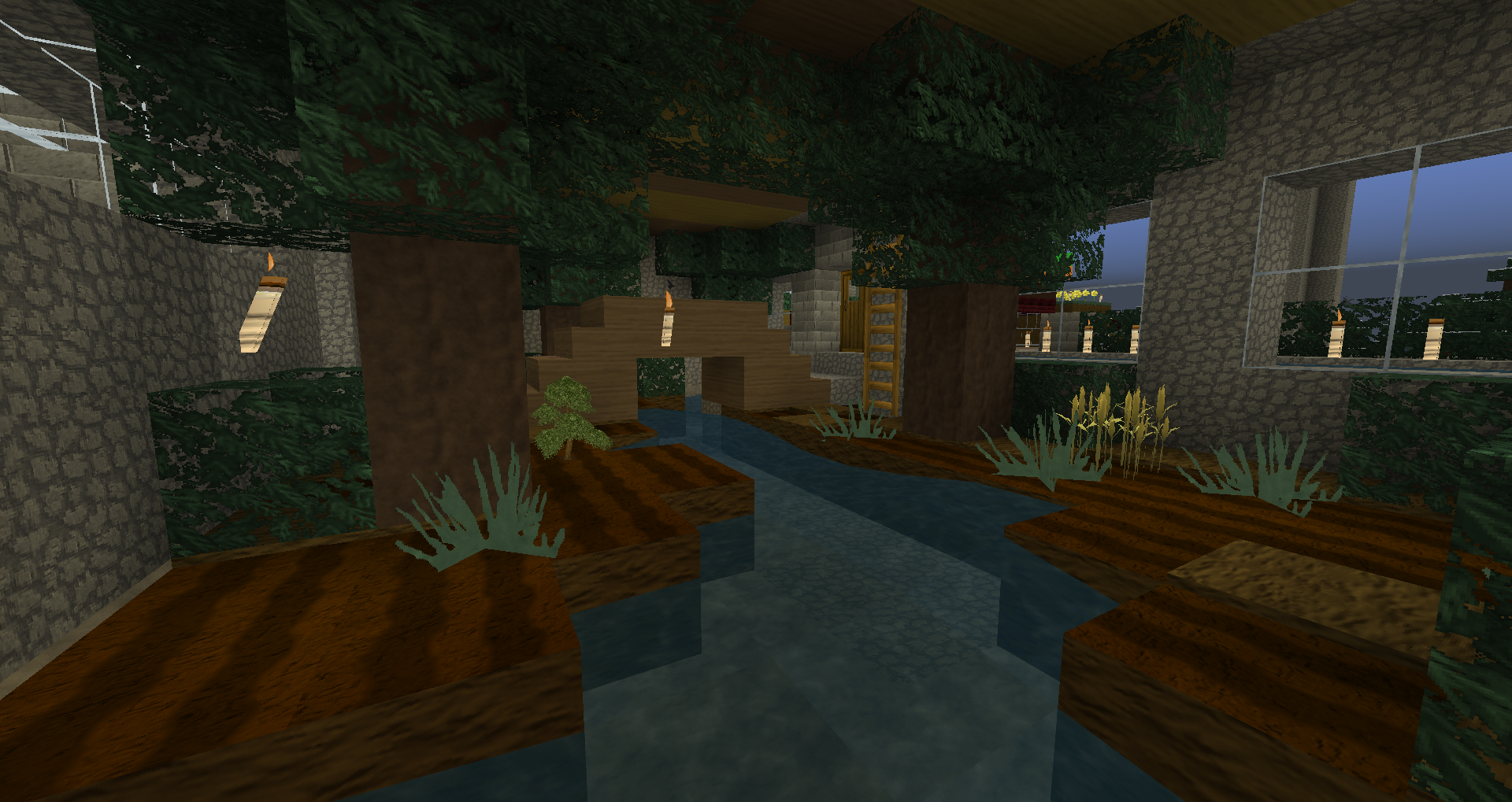
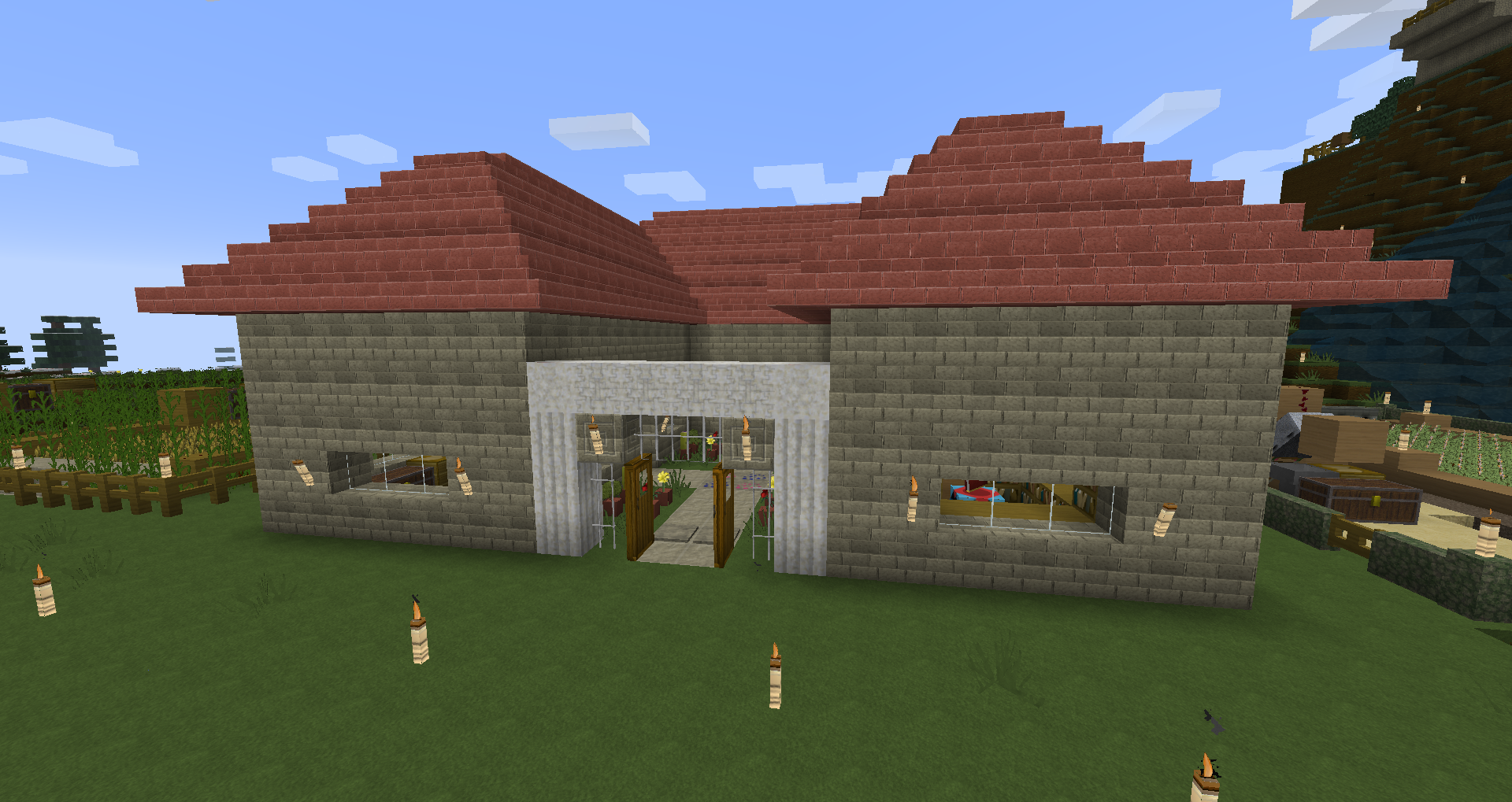
I haven't played RuneScape in a while, so I decided to create a texture pack with a RuneScape theme. Please read the instructions carefully to install the pack, and I hope you enjoy it!

This resource pack comes with a unique RuneScape language. The custom language is now applied automatically so you don't need to modify any Minecraft files anymore.

Instructions for installation:

1. Place the downloaded zip file in "(Username)/AppData/Roaming/.minecraft/resourcepacks".

2. Open Minecraft and choose the resource pack from the options menu.

Special thanks to fox2132 for the textures he contributed to this pack!

If you want to see more images of this texture pack, visit this album: http://imgur.com/a/JEGvn#0

Please don't hesitate to leave suggestions for improvement if you have any! :D

Thanks for downloading and using this texture pack!

128x v7.1 (1.8) RuneScape Pack.zip
MC 1.8-Snapshot
Release 2014-08-26 Get
128x v7.0 (14w25b) RuneScape Pack.zip
MC 1.8-Snapshot, 1.7.10
Release 2014-08-02 Get
128x_v6.2__14w04a__RuneScape_Pack.zip
MC 1.7.4
Release 2014-01-24 Get
128x_v6.1__1.7.2__RuneScape_Pack.zip
MC 1.7.2
Release 2013-11-19 Get
128x_v6.0__1.7.2__RuneScape_Pack.zip
MC 1.6.4
Release 2013-10-28 Get
128x_v5.5__13w41b__RuneScape_Pack.zip
MC 1.6.4
Release 2013-10-12 Get
128x_v5.4__13w36b__RuneScape_Pack.zip
MC 1.6.2
Release 2013-09-09 Get
128x_v5.3__1.6.2__RuneScape_Pack.zip
MC 1.6.2
Release 2013-07-23 Get
128x_v5.2__1.6__RuneScape_Pack.zip
MC 1.6.2
Release 2013-07-09 Get

Requirements & install

How to use this resource pack in Minecraft
Resolution
128x
Minecraft
1.6.2 – 1.8-Snapshot
Install folder
.minecraft/resourcepacks

How to install resource packs

  1. Download the resource pack .zip file (do not extract it).
  2. In Minecraft open Options → Resource Packs → Open Pack Folder.
  3. Drop the .zip into the resourcepacks folder (.minecraft/resourcepacks).
  4. Move the pack to the Selected column and click Done.

Packs from 128x upwards need more video memory: install a performance mod such as Sodium for smooth frame rates.

Browse more: 16x resource packs 32x resource packs 64x resource packs 128x resource packs 256x resource packs 512x+ resource packs Resource Packs for 1.8-Snapshot All resource packs
Advertisement Remove ads with Premium →

You Might Also Like