Mineuniverse
Resource Packs
RU Translation [by RelexUA]

RU Translation [by RelexUA]

RESOURCE PACK
This is a collection of my Russian translations, crafted with the help of Gemini and my endless supply of free time...
by RelexUA
Download Claim this project
Add a badge to your pageLink to RU Translation [by RelexUA] from a README, website or forum post.
Preview: Badge

Badges update automatically and link to the resource pack page on MineUniverse.

38 downloads
0 likes
0 followers
Updated Oct 14, 2026
0 hypes
Follow0
Data Packs Miscellaneous Mod Support
Advertisement Remove ads with Premium →

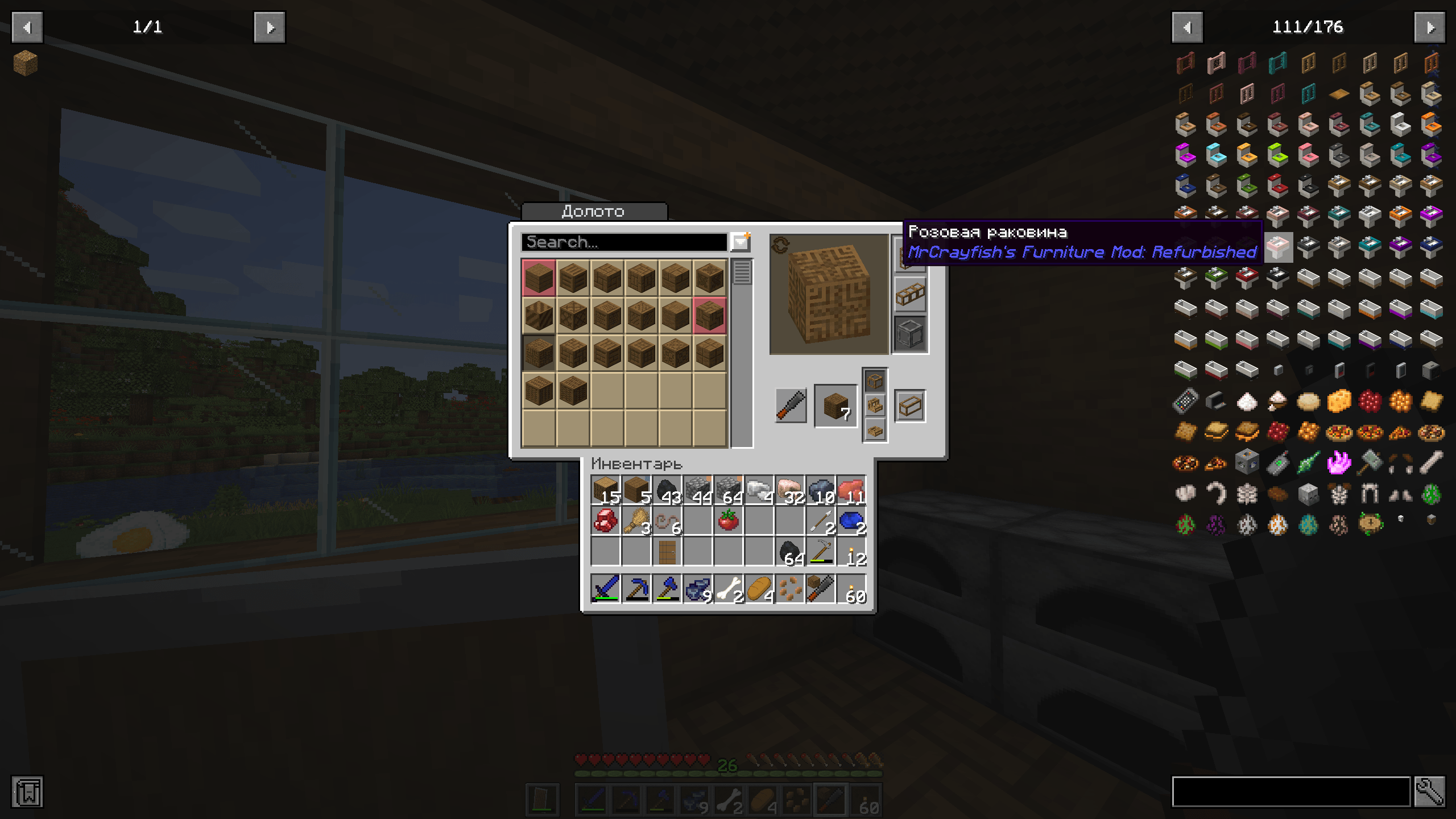
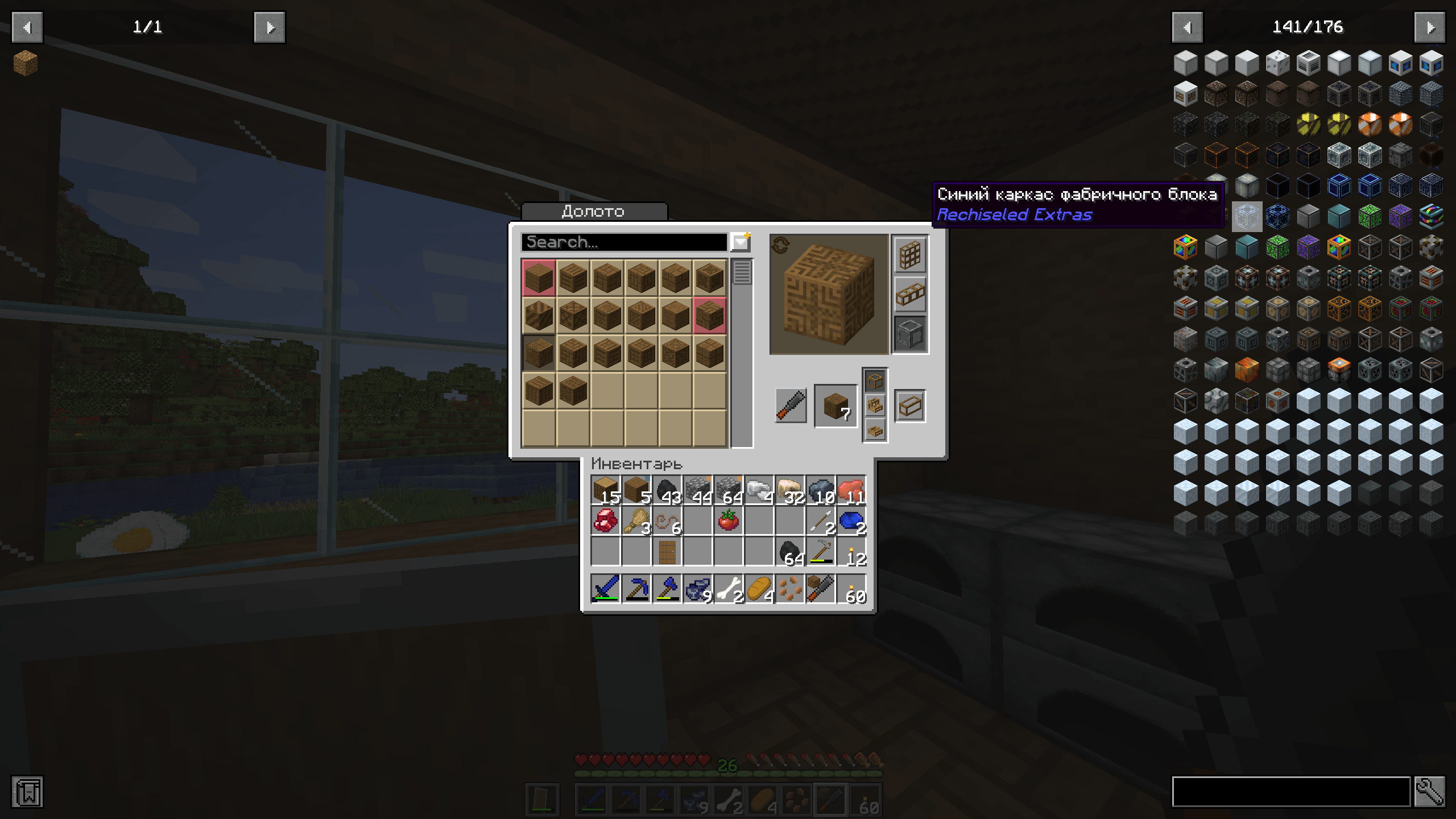
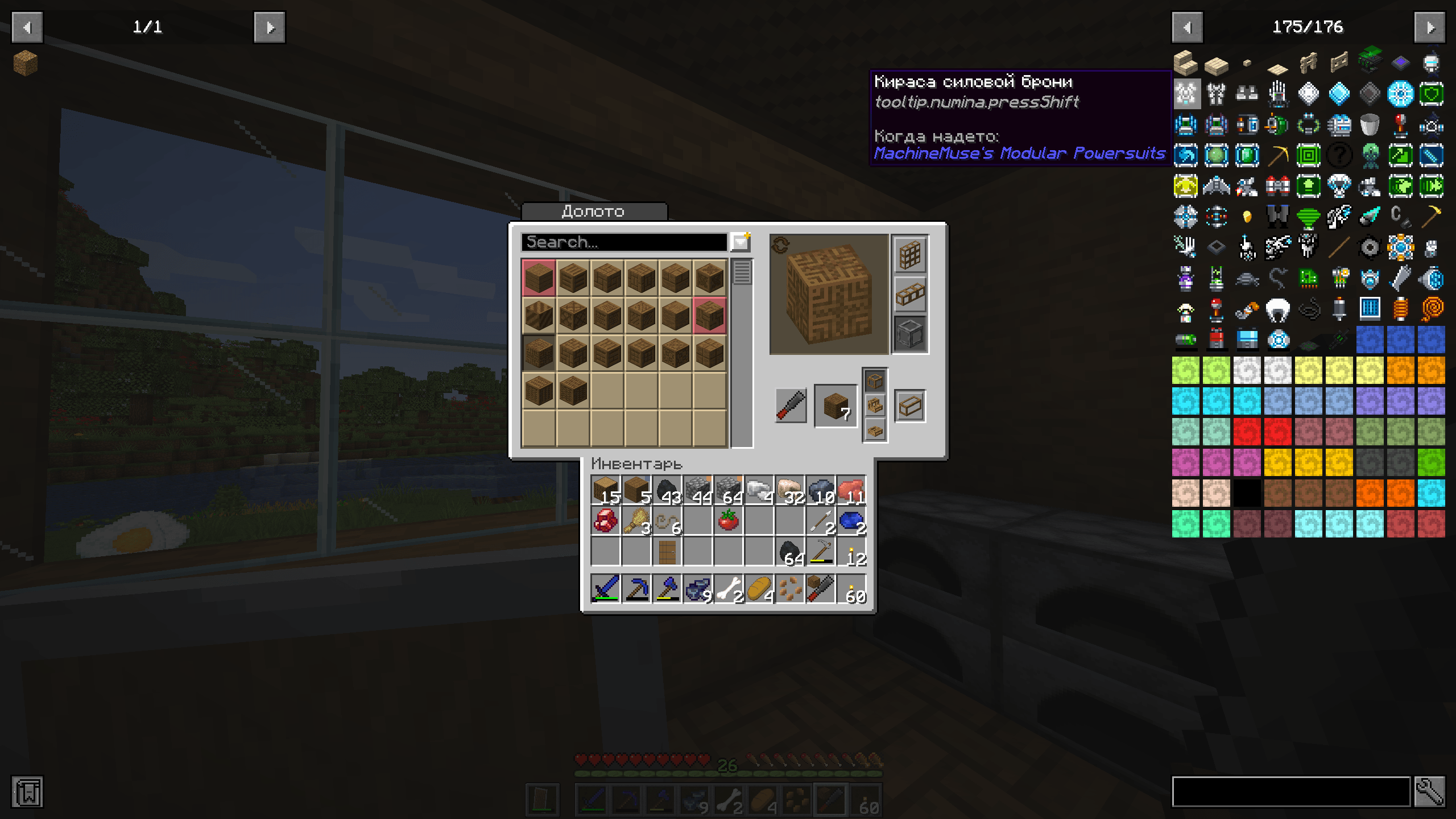
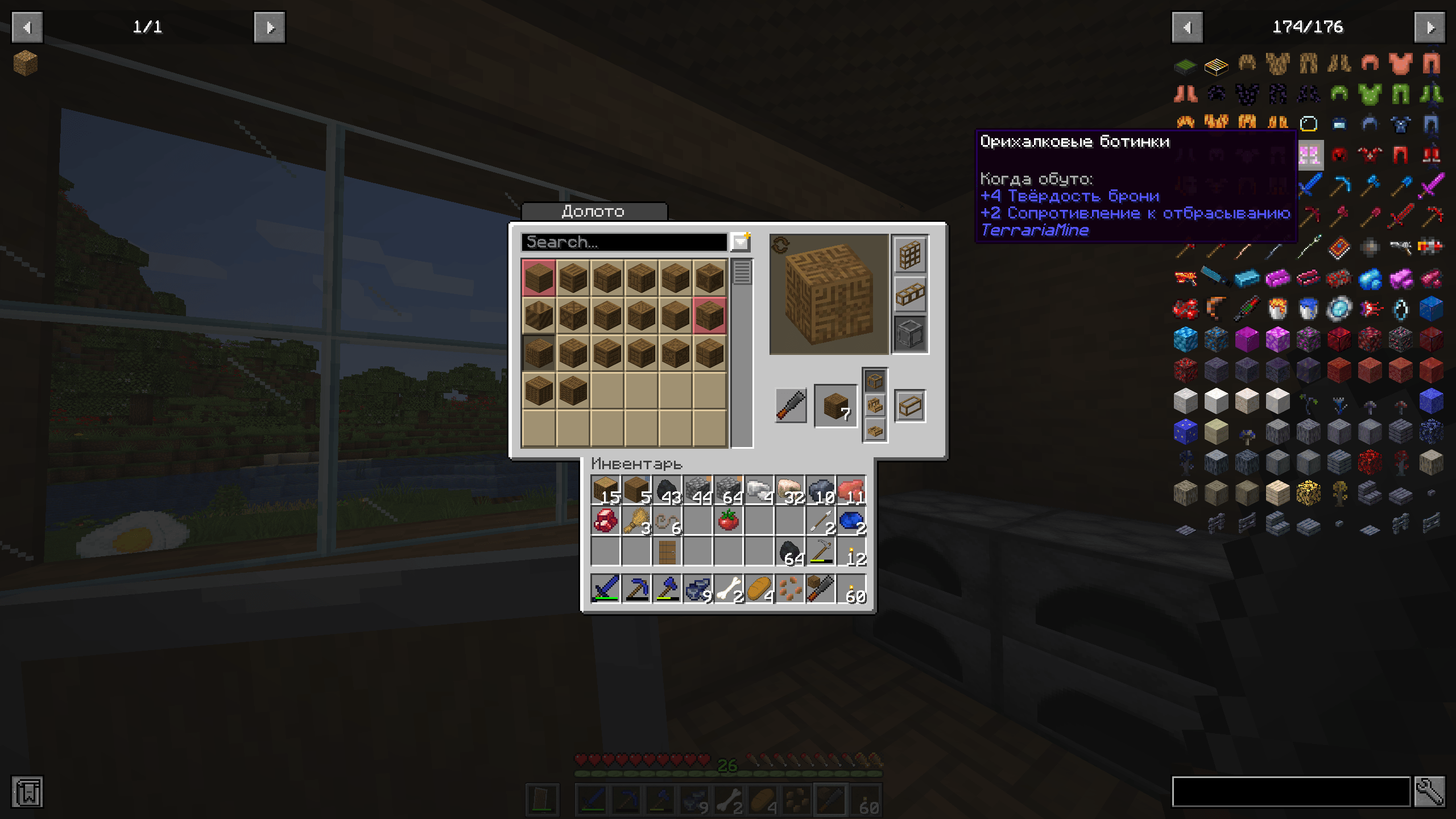
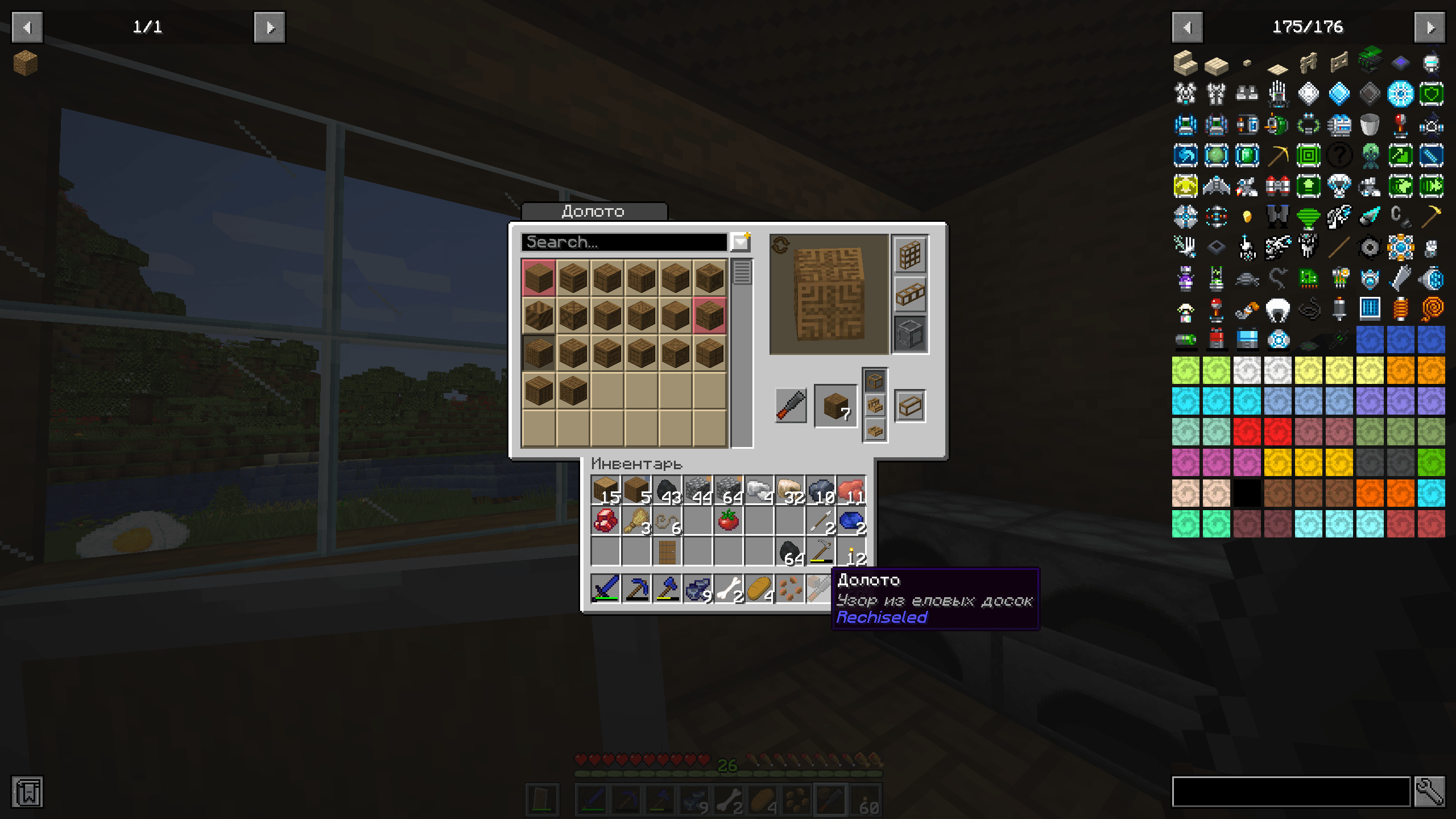
Hey everyone! It’s annoying when almost your entire game is in Russian, but some mods still stay completely in English. Whether you just want everything in a single language or you struggle with English, I’ve put together a collection of translations to help you finally understand what all your favorite mods actually do.

Supported Mods 1.20.1 (NOT TESTED ON NEWER VERSIONS)

AE2 Insert Export Card, Alex's Delight, BiblioCraft, Distant Horizons,Ender IO, Macaw's Biomes O' Plenty, Measurements, Modular Powersuits, Pretty Pipes: Fluids, Pretty Pipes, All of ProjectRed series, Quick Stack Backpacks Compat, Rechiseled+Addons, MrCrayfish's Furniture Mod: Refurbished, TerrariaMine, ToolSwap,Quick Stack

In the near future, I plan to translate these mods because their official translation is incomplete or entirely missing: Extreme Reactors, Biomes O' Plenty, Domum Ornamentum, Immersive Engineering, as well as pretty much anything you suggest in the comments... within reasonable limits, I'm not gonna translate 300,000 characters a second time...
RU Translation [by RelexUA]1.1.zip
MC 1.20.1
Release 2026-06-17 Get
RU Translation [by RelexUA].zip
MC 1.20.1
Release 2026-06-04 Get

Requirements & install

How to use this resource pack in Minecraft
Resolution
Not specified
Minecraft
1.20.1
Install folder
.minecraft/resourcepacks

How to install resource packs

  1. Download the resource pack .zip file (do not extract it).
  2. In Minecraft open Options → Resource Packs → Open Pack Folder.
  3. Drop the .zip into the resourcepacks folder (.minecraft/resourcepacks).
  4. Move the pack to the Selected column and click Done.
Browse more: 16x resource packs 32x resource packs 64x resource packs 128x resource packs 256x resource packs 512x+ resource packs Resource Packs for 1.20.1 All resource packs
Advertisement Remove ads with Premium →

You Might Also Like