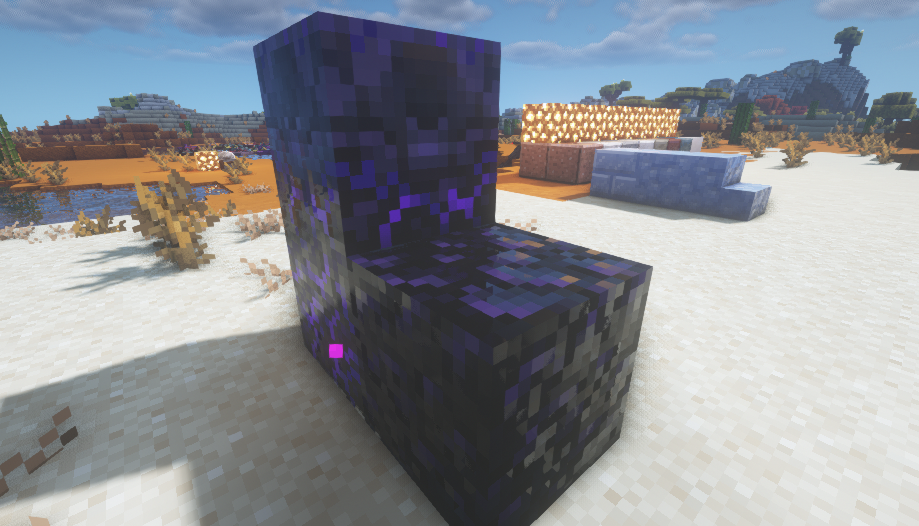
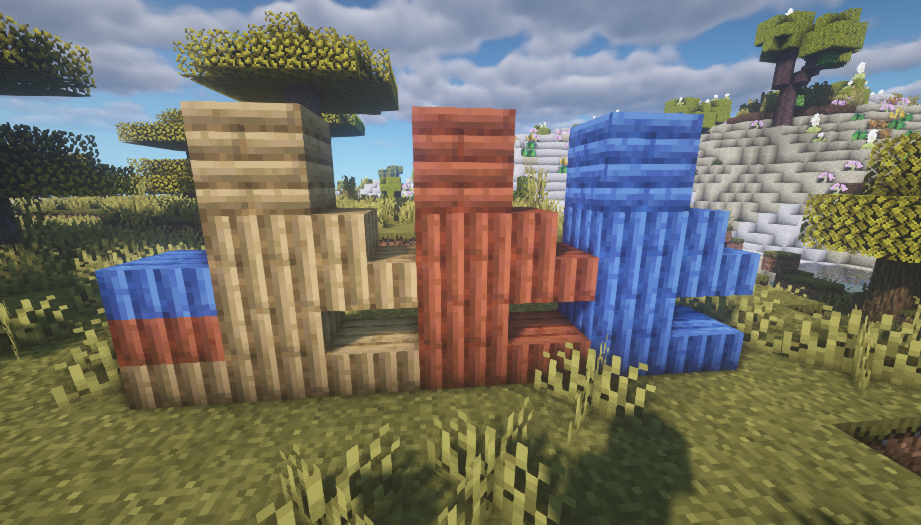
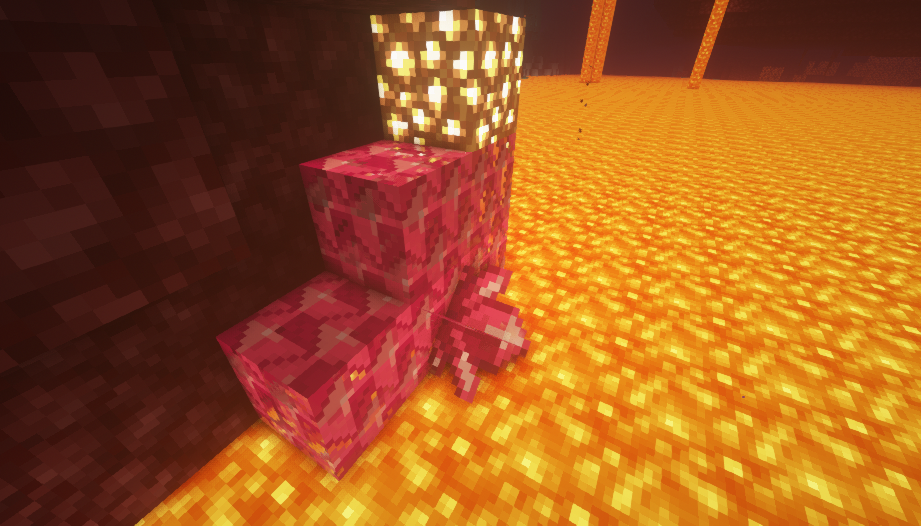
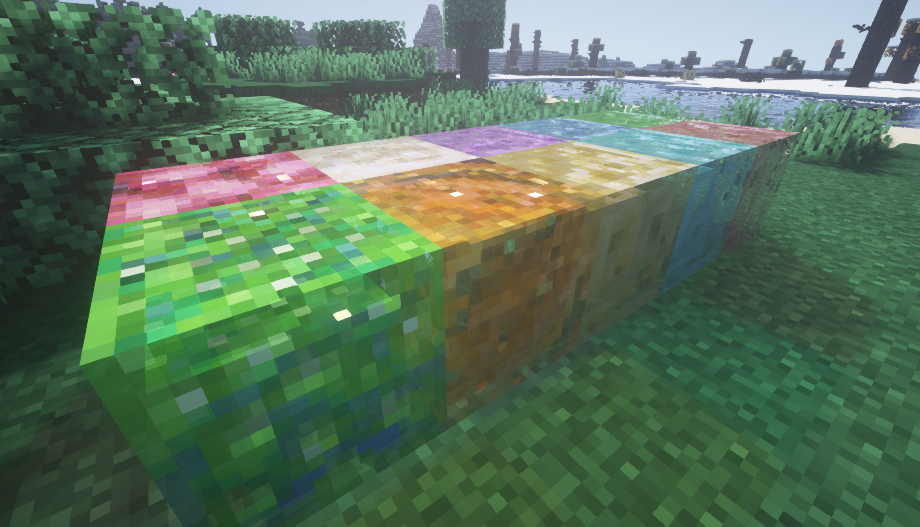
THIS IS AN unofficial ADDON TO RTX 16x for Java by arkadyaaa, IT WILL NOT WORK FULLY WITHOUT THE BASE RESOURCE PACK.
What this adds:
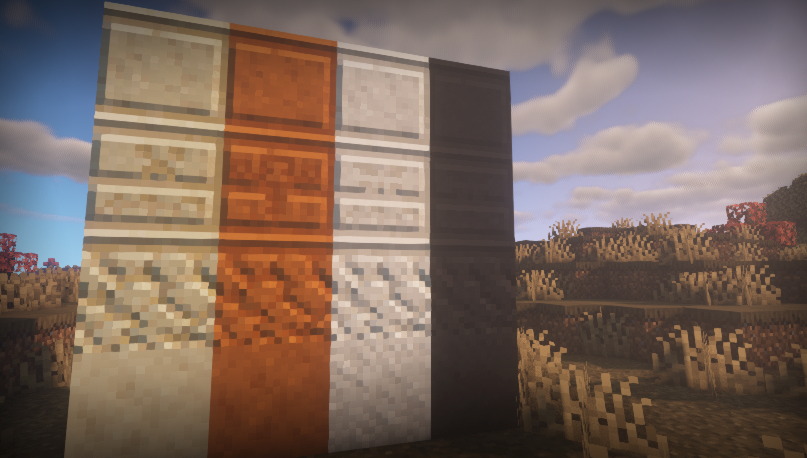
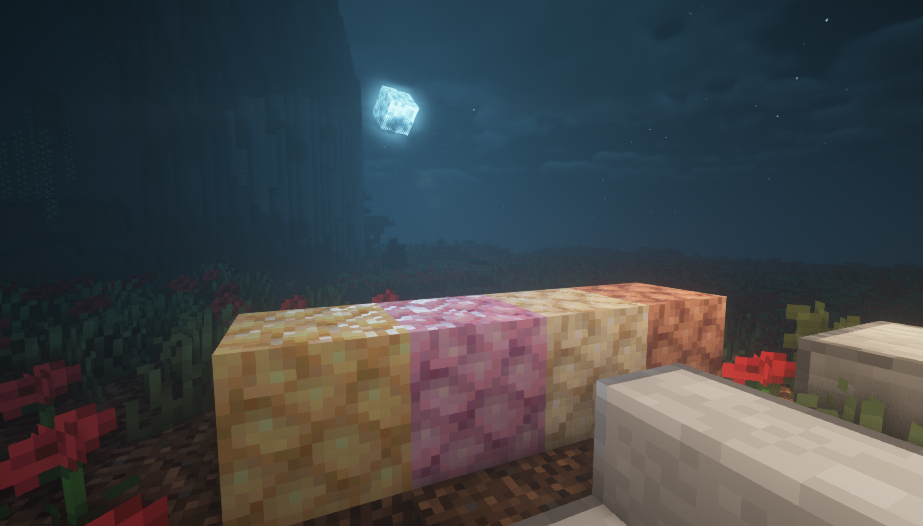
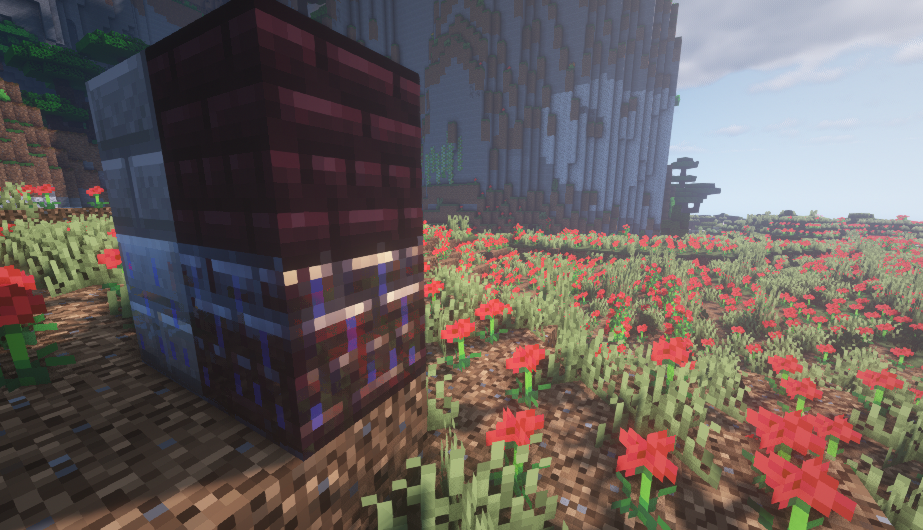
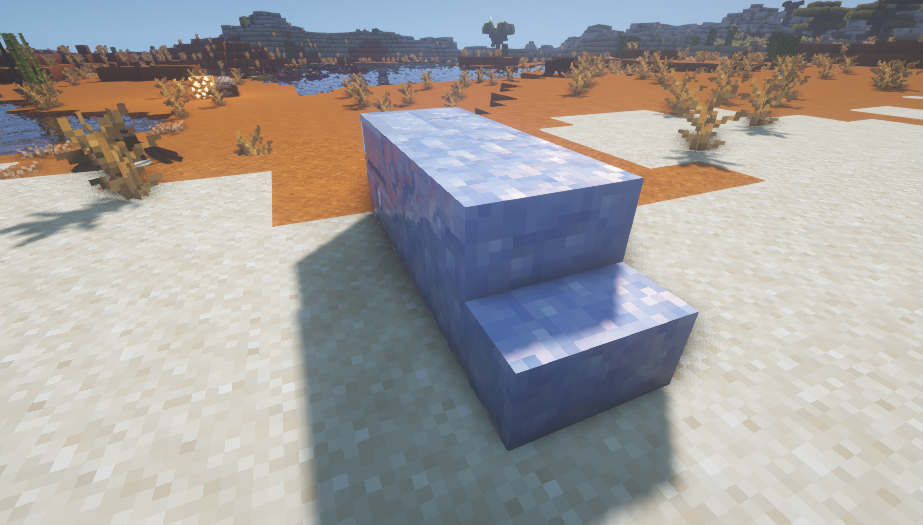
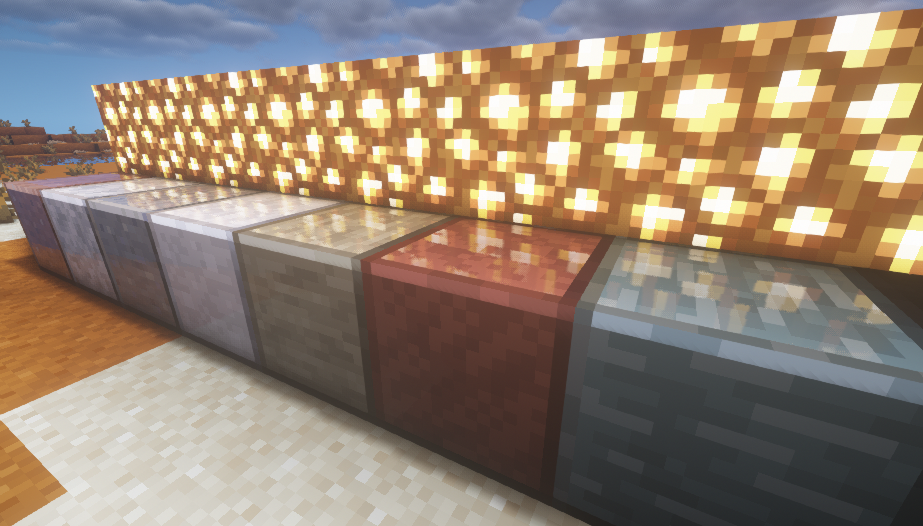
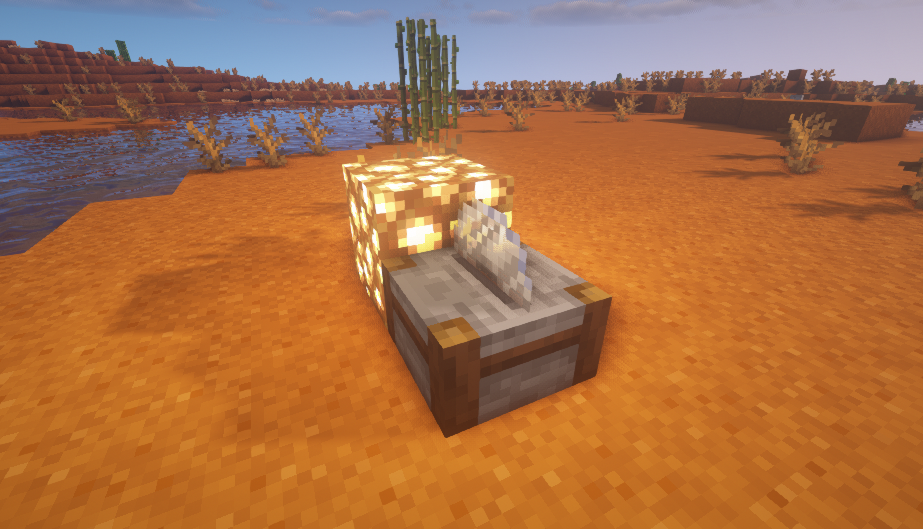
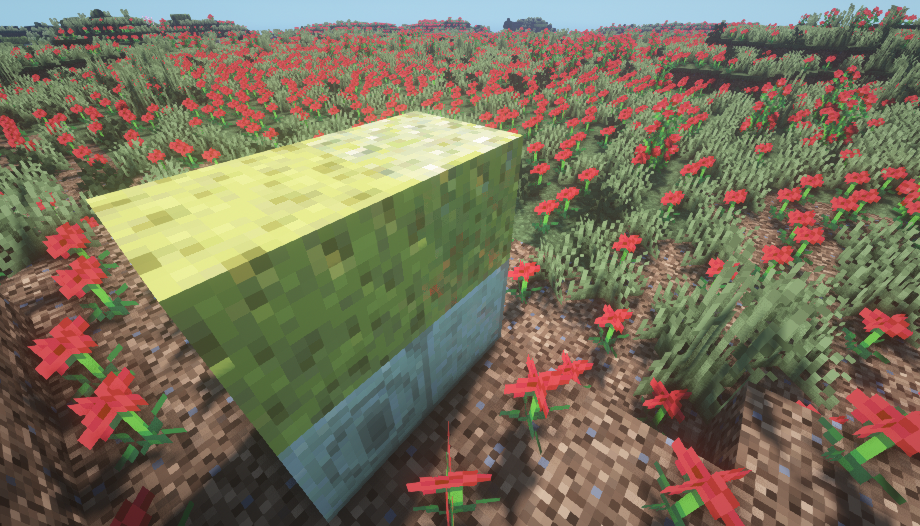
- PBR textures (for shaders) for several mods (see below) consistent with those for vanilla
- A few fixes of the original pack (misnamed files)
- Some visual tweaks for the original pack that I personally prefer (and that are used in the Cohesion modpack)
If you want to use these tweaks, load this resource pack with higher priority than the original pack
If you do not want to use the tweaks, use the original pack with higher priority than this addon
Supported mods:
Quark
Biomes o' Plenty
Addendum
Atmospheric
Autumnity
Bamboo Blocks
Buzzier Bees
The Endergetic Expansion
Savage and Ravage
Upgrade Aquatic
Farmer's Delight
Supplementaries
Brazier
Crafting Automat
Packing Tape
Redstone Lantern
Wetstone
Neapolitan
Support for more mods is planned, feel free to suggest your favourites.
You can use this with 1.6.4, some textures just might be missing and you need to change the "pack_format" value in pack.mcmeta to "6"
Check out my modpack [ COHESION ] where these PBR textures are included.
Therefore, do not use this resource pack along with Cohesion, because some base textures in there are changed and they would clash.