Mineuniverse
Resource Packs
Rozzy and Isax PvP Pack

Rozzy and Isax PvP Pack

RESOURCE PACK
Best PvP Pack for newers version
by isax0361
Download Claim this project
Add a badge to your pageLink to Rozzy and Isax PvP Pack from a README, website or forum post.
Preview: Badge

Badges update automatically and link to the resource pack page on MineUniverse.

1,519 downloads
0 likes
0 followers
Updated Oct 14, 2026
0 hypes
Follow0
32x
Advertisement Remove ads with Premium →

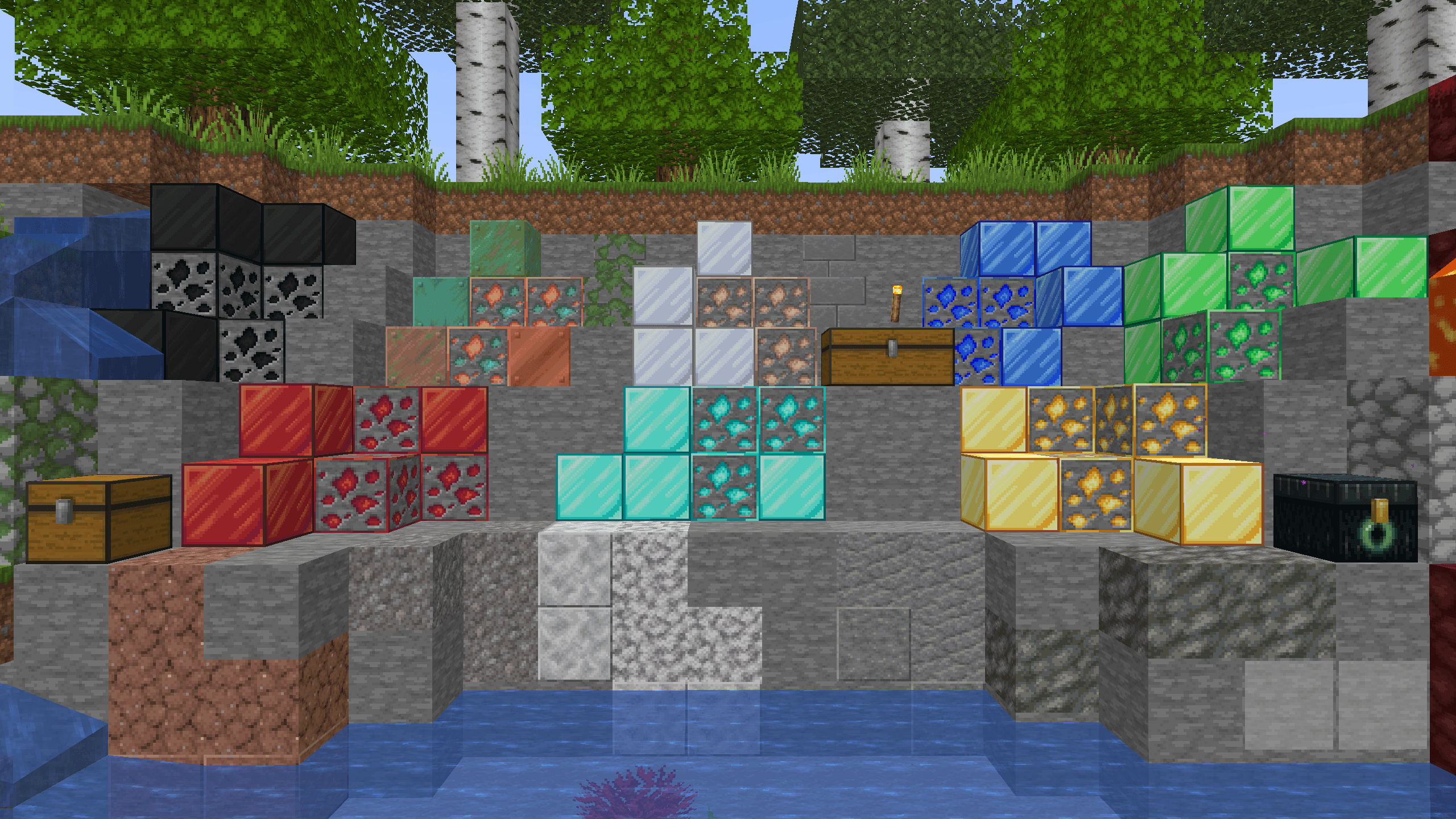
🔥 Rozzy and Isax's PvP Pack🔥

Dominate every fight with this high-performance PvP texture pack designed for competitive players who want both style and efficiency.

⚔️ Features

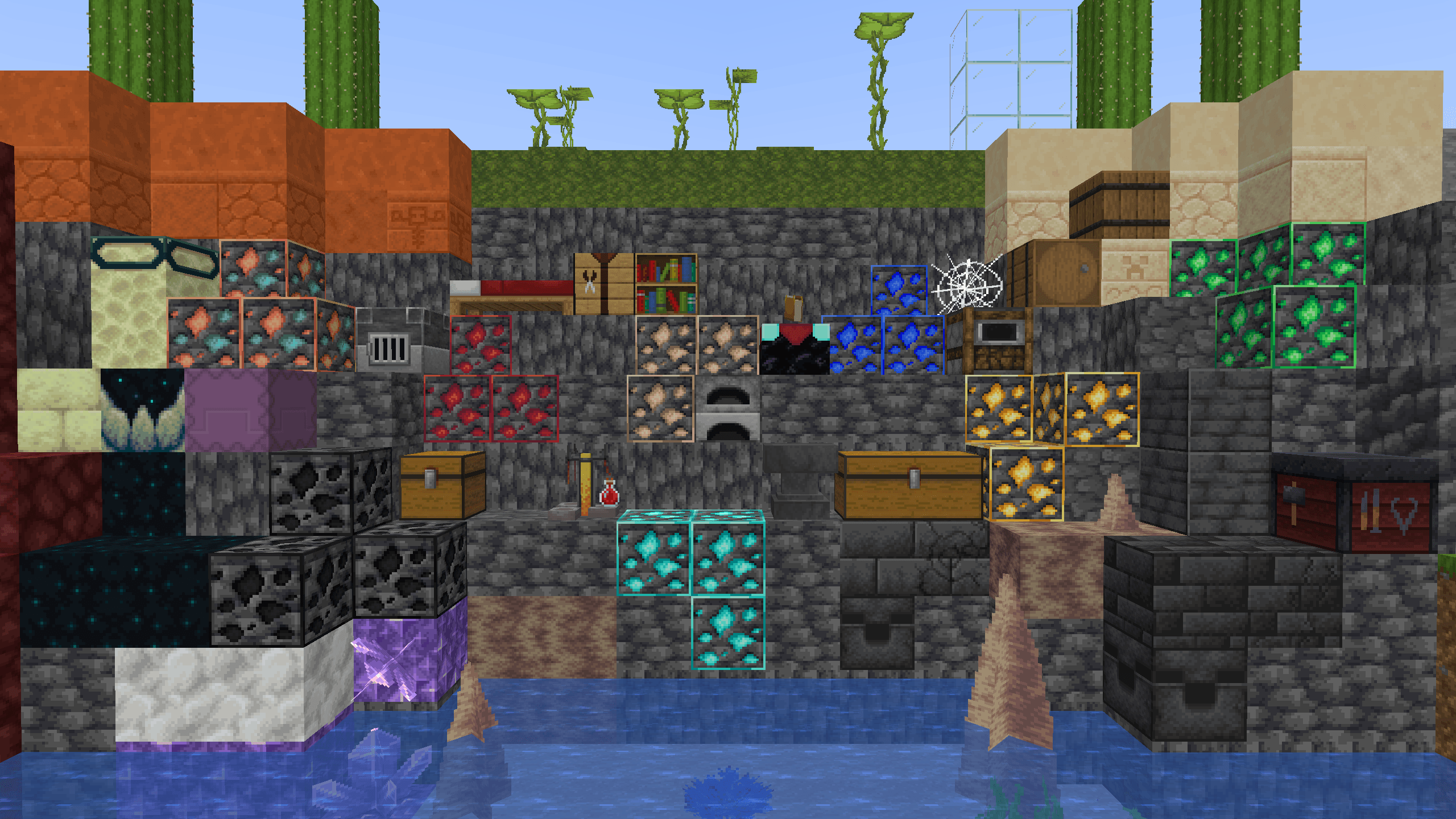
  • Clean & Minimal Design
    Optimized visuals to reduce distractions and keep your focus on the fight.

  • FPS Boosted
    Lightweight textures to ensure smoother gameplay and higher frame rates.

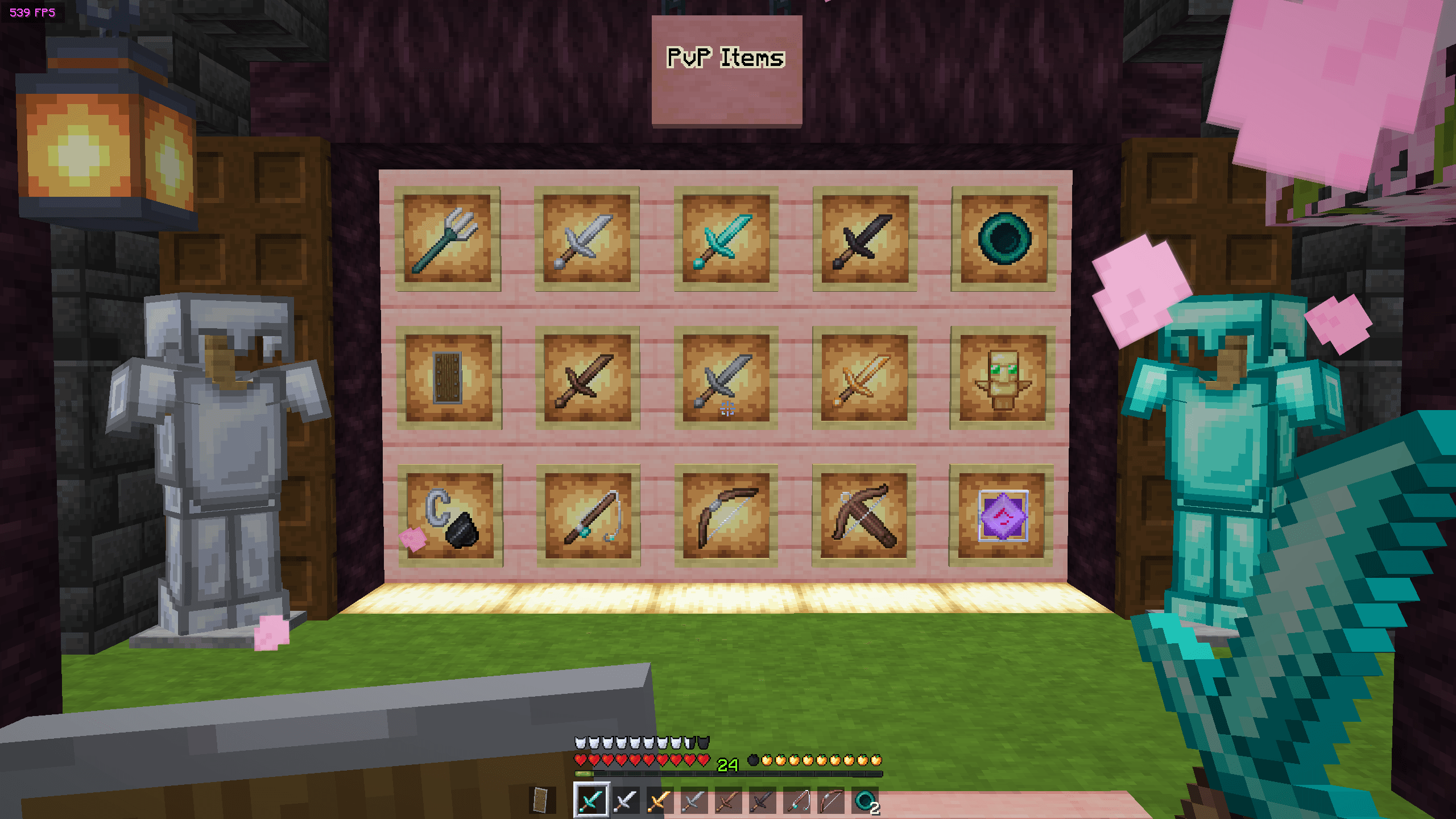
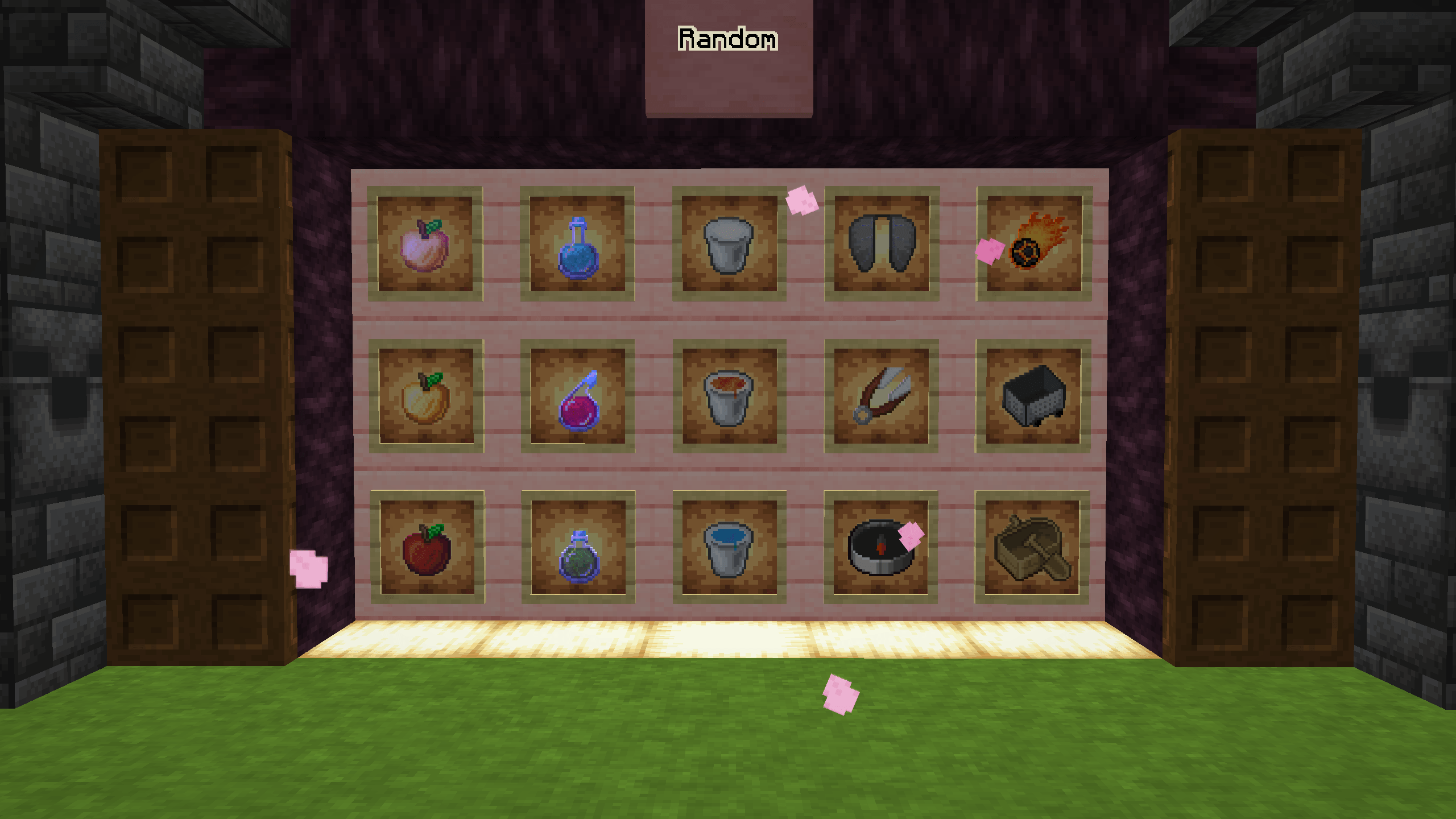
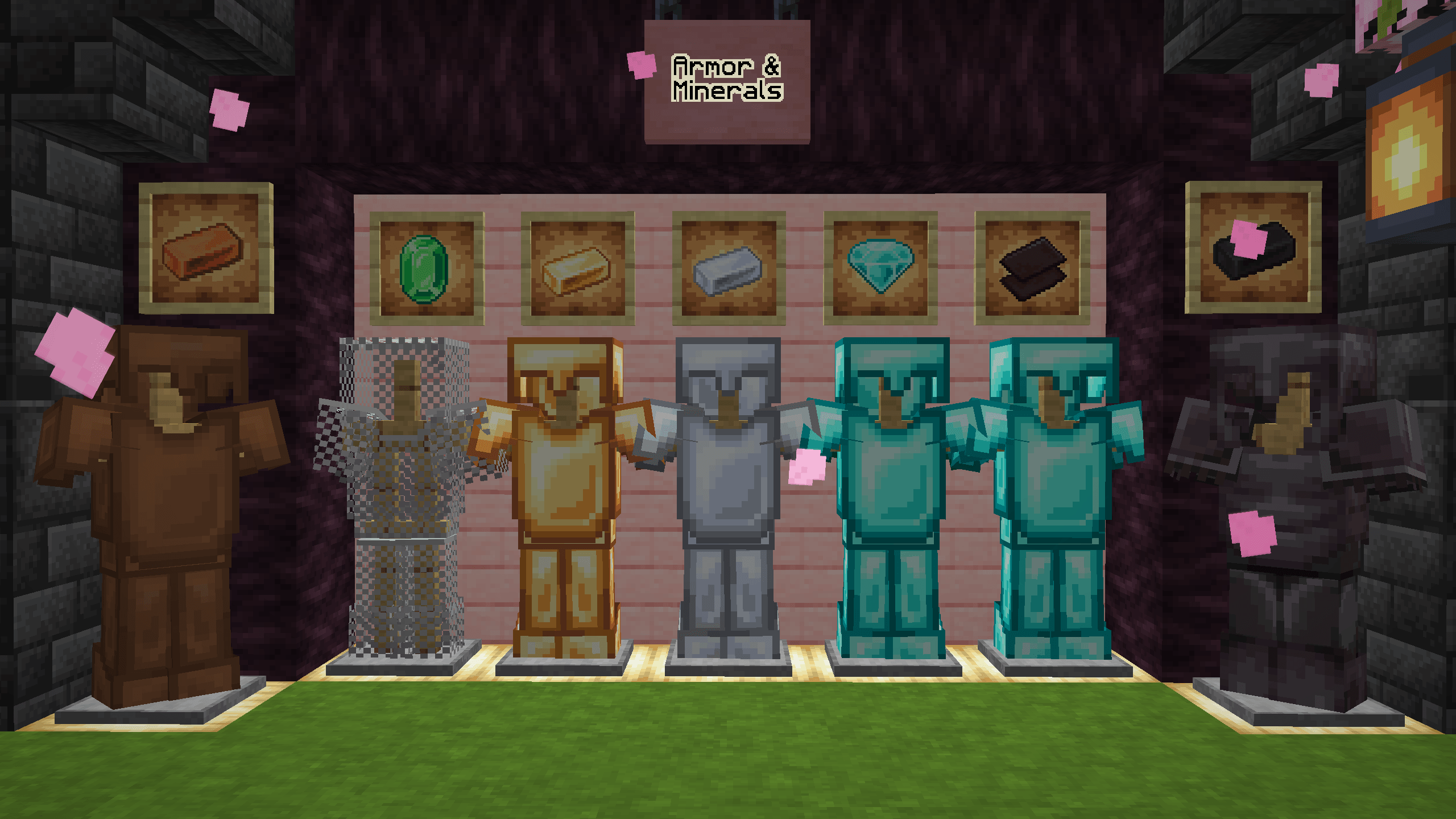
  • Custom PvP Items

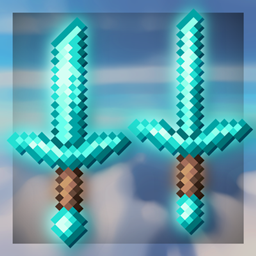
    • Short swords for better visibility
    • Enhanced armor clarity
    • Clean GUI for fast reactions
  • Better Visibility

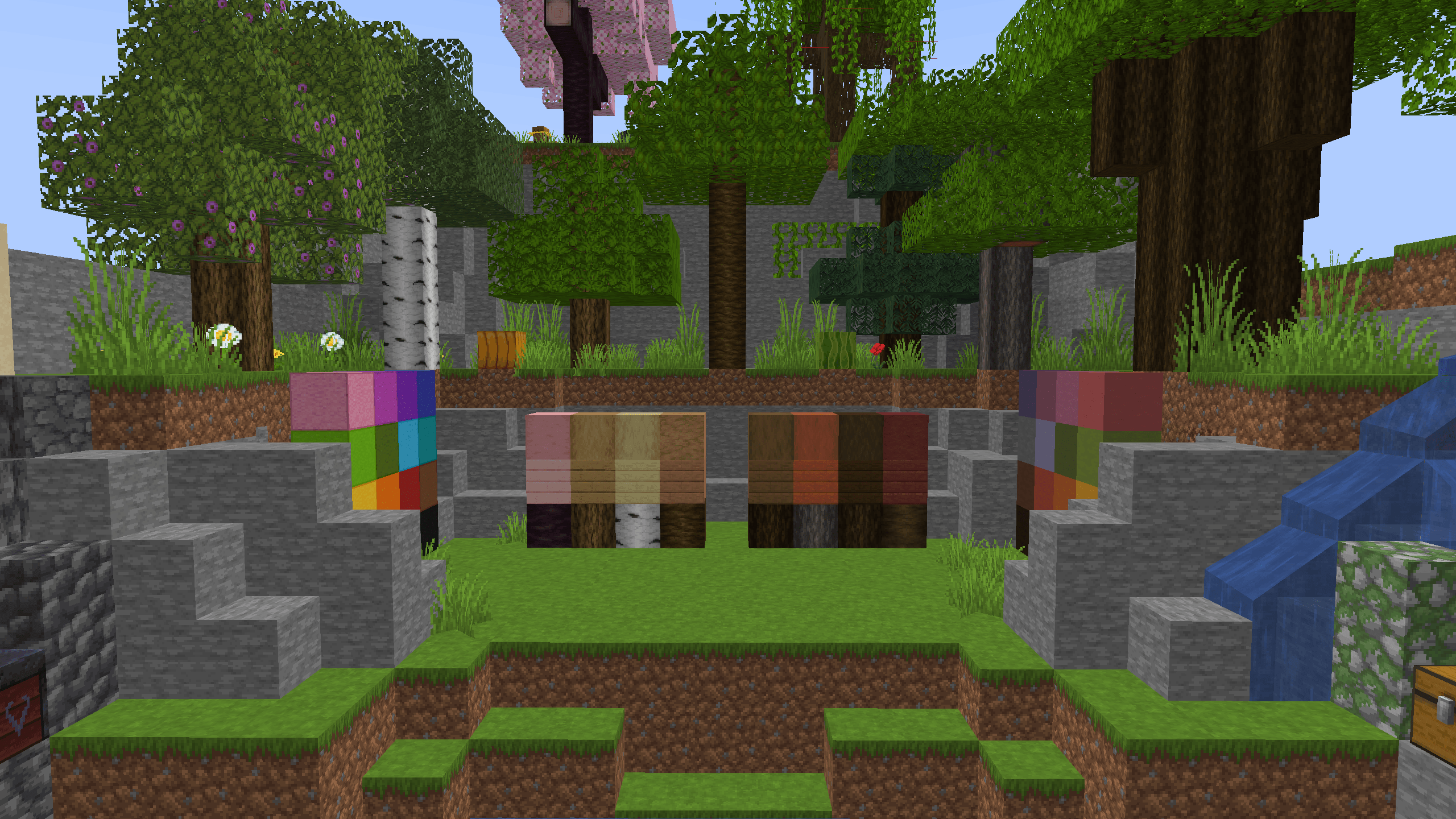
    • Brighter environments
    • Clear hit effects
    • Optimized particles
  • Aesthetic + Competitive
    Perfect balance between a stylish look and pure PvP performance.

🎯 Why Use This Pack?

Whether you're playing Bedwars, Skywars, or any PvP mode, this pack gives you the edge you need to win more fights and react faster.

🚀 Installation

  1. Download the texture pack
  2. Open Minecraft
  3. Go to Options > Resource Packs
  4. Add the pack and activate it
  5. Enjoy dominating your opponents!

💬 Final Words

This pack was crafted for players who want to take PvP seriously.
Try it once… and you won’t go back.


🔥 Win more. See clearer. Fight better. 🔥

© Isax82 and Rozzyfranceitali - 2026

Rozzy and Isax PvP Pack 1.0
MC 1.21.11, 26.1
Release 2026-03-31 Get

Requirements & install

How to use this resource pack in Minecraft
Resolution
32x
Minecraft
1.21.11 – 26.1
Install folder
.minecraft/resourcepacks

How to install resource packs

  1. Download the resource pack .zip file (do not extract it).
  2. In Minecraft open Options → Resource Packs → Open Pack Folder.
  3. Drop the .zip into the resourcepacks folder (.minecraft/resourcepacks).
  4. Move the pack to the Selected column and click Done.
Browse more: 16x resource packs 32x resource packs 64x resource packs 128x resource packs 256x resource packs 512x+ resource packs Resource Packs for 26.1 All resource packs

More from isax0361

Advertisement Remove ads with Premium →

You Might Also Like