Mineuniverse
Resource Packs
[Royal Void] Textures

[Royal Void] Textures

RESOURCE PACK
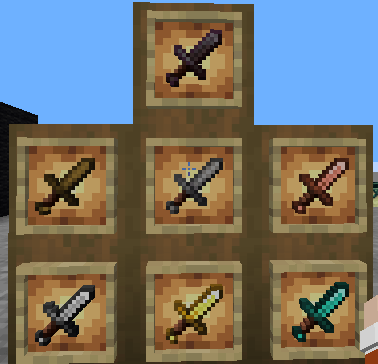
A Pvp and Vanilla texture pack featuring Dark, Purple, and Gold theme.
by JRICE
Download Claim this project
785 downloads
0 likes
Updated Oct 14, 2026
0 hypes
16x Miscellaneous Modern
Advertisement Remove ads with Premium →

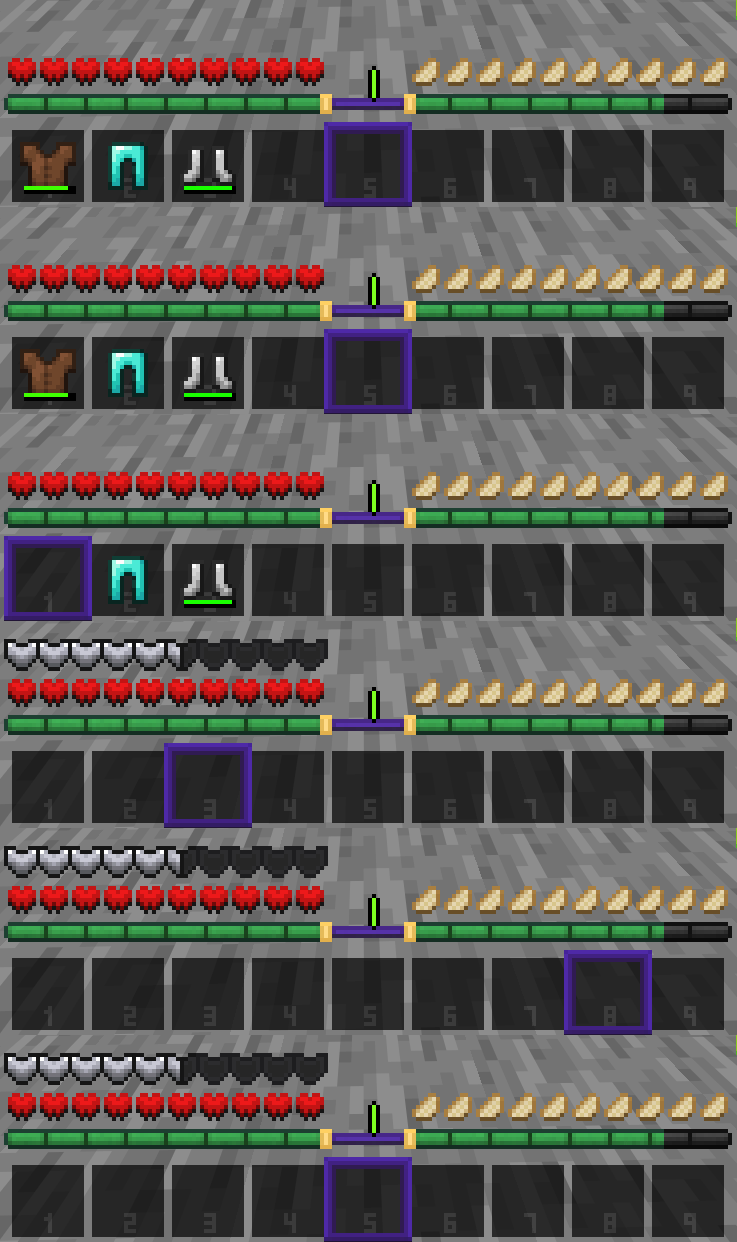
[ROYAL VOID] by JRICE (Work in progress!)

Texturepack for Pvp and Vanilla aesthetic.  

Progress is ongoing, but at a slower pace.

NEW UPDATE v1.3.6 | Changelogs

Gallery & Showcase below

Includes:

  • Lowered shield and fire models
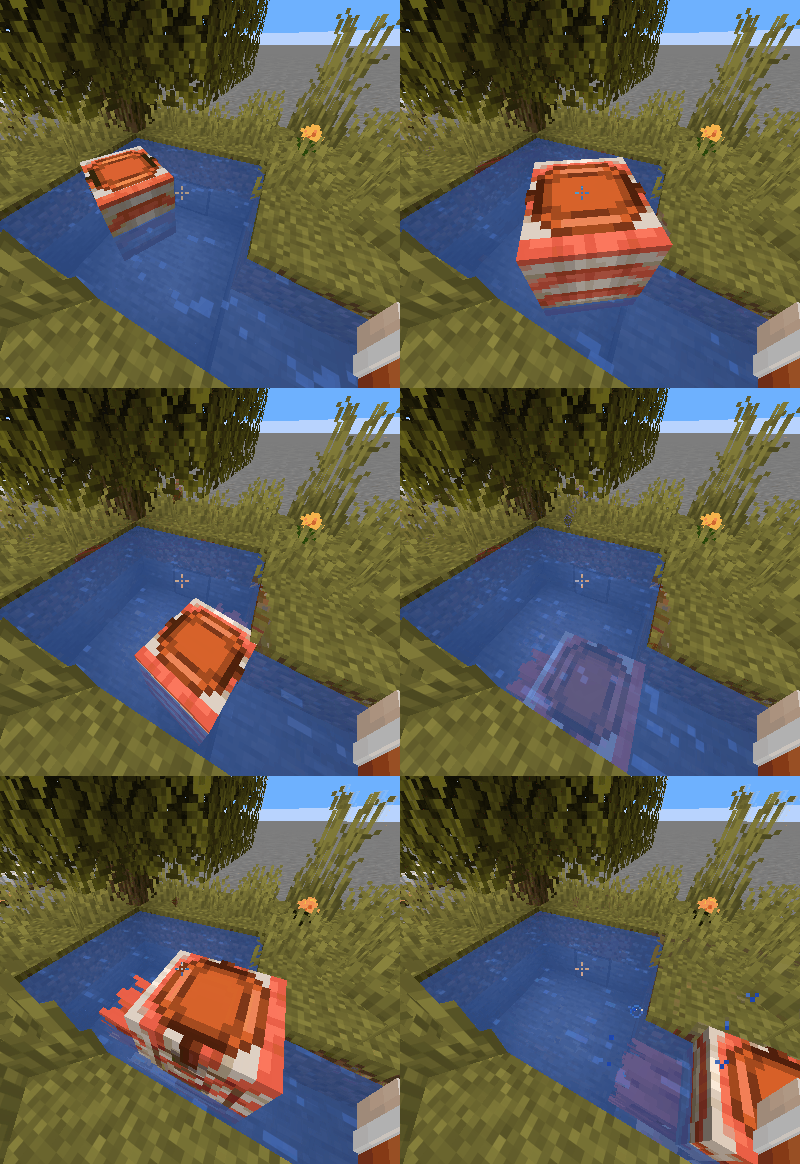
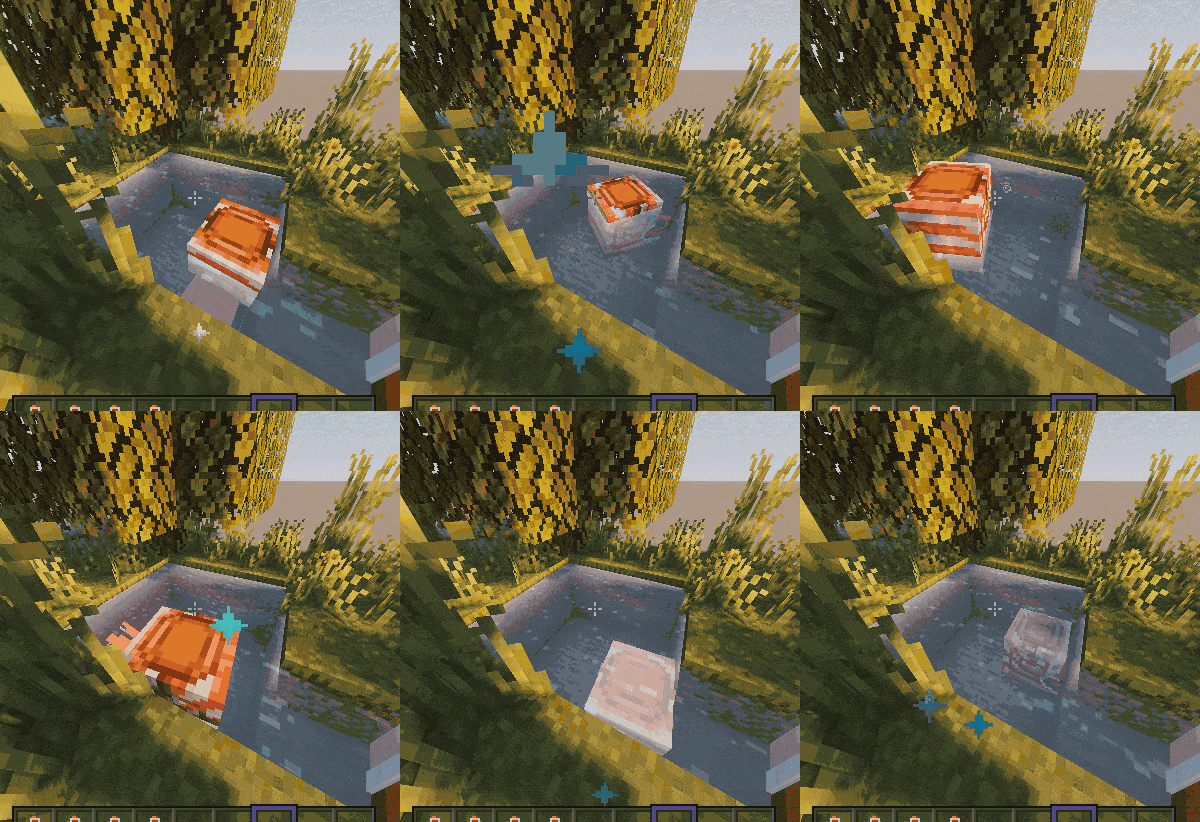
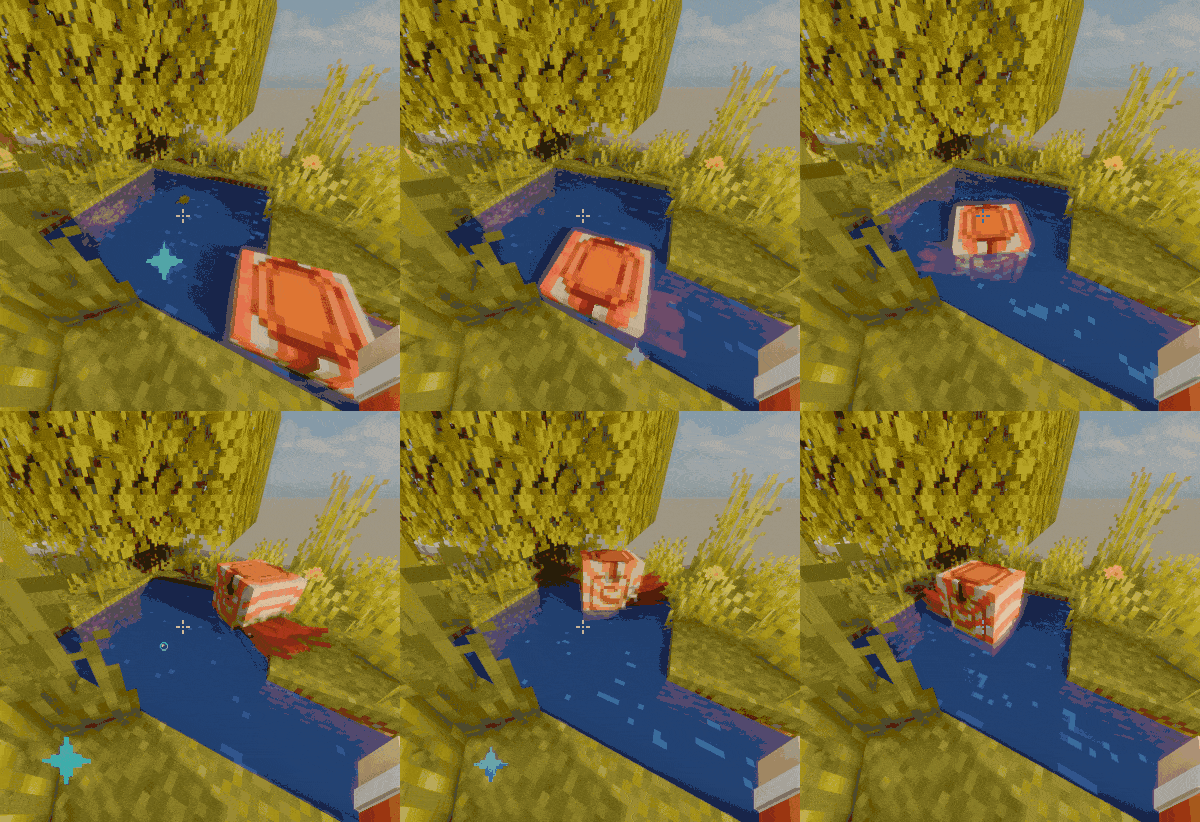
  • Clearer water, rain, & snow with minimal animations (may vary with shaders)
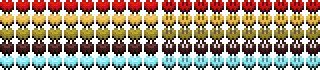
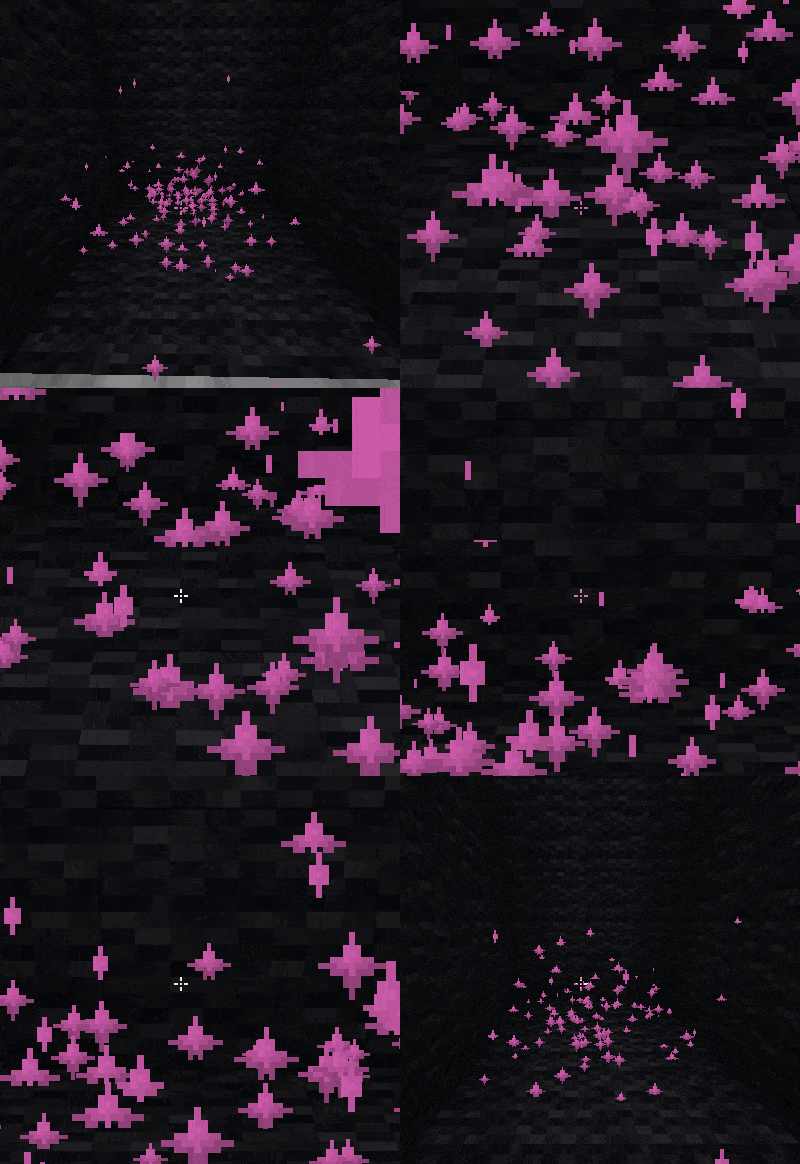
  • Smoother 16×16 effect particles to reduce clutter

More improvements coming


THANKS FOR DOWNLOADING!


RELEASE CHANGES:

I’m changing how I label my releases.
Old uploads are now alpha, and new ones will be beta since I’m still working on block textures and may update them anytime.

If you want to see old changelogs, check the alpha versions.

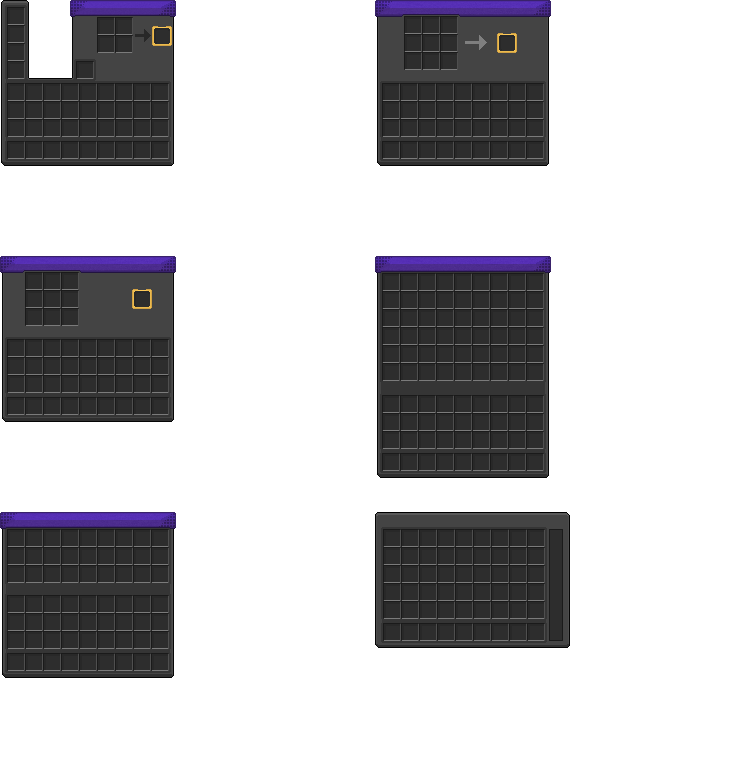
“Release” versions won’t include block textures, only things like GUI, sprites, and HUD. 

[Royal Void] v1.3.6.zip
MC 1.21.9, 1.21.10, 1.21.11, 26.1, 26.1.1
Release 2026-04-07 Get
[Royal Void 1.3.5_1].zip
MC 1.21.9, 1.21.10, 1.21.11, 26.1, 26.1.1
Release 2026-04-03 Get
[Royal Void v1.3.5].zip
MC 1.21.9, 1.21.10, 1.21.11, 26.1, 26.1.1
Alpha 2026-04-03 Get
[Royal Void v1.3.4].zip
MC 1.21.9, 1.21.10, 1.21.11
Alpha 2026-03-29 Get
[Royal Void v1.3.3].zip
MC 1.21.9, 1.21.10, 1.21.11
Alpha 2026-03-26 Get
[Royal Void]v1_3.1
MC 1.21.9, 1.21.10, 1.21.11
Alpha 2026-03-19 Get
[Royal Void]v1_3.2
MC 1.21.9, 1.21.10, 1.21.11
Alpha 2026-03-19 Get
[Royal Void]1_3.zip
MC 1.21.9, 1.21.10, 1.21.11
Alpha 2026-03-17 Get
[Royal Void GUI]v1_2.zip
MC 1.21.9, 1.21.10, 1.21.11
Alpha 2026-03-15 Get
[Royal Void GUI]v1_2.1
MC 1.21.9, 1.21.10, 1.21.11
Alpha 2026-03-15 Get
[Royal Void GUI]v1_1.zip
MC 1.21.9, 1.21.10, 1.21.11
Alpha 2026-03-14 Get
JRICE[DARK&PURPLEGUI]v1_0.zip
MC 1.21.9, 1.21.10, 1.21.11
Alpha 2026-03-13 Get

Requirements & install

How to use this resource pack in Minecraft
Resolution
16x
Minecraft
1.21.9 – 26.1.1
Install folder
.minecraft/resourcepacks

How to install resource packs

  1. Download the resource pack .zip file (do not extract it).
  2. In Minecraft open Options → Resource Packs → Open Pack Folder.
  3. Drop the .zip into the resourcepacks folder (.minecraft/resourcepacks).
  4. Move the pack to the Selected column and click Done.
Browse more: 16x resource packs 32x resource packs 64x resource packs 128x resource packs 256x resource packs 512x+ resource packs Resource Packs for 26.1.1 All resource packs

More from JRICE

Advertisement Remove ads with Premium →

You Might Also Like