Mineuniverse
Resource Packs
Royal Blue Sword

Royal Blue Sword

RESOURCE PACK
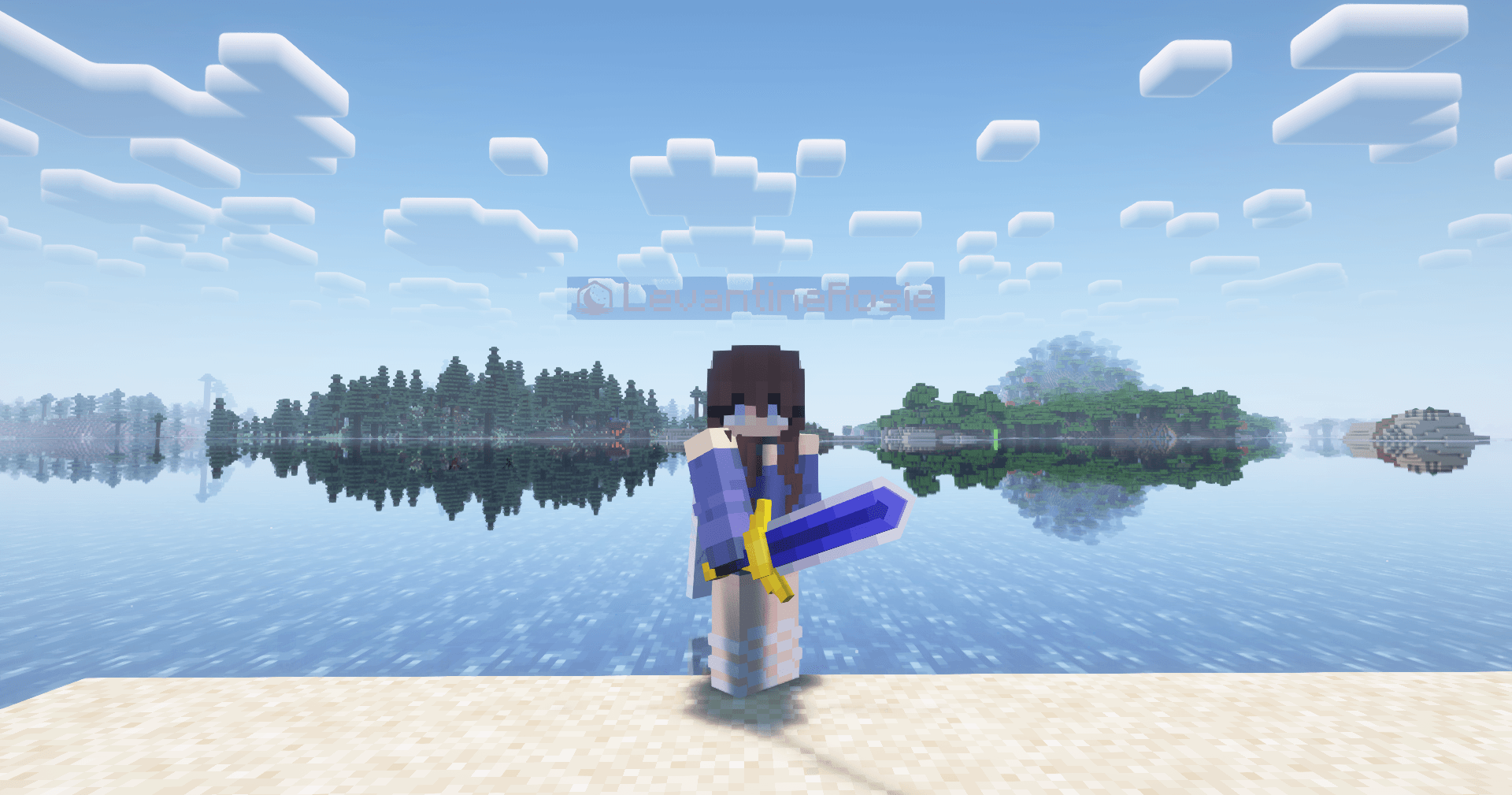
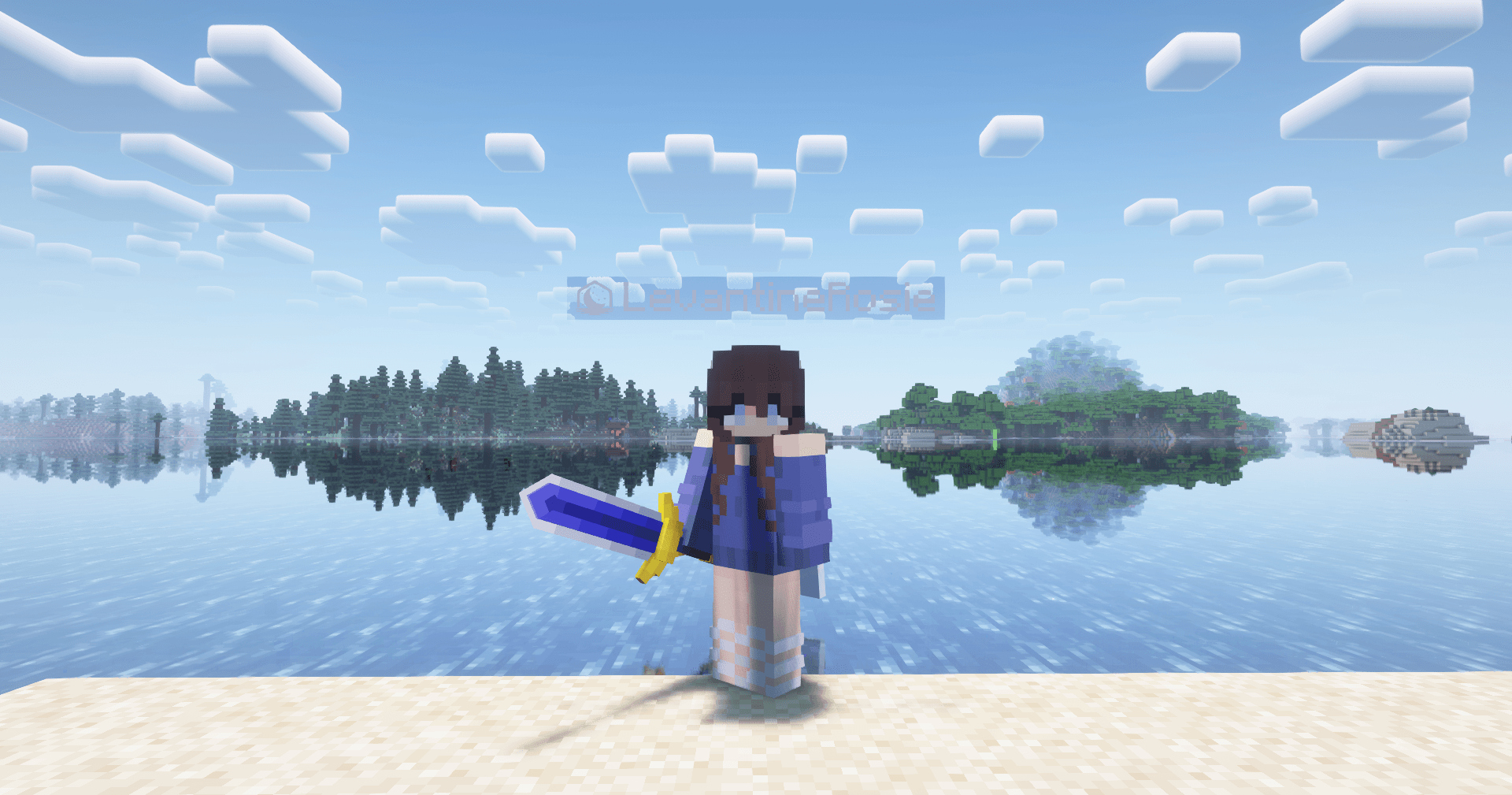
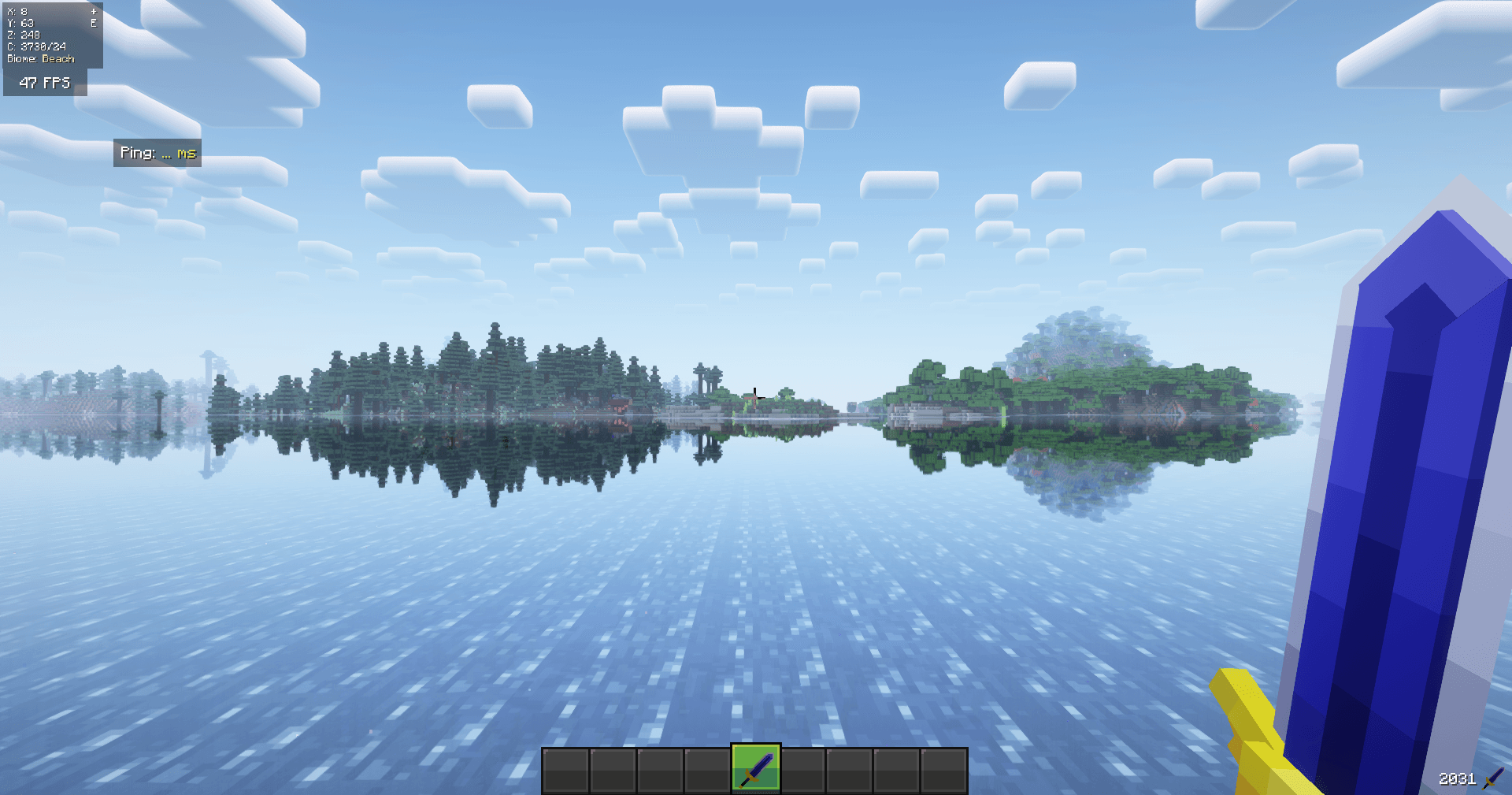
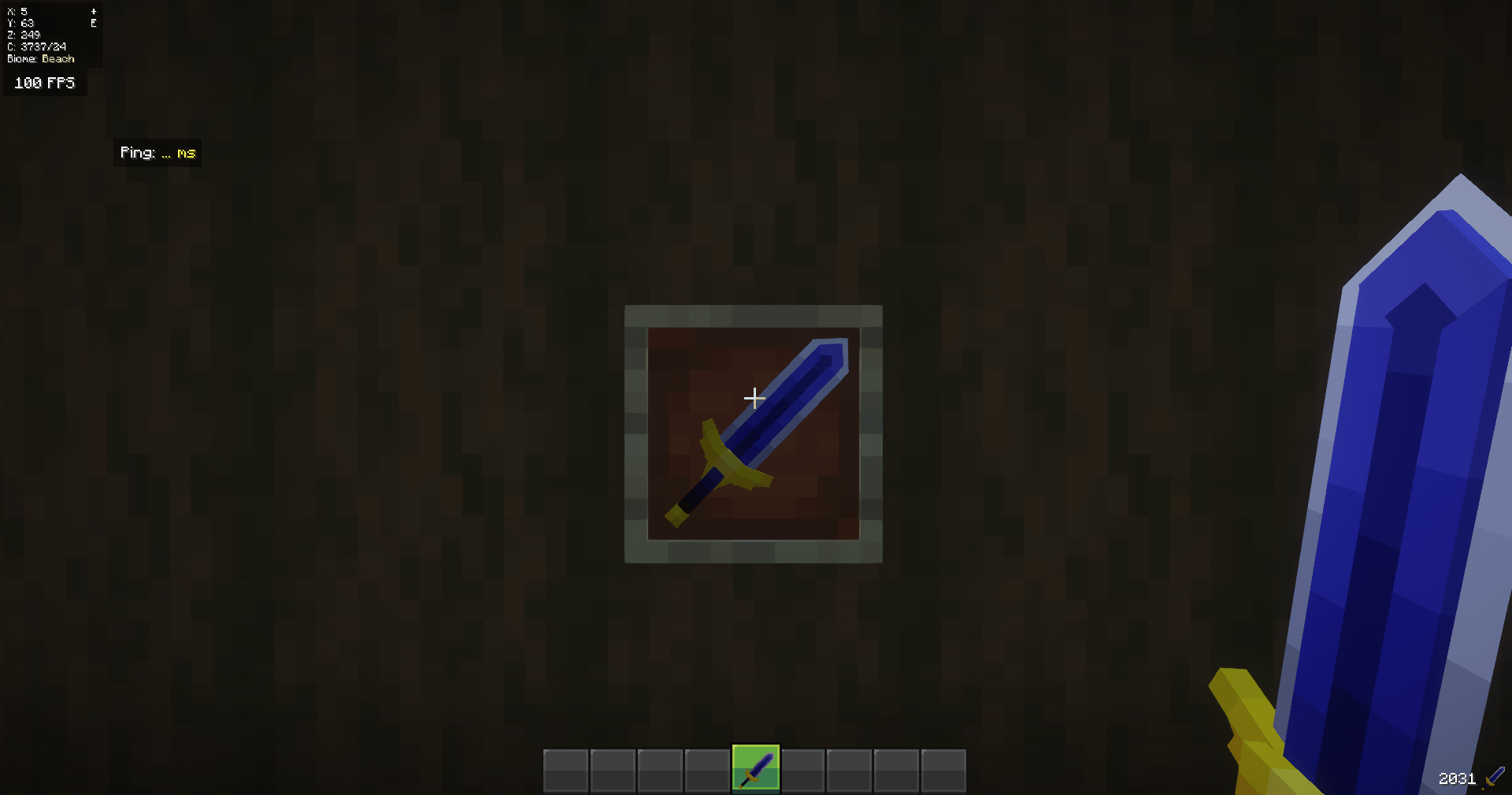
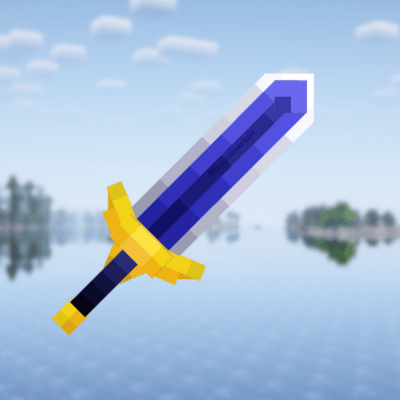
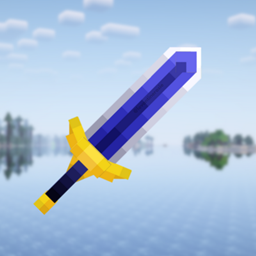
A beautiful, 3D royal blue sword replacing a netherite sword.
by LevantineRosie
Download Claim this project
1,168 downloads
0 likes
Updated Oct 14, 2026
0 hypes
32x Medieval Miscellaneous
Advertisement Remove ads with Premium →

This retextures a netherite sword! If you're looking for something more blue-themed, then this is perfect for you!

If you want a version where you need to rename it for the texture to change then please reach out to my Discord (levantinerosie) <-- Please read the update message below before reaching out


DISCLAIMER:
**Anyone can use this but PLEASE give credit if distributed or used for public content!
**Do not repost claiming it as your own work!
 

!! Please note that the GUI does not come with this pack. It is made by amongstreality and the pack is called "ReimaginedGUI(Dark)" if you're interested in using it.

----

UPDATE AS OF OCT. 9, 2026

I am unable to fulfill any personal requests or continue updating the pack at this time due to college and real-life events. However, you have full permission to download the pack and make edits to your desire. The disclaimer section still applies.


If there are questions and concerns, you can reach out via Discord. It is listed below. I can update and take on personal requests when I am on break, but unfortunately my education comes first. Apologies for any convienence.

§3Royal Blue Sword
MC 1.21.8, 1.21.7
Release 2025-07-20 Get
§3Royal Blue Sword
MC 1.21.6
Release 2025-07-20 Get
§3Royal Blue Sword
MC 1.21.5
Release 2025-07-20 Get
§3Royal Blue Sword
MC 1.21.4
Release 2025-07-20 Get
§3Royal Blue Sword
MC 1.21.3, 1.21.2
Release 2025-07-20 Get
§3Royal Blue Sword
MC 1.21, 1.21.1
Release 2025-07-20 Get
§3Royal Blue Sword
MC 1.20.1, 1.20
Release 2025-07-20 Get
§3Royal Blue Sword
MC 1.18.1, 1.18.2, 1.18
Release 2025-07-20 Get
§3Royal Blue Sword
MC 1.16.3, 1.16.5, 1.16.2, 1.16.4
Release 2025-07-20 Get

Requirements & install

How to use this resource pack in Minecraft
Resolution
32x
Minecraft
1.21.1 – 1.21.8
Install folder
.minecraft/resourcepacks

How to install resource packs

  1. Download the resource pack .zip file (do not extract it).
  2. In Minecraft open Options → Resource Packs → Open Pack Folder.
  3. Drop the .zip into the resourcepacks folder (.minecraft/resourcepacks).
  4. Move the pack to the Selected column and click Done.
Browse more: 16x resource packs 32x resource packs 64x resource packs 128x resource packs 256x resource packs 512x+ resource packs Resource Packs for 1.21.8 All resource packs

More from LevantineRosie

Advertisement Remove ads with Premium →

You Might Also Like