Mineuniverse
Resource Packs
Ridiculousnessville Pack

Ridiculousnessville Pack

RESOURCE PACK
Ridiculousnessville Pack
by _ForgeUser9111006
Download Claim this project
19,149 downloads
0 likes
0 followers
Updated Oct 14, 2026
0 hypes
Follow0
Miscellaneous
Advertisement Remove ads with Premium →

Ridiculousnessville Pack 4! 15,000 downloads!

Important Info

If you are experiencing odd-looking dirt and fire saying "Patch your Client", this is solved by getting OptiFine. We are required to depend on this to give you those rich, HD textures.

1.5 & 1.6

Version 5.0 will be coming out soon for Minecraft 1.5. After this is out, we will be releasing snapshots for 1.6.

Description

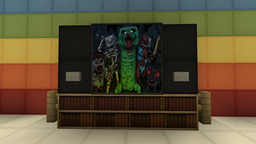
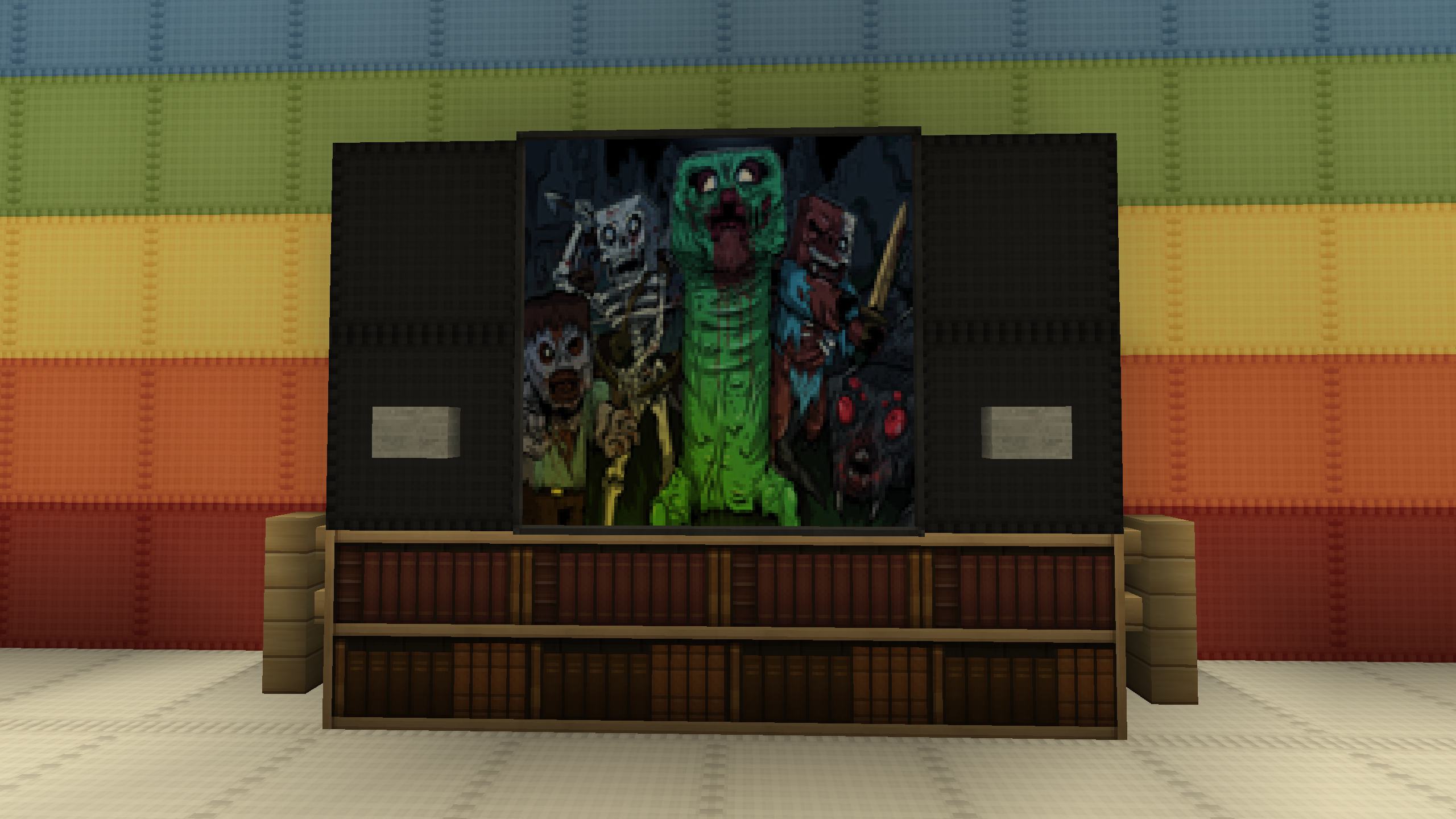
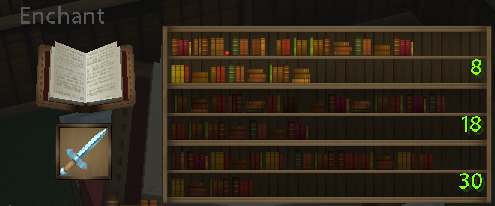
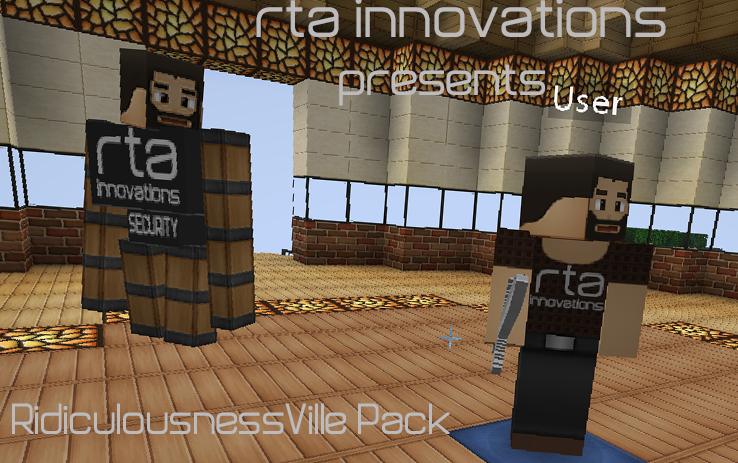
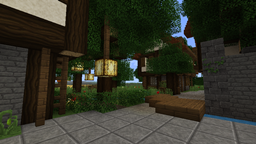
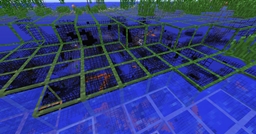
This texture pack includes many great features including, but not nearly limited to: Blinking mobs, connected textures, 64x items, GUI, and terrain, randomized textures for mobs and blocks, and more! Due to it being 64x, it requires the use of either MCPatcher or OptiFine, which is included in many mods including Nodus and Tekkit. This texture pack was made in spirit of Ridiculousnessville, a Minecraft server with the IP: ridiculousnessville.com. We hope you guys like the pack as much as ourselves! ~Rta

Ridiculousnessville_Pack_4.3.zip
MC 1.4.7
Release 2012-12-24 Get
Ridiculousnessville_Pack_4.0.zip
MC 1.4.2
Release 2012-10-31 Get
Ridiculousnessville_Pack_3.1.zip
MC 1.3.1
Release 2012-08-11 Get
Ridiculousnessville_Pack_3.1.zip
MC 1.3.1
Beta 2012-08-10 Get
RidiculousnessVille_Pack__2.5_.zip
MC 1.3.1
Release 2012-08-02 Get
RidiculousnessVille_Pack__2.5_.zip
MC 1.3.1
Release 2012-08-01 Get
RidiculousnessVille_Pack.zip
MC 1.2.5
Release 2012-06-29 Get

Requirements & install

How to use this resource pack in Minecraft
Resolution
Not specified
Minecraft
1.2.5 – 1.4.7
Install folder
.minecraft/resourcepacks

How to install resource packs

  1. Download the resource pack .zip file (do not extract it).
  2. In Minecraft open Options → Resource Packs → Open Pack Folder.
  3. Drop the .zip into the resourcepacks folder (.minecraft/resourcepacks).
  4. Move the pack to the Selected column and click Done.
Browse more: 16x resource packs 32x resource packs 64x resource packs 128x resource packs 256x resource packs 512x+ resource packs Resource Packs for 1.4.7 All resource packs
Advertisement Remove ads with Premium →

You Might Also Like