🎨 Cobblemon Ride Expansion (CRE) [Resource Pack]
Cobblemon Ride Expansion (CRE) — Resource Pack provides universal seat locator coordinates across 963 Pokémon models for Cobblemon 1.8.1.
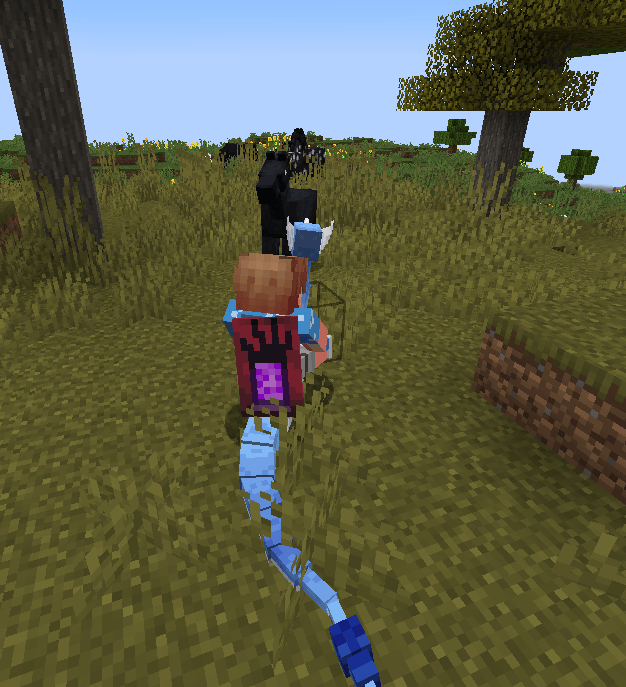
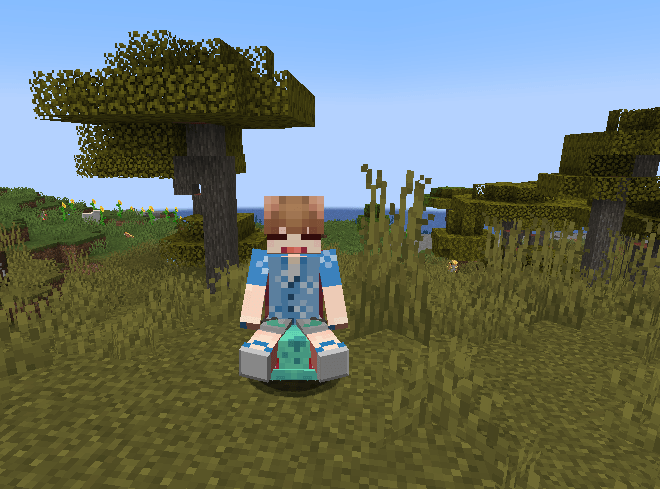
When you mount a Pokémon in Cobblemon, the game needs precise 3D seat coordinates inside the model geometry. This resource pack ensures your character sits properly on the back, saddle, or head of every Pokémon without floating or clipping!
❓ Do I Need This Resource Pack?
- ✅ YES, if you use the CRE Datapack Edition: The datapack handles the riding logic on the server, but your client needs this resource pack for seat alignment.
- ❌ NO, if you use the CRE Mod Edition (.jar): The mod JAR edition already bundles all 963 model locators inside. You do not need this pack.
✨ Features
- 🪑 963 Universal Seat Locators: Custom seat locators calibrated for Pokémon models across all generations.
- 🏃 Animation Sync: Keeps your player avatar aligned with Pokémon movement animations (idle, walk, run, swim, fly).
- 🔧 Official Locator Fixes: Corrects model locators on Pokémon like Dragonair and Blaziken.
- ⚡ 100% Client-Side: Lightweight JSON assets with zero FPS overhead and full shader compatibility.
📥 Installation
- Download
CRE-ResourcePack-v0.0.1.zip from the Files tab.
- In Minecraft, go to Options → Resource Packs…
- Click Open Pack Folder.
- Move
CRE-ResourcePack-v0.0.1.zip into the resourcepacks/ folder.
- In the menu, move the pack to the Selected column on the right and click Done.
🔗 Related Projects
💖 Community & Support