Mineuniverse
Resource Packs
RF Power Display (Redstone Flux)

RF Power Display (Redstone Flux)

RESOURCE PACK
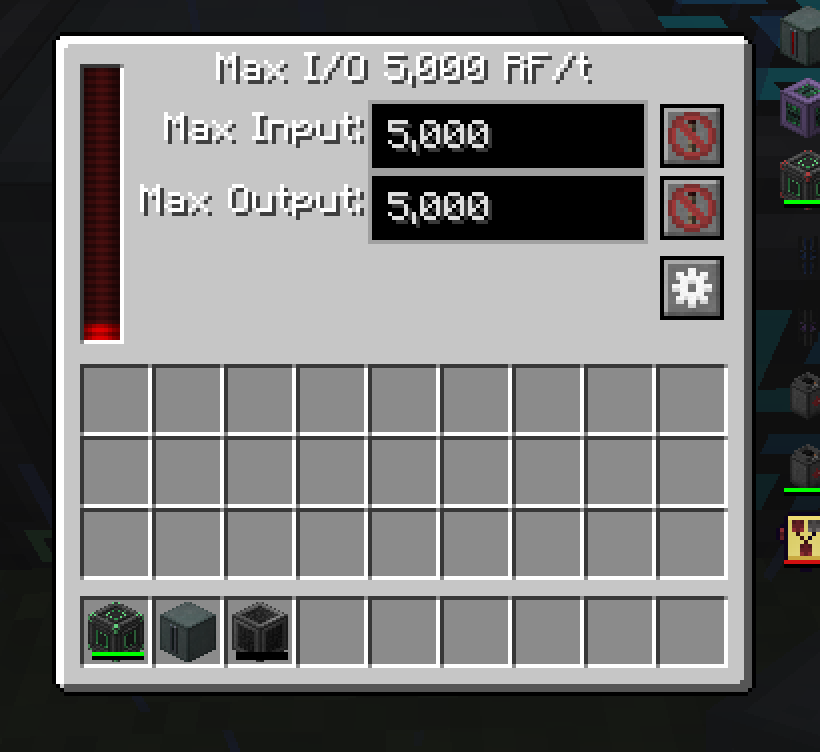
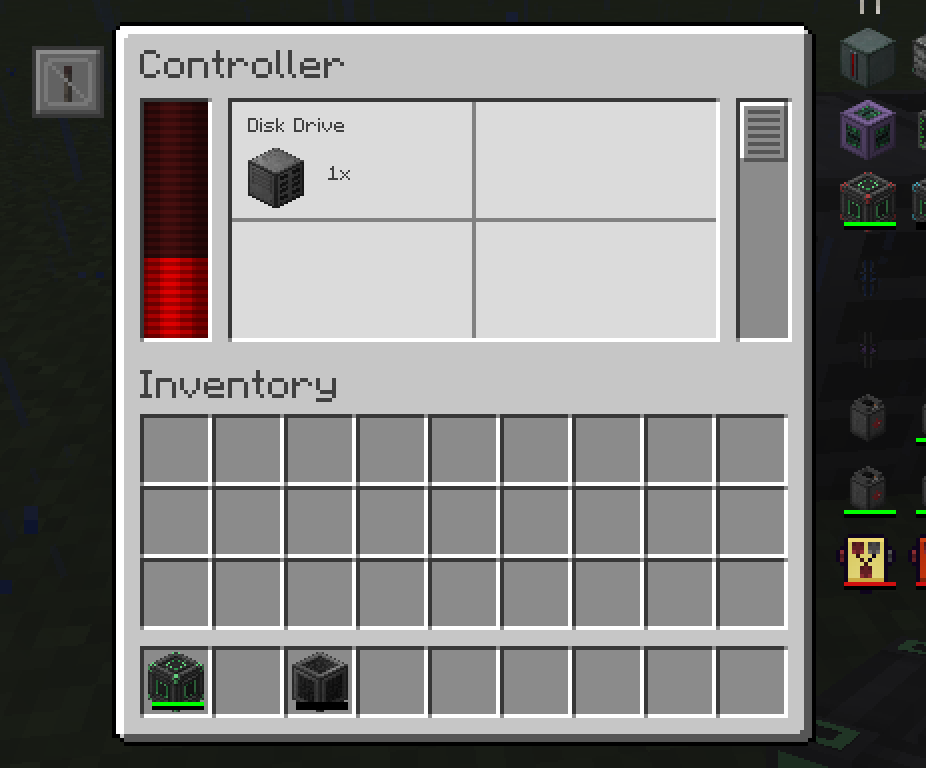
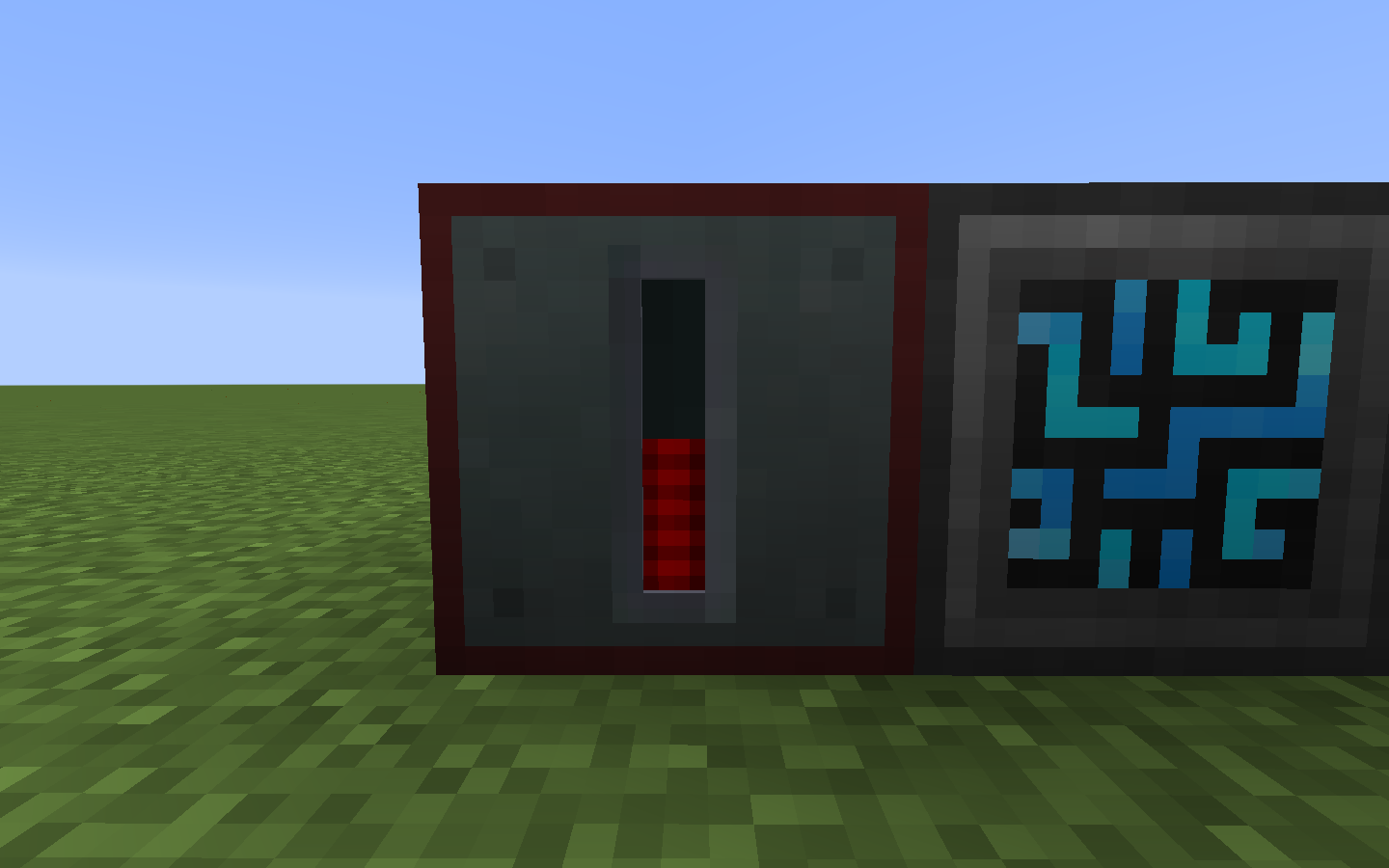
Changes a couple of mods textures and names of energy to match Redstone Flux
by simplysimon0
Download Claim this project
Add a badge to your pageLink to RF Power Display (Redstone Flux) from a README, website or forum post.
Preview: Badge

Badges update automatically and link to the resource pack page on MineUniverse.

3,041 downloads
0 likes
0 followers
Updated Oct 14, 2026
0 hypes
Follow0
16x Mod Support
Advertisement Remove ads with Premium →

Do you miss the old days?? Back when all (most) tech based mods used the amazing RF System. Are you sick of 5 different names for one energy? Do you love that sweet red glow of Redstone Flux? If you answered yes to any of these questions this Resource Pack may be for you!


Current Supported Mods:

Ender io

Refined Storage

Actually Additions (Partial - Couldn't change the name)


Mods I can't/won't support:

Mekanism(it uses its own power system)

Applied energetics

Ic2(duh)

Buildcraft(also duh)

Immersive engineering (there arent any displays of power really)


RF_Power_Display-V1.0.zip
MC 1.12.2
Release 2018-08-08 Get

Requirements & install

How to use this resource pack in Minecraft
Resolution
16x
Minecraft
1.12.2
Install folder
.minecraft/resourcepacks

How to install resource packs

  1. Download the resource pack .zip file (do not extract it).
  2. In Minecraft open Options → Resource Packs → Open Pack Folder.
  3. Drop the .zip into the resourcepacks folder (.minecraft/resourcepacks).
  4. Move the pack to the Selected column and click Done.
Browse more: 16x resource packs 32x resource packs 64x resource packs 128x resource packs 256x resource packs 512x+ resource packs Resource Packs for 1.12.2 All resource packs

More from simplysimon0

Advertisement Remove ads with Premium →

You Might Also Like