Mineuniverse
Resource Packs
Rexlyre

Rexlyre

RESOURCE PACK
A Red Themed Edit PvP Texturepack
by FIRESTAR09_10
Download Claim this project
477 downloads
0 likes
Updated Oct 14, 2026
0 hypes
16x Miscellaneous Traditional
Advertisement Remove ads with Premium →
<main class="min-h-[calc(100vh-4.5rem-310.59px)]">

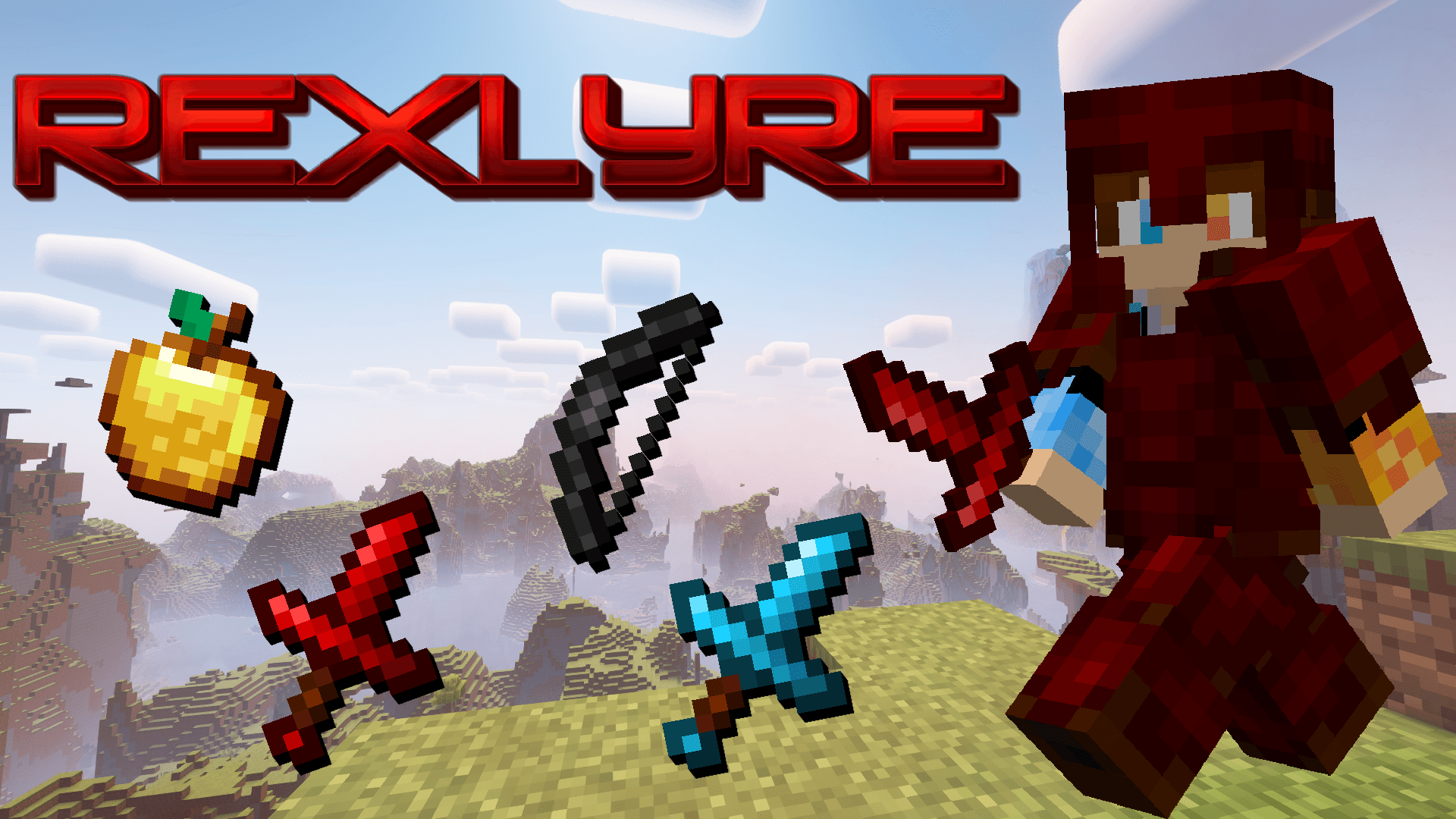
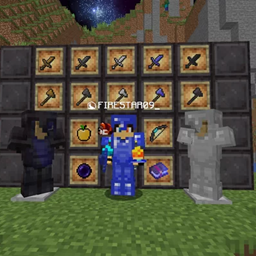
Rexlyre is a PvP Texturepack edited from Renzlyre given it's insane success (check that out too if you want :P)

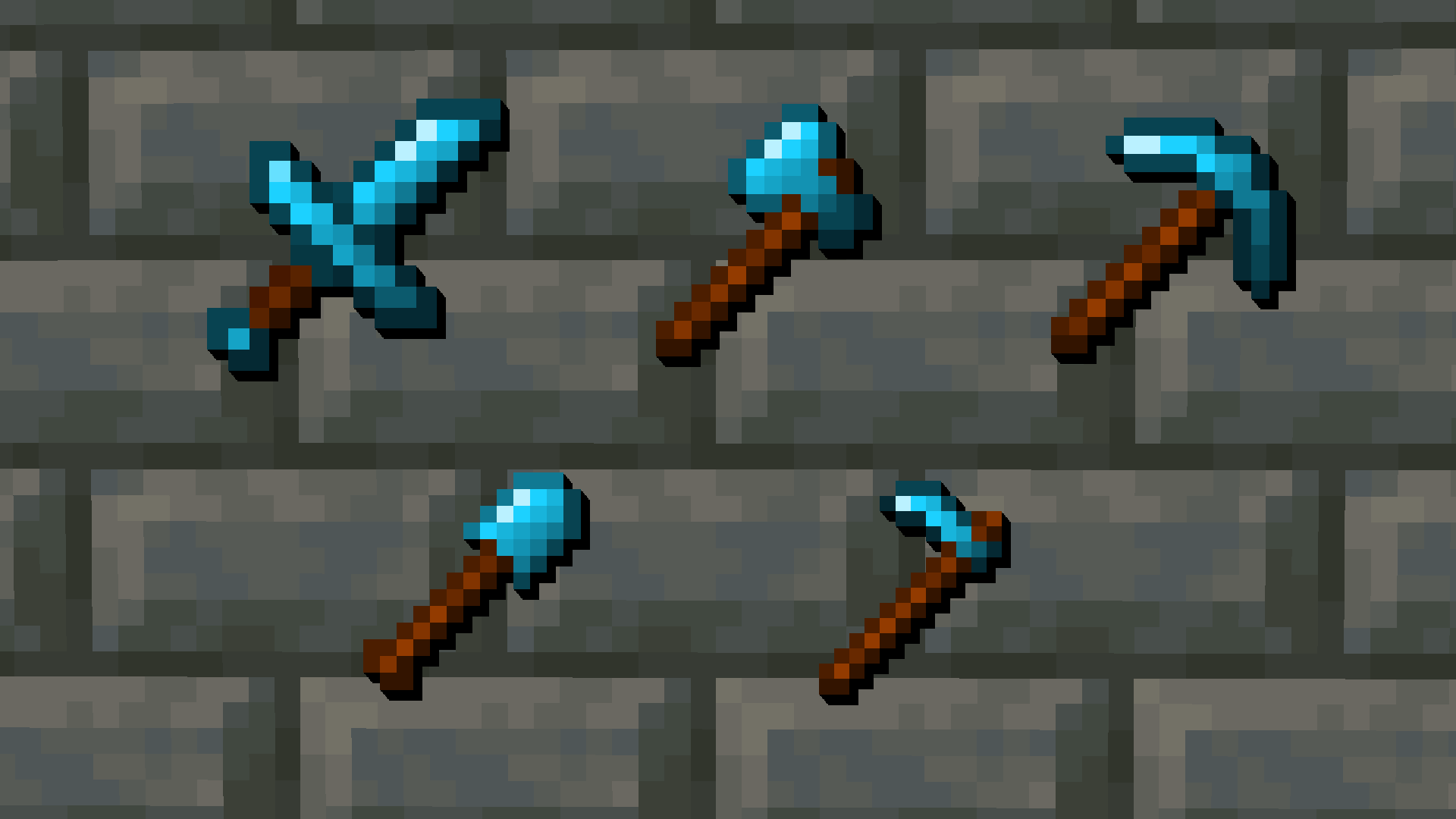
This texturepack features quality of life changes like bordered ores and lower fire alongside great looking textures to enhance your gameplay like:

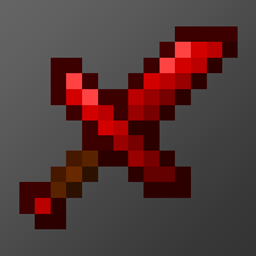
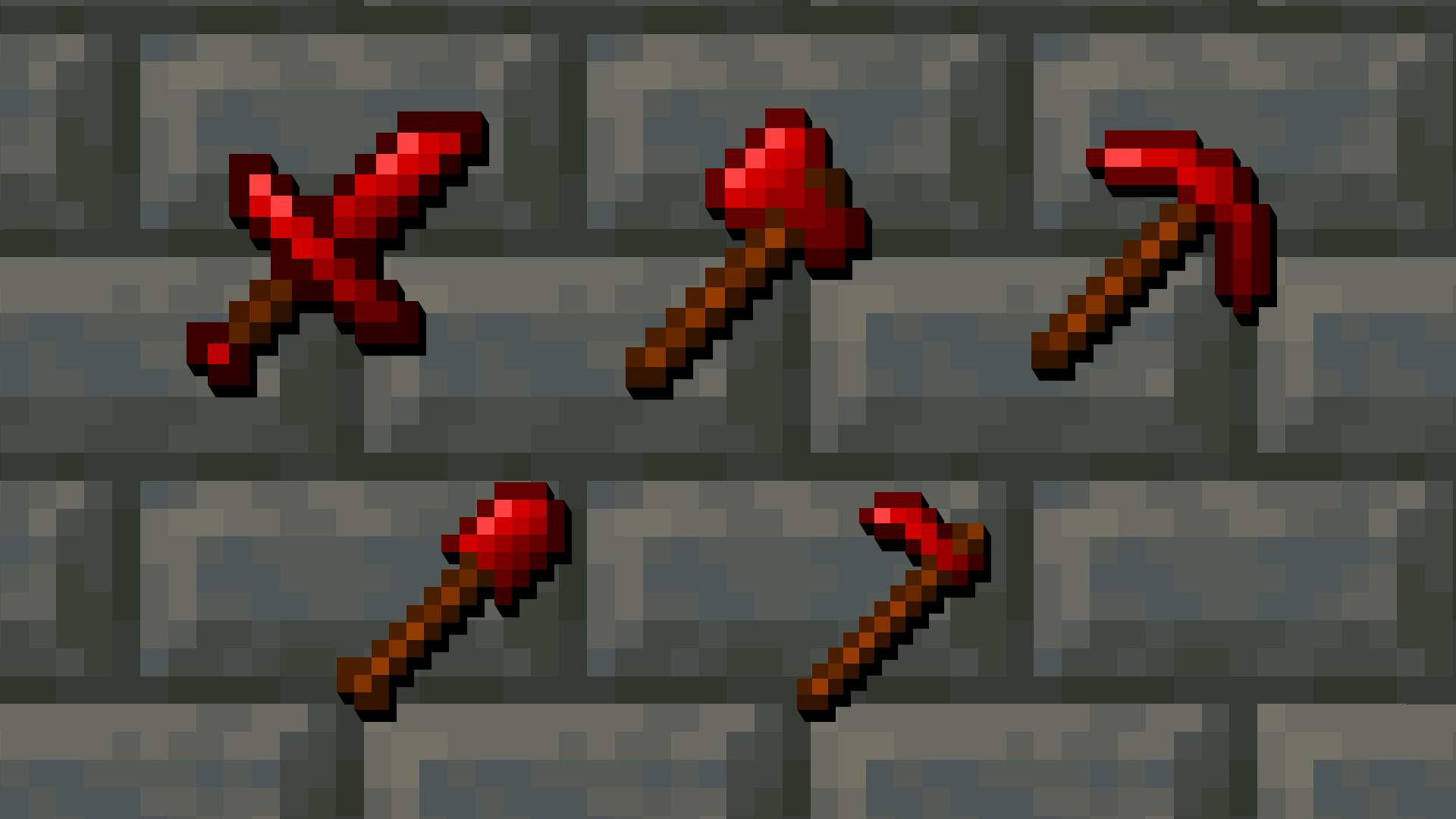
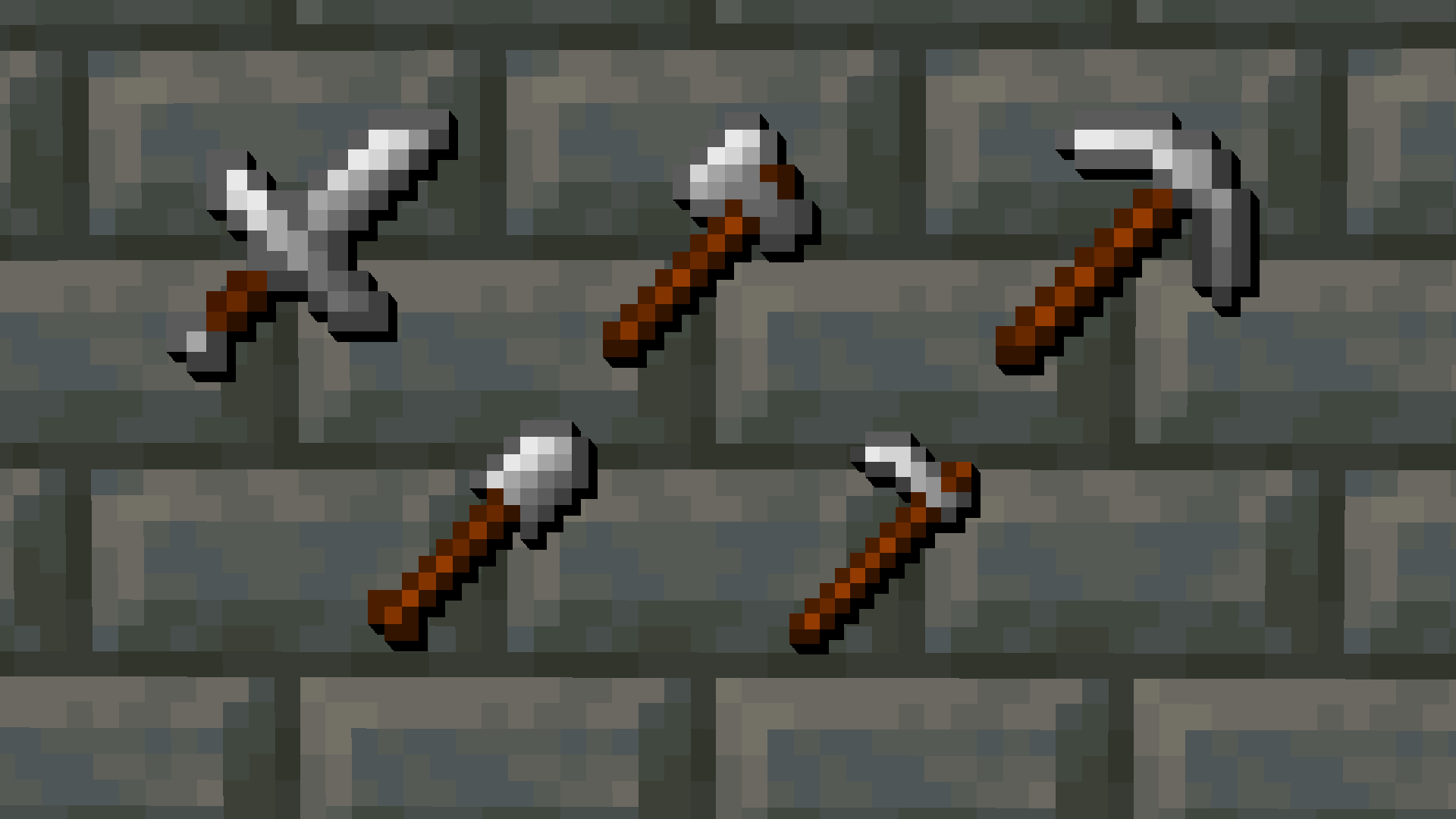
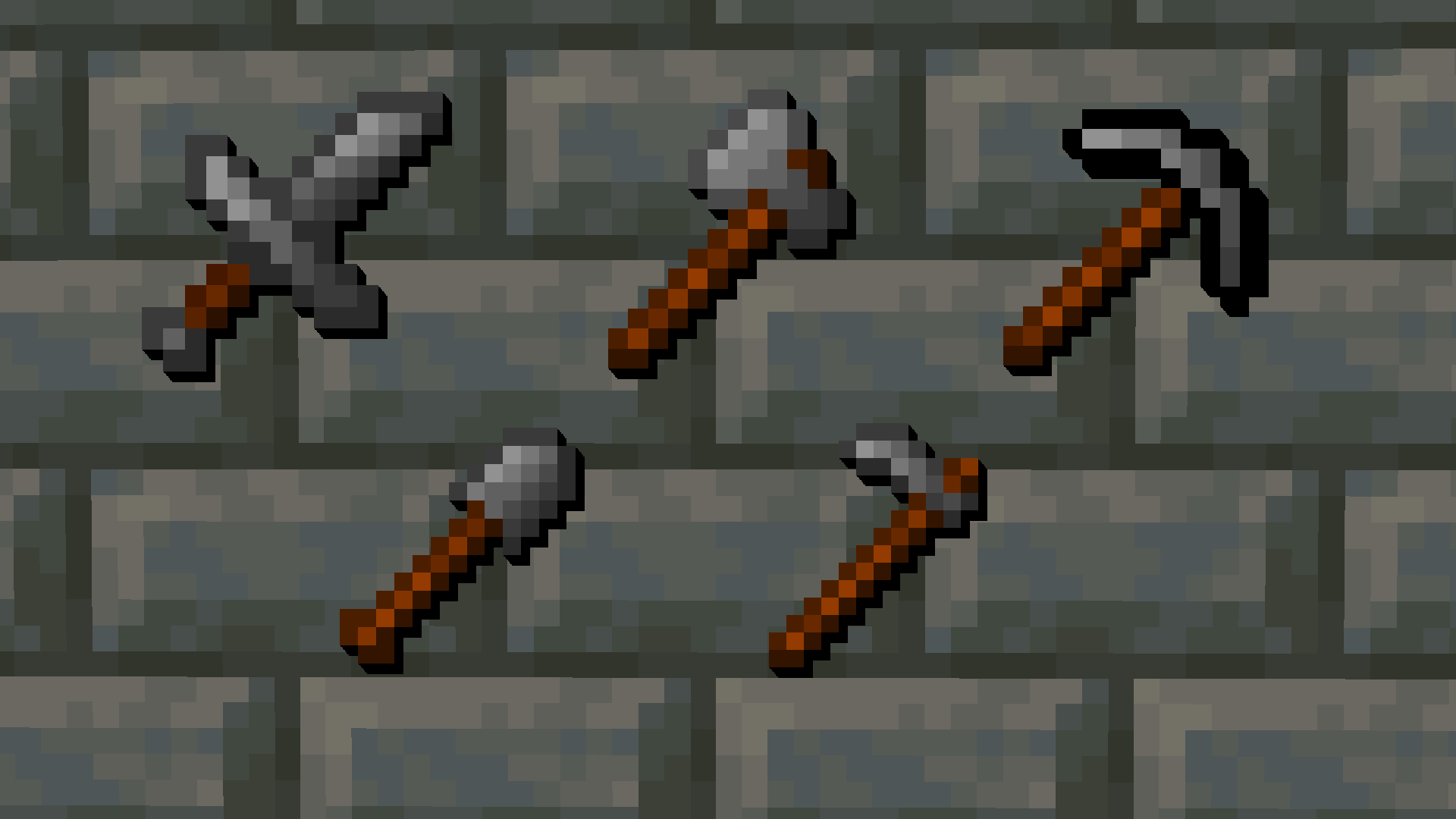
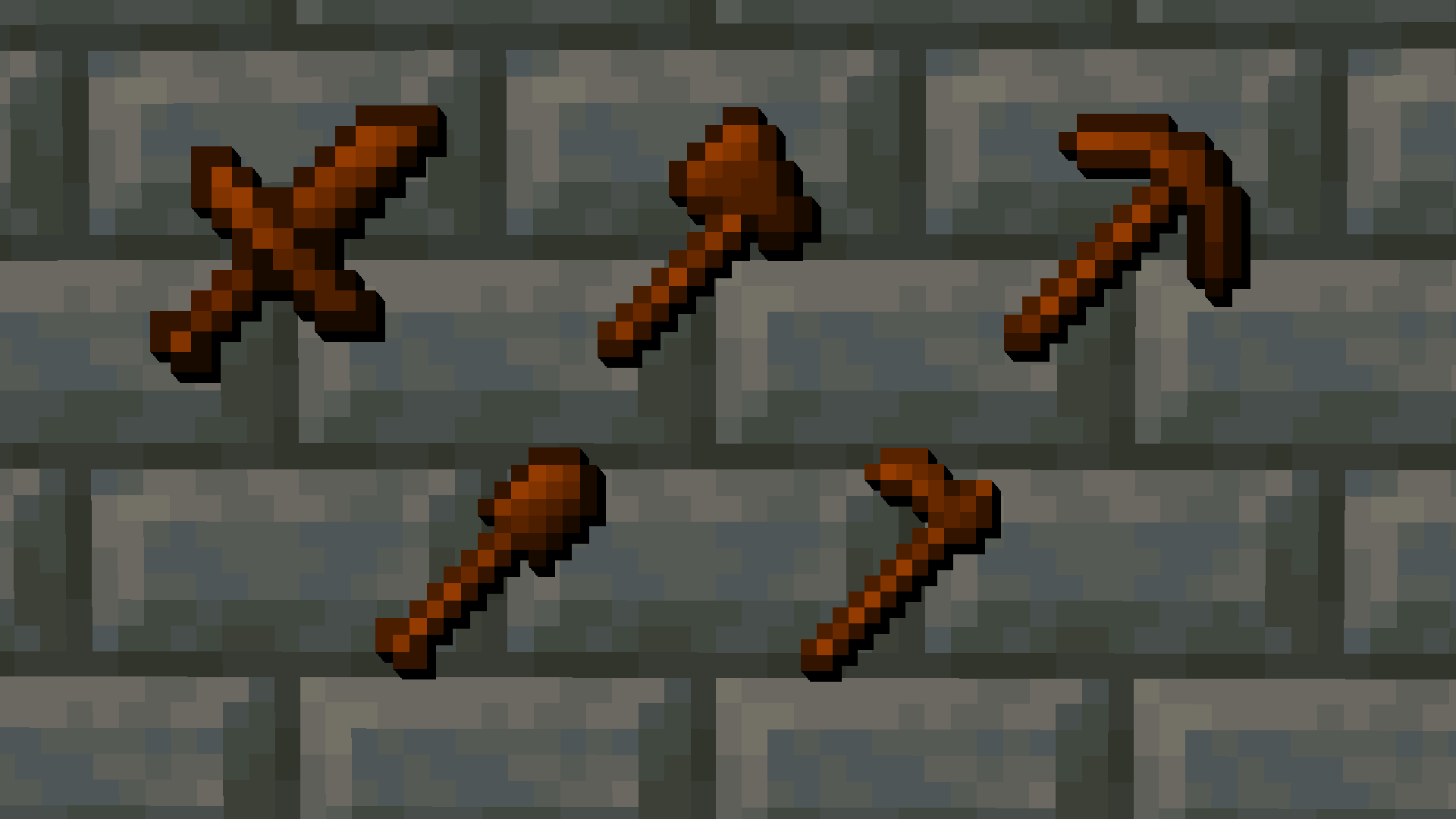
  • Wood, Stone, Iron, Diamond and Netherite armor and tools with netherite having a cool red shade :D
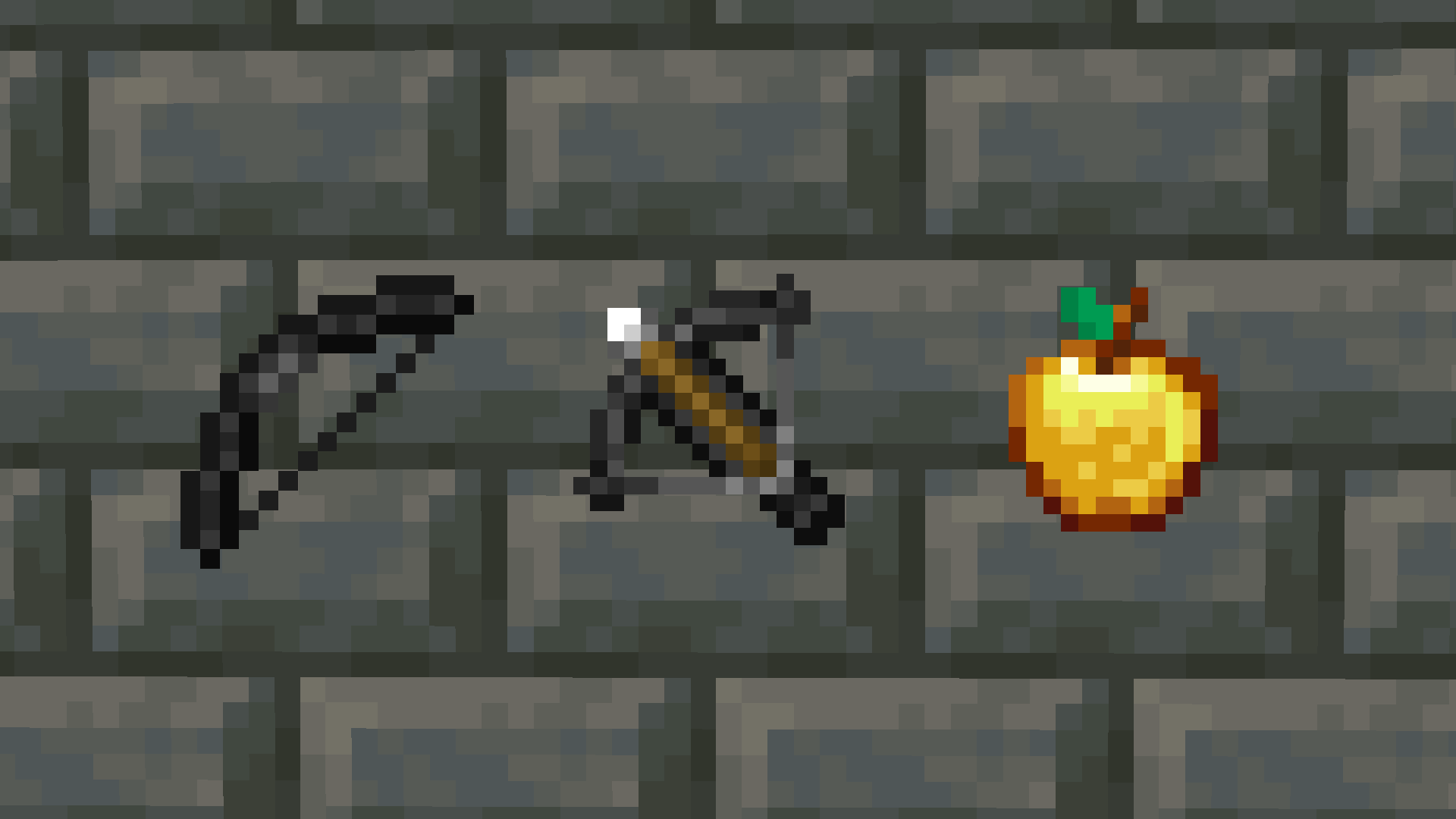
  • Golden Apples
  • Bow and Crossbow
  • Particles (Critical and Sweep Hits, removed Explosion Particles)
  • Shield
  • Enchantment Glint

and there is still a lot to come
</main><footer class="footer-brand-background experimental-styles-within border-0 border-t-[1px] border-solid">


</footer>
Rexlyre v1
MC 1.17.1, 1.19.3, 1.20.2, 1.21.2-Snapshot, 1.21, 1.21.6-snapshot, 1.18.1, 1.19.4-Snapshot, 1.20.5, 1.21.5, 1.17, 1.20.2-Snapshot, 1.20.5-Snapshot, 1.19.4, 1.21.8, 1.19-Snapshot
Release 2025-08-13 Get

Requirements & install

How to use this resource pack in Minecraft
Resolution
16x
Minecraft
1.20.2 – 1.21.8
Install folder
.minecraft/resourcepacks

How to install resource packs

  1. Download the resource pack .zip file (do not extract it).
  2. In Minecraft open Options → Resource Packs → Open Pack Folder.
  3. Drop the .zip into the resourcepacks folder (.minecraft/resourcepacks).
  4. Move the pack to the Selected column and click Done.
Browse more: 16x resource packs 32x resource packs 64x resource packs 128x resource packs 256x resource packs 512x+ resource packs Resource Packs for 1.21.8 All resource packs

More from FIRESTAR09_10

Advertisement Remove ads with Premium →

You Might Also Like