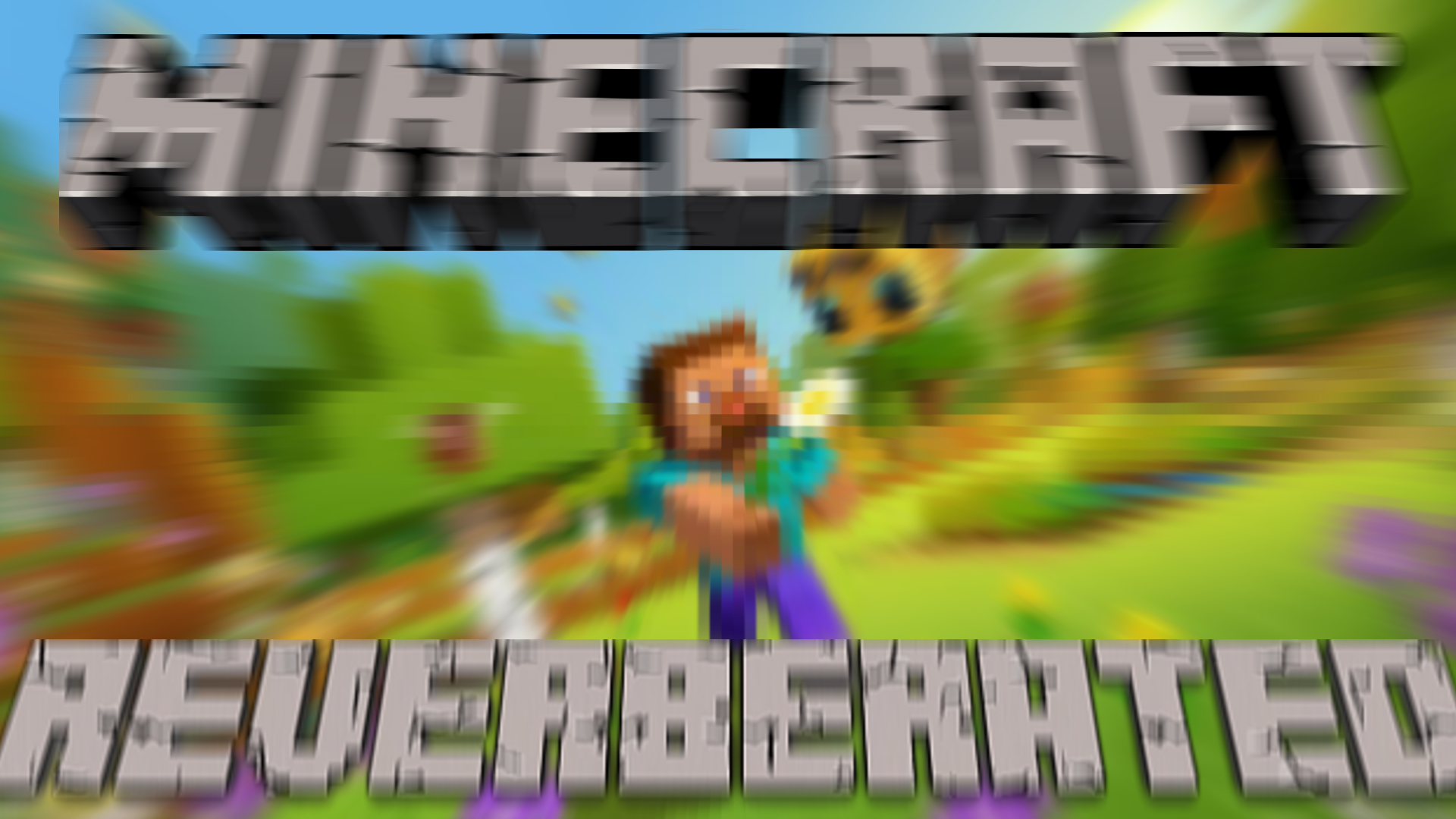
Minecraft on Reverb, aka Reverbcraft is a resource pack in which all the sounds have been put through a postprocessing filter of reverb, and mostly all of the textures have been applied a motion blur!
The text is also a modified EN_US that has applied a w i d e a e s t h e t i c to it!
In the spirit of a friends recommendation, and on the wave of my computer automatic weird art. I knew exactly how to pull this off. Minecraft on Reverb. 1.15.2.
the tweet that started it all: https://twitter.com/KristalTepig/stat...
watch kristal live: https://www.twitch.tv/kristalgem
Here I will explain the process behind making this resource pack. First of all, It definitely _is not_ like the old days. All of the sounds are hashed and stored in .minecraft/assets/objects. I had to parse through the .minecraft/assets/indexes/1.15.json and pull the correct audio files from the hashes, and then put them in the recognized format for the resource pack to work. When I finally set up all the default sounds in the proper directory structure, I used the tool FFMPEG recursively over every audio file with a Tom's Audio Processing filter through LADSPA. From there, I went onto generating the textures with the ImageMagick tool. I chose which directories I wanted to change, and which I didn't want to change, as some of them made the game too hard to look at. The first pass was on the HUD and GUI elements, as well as some of the title elements. The second pass was weaker on the blocks and entities. Finally, I parsed through the language file and did some string formatting to convert text like "This" to like "T h i s" And thus, Reverbcraft was born. This was done entirely on command line, and through two java programs I made for the purpose of parsing through the language and indexes .json files. Enjoy!