Mineuniverse
Resource Packs
Return of the Rose

Return of the Rose

RESOURCE PACK
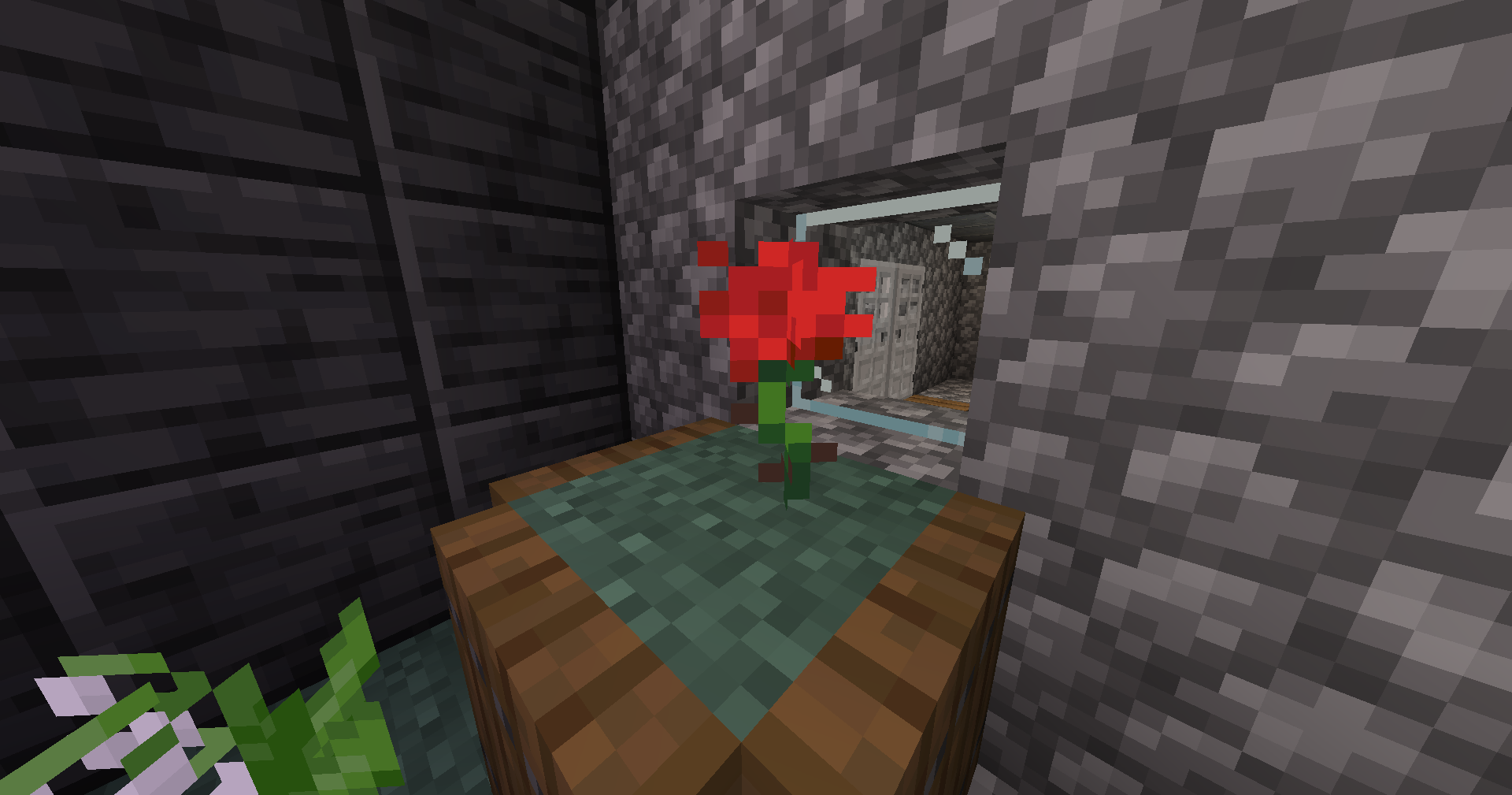
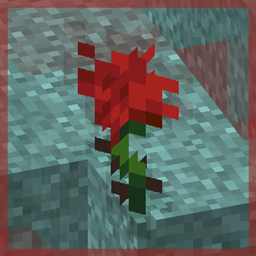
Re-adds roses to Minecraft using a modern, post-1.14 texture.
by RadioactiveSnowball
Download Claim this project
Add a badge to your pageLink to Return of the Rose from a README, website or forum post.
Preview: Badge

Badges update automatically and link to the resource pack page on MineUniverse.

1,191 downloads
0 likes
0 followers
Updated Oct 14, 2026
0 hypes
Follow0
16x Miscellaneous Modern
Advertisement Remove ads with Premium →

Return of the RoseWell, that was certainly a dramatic opening. 

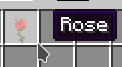
"Return of the Rose" is a small resourcepack with the single intention of replacing poppies with roses, a flower that was removed in 1.7.2.

Many players, such as myself, have fondness for this flower through nostalgia, and as such, there have been multiple attempts to restore this iconic texture and name.

Although, a majority of the game's textures were changed in version 1.14, and some players (again, such as myself) do not play with the original textures, so these rose restoration packs that use the old texture do not fit well with modern versions of the game. Solution? Create your own texture!

Demonstration

Usage

Feel free to use this pack in videos or streams. If you do a showcase of the pack or include the pack in your modpack, please provide a link to the pack in the description.

The rose texture is created by me and licensed under Creative Commons Attribution-NonCommercial 4.0 International. This means you cannot use it commercially, but you may share it and adaptations of it with attribution.

1.19.x
MC 1.19.3, 1.19.4, 1.19-Snapshot, 1.19.2, 1.19.1, 1.19
Release 2023-04-10 Get

Requirements & install

How to use this resource pack in Minecraft
Resolution
16x
Minecraft
1.19-Snapshot – 1.19.4
Install folder
.minecraft/resourcepacks

How to install resource packs

  1. Download the resource pack .zip file (do not extract it).
  2. In Minecraft open Options → Resource Packs → Open Pack Folder.
  3. Drop the .zip into the resourcepacks folder (.minecraft/resourcepacks).
  4. Move the pack to the Selected column and click Done.
Browse more: 16x resource packs 32x resource packs 64x resource packs 128x resource packs 256x resource packs 512x+ resource packs Resource Packs for 1.19.4 All resource packs

More from RadioactiveSnowball

Advertisement Remove ads with Premium →

You Might Also Like