Mineuniverse
Resource Packs
Retired Wandering Trader

Retired Wandering Trader

RESOURCE PACK
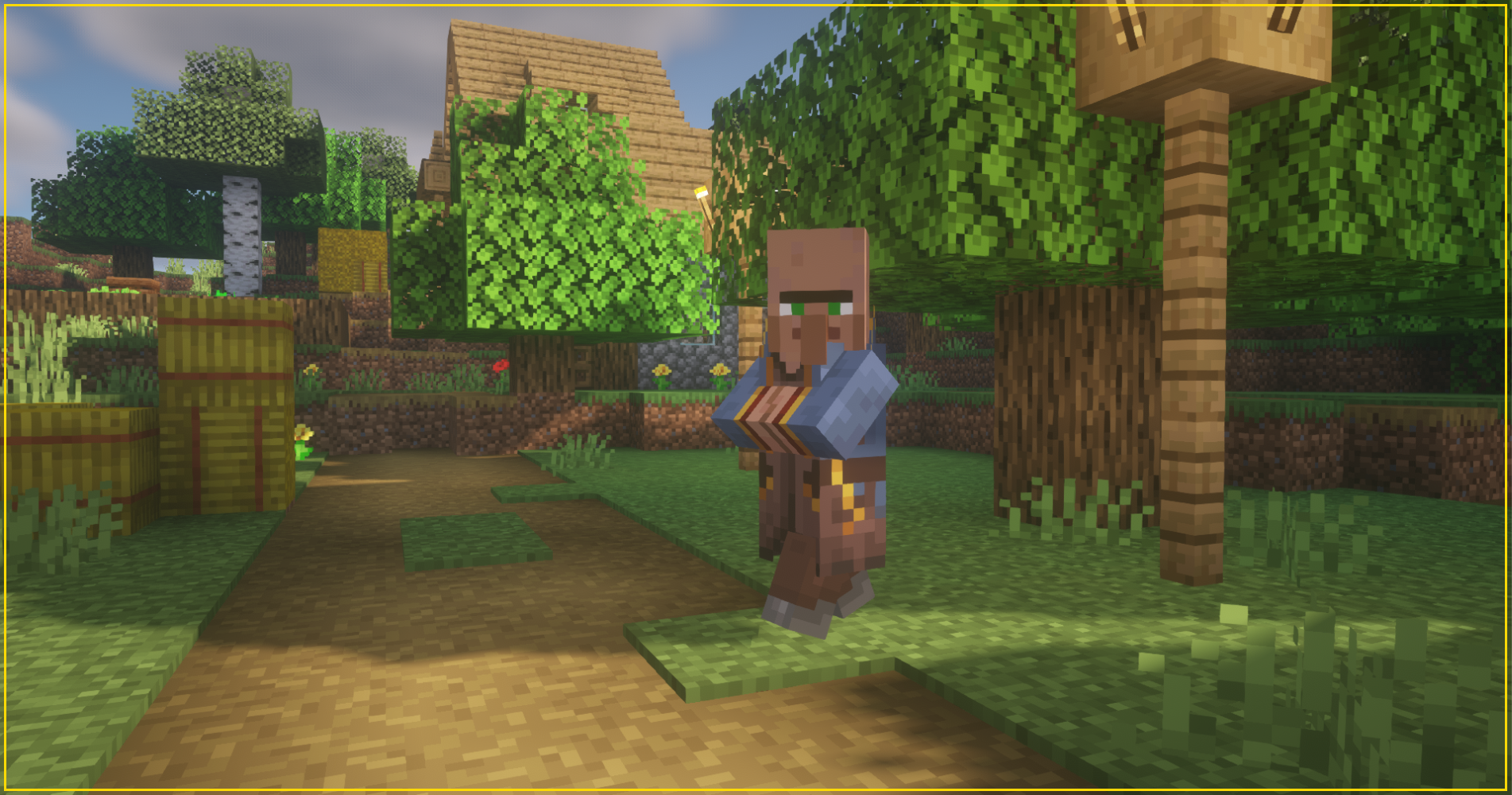
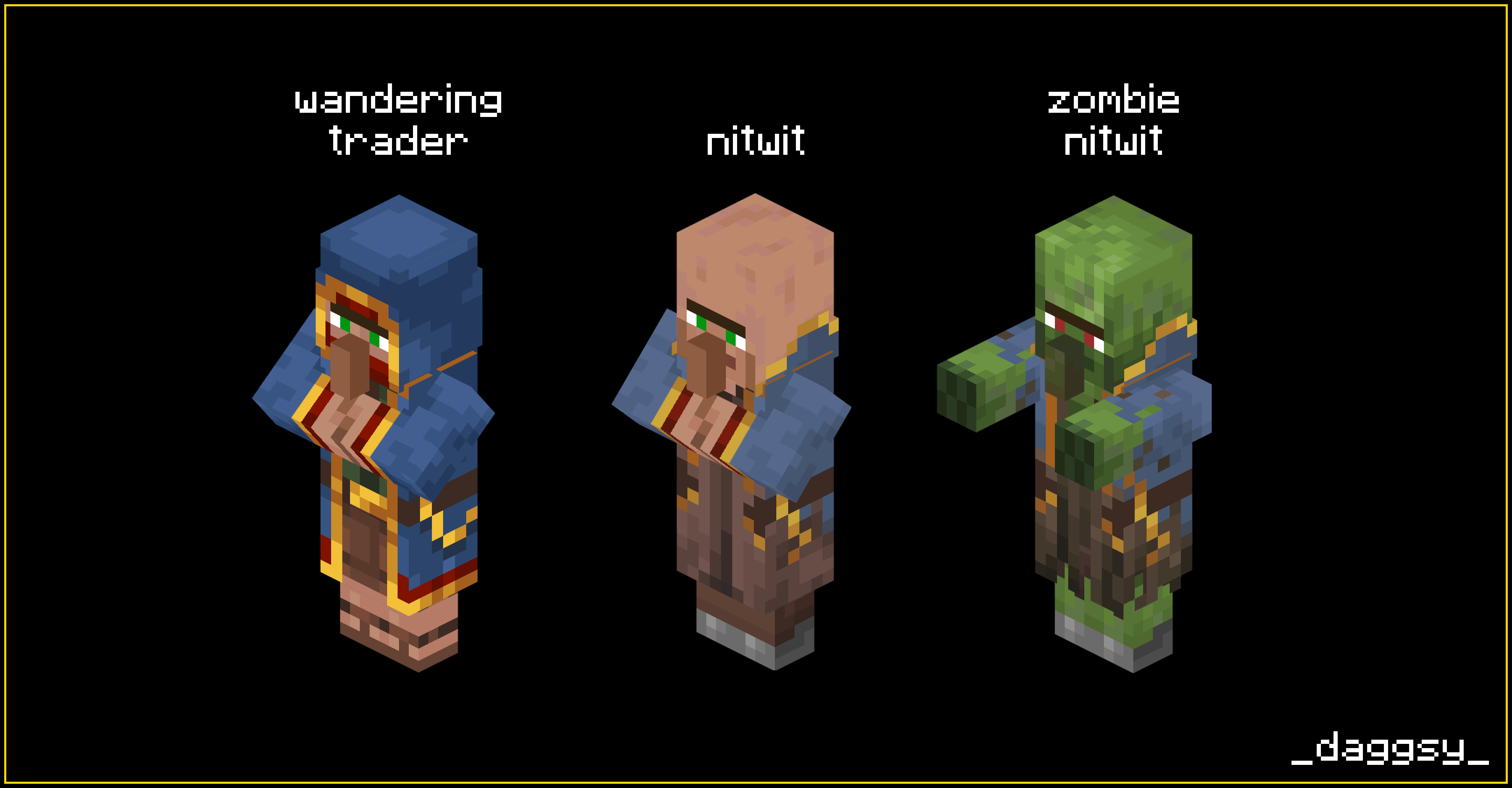
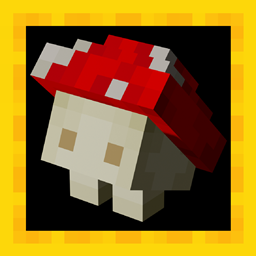
This pack changes the texture of Nitwit.
by TinyDaggsy
Download Claim this project
3,921 downloads
0 likes
0 followers
Updated Oct 14, 2026
0 hypes
Follow0
16x Traditional
Advertisement Remove ads with Premium →

After a long, long journey, full of monsters, illagers, and players...
After thousands of potions bottles and buckets of milk...
After sands of desert and snows of mountains...
His coat became dirty, pale, and torn.
In some peaceful village Wandering Trader finally can rest.


To the point: this pack changes the texture of Nitwit!


Hope you like it!
If you have any suggestions please write them in the comments.


Retired Wandering Trader 1.20.5 - 1.20.6
MC 1.20.5, 1.20.6
Release 2024-07-10 Get
Retired Wandering Trader 1.21
MC 1.21
Release 2024-07-10 Get
Retired Wandering Trader 1.20.3 - 1.20.4
MC 1.20.3, 1.20.4
Release 2024-01-27 Get
Retired Wandering Trader 1.19.4
MC 1.19.4
Release 2023-11-12 Get
Retired Wandering Trader 1.20-1.20.1
MC 1.20.1, 1.20
Release 2023-11-12 Get
Retired Wandering Trader 1.20.2
MC 1.20.2
Release 2023-11-12 Get
Retired Wandering Trader 1.19.3
MC 1.19.3
Release 2022-12-23 Get
Retired Wandering Trader 1.19-1.19.2
MC 1.19.2, 1.19.1, 1.19
Release 2022-11-28 Get
Retired Wandering Trader 1.14-1.14.4
MC 1.14.4, 1.14.1, 1.14.3, 1.14, 1.14.2, 1.14-Snapshot
Release 2022-02-07 Get
Retired Wandering Trader 1.15-1.16.1
MC 1.16-Snapshot, 1.15-Snapshot, 1.16.1, 1.15, 1.16, 1.15.2, 1.15.1
Release 2022-02-07 Get
Retired Wandering Trader 1.16.2-1.16.5
MC 1.16.3, 1.16.5, 1.16.4, 1.16.2
Release 2022-02-07 Get
Retired Wandering Trader 1.17-1.17.1
MC 1.17.1, 1.17, 1.17-Snapshot
Release 2022-02-07 Get
Retired Wandering Trader 1.18-1.18.1
MC 1.18.1, 1.18, 1.18-Snapshot
Release 2022-02-07 Get

Requirements & install

How to use this resource pack in Minecraft
Resolution
16x
Minecraft
1.20 – 1.21
Install folder
.minecraft/resourcepacks

How to install resource packs

  1. Download the resource pack .zip file (do not extract it).
  2. In Minecraft open Options → Resource Packs → Open Pack Folder.
  3. Drop the .zip into the resourcepacks folder (.minecraft/resourcepacks).
  4. Move the pack to the Selected column and click Done.
Browse more: 16x resource packs 32x resource packs 64x resource packs 128x resource packs 256x resource packs 512x+ resource packs Resource Packs for 1.21 All resource packs

More from TinyDaggsy

Advertisement Remove ads with Premium →

You Might Also Like