Mineuniverse
Resource Packs
Repurposed Structures - Bygone Nether Compat Datapack

Repurposed Structures - Bygone Nether Compat Datapack

RESOURCE PACK
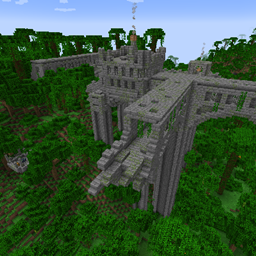
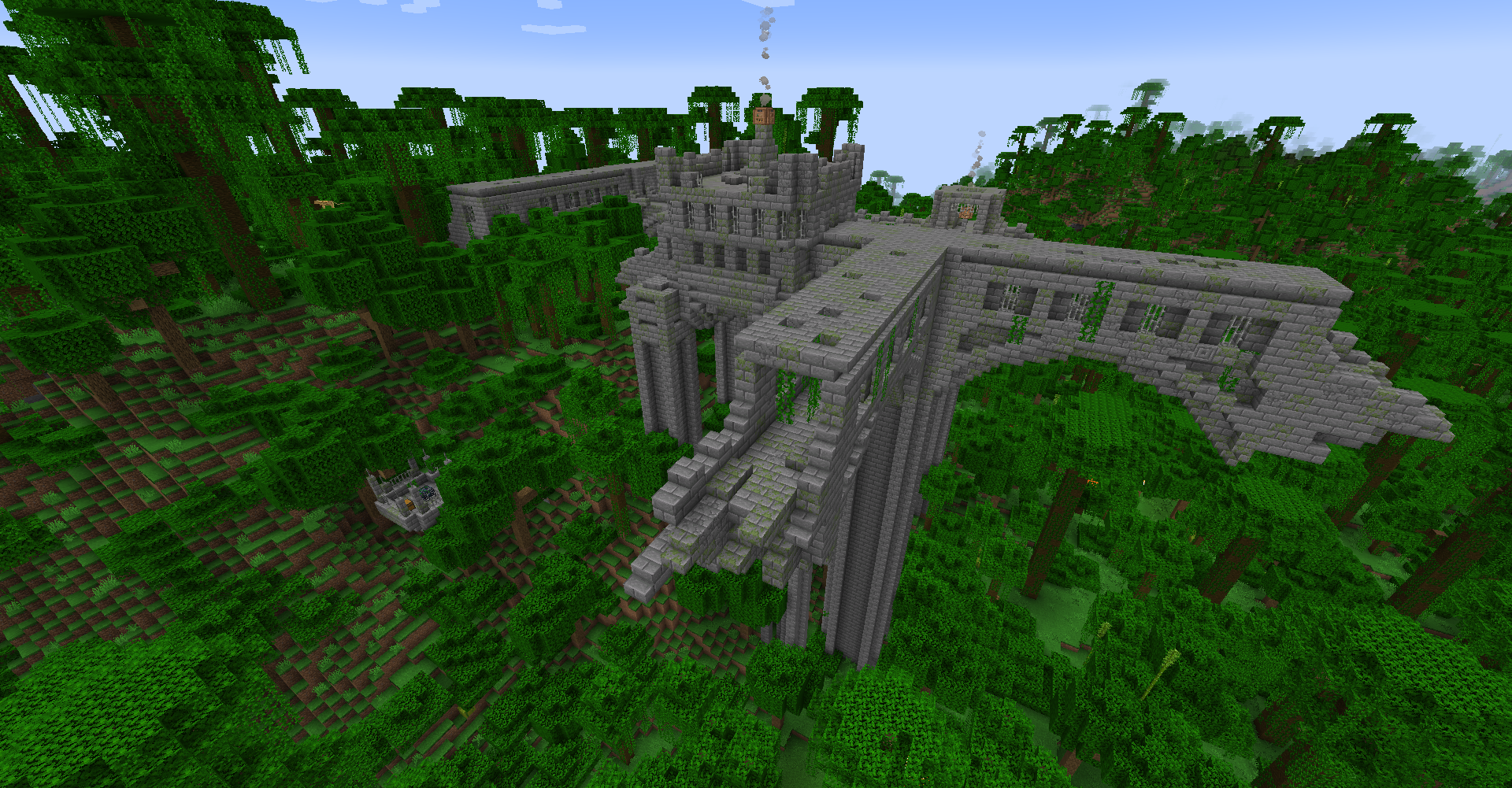
A partially buried Jungle Fortress to explore with towers above!
by telepathicgrunt
Download Claim this project
15,619,729 downloads
0 likes
Updated Oct 14, 2026
0 hypes
Data Packs Mod Support
Advertisement Remove ads with Premium →

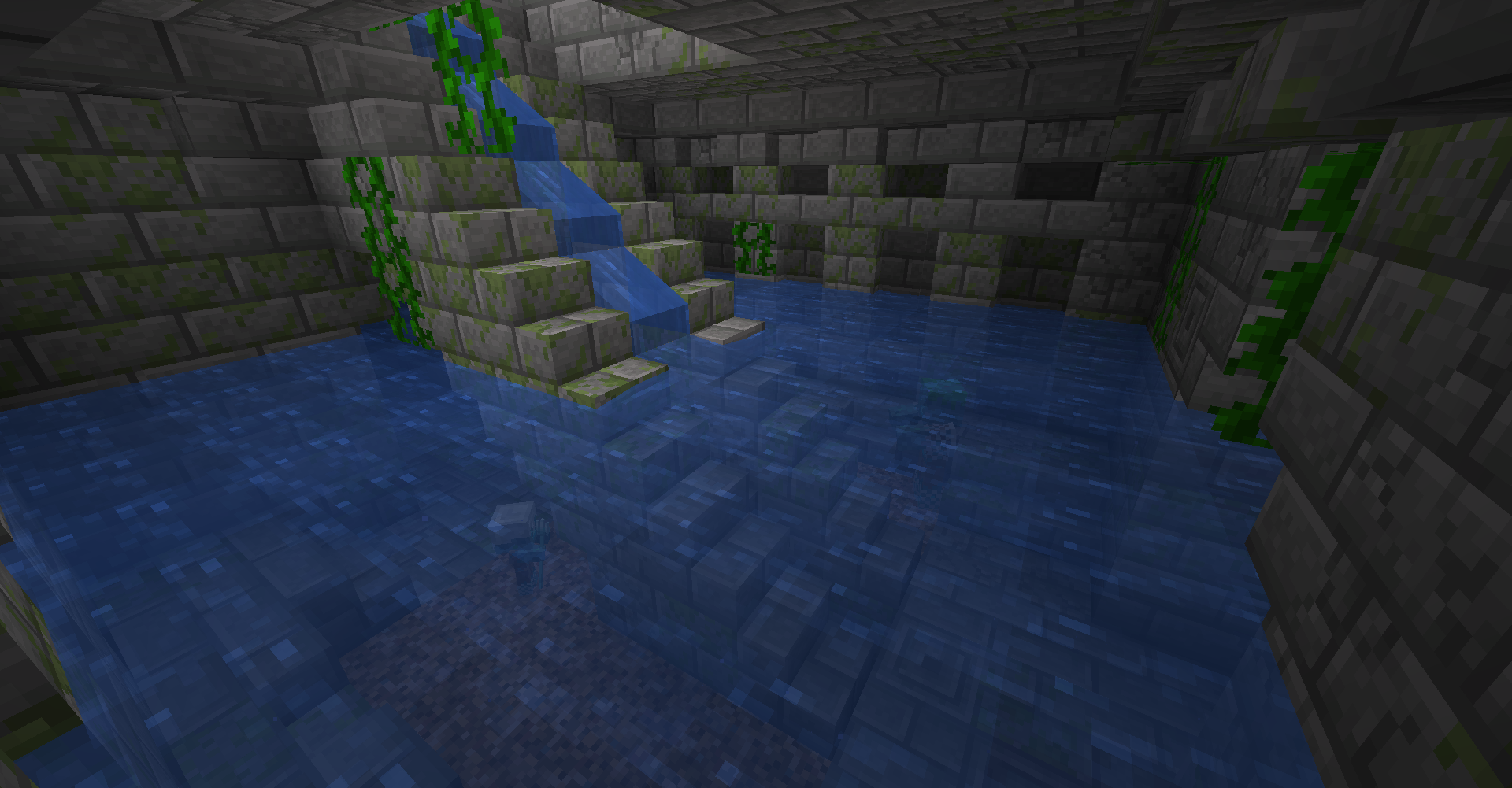
Add this datapack to the game to add compatibility between Repurposed Structures and Bygone Nether mod. The original RS Jungle Fortress will be disabled and a Bygone Nether styled Jungle Fortress will be added instead. It will be basically a Stonebrick variant of Bygone Nether's Nether Fortress. This datapack will work with other RS Compatibility datapacks that also affect the Jungle Fortress. Each new Fortress style is a new structure.


Bygone Nether mod can be obtained from here:
Forge: https://www.curseforge.com/minecraft/mc-mods/bygone-nether

Fabric: https://www.curseforge.com/minecraft/mc-mods/bygone-nether-fabric


Repurposed Structures mod can be obtained from here:

Forge: https://www.curseforge.com/minecraft/mc-mods/repurposed-structures

Fabric: https://www.curseforge.com/minecraft/mc-mods/repurposed-structures-fabric


Note for people using CurseForge Launcher to download datapacks, use mods like Global Packs to automatically load in downloaded datapacks without needing to manually move the datapacks from the resourcepack folder to the correct folders. 
https://www.curseforge.com/minecraft/mc-mods/drp-global-datapack

Repurposed_Structures-Bygone_Nether_v2.zip
MC 1.20.1
Release 2023-12-30 Get
Repurposed_Structures-Bygone_Nether_v1.zip
MC 1.19.3, 1.19.4, 1.19.2, 1.20.1, 1.20
Release 2023-03-30 Get

Requirements & install

How to use this resource pack in Minecraft
Resolution
Not specified
Minecraft
1.19.2 – 1.20.1
Install folder
.minecraft/resourcepacks

How to install resource packs

  1. Download the resource pack .zip file (do not extract it).
  2. In Minecraft open Options → Resource Packs → Open Pack Folder.
  3. Drop the .zip into the resourcepacks folder (.minecraft/resourcepacks).
  4. Move the pack to the Selected column and click Done.
Browse more: 16x resource packs 32x resource packs 64x resource packs 128x resource packs 256x resource packs 512x+ resource packs Resource Packs for 1.20.1 All resource packs

More from telepathicgrunt

Advertisement Remove ads with Premium →

You Might Also Like