Mineuniverse
Resource Packs
Renovated Textures for Iron's Spells

Renovated Textures for Iron's Spells

RESOURCE PACK
Renovated Textures for Iron's Spells and Spellbooks
by RenovatedStudios
Download Claim this project
Add a badge to your pageLink to Renovated Textures for Iron's Spells from a README, website or forum post.
Preview: Badge

Badges update automatically and link to the resource pack page on MineUniverse.

132,266 downloads
0 likes
0 followers
Updated Oct 14, 2026
0 hypes
Follow0
16x Font Packs Medieval
Advertisement Remove ads with Premium →

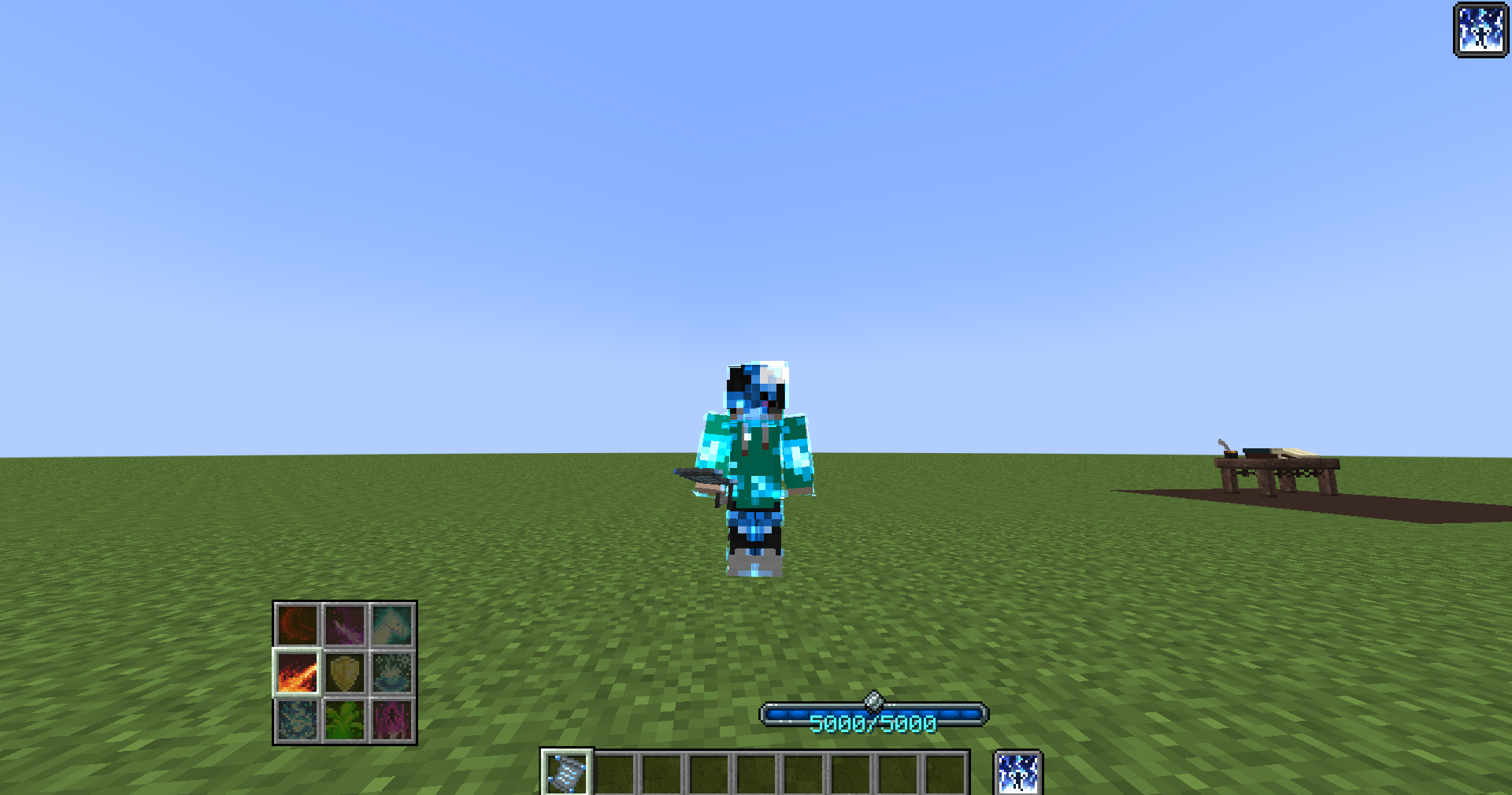
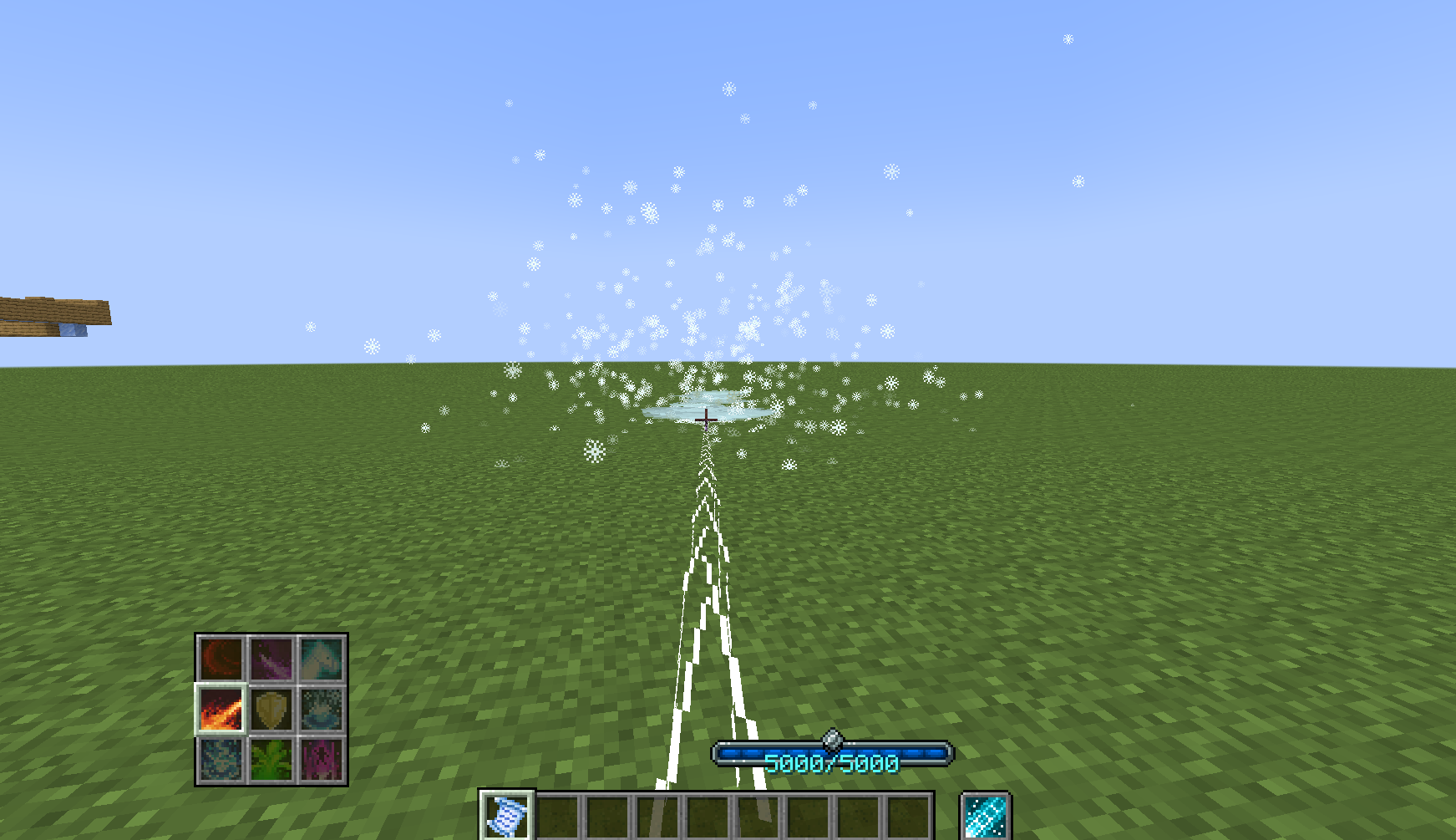
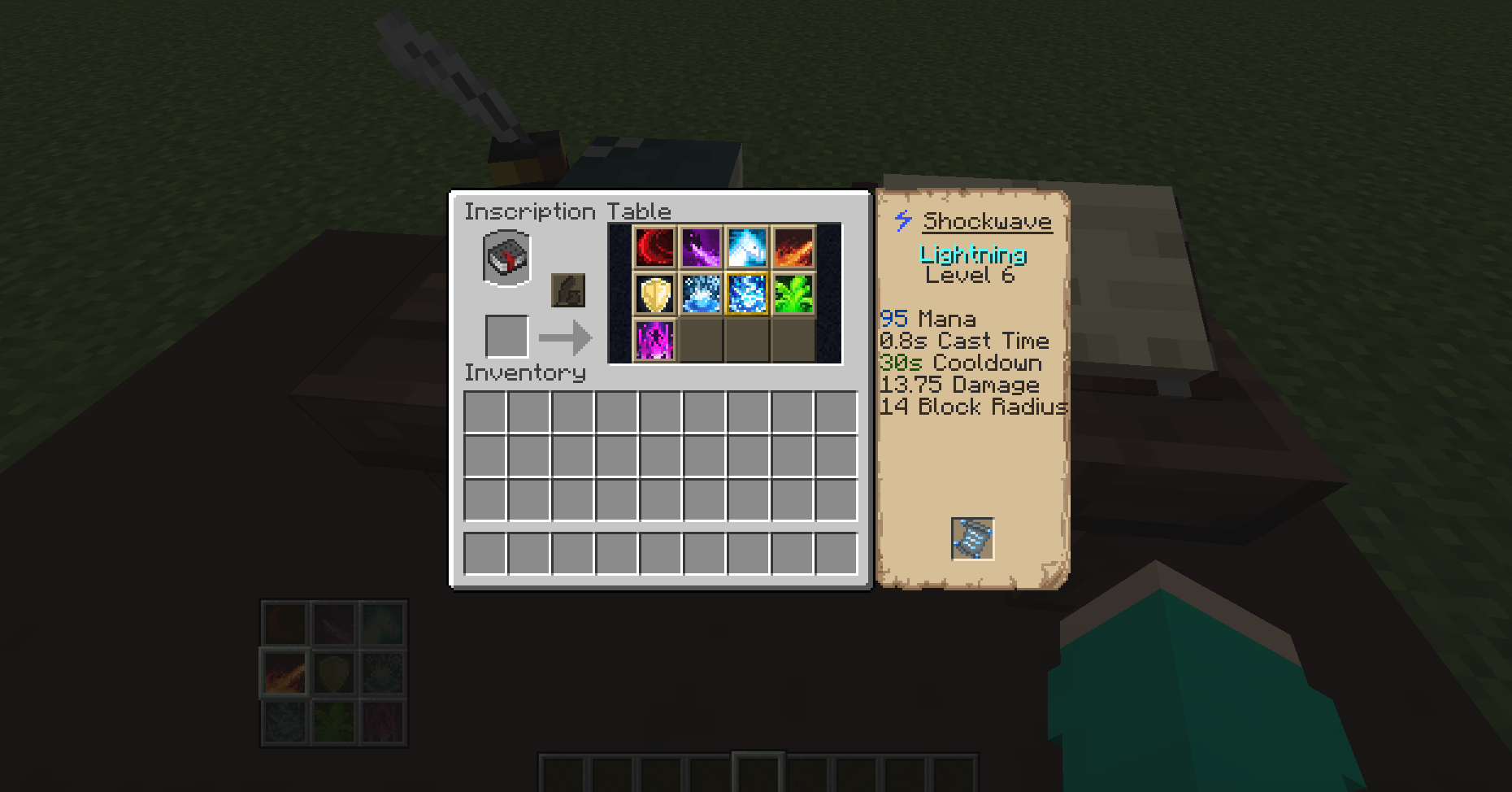
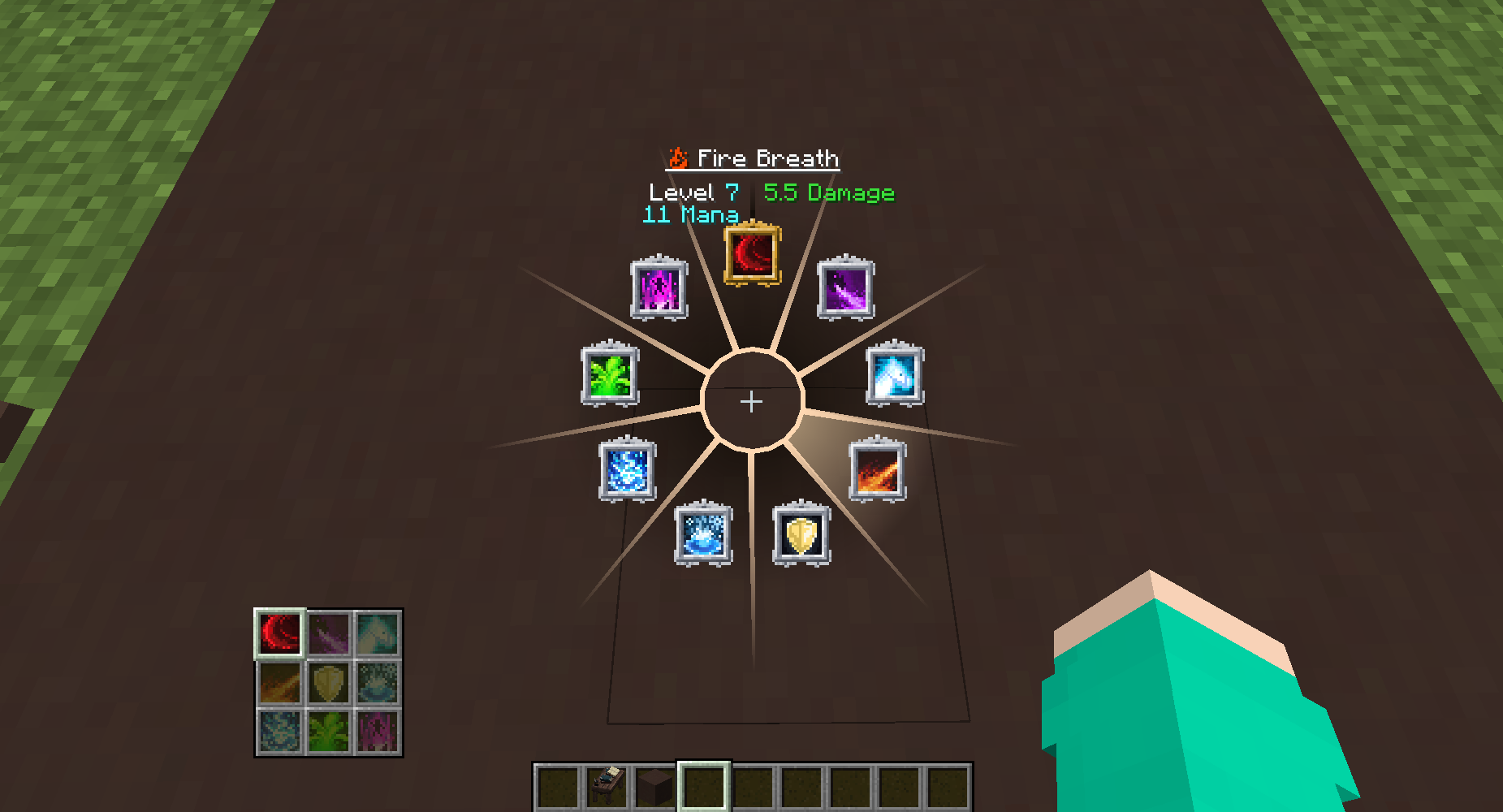
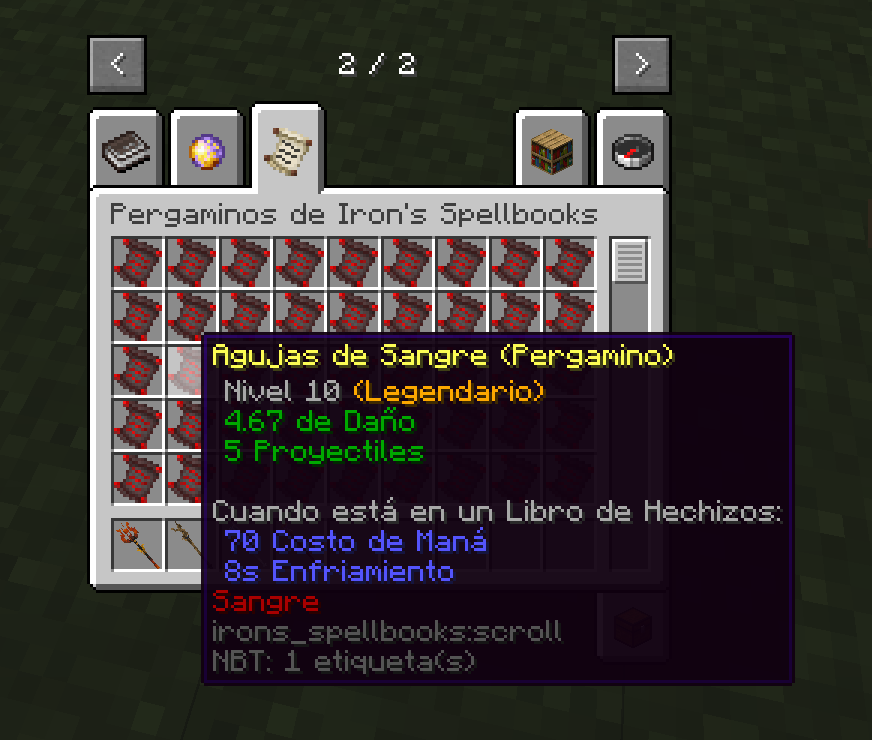
This texture pack consists of changing some textures from the "Iron's spells and spellbooks" mod, mainly in the spell icons.


Join our Discord right now!
Support Us on our Patreon


Update (v1.2.3)
Added:
- Summon Polar Bear Spell Icon Reworked
- custom sonic_boom particle (Courtesy of Caner Crebes)

Spell Icons (v1.2.0)
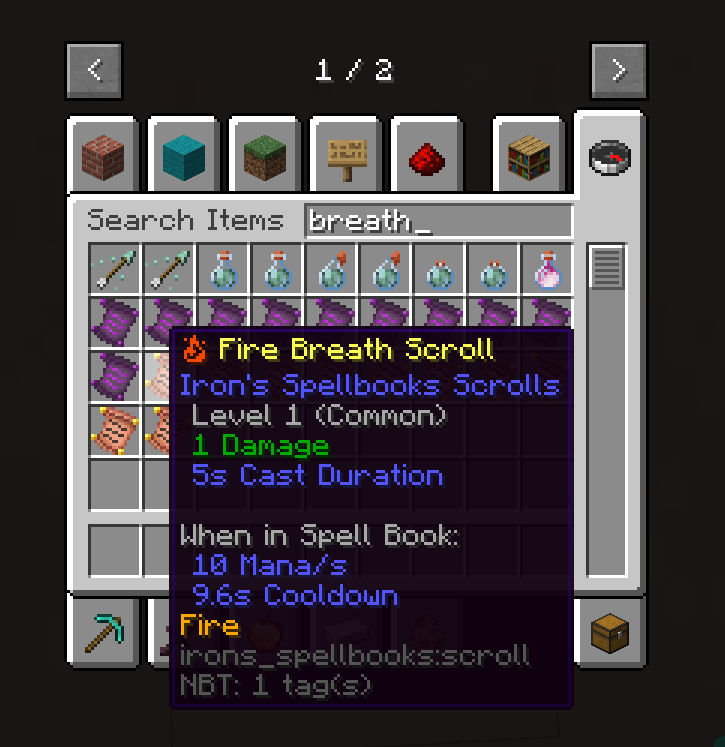
Abyssal Shroud, Abyssal Shroud, Acid Orb, Arrow Volley, Ascension, Black Hole, Blight, Blood Slash, Burning Dash, Chain Lightning, Charge, Devour, Dragon's Breath, Fire Breath, Fireball, Firebolt, Fortify,, Frostwave, Heartstop, Ice Block, Magic Arrow, Magma Bomb, Poison Arrow, Poison Breath, Poison Splash, Ray of Frost, Ray of Siphoning, Root, Sculk Tentacles, Shockwave, Sonic Boom, Spider Aspect, Starfall, Summon Ender Chest, Summon Horse, SunBeam, Telekinesis, Teleport, Wall of Fire.
- Color Adjust for: Nature Spells Icons and Lightning Spells Icons
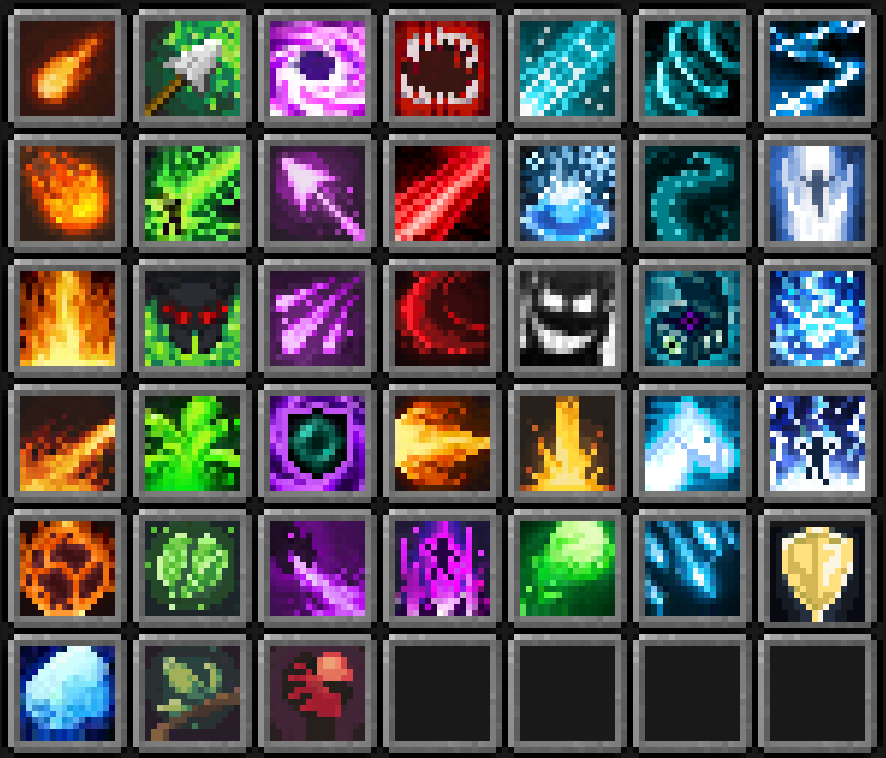
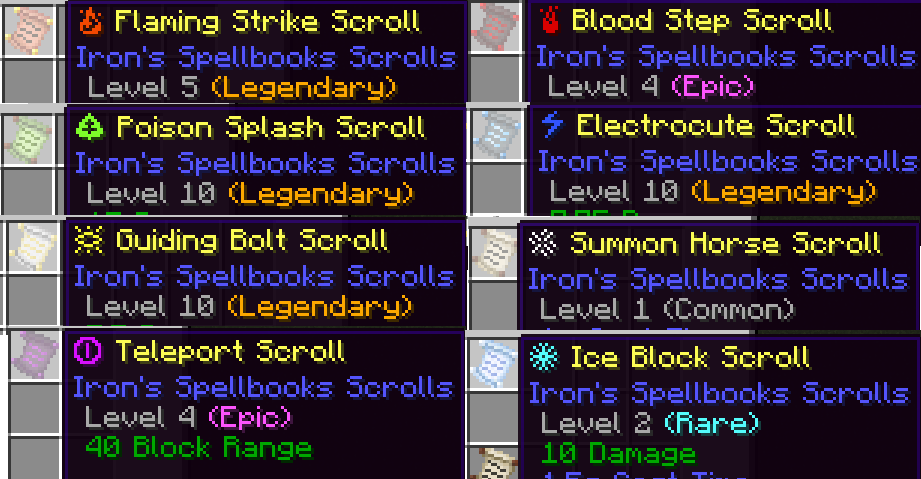
- 8 New icons that appear in the names of each Spell class: Nature, Fire, Ice, Lightning, Evocation, Holy, Ender, Blood
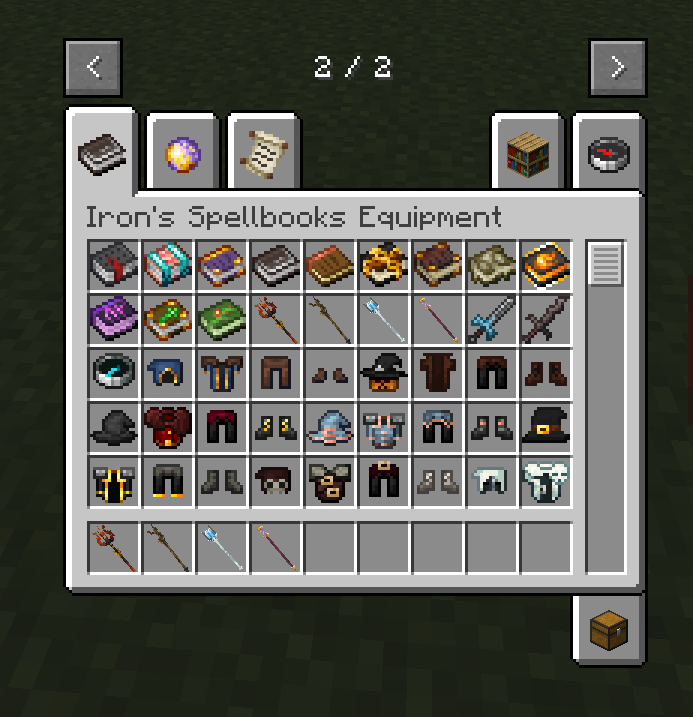
- Bug Fixes for the Staffs: "Blood Staff, Graybeard Staff, Ice Staff, Artificer's Cane" (Fixed bug with some views causing them to look extremely large in the player interface)
- Spanish Translations (For Spain and Mexico)
RenovatedTextures_Iron's Spells v1.2.3
MC 1.20.2, 1.20.1, 1.20
Release 2024-04-24 Get
RenovatedTextures_Iron's Spells v1.2.0
MC 1.19.2, 1.20.1
Release 2024-04-12 Get
RenovatedTextures Iron's Spells and Spellbooks.zip
MC 1.20.1
Release 2023-12-28 Get

Requirements & install

How to use this resource pack in Minecraft
Resolution
16x
Minecraft
1.19.2 – 1.20.2
Install folder
.minecraft/resourcepacks

How to install resource packs

  1. Download the resource pack .zip file (do not extract it).
  2. In Minecraft open Options → Resource Packs → Open Pack Folder.
  3. Drop the .zip into the resourcepacks folder (.minecraft/resourcepacks).
  4. Move the pack to the Selected column and click Done.
Browse more: 16x resource packs 32x resource packs 64x resource packs 128x resource packs 256x resource packs 512x+ resource packs Resource Packs for 1.20.2 All resource packs

More from RenovatedStudios

Advertisement Remove ads with Premium →

You Might Also Like