Mineuniverse
Resource Packs
Remove Leaf Particles

Remove Leaf Particles

RESOURCE PACK
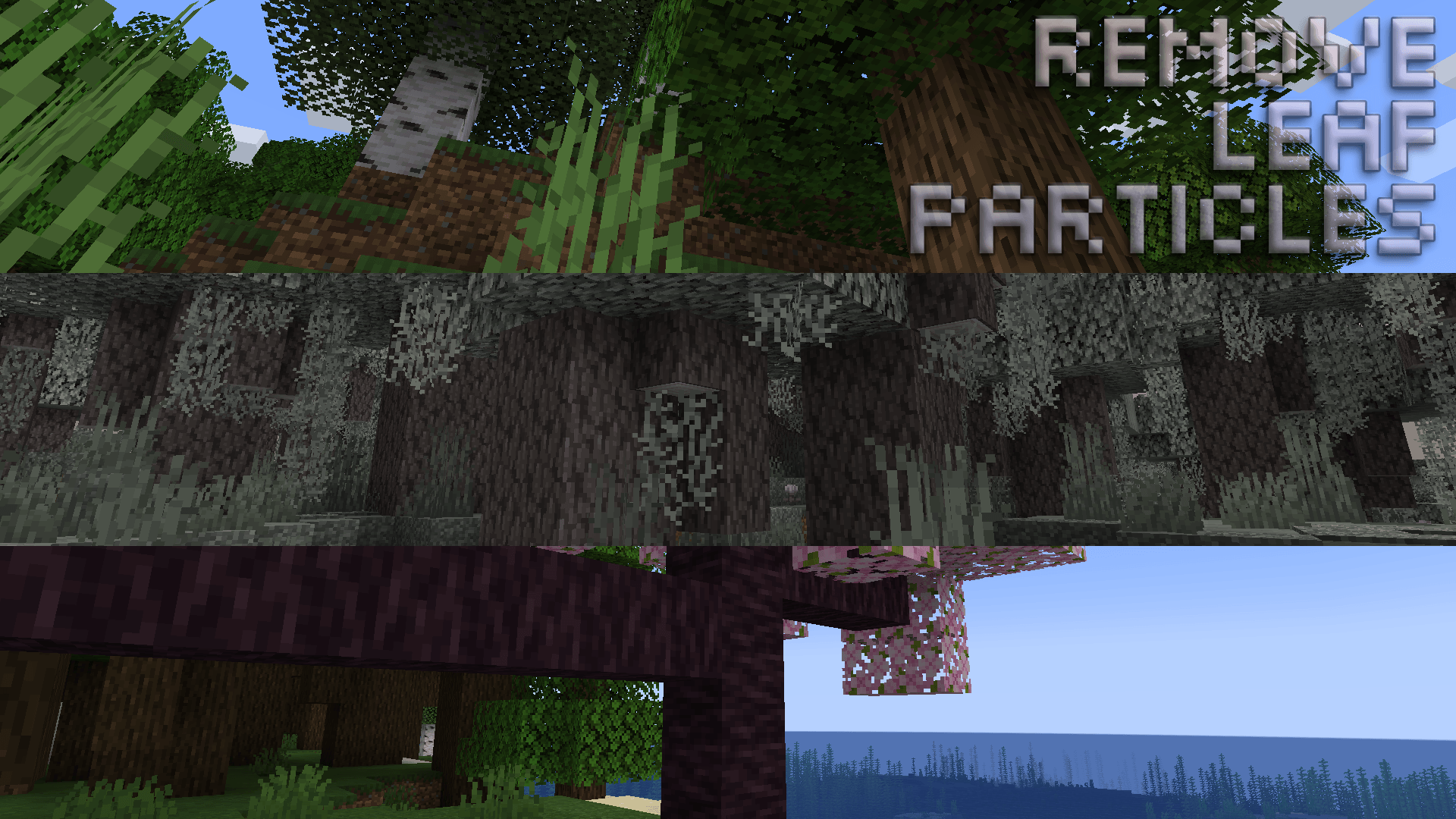
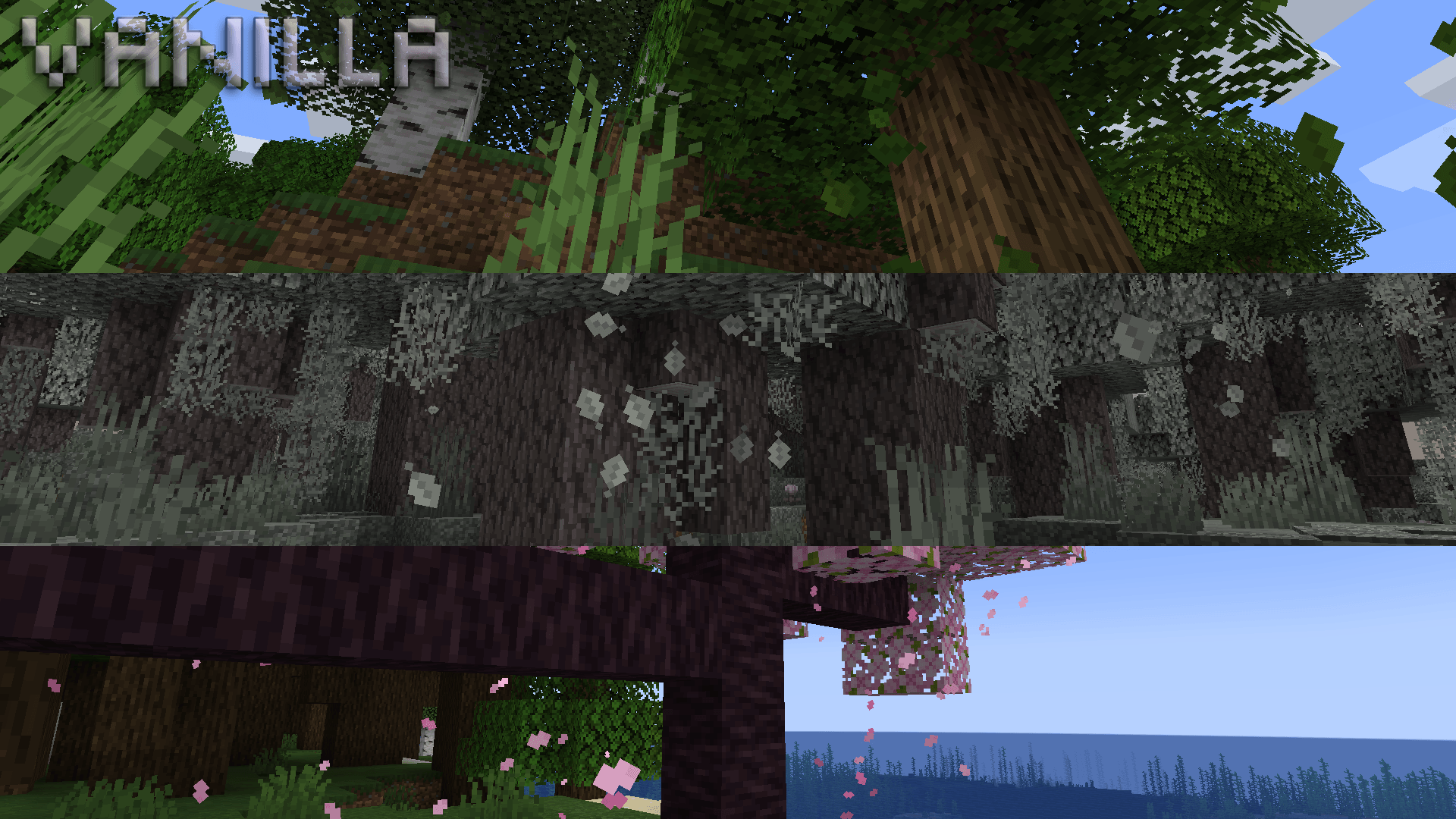
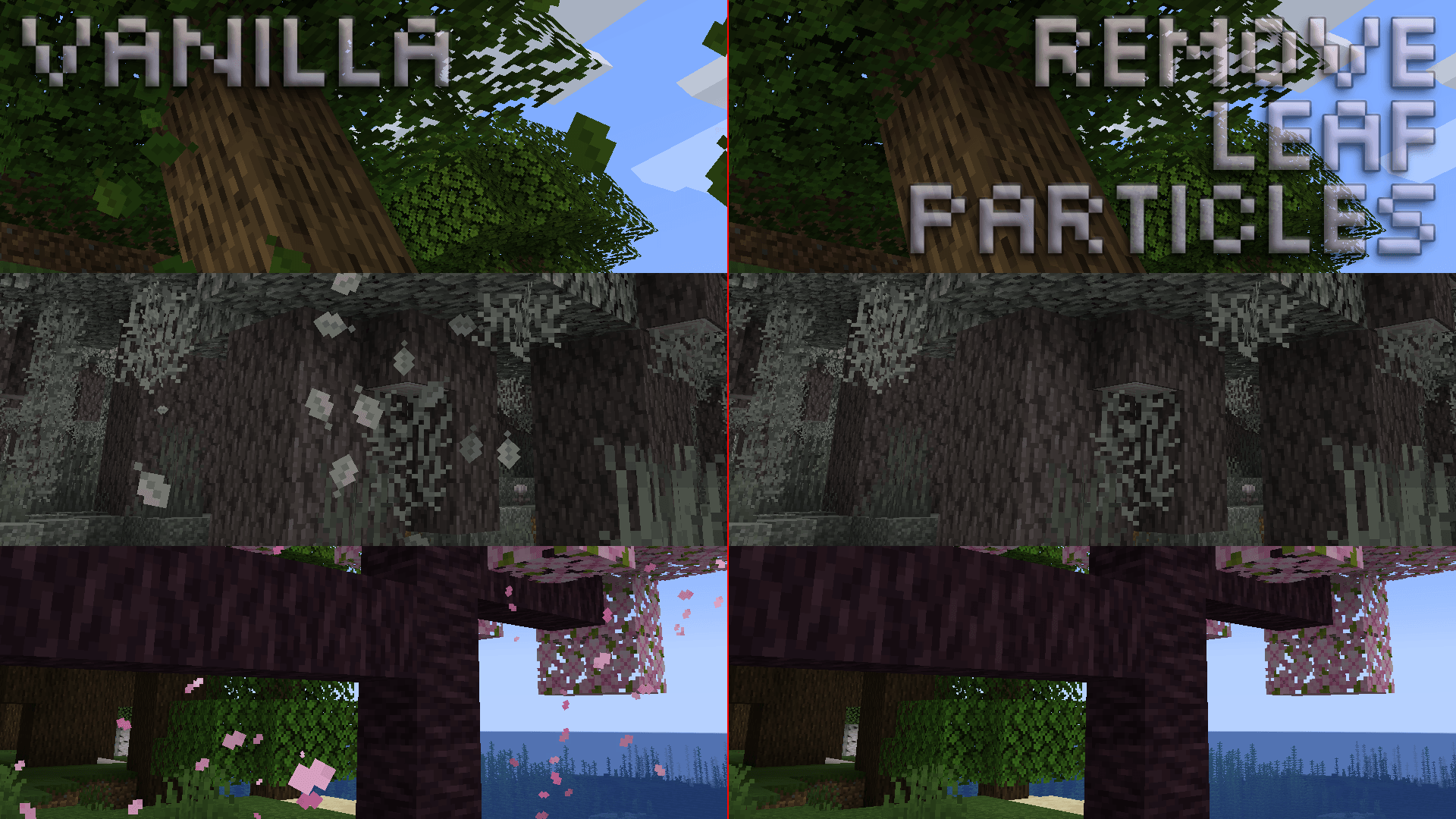
Removes Falling Leaves from all tree types
by BrandonTGS
Download Claim this project
1,813 downloads
0 likes
Updated Oct 14, 2026
0 hypes
16x Animated Miscellaneous Mod Support Traditional
Advertisement Remove ads with Premium →

tl;dr, removes falling leaves animation from all tree types.

Compatibility: Minecraft Java 1.19.4 - 1.21.5.

Remove Leaf Particles completely eliminates the visual clutter caused by falling leaves.


Additional Information:

This is a super-lightweight resource pack that prevents the leaf particles from being loaded into VRAM. Paired with other performance-enhancing mods, you can expect a framerate increase upwards of 15 FPS using this resource pack making it perfect for lower-end systems.


Check Out My Other Resource Packs:


Support Development:

If you enjoy this resource pack and would like to support my work, please consider making a donation. Even a donation as little as £1 or $1 is appreciated and helps keep me motivated to continue development on this resource pack.

or if you'd like, through a Cryptocurrency of your choice! :D

  • Ethereum (ETH): 0x52Bb639Ce58bDa894eEbc583831158213Af9F8F3
  • Bitcoin (BTC): bc1qvu6pa9kzlwe6te54drta7w85apanuk7m5zyv78
  • Monero (XMR): 4B5LzGGRTKz2hn1ETd7Nwo7a6k7Kkhr7nGKmos3cNgdofmhqRGAxr4ZXDcitjkavogXrzur7RJdeeaqgYzqre7qCTVxzBL8
  • Dogecoin (DOGE): DGpyWyJtRJyikSkEUoaiwcc3C9GTGvnrfp
Thank You! 🥰

RemoveLeafParticles_v1.0.0_[1.19.4]
MC 1.19.4-Snapshot, 1.19.4, 1.19.3-Snapshot
Release 2025-03-25 Get
RemoveLeafParticles_v1.0.0_[1.20-1.20.1]
MC 1.20.1, 1.20, 1.20-Snapshot
Release 2025-03-25 Get
RemoveLeafParticles_v1.0.0_[1.20.2-1.21.5]
MC 1.20.2, 1.21.2-Snapshot, 1.21, 1.20.5, 1.21.5, 1.20.2-Snapshot, 1.20.5-Snapshot, 1.21.1-Snapshot, 1.21.4, 1.21.5-Snapshot, 1.20.3-Snapshot, 1.20.3, 1.20.6, 1.20.4, 1.21-Snapshot
Release 2025-03-25 Get

Requirements & install

How to use this resource pack in Minecraft
Resolution
16x
Minecraft
1.20.6 – 1.21.5
Install folder
.minecraft/resourcepacks

How to install resource packs

  1. Download the resource pack .zip file (do not extract it).
  2. In Minecraft open Options → Resource Packs → Open Pack Folder.
  3. Drop the .zip into the resourcepacks folder (.minecraft/resourcepacks).
  4. Move the pack to the Selected column and click Done.
Browse more: 16x resource packs 32x resource packs 64x resource packs 128x resource packs 256x resource packs 512x+ resource packs Resource Packs for 1.21.5 All resource packs

More from BrandonTGS

Advertisement Remove ads with Premium →

You Might Also Like