Mineuniverse
Resource Packs
Rem's Eternal Pack

Rem's Eternal Pack

RESOURCE PACK
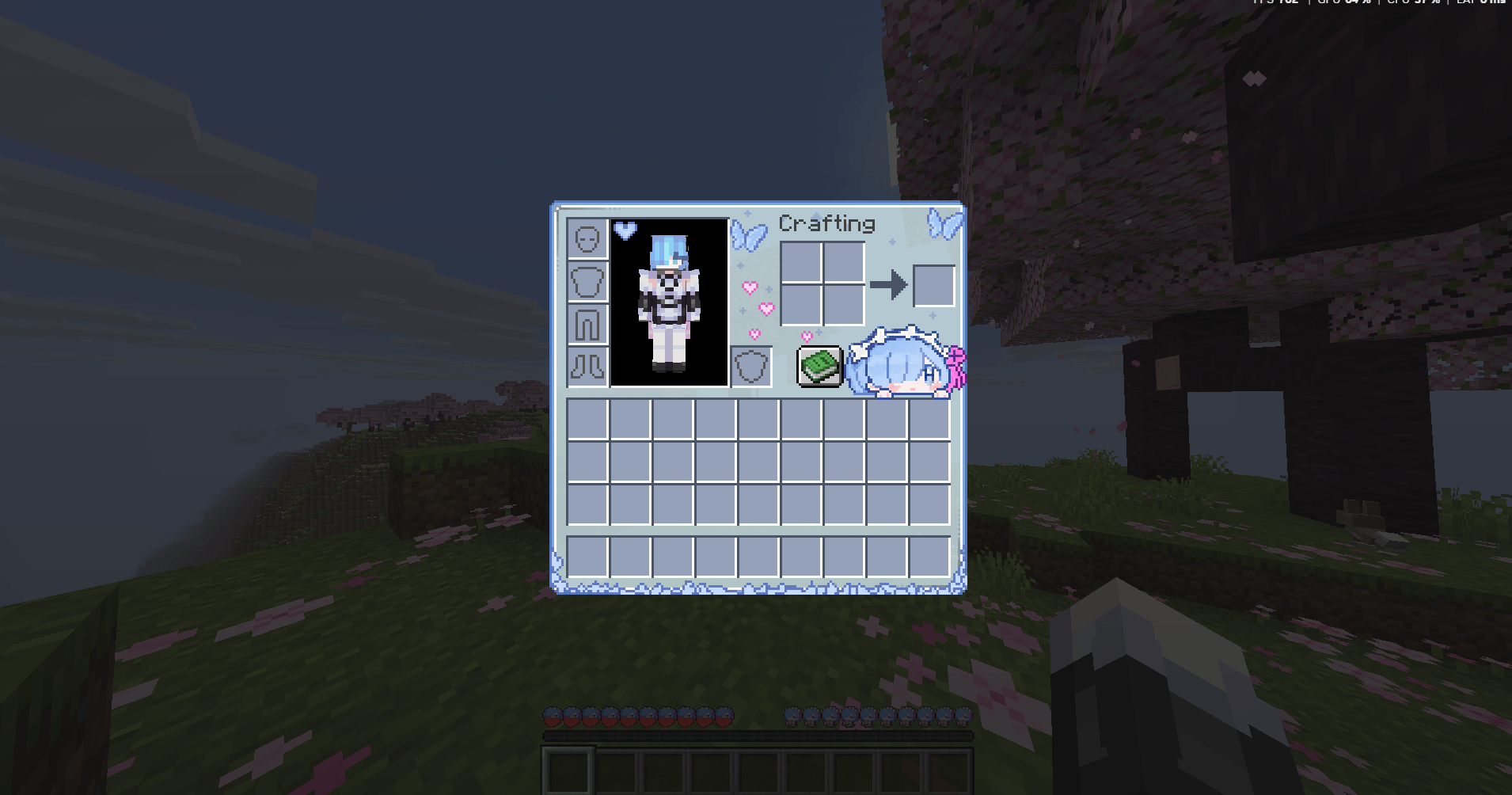
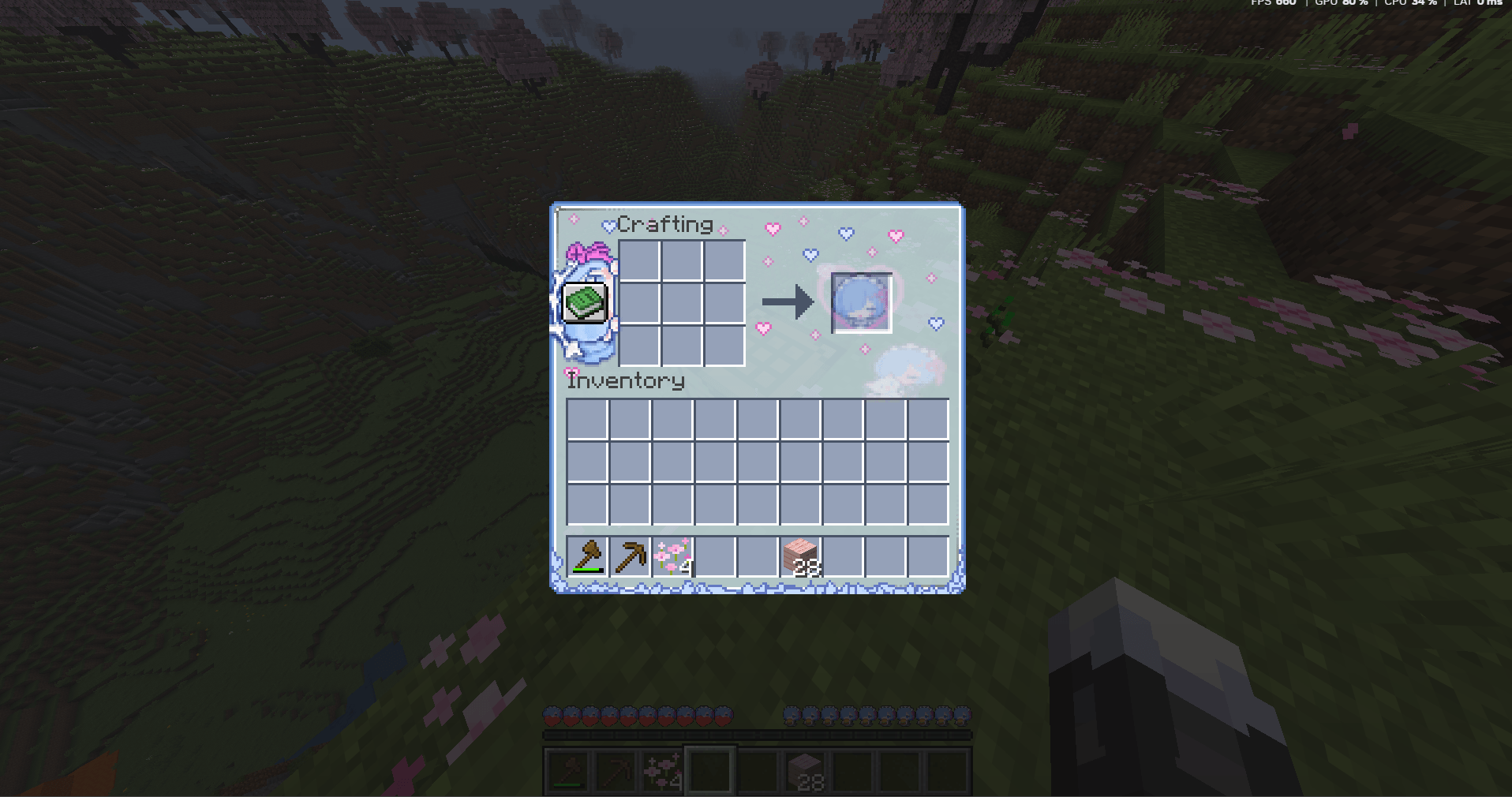
16x Rem-themed resource pack: custom inventory & F3+F4 GUI, unique hearts and hunger icons, plus 6 extra paintings. No block retextures.
by Hearlov
Download Claim this project
152 downloads
0 likes
0 followers
Updated Oct 14, 2026
0 hypes
Follow0
16x Miscellaneous Modern
Advertisement Remove ads with Premium →

Rem's Eternal Pack

A quiet 16x resource pack in Rem's palette.

Inventories, the F3+F4 gamemode wheel, hearts and hunger sit in ice-blue and maid-white. Six extra paintings for the walls. Blocks stay vanilla — this is furniture for the HUD, not a world rewrite.

What it changes

- Container / inventory GUIs
- F3+F4 gamemode switcher
- Heart Icons
- Hunger icons
- Rem particle ("heart" particle)
- 6 additional paintings

What it does not

- No block or item retextures
- No gameplay changes
- Not a full texture pack

Inspired by Rem. Not affiliated with Re:Zero or its publishers.

Credits

- Axens for Artstation

third-party paintings remain copyright of their artists

RemsEternalPack.zip
MC 26.1, 26.1.1, 26.1.2, 26.2, 26.3
Release 2026-09-29 Get

Requirements & install

How to use this resource pack in Minecraft
Resolution
16x
Minecraft
26.1 – 26.3
Install folder
.minecraft/resourcepacks

How to install resource packs

  1. Download the resource pack .zip file (do not extract it).
  2. In Minecraft open Options → Resource Packs → Open Pack Folder.
  3. Drop the .zip into the resourcepacks folder (.minecraft/resourcepacks).
  4. Move the pack to the Selected column and click Done.
Browse more: 16x resource packs 32x resource packs 64x resource packs 128x resource packs 256x resource packs 512x+ resource packs Resource Packs for 26.3 All resource packs
Advertisement Remove ads with Premium →

You Might Also Like