Mineuniverse
Resource Packs
Relicbound

Relicbound

RESOURCE PACK
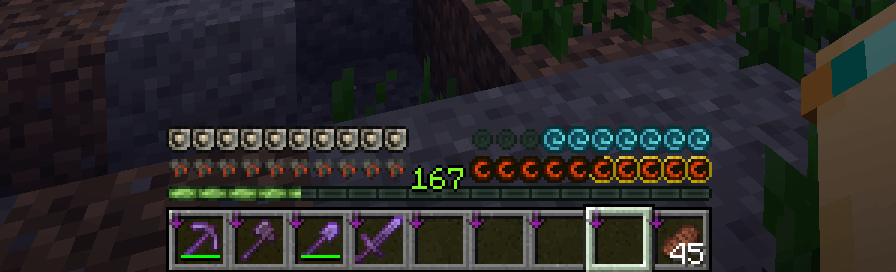
Relicbound is a hand-crafted icon set for Minecraft that evokes ancient power and forgotten empires through weathered textures and mystical design.
by Azturax
Download Claim this project
242 downloads
0 likes
0 followers
Updated Oct 14, 2026
0 hypes
Follow0
16x Traditional
Advertisement Remove ads with Premium →

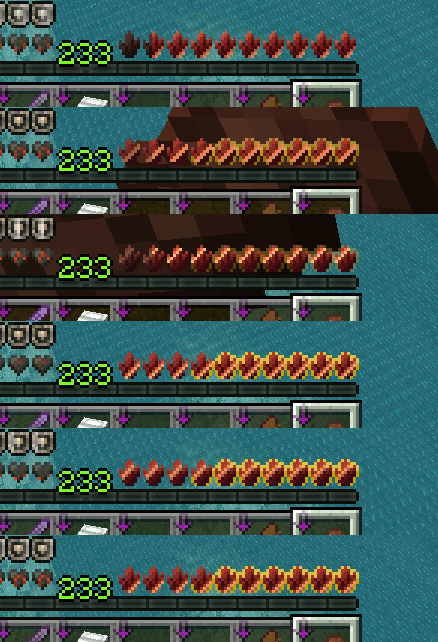
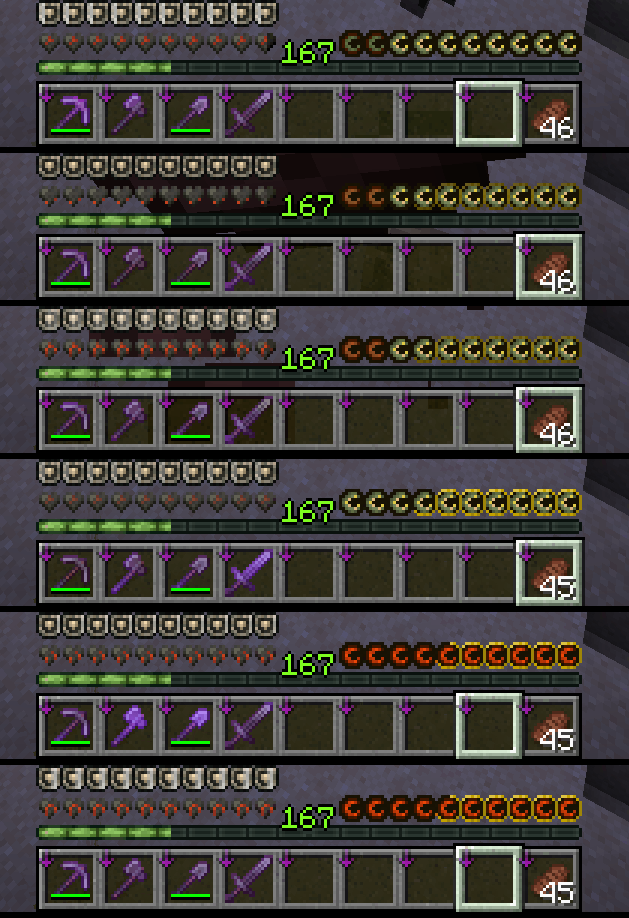
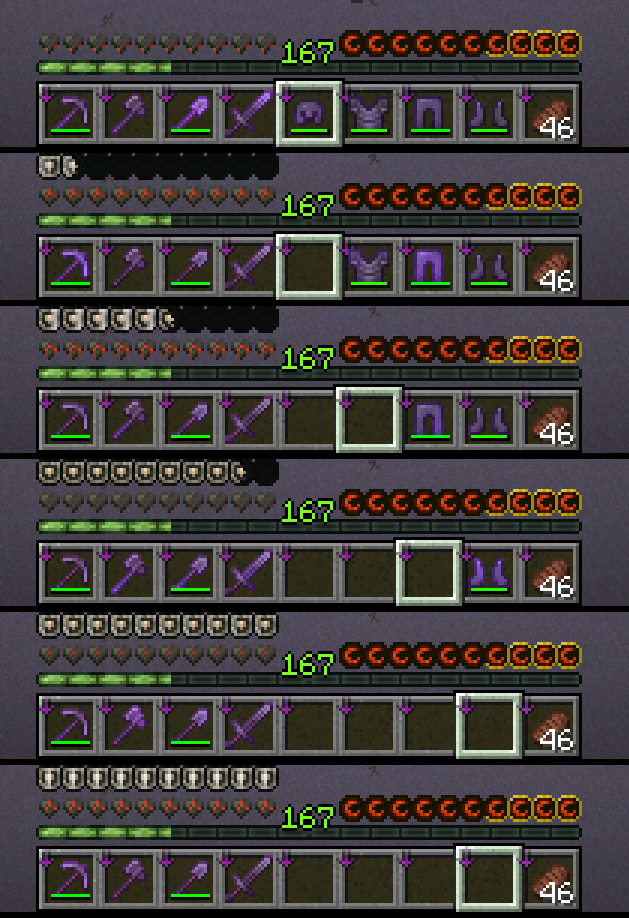
Relicbound is a custom Minecraft HUD icon set designed to immerse players in a world of ancient magic and long-lost civilizations. Inspired by relics of the past, each icon — from the heartbeat of your health bar to the final breath of your air meter — is crafted with a worn, timeworn aesthetic. Armor glows with the energy of long-dead warriors, and hunger is marked not just by need, but by the gnawing curse of forgotten tombs. Whether you’re diving into ruins or rising as a legend, Relicbound enhances your journey with a mystical, weathered UI that feels pulled from the pages of myth.


Featuring custom appleskin support!


Support the work

If you enjoy what I create, supporting the page helps me spend more time on updates, polishing features, fixing issues, and creating new content for future releases.

Every bit of support helps keep development going — thank you for making the next update possible.  

relicbound-1.21-26.1.1.zip
MC 1.21, 1.21.8, 1.21.5, 1.21.4, 1.21.1, 1.21.6, 1.21.3, 1.21.7, 1.21.2, 1.21.9, 1.21.10, 1.21.11, 26.1, 26.1.1, 26.1.2
Release 2026-04-10 Get
relicbound_1.21.6.zip
MC 1.21.6
Release 2025-07-02 Get
relicbound_1.21.7.zip
MC 1.21.8, 1.21.7
Release 2025-07-02 Get
Relicboundv3.zip
MC 1.21.5
Release 2025-04-24 Get
relicbound_1.21.5.zip
MC 1.21.5
Release 2025-04-21 Get

Requirements & install

How to use this resource pack in Minecraft
Resolution
16x
Minecraft
1.21.7 – 26.1.2
Install folder
.minecraft/resourcepacks

How to install resource packs

  1. Download the resource pack .zip file (do not extract it).
  2. In Minecraft open Options → Resource Packs → Open Pack Folder.
  3. Drop the .zip into the resourcepacks folder (.minecraft/resourcepacks).
  4. Move the pack to the Selected column and click Done.
Browse more: 16x resource packs 32x resource packs 64x resource packs 128x resource packs 256x resource packs 512x+ resource packs Resource Packs for 26.1.2 All resource packs

More from Azturax

Advertisement Remove ads with Premium →

You Might Also Like