Mineuniverse
Resource Packs
Rekindled CTM

Rekindled CTM

RESOURCE PACK
CTM Addon Pack for Fire Rekindled
by Tec
Download Claim this project
123,102 downloads
0 likes
Updated Oct 14, 2026
0 hypes
16x Animated Miscellaneous Traditional
Advertisement Remove ads with Premium →

Header

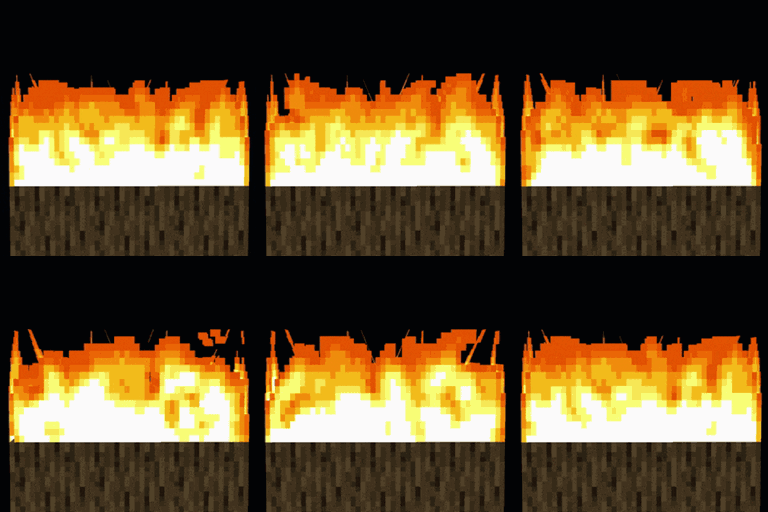
This is an Addon Pack for Fire Rekindled, providing connected textures for Fire and Soul Fire.

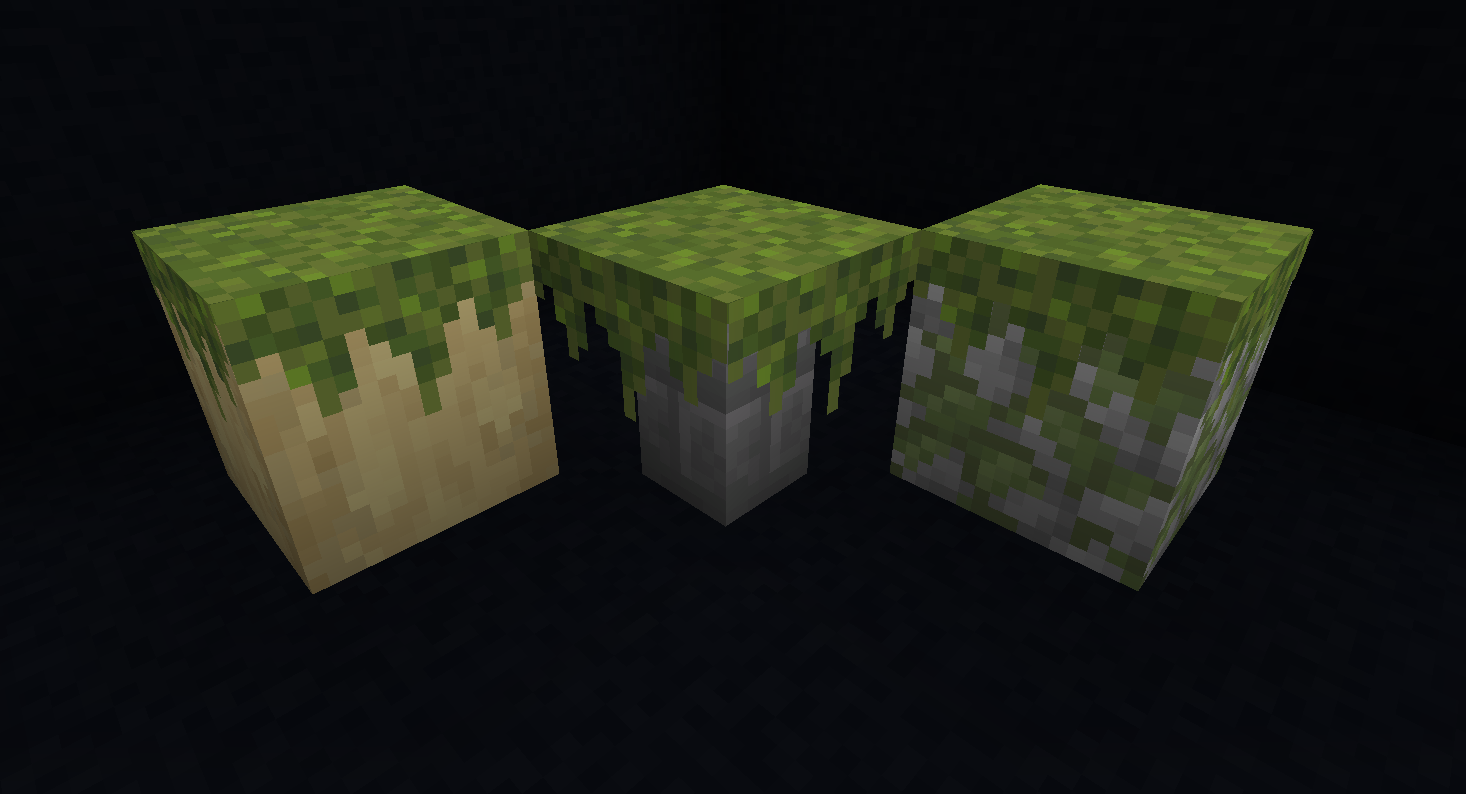
(Also adds overhangs to Moss Carpets for good measure)

The pack is under development and may affect more textures in the future.

 undefined

!!This pack requires Continuity or Optifine to work!!

 undefined

Fire and Soul Fire

If you're using Sodium and find that some textures get desynced and don't line up with their neighbours anymore, try disabling "Animate Only Visible Textures" in the video settings.

Settings

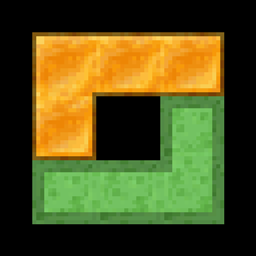
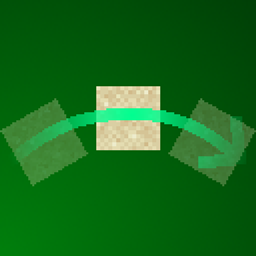
Connected Slime and Honey have been moved to a separate pack

Rekindled_CTM_v0.1.6.zip
MC 1.19.3, 1.20.2, 1.21, 1.20.5, 1.19.4, 1.21.4, 1.20.3, 1.20.1, 1.20, 1.20.6, 1.19.1, 1.20.4, 1.21.3, 1.21.1, 1.19, 1.21.2
Release 2025-02-17 Get
Rekindled_CTM_v0.1.5
MC 1.20.2, 1.21, 1.20.5, 1.20.3, 1.20.1, 1.20, 1.20.6, 1.20.4
Release 2024-07-05 Get
Rekindled_CTM_v0.1.4.zip
MC 1.19.3, 1.20.2, 1.21, 1.20.5, 1.19.4, 1.19.2, 1.20.3, 1.20.1, 1.20, 1.20.6, 1.19.1, 1.20.4, 1.19
Release 2024-06-14 Get
Rekindled_CTM-0.1.3.zip
MC 1.19.3, 1.20.2, 1.20.5, 1.19.4, 1.19.2, 1.20.3, 1.20.1, 1.20, 1.20.6, 1.19.1, 1.20.4, 1.19
Release 2024-05-09 Get
Rekindled_CTM-0.1.2.zip
MC 1.19.3, 1.18.1, 1.19.4-Snapshot, 1.19.4, 1.19-Snapshot, 1.18.2, 1.19.2, 1.19.1, 1.18, 1.18-Snapshot, 1.19, 1.19.3-Snapshot
Release 2023-04-26 Get
Rekindled_CTM-0.1.1
MC 1.17.1, 1.19.3, 1.18.1, 1.17, 1.19.4, 1.19-Snapshot, 1.18.2, 1.19.2, 1.19.1, 1.17-Snapshot, 1.18, 1.18-Snapshot, 1.19
Release 2023-03-21 Get
Rekindled_CTM.zip
MC 1.17.1, 1.19.3, 1.18.1, 1.17, 1.19.4, 1.19-Snapshot, 1.18.2, 1.19.2, 1.19.1, 1.17-Snapshot, 1.18, 1.18-Snapshot, 1.19
Release 2023-03-12 Get

Requirements & install

How to use this resource pack in Minecraft
Resolution
16x
Minecraft
1.20.4 – 1.21.4
Install folder
.minecraft/resourcepacks

How to install resource packs

  1. Download the resource pack .zip file (do not extract it).
  2. In Minecraft open Options → Resource Packs → Open Pack Folder.
  3. Drop the .zip into the resourcepacks folder (.minecraft/resourcepacks).
  4. Move the pack to the Selected column and click Done.
Browse more: 16x resource packs 32x resource packs 64x resource packs 128x resource packs 256x resource packs 512x+ resource packs Resource Packs for 1.21.4 All resource packs

More from Tec

Advertisement Remove ads with Premium →

You Might Also Like