
Mineuniverse
Resource Packs
Refreshed!

Refreshed!

RESOURCE PACK
Beautiful and improved textures. Hope you enjoy !
by Hatsuya
Download Claim this project
11,794 downloads
0 likes
Updated Oct 14, 2026
0 hypes
16x Medieval Miscellaneous Traditional
Advertisement Remove ads with Premium →

logo separator

📖 About:

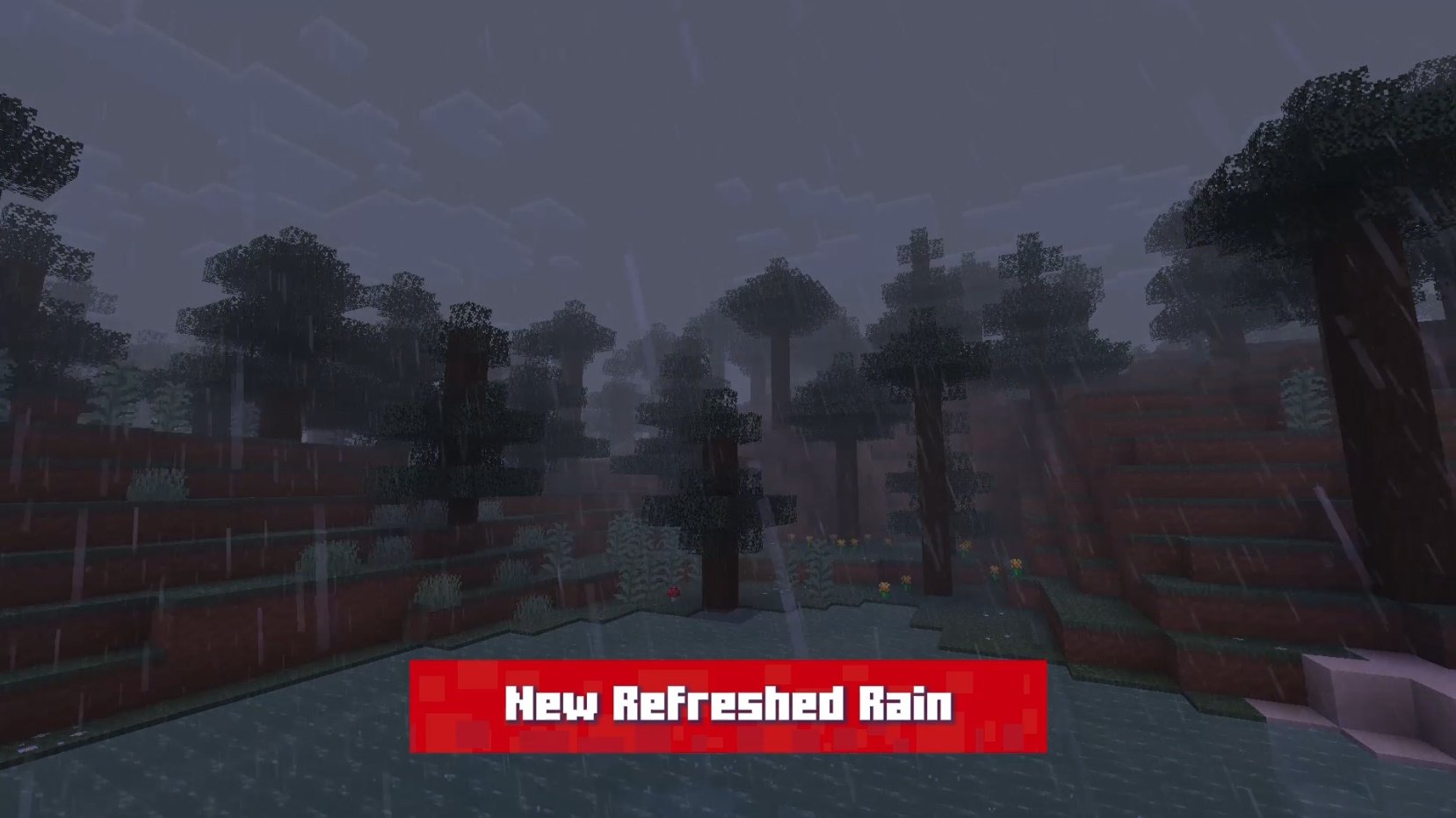
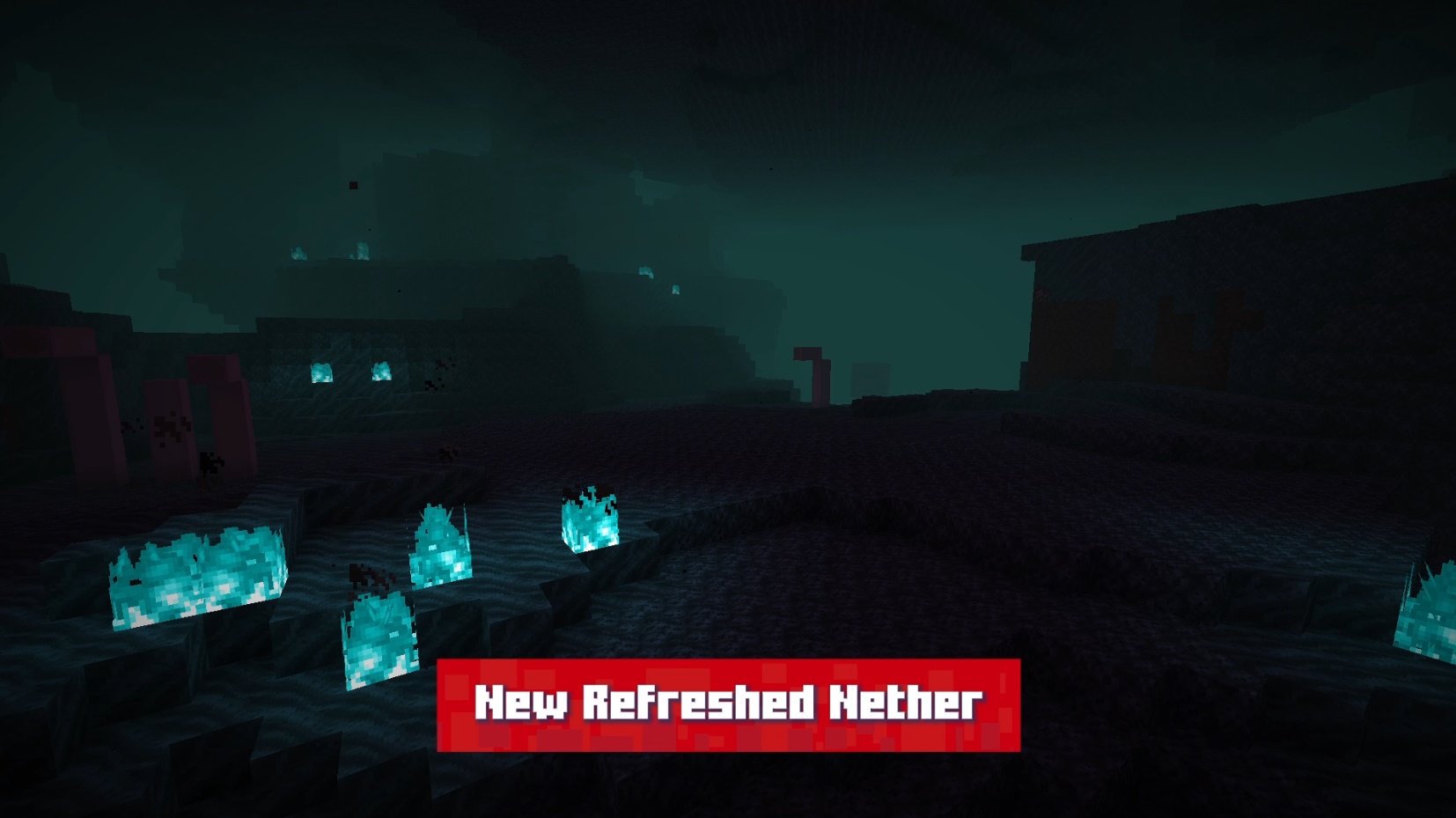
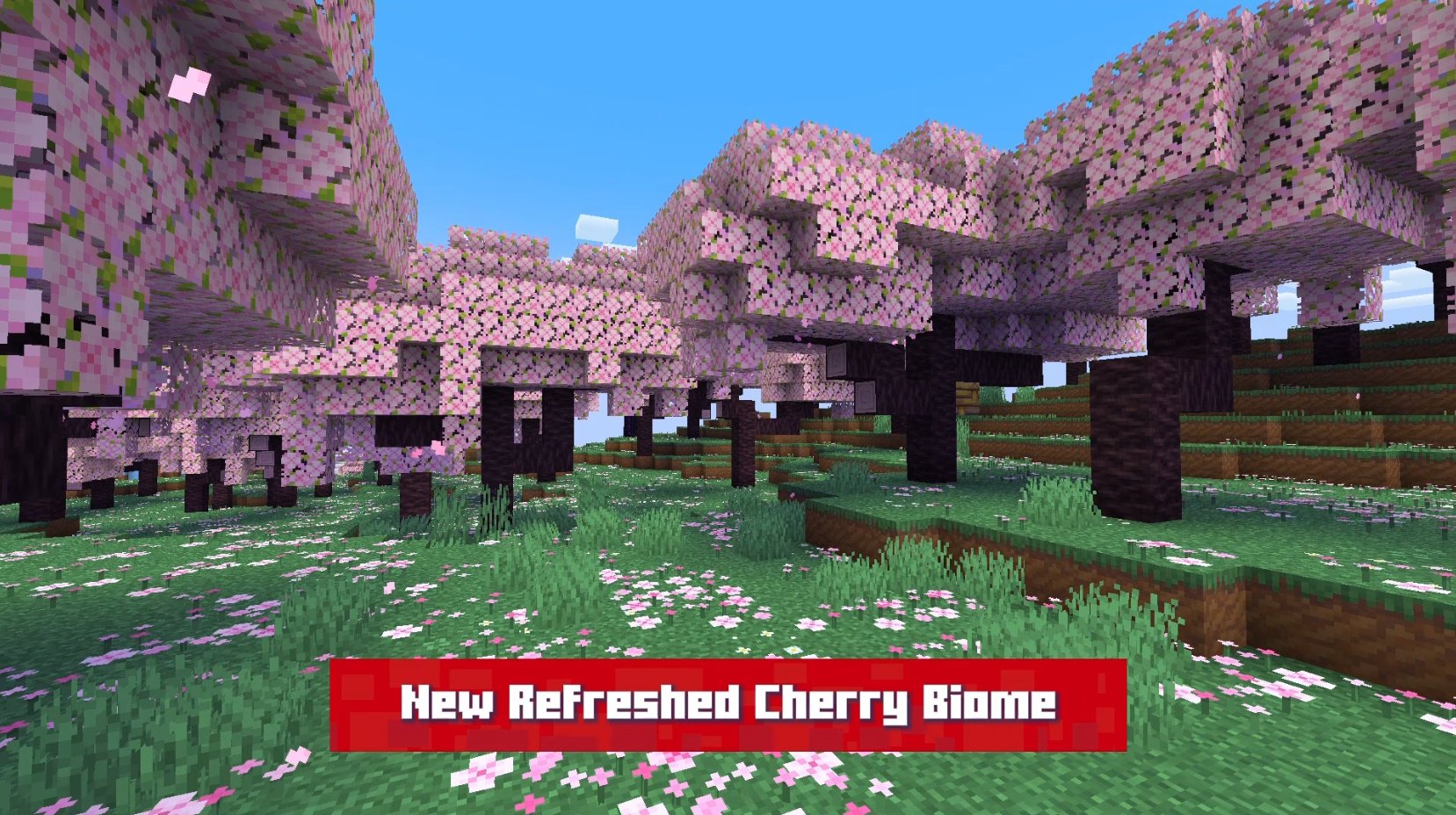
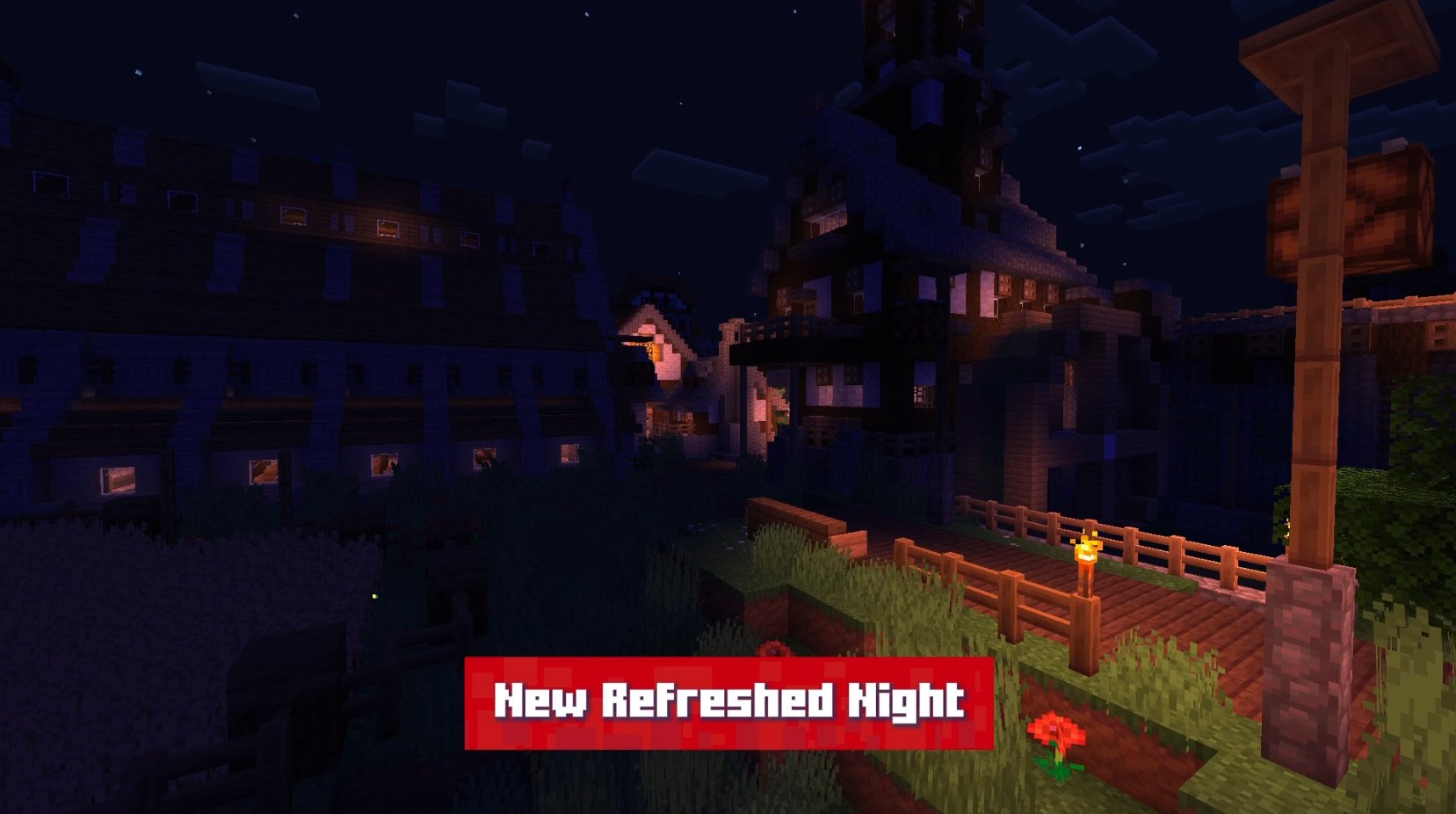
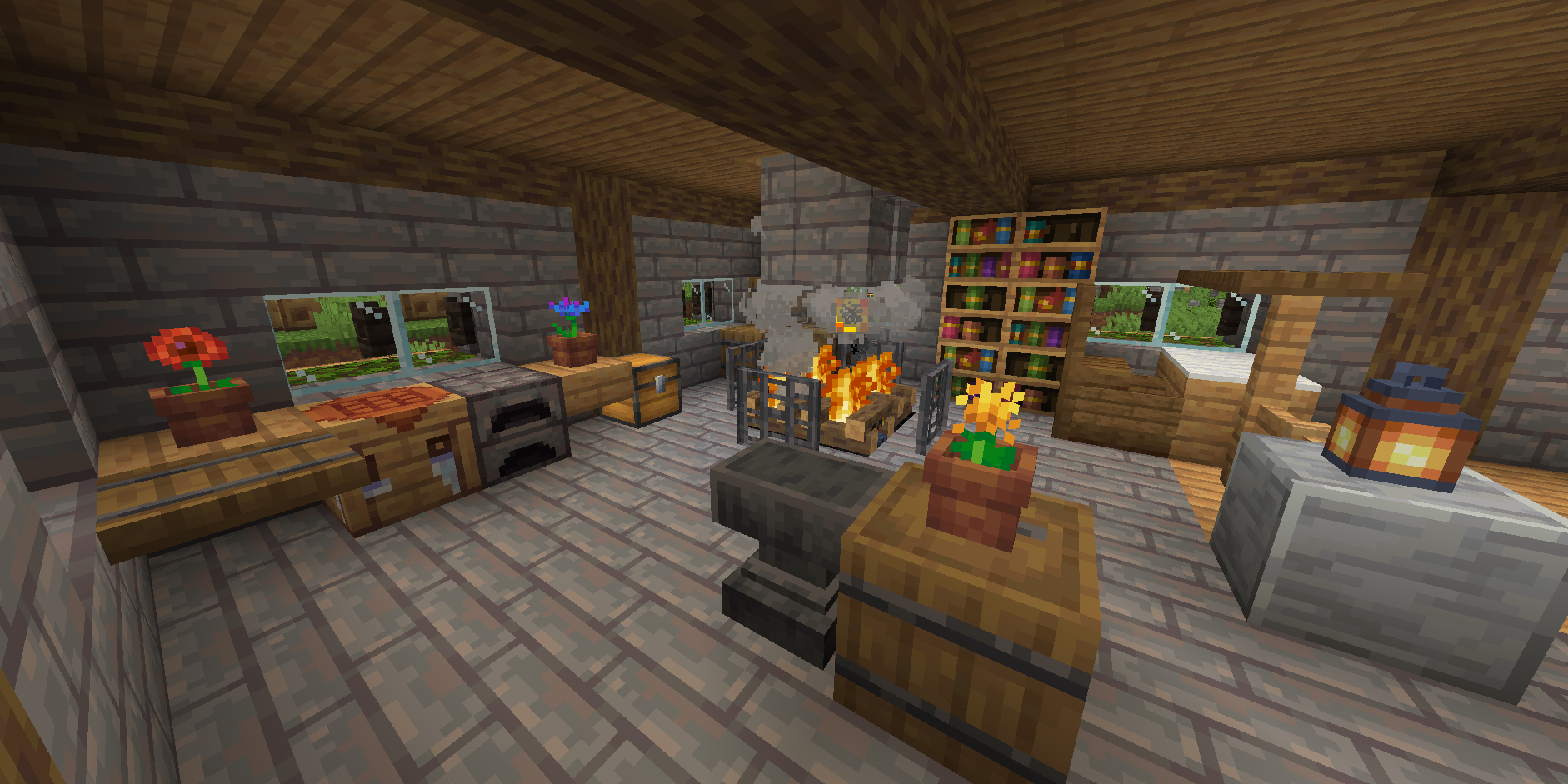
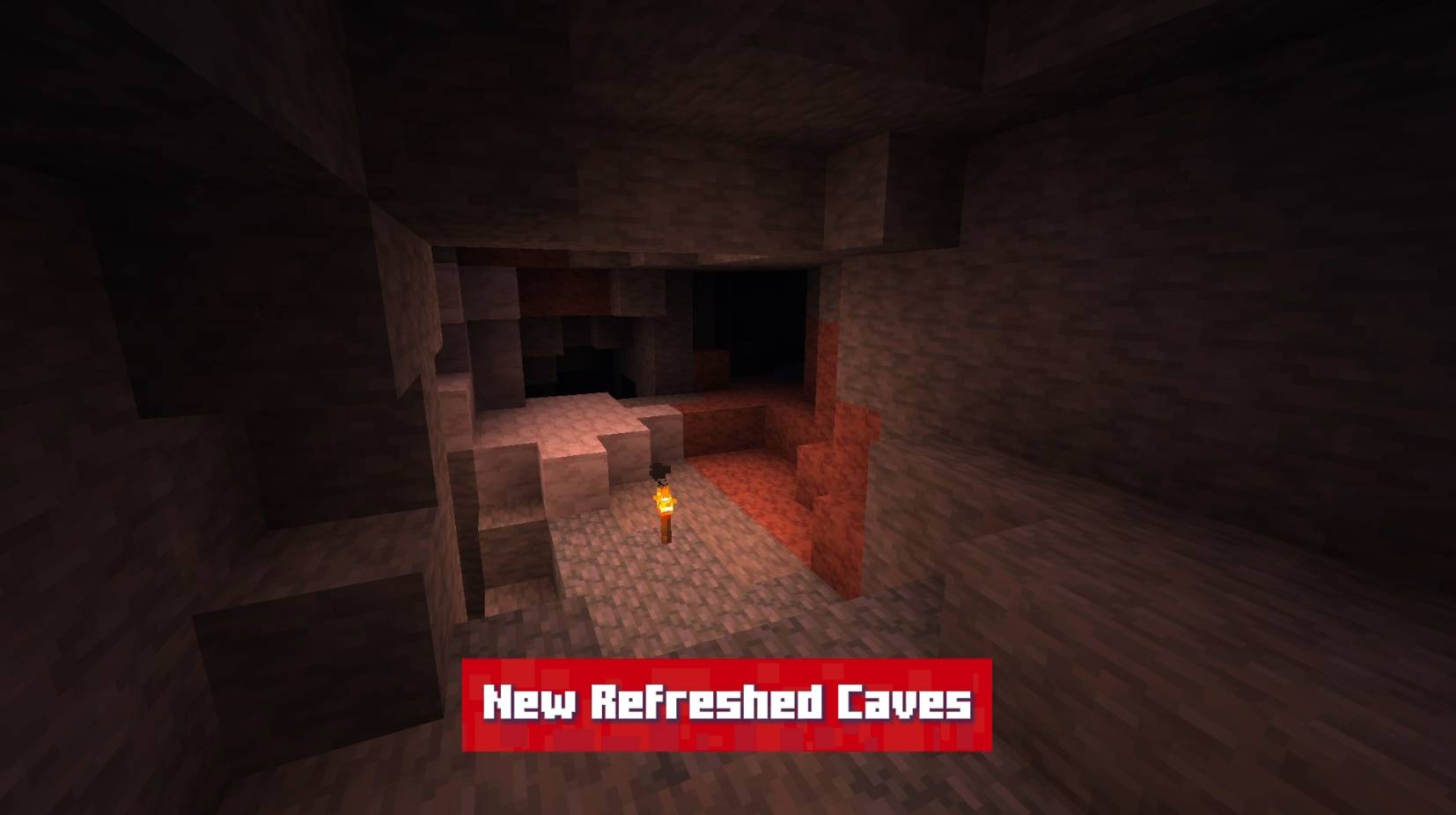
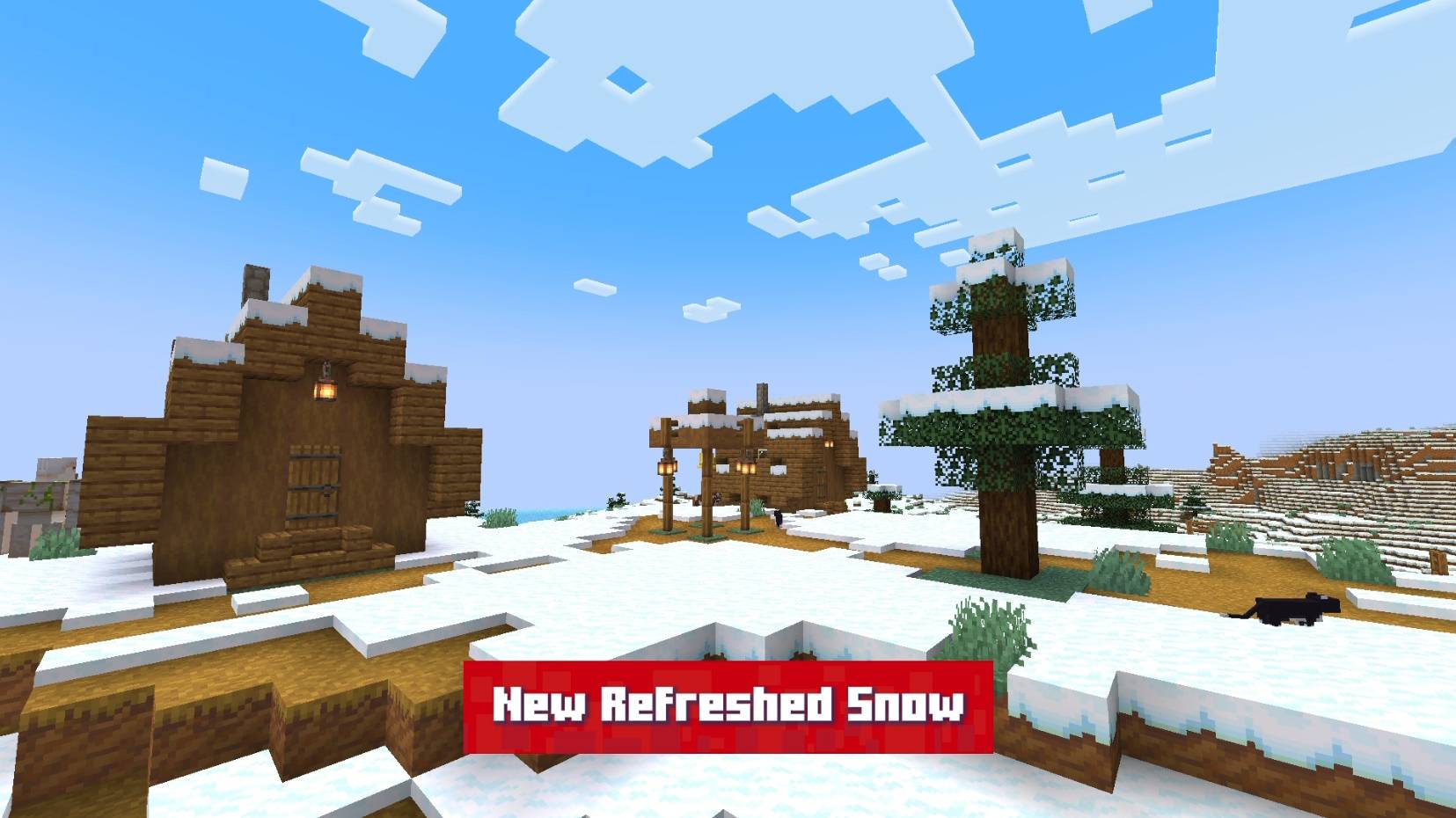
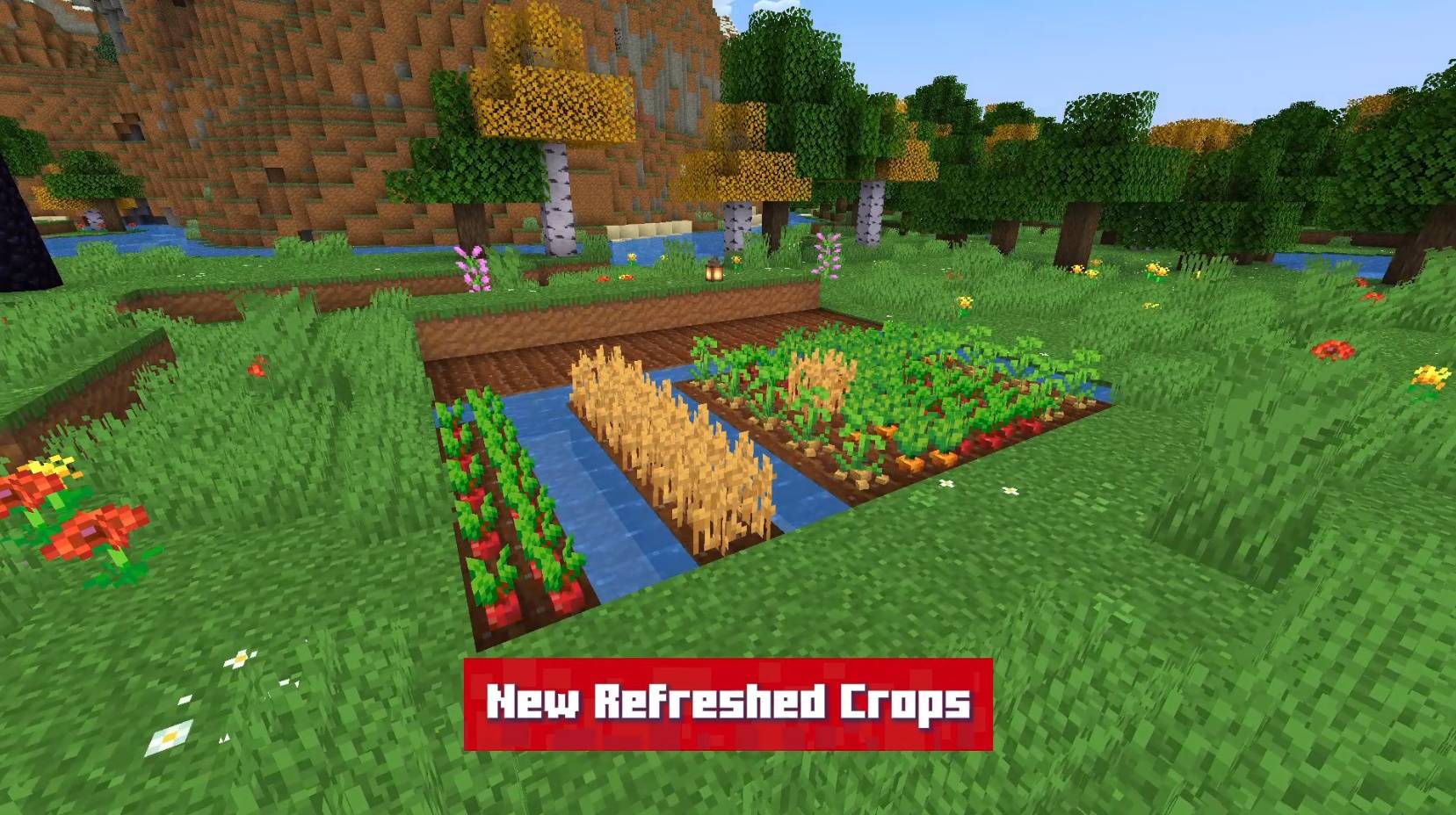
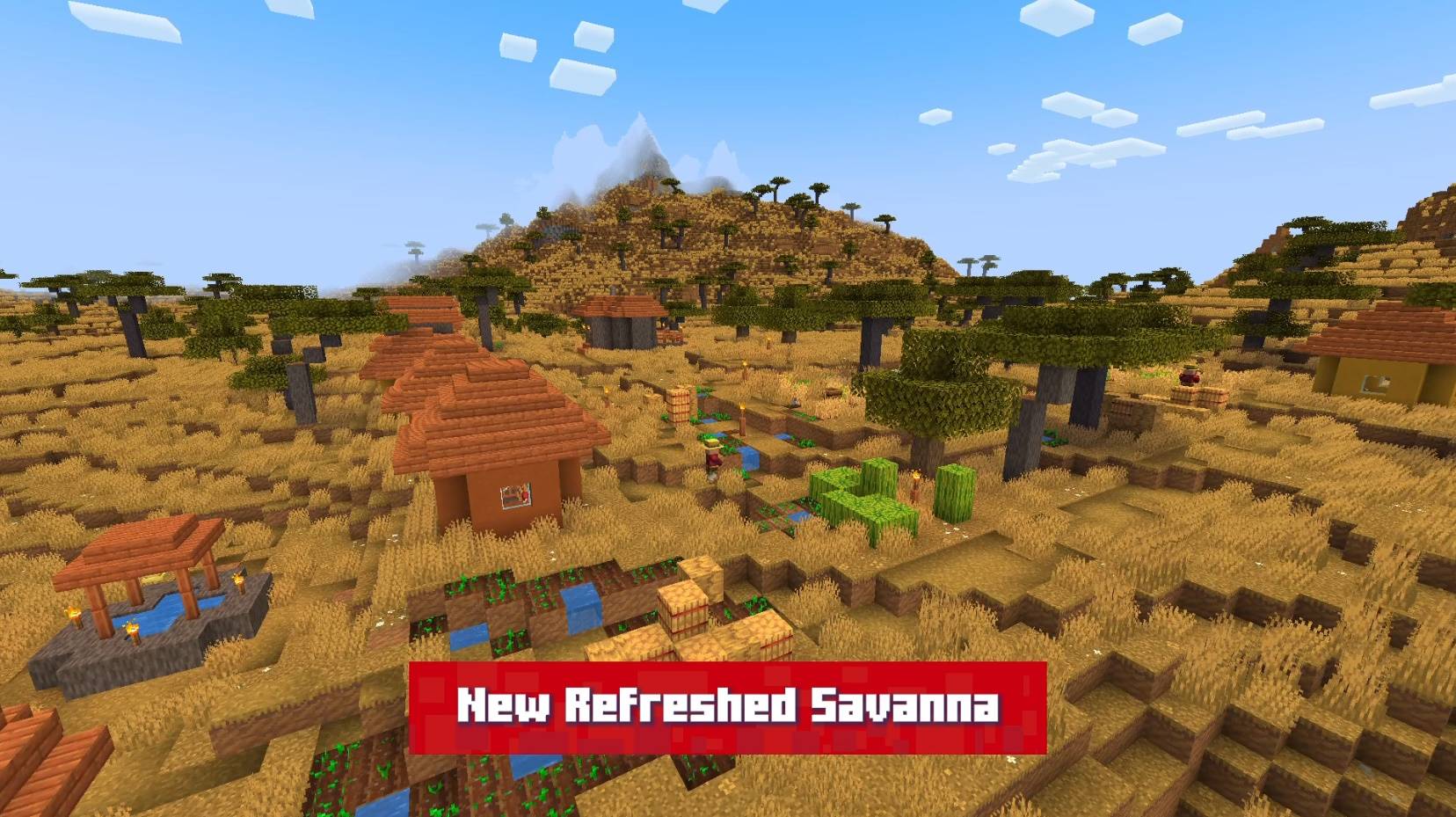
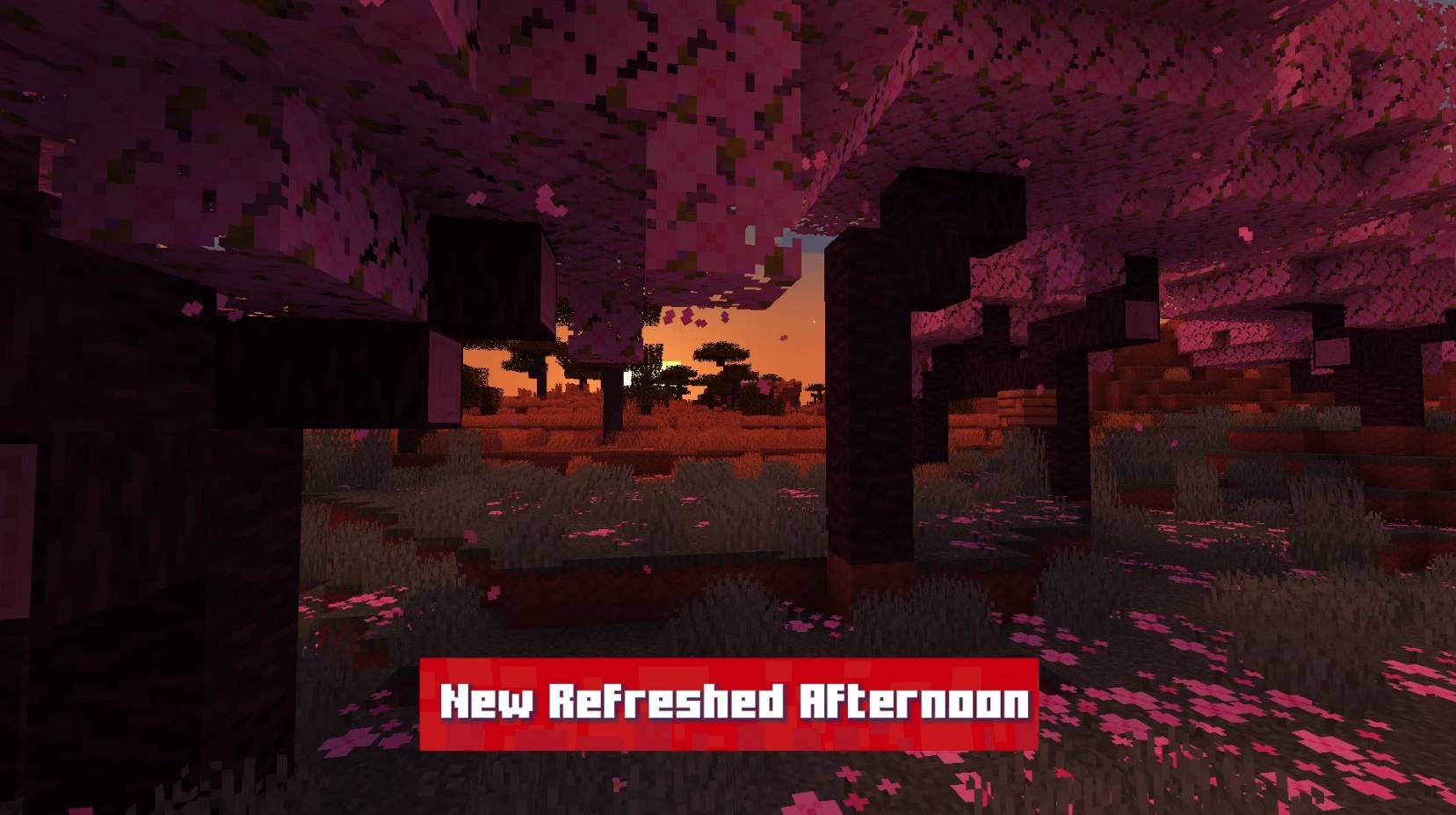
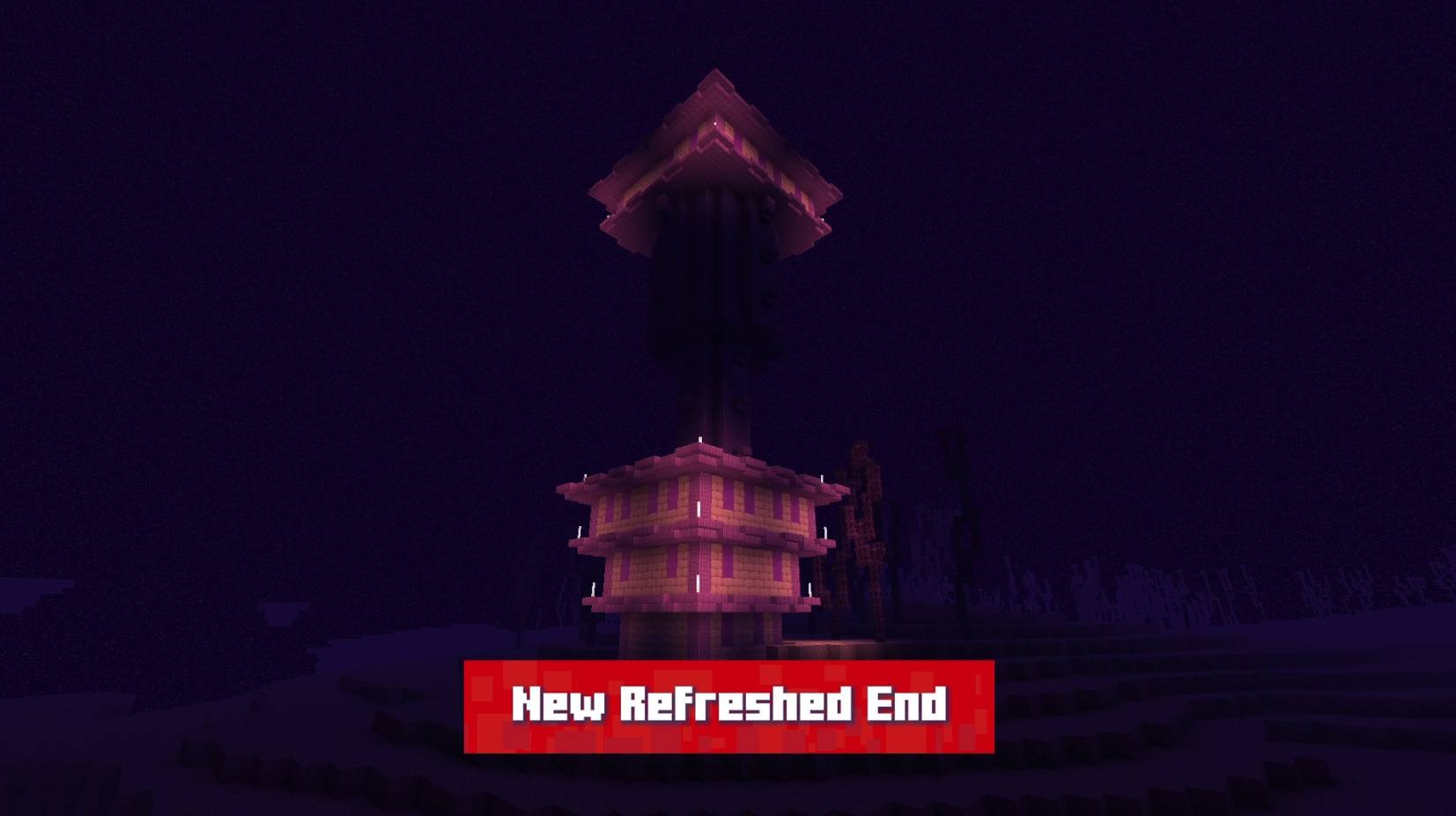
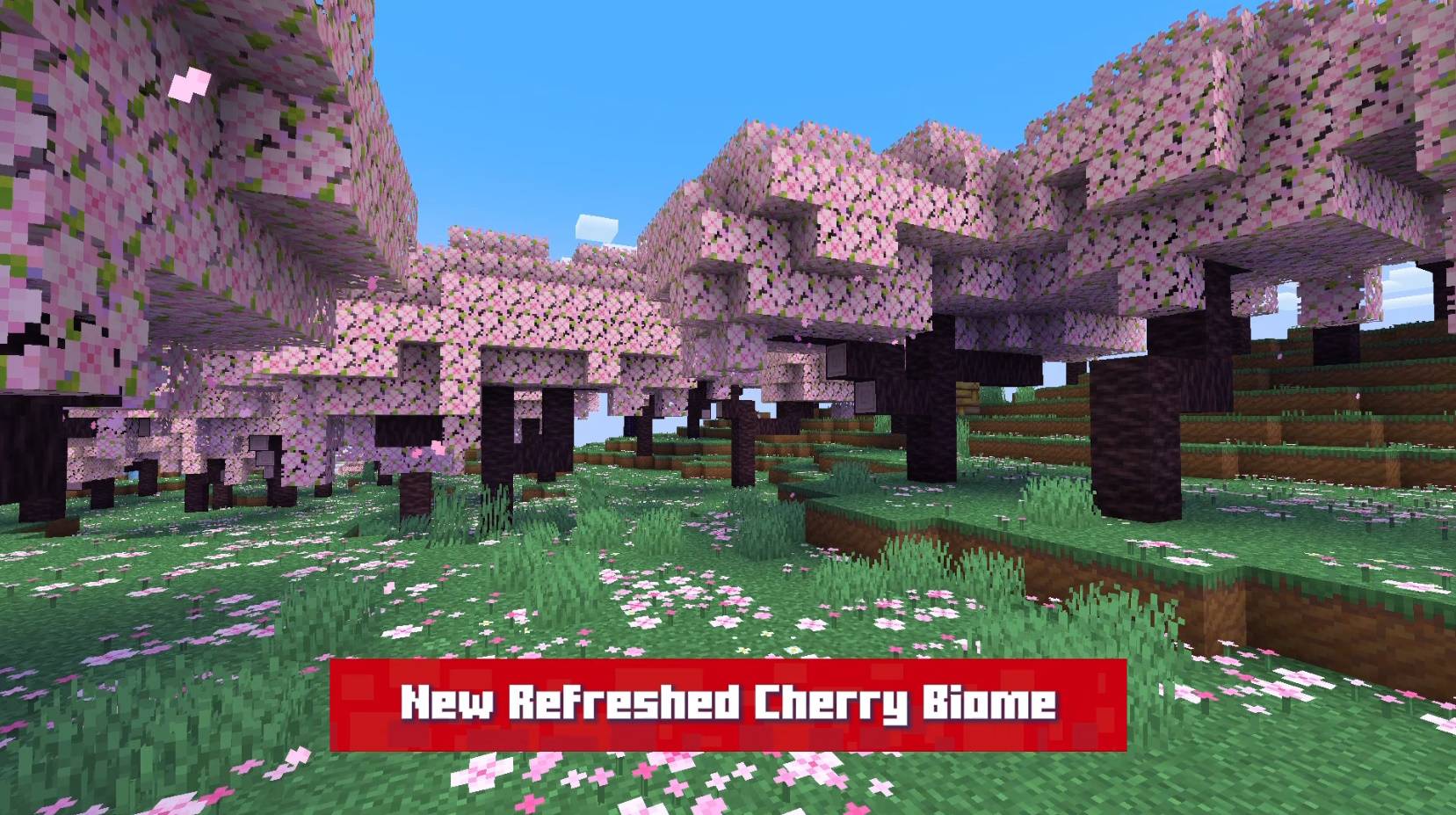
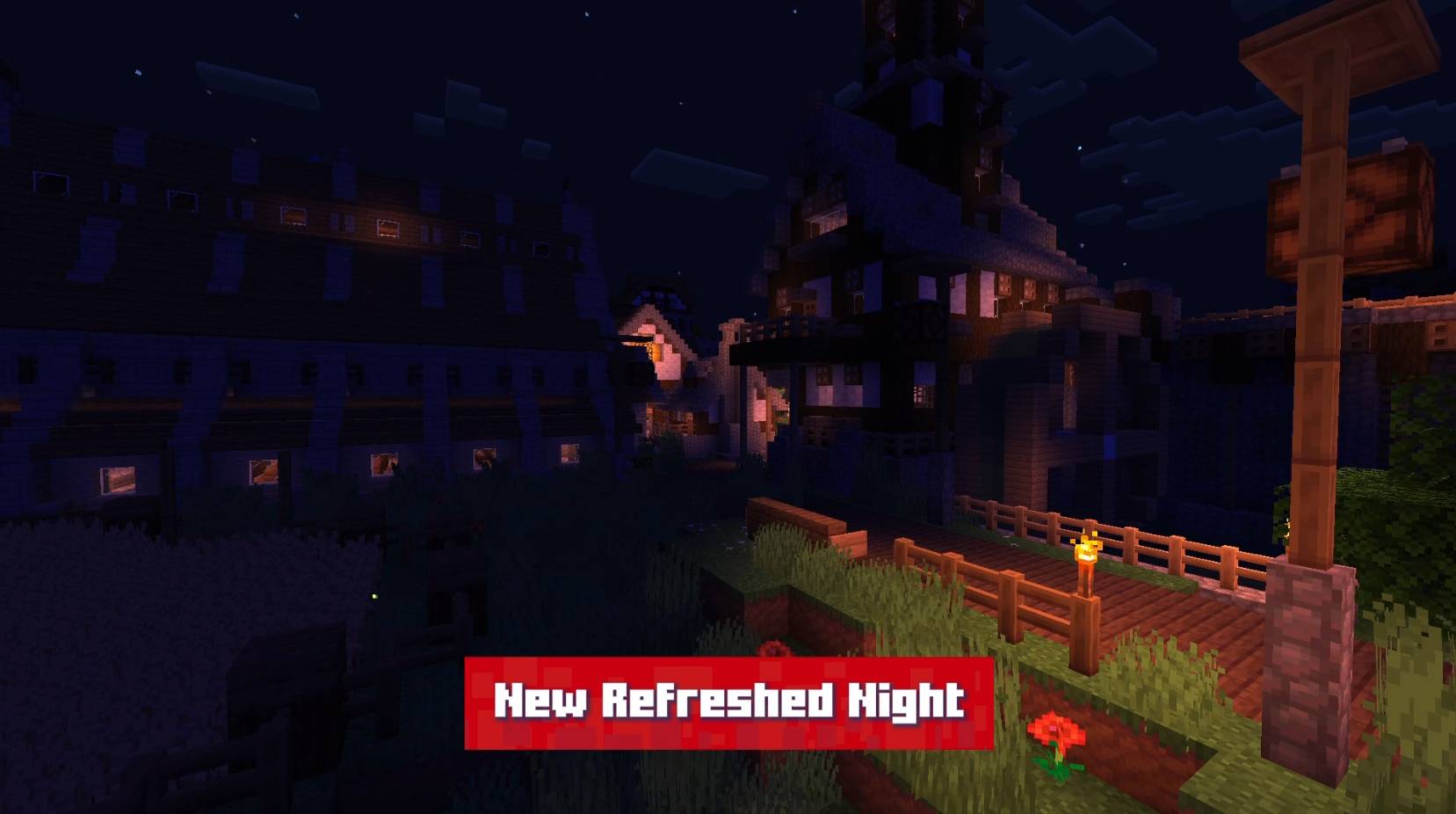
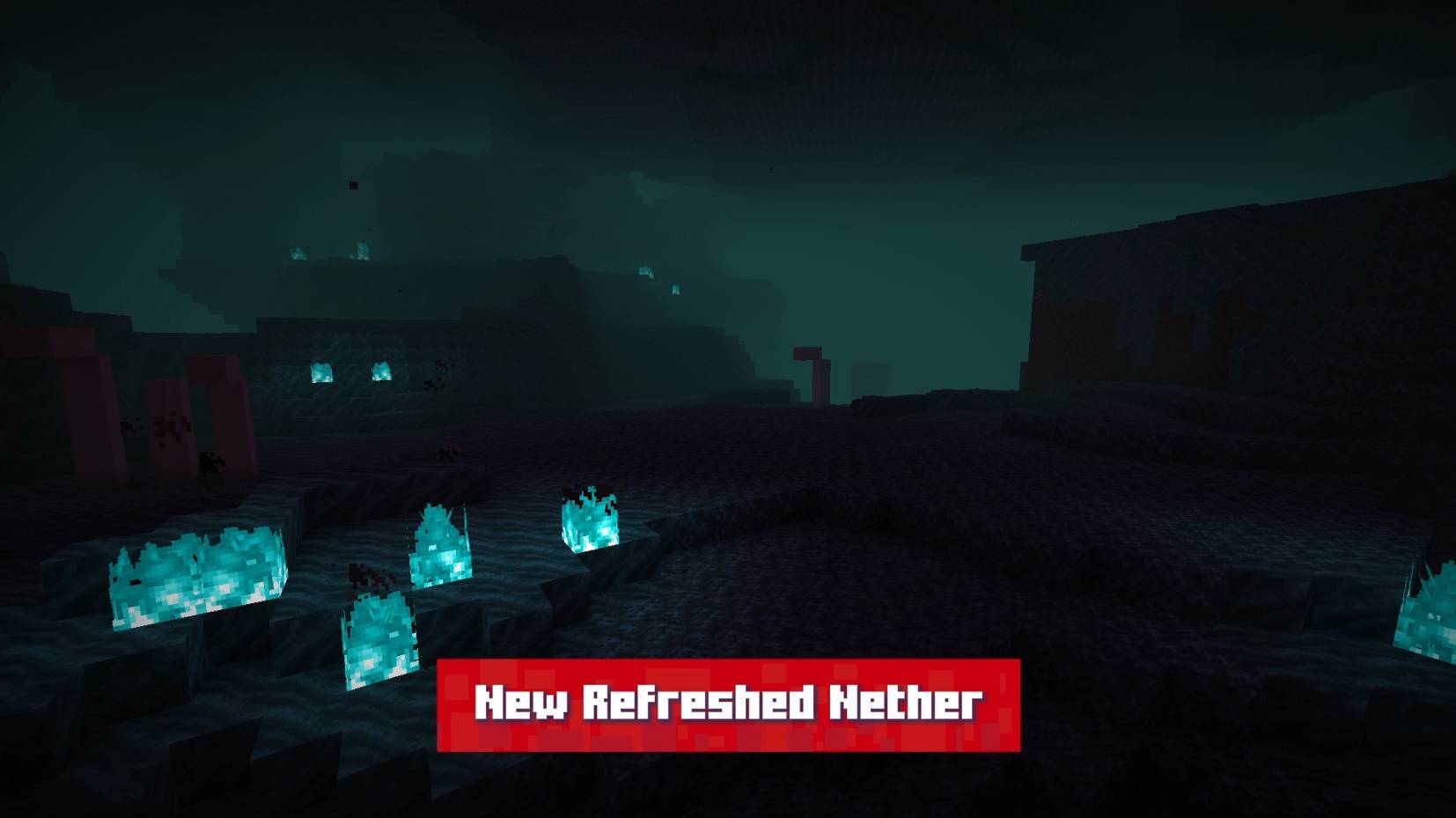
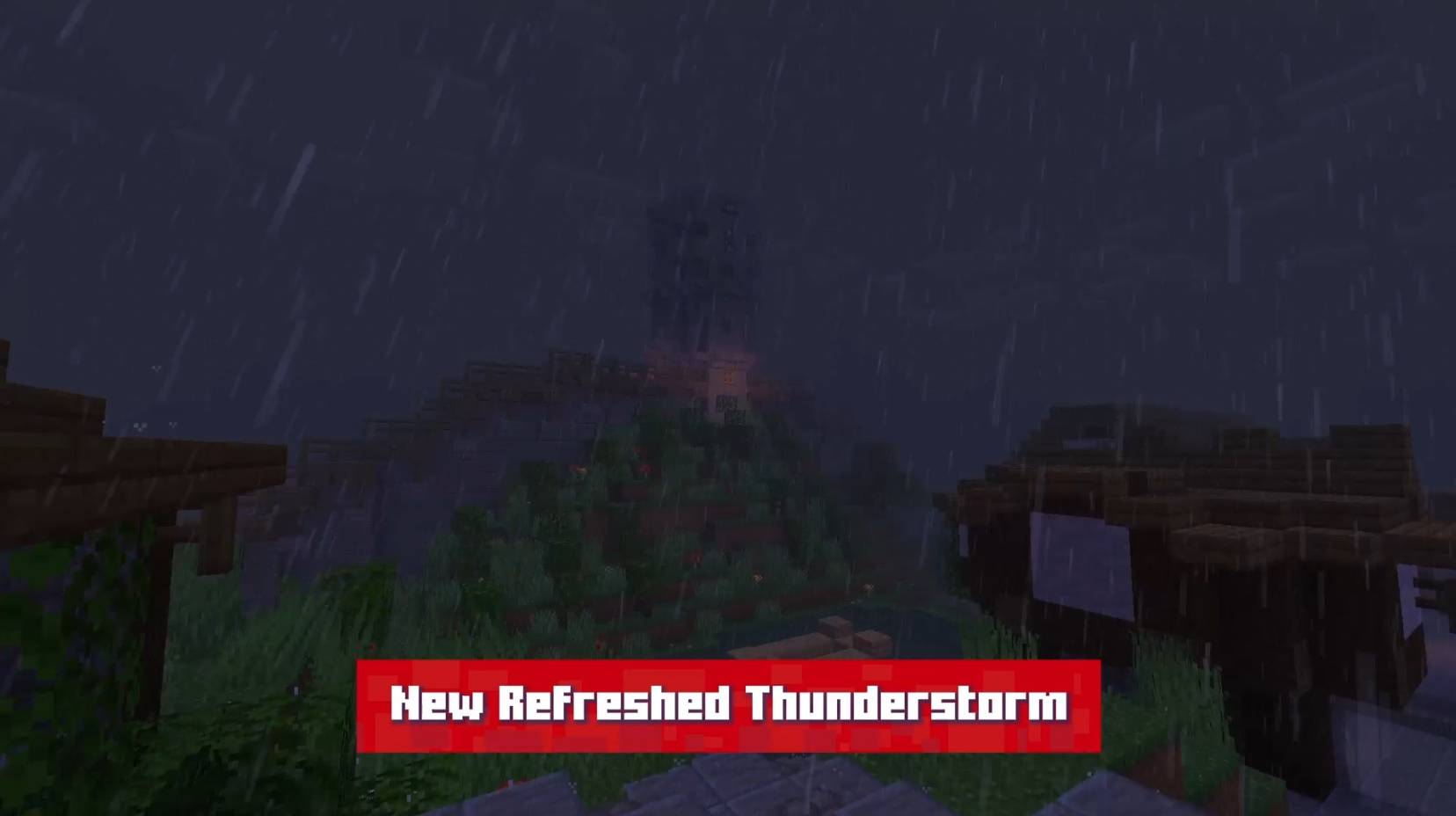
Refreshed! It's my vision of what Minecraft would be like with more improved textures and focused on visibility. In my point of view, many of Minecraft's textures are full of "noise" and this really bothers my playing experience. So I made this texture precisely for that, many of Minecraft's new textures have already improved a lot in this aspect, bringing more advanced techniques like hue shifting and a limited palette, without using noise in the textures. so i followed this new standard for Minecraft!

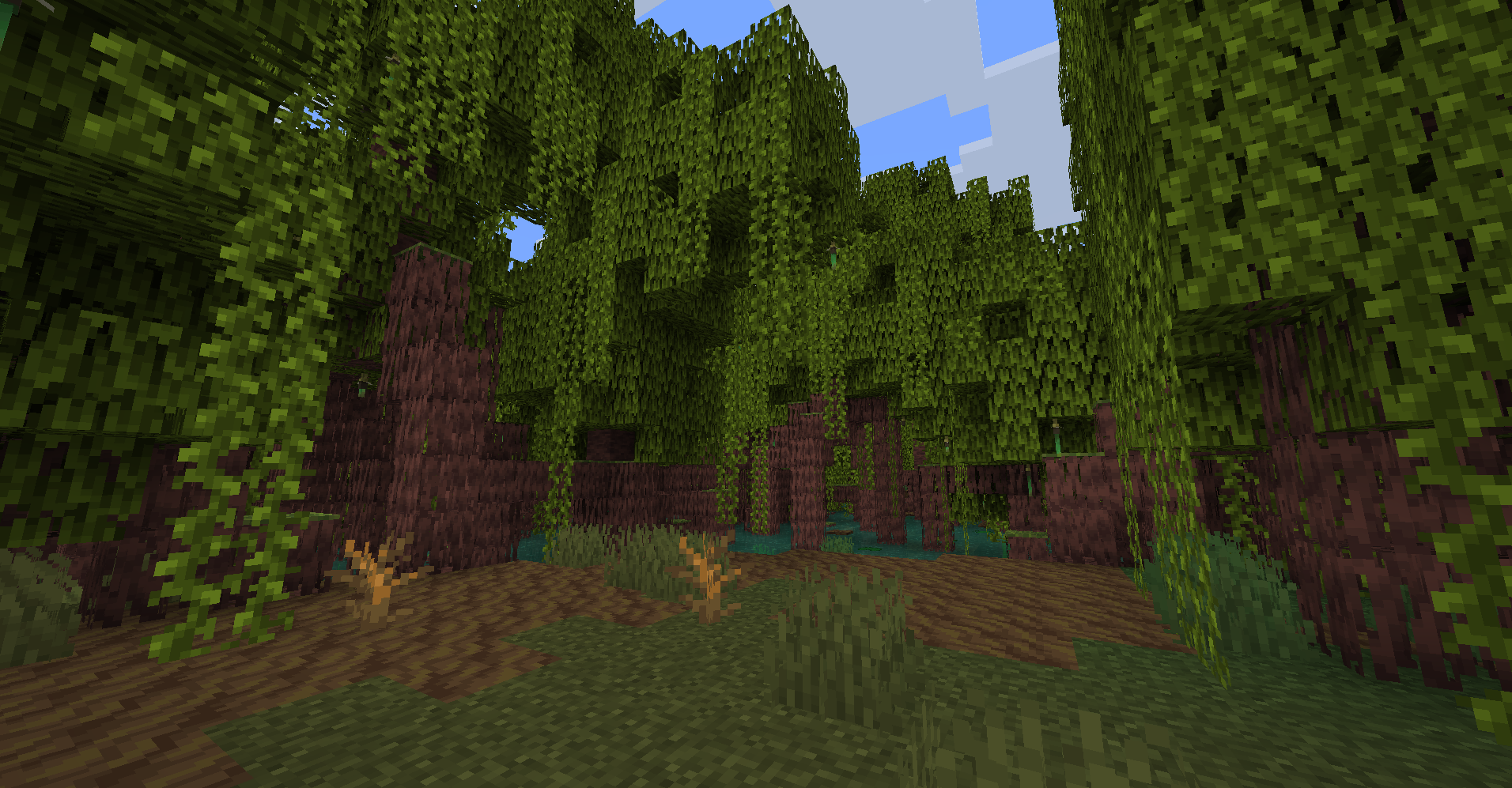
Some other things also have my creative freedom, like the concept of the birch being more of an "autumn" location instead of just another green biome in the game. The resourcepack is still in progress, and many more textures and models will be added and updated! Hope you like it !

separator

🎞️ Trailer:

separator 🖼️ Some Images: in-game screenshot in-game screenshot in-game screenshot in-game screenshot

Thank you very much ❤️ !
Refreshed! 1.20.5 v2.0.zip
MC 1.20.5
Release 2024-04-24 Get
Refreshed! 1.20.4 v2.0.zip
MC 1.20.3, 1.20.4
Release 2024-04-24 Get
Refreshed! 1.20.1 v2.0.zip
MC 1.20.1
Release 2024-04-24 Get
Refreshed! v1.0.0 - 1.18 - 1.20.2
MC 1.19.3, 1.20.2, 1.18.1, 1.19.4, 1.18.2, 1.19.2, 1.20.1, 1.20, 1.19.1, 1.18, 1.19
Release 2023-12-08 Get
Refreshed! v1.0.0 - 1.20.3 - 1.20.4
MC 1.20.3, 1.20.4
Release 2023-12-08 Get

Requirements & install

How to use this resource pack in Minecraft
Resolution
16x
Minecraft
1.19.3 – 1.20.5
Install folder
.minecraft/resourcepacks

How to install resource packs

  1. Download the resource pack .zip file (do not extract it).
  2. In Minecraft open Options → Resource Packs → Open Pack Folder.
  3. Drop the .zip into the resourcepacks folder (.minecraft/resourcepacks).
  4. Move the pack to the Selected column and click Done.
Browse more: 16x resource packs 32x resource packs 64x resource packs 128x resource packs 256x resource packs 512x+ resource packs Resource Packs for 1.20.5 All resource packs
Advertisement Remove ads with Premium →

You Might Also Like