Mineuniverse
Resource Packs
Refined Cats: Lithe

Refined Cats: Lithe

RESOURCE PACK
A lighter version of Refined Cats optimized for better performance (Forge/Fabric)
by sulep
Download Claim this project
14,130 downloads
0 likes
0 followers
Updated Oct 14, 2026
0 hypes
Follow0
16x Animated Miscellaneous Photo Realistic Traditional
Advertisement Remove ads with Premium →

Description

THESE MODS ARE REQUIRED FOR REFINED CATS: LITHE TO WORK:

[ETF]: https://www.curseforge.com/minecraft/mc-mods/entity-texture-features-fabric

[EMF]: https://www.curseforge.com/minecraft/mc-mods/entity-model-features

OLDER VERSIONS REQUIRE OPTIFINE


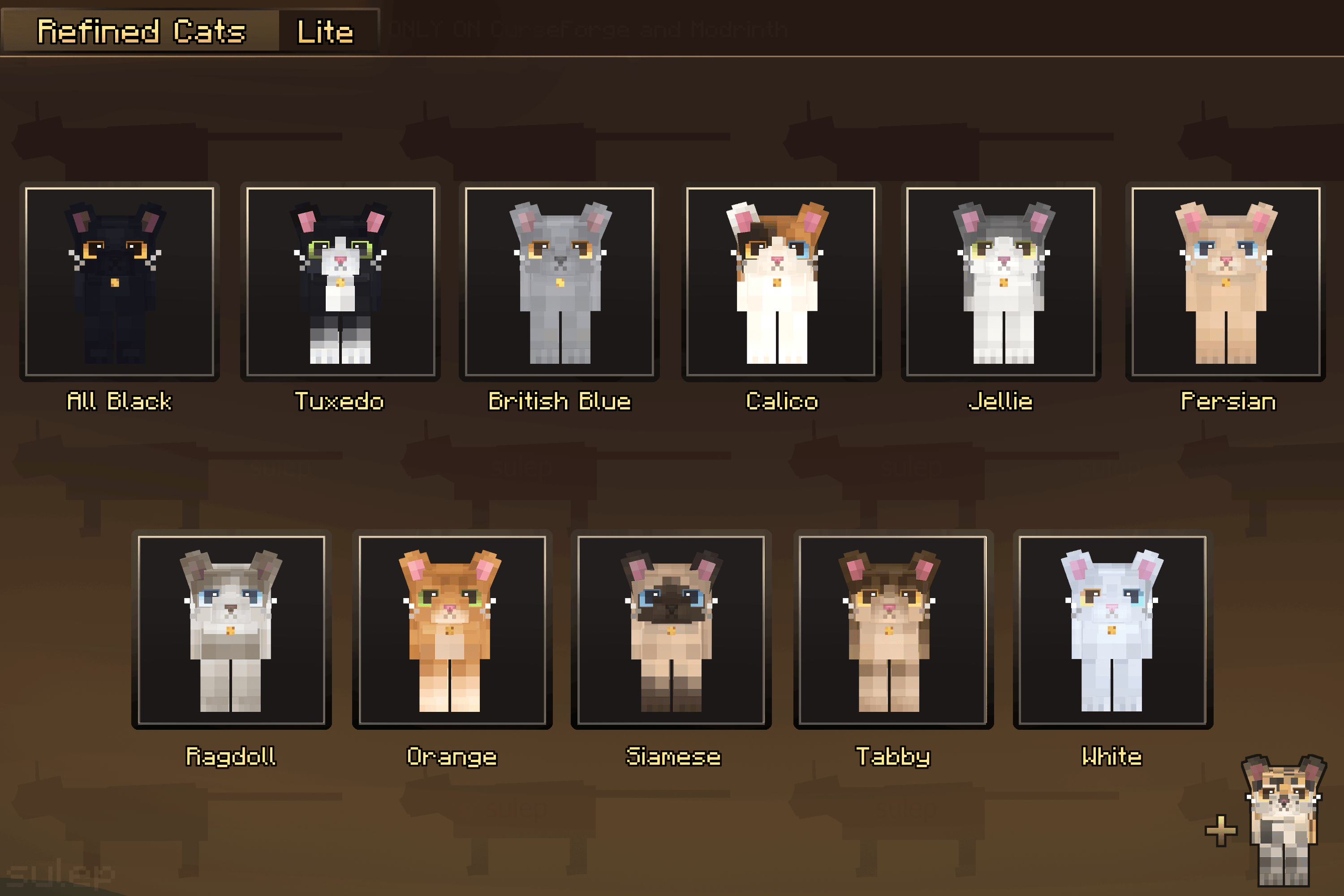
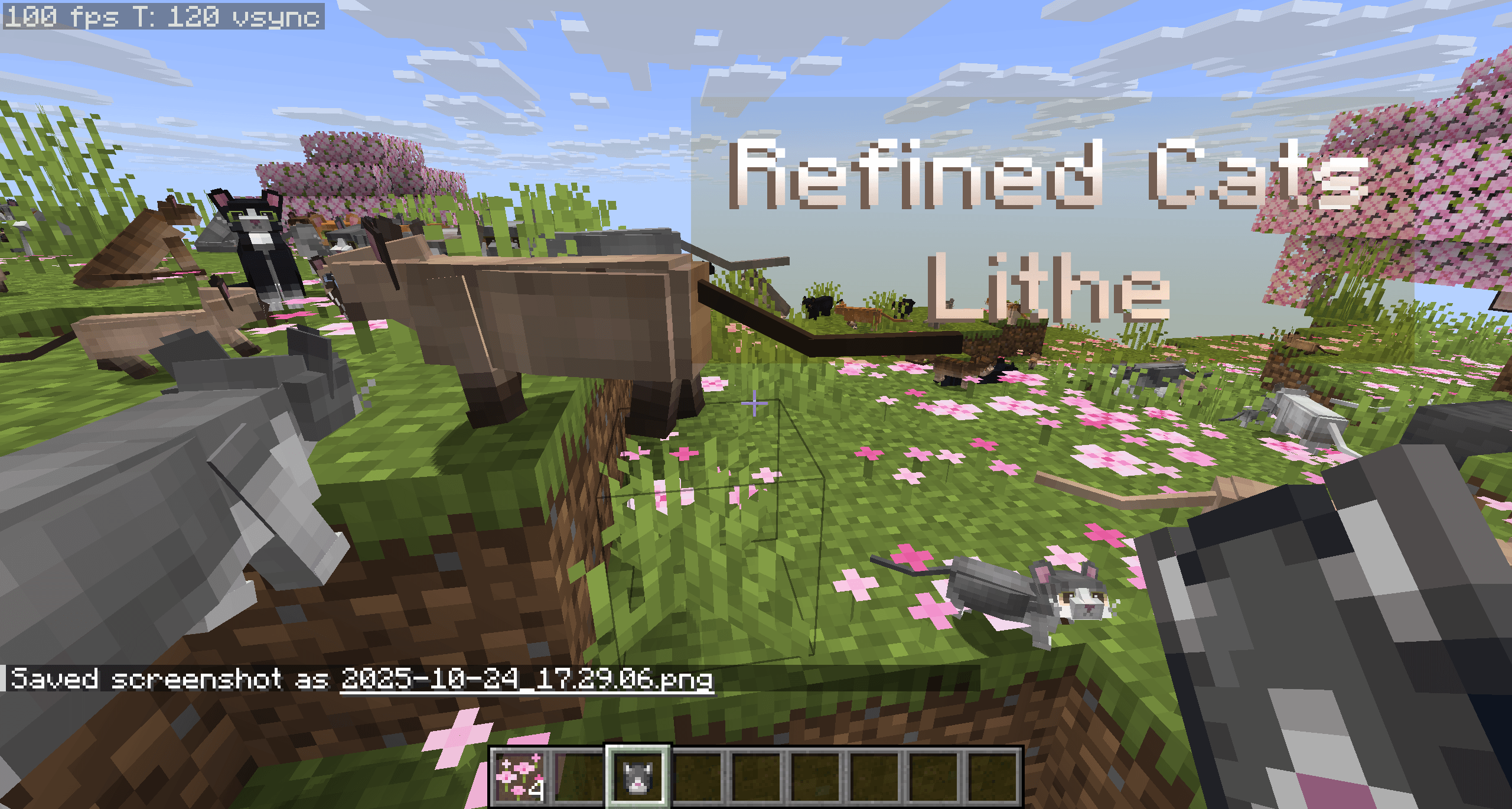
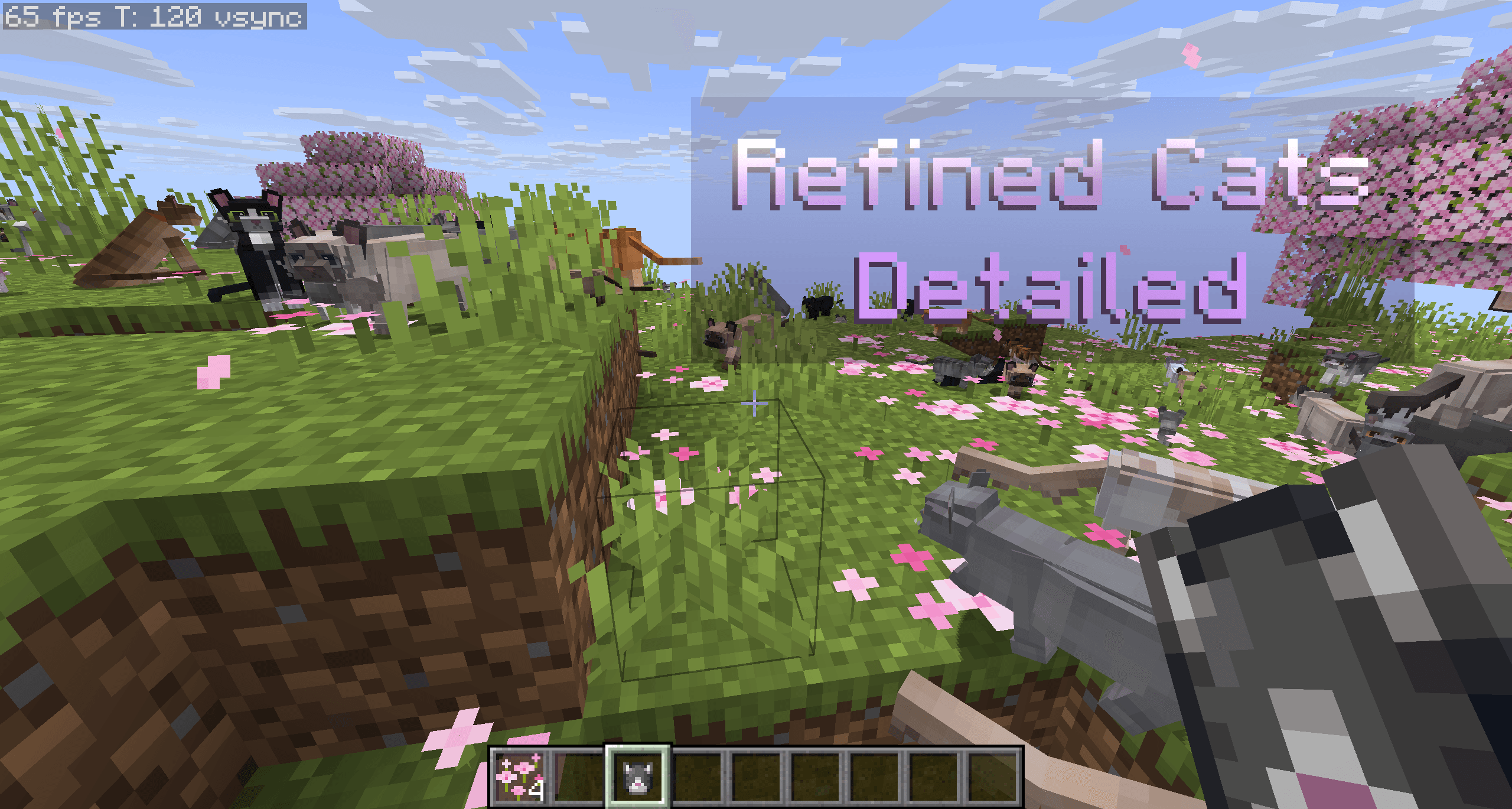
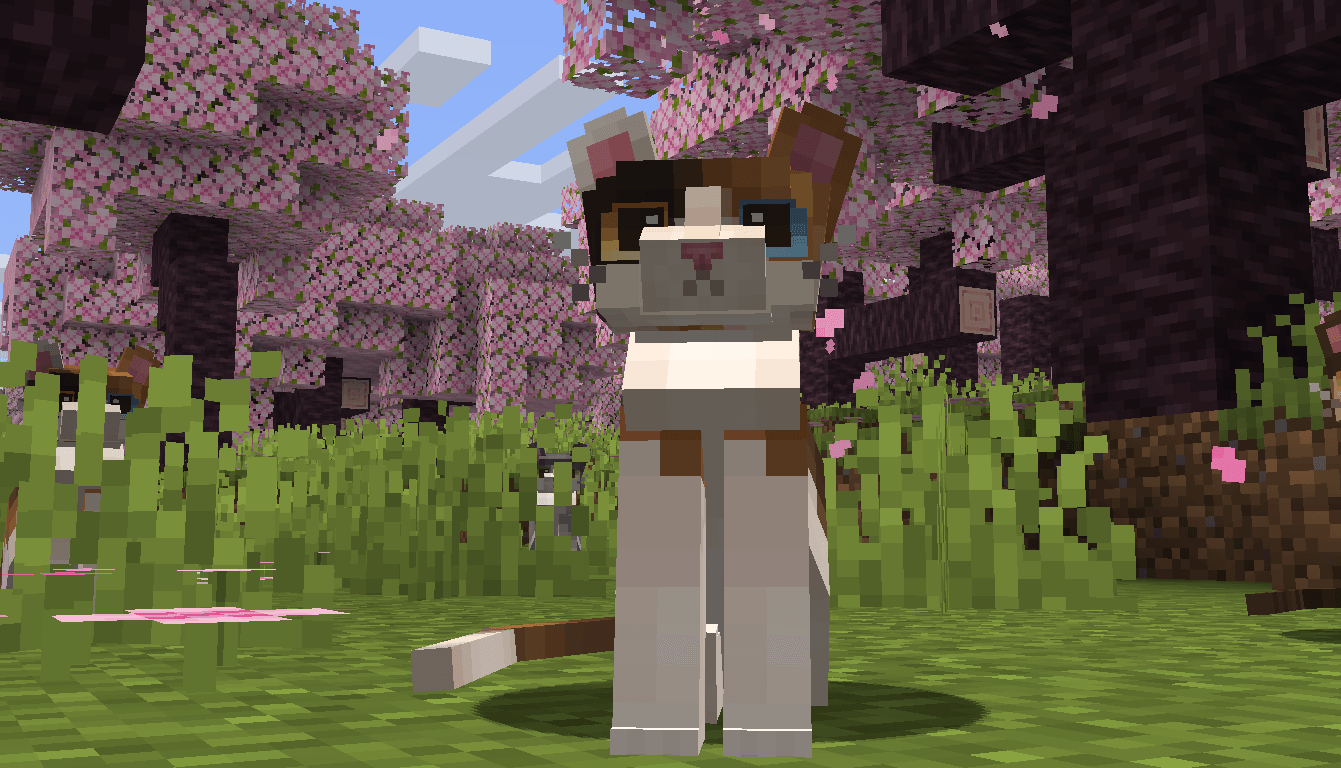
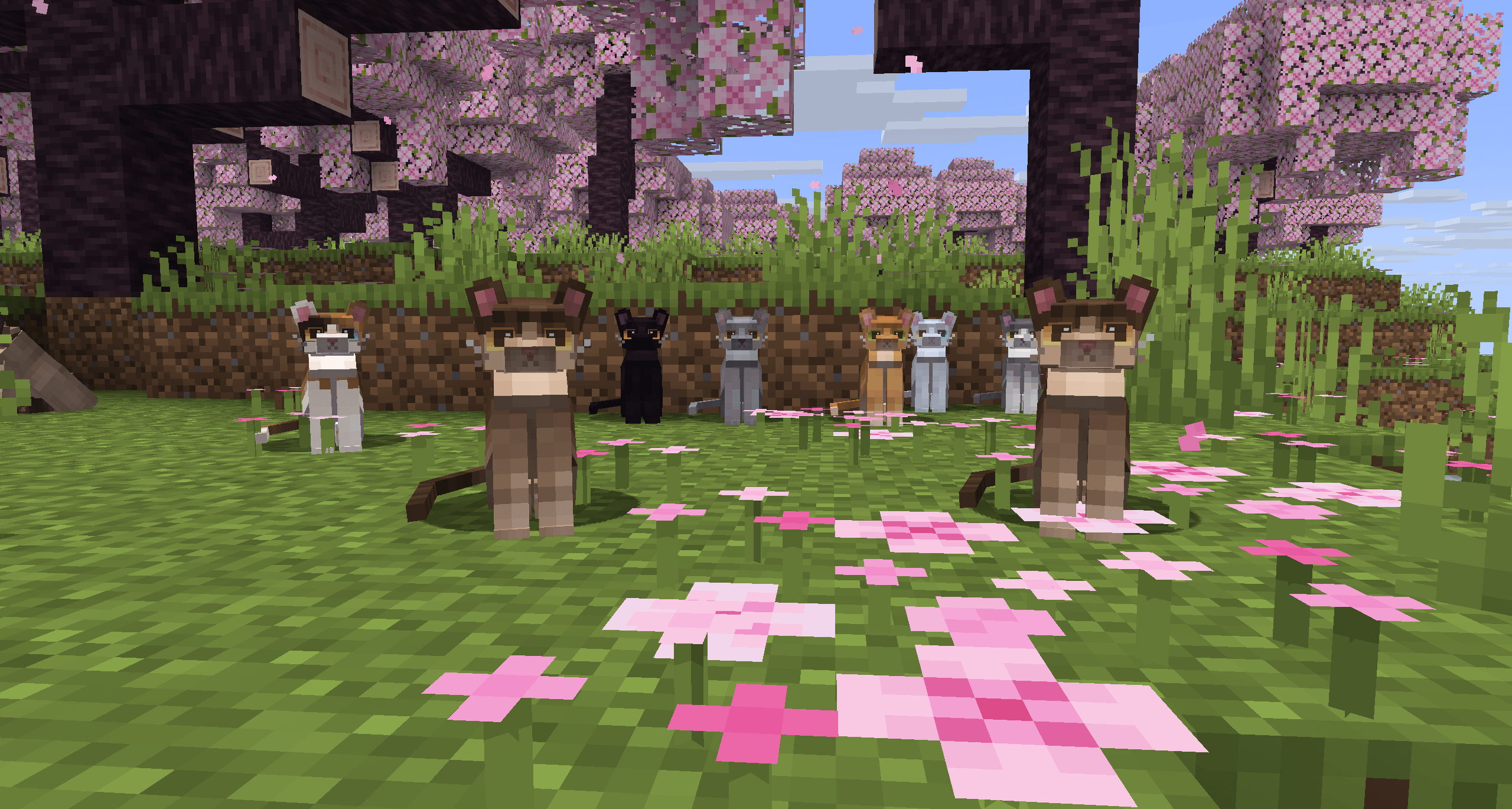
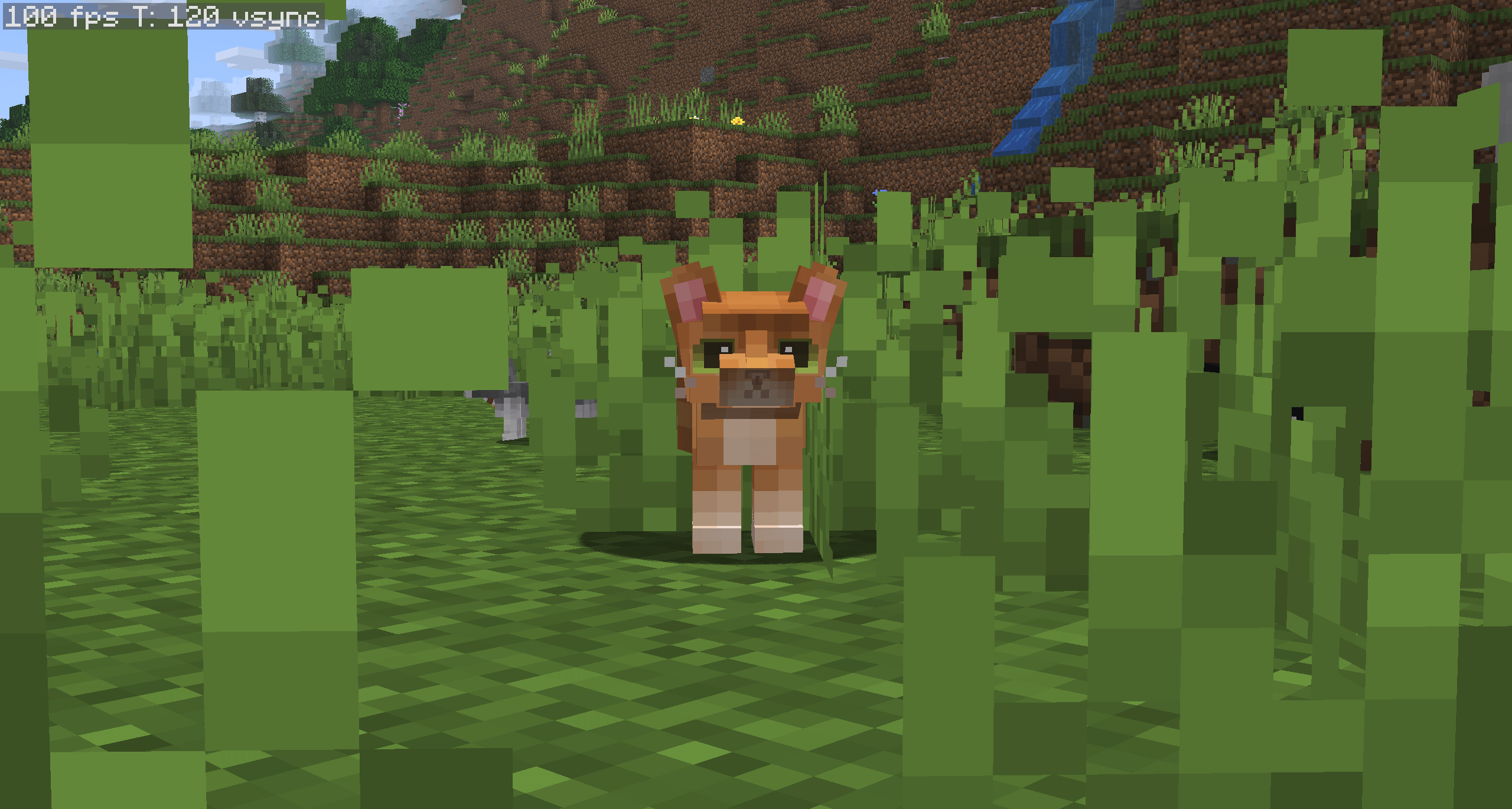
Refined Cats: Lithe replaces the default cat with a custom model, new animations, and brand new textures. It is the optimized version of Refined Cats and has an increase of 30 FPS on average


There is currently two versions, Refined Cats Lithe, and Refined Cats
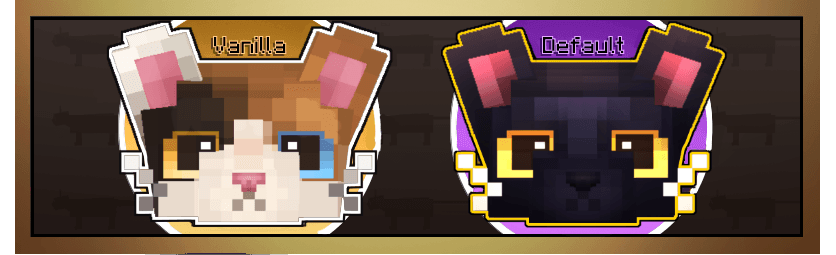
There is currently 12 textures, most of which are modeled off the vanilla cat. The model/texture is optimized for better performance. Textures may be altered in future updates. Refined Cats: Lithe is compatible with Forge/Fabric


The following mods are NOT compatible with Refined Cats:

(Any mod that alters cat textures or model in any way will cause things to break)

Simply Cats

More Mob Variants


Instructions

  • 1. Download ETF+EMF and put in mods folder, make sure you have either Forge or Fabric installed
  • 2. Download Refined Cats (Either Lithe or Normal Version)
  • 3. Launch Minecraft and go to Options --> Resource Packs --> Open Pack Folder
  • 4. Drag Refined Cats Lithe.zip into the resourcepacks folder
  • 5. On the left of the screen, hover over the Refined Cats resource pack and click the arrow pointing to the right
  • 6. Select Done


I don't expect any money, but if you want you can support me here. appreciate it a ton!

 

RefinedCatsLithe v1.0.0
MC 1.19.3, 1.20.2, 1.21, 1.20.5, 1.21.5, 1.19.4, 1.21.8, 1.21.9, 1.21.10, 1.21.4, 1.18.2, 1.19.2, 1.20.3, 1.20.1, 1.20, 1.20.6, 1.19.1, 1.20.4, 1.21.3, 1.21.7, 1.21.1, 1.21.6
Release 2025-10-26 Get

Requirements & install

How to use this resource pack in Minecraft
Resolution
16x
Minecraft
1.21.3 – 1.21.10
Install folder
.minecraft/resourcepacks

How to install resource packs

  1. Download the resource pack .zip file (do not extract it).
  2. In Minecraft open Options → Resource Packs → Open Pack Folder.
  3. Drop the .zip into the resourcepacks folder (.minecraft/resourcepacks).
  4. Move the pack to the Selected column and click Done.
Browse more: 16x resource packs 32x resource packs 64x resource packs 128x resource packs 256x resource packs 512x+ resource packs Resource Packs for 1.21.10 All resource packs

More from sulep

Advertisement Remove ads with Premium →

You Might Also Like