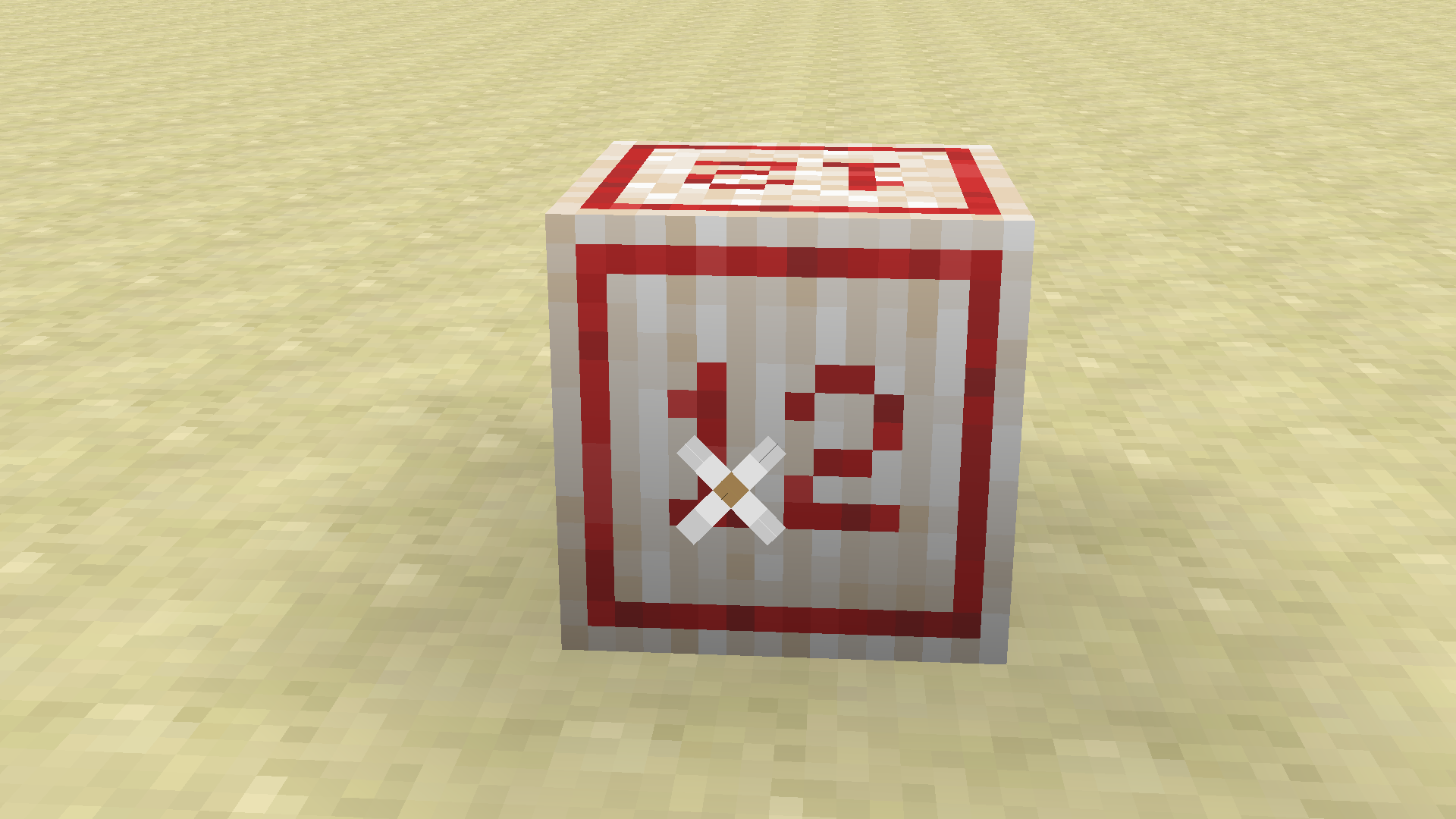
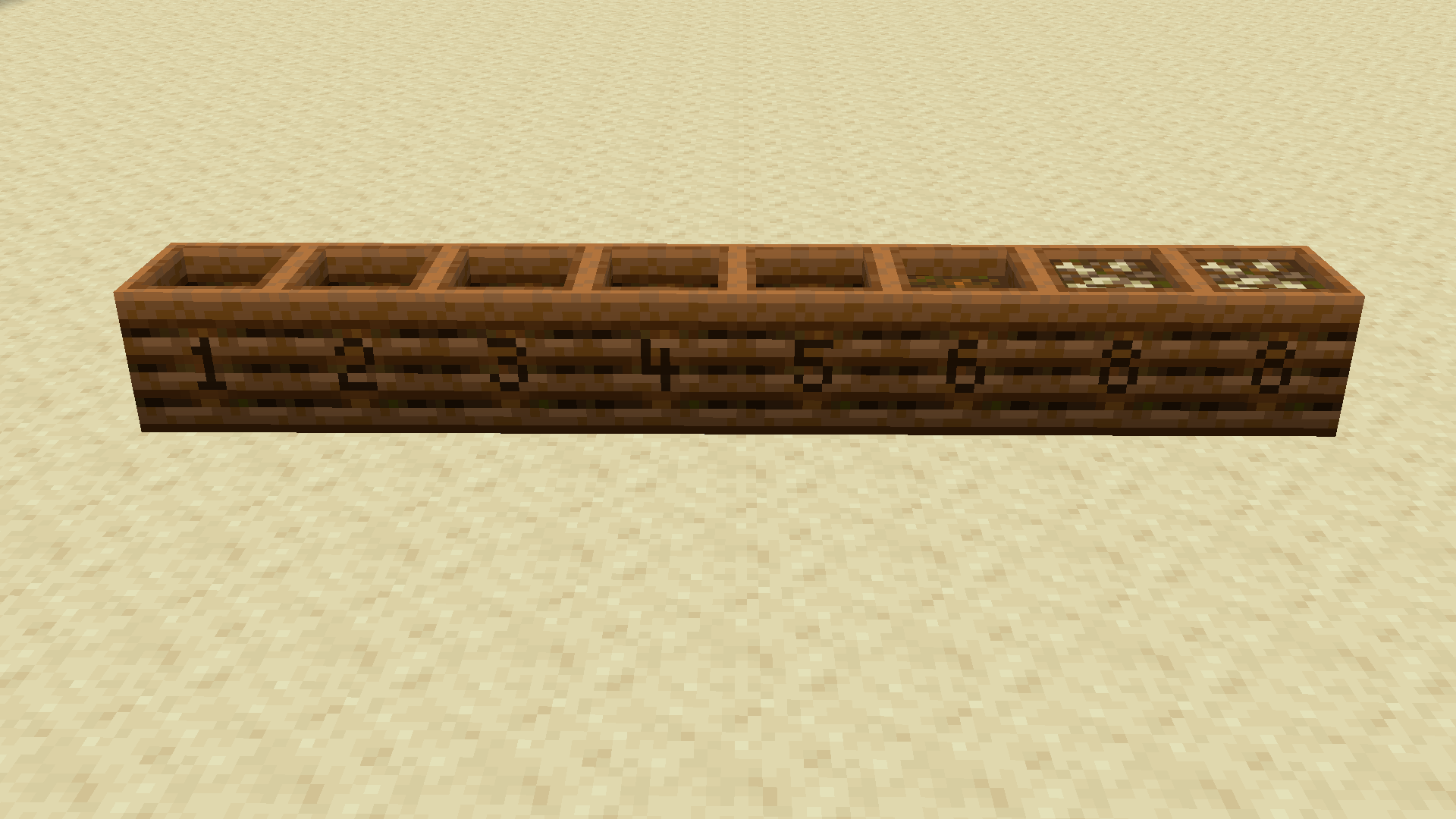
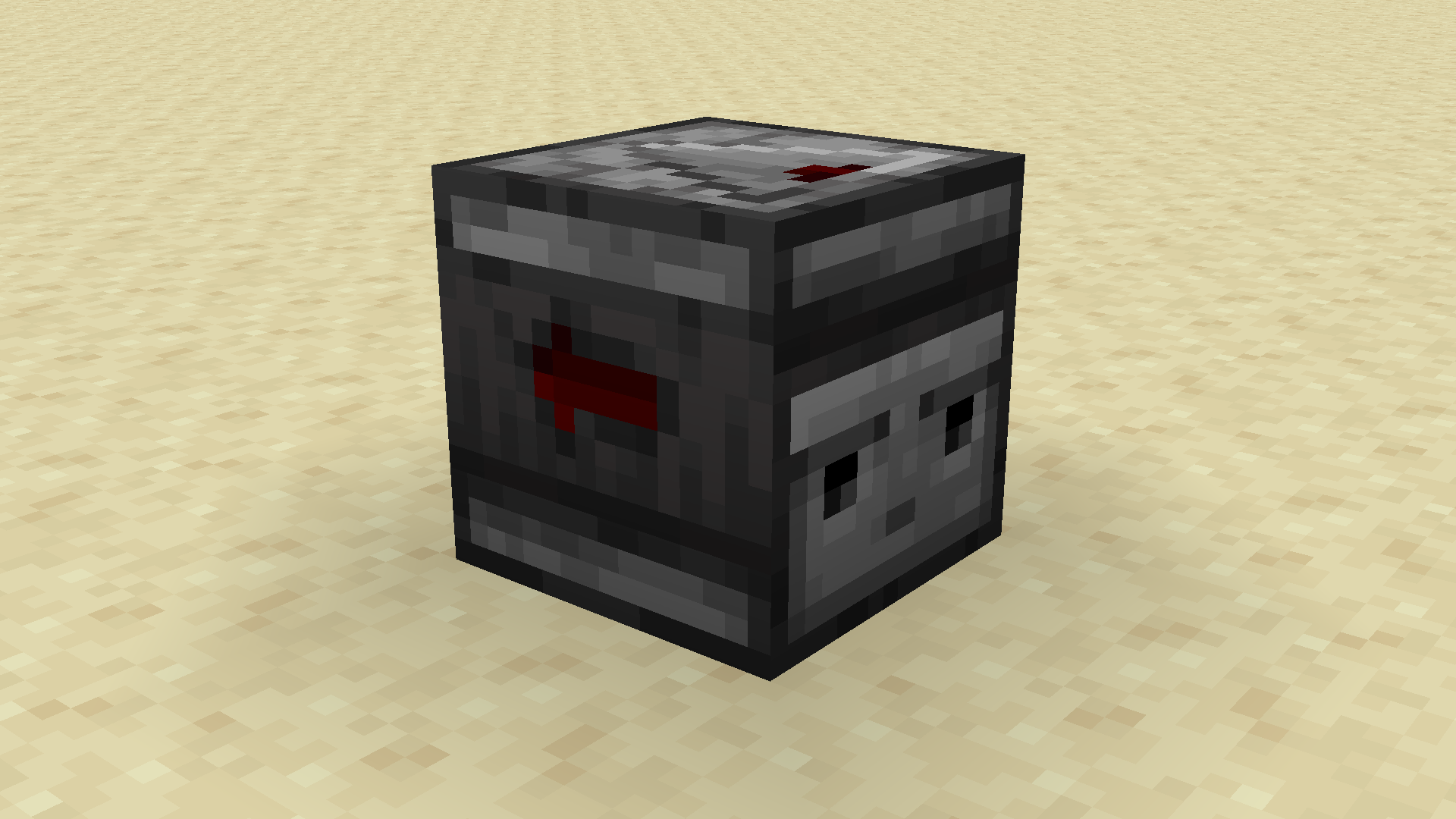
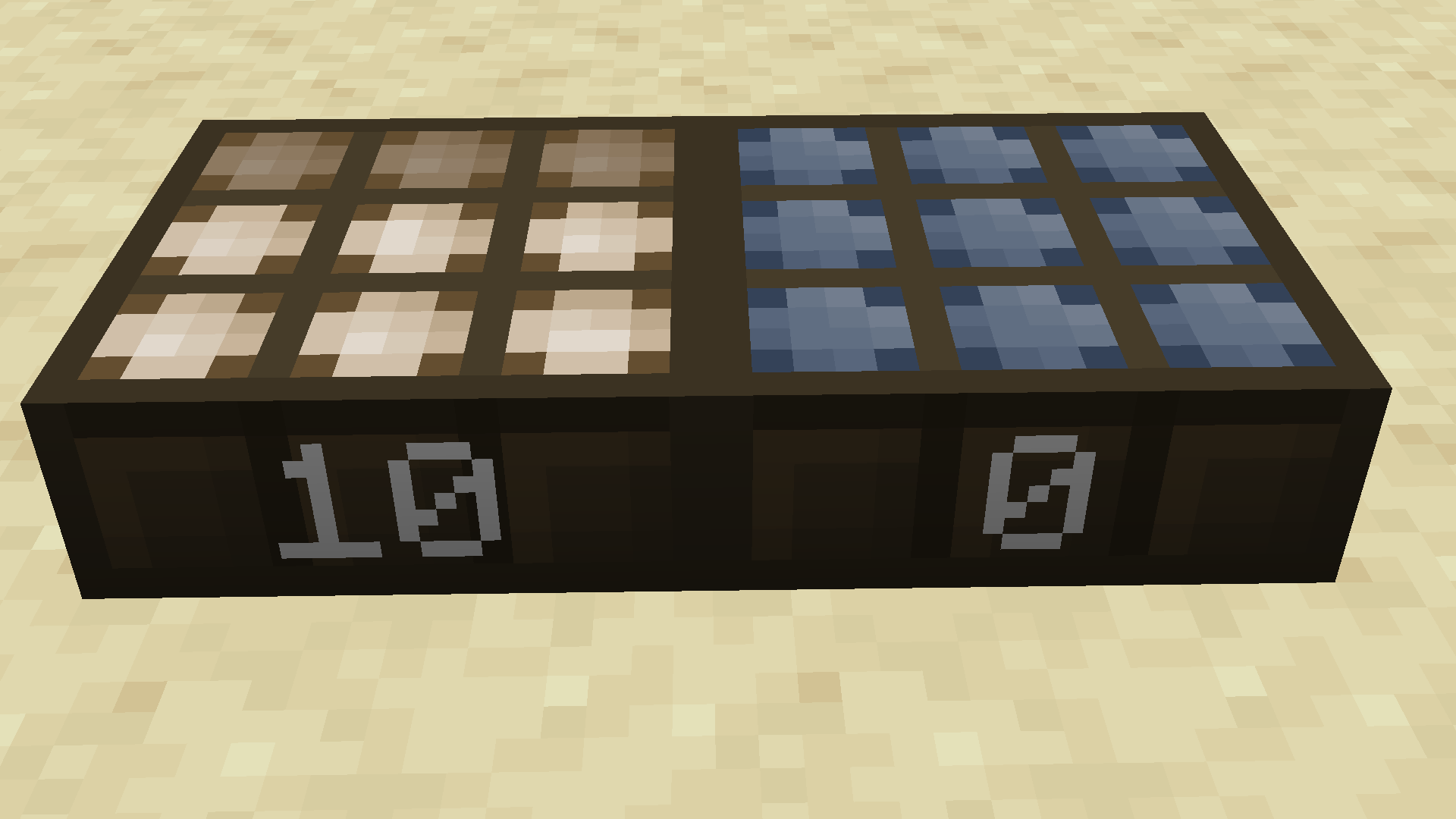
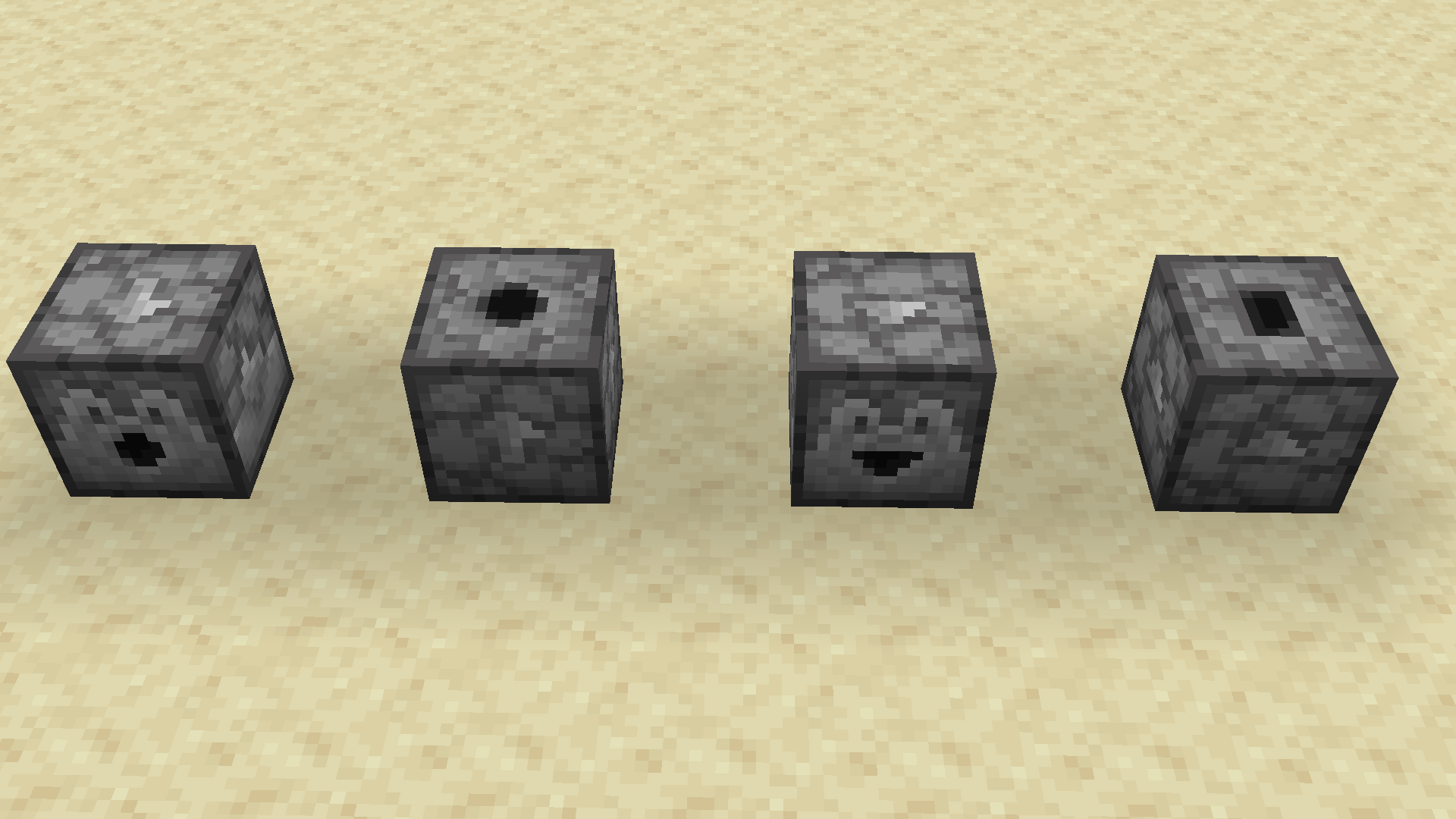
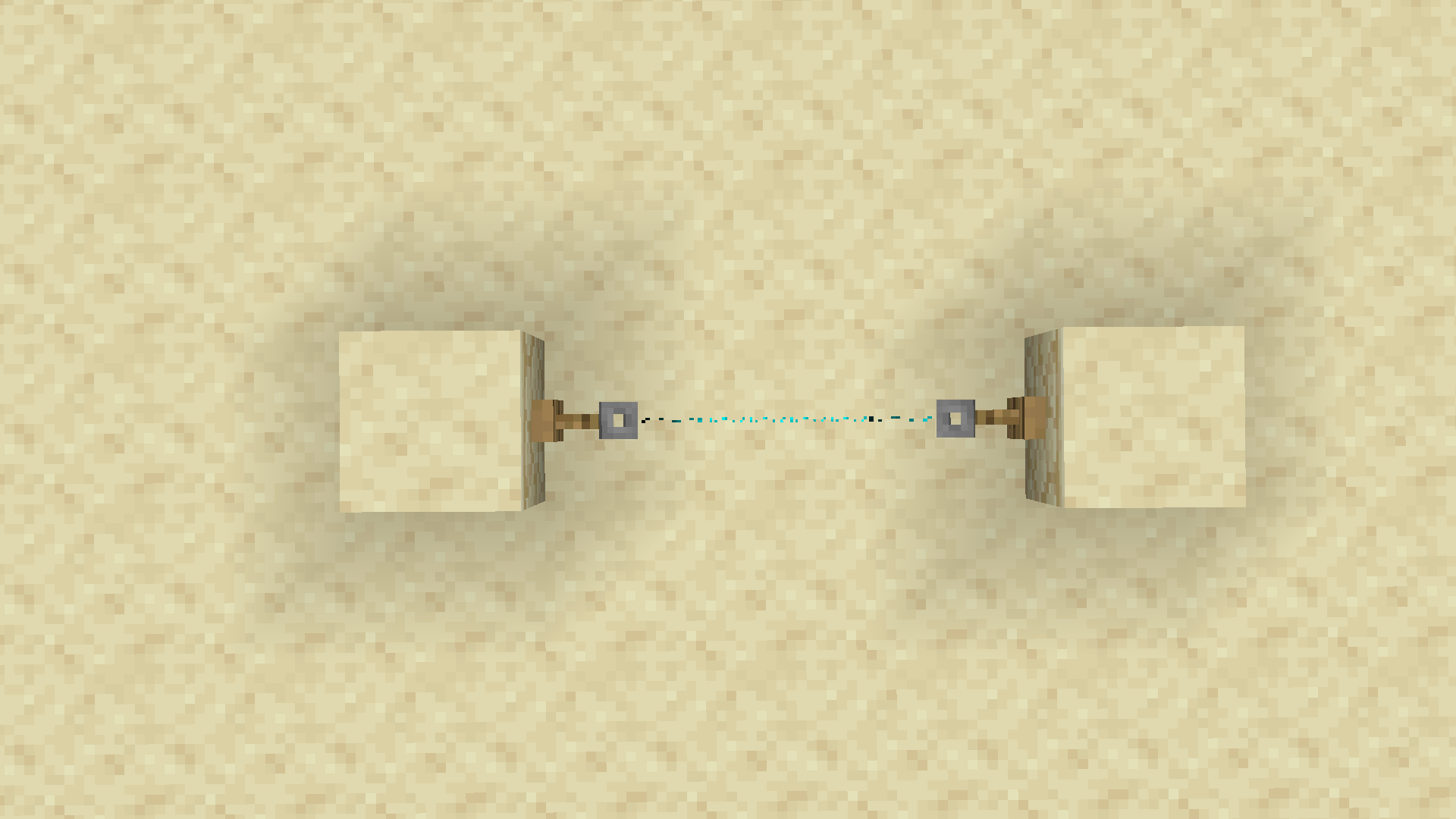
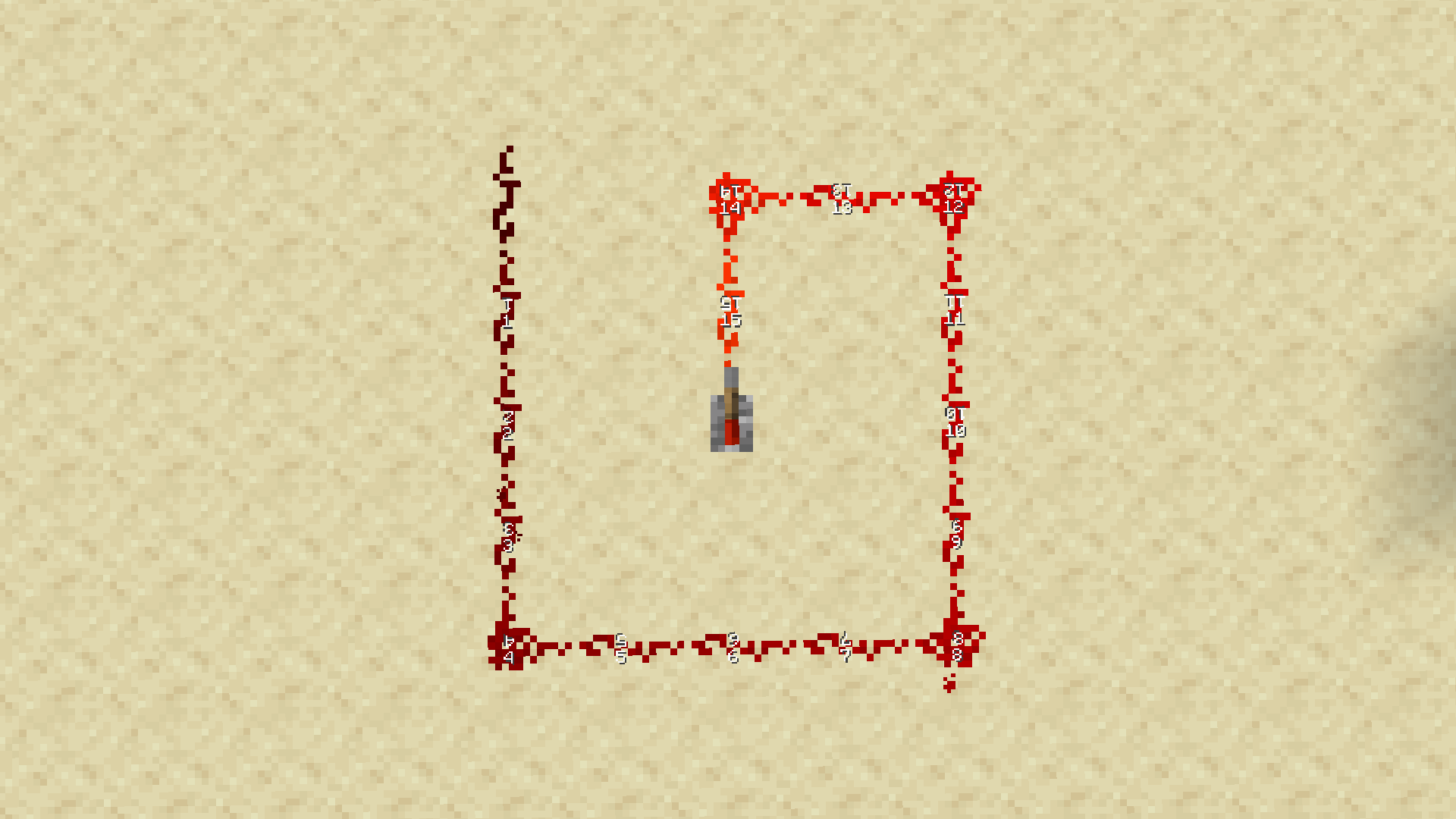
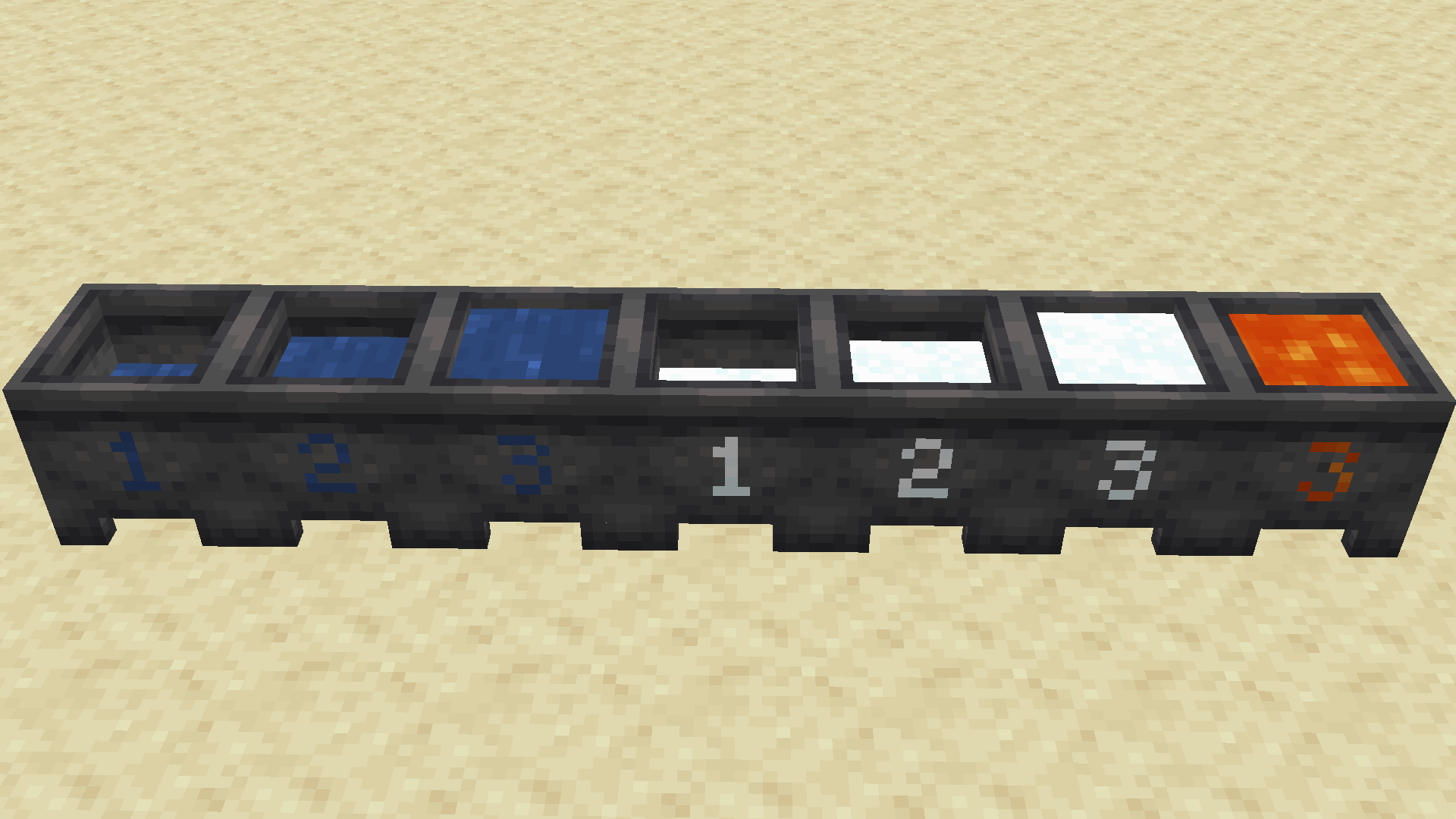
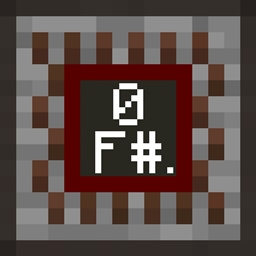
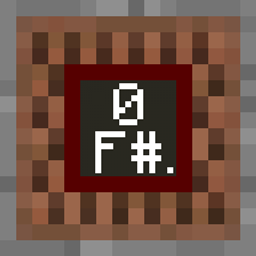
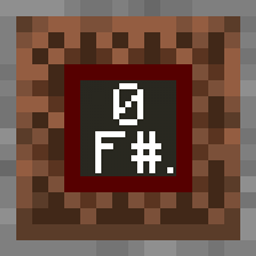
This pack includes a large list of small improvements to various Redstone components while trying to keep the feel of the Vanilla (Jappa) textures. It follows in a similar vein to Vanilla Tweaks.
If you enjoy this style of tweaks but use the Programmer Art Textures, check out the Programmer Art Redstone Tweaks that I created.
Credits & Info:
- Pack curation and various changes to the included pack features
- GroovyLevers
- RedstonePowerLevels
- StickyPistonSides
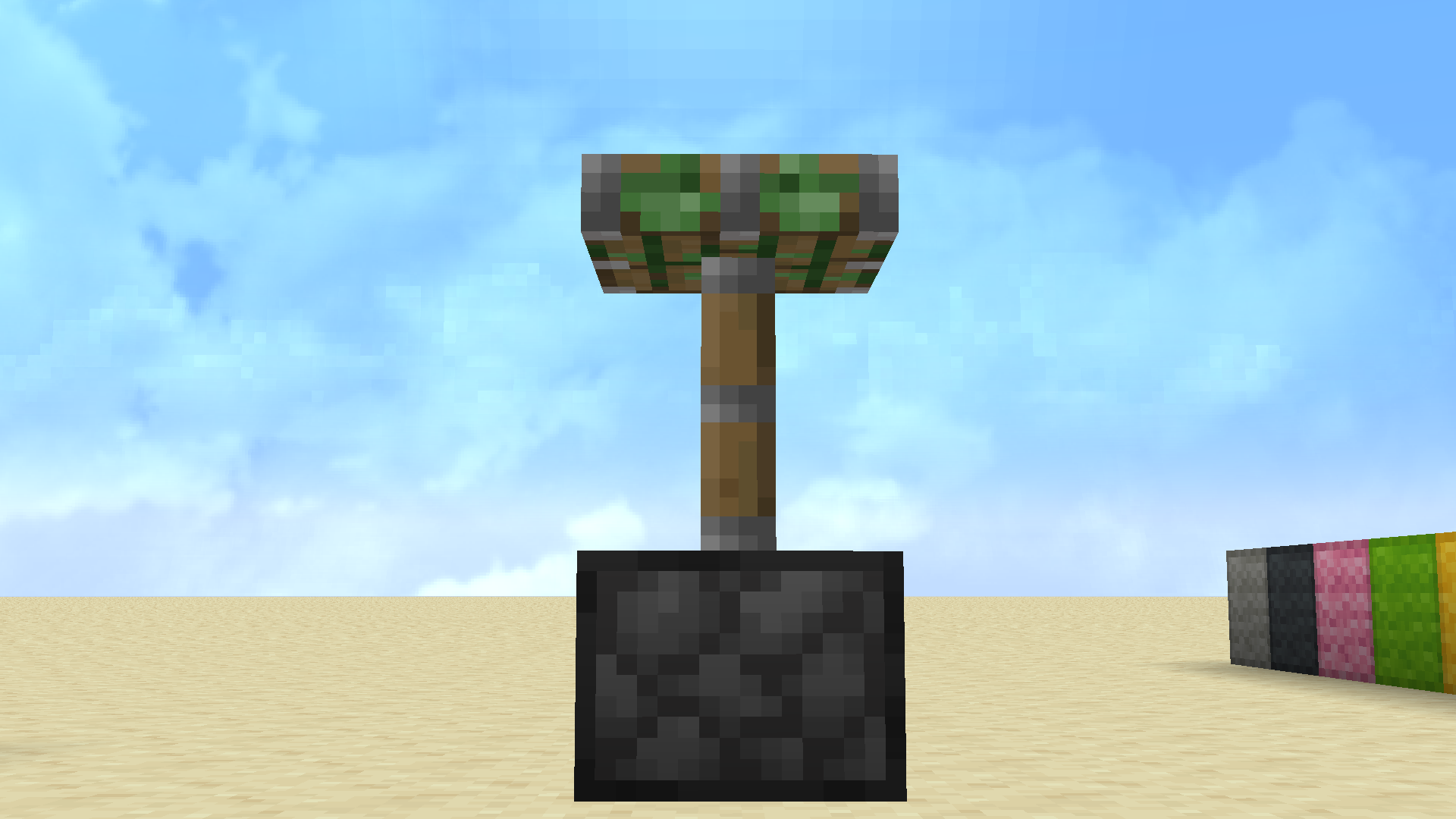
- VisibleTripwires
- BetterObservers (Tweaked By Kingswords to improve the front Texture)
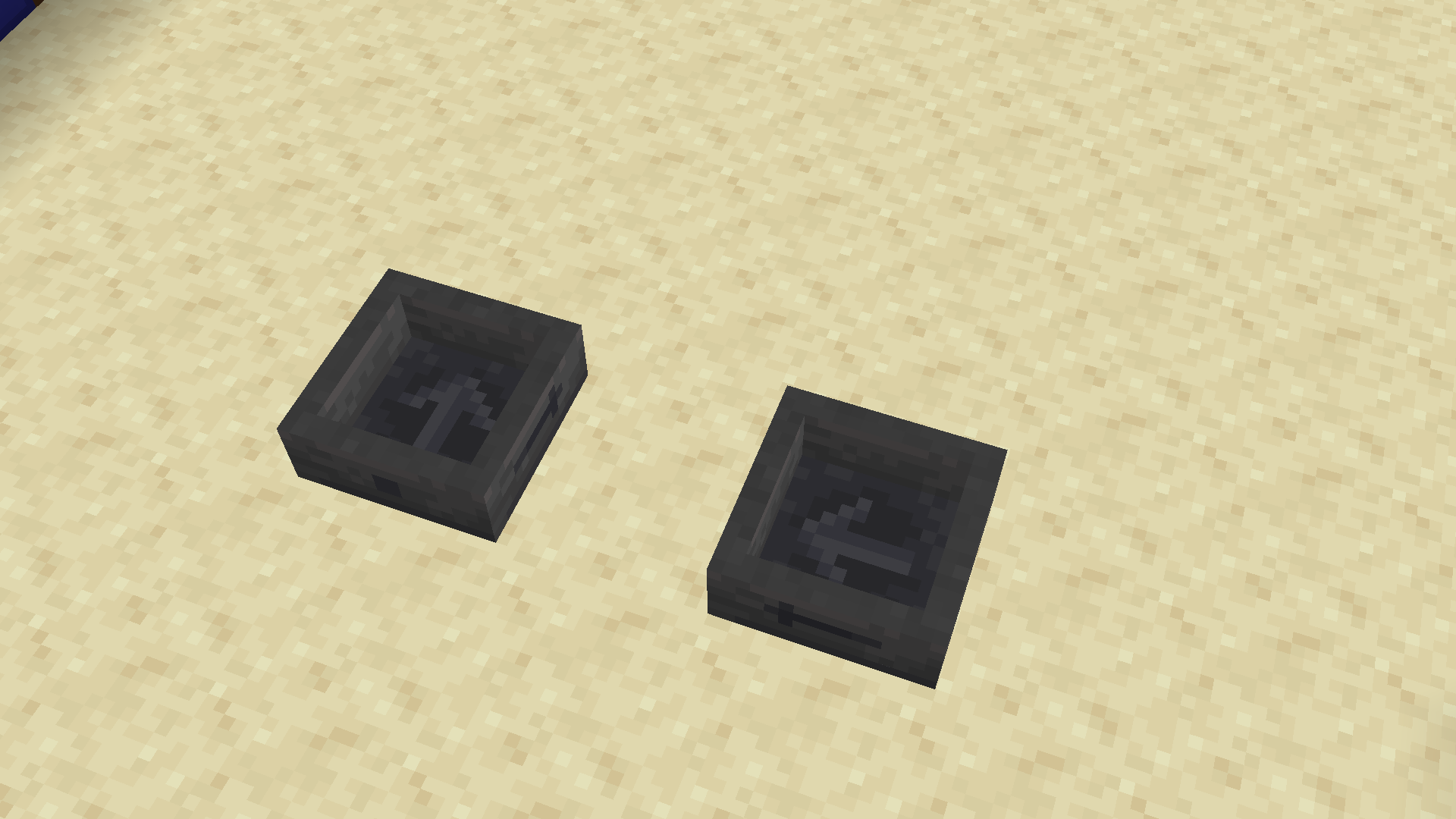
- DirectionalHoppers (Tweaked By Kingswords to use the code from Metamilo)
- VisualCauldronStages (Heavily Tweaked by Kingswords to improve the Textures)
- Inspiration for the pack
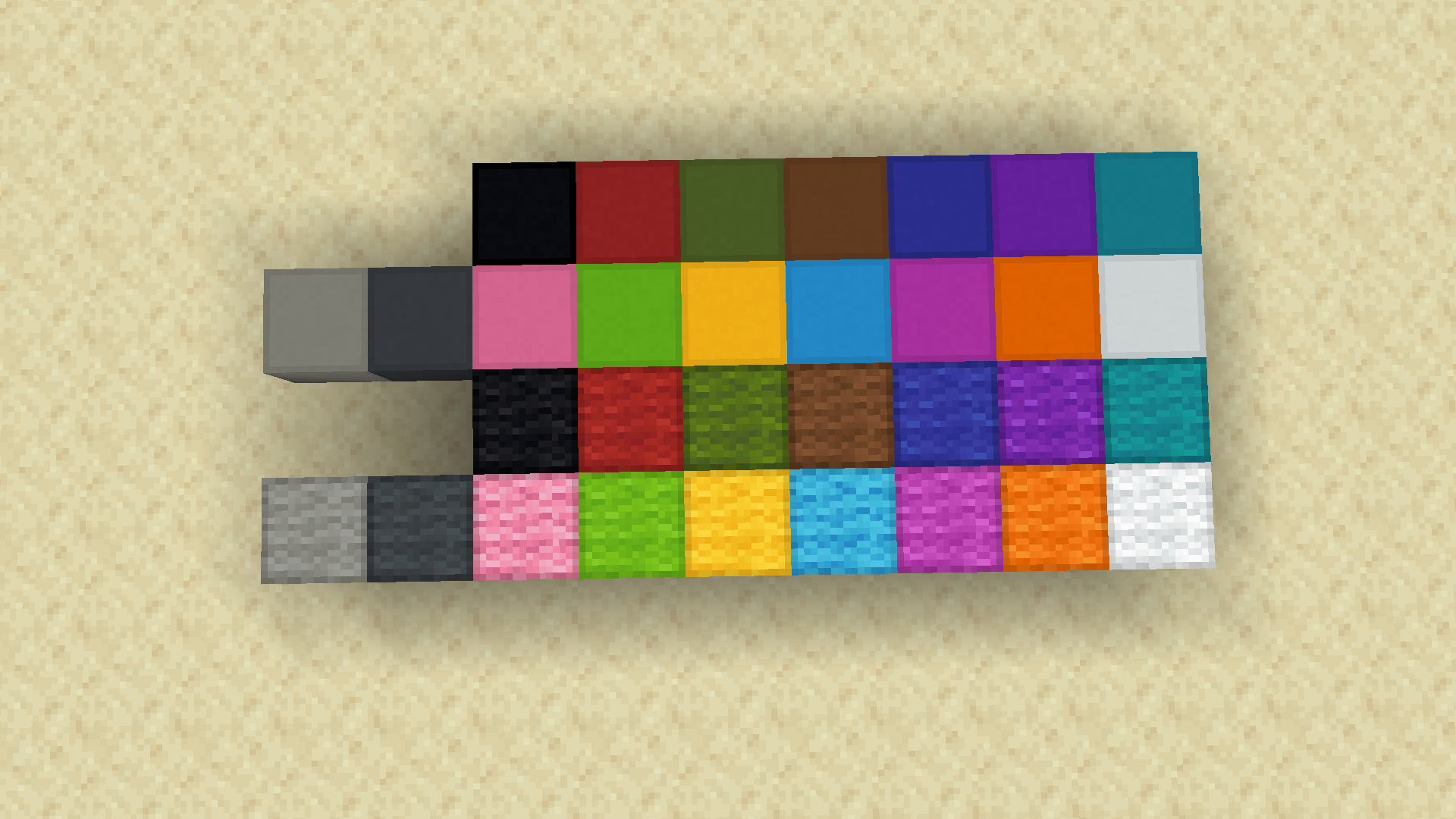
- More Distinguisable Wool Edges
- Visual Composter Levels
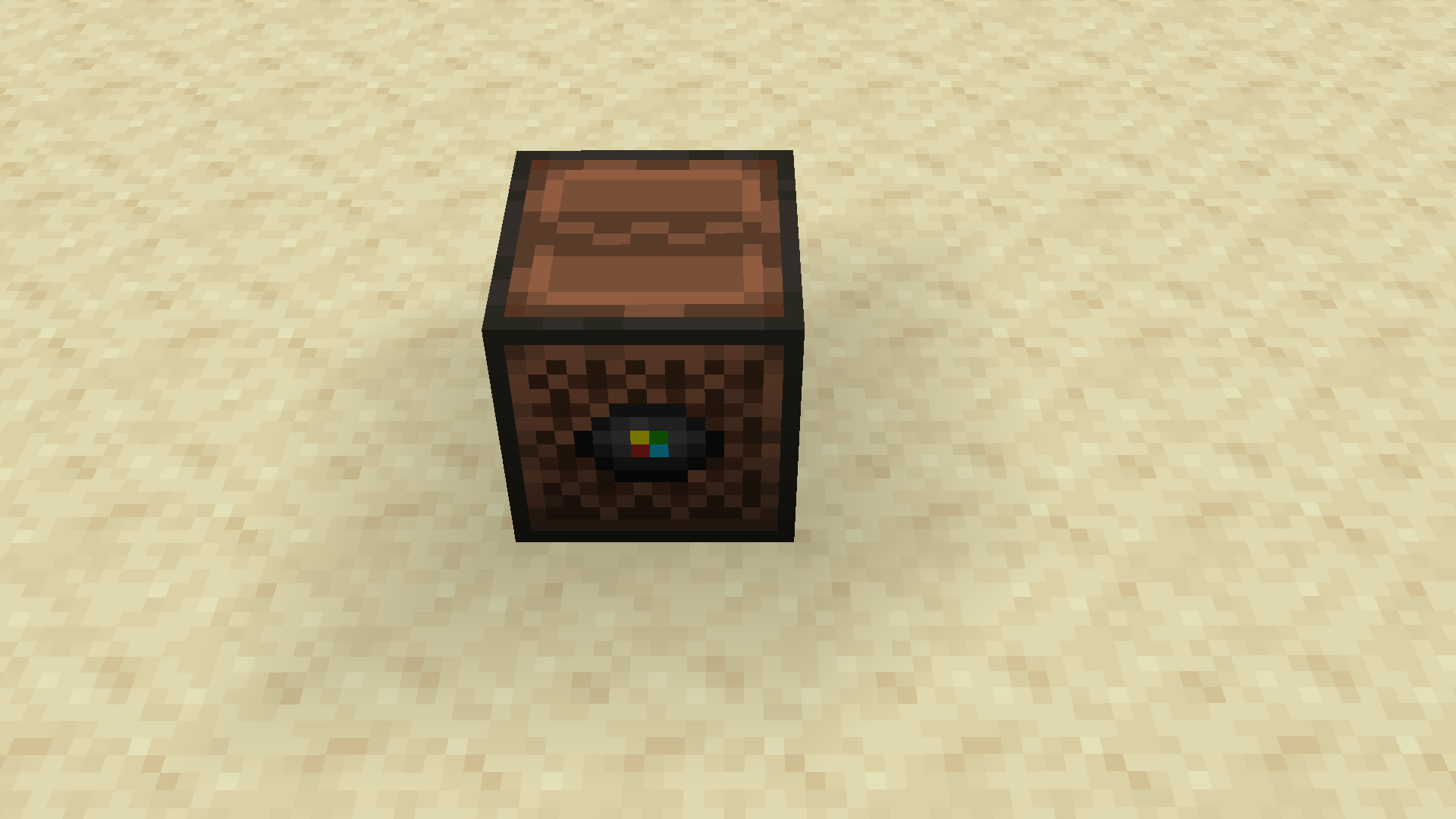
- Jukebox Visual Disc (Tweaked By Kingswords to make the top "close")
- More Distinguisable Concrete Edges
- Target Block Indicator
- Directional Hoppers (Tweaked By Kingswords to use the Vanilla Tweaks Textures)
- Powered Dispenser (Tweaked By Kingswords to use the Textures from the edited Vanilla Tweaks "Directional Dispensers/Droppers")*
- Powered Dropper(Tweaked By Kingswords to use the Textures from the edited Beatso "Directional Dispensers/Droppers")*
- Powered Hopper (Tweaked By Kingswords to use the Textures from the edited Beatso "DirectionalHoppers")*
- Directional Dispensers/Droppers
- Visual Daylight Detectors
- Better Noteblocks (Heavily tweaked by Kingswords to better match the Vanilla textures. Standalone pack here: https://www.curseforge.com/minecraft/texture-packs/better-jappa-noteblocks-style-a)
- Lectern Power Indicator
*Work in Progress
Thank you to all the hard work of the people who I included in this pack, it would not have been possible to satisfy all of my desires without your help. If you have an issue with being included in the pack please let me know.