Mineuniverse
Resource Packs
Redd's Leaves

Redd's Leaves

RESOURCE PACK
Leaf retexturing addon for the Barebones Resource pack
by Redd_Ztone
Download Claim this project
6,445 downloads
0 likes
Updated Oct 14, 2026
0 hypes
16x Miscellaneous Mod Support Modern Traditional
Advertisement Remove ads with Premium →


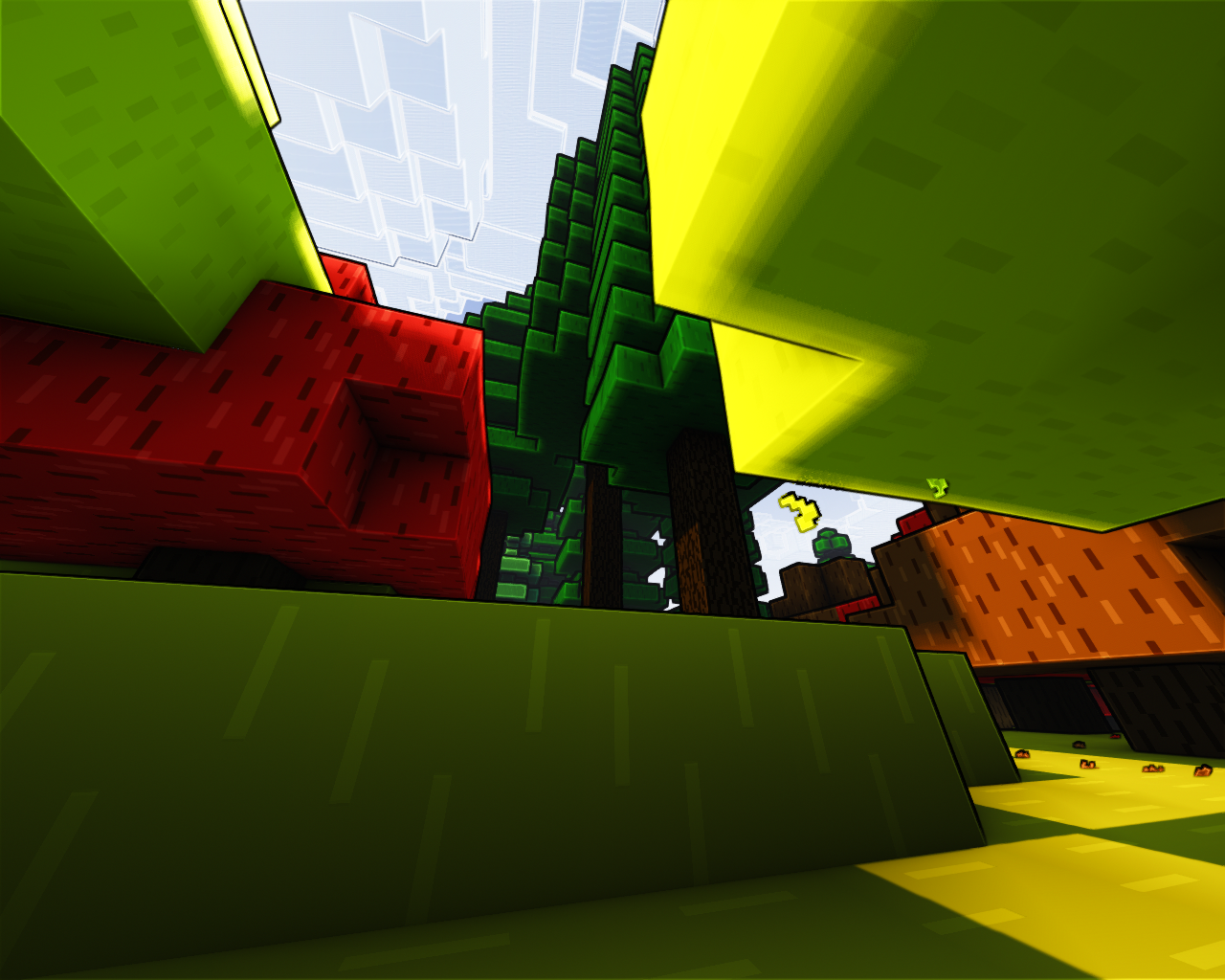
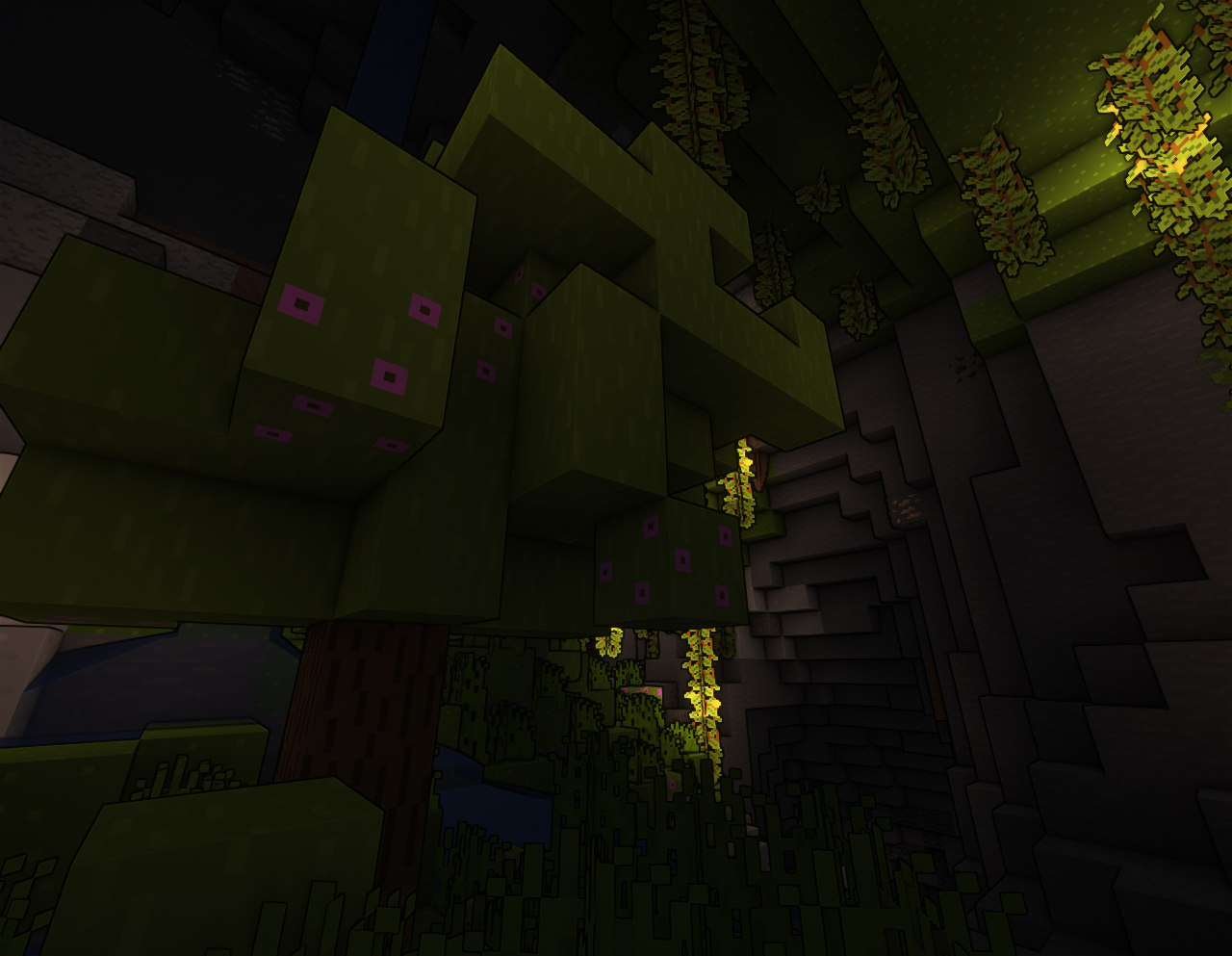
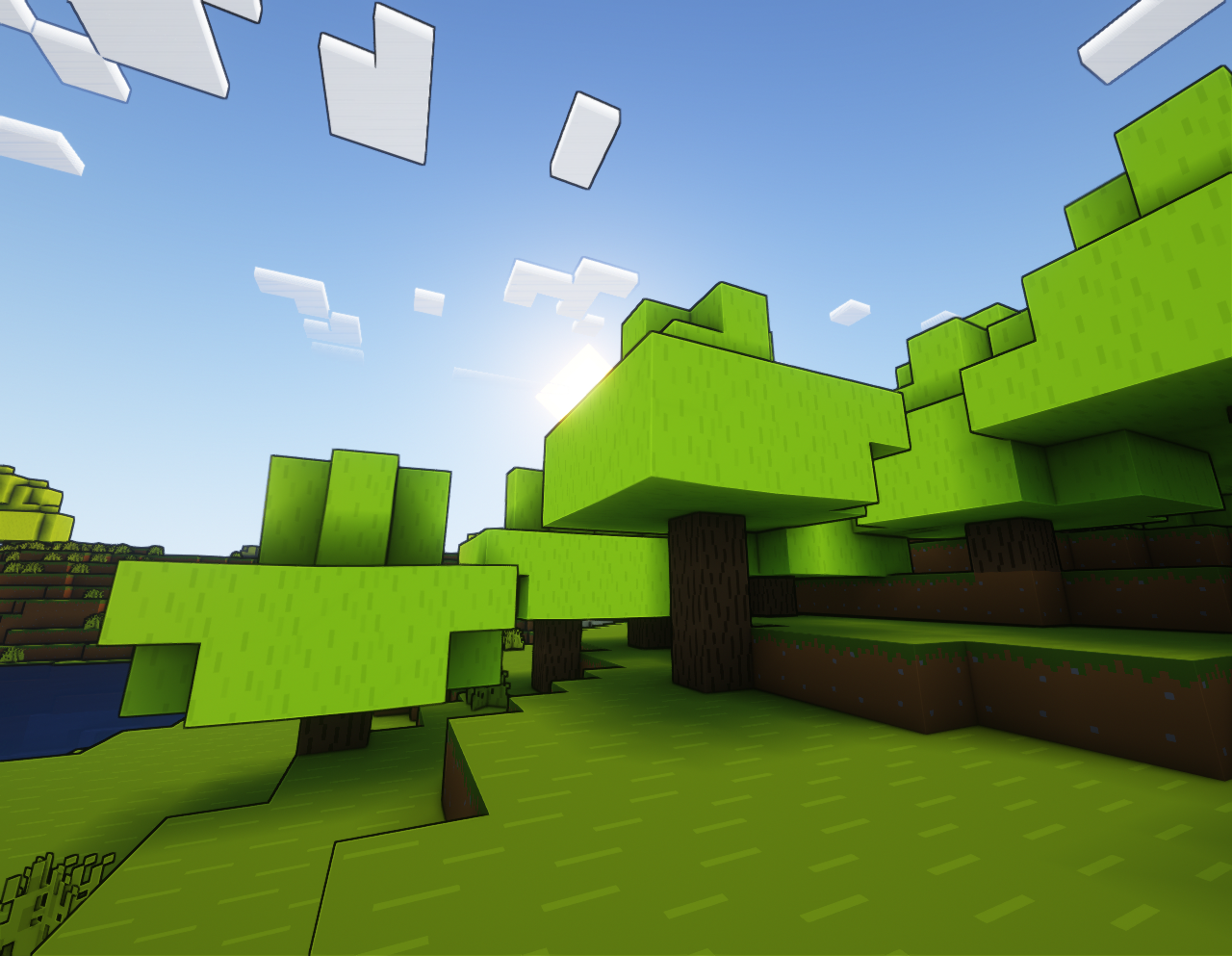
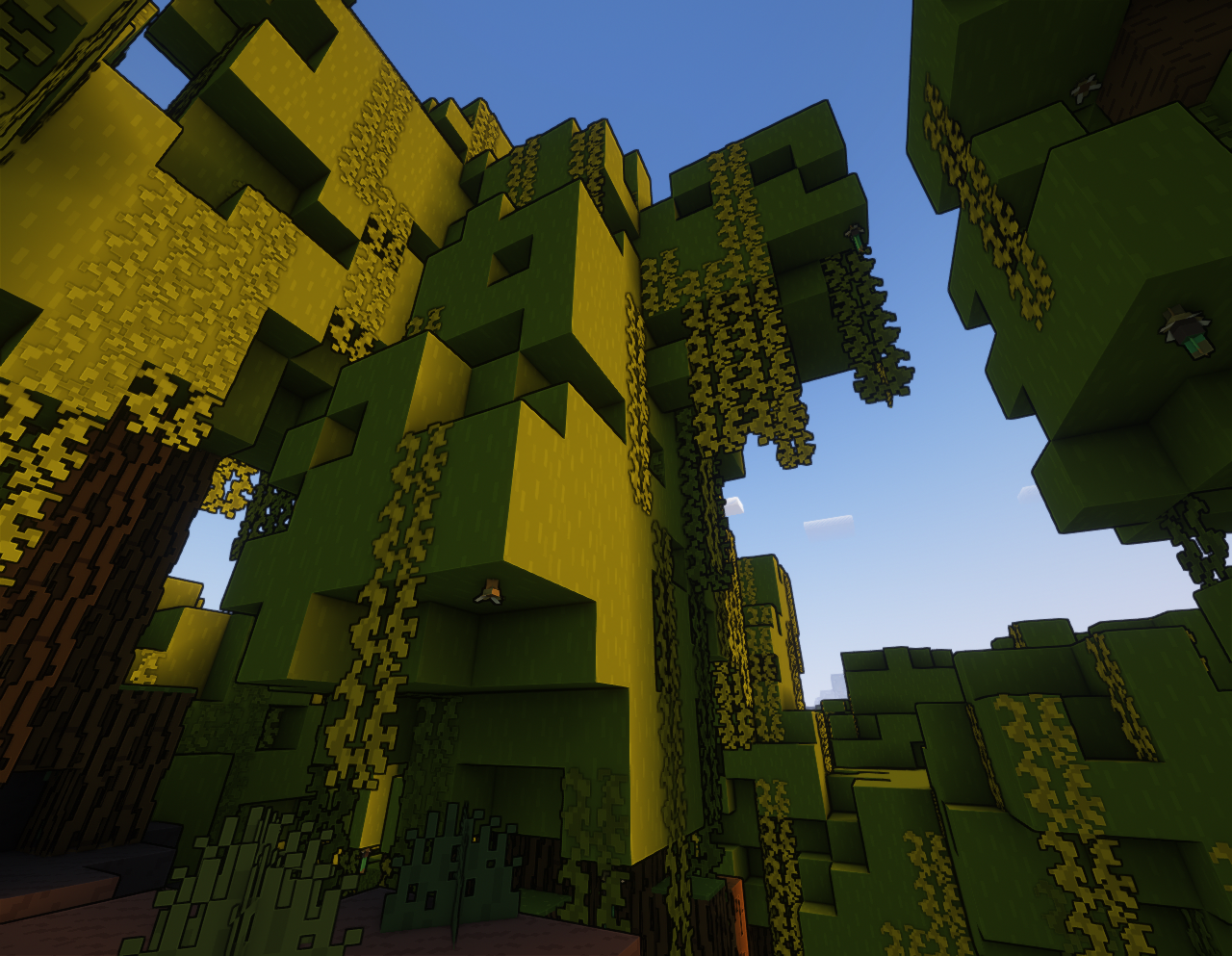
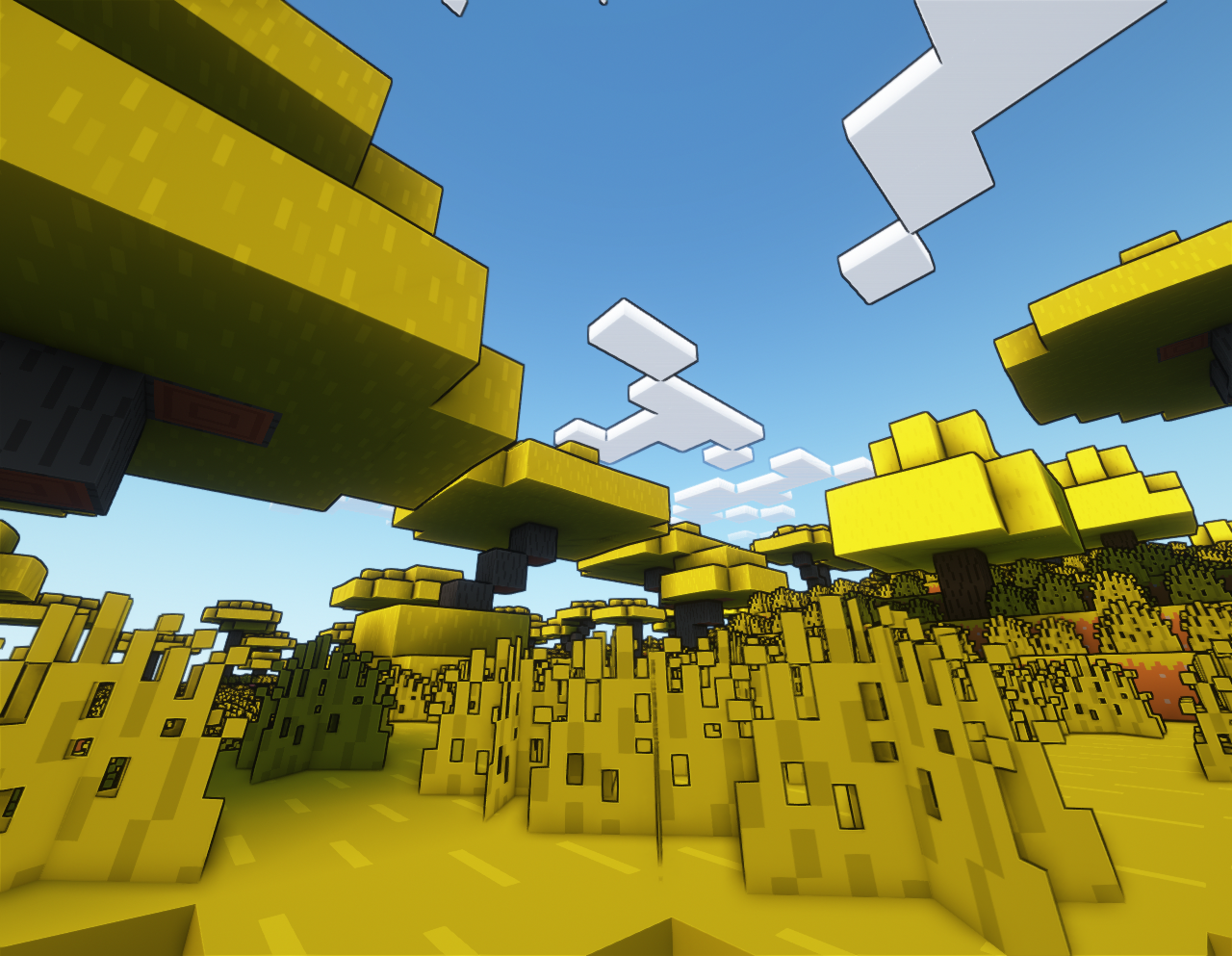
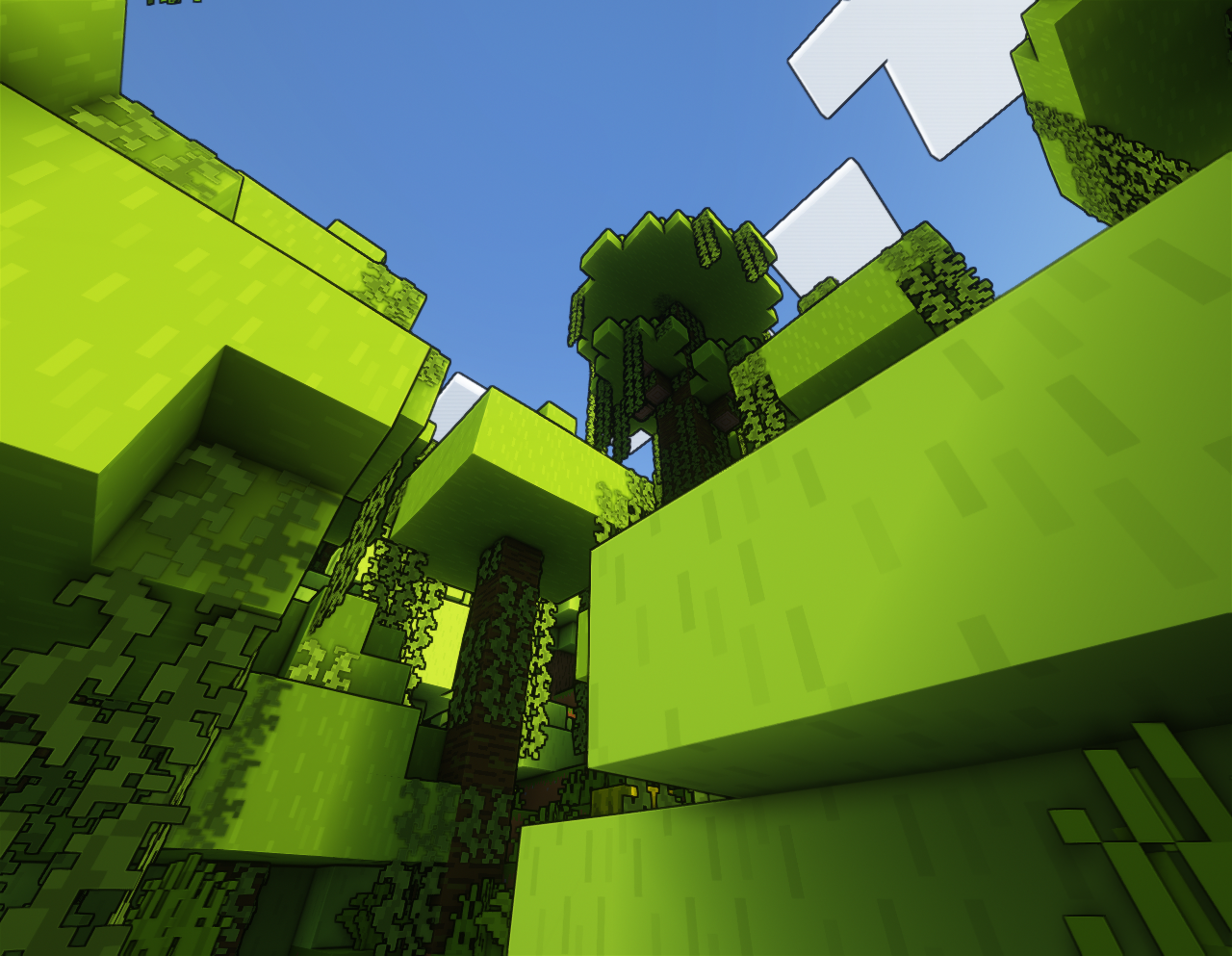
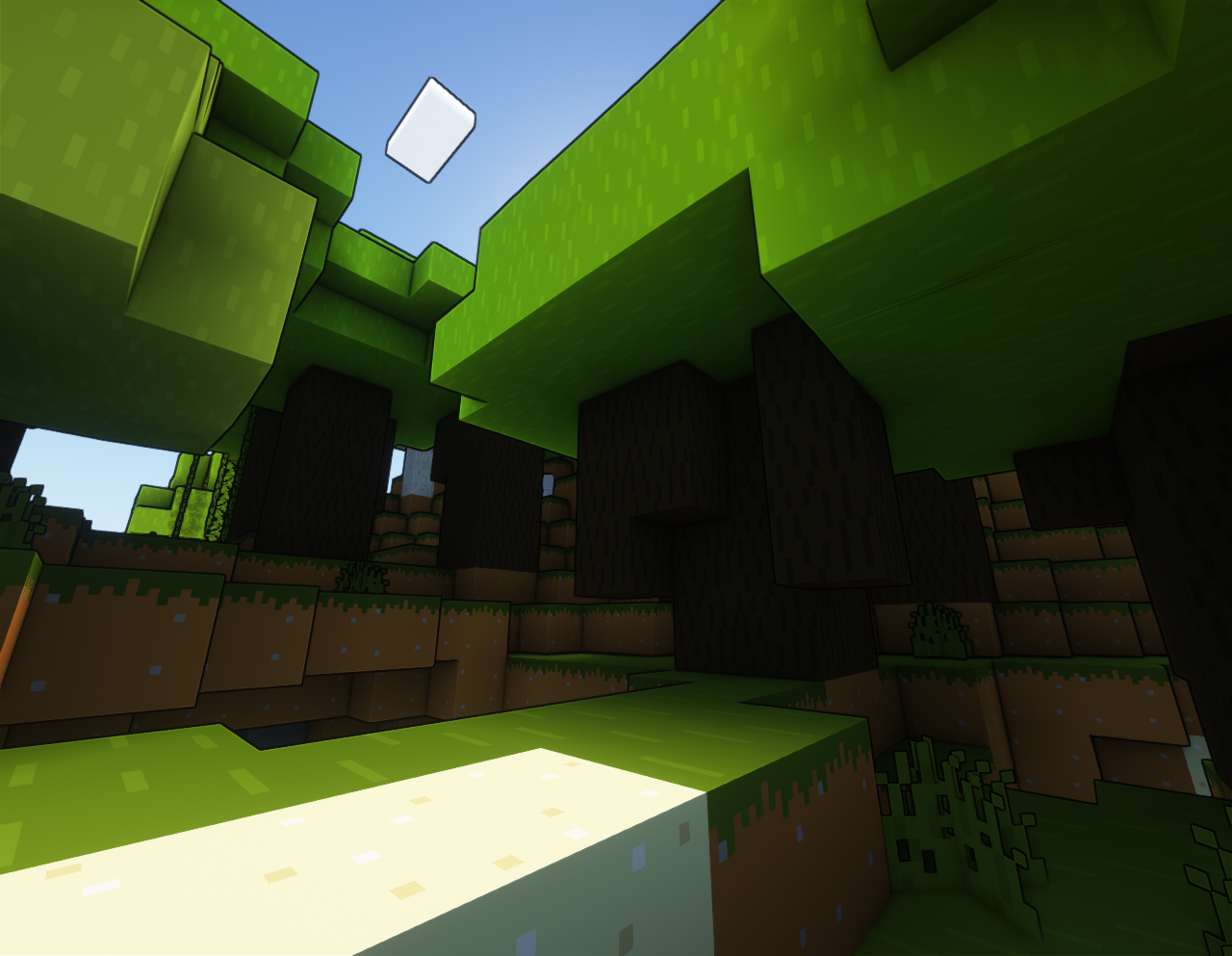
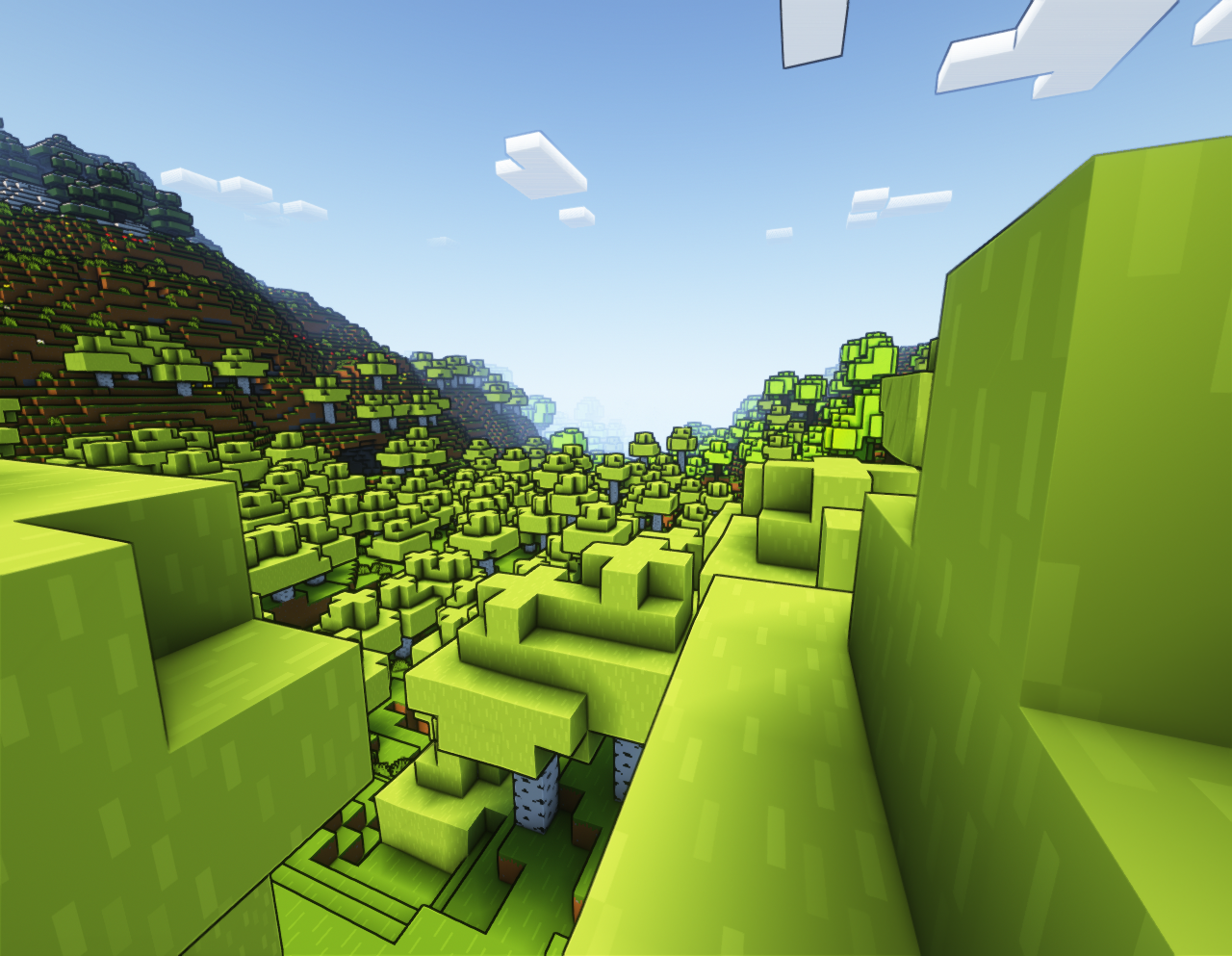
An addon pack for the bare bones resource pack aimed at adding some texture to the leaves while still retaining the vibrant look of the base pack.
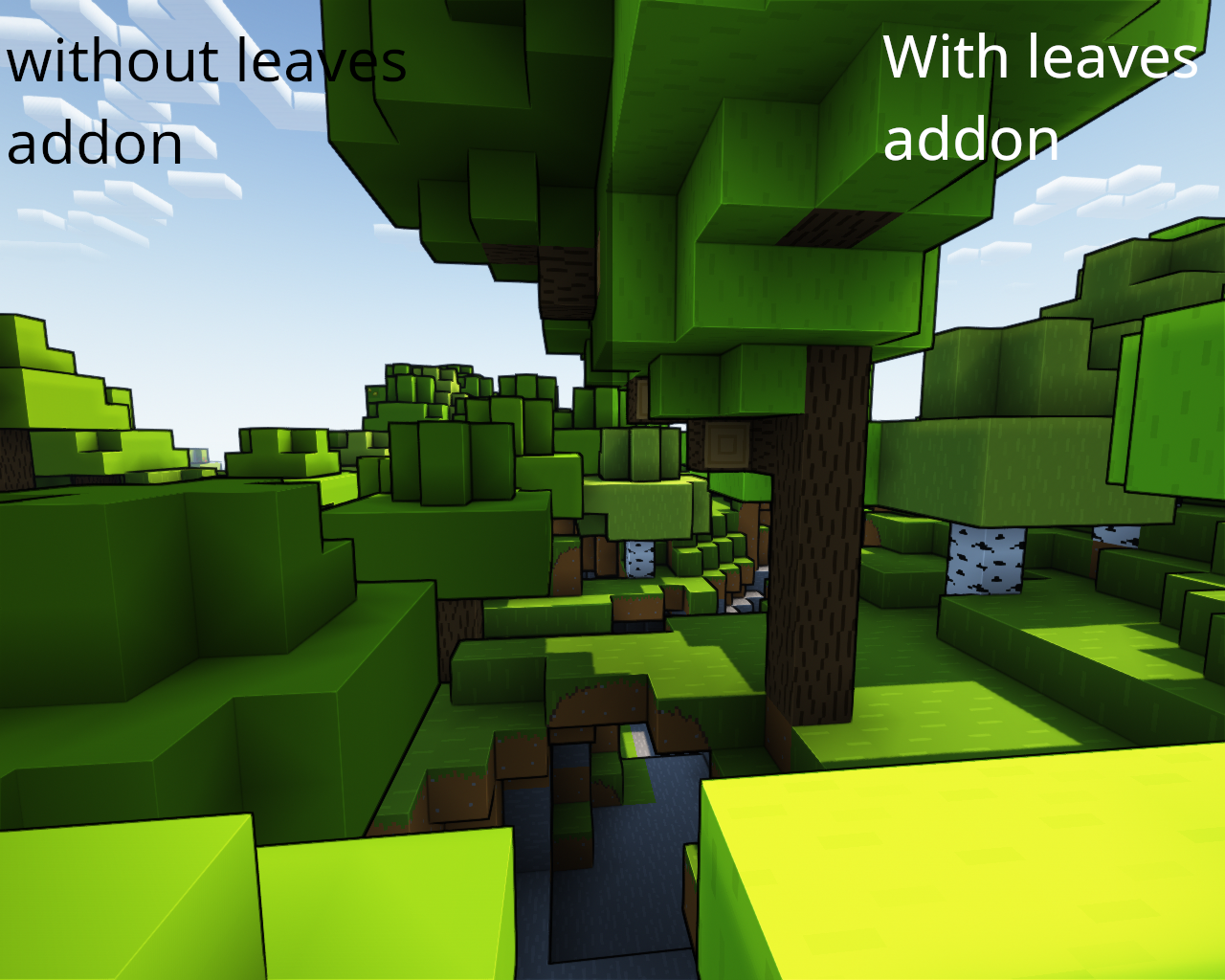
Base bare bones resource pack


example


Vanilla leaves that are changed:

  • Acacia leaves
  • Azalea leaves
  • Azalea's flowering and not flowering to keep with the leaves texture
  • Birch leaves
  • Dark Oak leaves
  • Jungle Leaves
  • Mangrove leaves
  • Oak leaves
  • Spruce leaves


Traverse leaves that are changed:

  • Fir leaves
  • All autumnal leaves


 Promenade leaves that are changed:

  • All Cherry oak leaves
  • Palm leaves


SCS (screenshot setup)

All screenshot taken with the base Bare Bones pack, a heavily configured version of the Complimentary shaders pack and Redd's Leaves. Client is using Sodium and Iris on the Quilt loader.

Redds Leaves 1.20+.zip
MC 1.19.3, 1.20.2, 1.21, 1.18.1, 1.19.4-Snapshot, 1.20.5, 1.19.4, 1.19-Snapshot, 1.18.2, 1.19.2, 1.20.3, 1.20.1, 1.20, 1.20.6, 1.19.1, 1.20.4, 1.20-Snapshot, 1.18, 1.18-Snapshot
Release 2023-07-08 Get
Redds Leaves v3.1
MC 1.19-Snapshot, 1.19.2, 1.19.1, 1.19
Release 2023-02-21 Get
Redd's Leaves 1.19+ v2 (outdated)
MC 1.19.3, 1.19-Snapshot, 1.19.2, 1.19.1, 1.19
Release 2023-02-14 Get
Redd's Leaves 1.18.zip
MC 1.18.1, 1.18.2, 1.18, 1.18-Snapshot
Release 2022-07-05 Get
Redd's Leaves 1.19 v1(outdated)
MC 1.19.3, 1.19-Snapshot, 1.19.2, 1.19.1, 1.19
Release 2022-07-05 Get

Requirements & install

How to use this resource pack in Minecraft
Resolution
16x
Minecraft
1.20 – 1.21
Install folder
.minecraft/resourcepacks

How to install resource packs

  1. Download the resource pack .zip file (do not extract it).
  2. In Minecraft open Options → Resource Packs → Open Pack Folder.
  3. Drop the .zip into the resourcepacks folder (.minecraft/resourcepacks).
  4. Move the pack to the Selected column and click Done.
Browse more: 16x resource packs 32x resource packs 64x resource packs 128x resource packs 256x resource packs 512x+ resource packs Resource Packs for 1.21 All resource packs

More from Redd_Ztone

Advertisement Remove ads with Premium →

You Might Also Like