Mineuniverse
Resource Packs
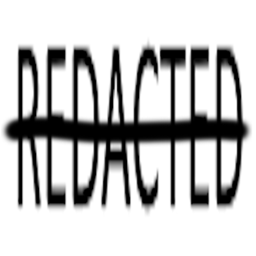
REDACTED

REDACTED

RESOURCE PACK
A resource pack that redacts the whole font, so Minecraft looks like Epstein files!
by kvxnom
Download Claim this project
312 downloads
0 likes
0 followers
Updated Oct 14, 2026
0 hypes
Follow0
Font Packs
Advertisement Remove ads with Premium →

REDACTED

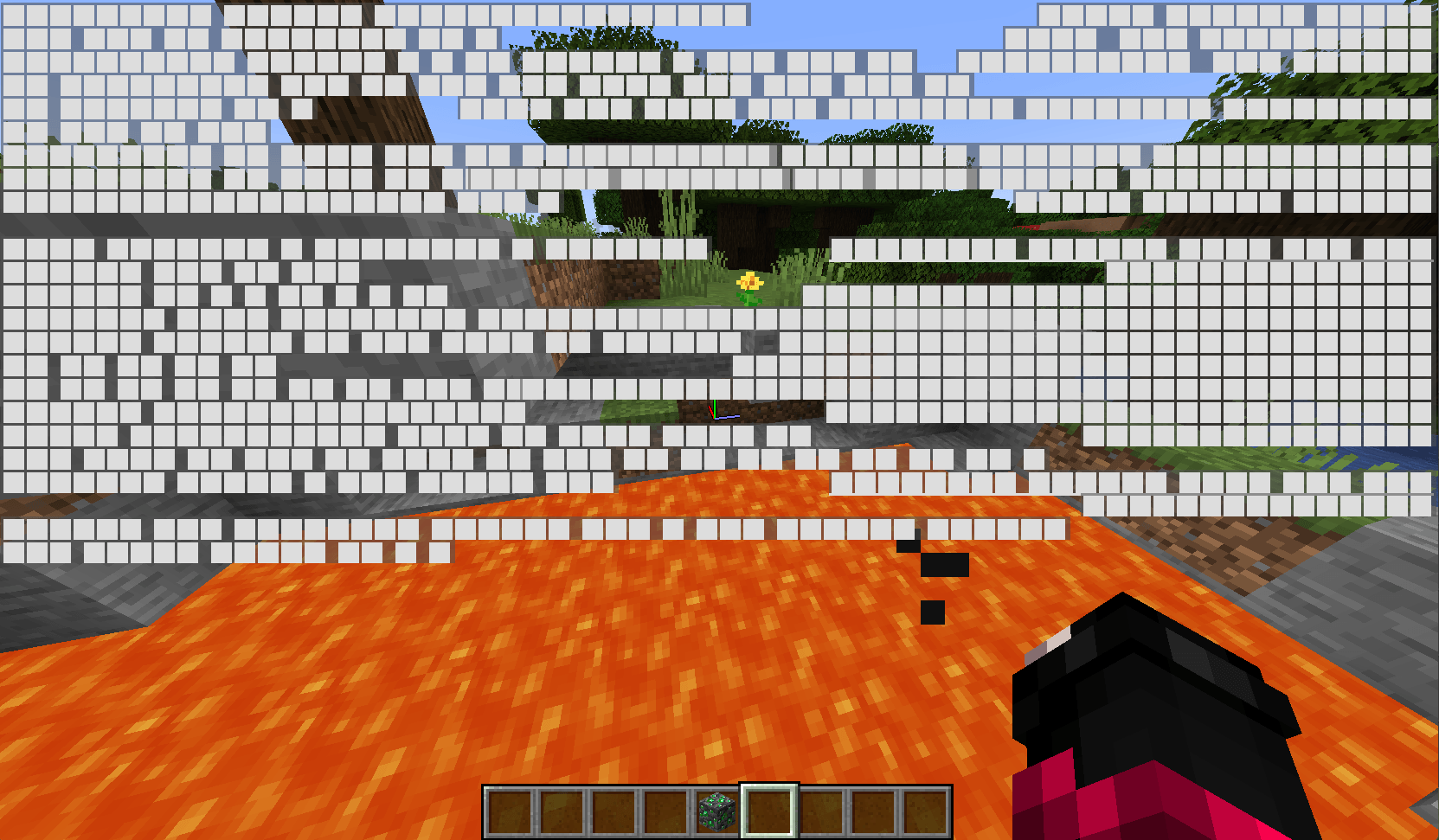
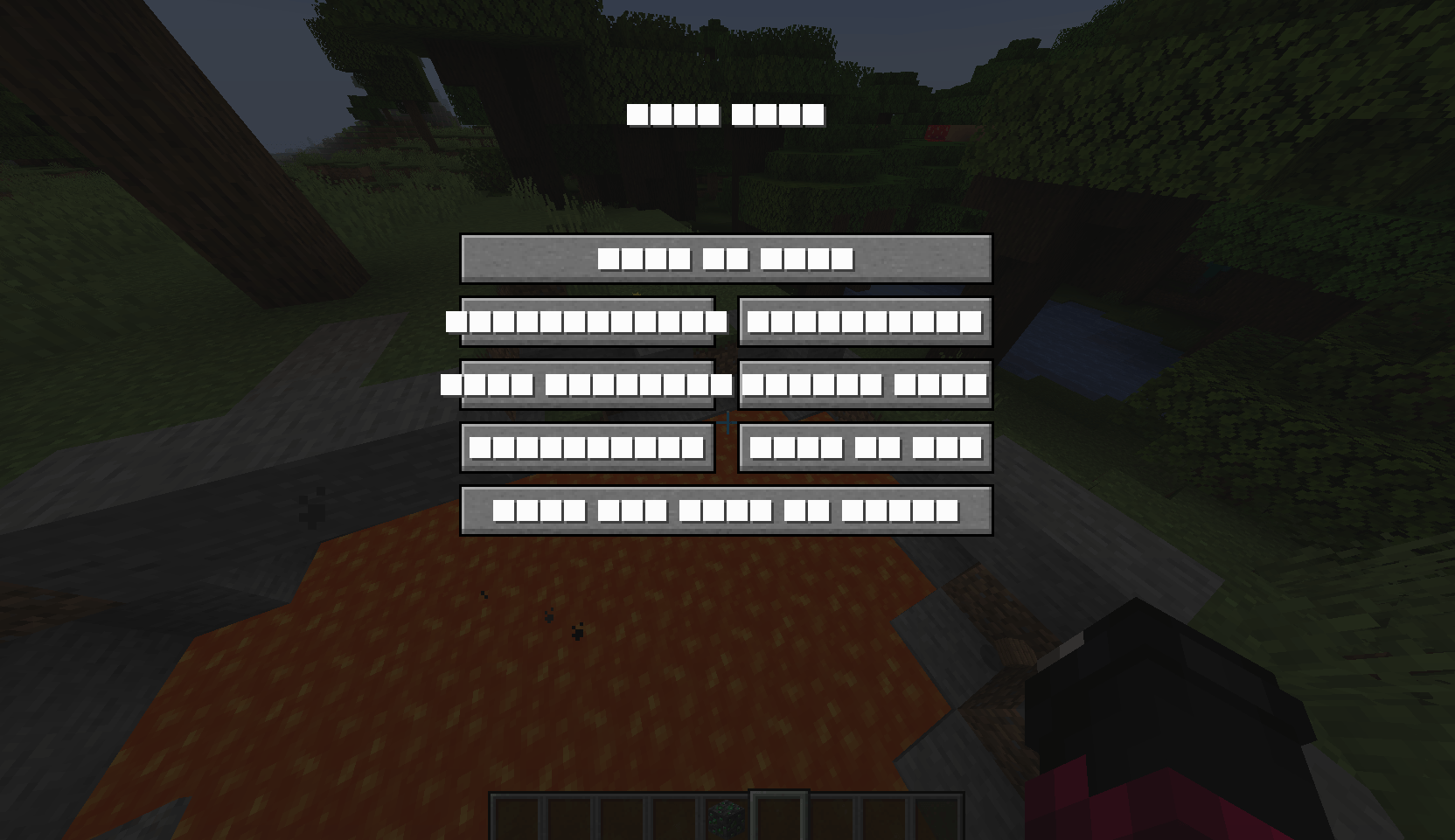
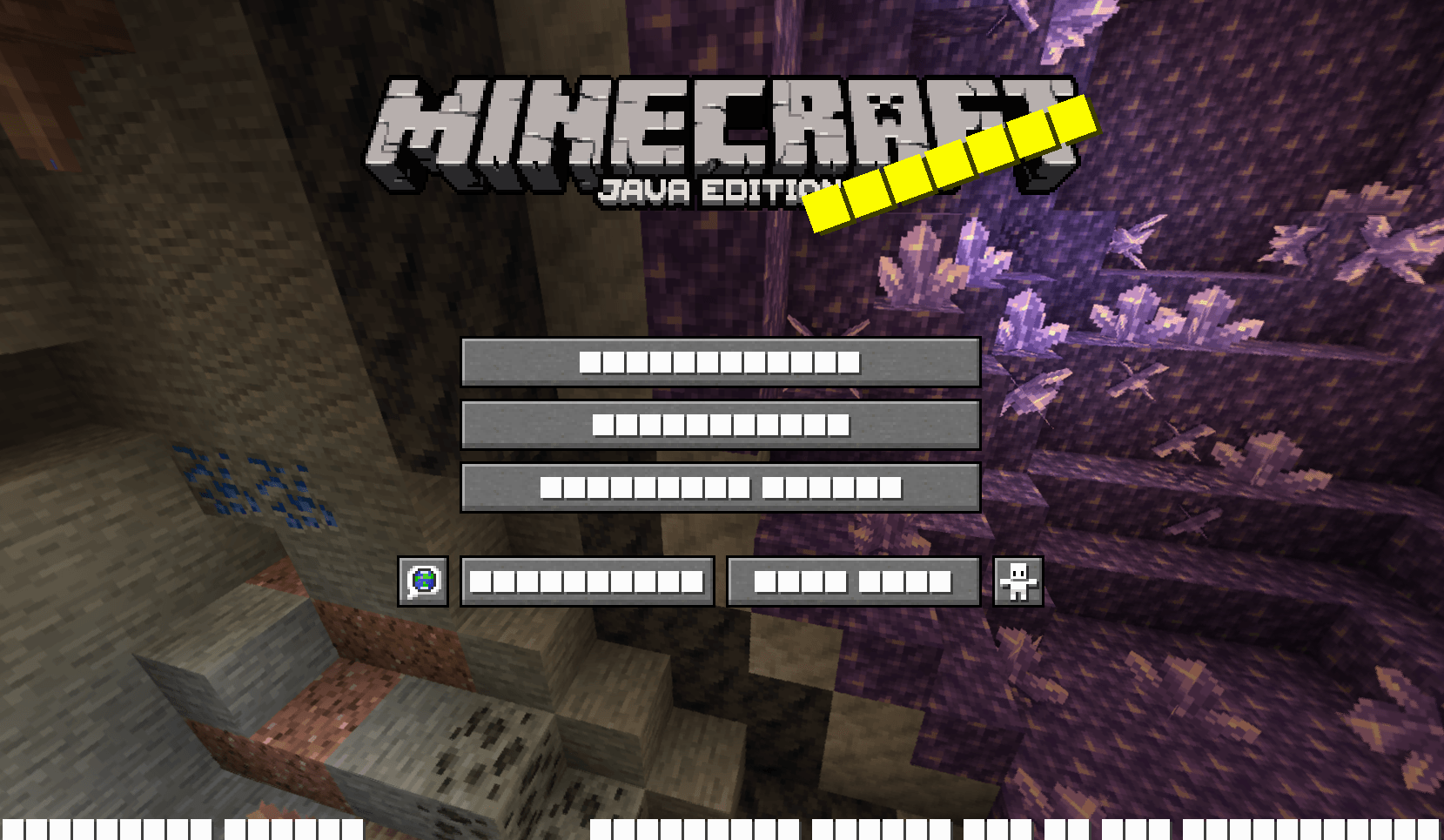
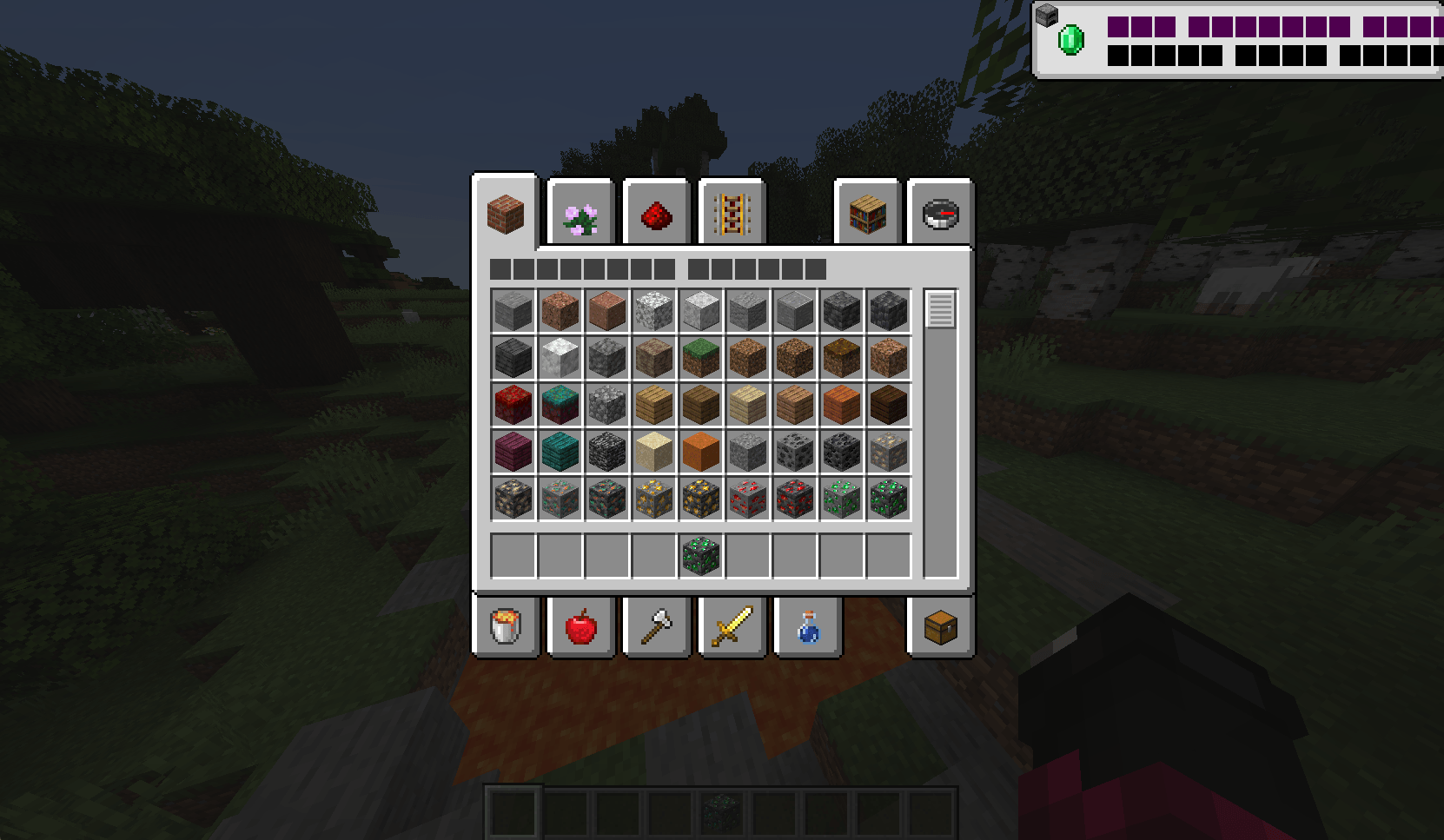
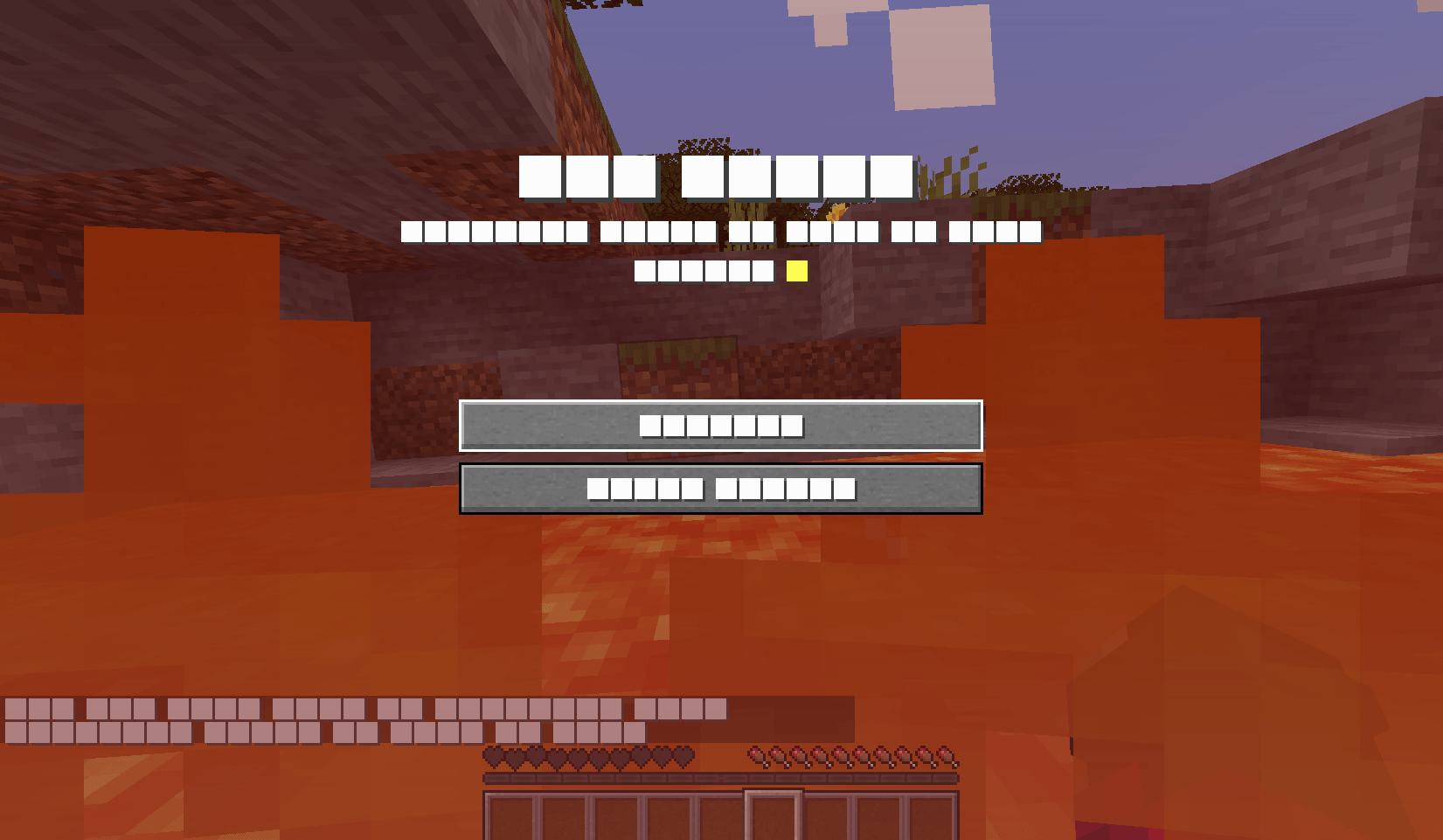
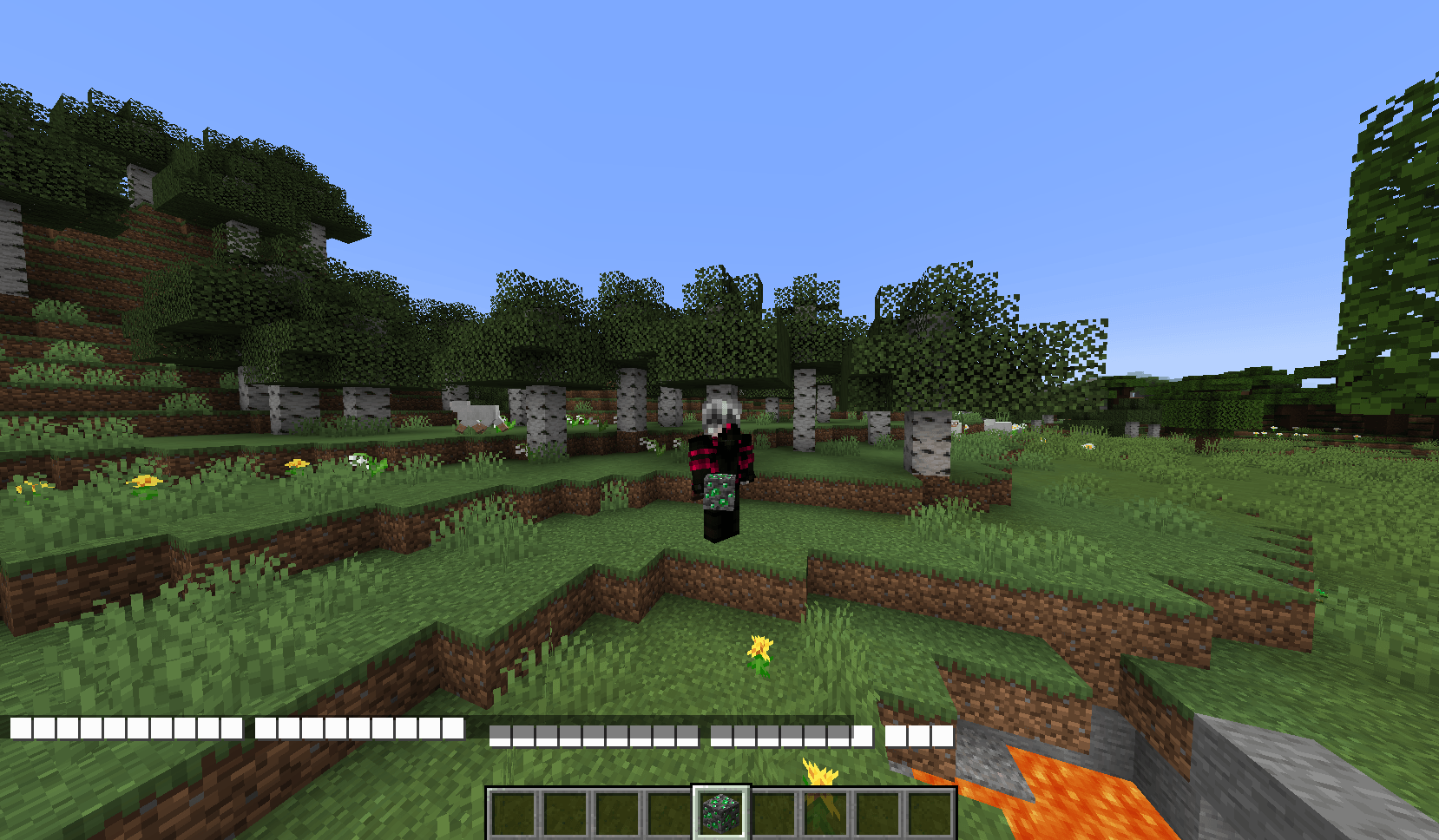
REDACTED is a Minecraft texture pack that completely censors the entire in-game font — turning every piece of text into bold white redaction bars.

The result? Your world looks like a fully classified document straight out of the Epstein Files. Menus, chat, item names, tooltips — everything is ███████.

No readable text.
No mercy.
Just pure redacted energy.


✦ Versions

🤍 WhiteRedact

All text is replaced with white redaction bars.
Clean, inverted, high-contrast censorship.

📜 LegacyREDACTED

A legacy edition of REDACTED designed for Minecraft 1.8.x–1.16.x.
Brings the same full white-font censorship to older versions of the game.


✦ Features

  • Replaces the entire Minecraft font
  • Works in menus, chat, inventories, tooltips, and more
  • Minimalistic but chaotic visual experience
  • Lightweight — no performance impact

Turn your Minecraft into a fully classified government document.

Everything is hidden.
Everything is ███████.

redacted-1.17.x.zip
MC 1.17.1, 1.17, 1.17-Snapshot
Release 2026-02-24 Get
redacted-1.18.x.zip
MC 1.18.1, 1.18, 1.18.2, 1.18-Snapshot
Release 2026-02-24 Get
redacted-1.19-1.19.2.zip
MC 1.19-Snapshot, 1.19.1, 1.19.2, 1.19
Release 2026-02-24 Get
redacted-1.19.3.zip
MC 1.19.3, 1.19.3-Snapshot
Release 2026-02-24 Get
redacted-1.19.4.zip
MC 1.19.4, 1.19.4-Snapshot
Release 2026-02-24 Get
redacted-1.20-1.20.1.zip
MC 1.20.1, 1.20, 1.20-Snapshot
Release 2026-02-24 Get
redacted-1.21.zip
MC 1.21, 1.21-Snapshot
Release 2026-02-24 Get
legacyredacted-1.11.x-1.12.x.zip
MC 1.12.1, 1.12, 1.11, 1.11.1, 1.11.2, 1.12-Snapshot, 1.11-Snapshot, 1.12.2
Release 2026-02-24 Get
legacyredacted-1.13.x-1.14.x.zip
MC 1.13.1, 1.14.3, 1.13, 1.14.4, 1.14.1, 1.14, 1.13-Snapshot, 1.14-Snapshot, 1.13.2, 1.14.2
Release 2026-02-24 Get

Requirements & install

How to use this resource pack in Minecraft
Resolution
Not specified
Minecraft
1.19.3 – 1.21
Install folder
.minecraft/resourcepacks

How to install resource packs

  1. Download the resource pack .zip file (do not extract it).
  2. In Minecraft open Options → Resource Packs → Open Pack Folder.
  3. Drop the .zip into the resourcepacks folder (.minecraft/resourcepacks).
  4. Move the pack to the Selected column and click Done.
Browse more: 16x resource packs 32x resource packs 64x resource packs 128x resource packs 256x resource packs 512x+ resource packs Resource Packs for 1.21 All resource packs
Advertisement Remove ads with Premium →

You Might Also Like