Mineuniverse
Resource Packs
Red Berry 3D

Red Berry 3D

RESOURCE PACK
makes all 3d mistake
by TiebladeFan9856
Download Claim this project
211 downloads
0 likes
0 followers
Updated Oct 14, 2026
0 hypes
Follow0
16x Animated Modern Photo Realistic
Advertisement Remove ads with Premium →

A Remaker 3d and animations of Vanilla tweaks

Minecraft 1.0-1.15.2 and even beta and alpha versions is incompatible older versions


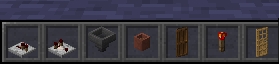
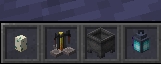
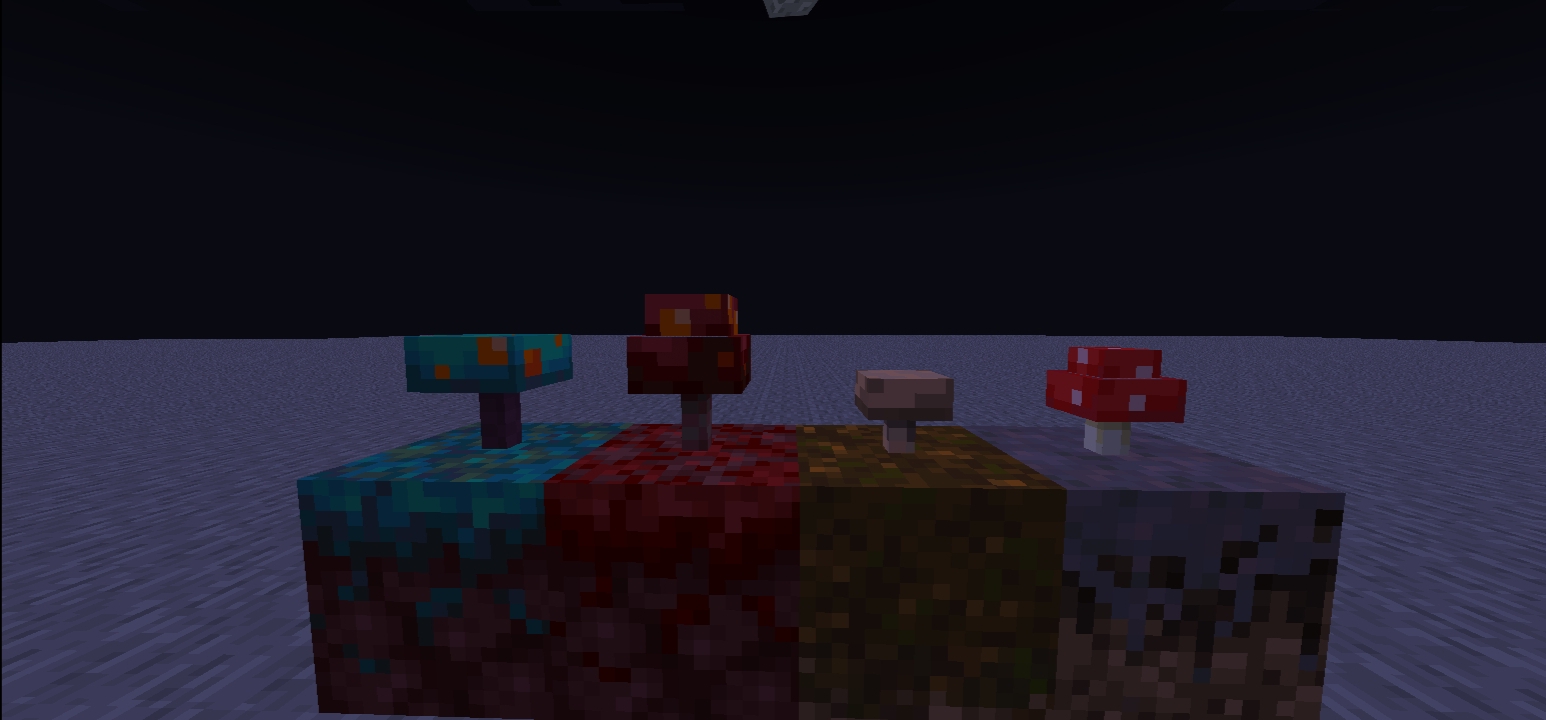
3D features here

•The 3D door,s

•The 3D trapdoor,s

•The blocks with hand hold is 3D

•hand hold blocks with animations

•crystles 3D

•dreep stone 3D

•every deep dark 3D

•redstone wire 3D

•lily 3D

•vines 3D

And more 3d and animations!!


A pack based on vanilla tweaks and remake it the animations 3d.

modrinth well reworked now.

3D_RD_§4red_berry_1.20-1.20.4.zip
MC 1.20.2, 1.20.5-Snapshot, 1.20.3-Snapshot, 1.20.3, 1.20.4, 1.20-Snapshot
Release 2024-04-05 Get
3D_RD_§4red_berry_1.19-1.19.3.zip
MC 1.19.3, 1.19-Snapshot, 1.19.2, 1.19.1, 1.19, 1.19.3-Snapshot
Release 2024-04-05 Get
3D_RD_§4red_berry_1.18-1.18.2.zip
MC 1.18.1, 1.18.2, 1.18, 1.18-Snapshot
Release 2024-04-05 Get
3D_RD_§4red_berry_1.17-1.17.1.zip
MC 1.17.1, 1.17, 1.17-Snapshot
Release 2024-04-05 Get
3d-Rd-Red-Berry.zip
MC 1.16.5
Release 2024-03-17 Get

Requirements & install

How to use this resource pack in Minecraft
Resolution
16x
Minecraft
1.19.3-Snapshot – 1.20.5-Snapshot
Install folder
.minecraft/resourcepacks

How to install resource packs

  1. Download the resource pack .zip file (do not extract it).
  2. In Minecraft open Options → Resource Packs → Open Pack Folder.
  3. Drop the .zip into the resourcepacks folder (.minecraft/resourcepacks).
  4. Move the pack to the Selected column and click Done.
Browse more: 16x resource packs 32x resource packs 64x resource packs 128x resource packs 256x resource packs 512x+ resource packs Resource Packs for 1.20.5-Snapshot All resource packs
Advertisement Remove ads with Premium →

You Might Also Like