Mineuniverse
Resource Packs
ReCrafted Mobs x Fresh Animations

ReCrafted Mobs x Fresh Animations

RESOURCE PACK
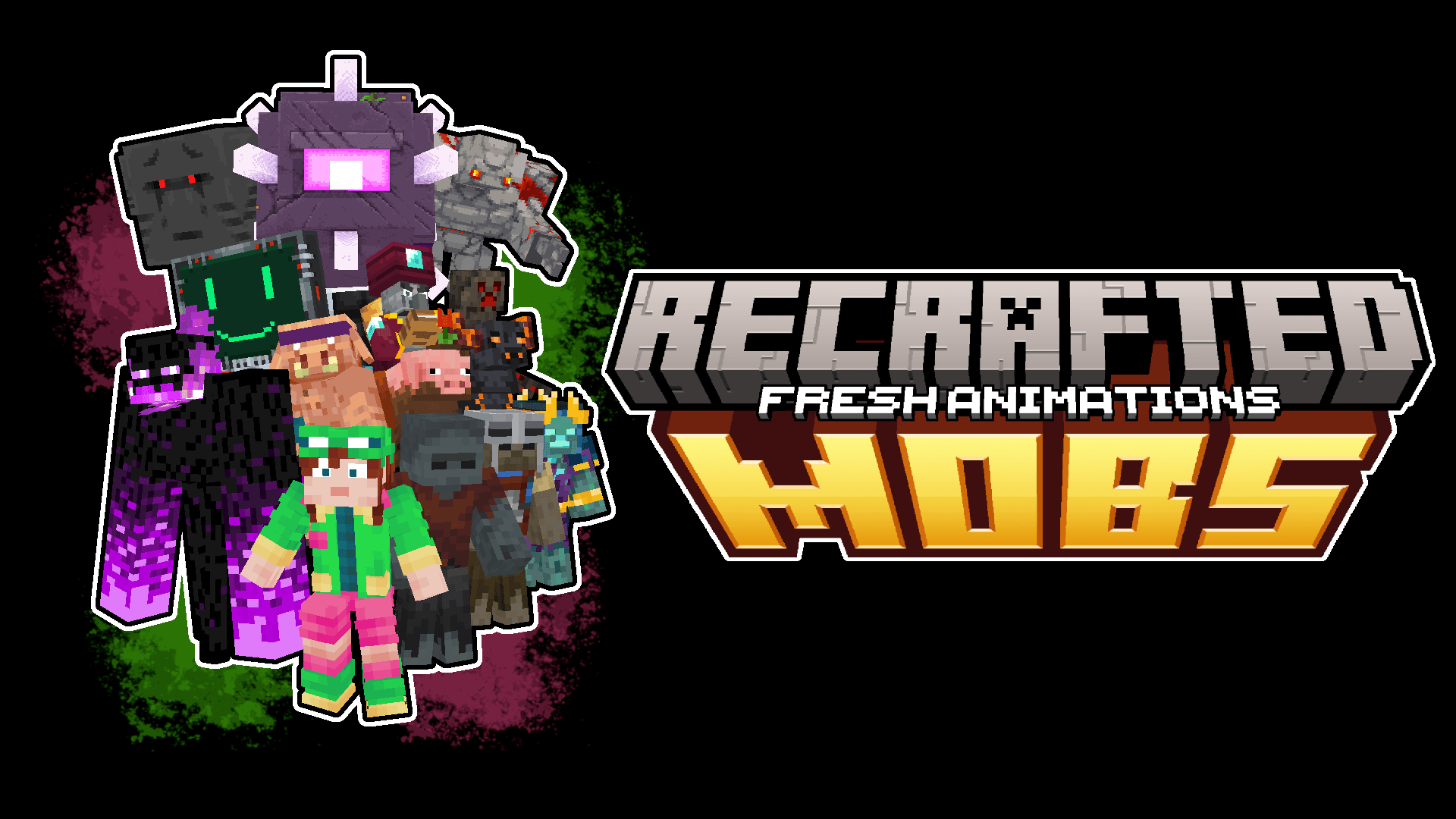
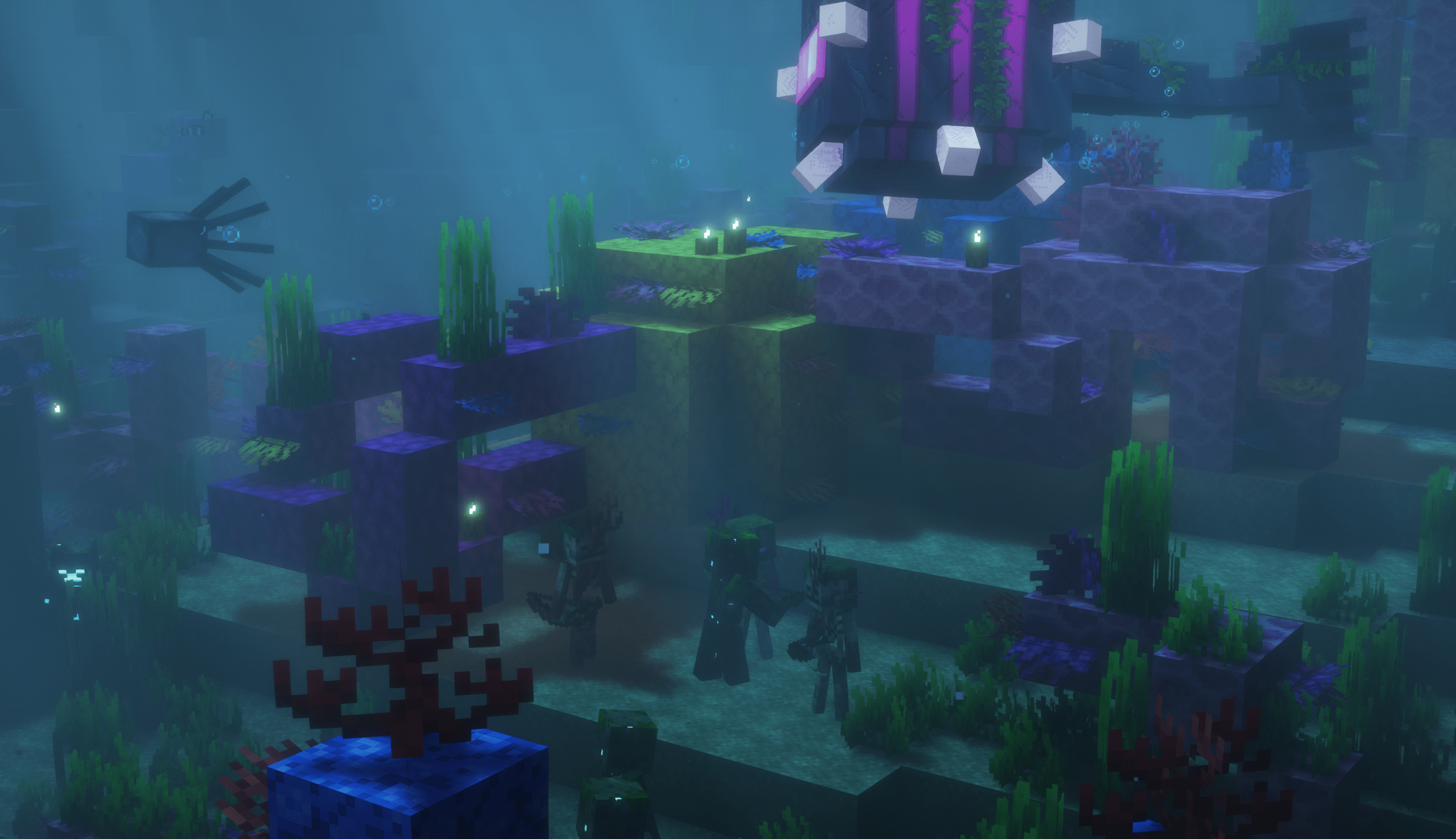
All the mobs of the Minecraft universe, now freshified!
by GillsBills
Download Claim this project
Add a badge to your pageLink to ReCrafted Mobs x Fresh Animations from a README, website or forum post.
Preview: Badge

Badges update automatically and link to the resource pack page on MineUniverse.

4,452 downloads
0 likes
0 followers
Updated Oct 14, 2026
0 hypes
Follow0
16x Animated Miscellaneous Modern Traditional
Advertisement Remove ads with Premium →

spark_server

Behold


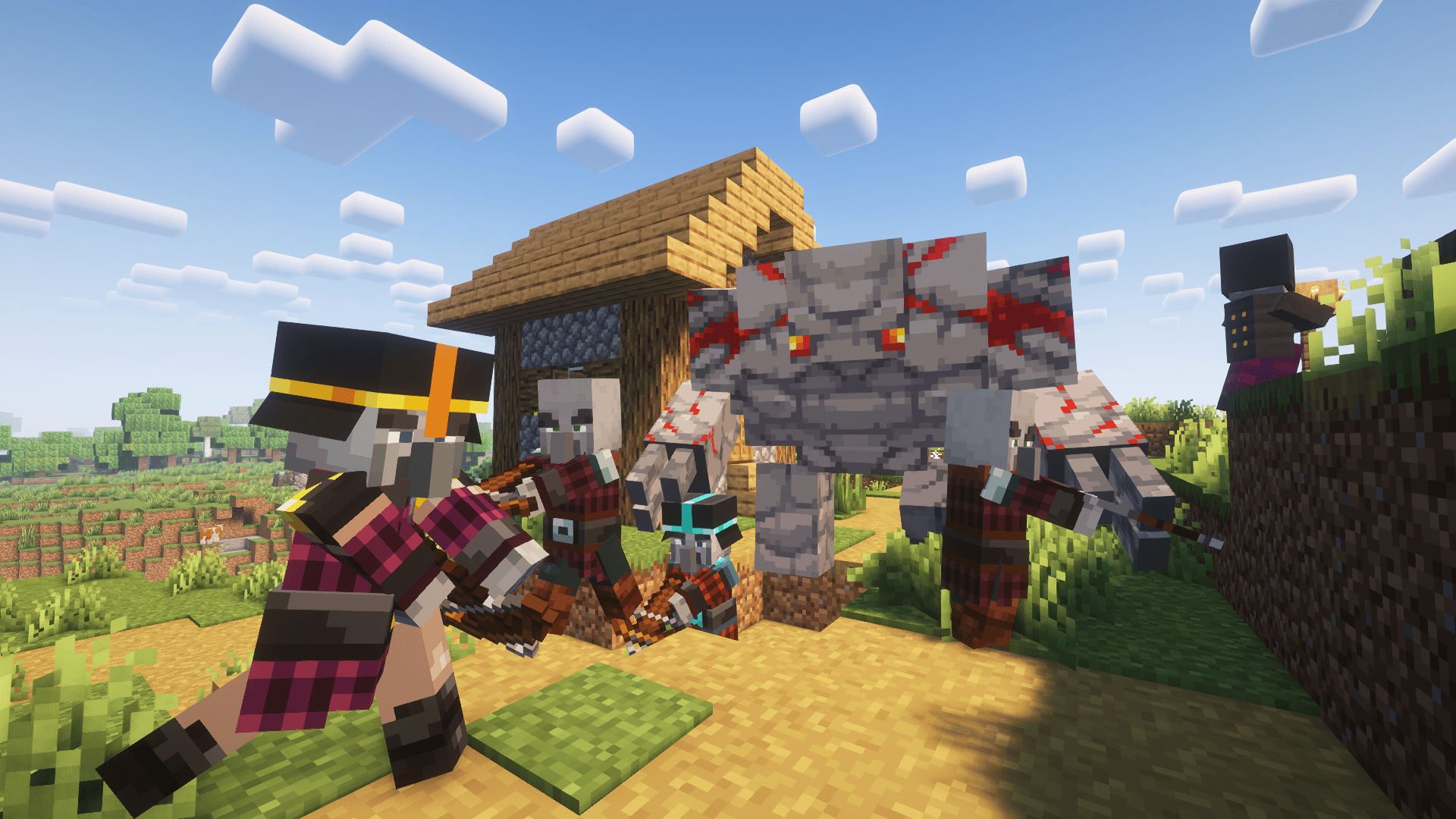
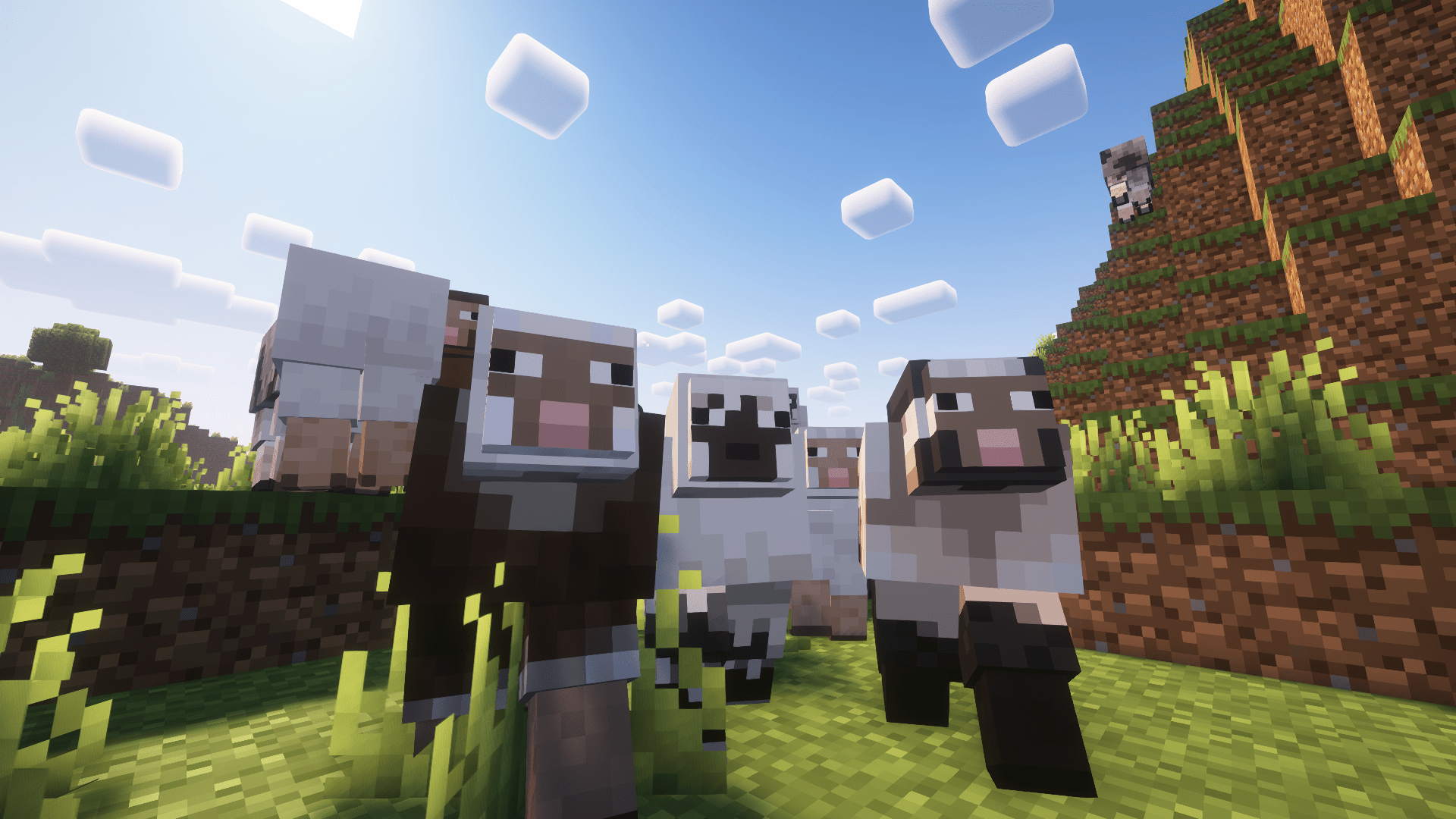
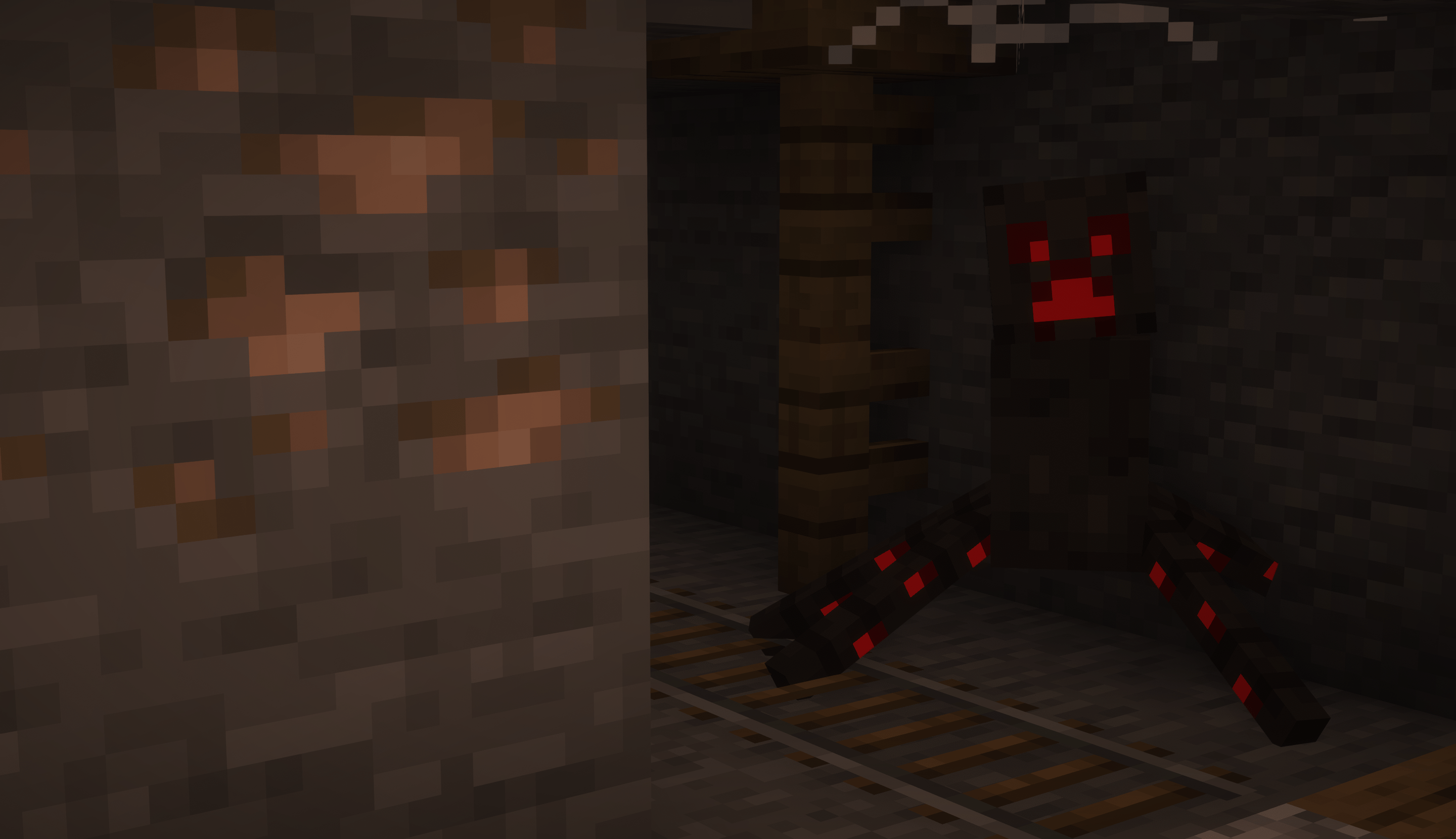
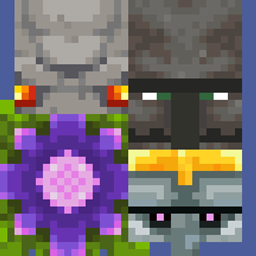
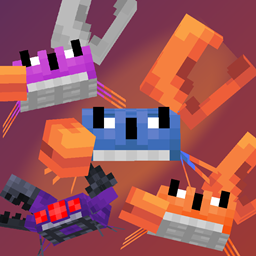
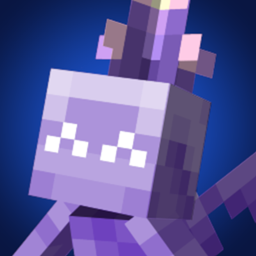
ReCrafted Mobs x Fresh Animation is the ultimate resource pack featuring many mobs from the Minecraft universe with fresh animations from the following games:

  • Minecraft Dungeons/Arcade
  • Minecraft Earth
  • Minecraft Legends (WIP)
  • Story Mode (NEW)
  • Bedrock/Education Edition
  • Mob/Biome Vote Mobs
  • Scrapped Mobs
  • April Fools Mobs

banner

Addon


This pack requires the mentioned features marked below:

Optifine or EMF/ETF

Features


These mob variants can all be renamed to their appropriate skin and can spawn naturally.

ReCrafted Thumbnail

Notes


You must match the version of MC with a corresponding version of Fresh Animations!
The packs MUST be formatted in the following way: pack_order

This pack wouldn't be possible if it wasn't for:

  • Cave Fox
  • kekkman
  • Nayru/PinkuRinku
  • RavenVLemon
  • Ewanhowell5195
  • MickeyJoeAlpha

License Thumbnail


Fresh Animations is owned and distributed through FreshLX

All assets that aren't mine are used with permission from their original authors!

License

The Content in this pack is licensed under Creative Commons Attribution-NonCommercial-ShareAlike 4.0 International License

ReCrafted Mobs x FA - V.1.0
MC 1.21, 1.20.2, 1.21.8, 1.20.5, 1.21.5, 1.21.4, 1.20.1, 1.20.6, 1.21.1, 1.21.6, 1.21.3, 1.21.7, 1.20.4, 1.20.3, 1.21.2
Release 2025-07-19 Get

Requirements & install

How to use this resource pack in Minecraft
Resolution
16x
Minecraft
1.21.1 – 1.21.8
Install folder
.minecraft/resourcepacks

How to install resource packs

  1. Download the resource pack .zip file (do not extract it).
  2. In Minecraft open Options → Resource Packs → Open Pack Folder.
  3. Drop the .zip into the resourcepacks folder (.minecraft/resourcepacks).
  4. Move the pack to the Selected column and click Done.
Browse more: 16x resource packs 32x resource packs 64x resource packs 128x resource packs 256x resource packs 512x+ resource packs Resource Packs for 1.21.8 All resource packs

More from GillsBills

Advertisement Remove ads with Premium →

You Might Also Like