Mineuniverse
Resource Packs
Recolored Textures

Recolored Textures

RESOURCE PACK
Recolored Textures is resource pack that mainly changes colors of vanilla minecraft textures.
by javorcio
Download Claim this project
319 downloads
0 likes
Updated Oct 14, 2026
0 hypes
16x Miscellaneous Traditional
Advertisement Remove ads with Premium →

Hey!

> Patch 4.1 Changes:
NEW:
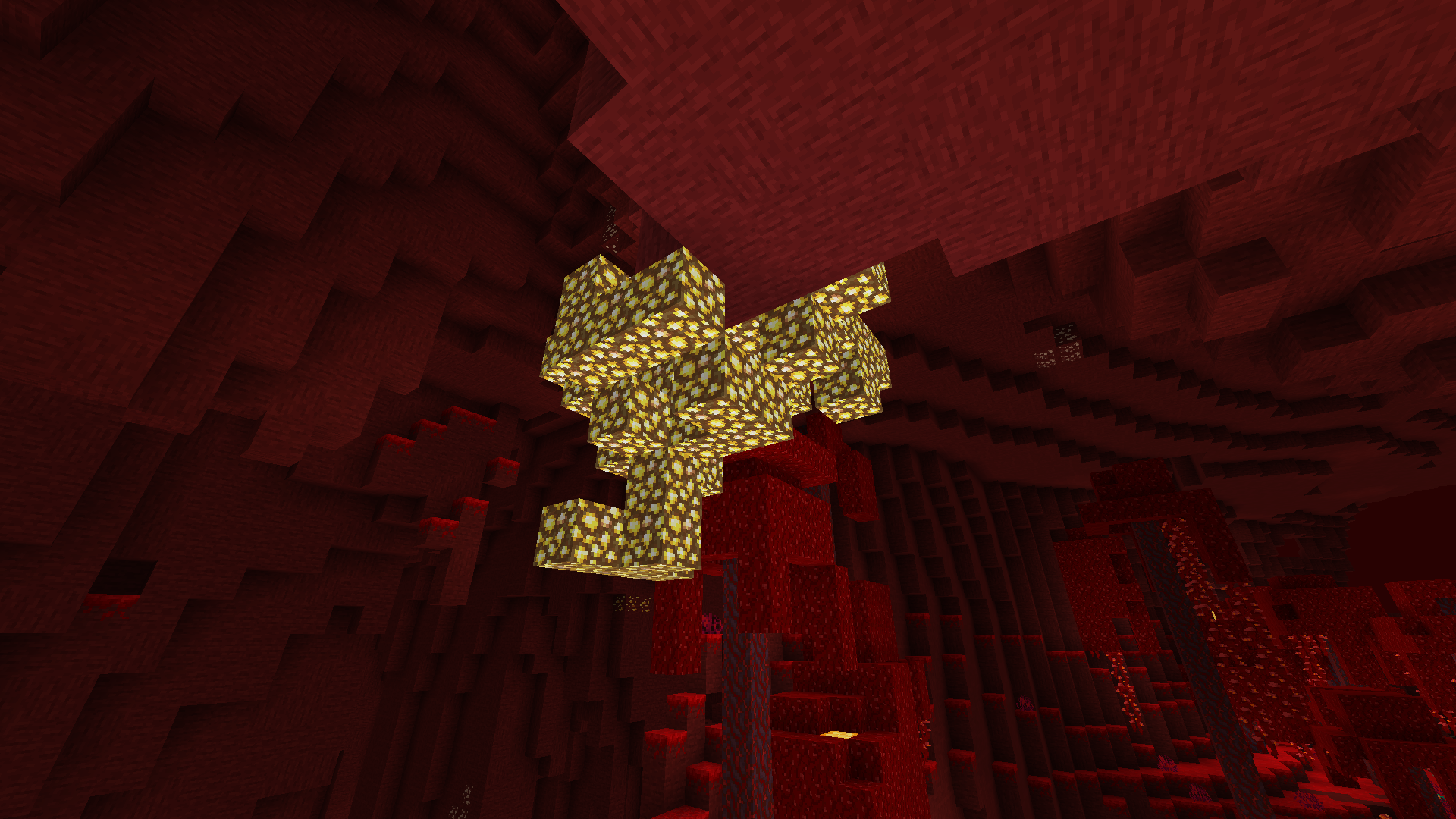
• Glowstone - item and block
Glowstone is more yellow rn
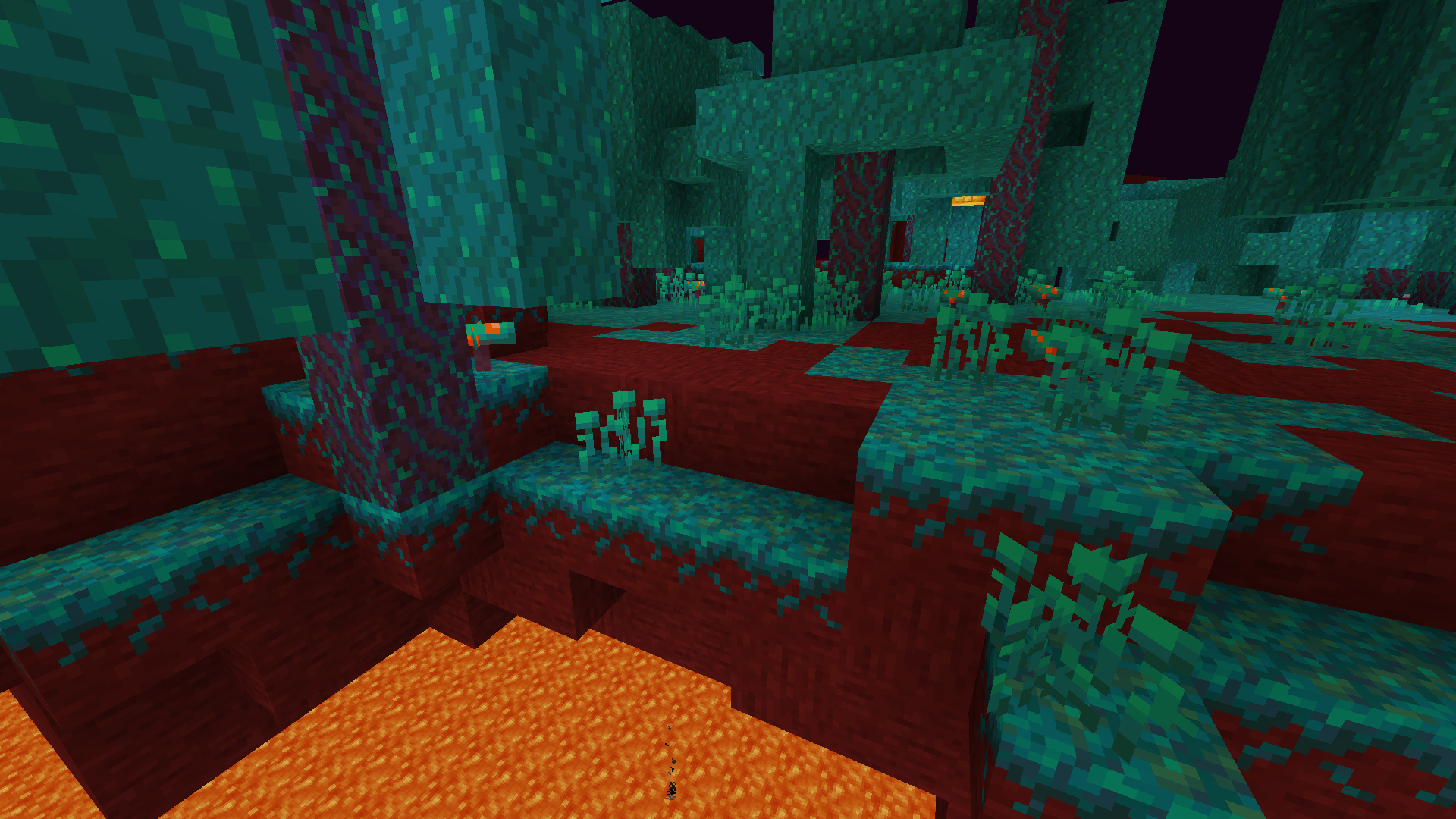
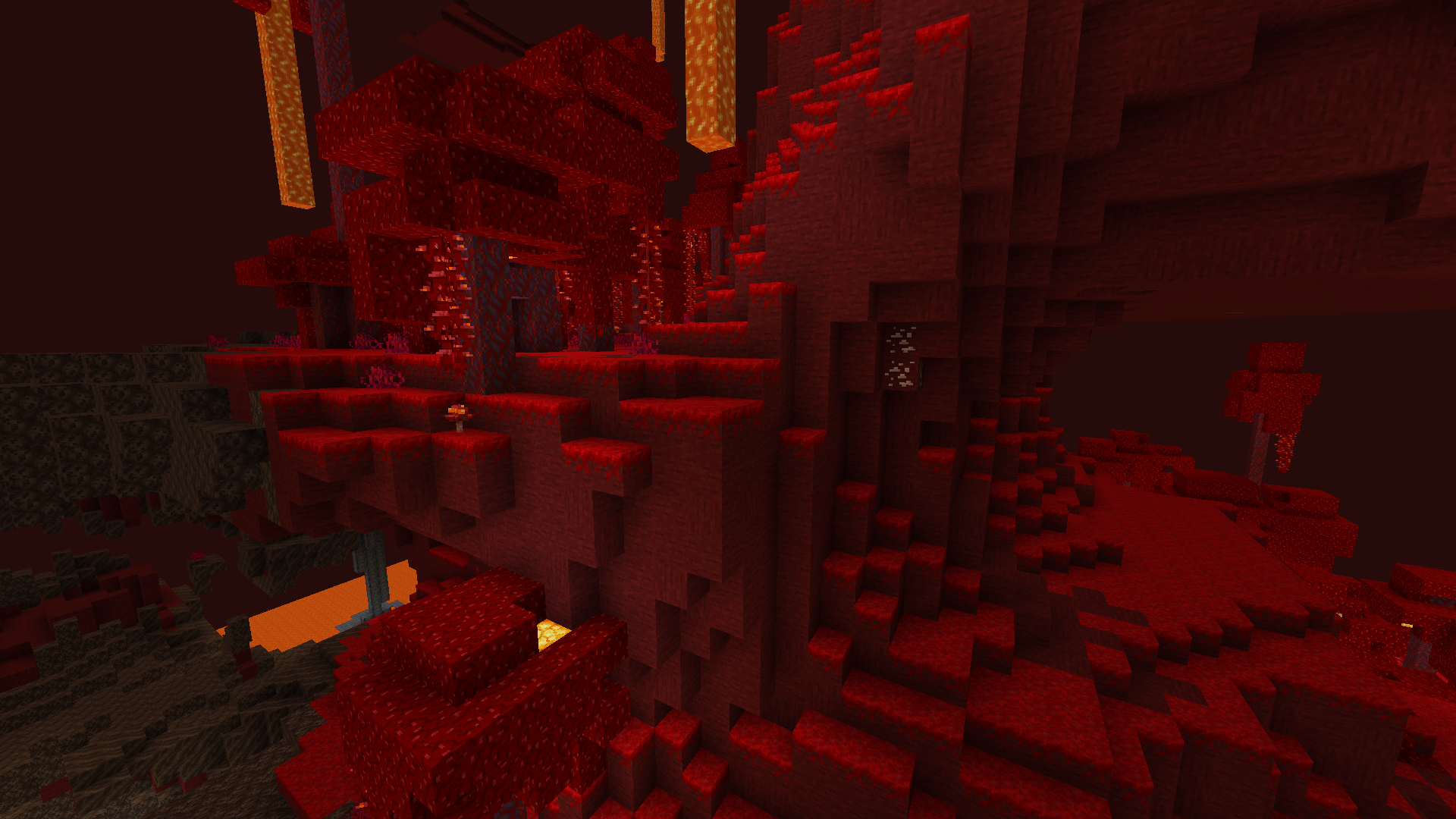
• Netherrack
Netherrack is now Netherstone
• Crimson and Warped Nylium
Brighter and embed on "Netherstone" Nylium
Updates:
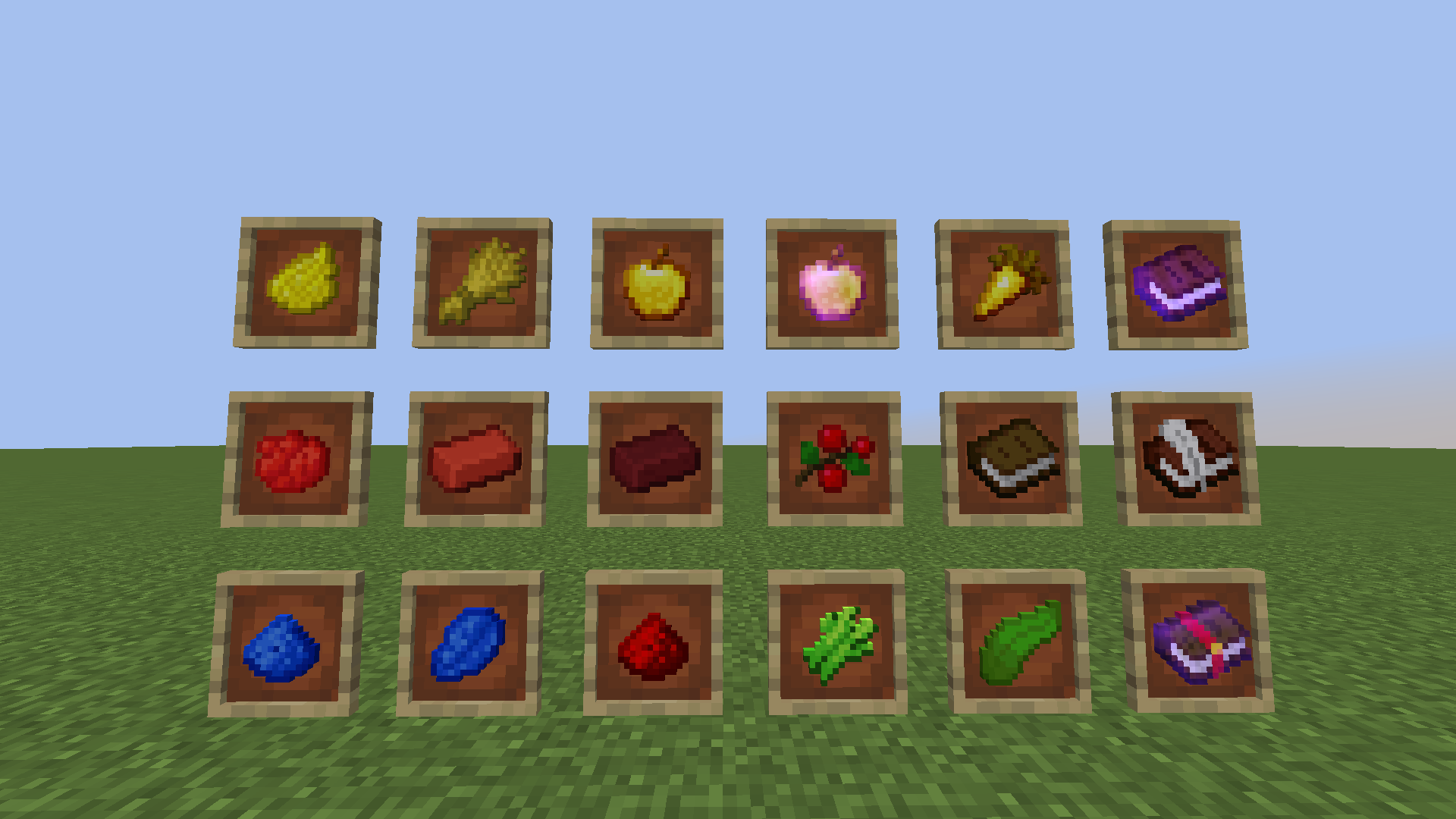
• Wheat
Wheat was too yellow
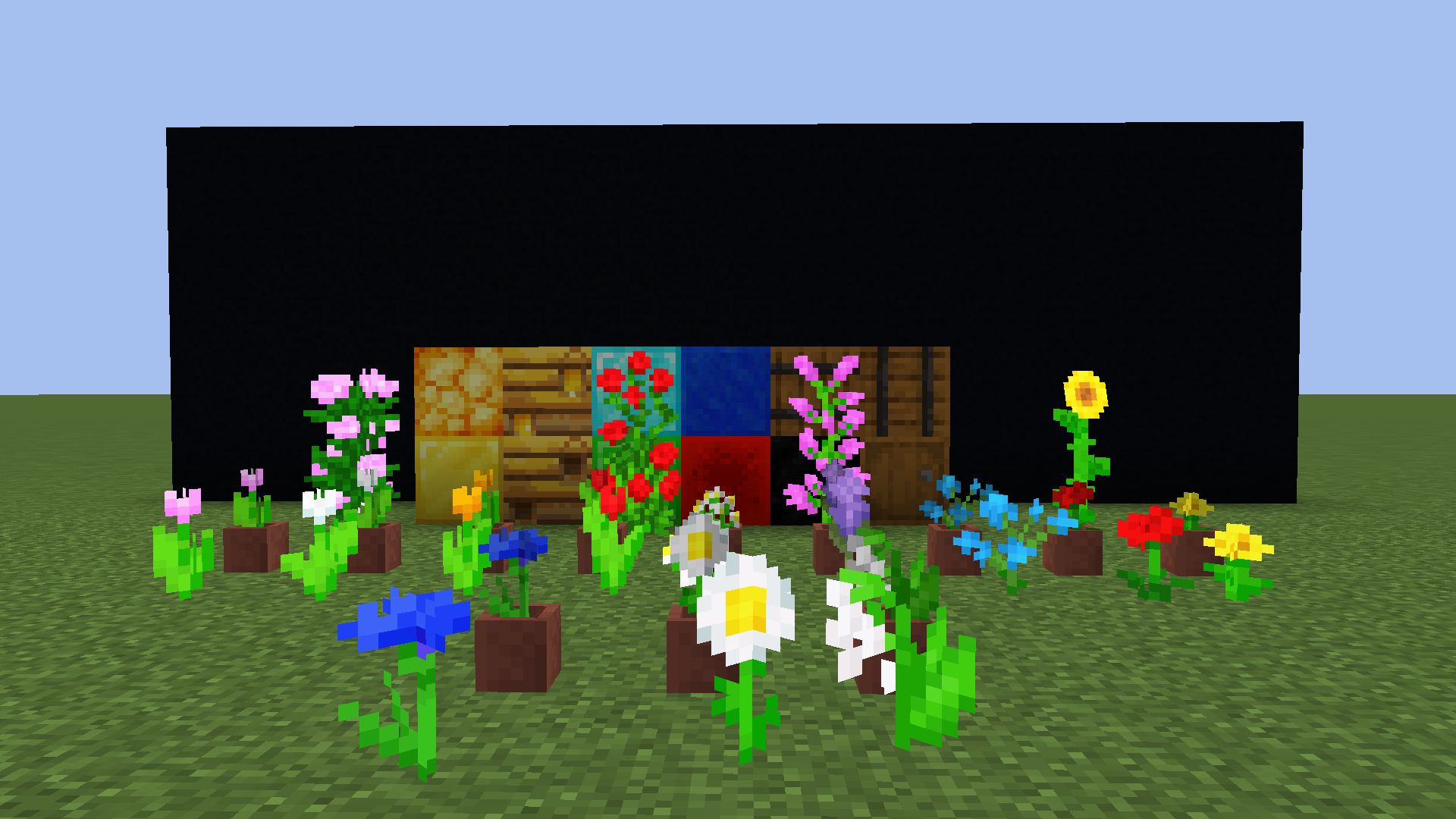
• All flowers
They did not fit well with grass
• Nether Gold and Quartz Ores
Changed them to uniform ores
• Sweet Berries
Old Sweet Berries did not fit well with all grass types

> Version 4.0 Changes:
NEW:
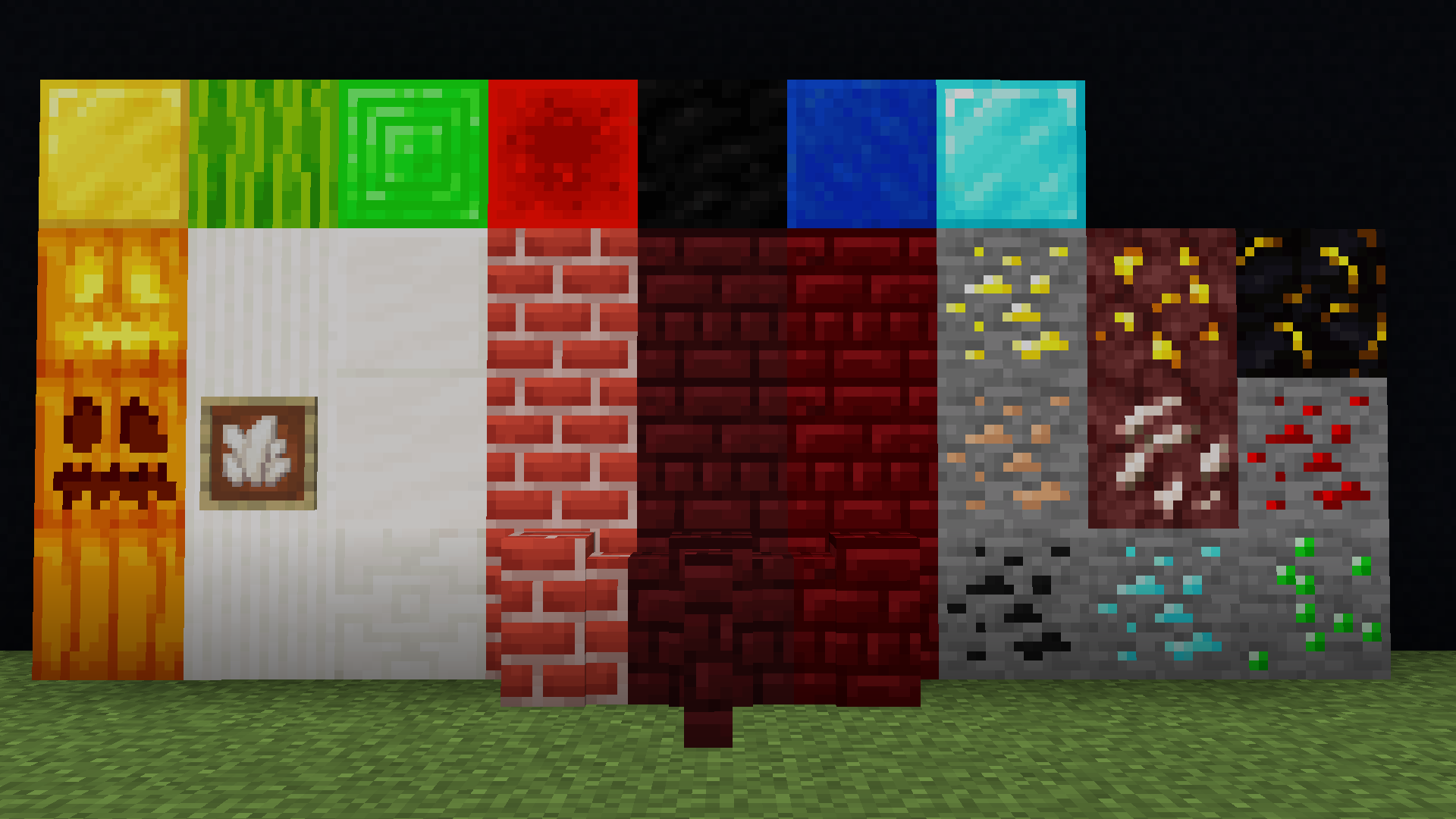
• All ores
More colorful
• Barrel
Barrel is brighter
• Bee nest
Bee nest is brighter as well
• Blackstone
Blackstone is really black
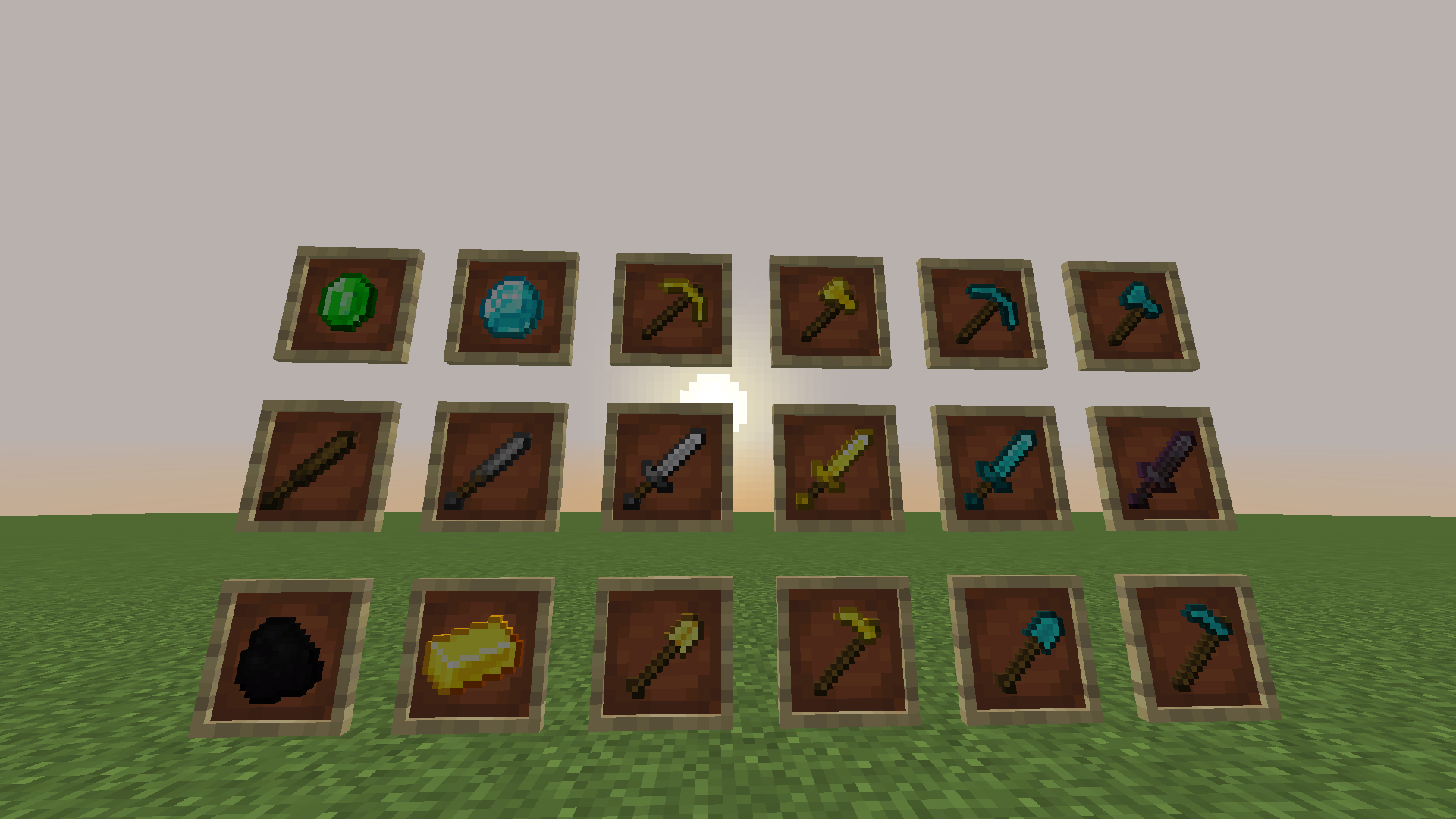
• Diamond items and blocks
Again they are more shiny
• Emerald and emerald ore/block - new colors
New version of green
• Flowers
More colorful
• Gold and golden items/blocks
Gold-yellow color
• Melon
Brighter
• Pumpkin and Jack'o Lantern
Brighter
• Quartz and quartz blocks
Snowy
• Sweet berries - new textures
Fit better with grass
• Swords
Shorter
• Yellow, blue and red dye
New colors and blue one have new shape

DELETED:
• Creeper and slime, slime block and slime (item) are removed.

> Version 3.1 Changes:
NEW:
• Sweet Berries
Bright green bush texture
• Sugar Cane
3D and brigher green
• Books
Snowy paper pages
• Diamond
Diamond is more shiny
• Emerald
Emerald is brighter now
• Creeper
Creeper looks more pleasent


Stay tuned!

Javorcio'

Recolored Textures v4.1
MC 1.16-Snapshot, 1.16.1, 1.14.4, 1.14.1, 1.14.3, 1.15, 1.16, 1.15.2, 1.14, 1.14.2, 1.15.1
Release 2020-07-20 Get
Recolored Textures v4.0
MC 1.16-Snapshot, 1.13.1, 1.15-Snapshot, 1.16.1, 1.14.4, 1.14.1, 1.14.3, 1.15, 1.16, 1.13, 1.15.2, 1.14, 1.14.2, 1.13-Snapshot, 1.14-Snapshot, 1.13.2, 1.15.1
Release 2020-07-14 Get
recoloured textures3.1.zip
MC 1.16.1, 1.14.4, 1.14.1, 1.14.3, 1.15, 1.16, 1.15.2, 1.14, 1.14.2, 1.15.1
Release 2020-07-12 Get

Requirements & install

How to use this resource pack in Minecraft
Resolution
16x
Minecraft
1.14.4 – 1.16.1
Install folder
.minecraft/resourcepacks

How to install resource packs

  1. Download the resource pack .zip file (do not extract it).
  2. In Minecraft open Options → Resource Packs → Open Pack Folder.
  3. Drop the .zip into the resourcepacks folder (.minecraft/resourcepacks).
  4. Move the pack to the Selected column and click Done.
Browse more: 16x resource packs 32x resource packs 64x resource packs 128x resource packs 256x resource packs 512x+ resource packs Resource Packs for 1.16.1 All resource packs

More from javorcio

Advertisement Remove ads with Premium →

You Might Also Like