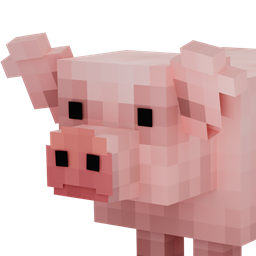
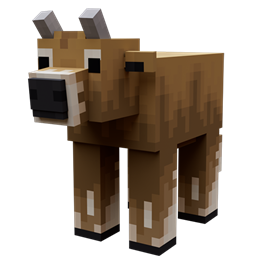
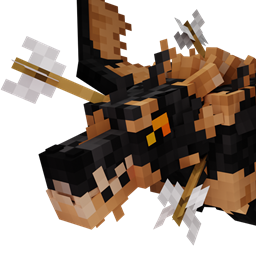
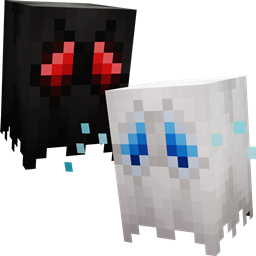
This resource pack works for minecraft versions 26.1.2 and below down to version 1.19.2. Make sure you use the version of this resource pack that supports your mc version!
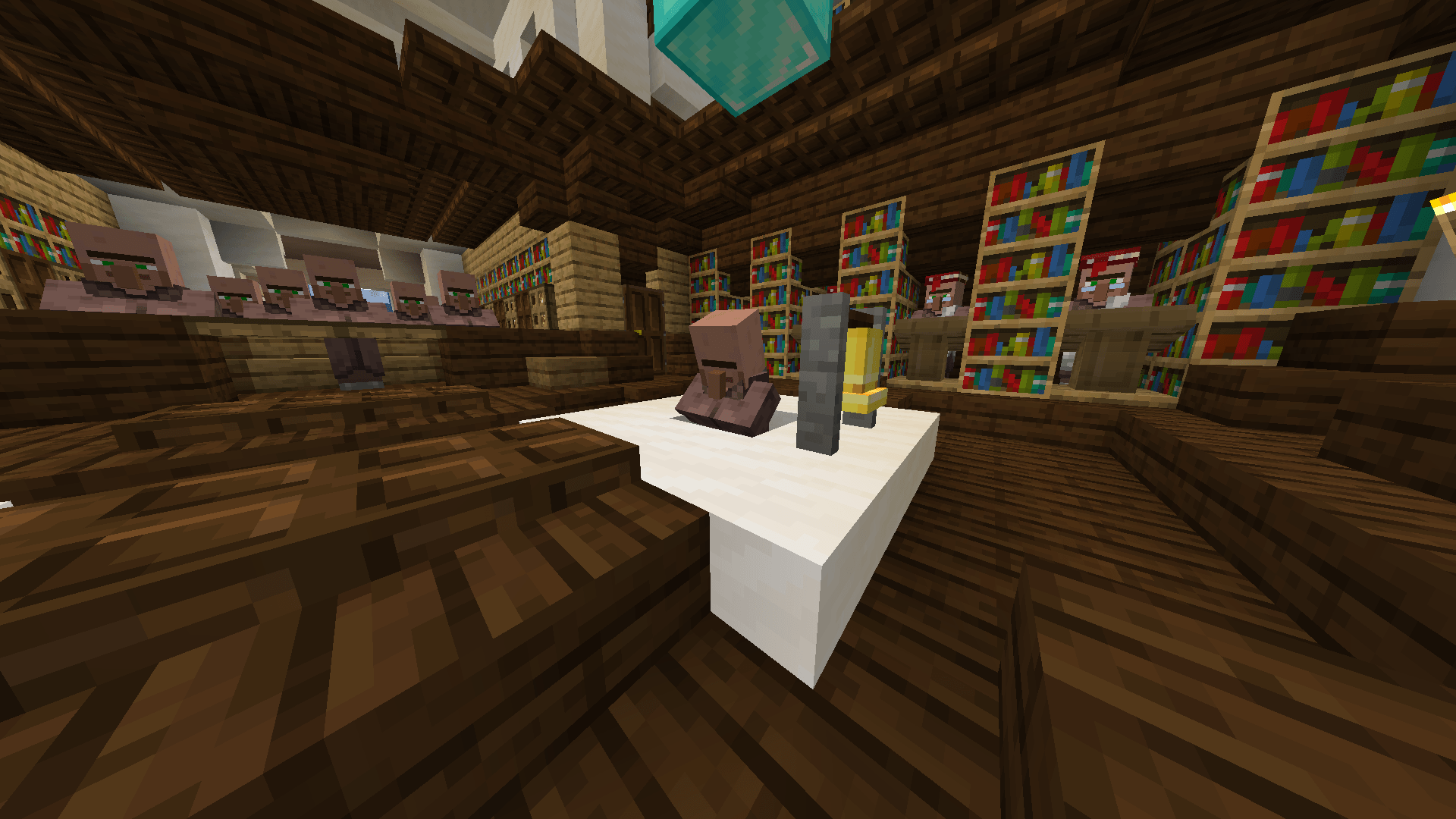
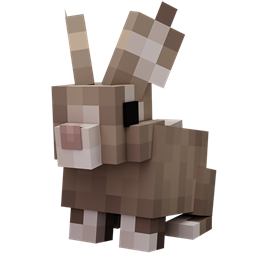
Reanimated Blue is an animation resource pack that aims to make vanilla minecraft feel more alive by adding realistic physics-like animations, based on randomly generated values and with as much smooth transitions as possible.
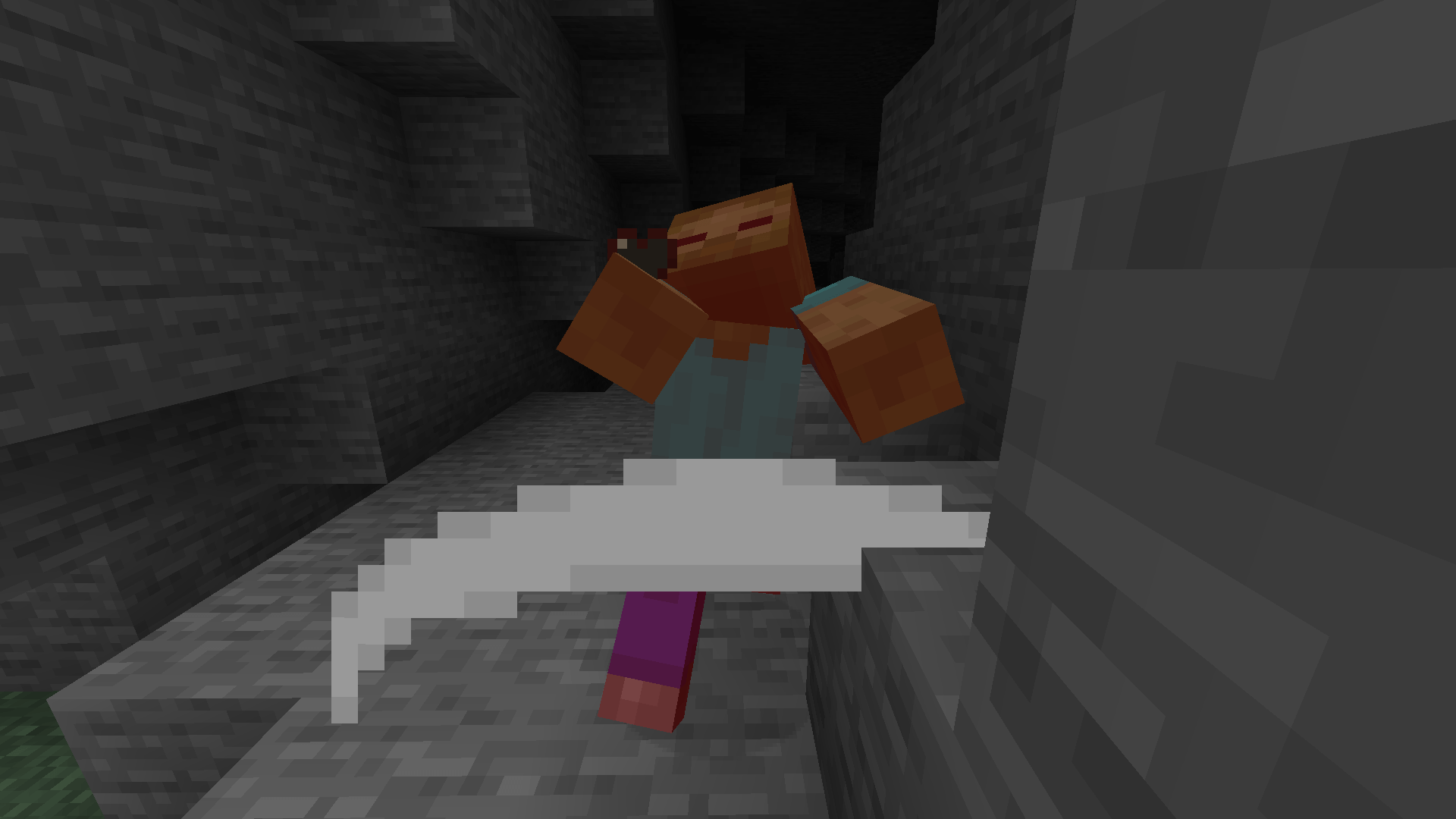
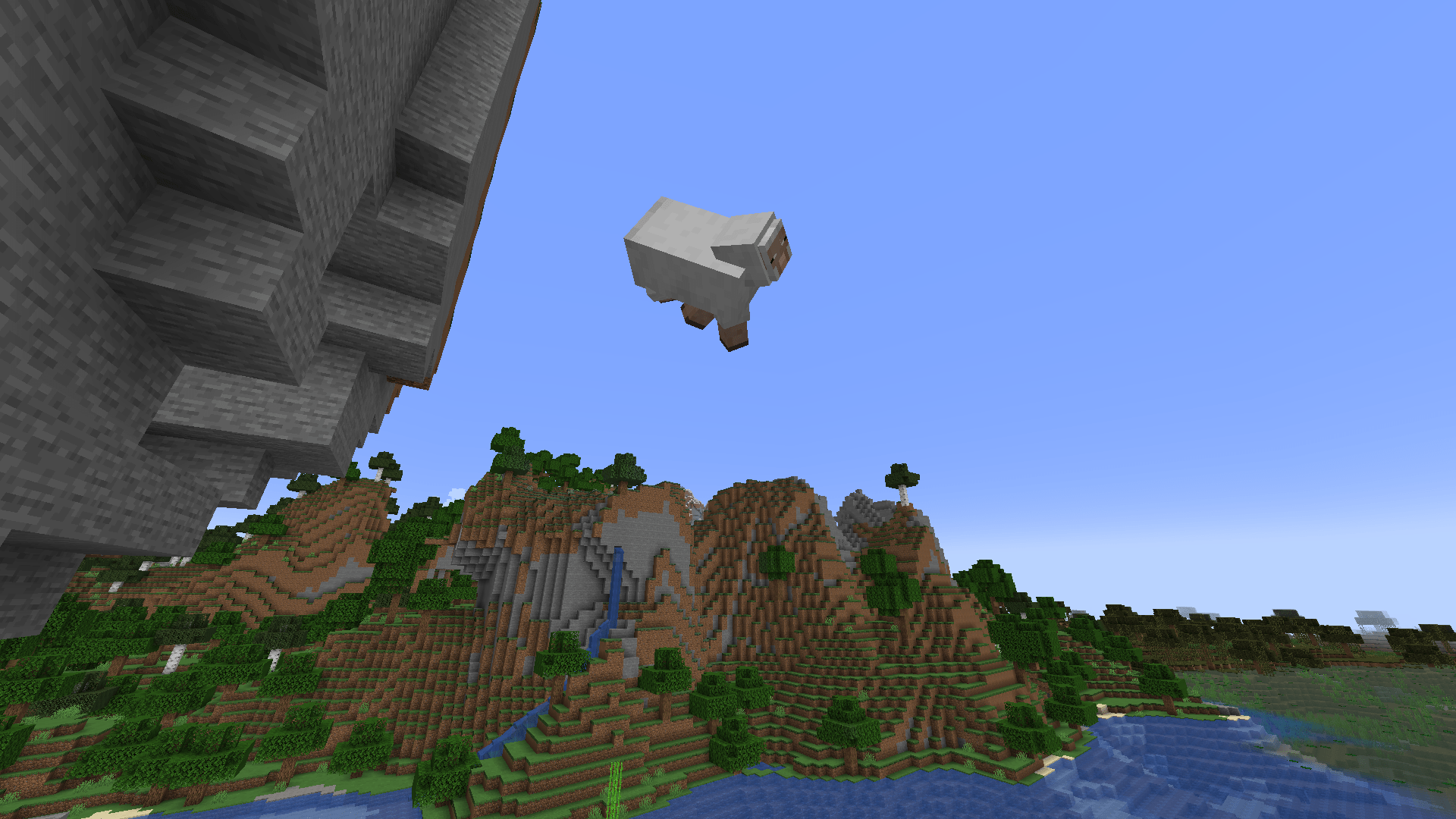
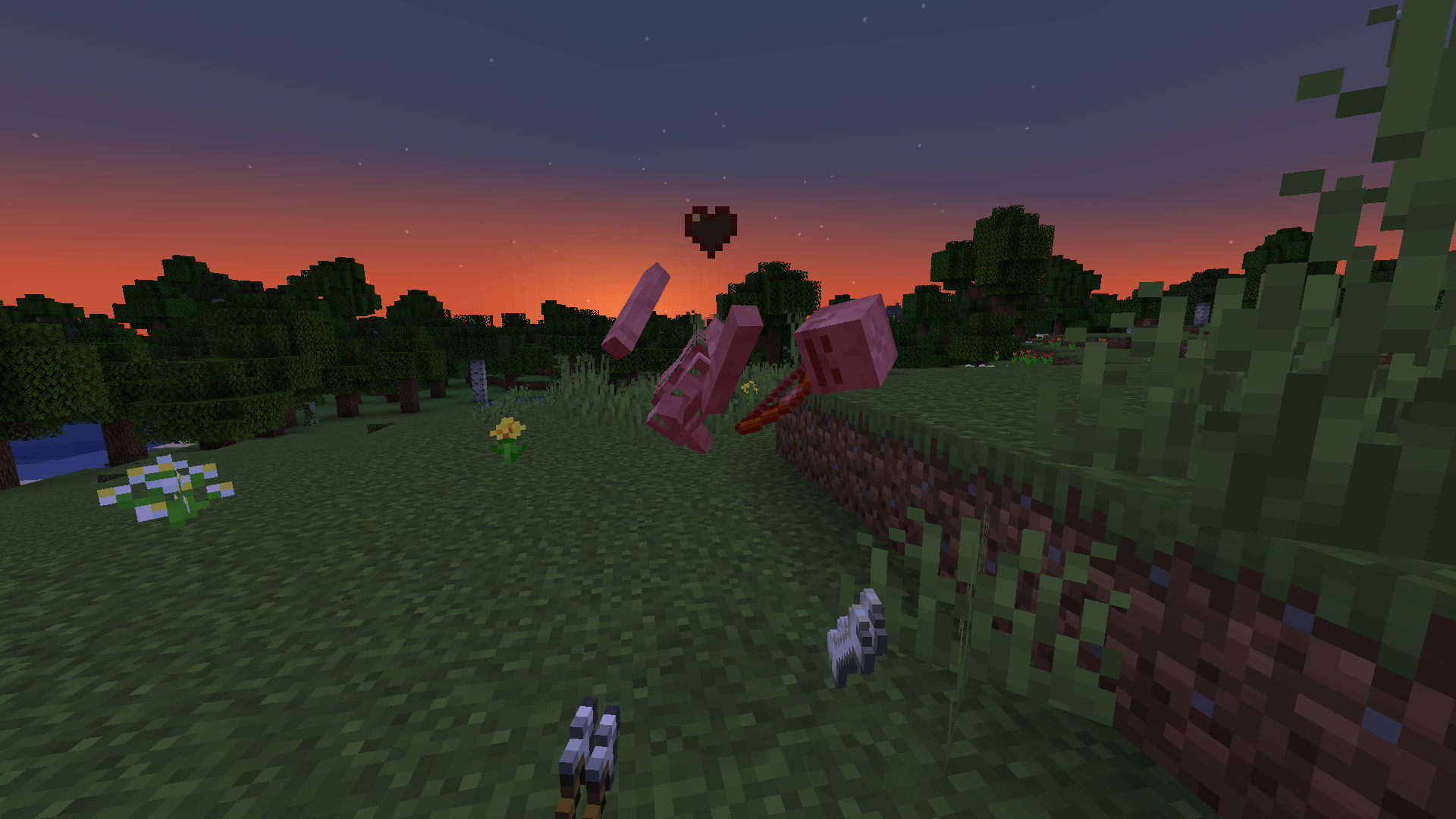
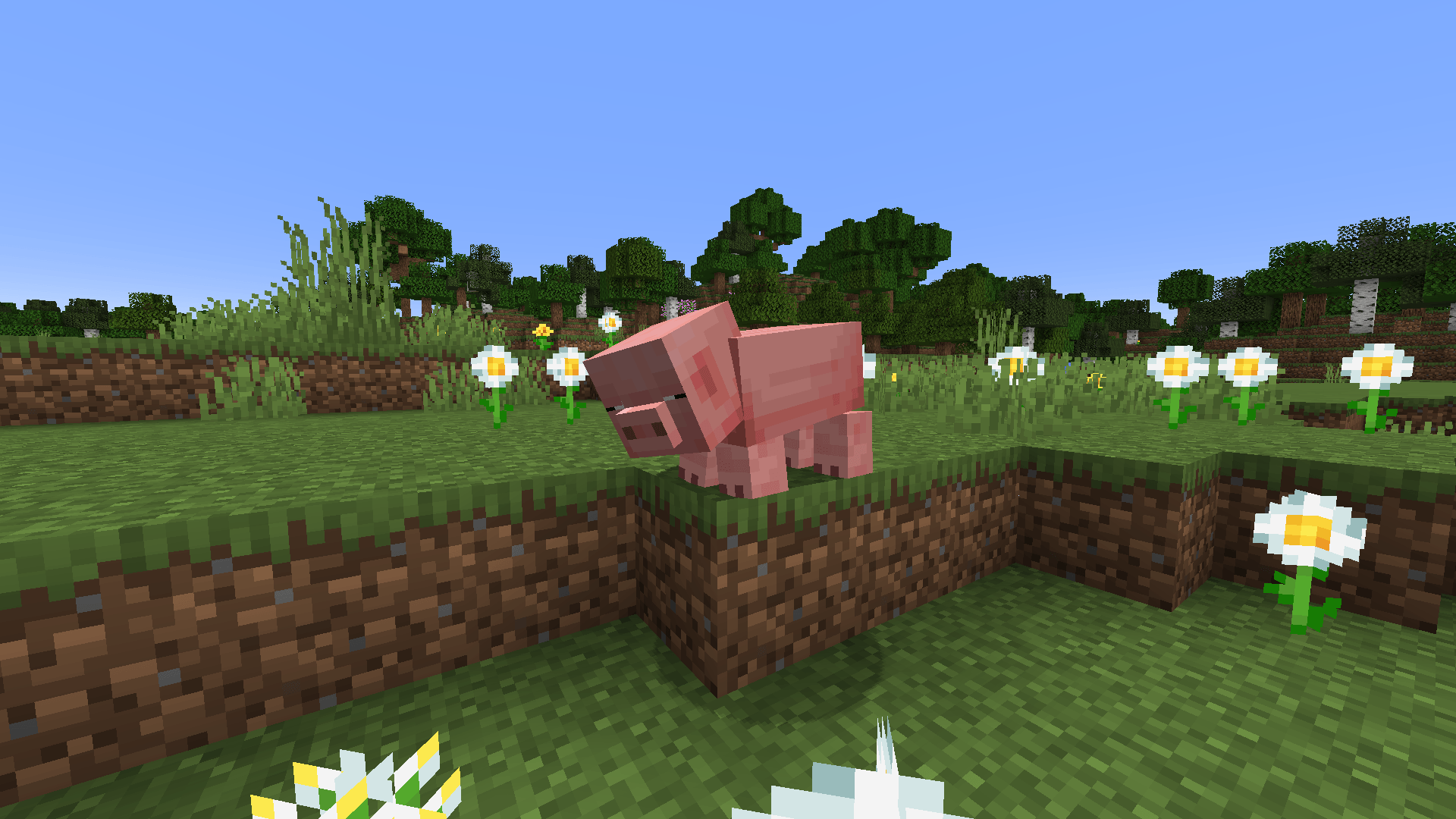
Mobs move and react in a more realistic way in both the world and the interactions the player has with them. Some examples: their weigth shifts when they stop running, they ragdoll when falling, and they physically react to damage by stumbling and visually displaying their health through their eyelids and posture.
🌀Open the spoiler for GIFs showing the features mentioned above in action:
Animations use randomly generated values that influence an entity's movement and/or actions, bringing natural variation and diversity to the way they move.
🌀 Open the spoiler for GIFs showing the features mentioned above in action:
This principle is applied extensively throughout the resource pack. For example: mobs play idle animations at random, have unique ragdoll effects when killed, and their reactions to damage are dynamic and unique for each individual entity.
🌀 Open the spoiler for GIFs showing the features mentioned above in action:
Note: Option 1 is HIGHLY recommended for the best experience. Option 2 also works (to a certain extent) - ONLY for v0.01 of this pack, but the resource pack won't fully function as intended as it was made for EMF + ETF (Option 1) and not explicitly tested with Optifine (Option 2); you will experience bugs when using Optifine (missing animations for some mobs, animations that seem off or glitch out). Use this option as a last resort only!
Note 2: The GIFs on this page aren't a 1:1 portrayal of the animations in-game because of the way they were recorded. The in-game animations look better because they are activated automatically rather than manually like in the GIFs.
This resource pack is still a work in progress. New mobs will be supported over time, and existing animations may be tweaked. Feedback and suggestions are always welcome!
Compatibility with other resource packs:
This resource pack is naturally compatible with other resource packs, IF the other resource packs in question only alter vanilla textures.
Resource packs that add custom models need some tweaking in order to work with Reanimated Blue.
If you have a resource pack that uses custom models and you'd like to make your pack compatible with Reanimated Blue, feel free to dm me for help.
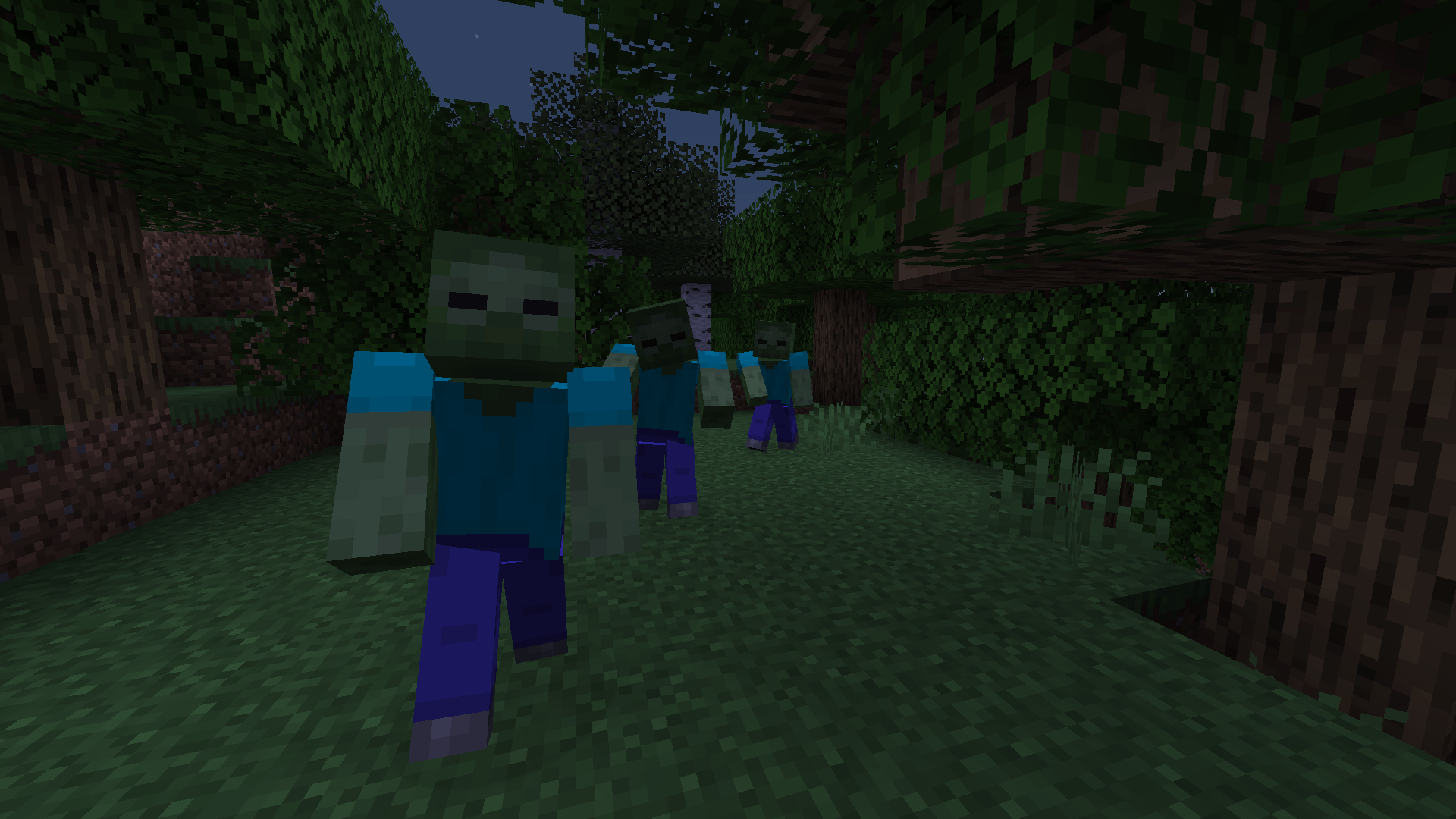
An example of the natural compatibility with a resource pack that adds texture variations to vanilla zombies: (In this video I use Tissou's Zombie Pack stacked on top of Reanimated Blue)
I do this as a hobby, but donations are genuinely appreciated!